Transfer Regarding Assets Formula
Description
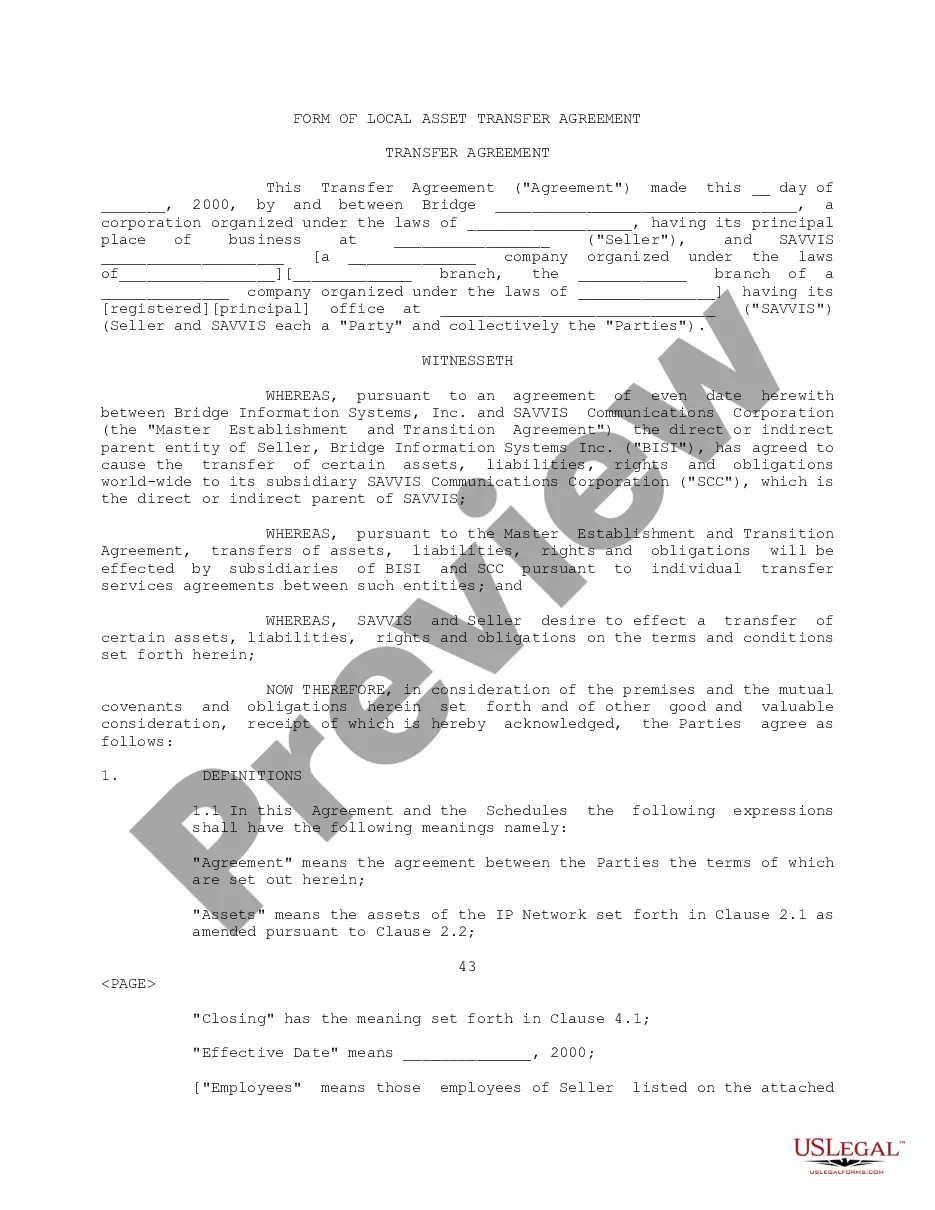
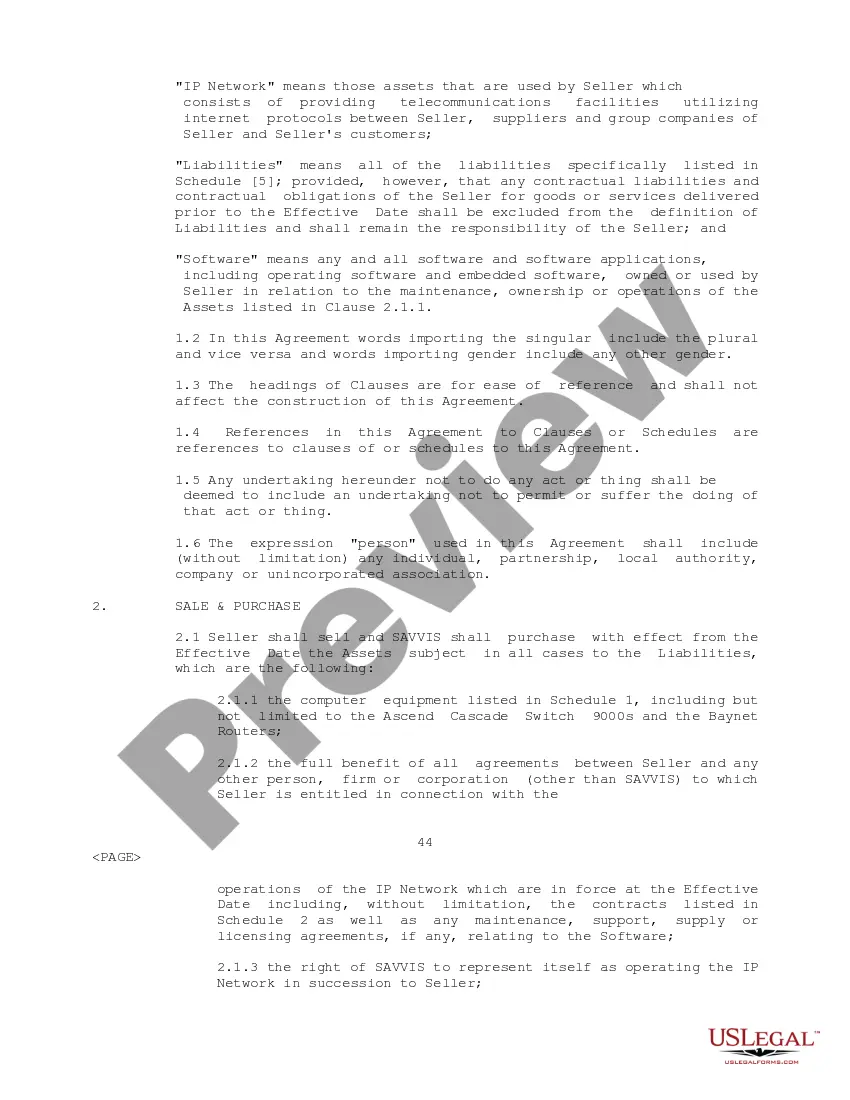
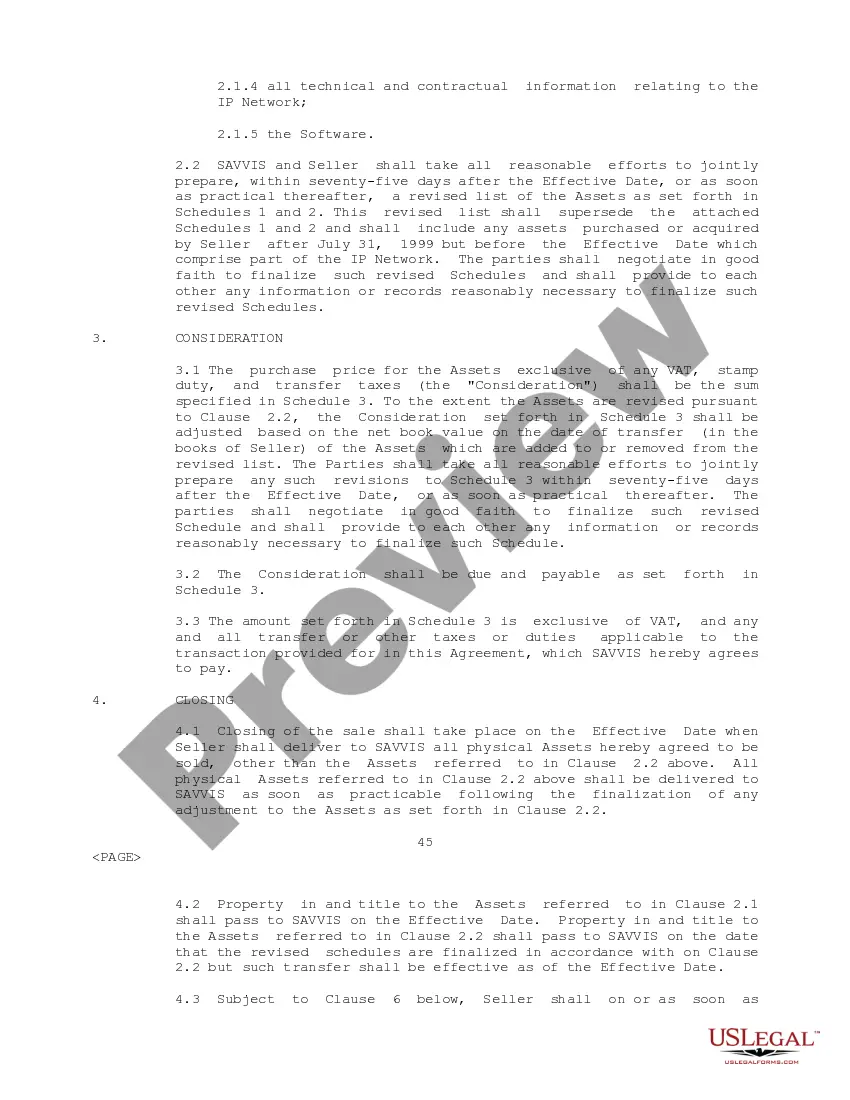
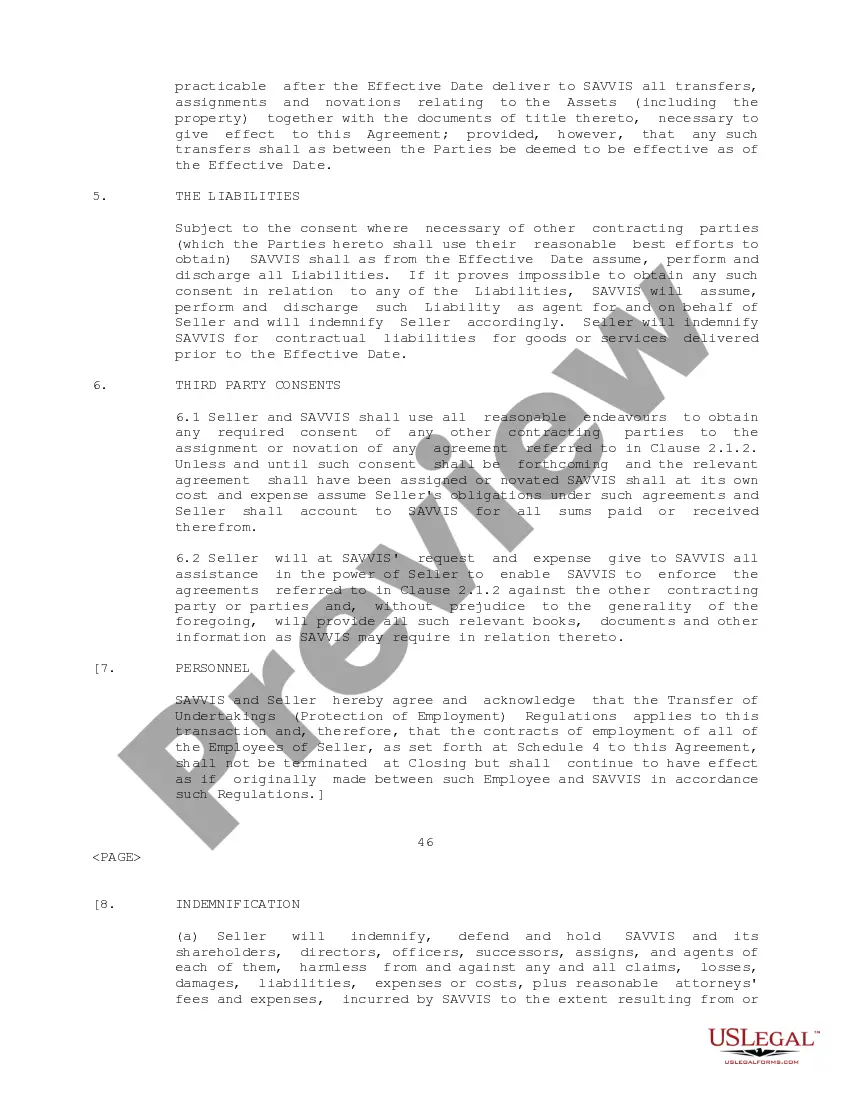
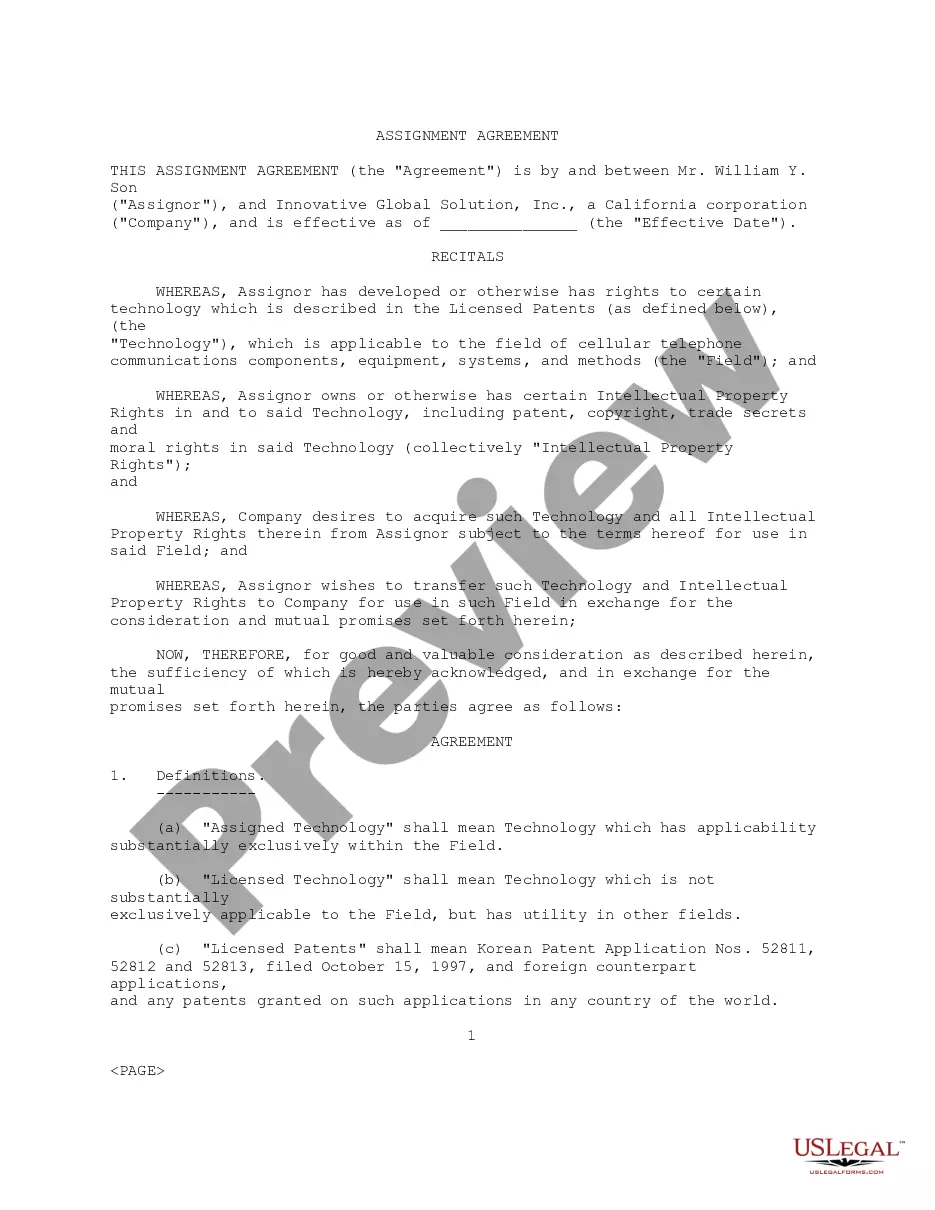
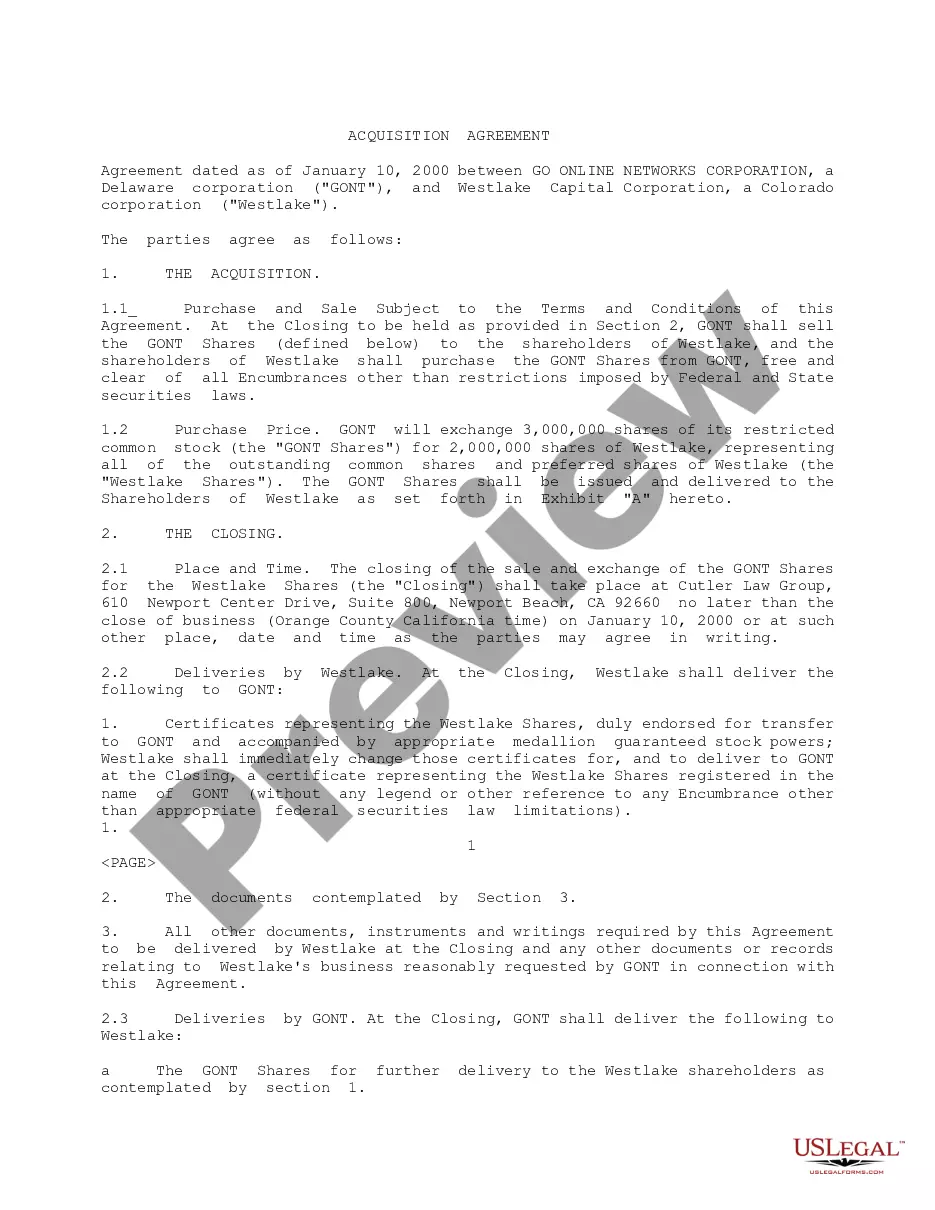
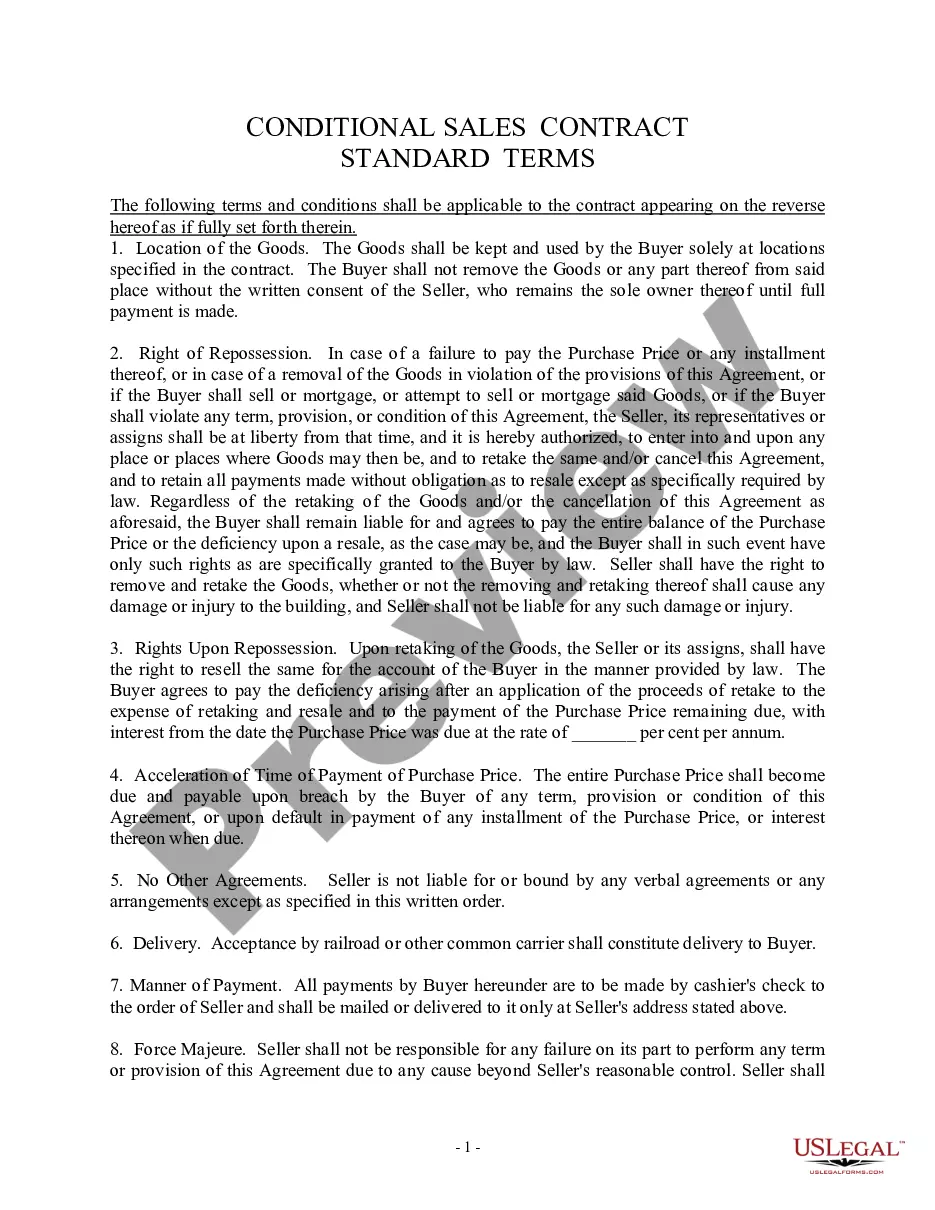
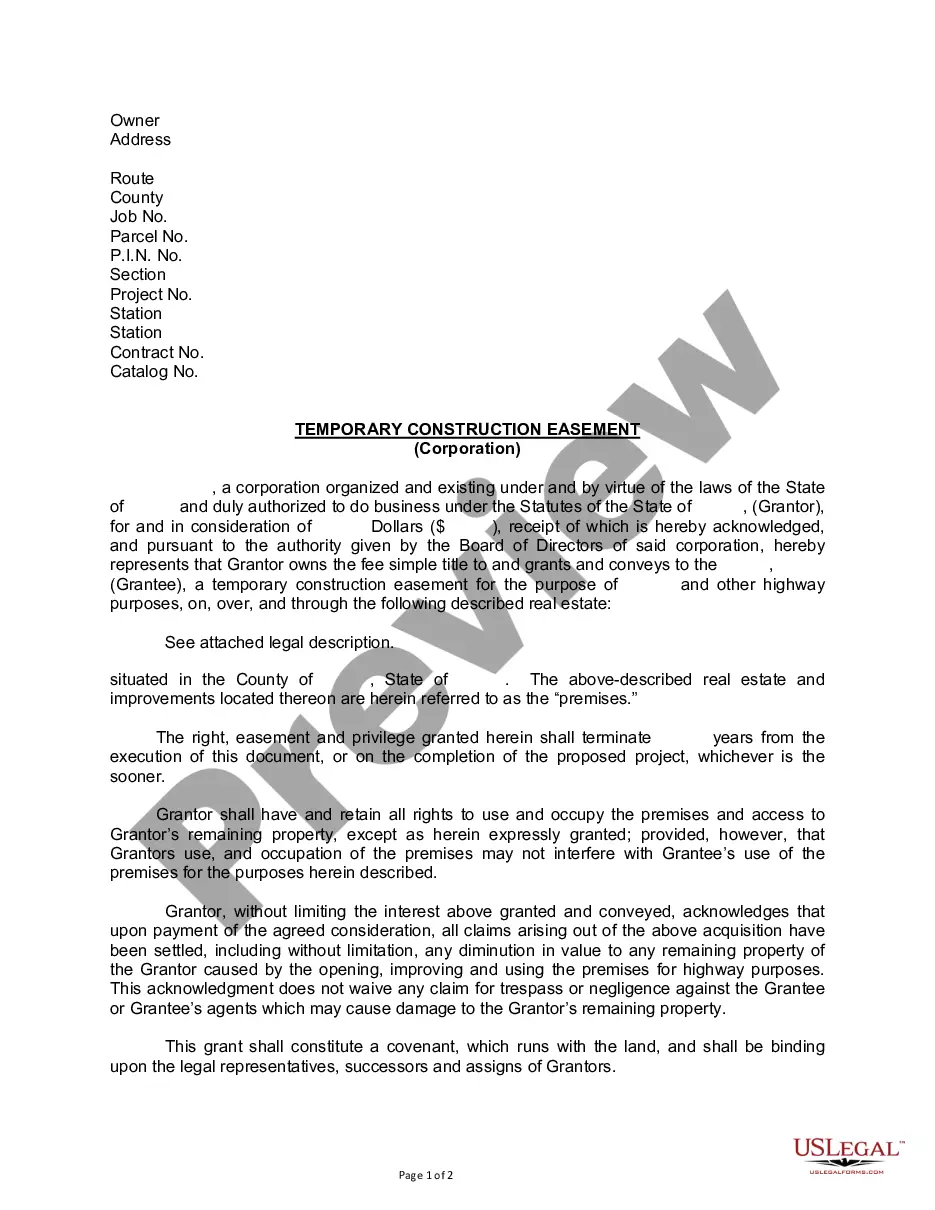


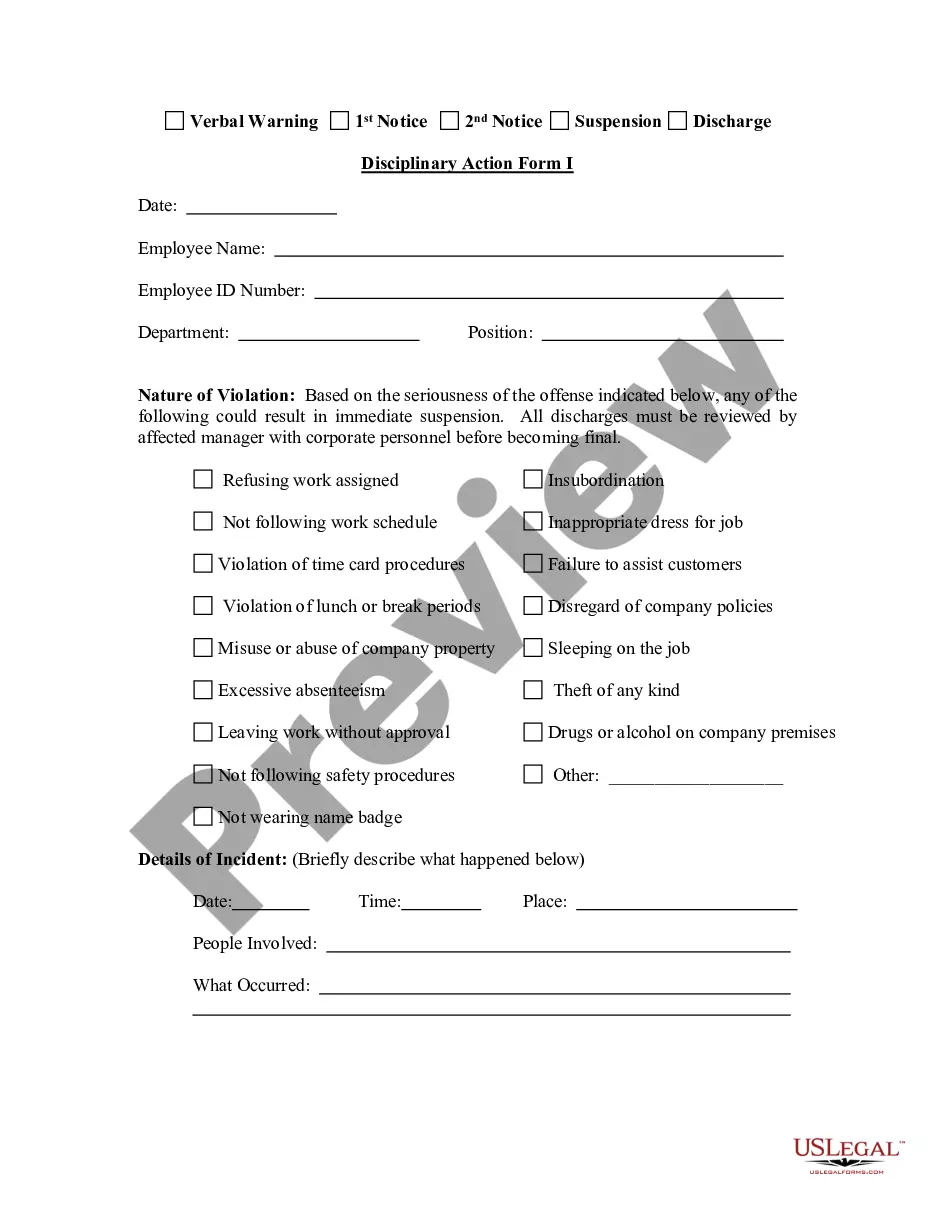
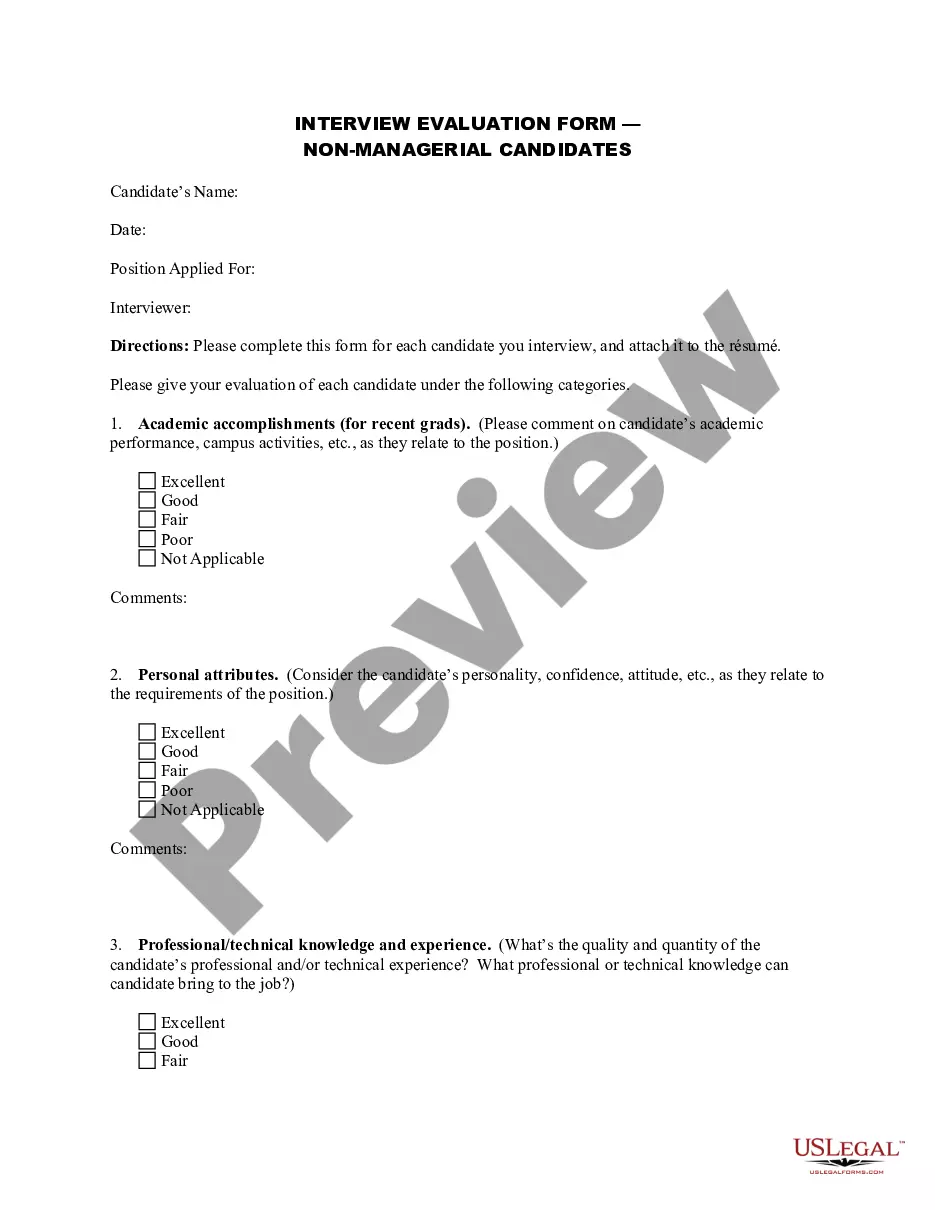
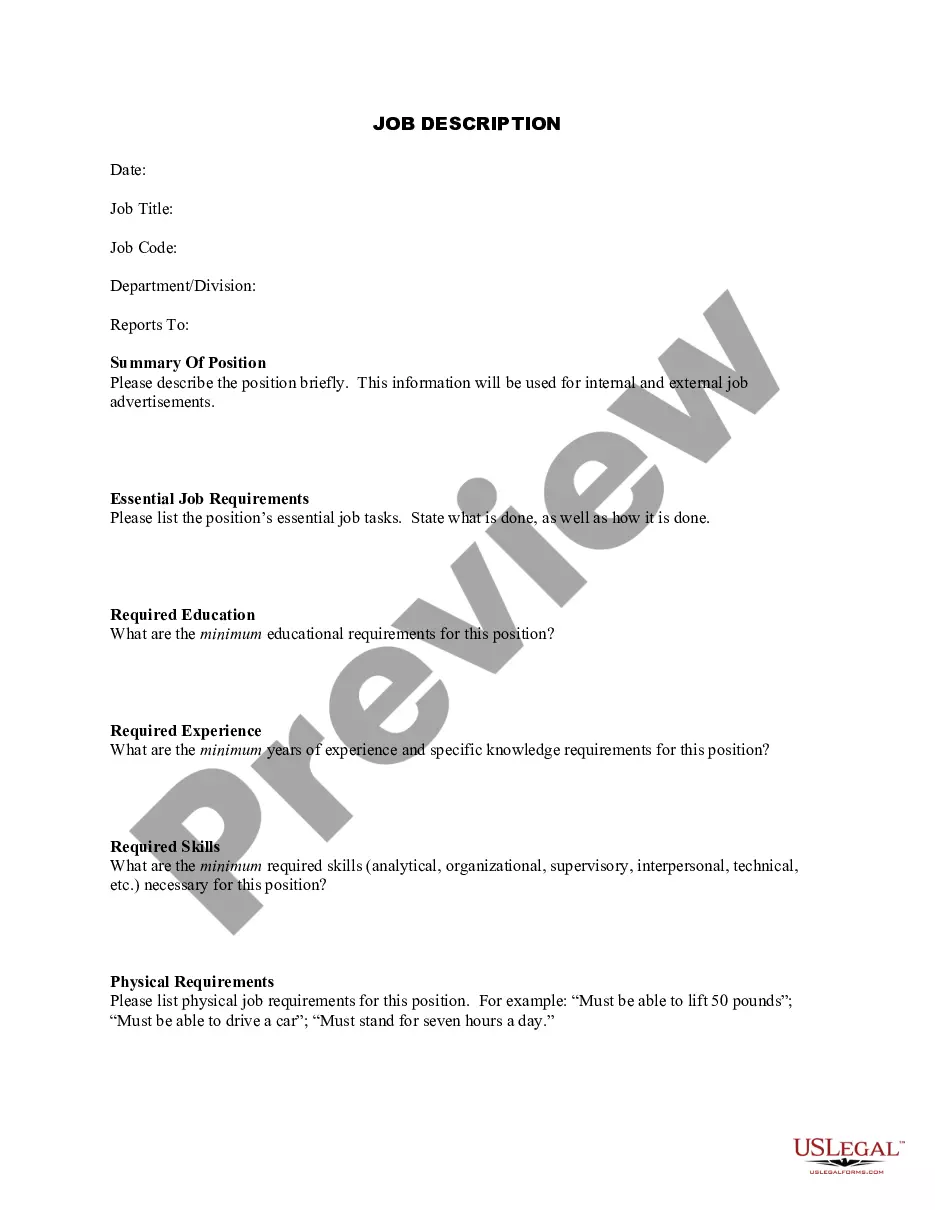
How to fill out Transfer Agreement Between Savvis Communications Corp. And Bridge Information Systems, Inc. Regarding The Transfer Of Certain Assets And Liabilities?
The Asset Transfer Agreement Formula showcased on this page is a versatile legal template created by experienced attorneys in compliance with federal and local regulations.
For over 25 years, US Legal Forms has offered individuals, organizations, and legal practitioners access to more than 85,000 verified, state-specific forms for any business and personal requirement. It’s the fastest, easiest, and most reliable method to obtain the documents you require, as the service ensures bank-level data security and anti-malware safeguards.
Register for US Legal Forms to access verified legal templates for all of life’s situations at your fingertips.
- Search for the document you require and examine it.
- Browse through the example you sought and preview it or read the form description to confirm it meets your requirements. If it doesn’t, use the search feature to find the appropriate one. Click Buy Now once you have found the template you need.
- Register and Log In.
- Choose the pricing plan that best fits your needs and set up an account. Use PayPal or a credit card for a swift payment. If you already possess an account, Log In and check your subscription to continue.
- Acquire the editable template.
- Select the format you prefer for your Asset Transfer Agreement Formula (PDF, DOCX, RTF) and download the example onto your device.
- Complete and sign the document.
- Print the template to fill it out manually. Alternatively, utilize an online multifunctional PDF editor to fill out and sign your form quickly and accurately with an eSignature.
- Re-download your documents as needed.
- Use the same document again whenever necessary. Access the My documents tab in your profile to redownload any previously saved forms.
Form popularity
FAQ
Google Forms does not have version history like Google Docs or Sheets. When you delete responses in Google Forms, it will be deleted permanently. The deleted form responses cannot be restored later.
For a file stored in OneDrive or a SharePoint Online library, you can go back to an earlier version of the file and restore it. Open the file you want to restore and go to File > Info. If the file has previous versions, you'll see a button named Version History. Select it to see the list of versions.
Restore a previous version in SharePoint Right click on the space between the item or document name and date, and from the menu, select Version History. To see Version History, you may need to scroll the menu. If you don't see Version History, in the dialog, select the ... (ellipses), and then select Version History.
Re: How to revert changes made to a list Go to SharePoint list, select a list item and click "Version history" from tool bar: Click on small dropdown icon next to version you want to restore and select "Restore" and then OK in alert:
There is also no version history which makes it very difficult to reset the questions that have been overwritten.
Re: Restoring a prior version of your Form that has been edited and autosaved. @MarciAngela there's no way to restore a previous version of a form.