Plan Merger Template For Google
Description

Get your form ready online
Our built-in tools help you complete, sign, share, and store your documents in one place.
Make edits, fill in missing information, and update formatting in US Legal Forms—just like you would in MS Word.
Download a copy, print it, send it by email, or mail it via USPS—whatever works best for your next step.
Sign and collect signatures with our SignNow integration. Send to multiple recipients, set reminders, and more. Go Premium to unlock E-Sign.
If this form requires notarization, complete it online through a secure video call—no need to meet a notary in person or wait for an appointment.
We protect your documents and personal data by following strict security and privacy standards.

Make edits, fill in missing information, and update formatting in US Legal Forms—just like you would in MS Word.

Download a copy, print it, send it by email, or mail it via USPS—whatever works best for your next step.

Sign and collect signatures with our SignNow integration. Send to multiple recipients, set reminders, and more. Go Premium to unlock E-Sign.

If this form requires notarization, complete it online through a secure video call—no need to meet a notary in person or wait for an appointment.

We protect your documents and personal data by following strict security and privacy standards.
Looking for another form?








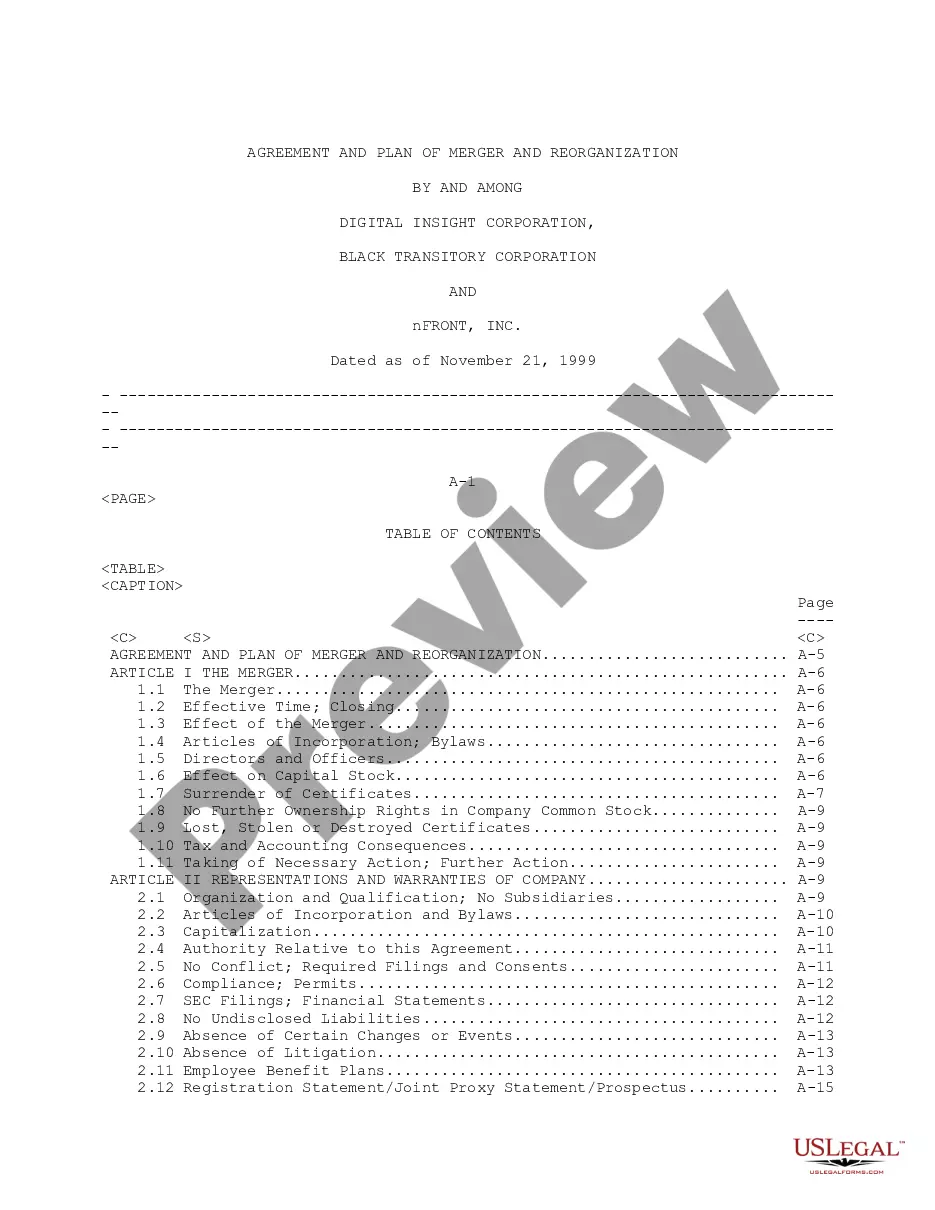
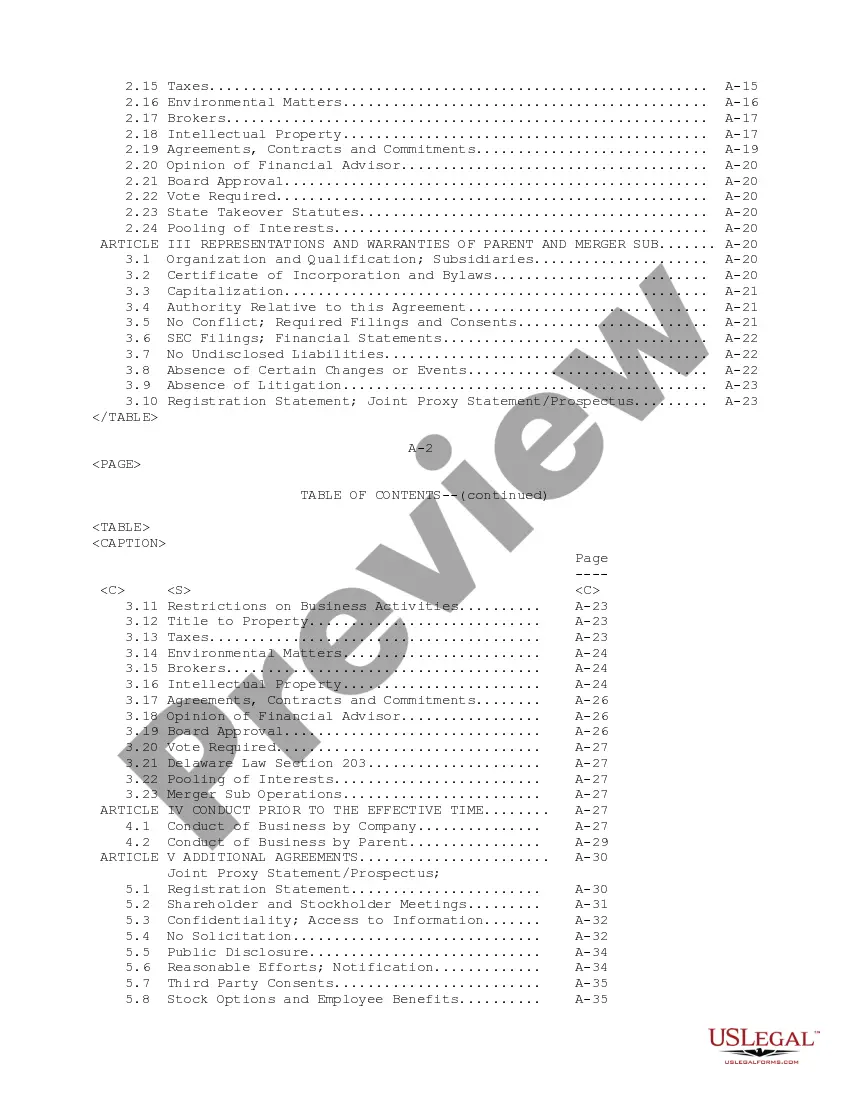
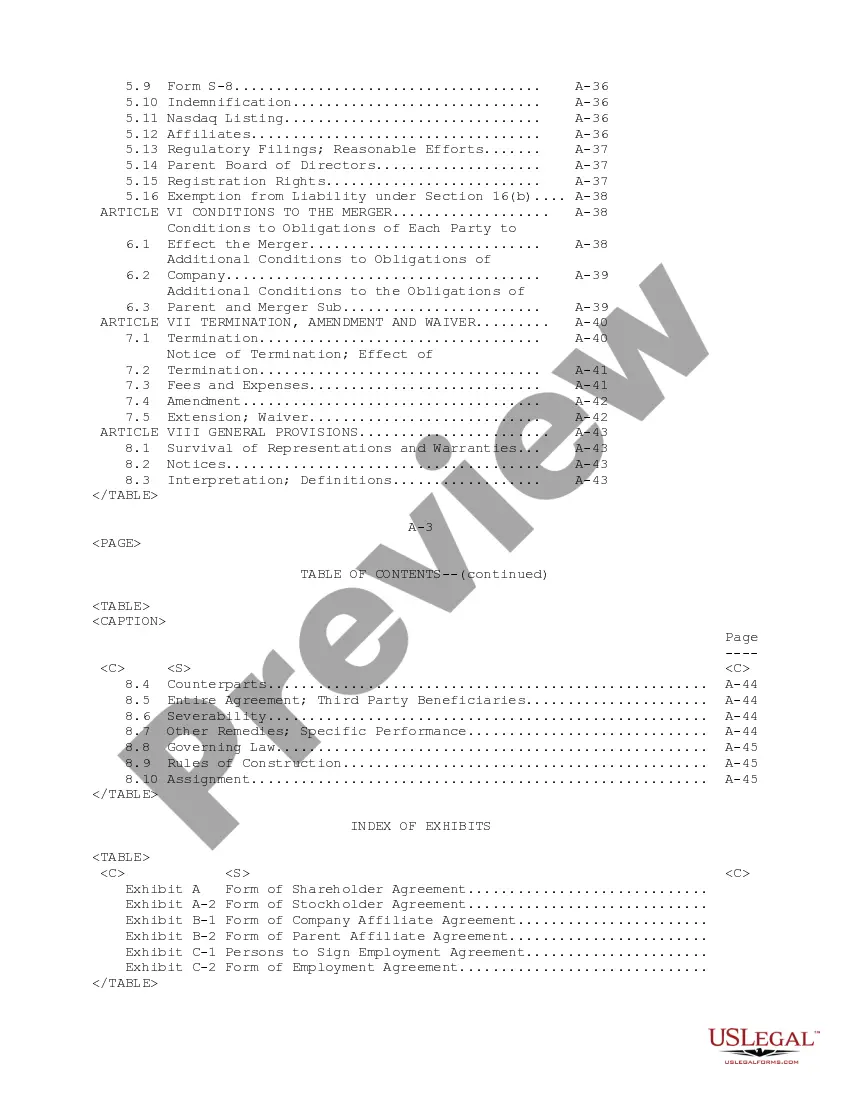
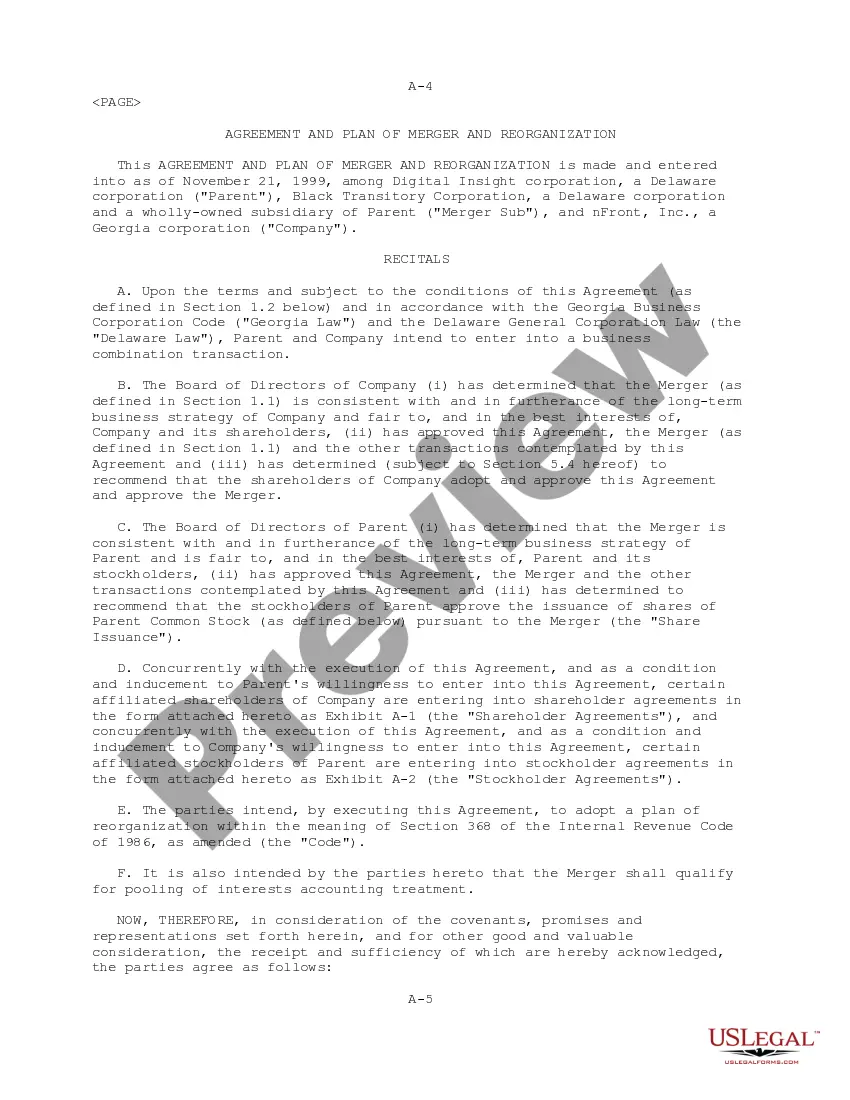
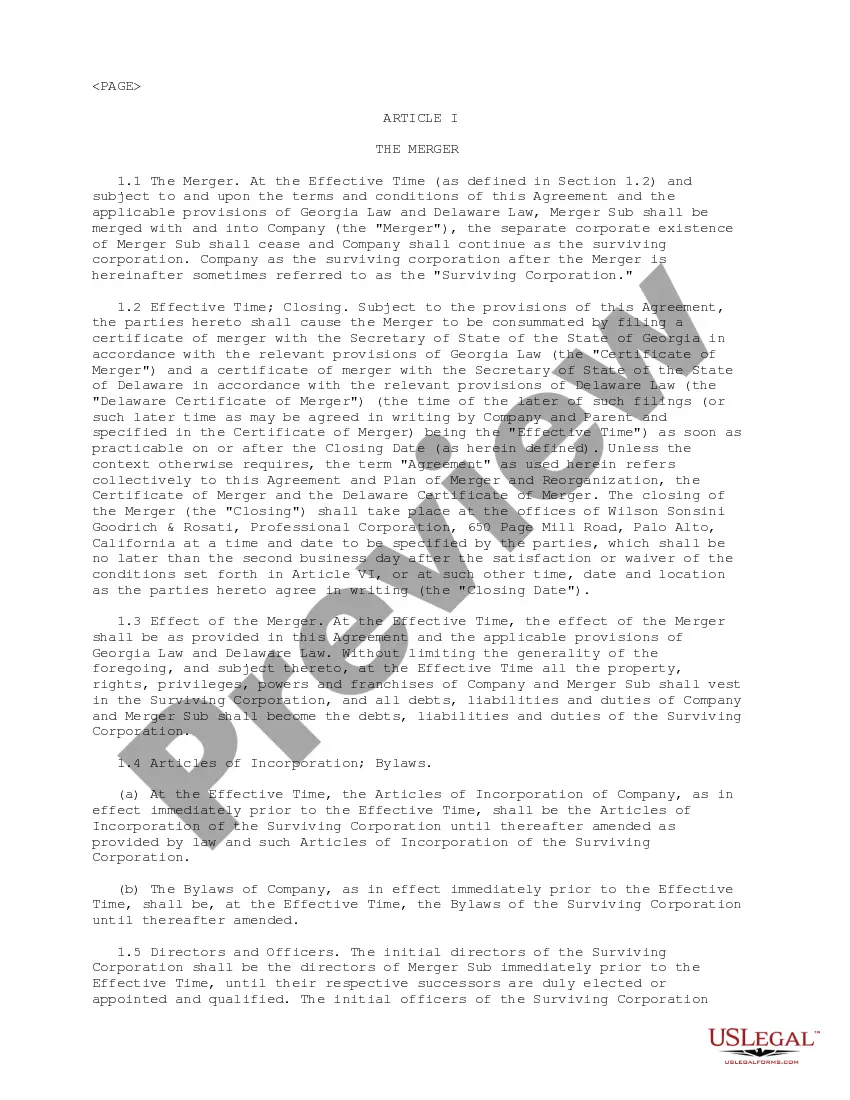
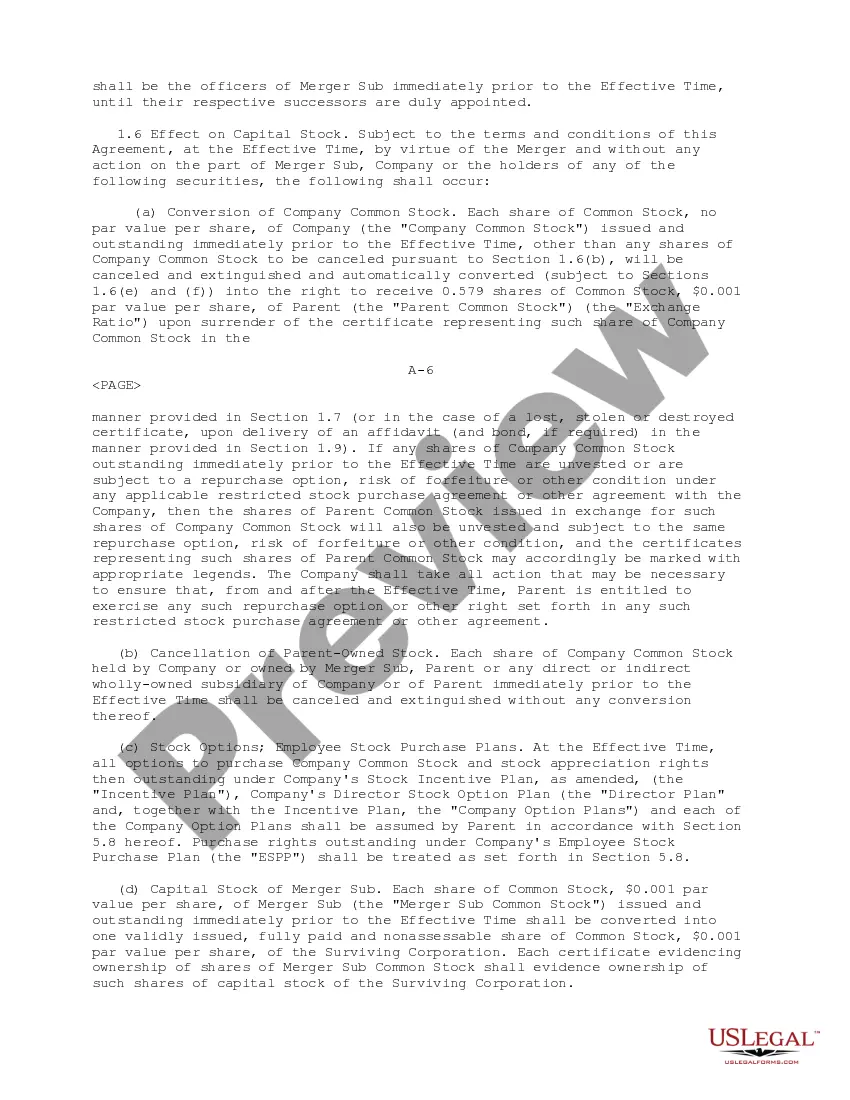
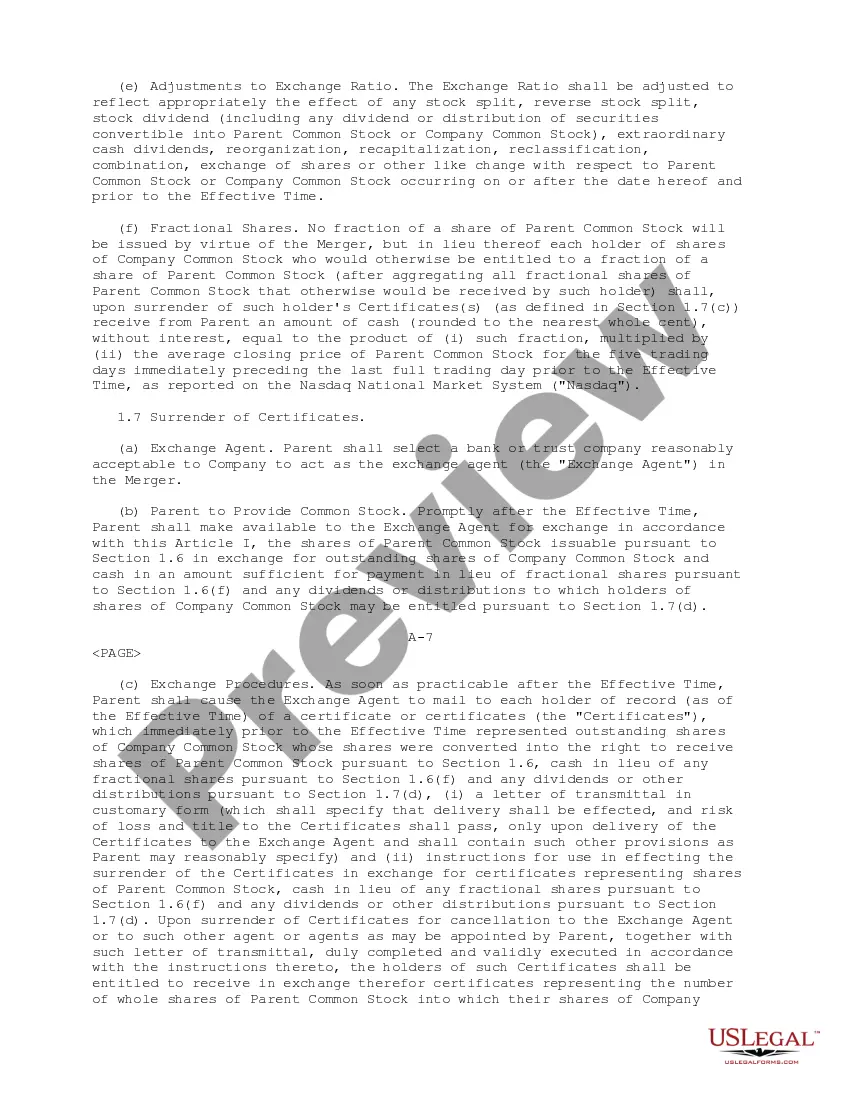
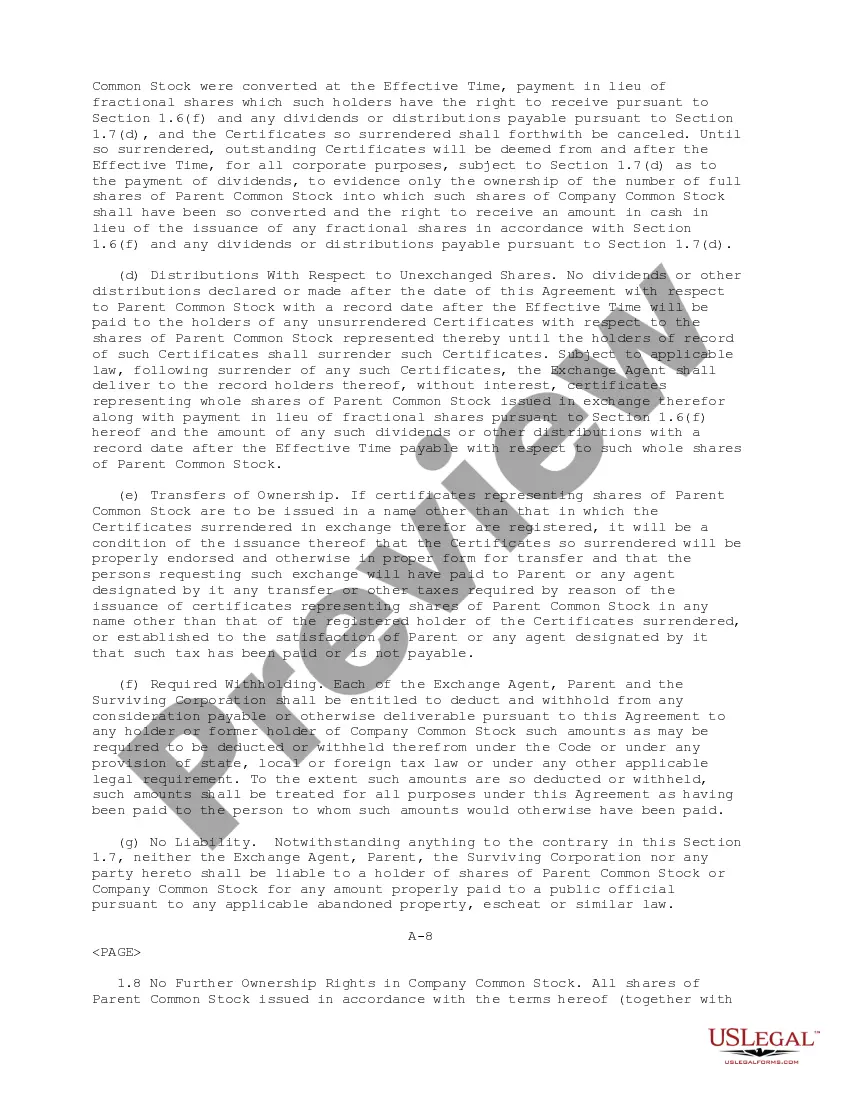
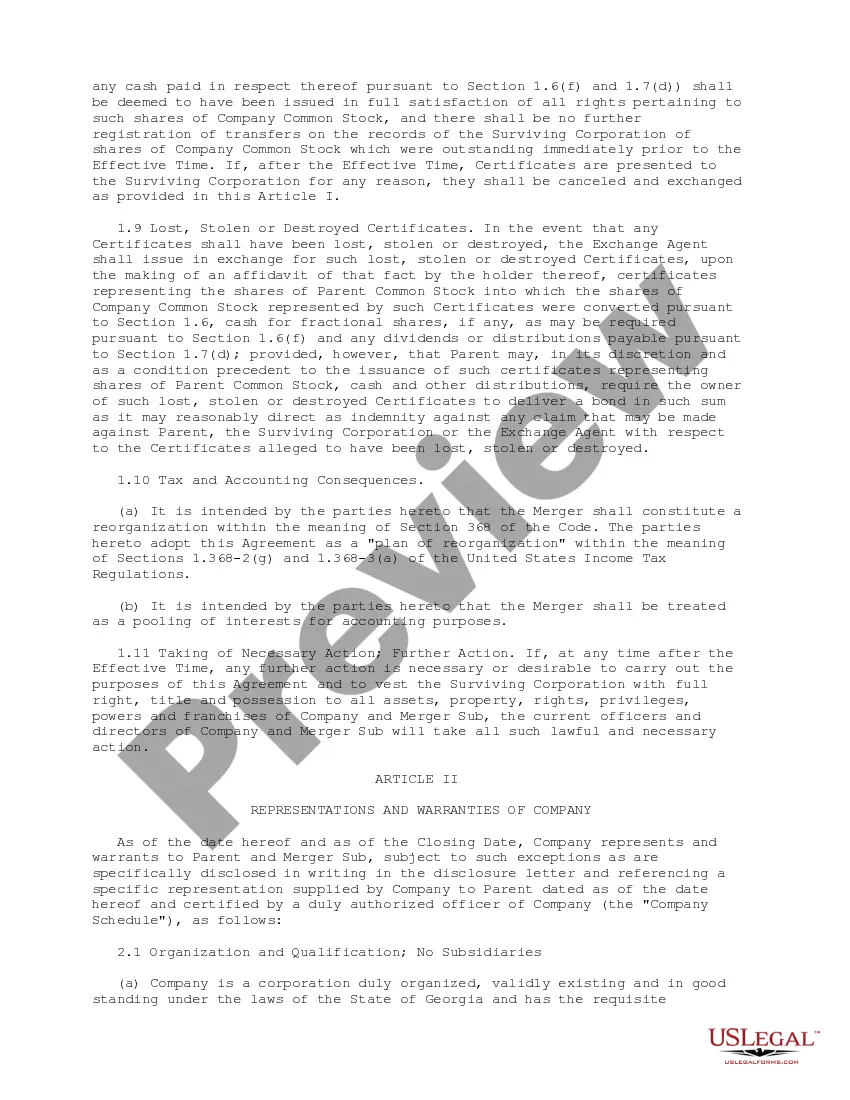
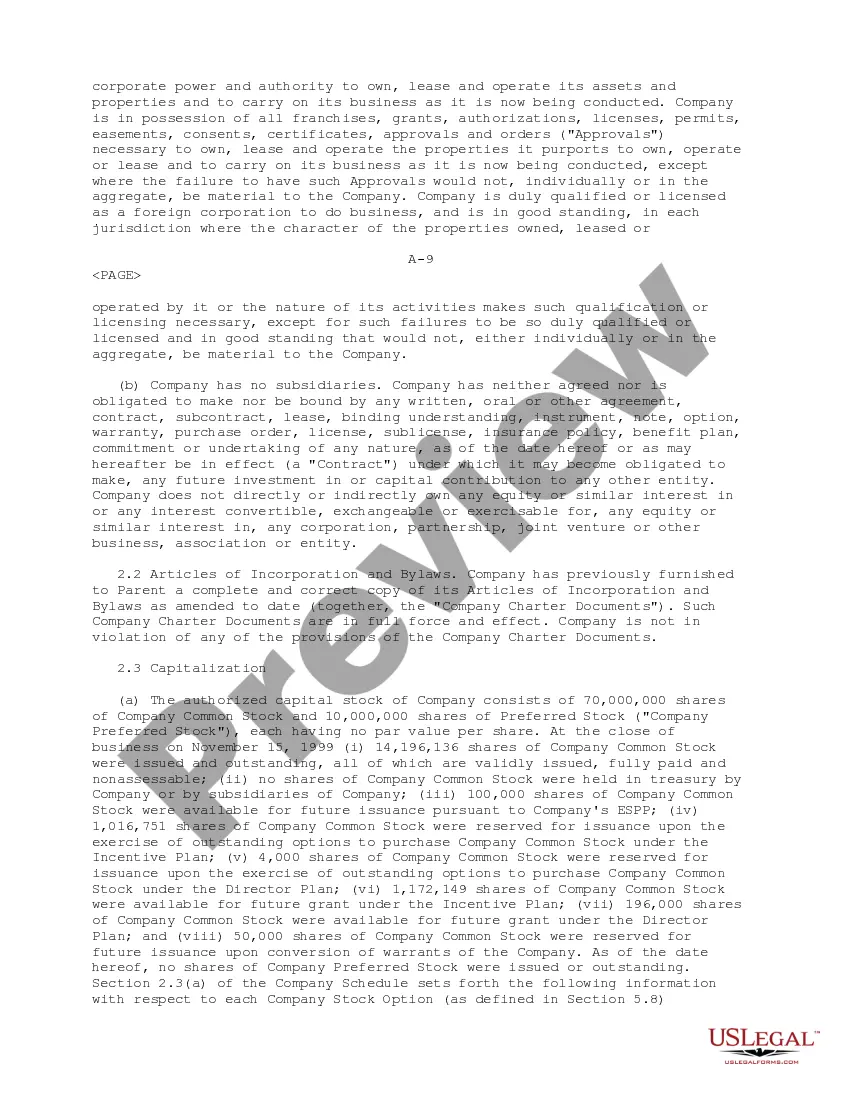
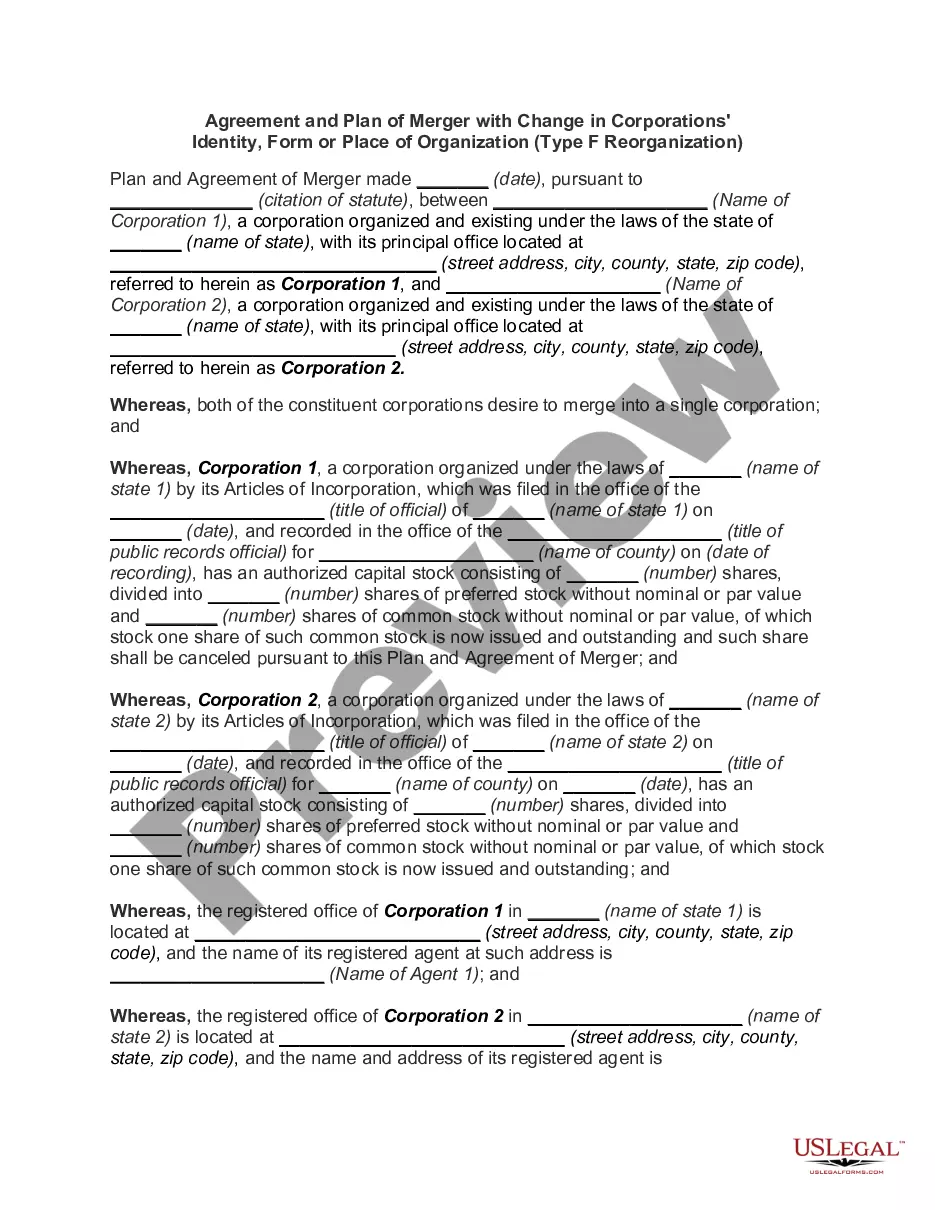
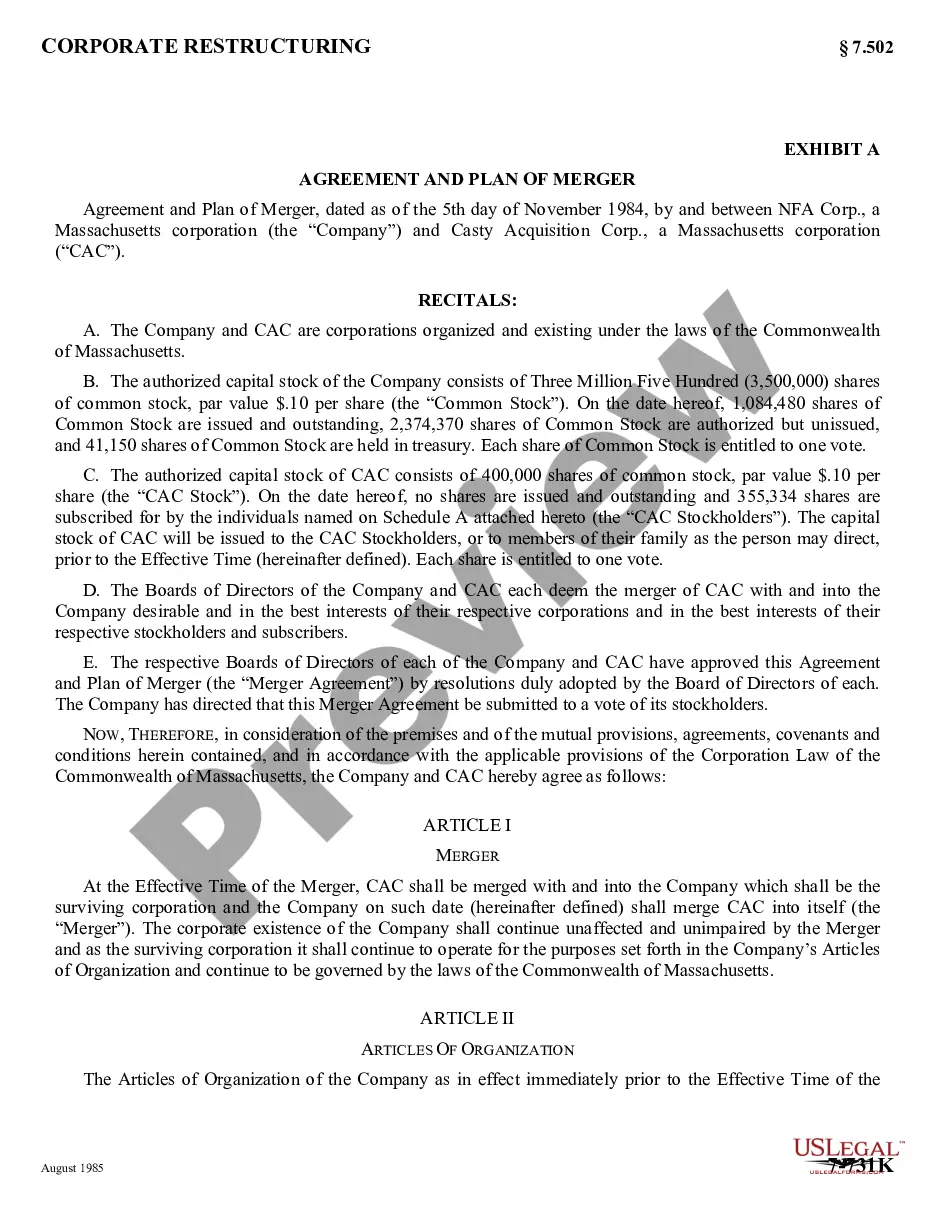
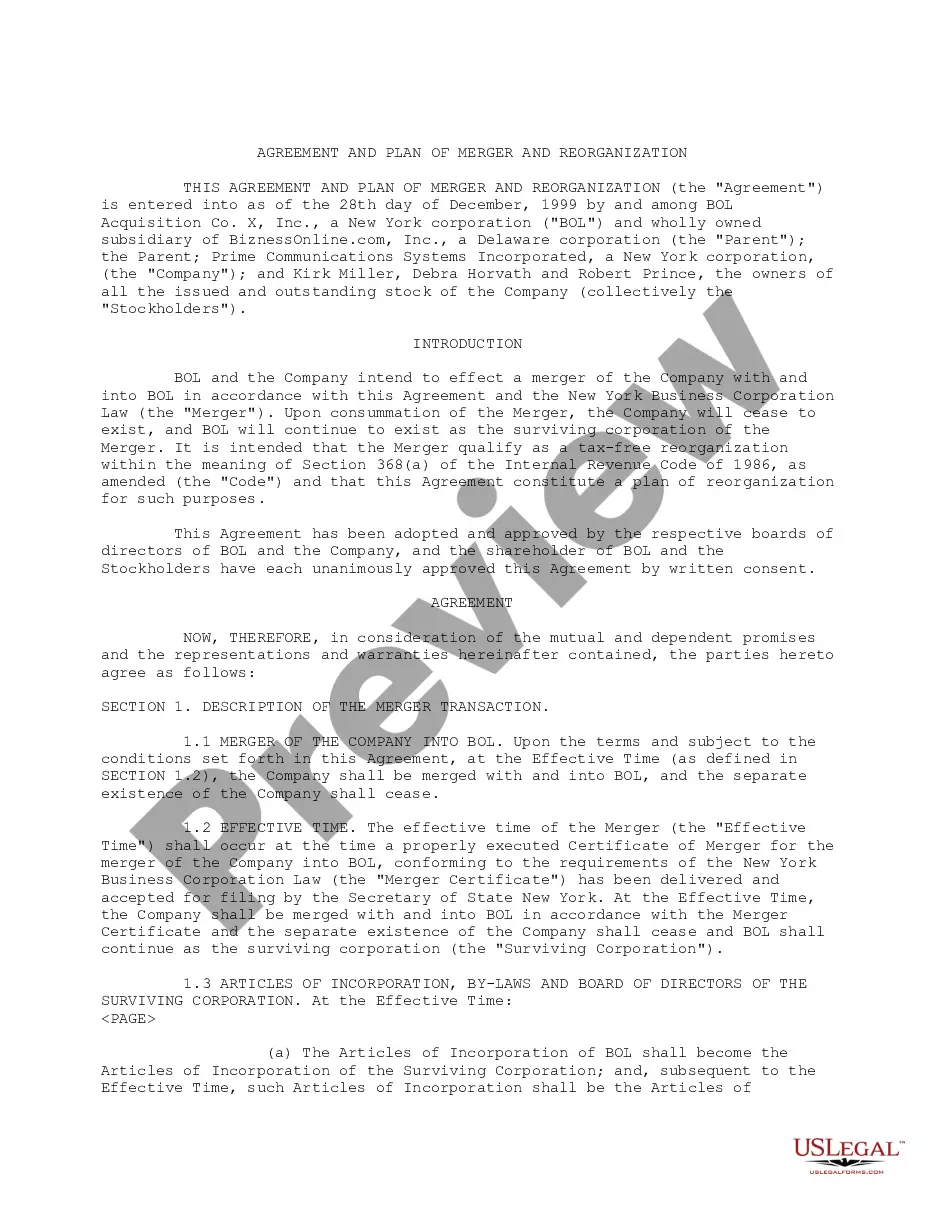
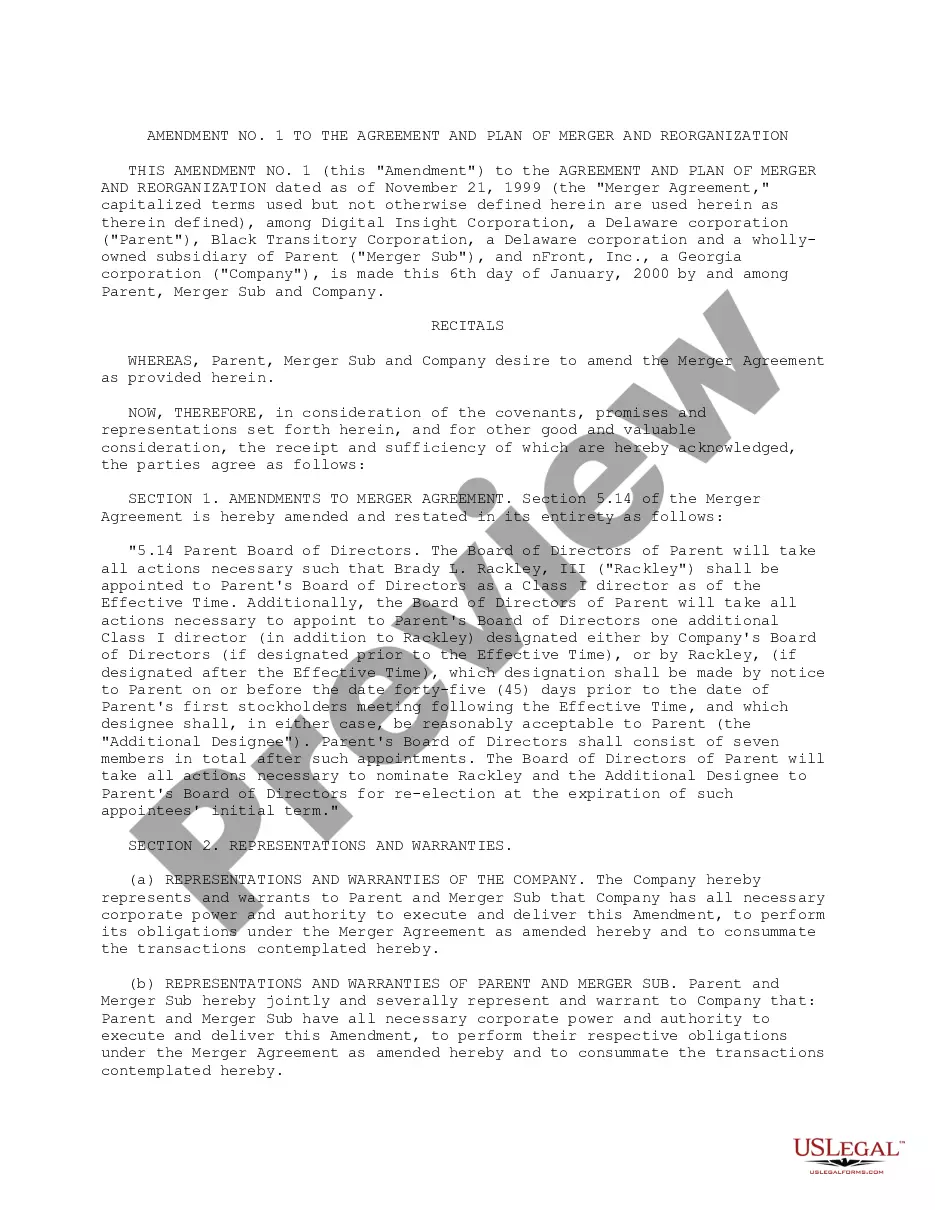
How to fill out Plan Of Merger And Reorganization By And Among Digital Insight Corp., Black Transitory Corp. And NFront, Inc.?
- If you're a returning user, log in to your account and quickly download the desired form template. Ensure your subscription is active, renewing it if necessary.
- For first-time users, check the Preview mode and form description to select the appropriate template aligned with your local jurisdiction and needs.
- Use the Search tab if the original template doesn't meet your specifications. Browse through various options until you find a suitable alternative.
- Select your document by clicking 'Buy Now' and pick the subscription plan that best fits your requirements. Register an account for full access to the library.
- Complete the purchase by entering your payment details, either via credit card or PayPal, to finalize your subscription.
- Download the template and save it on your device, making it easily accessible from the My Forms menu on your profile.
US Legal Forms not only provides a robust collection of over 85,000 documents but also connects users with premium experts for form completion assistance, ensuring accuracy and legal compliance.
Ready to simplify your legal documentation process? Start your journey with US Legal Forms today and experience the benefits for yourself!
Form popularity
FAQ
To get mail merge in Google Sheets, you can utilize various add-ons designed for this purpose, such as 'Yet Another Mail Merge.' This tool allows you to send personalized emails directly from your Google Sheets while integrating with Gmail. By using it, you can enhance your ability to plan a merger template for Google, ensuring your communication is both professional and tailored to your audience.
The best mail merge solution for Google Docs often depends on your specific needs, but 'Form Publisher' is a popular choice. It helps users efficiently automate document creation from Google Forms or Google Sheets, making it ideal for planning a merger template for Google. With its straightforward interface, you will find it easy to produce and send letters, invoices, or any custom documents with just a few clicks.
Yes, you can do a mail merge with Google Docs, especially when combined with Google Sheets. To maximize your efficiency, you can use an add-on like 'Merge by MailChimp' that links your Google Sheets data with your Google Docs templates. This setup enables you to plan a merger template for Google quickly and effectively, generating personalized documents in no time.
One of the best mail merge add-ons for Google Docs is 'Autocrat', which allows you to create dynamic documents from Google Sheets data. This add-on is user-friendly and helps you plan a merger template for Google by automating the generation of multiple documents from a single template. With its customizable settings, you can tailor your merges to fit your needs perfectly.
Google does not offer a built-in mail merge tool, but you can achieve this functionality through Google Docs and Google Sheets. To effectively plan a merger template for Google, you can use third-party add-ons that integrate smoothly with Google Workspace. These add-ons simplify the process, allowing you to customize your documents and send personalized emails effortlessly.
To paste text into a merged cell, first select the merged cell and copy your desired text from another source. Then click into the merged cell and use the paste function to insert your text. Keep in mind that using a Plan merger template for Google can help maintain consistency and proper formatting in your documents.
Formatting a mail merge in Google Sheets requires you to organize your data properly before merging. Set up columns for names, addresses, and any other information you want to include. After preparing your spreadsheet, you can use an add-on to pull this data into a document. A Plan merger template for Google can assist in creating a professional appearance for your mail merge.
To write in merged cells, you can click on the merged area and begin typing your text. If changes are needed later, click on the merged cell again to edit. It’s crucial for accessibility and clarity, especially when you use a Plan merger template for Google to organize your data effectively.
Setting up FormMule involves installing it from the Google Workspace Marketplace. After installation, you should link it to your Google Sheets and create a new template for your emails. Then, select the data range to merge and adjust the settings as needed. A Plan merger template for Google can simplify this process by providing a clear structure.
To write in a merged cell, simply select the merged area and begin typing. If you need to edit, click on the merged cell and place your cursor where you wish to adjust the text. It’s fundamental to know how to write in merged cells when working with a Plan merger template for Google to ensure your data is clearly presented.