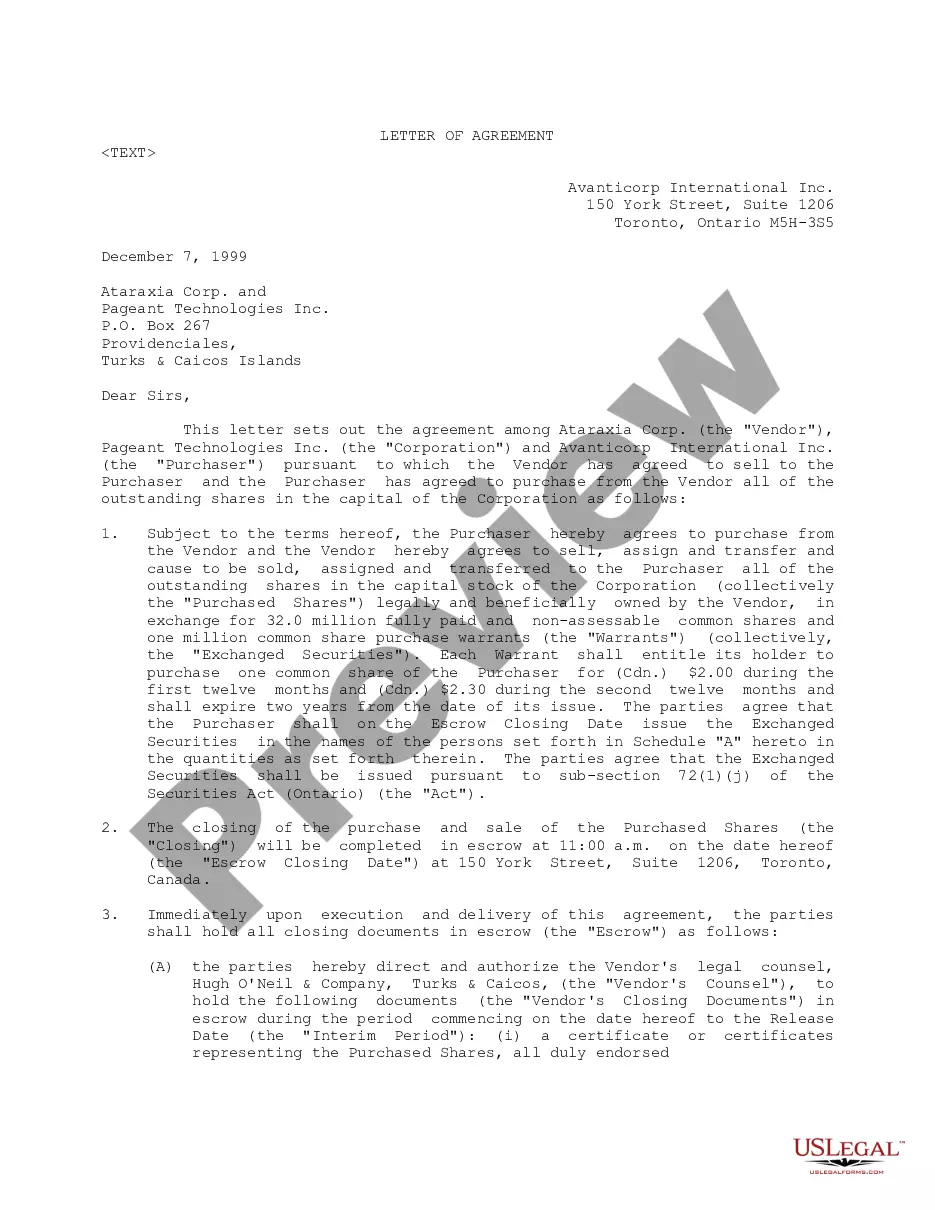
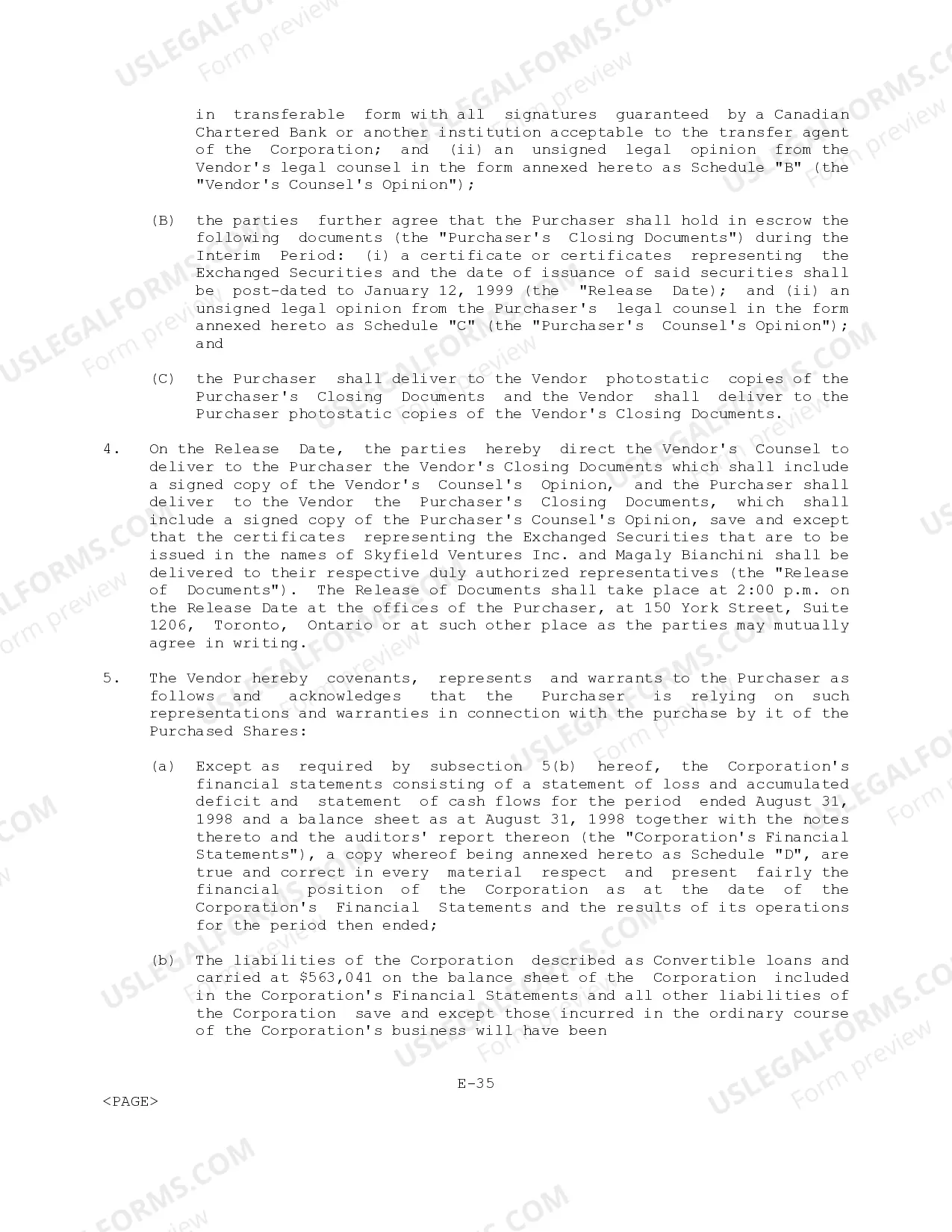
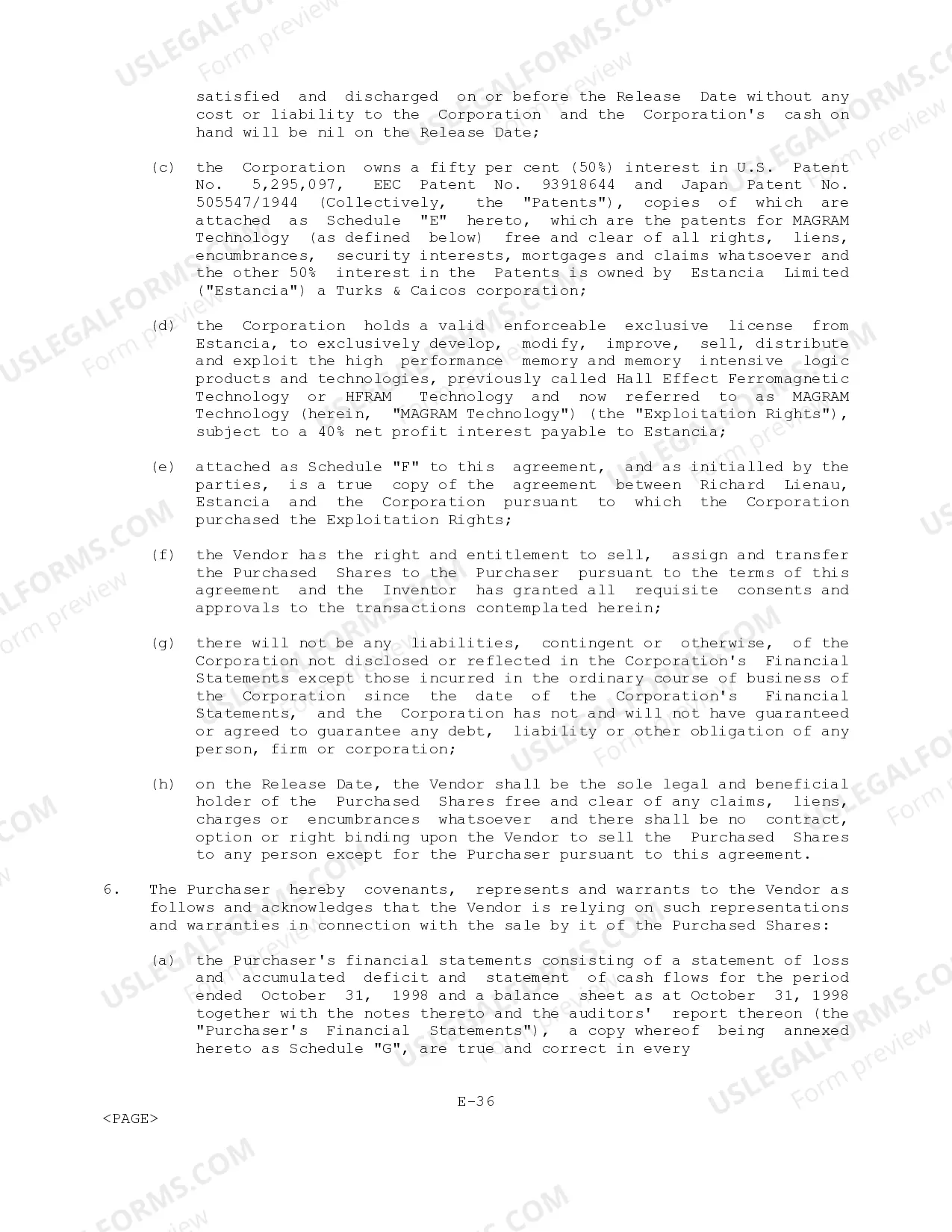
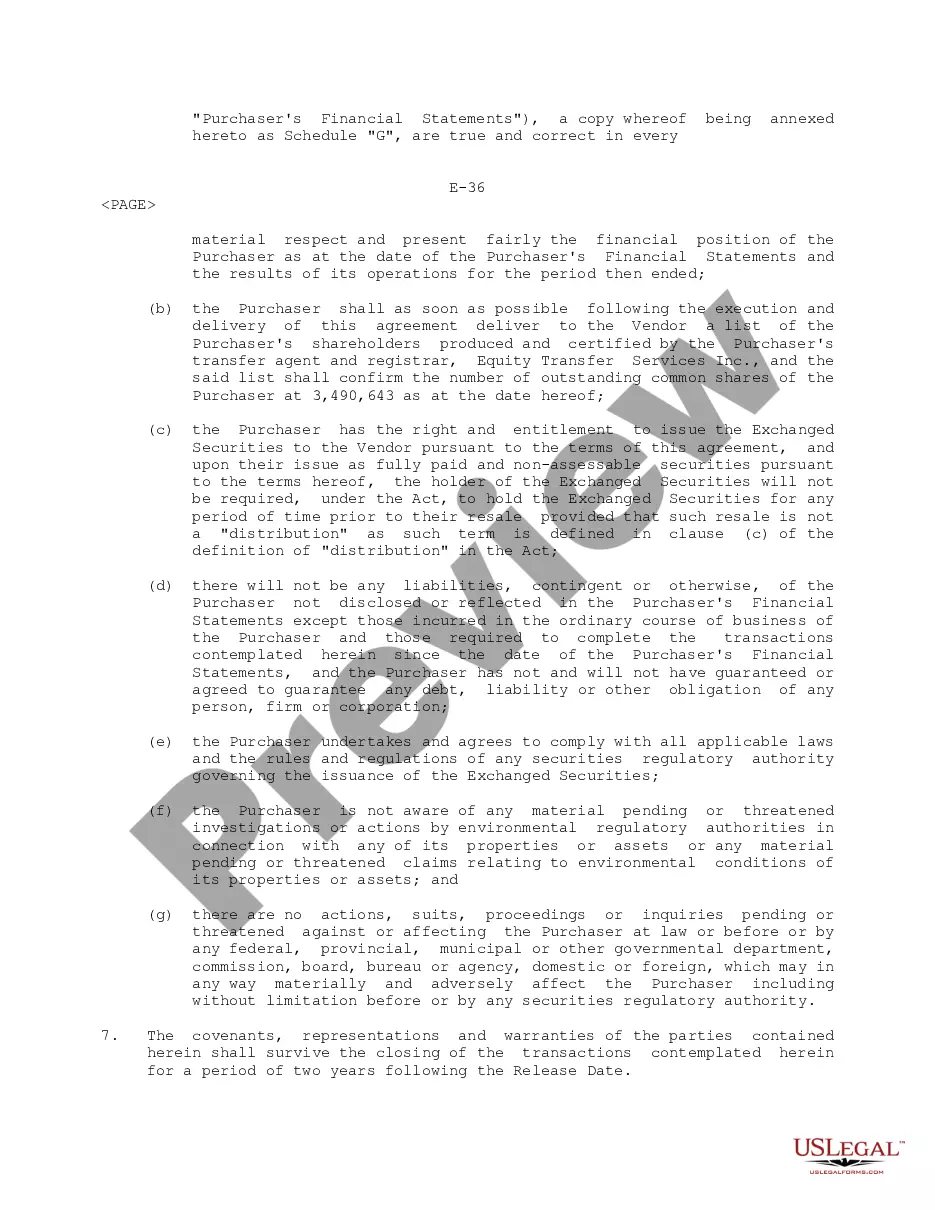
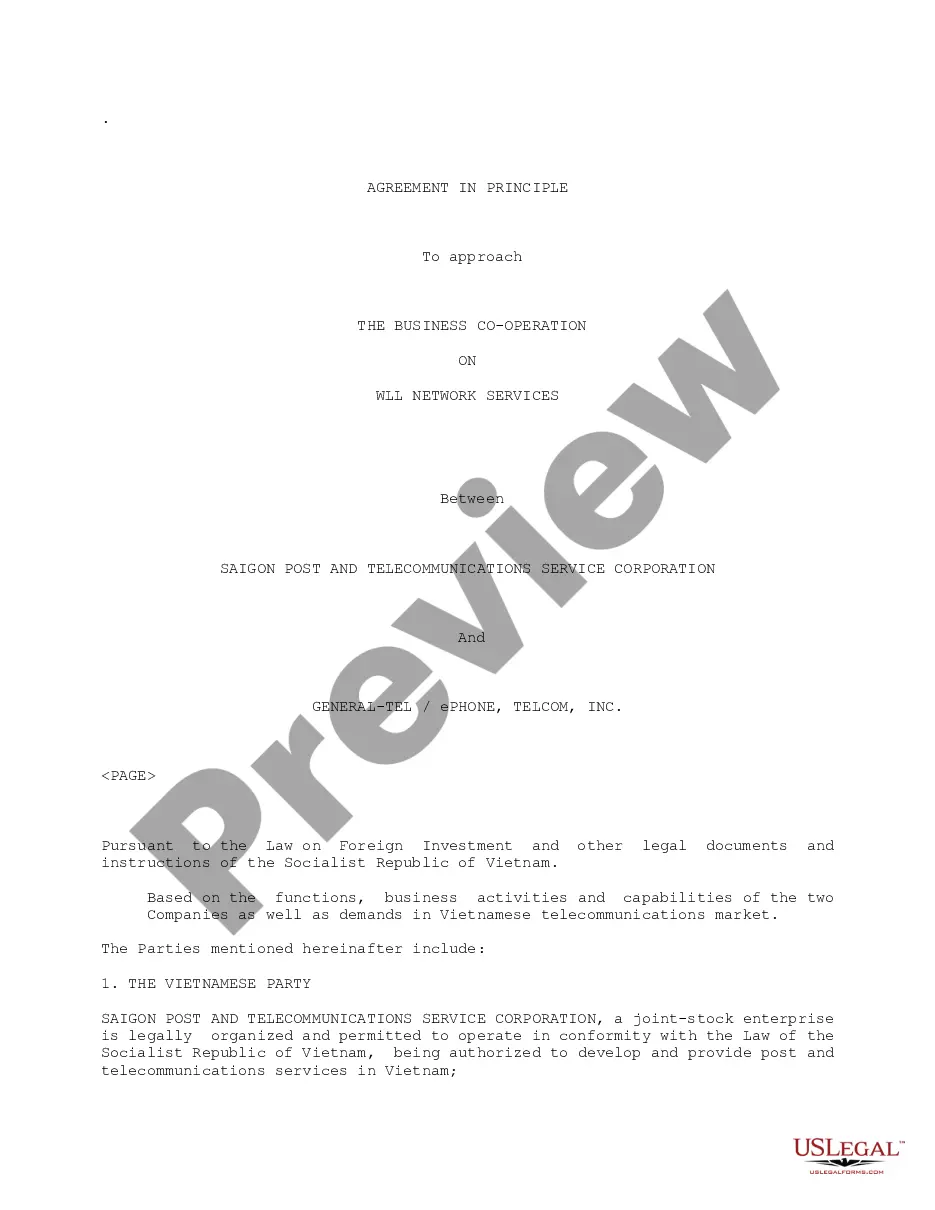
Letter Of Agreement Between Two Parties
Description

Get your form ready online
Our built-in tools help you complete, sign, share, and store your documents in one place.
Make edits, fill in missing information, and update formatting in US Legal Forms—just like you would in MS Word.
Download a copy, print it, send it by email, or mail it via USPS—whatever works best for your next step.
Sign and collect signatures with our SignNow integration. Send to multiple recipients, set reminders, and more. Go Premium to unlock E-Sign.
If this form requires notarization, complete it online through a secure video call—no need to meet a notary in person or wait for an appointment.
We protect your documents and personal data by following strict security and privacy standards.

Make edits, fill in missing information, and update formatting in US Legal Forms—just like you would in MS Word.

Download a copy, print it, send it by email, or mail it via USPS—whatever works best for your next step.

Sign and collect signatures with our SignNow integration. Send to multiple recipients, set reminders, and more. Go Premium to unlock E-Sign.

If this form requires notarization, complete it online through a secure video call—no need to meet a notary in person or wait for an appointment.

We protect your documents and personal data by following strict security and privacy standards.
Looking for another form?
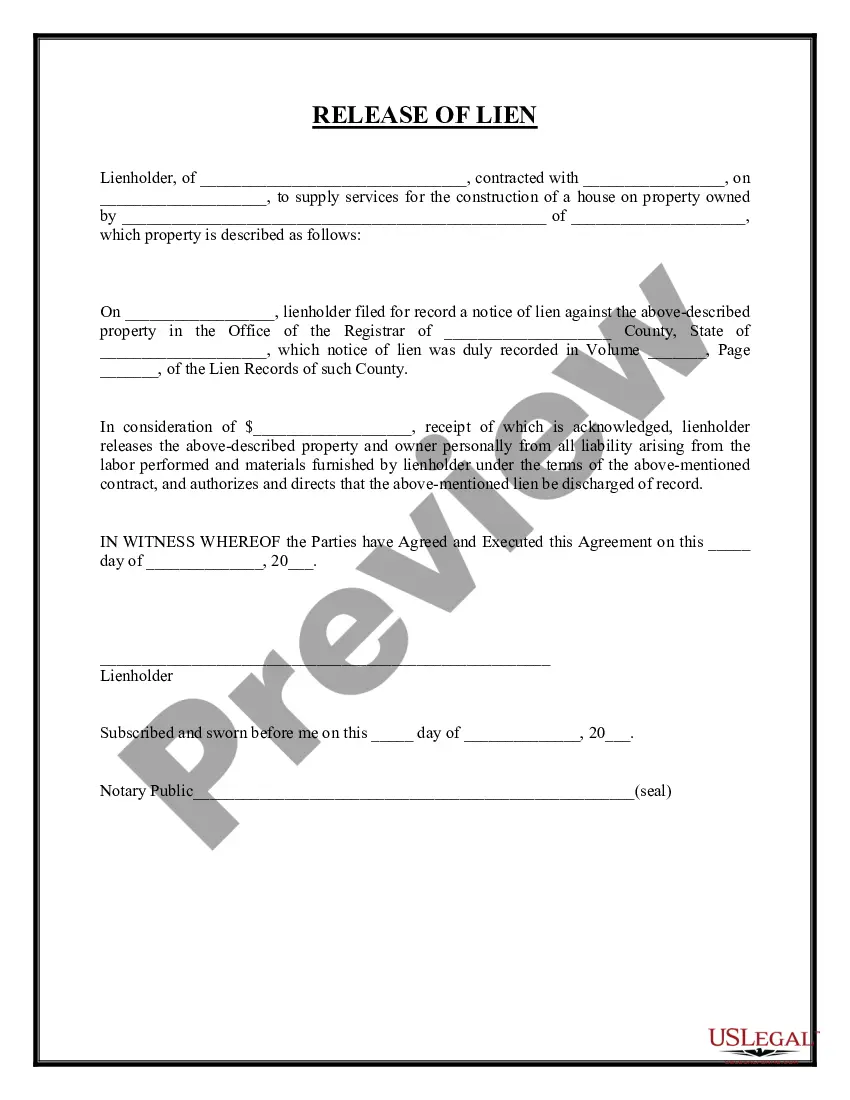

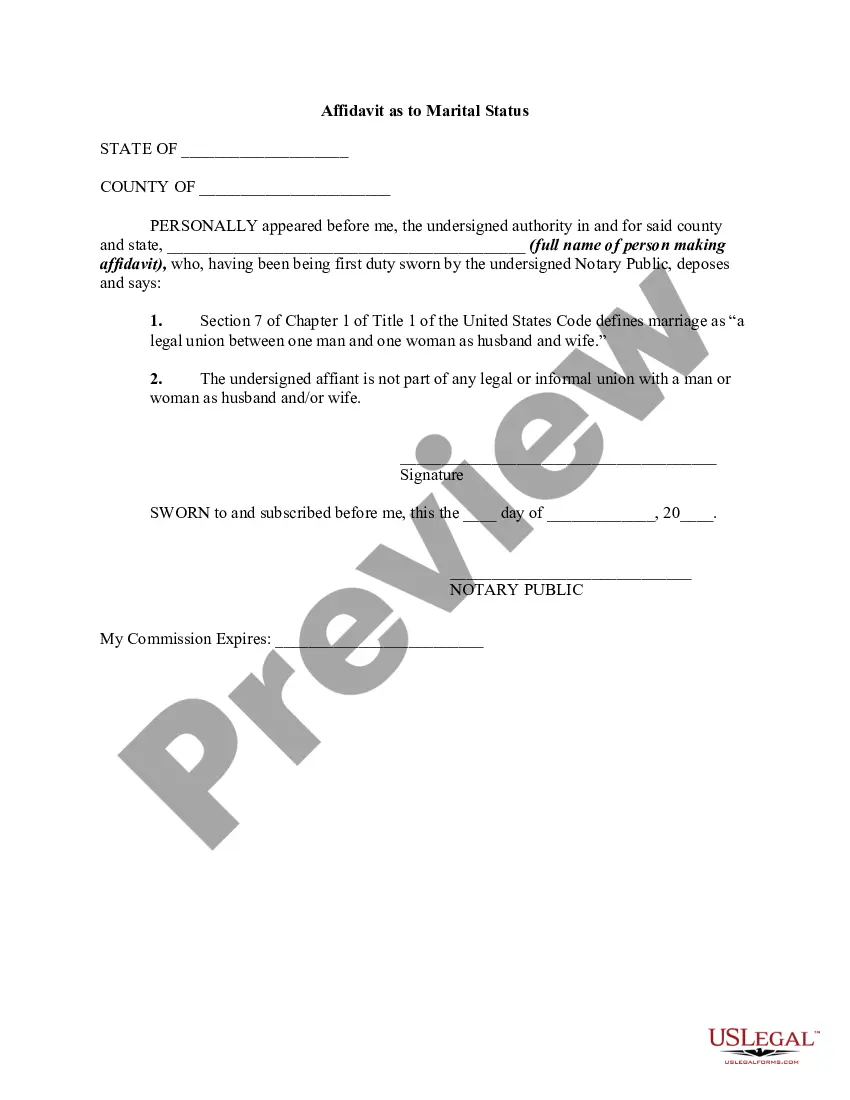
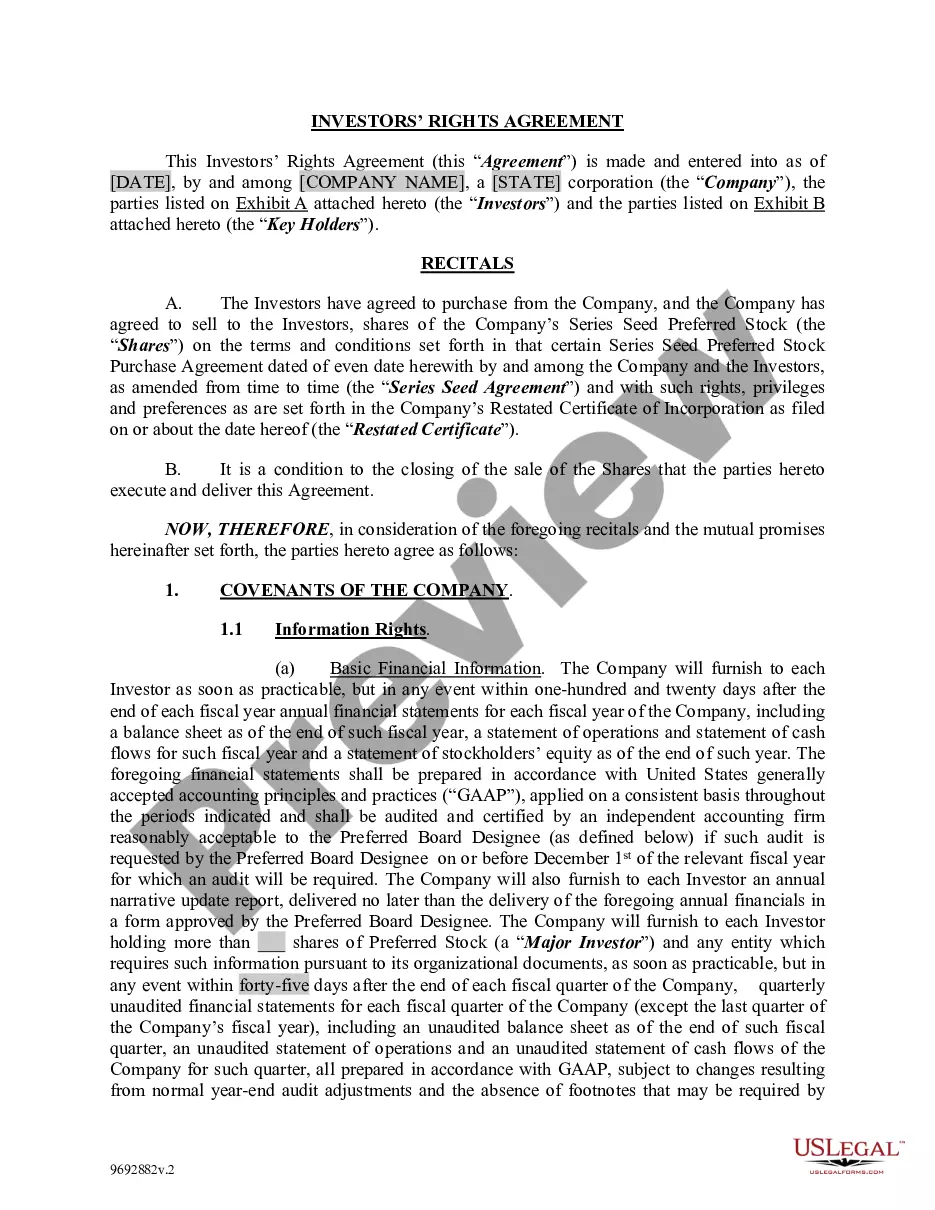


How to fill out Letter Of Agreement?
Handling legal paperwork and processes can be an extensive addition to your daily routine.
Documents such as the Contract Between Two Parties and similar forms often necessitate searching for them and figuring out the most effective way to fill them out accurately.
Consequently, whether you're managing financial, legal, or personal issues, having a comprehensive and useful online directory of forms readily available will significantly aid you.
US Legal Forms is the premier online platform for legal documents, featuring over 85,000 state-specific templates and a variety of tools to help you finalize your paperwork swiftly.
Is this your first experience with US Legal Forms? Register and create an account within minutes, and you'll gain entry to the form catalogue and Contract Between Two Parties. Then, follow these steps to complete your document: Ensure you have identified the correct form using the Preview feature and reviewing the form details. Select Buy Now when you're ready, and choose the monthly subscription plan that fits your needs. Click Download, then fill out, eSign, and print the form. US Legal Forms has twenty-five years of expertise assisting users in managing their legal documentation. Acquire the form you need right now and streamline any process effortlessly.
- Explore the collection of relevant documents accessible to you with a single click.
- US Legal Forms provides state- and county-specific forms available at any time for download.
- Safeguard your document management processes with high-quality services that enable you to prepare any form in minutes without additional or hidden fees.
- Simply Log In to your account, locate the Contract Between Two Parties, and download it immediately from the My documents section.
- You can also access previously saved forms.
Form popularity
FAQ
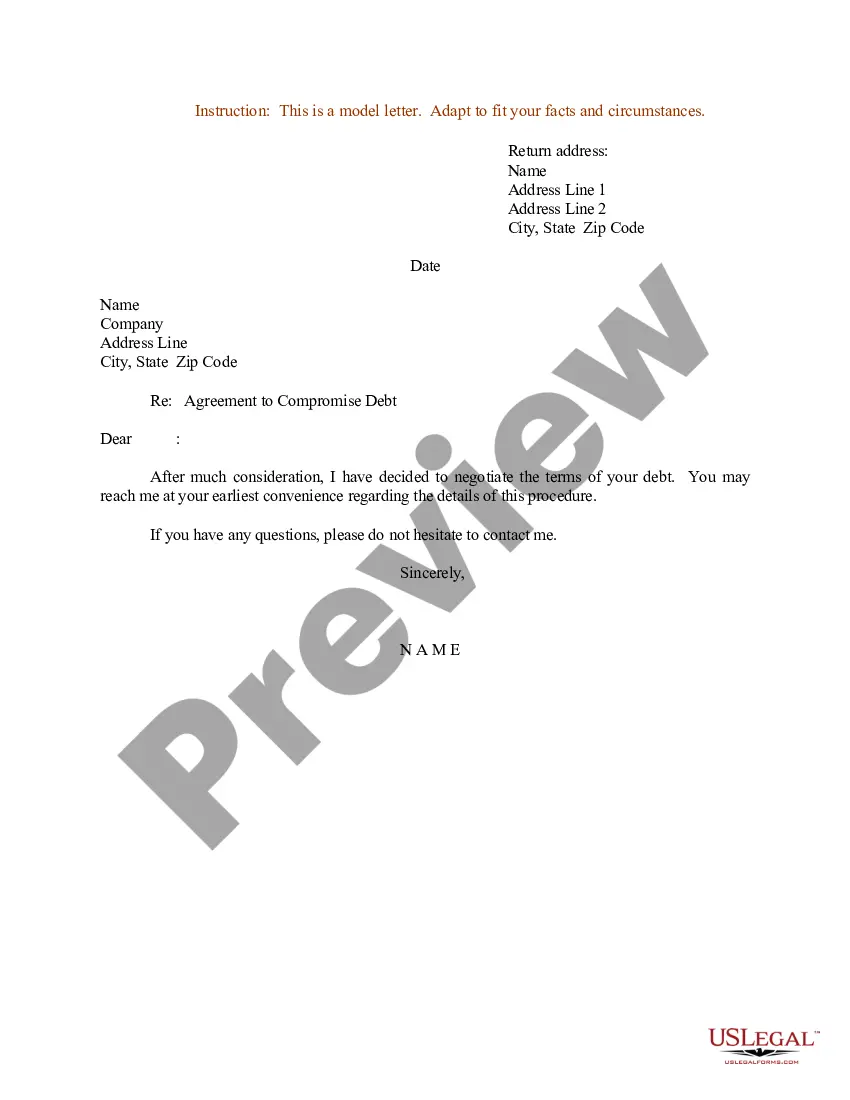
A Letter of Agreement sets out the terms of a working relationship by including information such as the contact information of both parties, the agreed-upon terms, including payment, when the agreement goes into effect, and when it will end.
Here are the steps to write a letter of agreement: Title the document. Add the title at the top of the document. ... List your personal information. ... Include the date. ... Add the recipient's personal information. ... Address the recipient. ... Write an introduction paragraph. ... Write your body. ... Conclude the letter.
How to write agreement letter between two parties? Letter title: Letter of Agreement. Names, addresses, and contact informations of both the parties involved. Date of signing of the agreement letter. Duties/services, fee and costs, timeline or term of agreement, payment terms, other terms of working and clauses.
Basic information: Legal names and/or business names of the involved parties, their addresses, and a description of the property or service being exchanged for money or other consideration. Agreement: This is a statement of the terms of the contract, such as the rights and responsibilities of all involved parties.
Write the contract in six steps Start with a contract template. ... Open with the basic information. ... Describe in detail what you have agreed to. ... Include a description of how the contract will be ended. ... Write into the contract which laws apply and how disputes will be resolved. ... Include space for signatures.