Agreement Morgan Stanley Former Employee 401k Login
Description
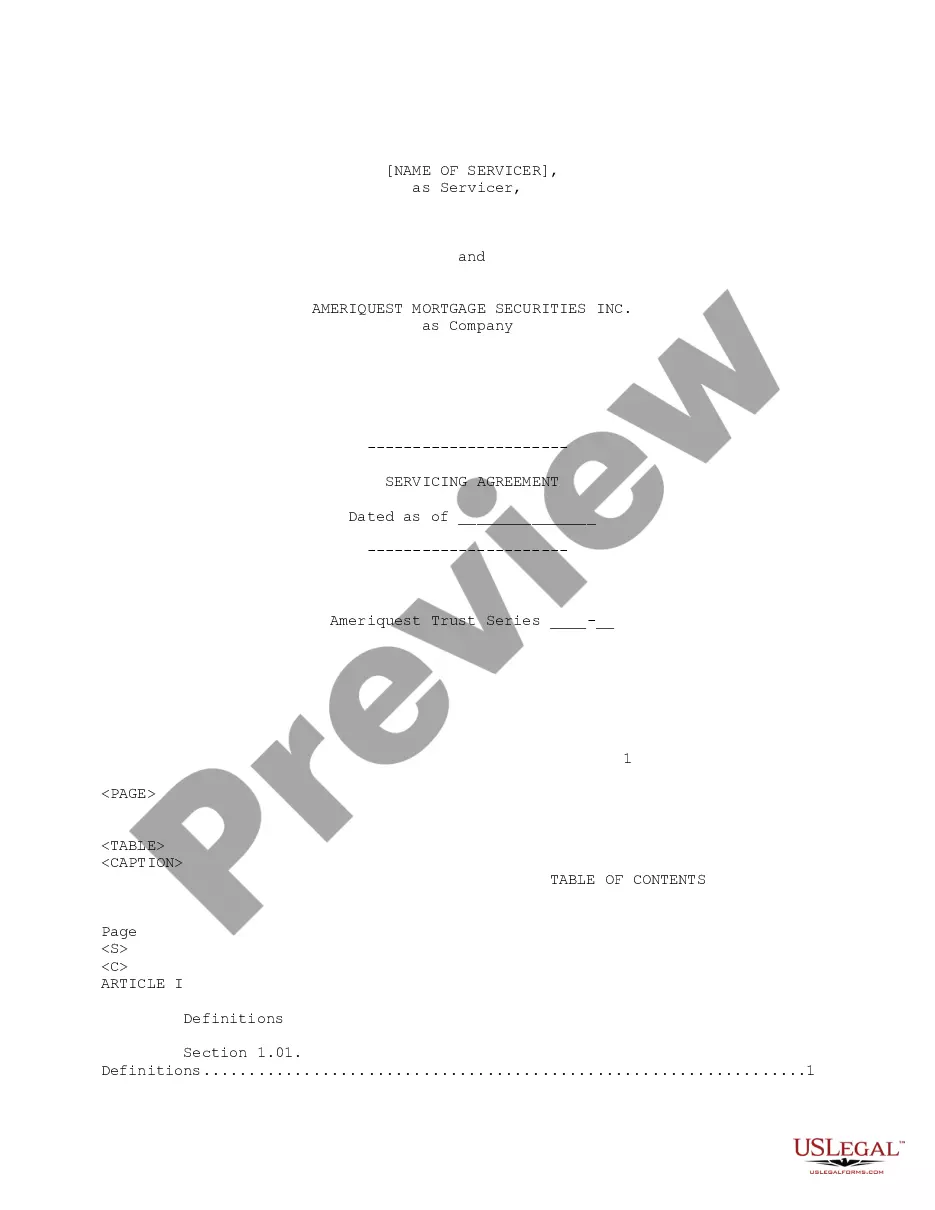
Get your form ready online
Our built-in tools help you complete, sign, share, and store your documents in one place.
Make edits, fill in missing information, and update formatting in US Legal Forms—just like you would in MS Word.
Download a copy, print it, send it by email, or mail it via USPS—whatever works best for your next step.
Sign and collect signatures with our SignNow integration. Send to multiple recipients, set reminders, and more. Go Premium to unlock E-Sign.
If this form requires notarization, complete it online through a secure video call—no need to meet a notary in person or wait for an appointment.
We protect your documents and personal data by following strict security and privacy standards.

Make edits, fill in missing information, and update formatting in US Legal Forms—just like you would in MS Word.

Download a copy, print it, send it by email, or mail it via USPS—whatever works best for your next step.

Sign and collect signatures with our SignNow integration. Send to multiple recipients, set reminders, and more. Go Premium to unlock E-Sign.

If this form requires notarization, complete it online through a secure video call—no need to meet a notary in person or wait for an appointment.

We protect your documents and personal data by following strict security and privacy standards.
Looking for another form?
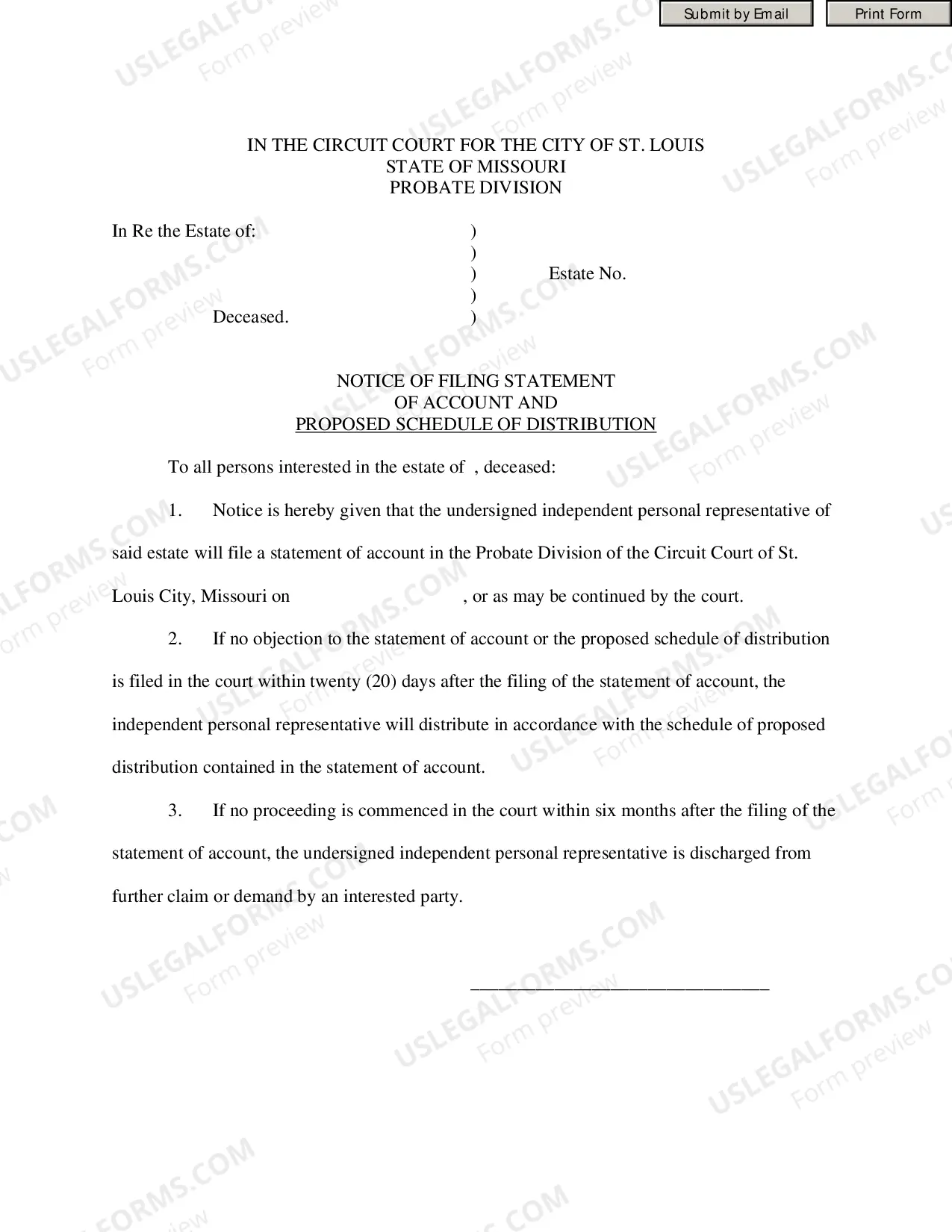

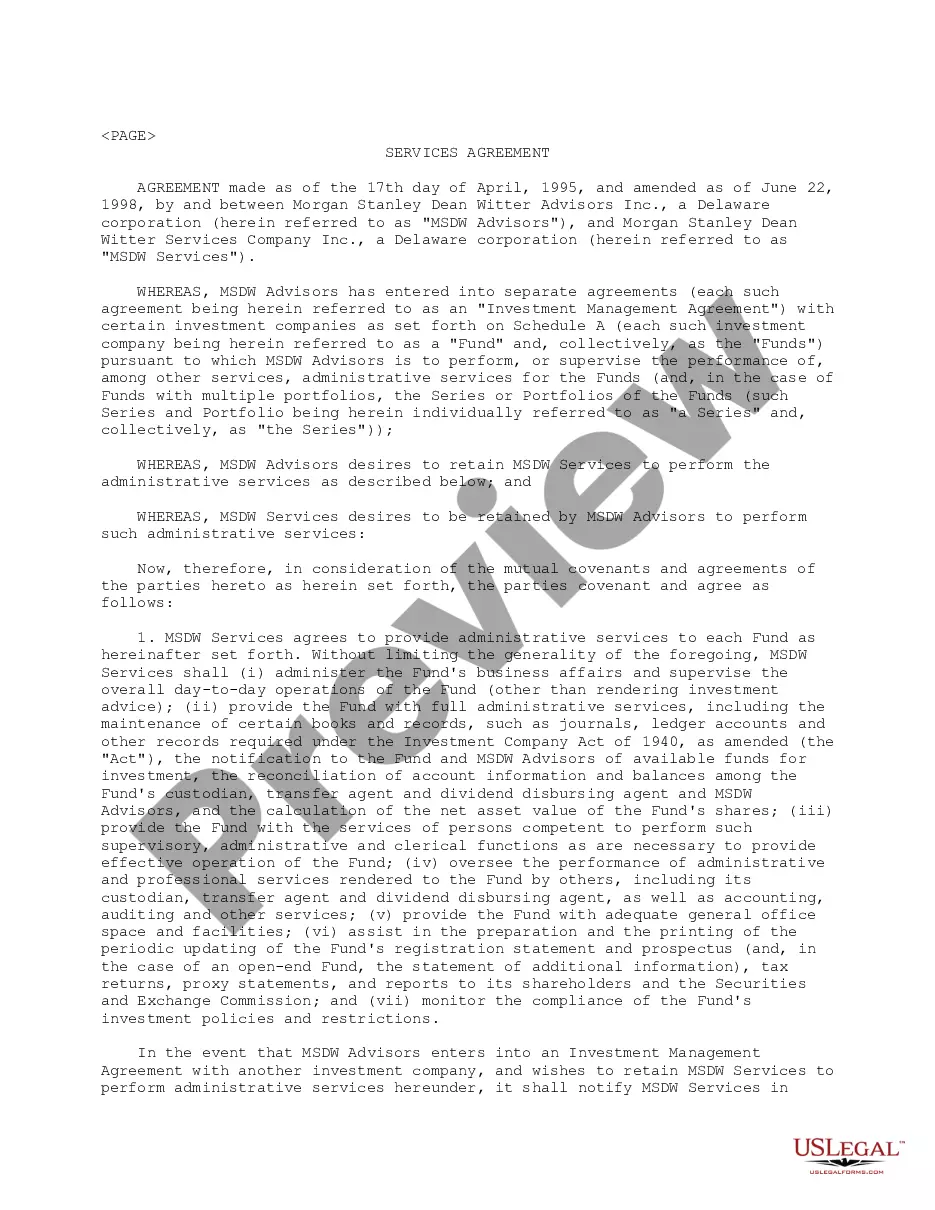
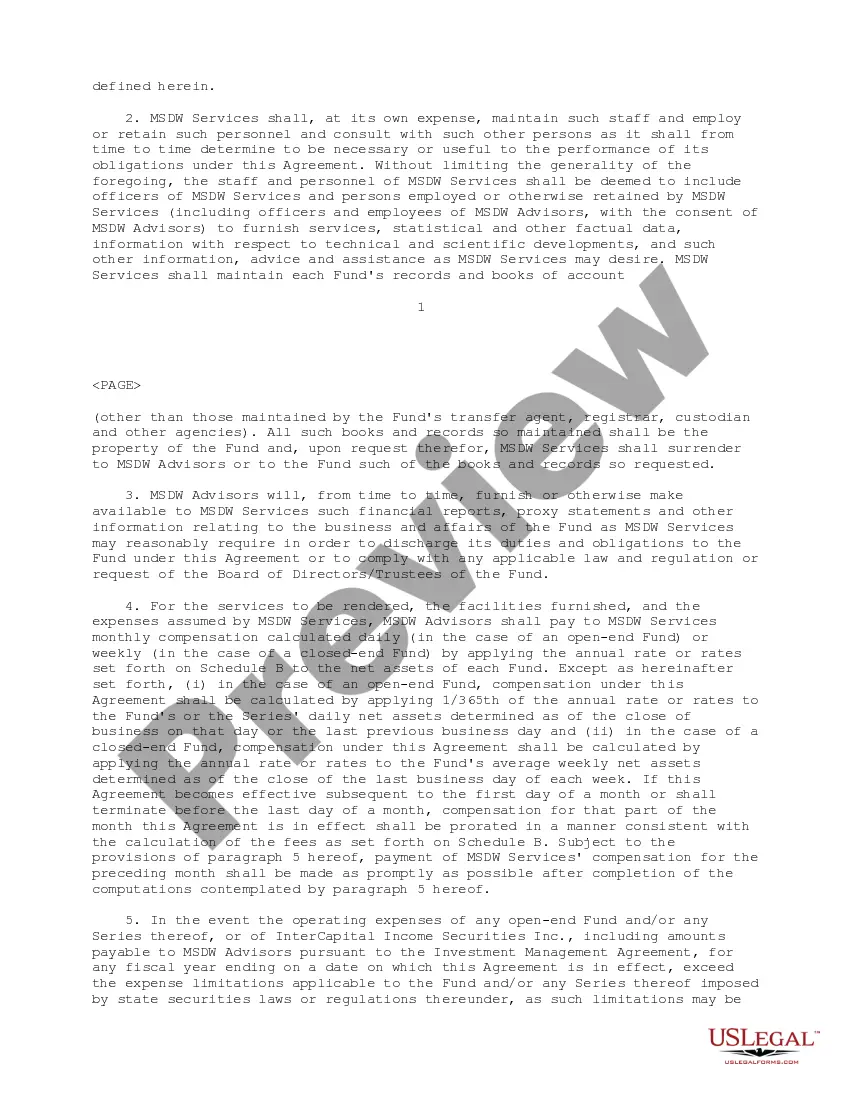
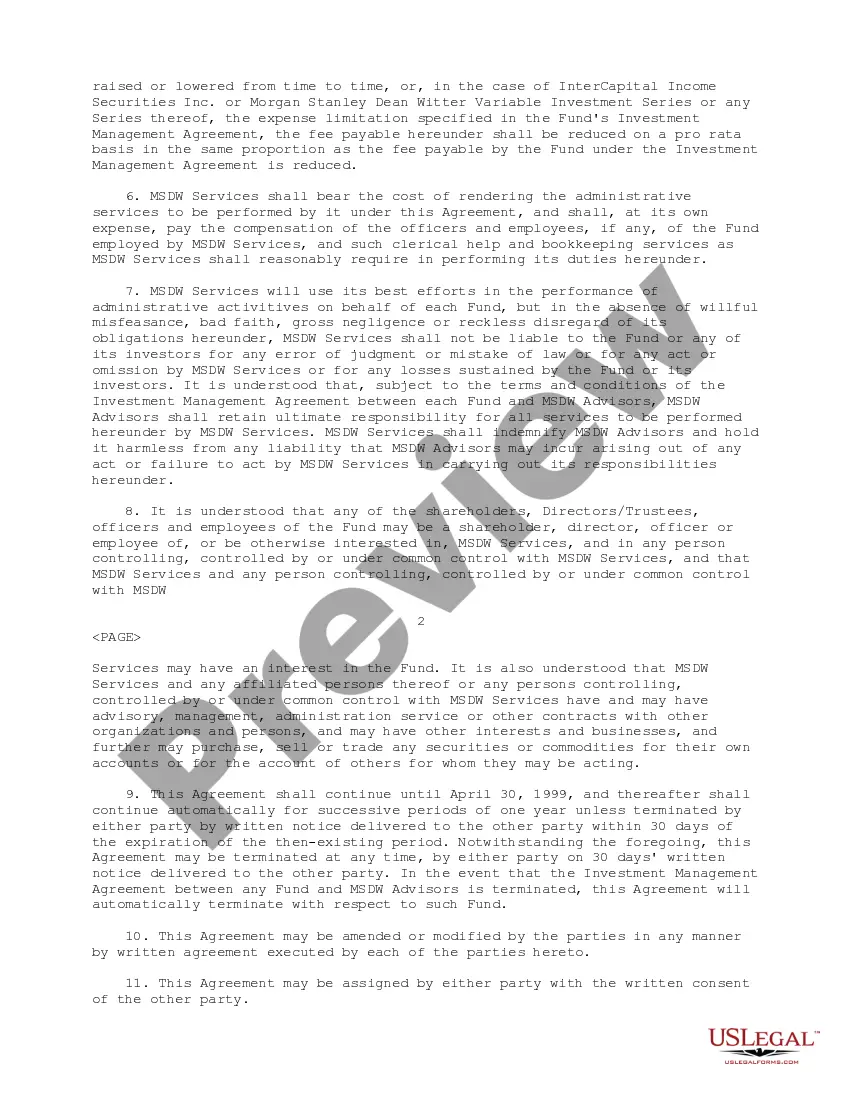
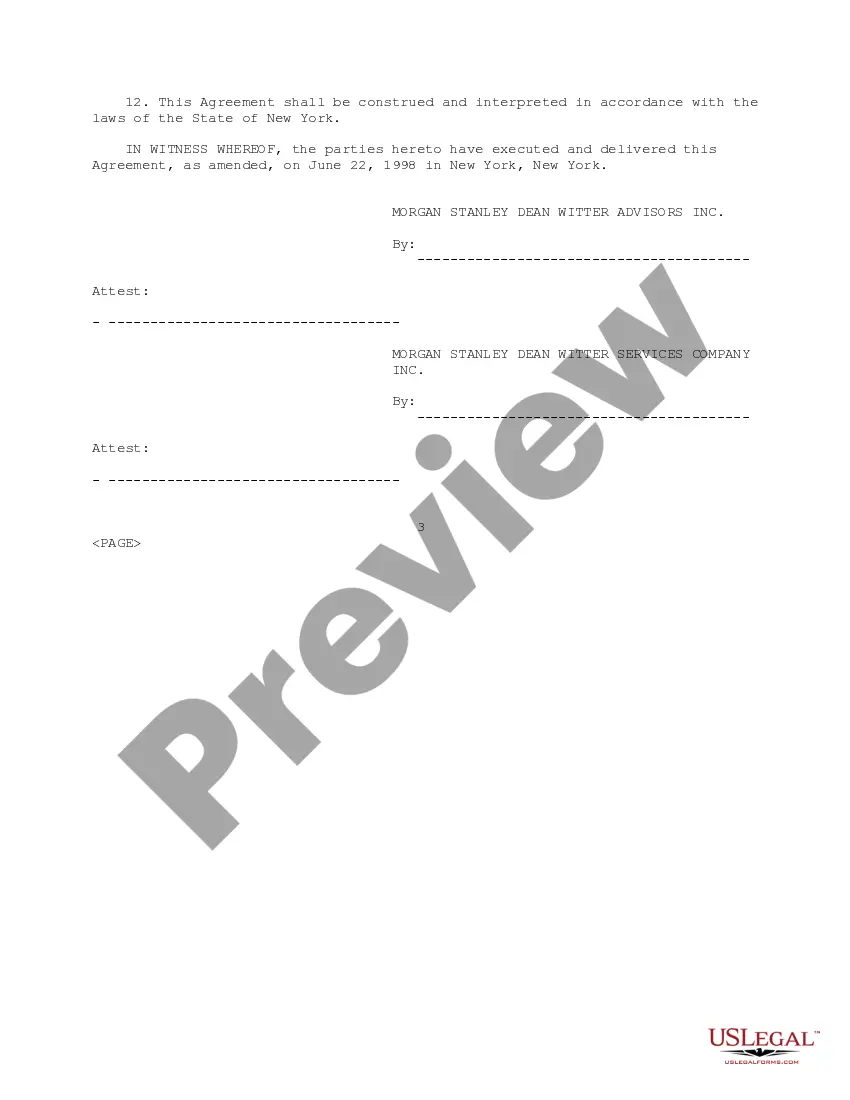
How to fill out Service Agreement Between Morgan Stanley Dean Witter Advisors, Inc. And Morgan Stanley Dean Witter Services Company?
No matter if you regularly deal with documentation or occasionally need to submit a legal report, it is essential to have a reliable information source where all examples are pertinent and current.
The first step you should take using an Agreement Morgan Stanley Former Employee 401k Log In is to verify that it is indeed the latest version, as this determines whether it can be submitted.
To streamline your search for the most recent document examples, look for them on US Legal Forms.
To acquire a form without an account, follow these steps: Use the search function to locate the form you need. Review the Agreement Morgan Stanley Former Employee 401k Log In preview and description to confirm it is precisely what you're looking for. After verifying the form, simply click Buy Now. Choose a subscription plan that suits you. Create a new account or Log In to your existing one. Enter your credit card details or PayPal account to complete the transaction. Select the file format for download and confirm your choice. Eliminate confusion when handling legal documents. All your templates will be organized and authenticated with an account at US Legal Forms.
- US Legal Forms is a collection of legal templates that includes nearly any document example you may require.
- Search for the forms you need, evaluate their relevance immediately, and gather more information about their application.
- With US Legal Forms, you gain access to over 85,000 document templates across a broad range of categories.
- Obtain the Agreement Morgan Stanley Former Employee 401k Log In samples in just a few clicks and save them in your profile anytime.
- A profile at US Legal Forms will grant you access to all the forms you need with added convenience and less hassle.
- You simply need to click Log In in the header of the site and navigate to the My documents section where all the forms you require will be readily available.
- You won’t have to spend time searching for the right template or verifying its authenticity.
Form popularity
FAQ
Logging in to your Morgan Stanley account from your computer isn't difficult.Visit the Morgan Stanley homepage.In the upper-right corner, you'll find a box labeled Client Login. Click on it and use the drop-down menu to select Morgan Stanley Online.Enter your username and password.Click Log in.
The simplest and most direct way to check up on an old 401(k) plan is to contact the human resources department or the 401(k) administrator at the company where you used to work. Be prepared to state your dates of employment and Social Security number so that plan records can be checked.
The first and best method of locating a 401k is to contact your old employers. Ask them to check their plan records to see if you ever participated in their 401k plan. Be sure to have ready your full name, social security number and the dates you worked for them.
Here are 6 tips you can follow to reclaim your money.Contact Your Old Employer. Your first step should be to contact your former employer.Look for an Old Account Statement.Go on the Department of Labor's Website.Go Online.Check if Your Former Employer Merged with Another Company.Contact Friends at Your Old Employer.
You can leave your 401(k) with your former employer or roll it into a new employer's plan. You can also roll over your 401(k) into an individual retirement account (IRA). Another option is to cash out your 401(k), but that may result in an early withdrawal penalty, plus you'll have to pay taxes on the full amount.