Employee Matters Agreement Form
Description
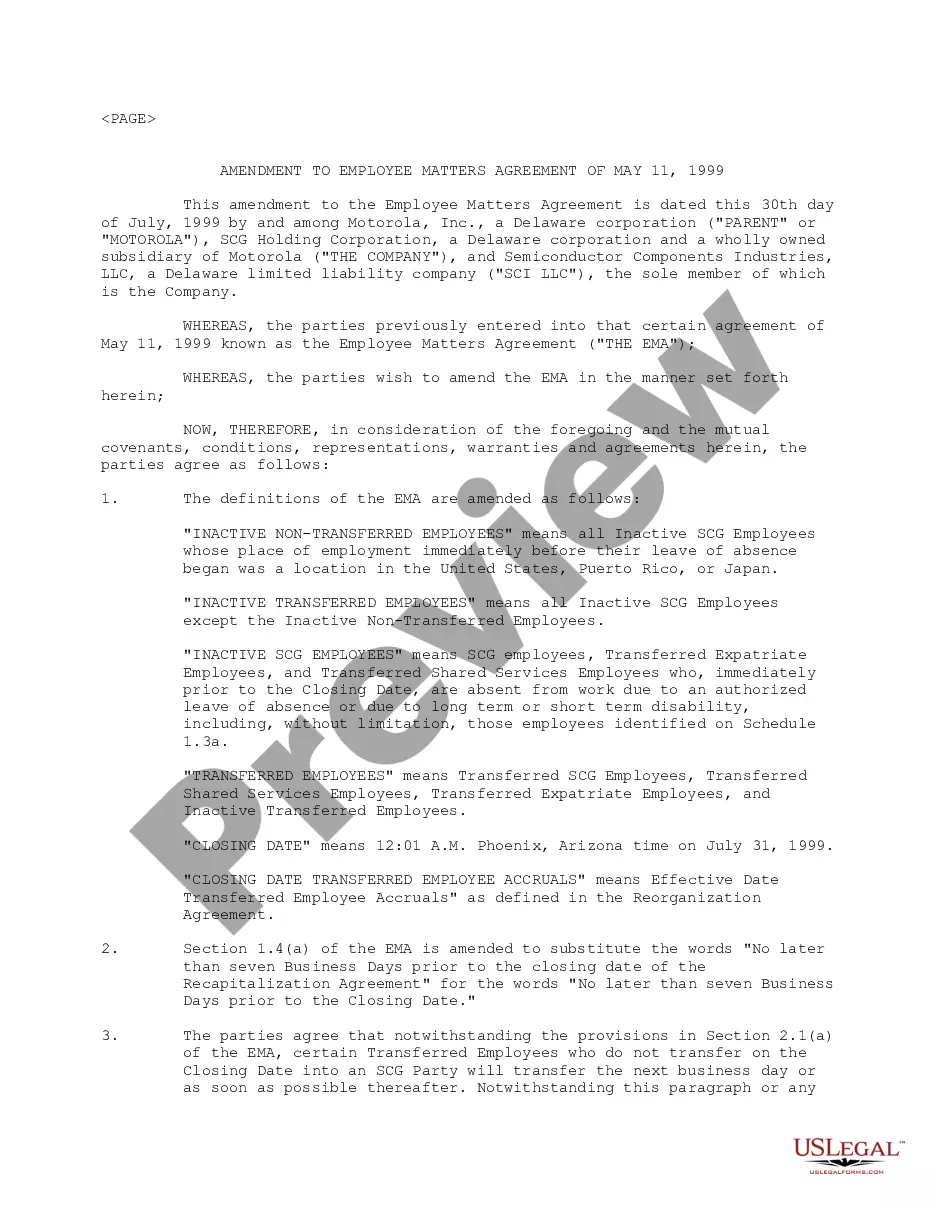
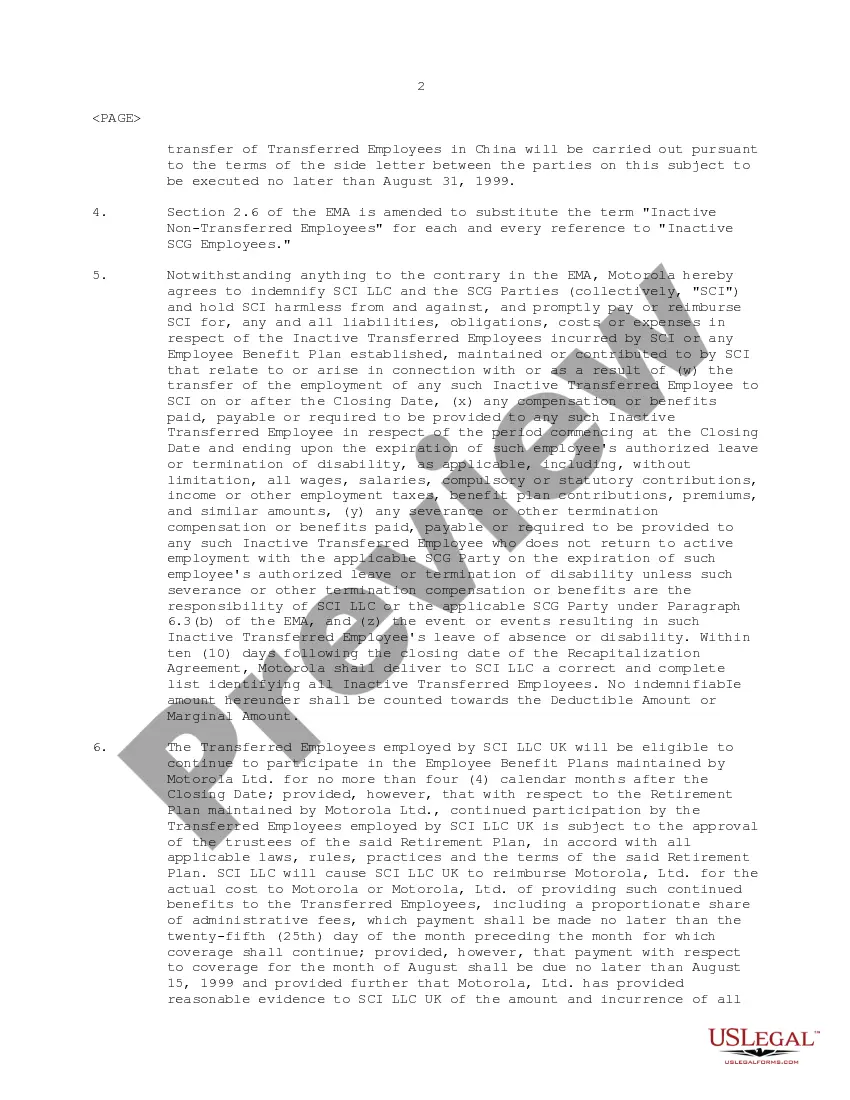
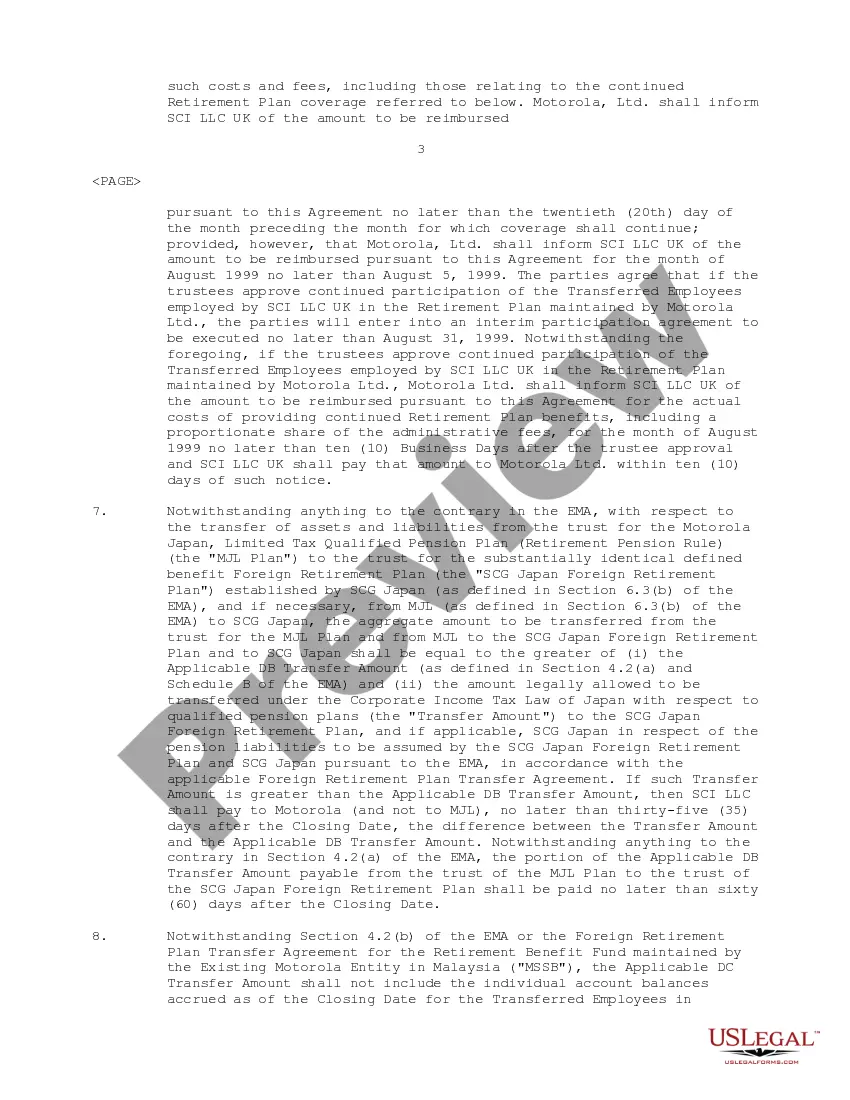
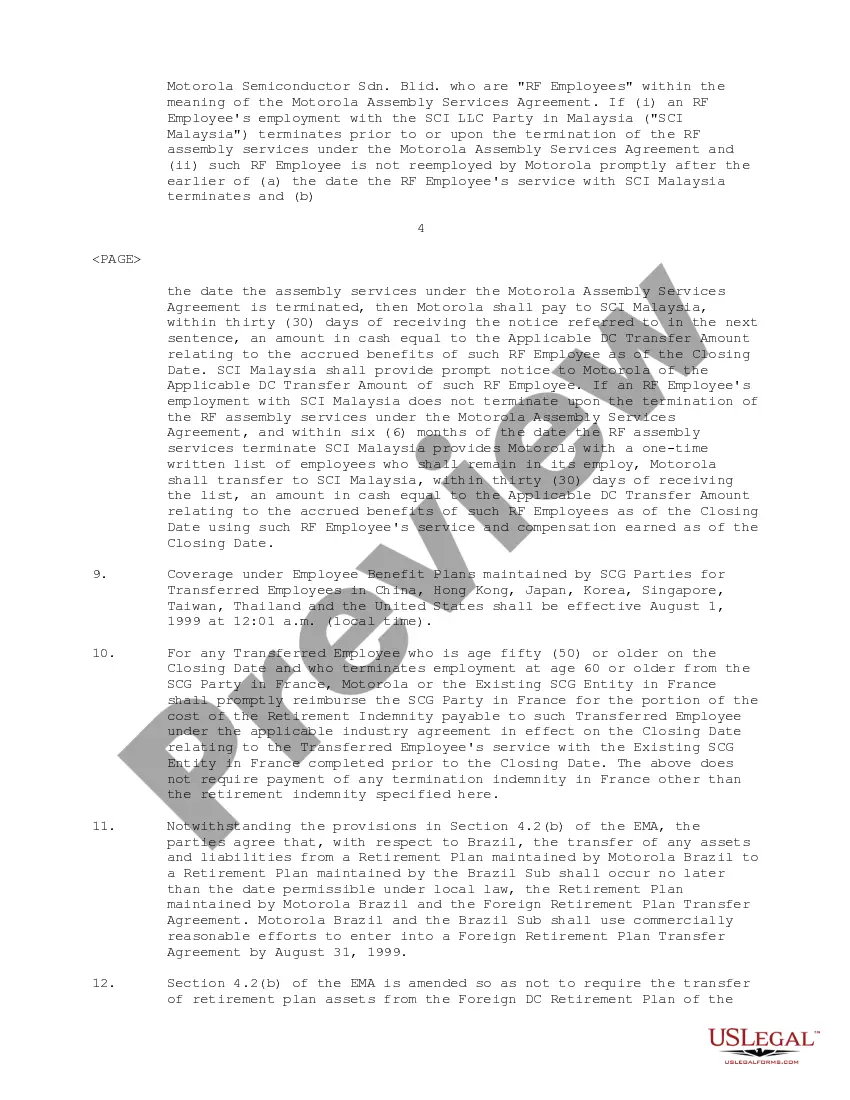
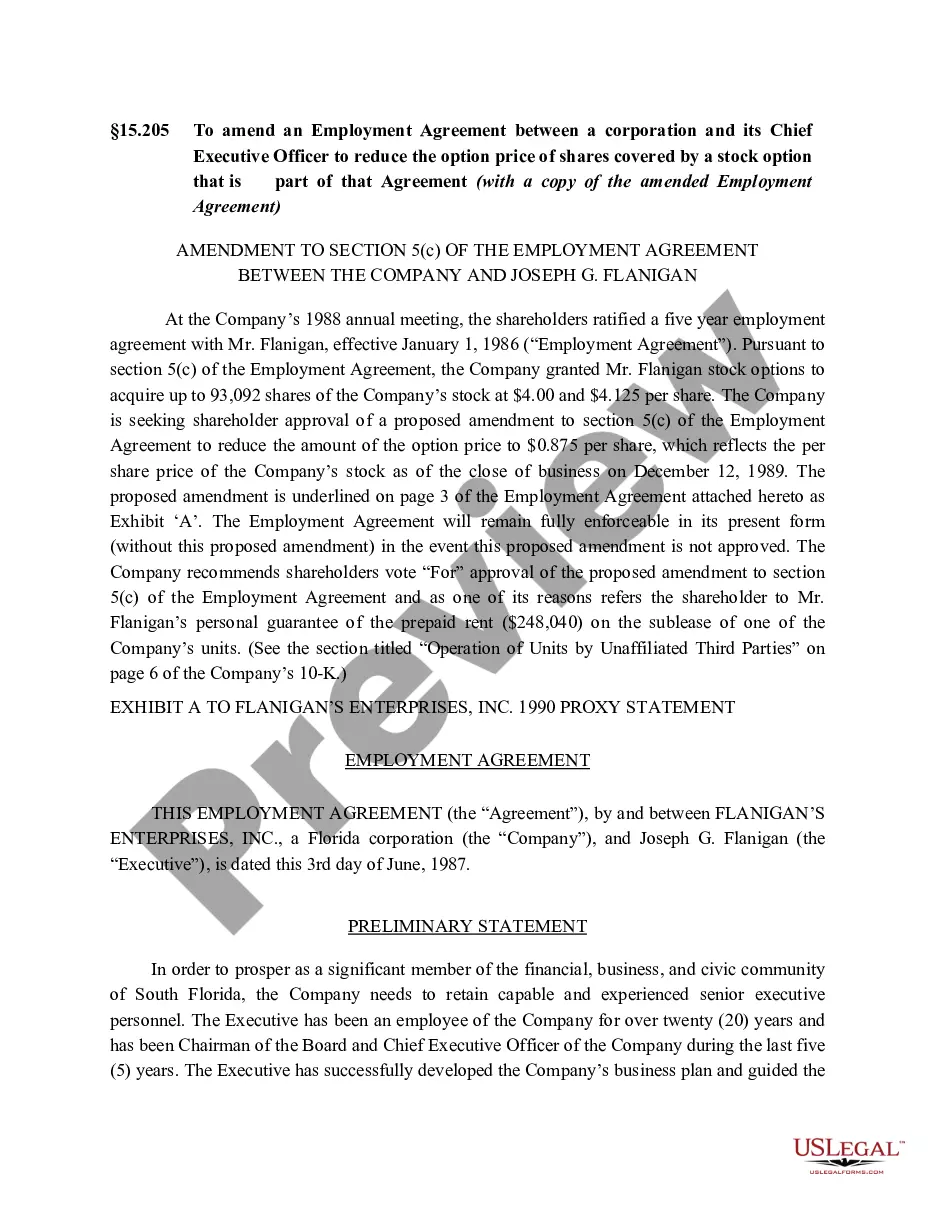
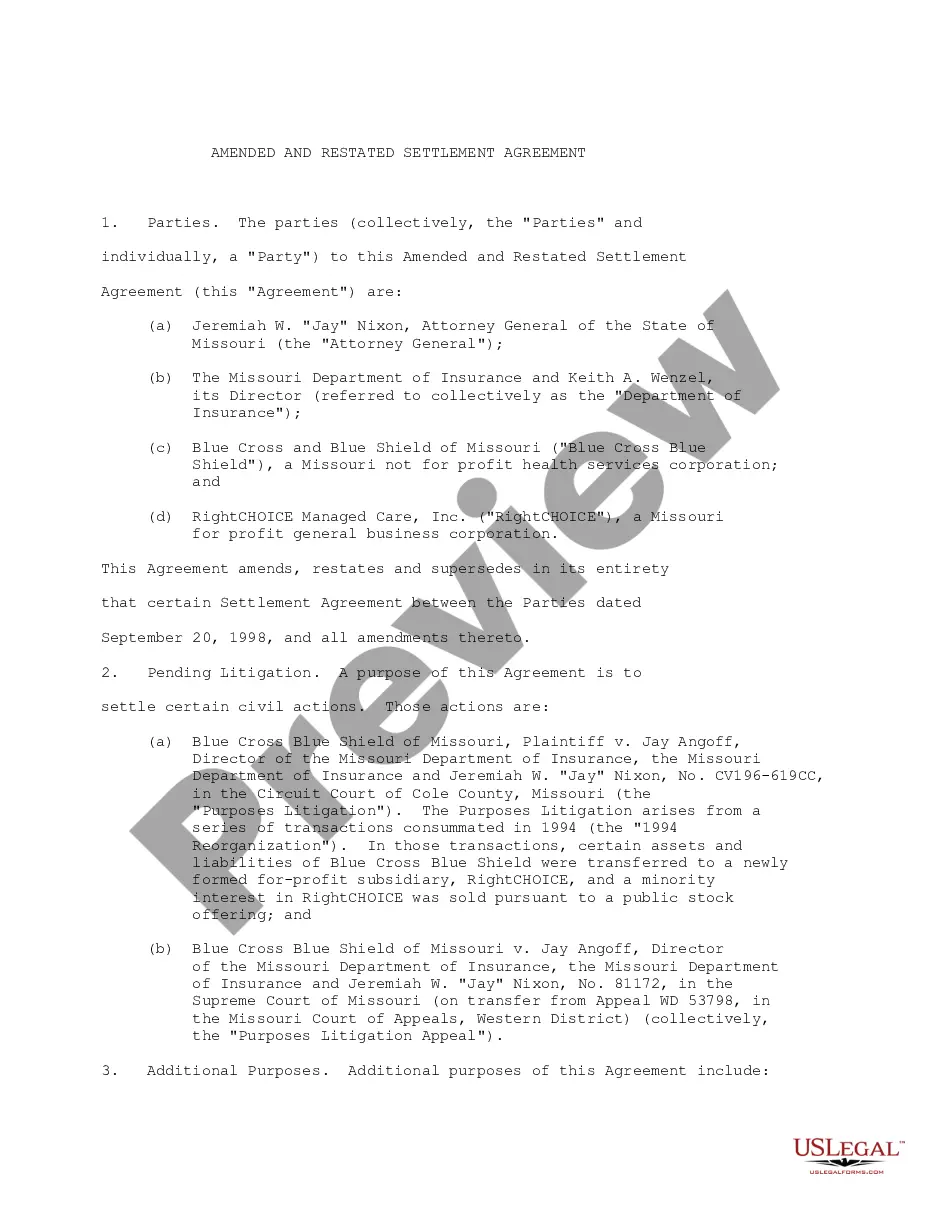
Get your form ready online
Our built-in tools help you complete, sign, share, and store your documents in one place.
Make edits, fill in missing information, and update formatting in US Legal Forms—just like you would in MS Word.
Download a copy, print it, send it by email, or mail it via USPS—whatever works best for your next step.
Sign and collect signatures with our SignNow integration. Send to multiple recipients, set reminders, and more. Go Premium to unlock E-Sign.
If this form requires notarization, complete it online through a secure video call—no need to meet a notary in person or wait for an appointment.
We protect your documents and personal data by following strict security and privacy standards.

Make edits, fill in missing information, and update formatting in US Legal Forms—just like you would in MS Word.

Download a copy, print it, send it by email, or mail it via USPS—whatever works best for your next step.

Sign and collect signatures with our SignNow integration. Send to multiple recipients, set reminders, and more. Go Premium to unlock E-Sign.

If this form requires notarization, complete it online through a secure video call—no need to meet a notary in person or wait for an appointment.

We protect your documents and personal data by following strict security and privacy standards.
Looking for another form?










How to fill out Amendment To Employee Matters Agreement?
Whether you handle paperwork frequently or occasionally need to submit a legal document, it is crucial to have a resource where all examples are pertinent and current.
The first step you should take with an Employee Matters Agreement Form is to verify that it is indeed the latest version, as it determines whether it can be submitted.
If you wish to streamline your search for the most recent document examples, look for them on US Legal Forms.
1. Utilize the search menu to locate the form you need. 2. Review the Employee Matters Agreement Form preview and description to confirm it is the exact one you are seeking. 3. After verifying the form, simply click Buy Now. 4. Choose a subscription plan that suits you. 5. Register for an account or Log In to your existing one. 6. Enter your bank card information or PayPal account to complete the transaction. 7. Select the document format for download and confirm. 8. Eliminate confusion when handling legal documents. All your templates will be organized and validated with a US Legal Forms account.
- US Legal Forms is a repository of legal documents containing nearly any sample form you might need.
- Search for the forms you need, quickly assess their relevance, and learn more about their applications.
- With US Legal Forms, you can access over 85,000 form samples across a broad range of fields.
- Obtain the Employee Matters Agreement Form examples in just a few clicks and save them at any time in your account.
- Having a US Legal Forms account will allow you to access all the forms you need more conveniently and with less hassle.
- You simply need to click Log In in the website header and navigate to the My documents section to have all your required forms at your fingertips, saving you time and effort in searching for the best template or assessing its validity.
- To obtain a form without creating an account, follow these steps.
Form popularity
FAQ
All employees have an employment contract with their employer. A contract is an agreement that sets out an employee's: employment conditions. rights. responsibilities.
An employment agreement documents all rights and duties between your business and a contracted employee. Such a contract could be between a 1099 or W-2 employee.
Written agreements are important in detailing a specific transaction made between two or more parties. Despite not always being legally enforceable in a court of law, they can often prevent disputes.
Here are some steps you may use to guide you when you write an employment contract:Title the employment contract.Identify the parties.List the term and conditions.Outline the job responsibilities.Include compensation details.Use specific contract terms.Consult with an employment lawyer.Employment.More items...?
More specifically, an employment contract can include: Salary or wages: Contracts will itemize the salary, wage, or commission that has been agreed upon. Schedule: In some cases, an employment contract will include the days and hours an employee is expected to work.