Client Service Agreement Form
Description
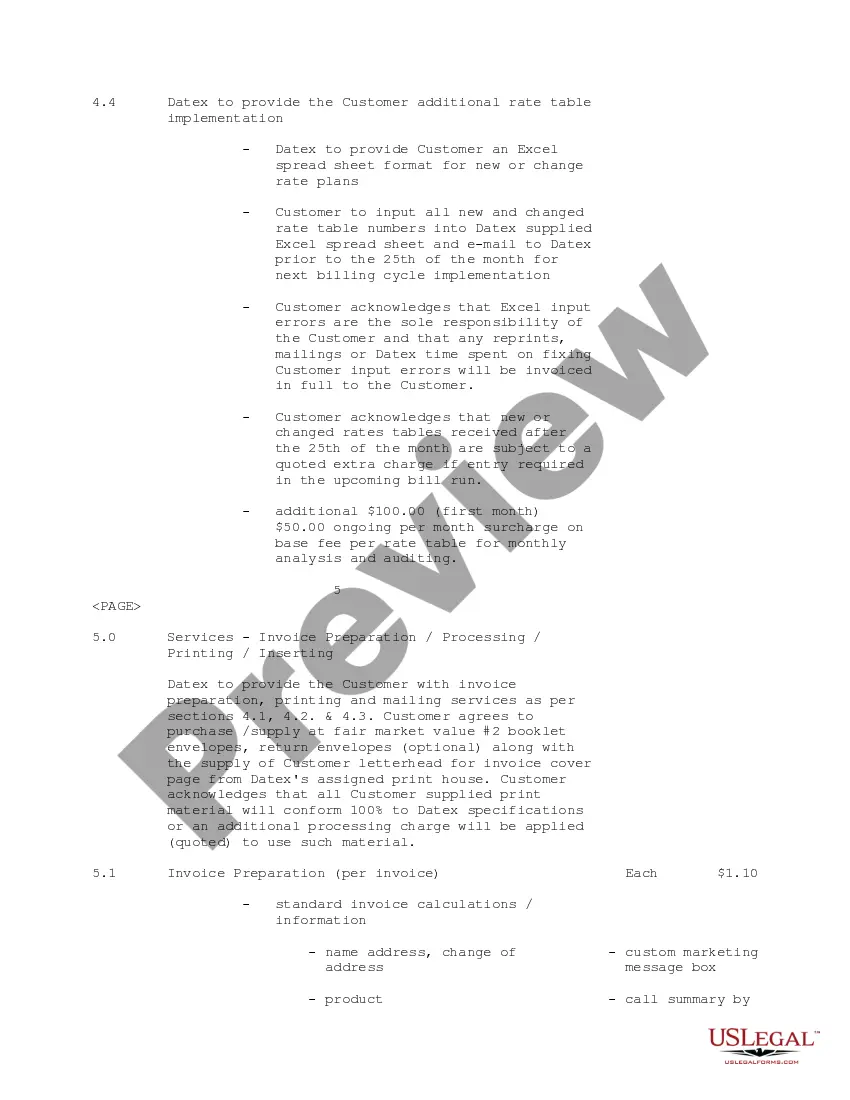
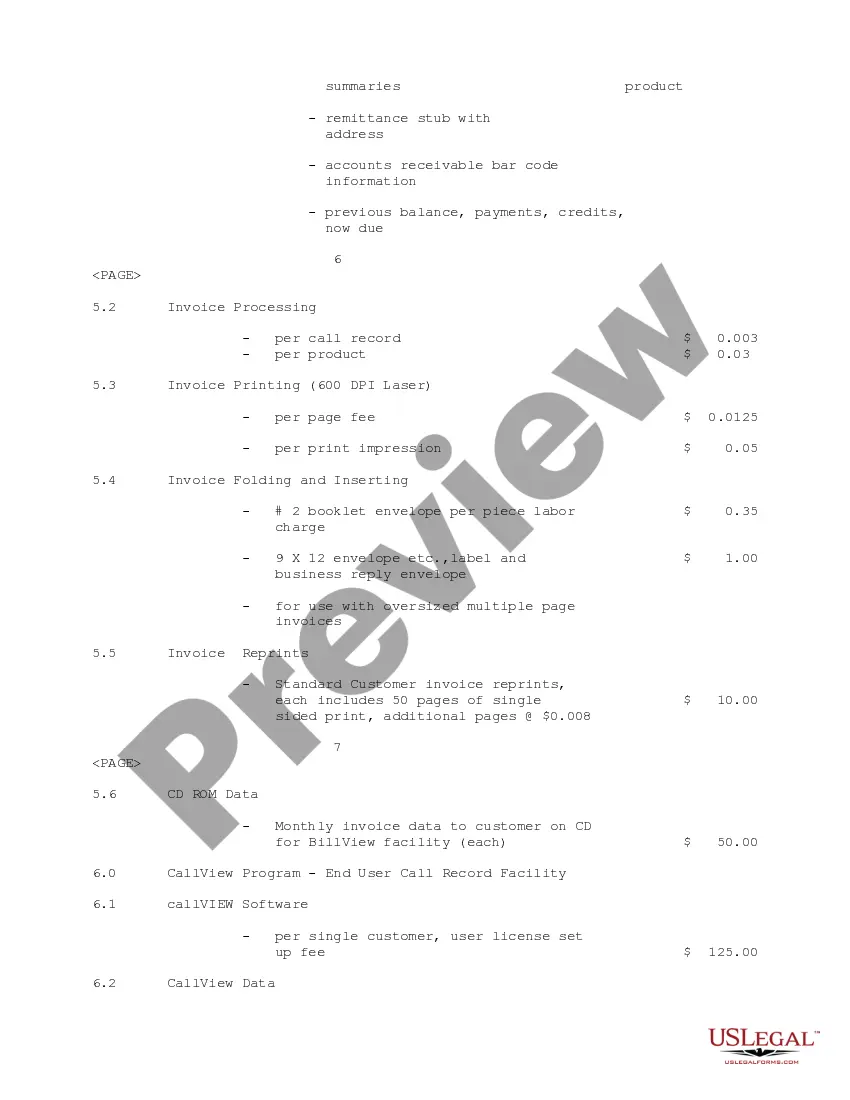
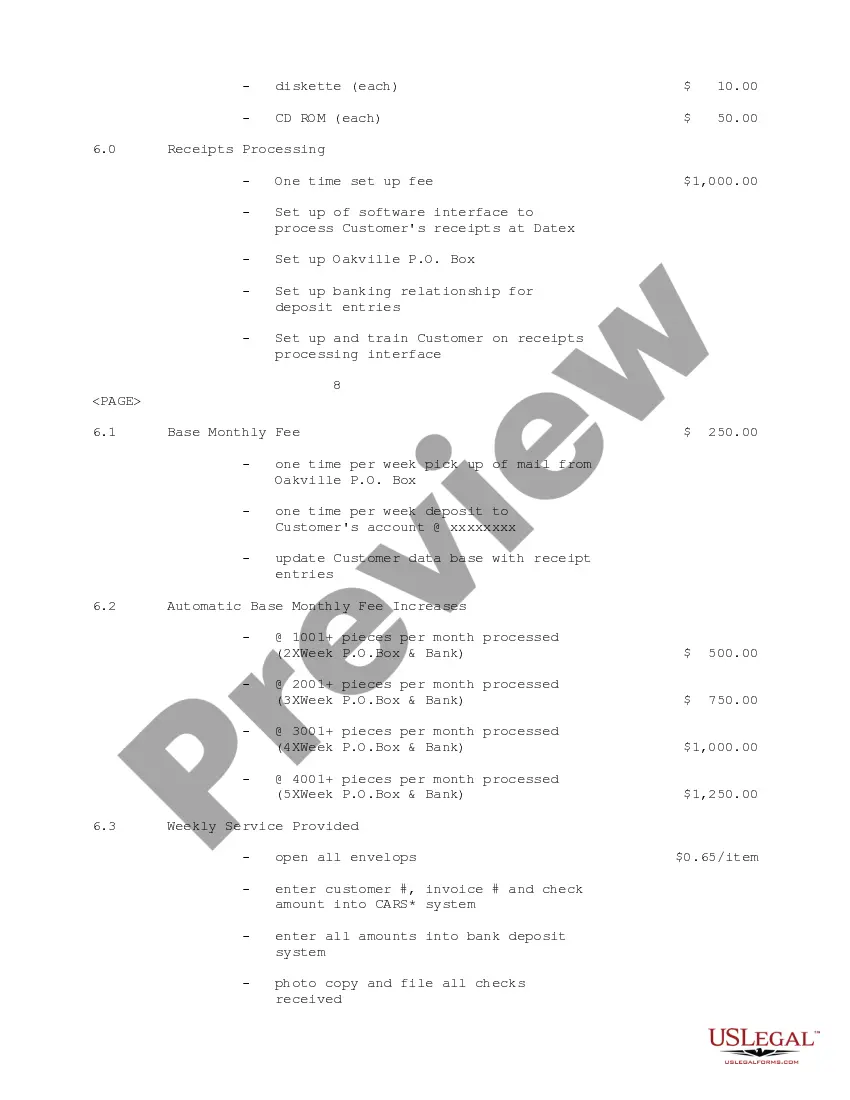
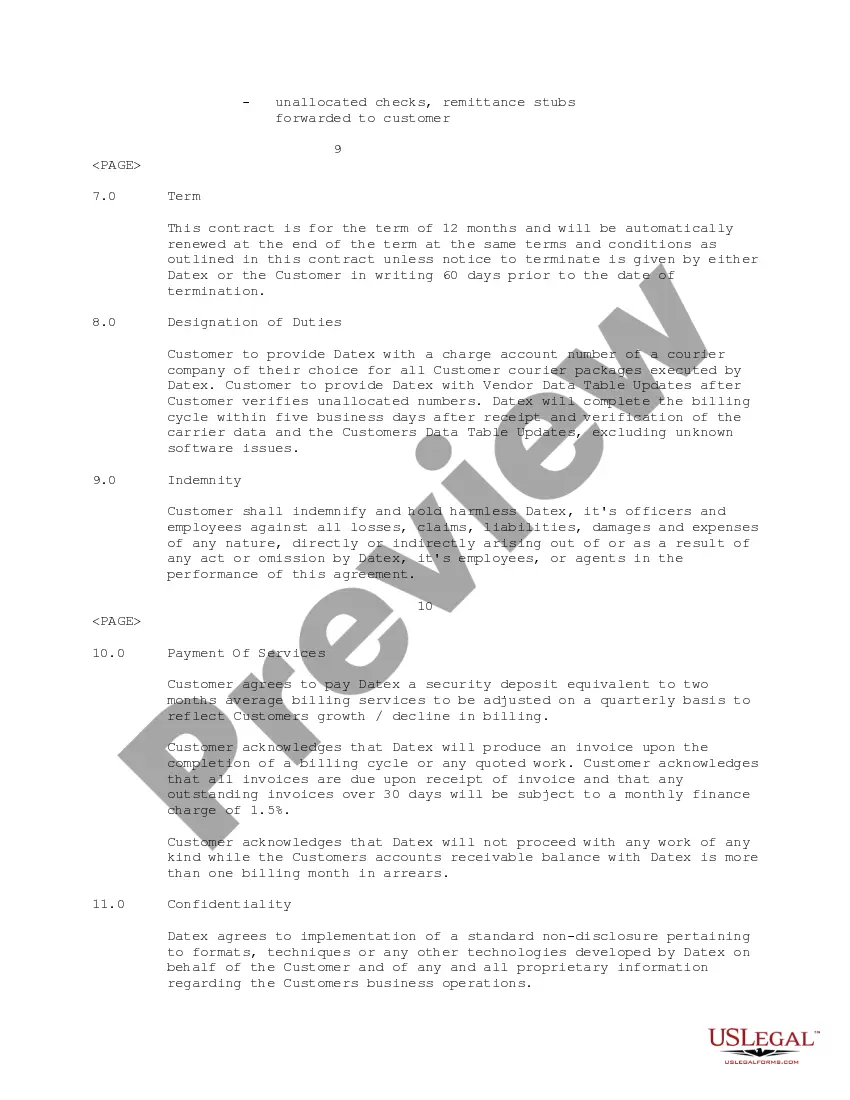
Get your form ready online
Our built-in tools help you complete, sign, share, and store your documents in one place.
Make edits, fill in missing information, and update formatting in US Legal Forms—just like you would in MS Word.
Download a copy, print it, send it by email, or mail it via USPS—whatever works best for your next step.
Sign and collect signatures with our SignNow integration. Send to multiple recipients, set reminders, and more. Go Premium to unlock E-Sign.
If this form requires notarization, complete it online through a secure video call—no need to meet a notary in person or wait for an appointment.
We protect your documents and personal data by following strict security and privacy standards.

Make edits, fill in missing information, and update formatting in US Legal Forms—just like you would in MS Word.

Download a copy, print it, send it by email, or mail it via USPS—whatever works best for your next step.

Sign and collect signatures with our SignNow integration. Send to multiple recipients, set reminders, and more. Go Premium to unlock E-Sign.

If this form requires notarization, complete it online through a secure video call—no need to meet a notary in person or wait for an appointment.

We protect your documents and personal data by following strict security and privacy standards.
Looking for another form?







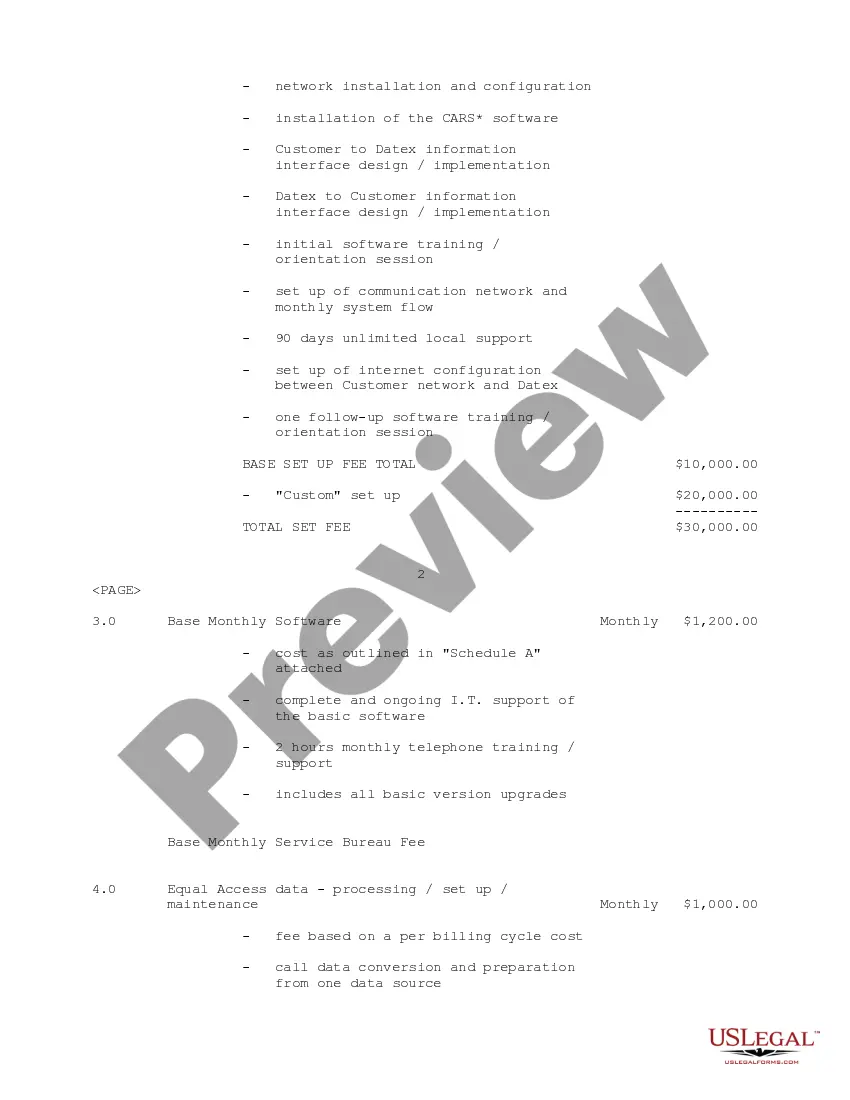
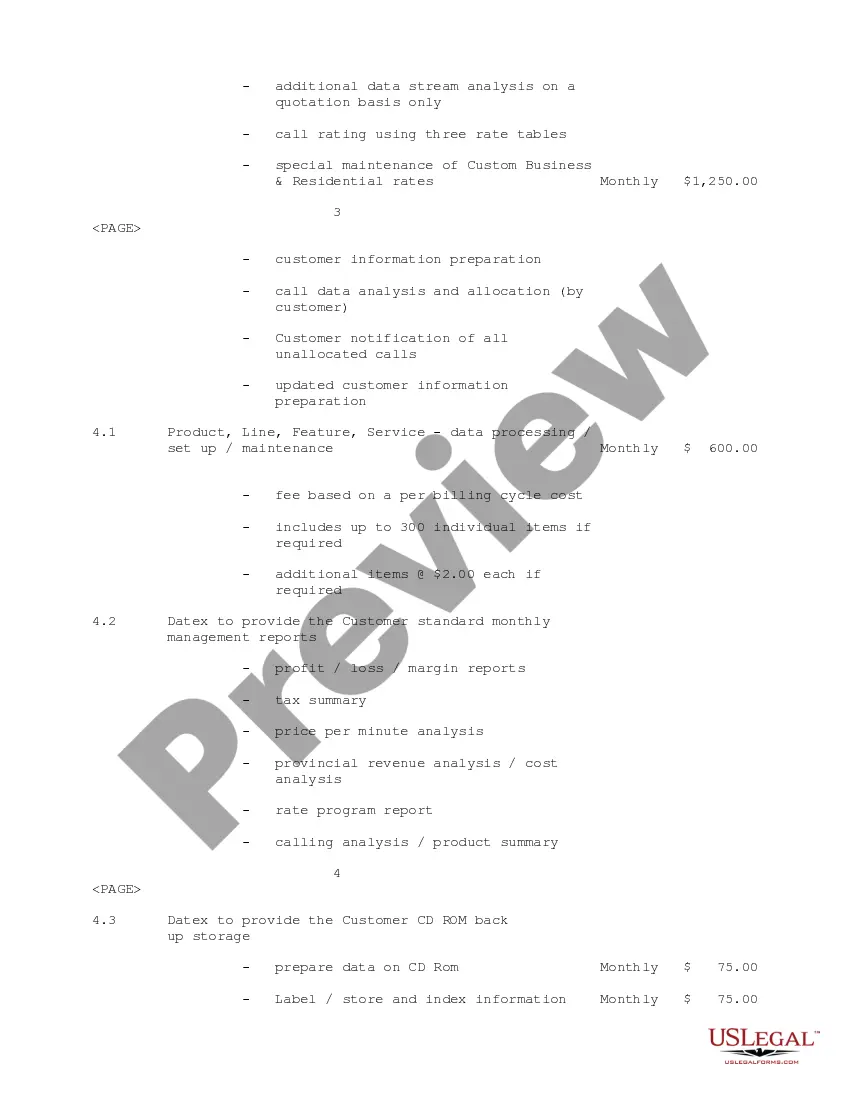
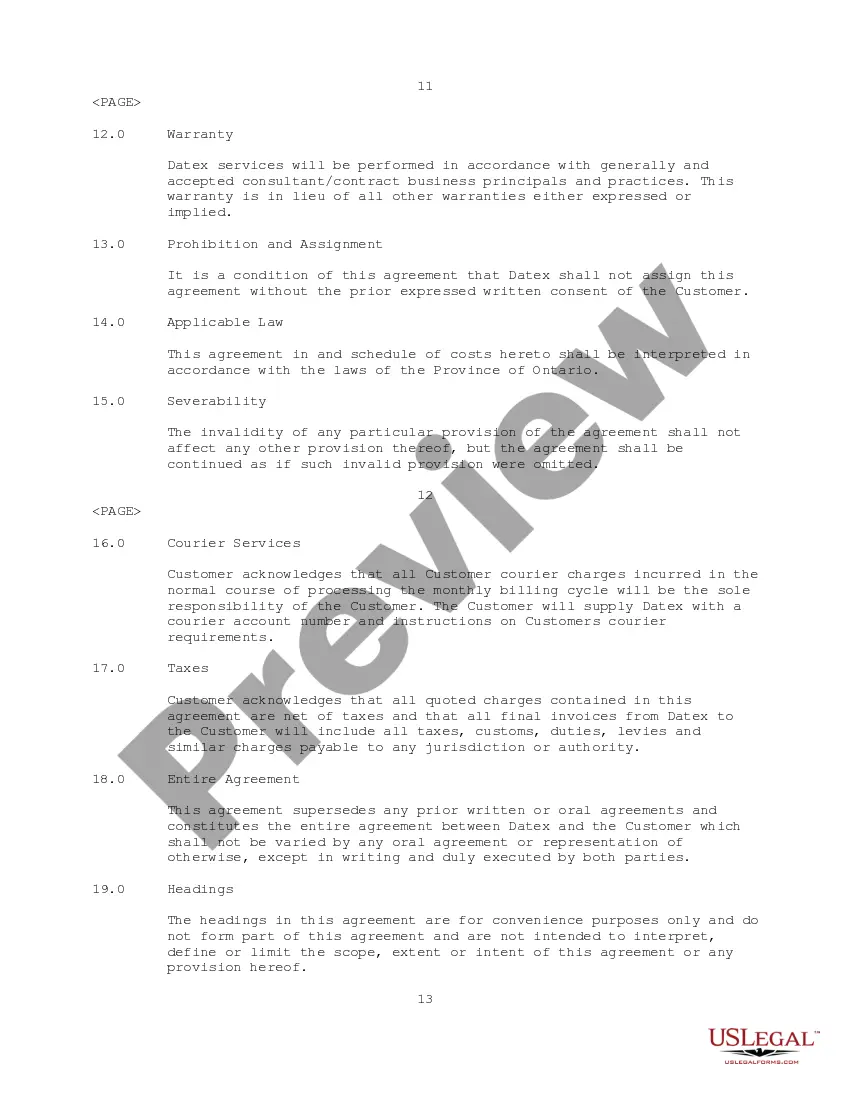
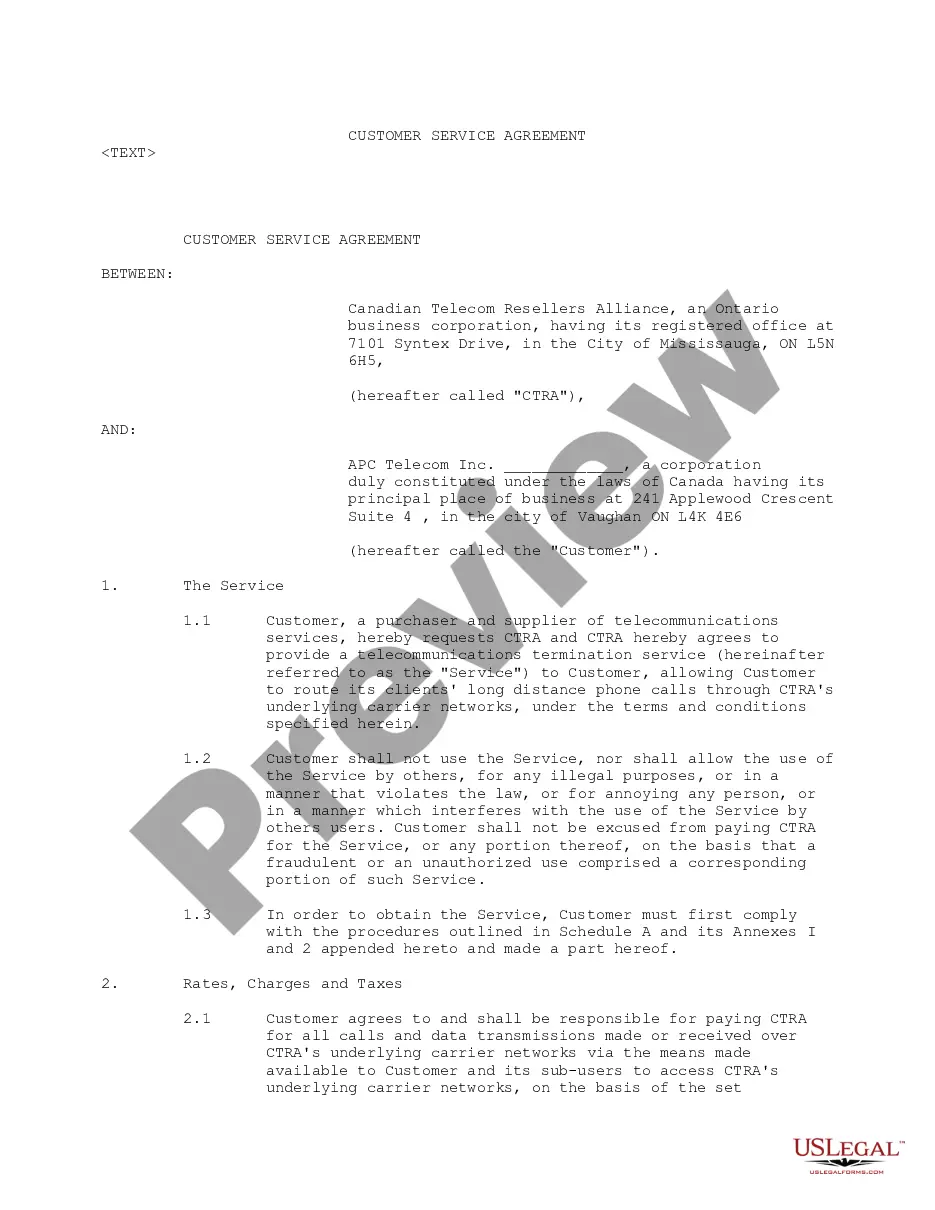
How to fill out Customer Service Agreement Between Access Power Canada, Inc. And Datex Communications Corp?
Individuals frequently connect legal documentation with a complex process that only a specialist can handle.
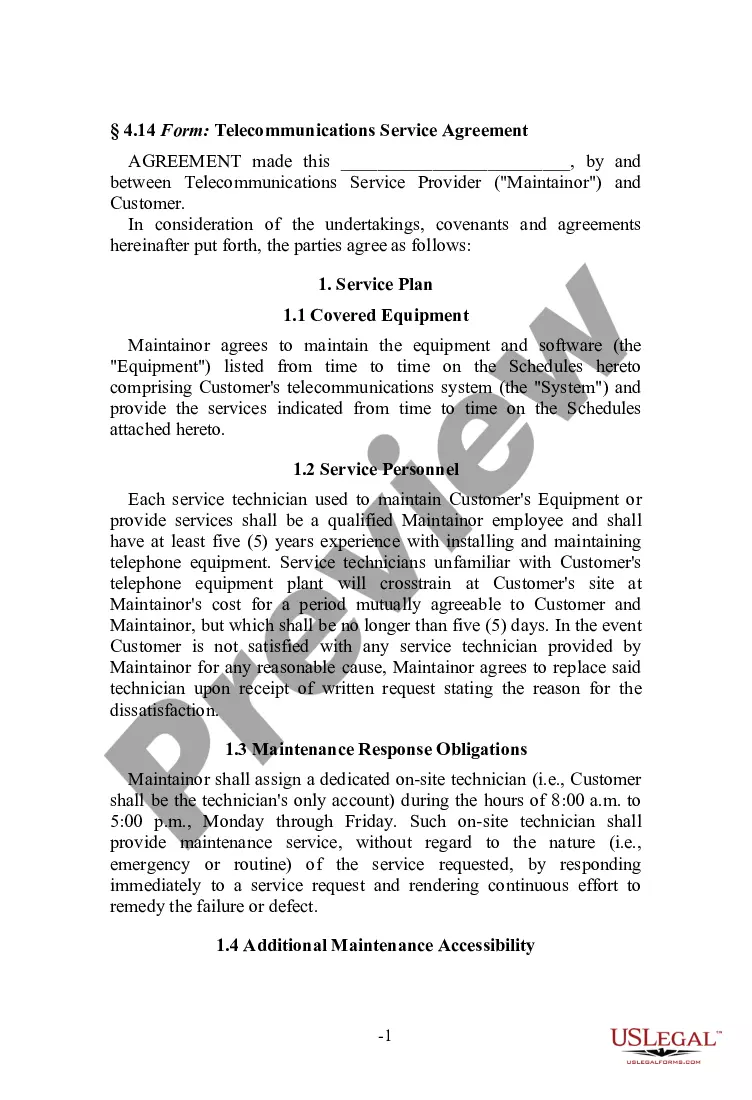
In some respects, this is accurate, as creating a Client Service Agreement Form necessitates considerable knowledge of relevant subject matter, including both state and local laws.
However, with US Legal Forms, the process has become simpler: pre-made legal templates for various life and business scenarios tailored to state regulations are compiled in a single online directory and are now accessible to everyone.
All templates in our library are reusable: after purchase, they remain saved in your profile, allowing access whenever necessary through the My documents section. Discover all the advantages of using the US Legal Forms platform. Sign up today!
- US Legal Forms offers over 85,000 contemporary forms organized by state and usage area, making it quick to search for a Client Service Agreement Form or any other specific template.
- Returning users with an active subscription must Log In to their account and select Download to access the form.
- New users will need to create an account and subscribe prior to downloading any documents.
- Follow these steps to acquire the Client Service Agreement Form.
- Inspect the page content carefully to confirm it meets your requirements.
- Review the form description or view it through the Preview option.
- Find another example using the Search field in the header if the initial one doesn't satisfy your needs.
- Click Buy Now once you discover the appropriate Client Service Agreement Form.
- Select a subscription plan that fits your needs and financial situation.
- Register for an account or Log In to proceed to the payment page.
- Complete the payment for your subscription using PayPal or your credit card.
- Select the file format and hit Download.
- Print your document or upload it to an online editor for a quicker completion.
Form popularity
FAQ
The following list includes the key provisions to look for when entering into a service agreement, including: payment, scope of services, amendment, termination, liability insurance, confidentiality, IP ownership, and choice of law/dispute resolution.
To create an effective Service Agreement, address the following details:Service duration: Specify whether the contractor will provide service for a single job, a specific period of time, or indefinitely.Service details: Describe the service that the client hires the contractor to provide.More items...
For example, a Service Contract might be used to define a work-agreement between a contractor and a homeowner. Or, a contract could be used between a business and a freelance web designer. Most often, Service Contracts include details such as deadlines and payment agreements.
How do I write a Service Agreement?State how long the services are needed.Include the state where the work is taking place.Describe the service being provided.Provide the contractor's and client's information.Outline the compensation.State the agreement's terms.Include any additional clauses.More items...?01-Dec-2021
The following list includes the key provisions to look for when entering into a service agreement, including: payment, scope of services, amendment, termination, liability insurance, confidentiality, IP ownership, and choice of law/dispute resolution.