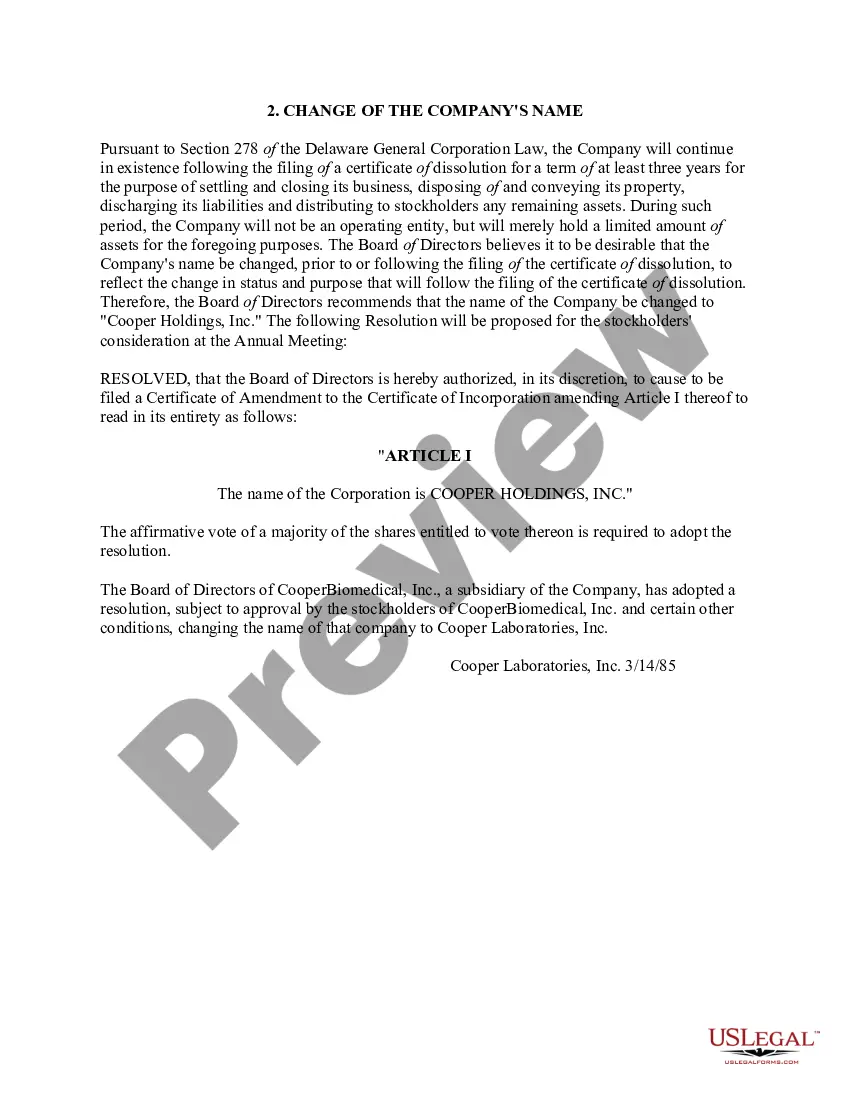
Form To Change Company Name With Irs
Description
Get your form ready online
Our built-in tools help you complete, sign, share, and store your documents in one place.
Make edits, fill in missing information, and update formatting in US Legal Forms—just like you would in MS Word.
Download a copy, print it, send it by email, or mail it via USPS—whatever works best for your next step.
Sign and collect signatures with our SignNow integration. Send to multiple recipients, set reminders, and more. Go Premium to unlock E-Sign.
If this form requires notarization, complete it online through a secure video call—no need to meet a notary in person or wait for an appointment.
We protect your documents and personal data by following strict security and privacy standards.

Make edits, fill in missing information, and update formatting in US Legal Forms—just like you would in MS Word.

Download a copy, print it, send it by email, or mail it via USPS—whatever works best for your next step.

Sign and collect signatures with our SignNow integration. Send to multiple recipients, set reminders, and more. Go Premium to unlock E-Sign.

If this form requires notarization, complete it online through a secure video call—no need to meet a notary in person or wait for an appointment.

We protect your documents and personal data by following strict security and privacy standards.
Looking for another form?

How to fill out Change Of Company Name?
- Log in to your US Legal Forms account or create a new one if this is your first time.
- Preview the necessary form template, ensuring it aligns with your needs and local jurisdiction requirements.
- If the current form doesn't meet your criteria, utilize the search feature to find the appropriate template.
- Select the desired document and opt for the Buy Now button; then pick a suitable subscription plan.
- Complete your purchase by entering your payment information, using either a credit card or your PayPal account.
- Finally, download the form and save it on your device for easy access and completion at any time.
By utilizing US Legal Forms, you can ensure a smooth and efficient process when changing your company name. Its extensive library and user-friendly interface empower users to manage legal documents proficiently.
Start your journey today with US Legal Forms and simplify your legal documentation process!
Form popularity
FAQ
To update your information with the IRS, you can file the appropriate forms, such as the Form 8822-B for a name change. You can submit forms online or via mail, depending on your preference. Using the Form to change company name with IRS helps ensure your records are current, preventing issues during tax season. Maintaining updated information is vital for your business operations.
The 8822-B form is specifically designed for businesses to notify the IRS of a name change. This form allows you to update your name, address, or both with the IRS efficiently. Using the Form to change company name with IRS streamlines your update process, making sure your business information remains up to date. Make sure to complete it accurately to avoid complications.
You can contact the IRS by calling their business hotline or sending a letter. The IRS provides resources on their website that guide you through the process. If you need to submit a Form to change company name with IRS, follow their instructions carefully to ensure all your details are correct. Prompt communication helps avoid delays with your tax situation.
Yes, you must notify the IRS when you change your company name. Failing to do so can lead to confusion with your tax records and potential issues with your filings. Using the Form to change company name with IRS ensures that the IRS has the most current information. Keeping your records accurate is crucial for maintaining good standing.
Unfortunately, you cannot electronically file Form 8822 online; you must mail it to the IRS. The form to change your company name with the IRS requires a physical signature and thus cannot be submitted electronically. However, ensure that you complete the form accurately to avoid any delays in updating your name. To simplify this process, you can find a streamlined version of Form 8822 through USLegalForms.
To notify Social Security of a name change, you must fill out Form SS-5, the application for a Social Security card. You will need to provide proof of your legal name change, such as a marriage certificate or court order. After you've completed the form and gathered your documents, submit them to your local Social Security office. Keeping your name current with Social Security is essential for accurate reporting and benefits.
Notifying the Department of Revenue about a name change typically involves completing a specific form or application, which can vary by state. Generally, you should check your state’s Department of Revenue website for guidelines. It is crucial to update your business name with all relevant authorities to maintain compliance. If you need assistance, consider using USLegalForms, which offers templates for easy name change notifications.
To inform the IRS of a name change, you need to complete Form 8822, which is specifically designed for this purpose. This form allows you to update your records directly with the IRS. Submit the completed form to the address provided in the instructions. By using the form to change your company name with the IRS, you ensure that your tax records reflect your new name accurately.
The IRS does not have a specific form simply titled 'name change form.' However, you can use your existing EIN and inform the IRS of your new business name through your next tax return, or by writing a letter. This process effectively serves as your Form to change company name with irs. To simplify your transition, you can visit US Legal Forms, where you can find resources to assist you in preparing the necessary documentation.
To prepare a sample letter to the IRS to change the name of your business, start by clearly stating your intent at the top of the letter. Include your old business name, the new name you wish to use, and your EIN for identification purposes. It's important to mention the reason for the name change and formally request that the IRS updates their records. For assistance with creating this letter, consider using the Form to change company name with irs available on US Legal Forms, which provides a step-by-step guide.