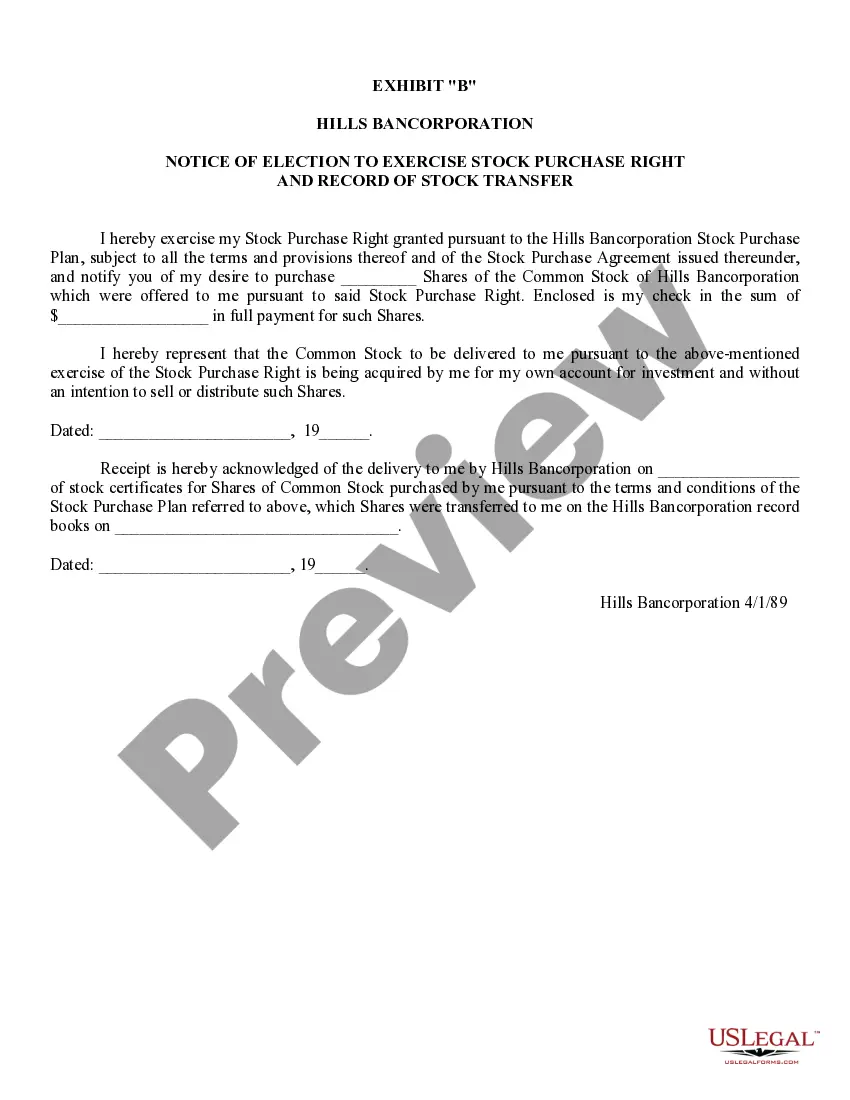
Notice Exercise Purchase With Google
Description
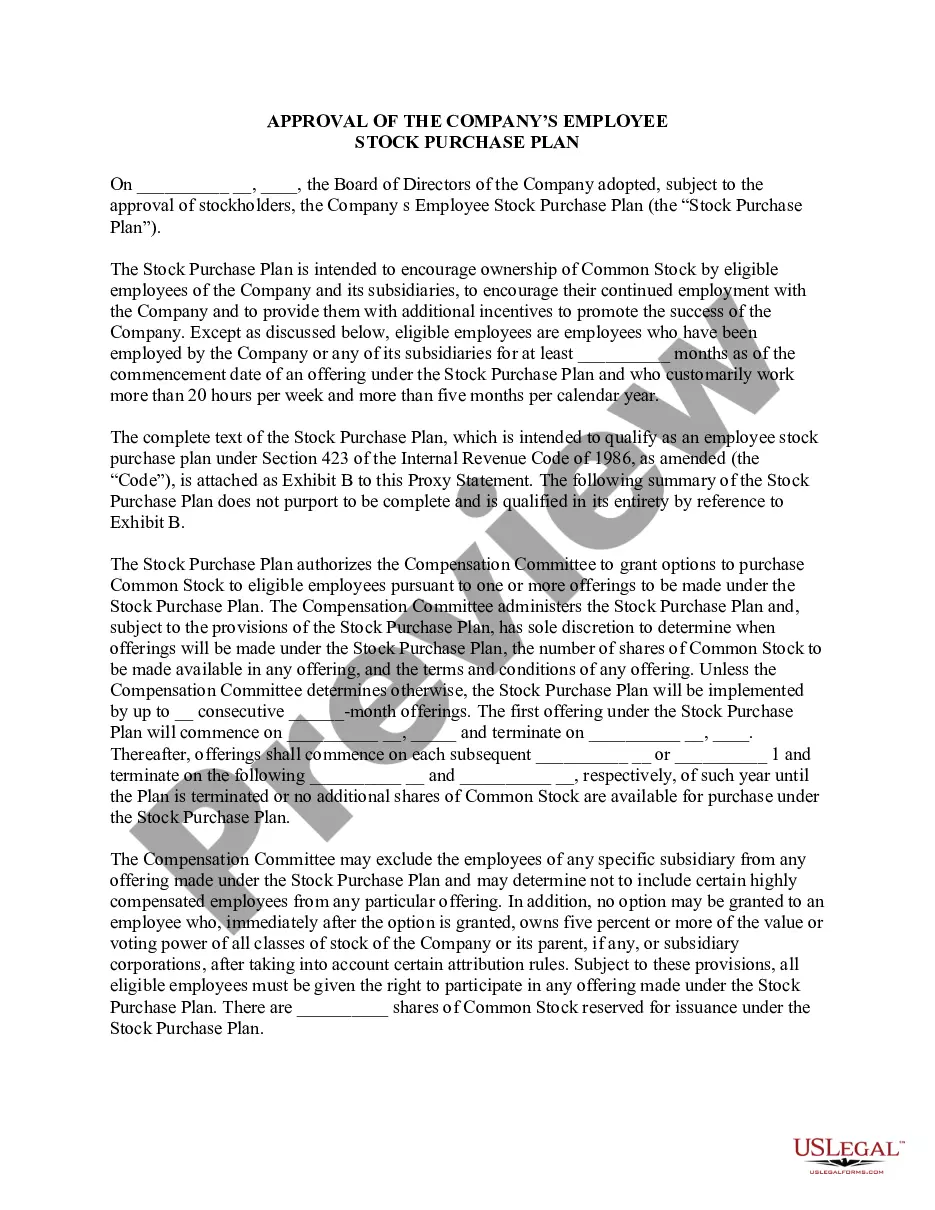
Get your form ready online
Our built-in tools help you complete, sign, share, and store your documents in one place.
Make edits, fill in missing information, and update formatting in US Legal Forms—just like you would in MS Word.
Download a copy, print it, send it by email, or mail it via USPS—whatever works best for your next step.
Sign and collect signatures with our SignNow integration. Send to multiple recipients, set reminders, and more. Go Premium to unlock E-Sign.
If this form requires notarization, complete it online through a secure video call—no need to meet a notary in person or wait for an appointment.
We protect your documents and personal data by following strict security and privacy standards.

Make edits, fill in missing information, and update formatting in US Legal Forms—just like you would in MS Word.

Download a copy, print it, send it by email, or mail it via USPS—whatever works best for your next step.

Sign and collect signatures with our SignNow integration. Send to multiple recipients, set reminders, and more. Go Premium to unlock E-Sign.

If this form requires notarization, complete it online through a secure video call—no need to meet a notary in person or wait for an appointment.

We protect your documents and personal data by following strict security and privacy standards.
Looking for another form?



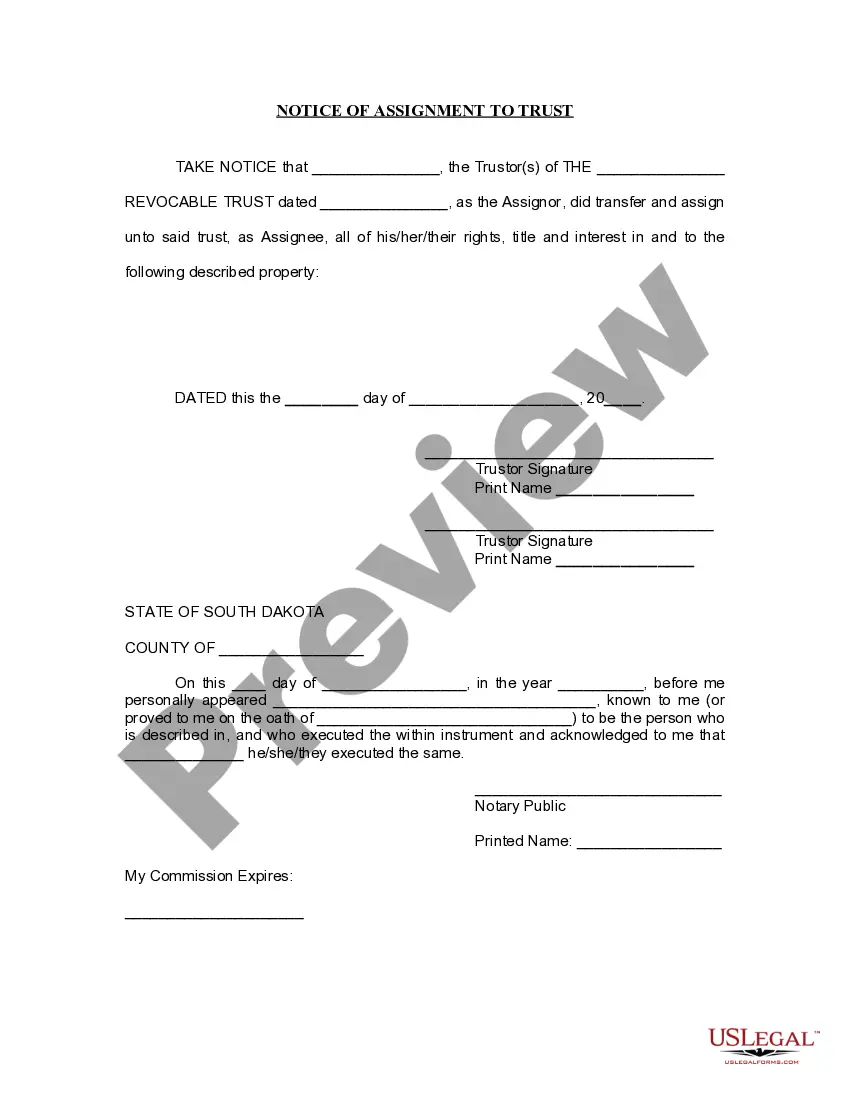



How to fill out Notice Of Election To Exercise Stock Purchase Right And Record Of Stock Transfer?
Creating legal documents from the ground up can occasionally be overwhelming.
Certain situations may require extensive research and considerable expenses.
If you’re looking for a simpler and more economical method of producing Notice Exercise Purchase With Google or any other documents without excessive hassle, US Legal Forms is always available to assist you.
Our online library of over 85,000 current legal forms covers nearly every aspect of your financial, legal, and personal affairs.
Review the form preview and descriptions to ensure you have identified the document you need. Confirm that the template you choose complies with the laws and regulations of your state and county. Select the most appropriate subscription plan to obtain the Notice Exercise Purchase With Google. Download the document, then fill it out, sign it, and print it. US Legal Forms has a strong reputation and over 25 years of expertise. Join us now and make document completion easy and efficient!
- With only a few clicks, you can quickly access state- and county-compliant documents meticulously prepared by our legal experts.
- Utilize our site whenever you need a dependable and trustworthy service where you can easily locate and obtain the Notice Exercise Purchase With Google.
- If you’re a returning user and have already registered an account with us, just Log In to your account, find the form, and download it, or re-download it anytime from the My documents section.
- Not a member yet? No problem. It requires minimal time to sign up and browse the collection.
- However, before you proceed to download Notice Exercise Purchase With Google, adhere to these suggestions.
Form popularity
FAQ
Add, edit or delete your info On your Android phone or tablet, open the Chrome app . To the right of the address bar, tap More. Settings. Tap Addresses and more or Payment methods. Add, edit or delete info: Add: At the bottom, tap Add address or Add card. When you've entered your info, at the bottom, tap Done.
We only share personal information with third parties in the circumstances described in the Google Payments Privacy Notice. The credit card and debit card numbers you provide to Google are encrypted and stored on secure servers in a secure location.
Get the Google Pay app Download Google Pay on phones running Android 5.0 (Lollipop) or higher. Enter your phone number. Sign in with your Google Account. Follow the instructions to secure your Google Pay app and add a bank account. You can also add a debit or credit card. Fix problems verifying your phone number.
Find your recent activity Open the Google Pay app . Under "Activity," you can find your recent completed transactions. To find all your transactions, tap Show all.
To view your Google purchase history: Sign in to Google payments subscriptions and services. Click into the individual subscriptions and services to view transactions for that product.