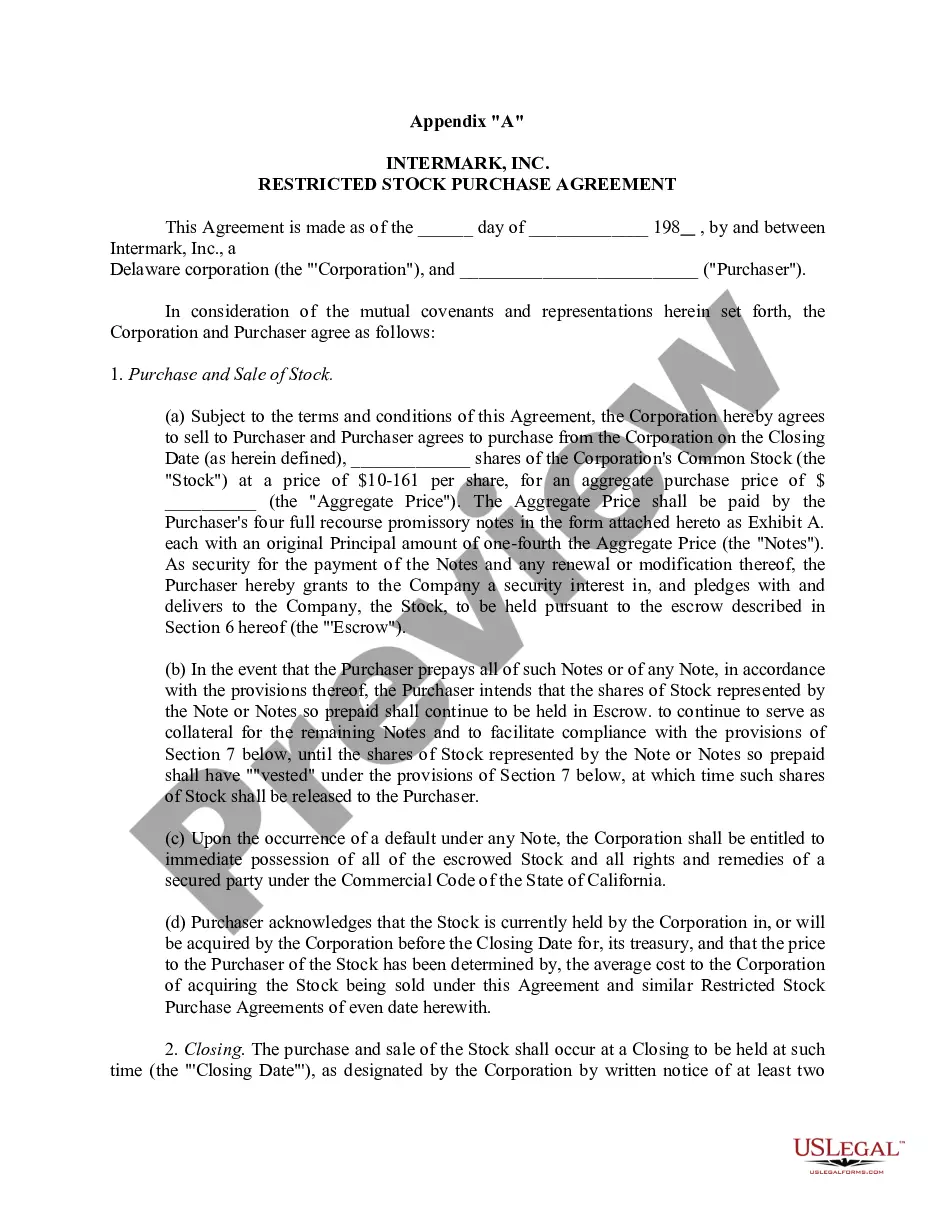
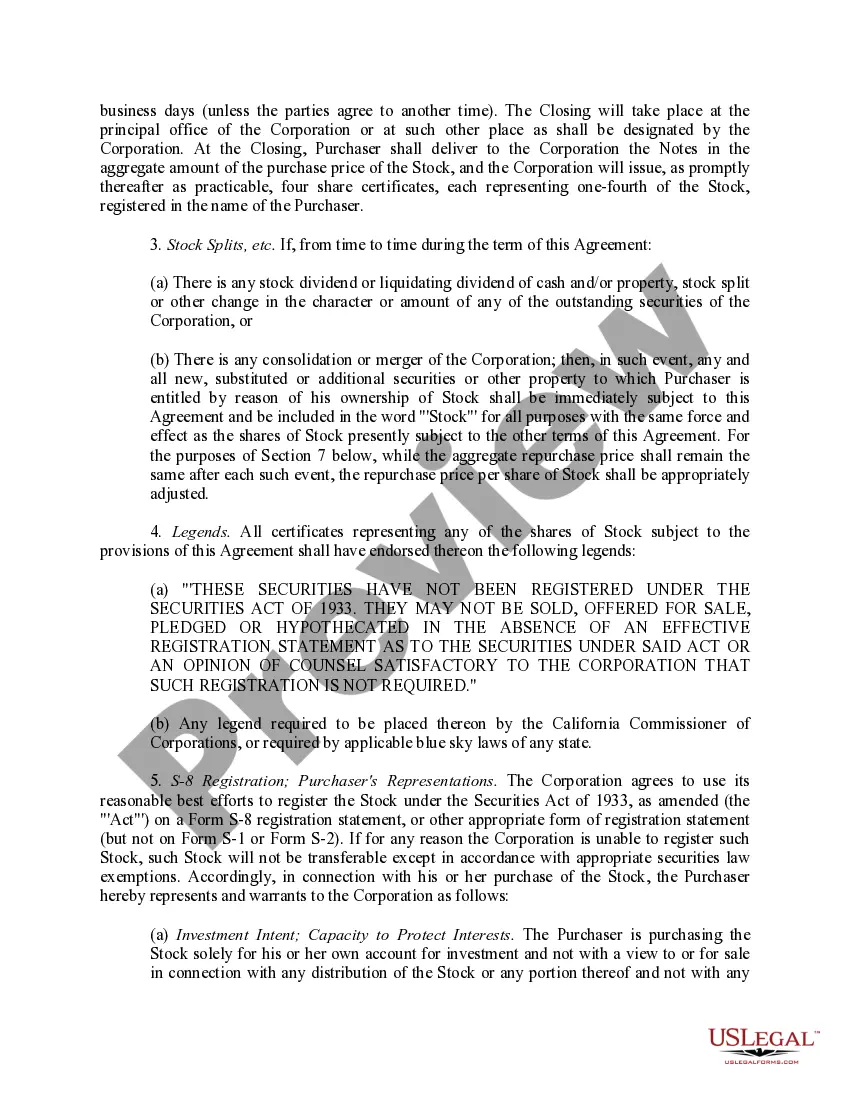
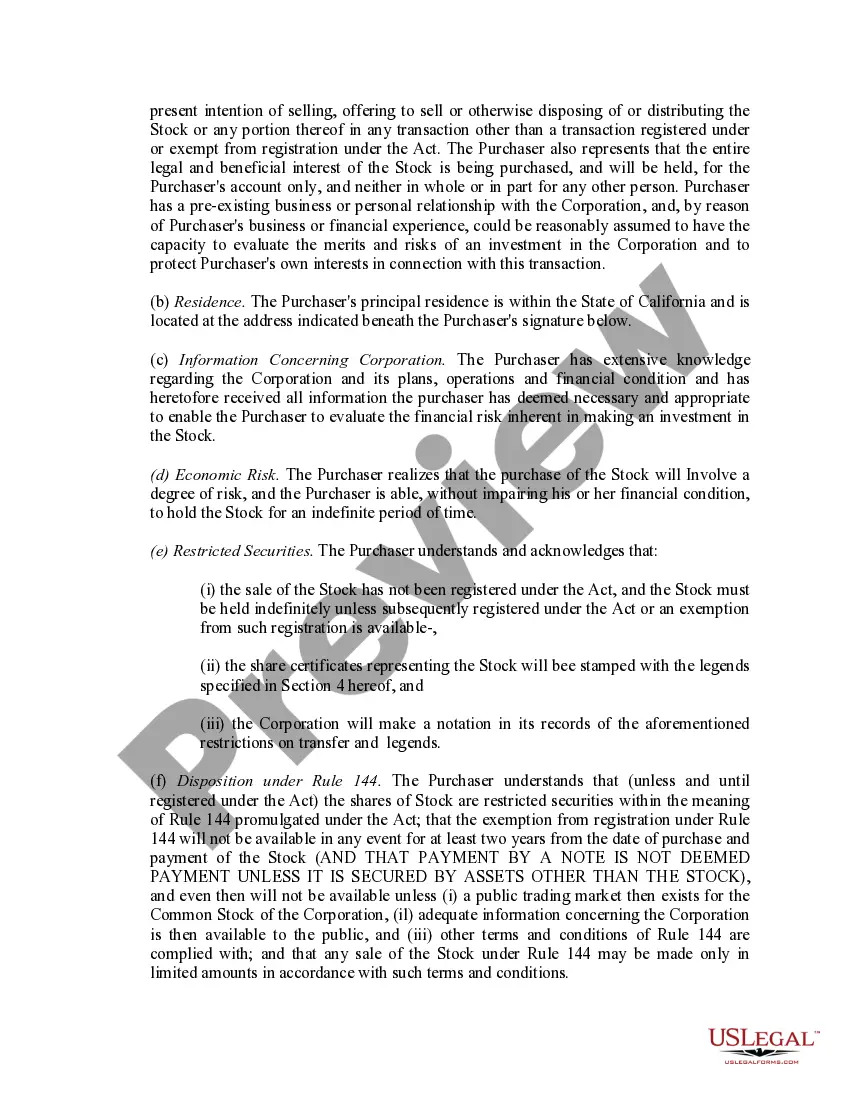
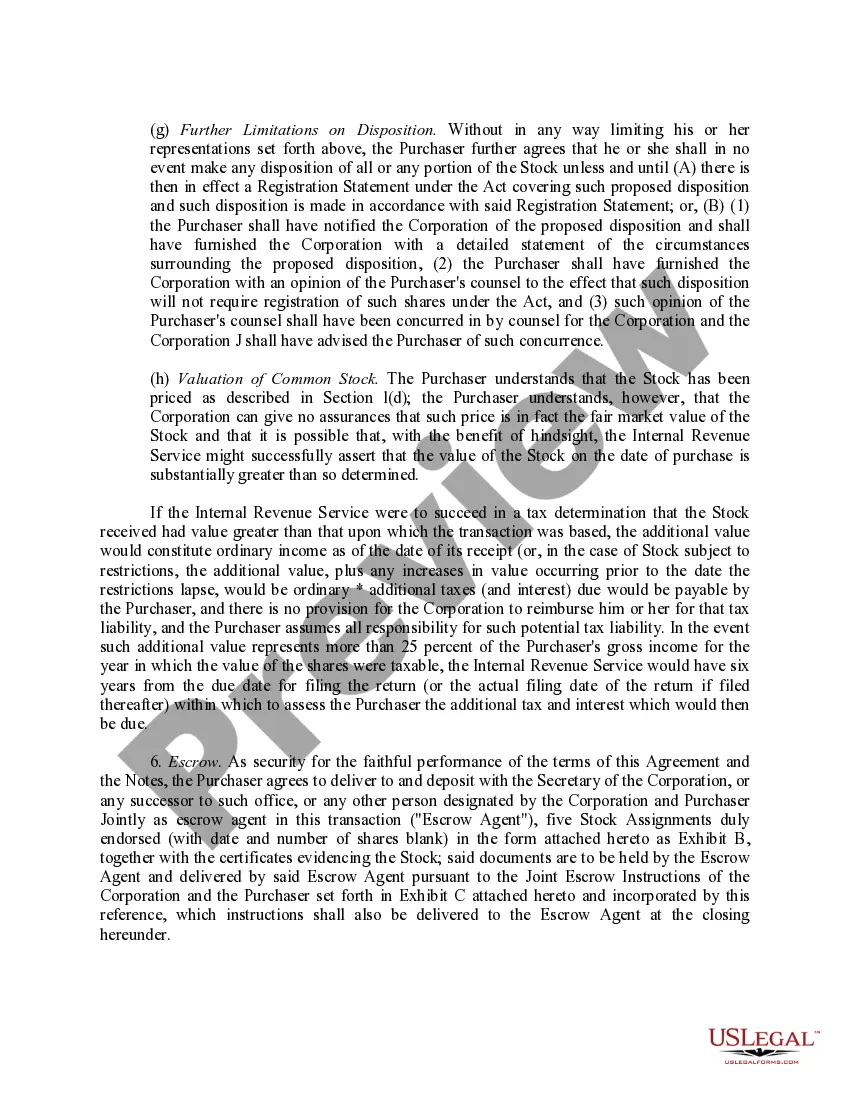
Restricted Stock Between Withholding
Description
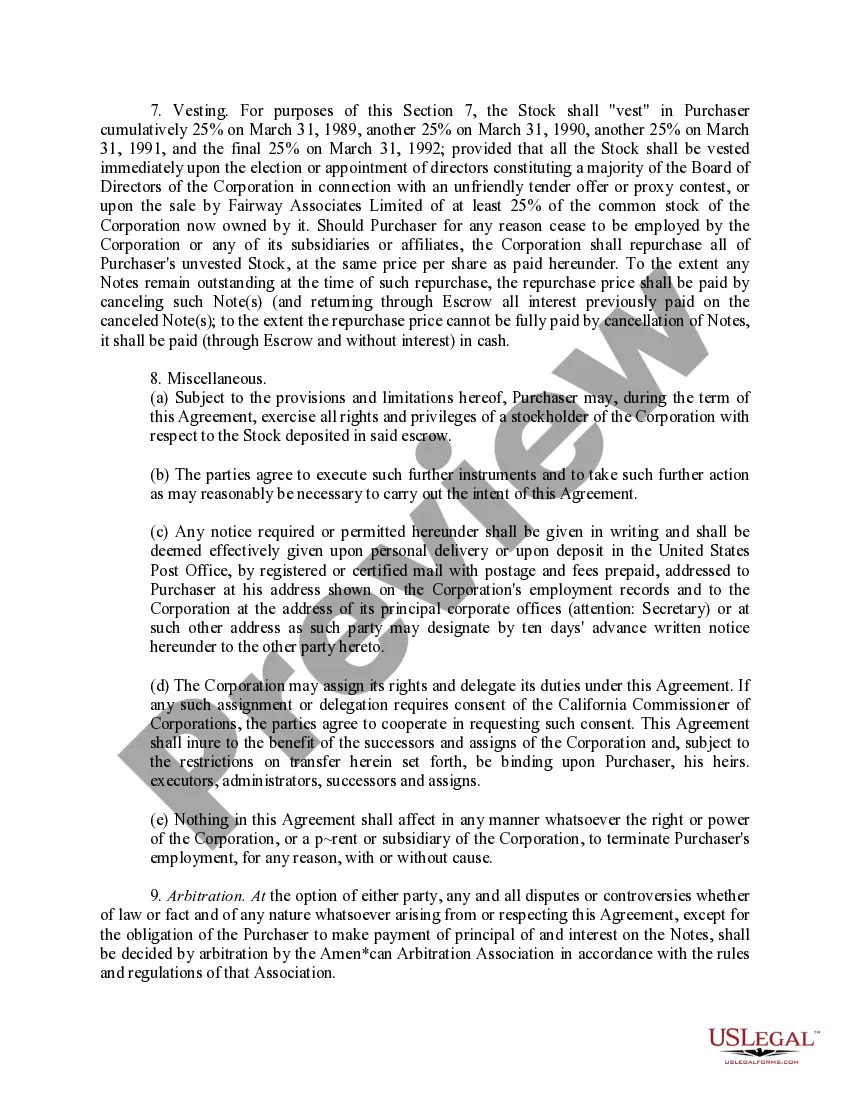
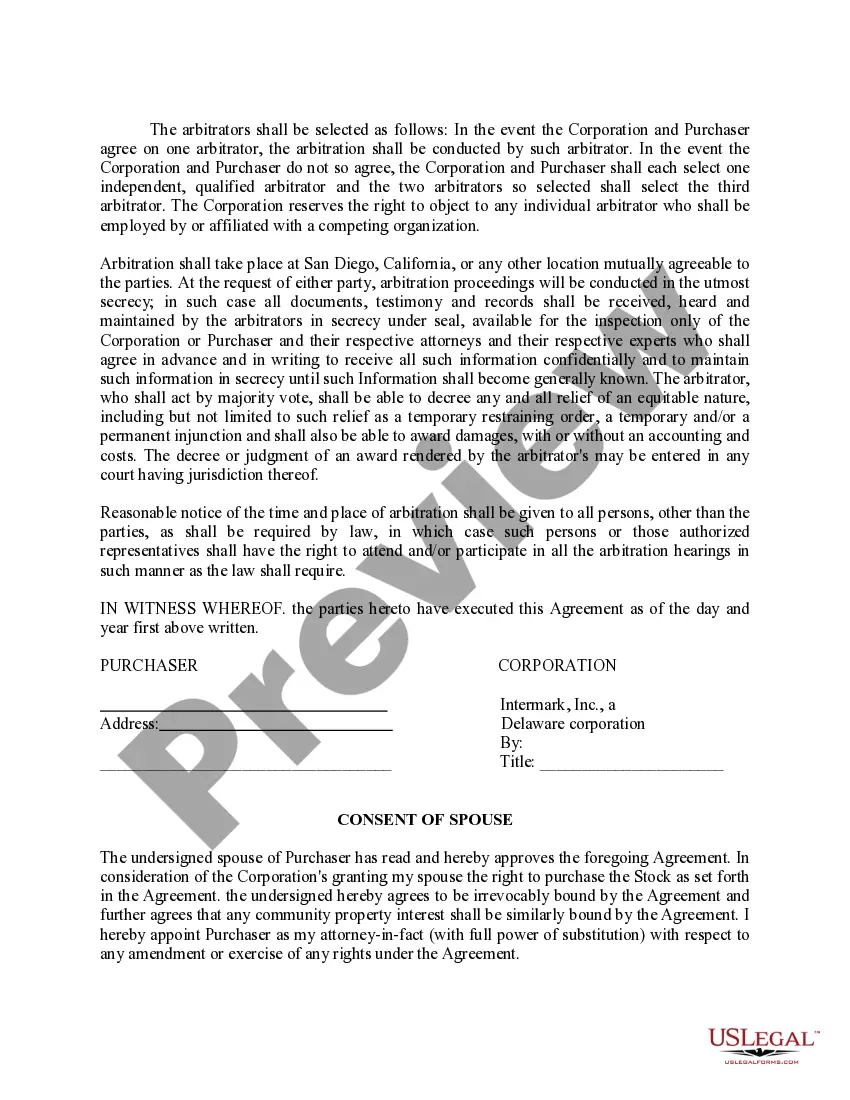

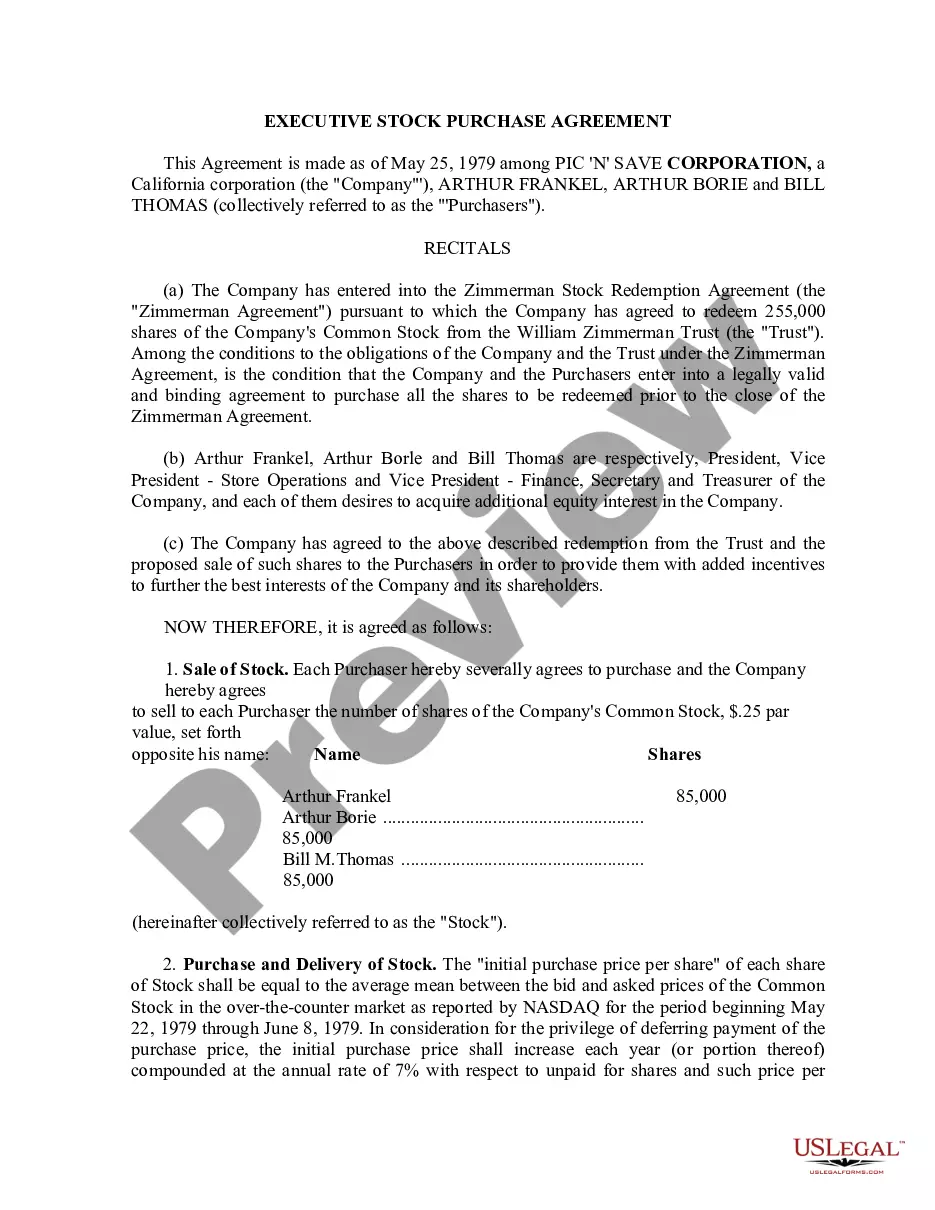
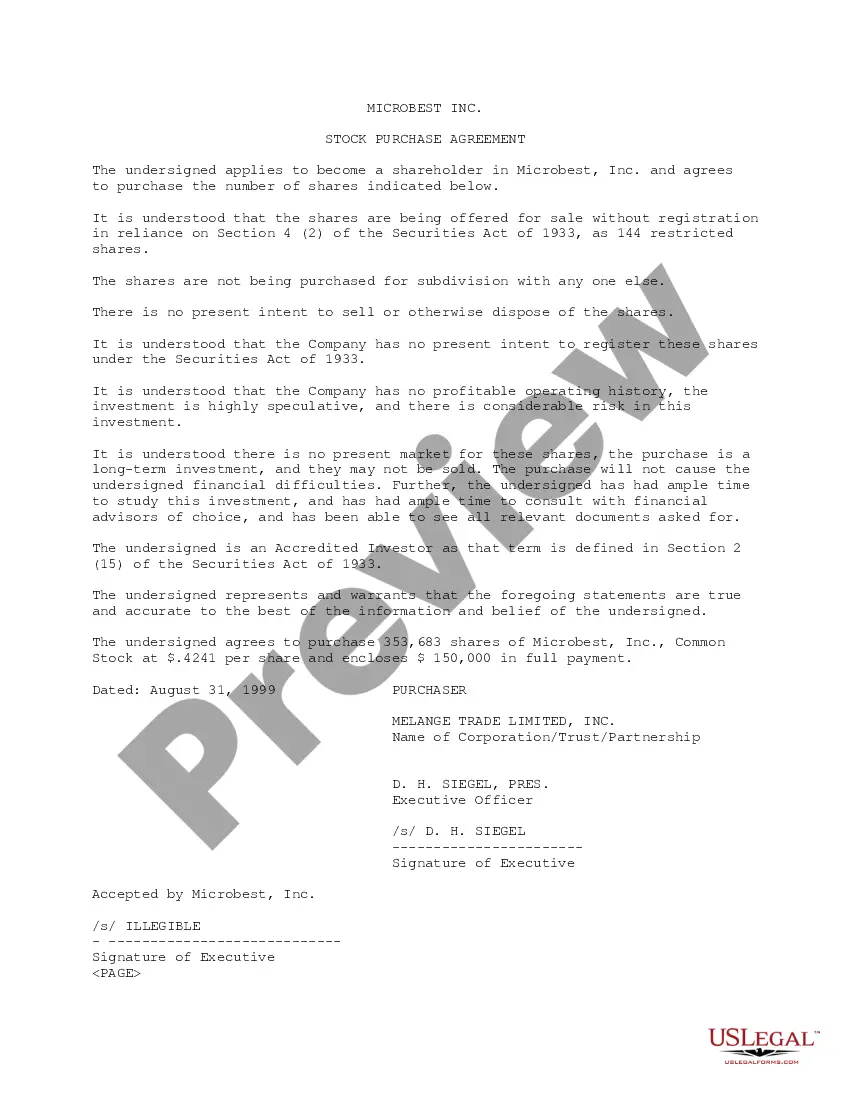
Get your form ready online
Our built-in tools help you complete, sign, share, and store your documents in one place.
Make edits, fill in missing information, and update formatting in US Legal Forms—just like you would in MS Word.
Download a copy, print it, send it by email, or mail it via USPS—whatever works best for your next step.
Sign and collect signatures with our SignNow integration. Send to multiple recipients, set reminders, and more. Go Premium to unlock E-Sign.
If this form requires notarization, complete it online through a secure video call—no need to meet a notary in person or wait for an appointment.
We protect your documents and personal data by following strict security and privacy standards.

Make edits, fill in missing information, and update formatting in US Legal Forms—just like you would in MS Word.

Download a copy, print it, send it by email, or mail it via USPS—whatever works best for your next step.

Sign and collect signatures with our SignNow integration. Send to multiple recipients, set reminders, and more. Go Premium to unlock E-Sign.

If this form requires notarization, complete it online through a secure video call—no need to meet a notary in person or wait for an appointment.

We protect your documents and personal data by following strict security and privacy standards.
Looking for another form?








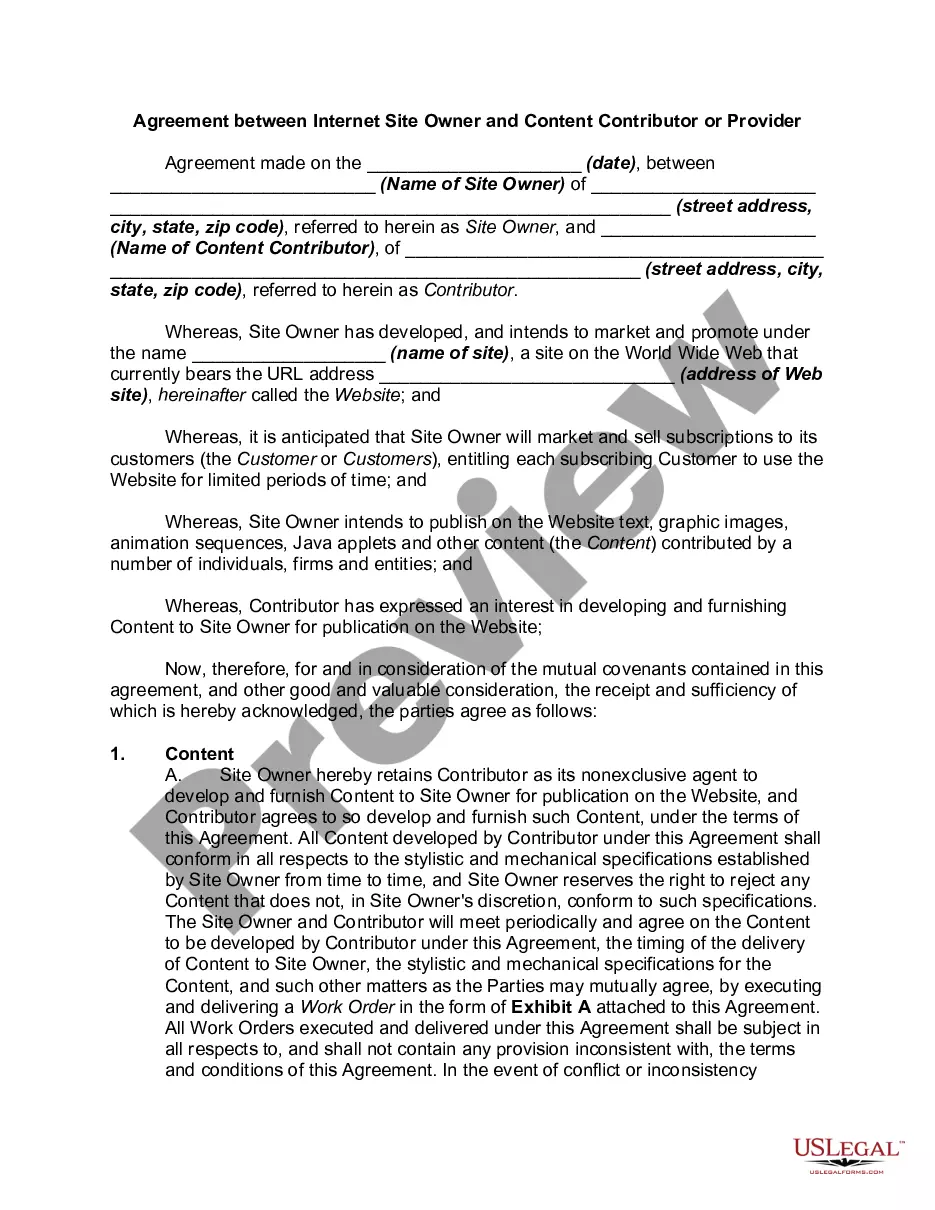

How to fill out Sample Restricted Stock Purchase Agreement Between Intermark, Inc. And Purchasers?
Securing a reliable source to obtain the latest and pertinent legal templates is a significant part of dealing with bureaucracy. Identifying the appropriate legal documents requires precision and careful consideration, which highlights the necessity of acquiring samples of Restricted Stock Between Withholding solely from trustworthy providers, such as US Legal Forms. An incorrect template could squander your time and delay your current situation. With US Legal Forms, you have minimal concerns. You can access and review all relevant information regarding the document’s applicability and significance for your specific case and jurisdiction.
Follow these instructions to complete your Restricted Stock Between Withholding.
Once the form is on your device, you can edit it with the editor or print it for manual completion. Eliminate the complications associated with your legal documentation. Explore the extensive US Legal Forms repository where you can discover legal templates, assess their relevance to your situation, and download them immediately.
- Use the catalog navigation or search bar to find your template.
- Review the form’s description to verify it meets the specifications of your state and county.
- Open the form preview, if available, to confirm the form is indeed what you need.
- Continue searching for the appropriate template if the Restricted Stock Between Withholding does not align with your needs.
- If you are certain of the form’s suitability, proceed to download it.
- As a registered user, click Log in to validate your identity and access your chosen templates in My documents.
- If you haven't created an account yet, click Buy now to purchase the template.
- Choose the pricing option that fits your requirements.
- Complete the registration process to finalize your purchase.
- Conclude your purchase by selecting a payment method (credit card or PayPal).
- Choose the file format for downloading the Restricted Stock Between Withholding.
Form popularity
FAQ
RSUs are considered supplemental income, and as such, the income you receive from them is subject to withholding taxes. The IRS requires a federal withholding rate of 22% for supplemental income up to $1 million, and 37% for income exceeding that amount.
Income in the form of RSUs will typically be listed on the taxpayer's W-2 in the ?Other? category (Box 14). Taxpayers will simply translate the figure listed in Box 14 to their federal tax return and, if applicable, state tax return(s).
If you have RSUs the amount should be shown in box 14 of your W-2 copy. This amount should also be included in the wages (box 1) of your W-2. Box 14 is used by employers to list various items and there is not a standard list of codes, you can use the options for "Other Not Listed Here" in place of RSU Gain.
At vesting, RSU income is reported on your W2, and any taxes withheld are included as well. RSUs are like options with a $0 strike price. So, a RSU share is always at least as valuable as one stock option. However, because of this, companies typically grant more shares of options than RSUs.
When you receive an RSU, you don't have any immediate tax liability. You only have to pay taxes when your RSU vests and you receive an actual payout of stock shares. At that point, you have to report income based on the fair market value of the stock.