Organizational Chart For Restaurant
Description
Get your form ready online
Our built-in tools help you complete, sign, share, and store your documents in one place.
Make edits, fill in missing information, and update formatting in US Legal Forms—just like you would in MS Word.
Download a copy, print it, send it by email, or mail it via USPS—whatever works best for your next step.
Sign and collect signatures with our SignNow integration. Send to multiple recipients, set reminders, and more. Go Premium to unlock E-Sign.
If this form requires notarization, complete it online through a secure video call—no need to meet a notary in person or wait for an appointment.
We protect your documents and personal data by following strict security and privacy standards.

Make edits, fill in missing information, and update formatting in US Legal Forms—just like you would in MS Word.

Download a copy, print it, send it by email, or mail it via USPS—whatever works best for your next step.

Sign and collect signatures with our SignNow integration. Send to multiple recipients, set reminders, and more. Go Premium to unlock E-Sign.

If this form requires notarization, complete it online through a secure video call—no need to meet a notary in person or wait for an appointment.

We protect your documents and personal data by following strict security and privacy standards.
Looking for another form?
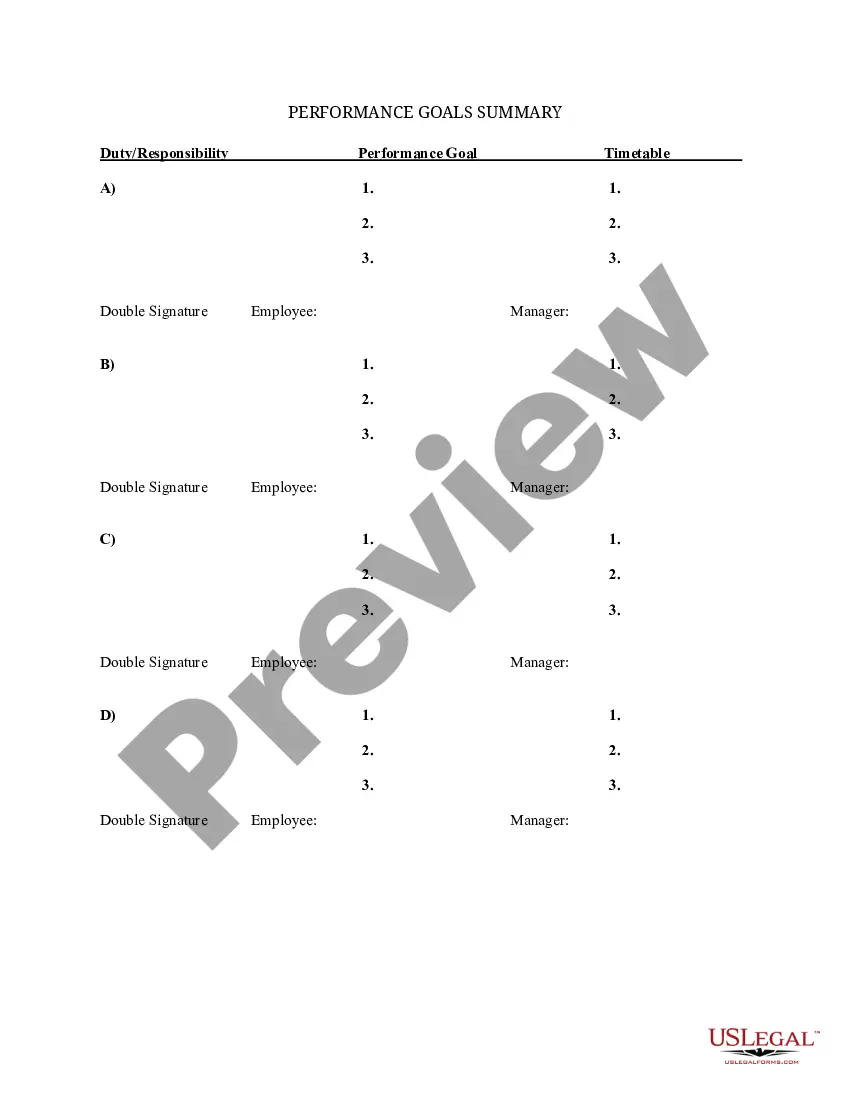
How to fill out Summary Of Departmental Goals - Individual Employee Chart?
It’s common knowledge that one cannot instantly become a legal professional, nor can one swiftly develop an Organizational Chart For Restaurant without possessing a specific skill set.
Drafting legal documents is a labor-intensive activity that necessitates particular education and expertise. Therefore, why not entrust the creation of the Organizational Chart For Restaurant to the experts.
With US Legal Forms, one of the most extensive collections of legal documents, you can discover anything from legal filings to templates for internal organizational communication. We recognize the importance of compliance with federal and state regulations. Hence, all forms on our platform are tailored to specific locations and are current.
You can regained access to your files from the My documents section at any time. If you’re a returning customer, you can easily Log In and find and download the document from the same section.
Regardless of the reason for your forms—be it financial, legal, or personal—our platform accommodates your needs. Experience US Legal Forms now!
- Locate the form you need using the search function at the top of the screen.
- Preview the document (if this option is available) and review the supporting information to see if the Organizational Chart For Restaurant fits your needs.
- If you require another form, begin your search again.
- Create a complimentary account and select a subscription plan to acquire the form.
- Click Buy now. Once your purchase is confirmed, you can download the Organizational Chart For Restaurant, fill it out, print it, and deliver or mail it to the relevant parties or organizations.
Form popularity
FAQ
To structure an organizational chart for restaurant, begin by outlining the main roles in your restaurant. Arrange these roles in a descending order from the highest authority down to entry-level positions. Use clear labels and connect the roles with lines to depict reporting relationships, ensuring the chart remains easy to read and understand.
The best layout for an organizational chart for restaurant is typically hierarchical, as it visually represents the chain of command. Use boxes for each role connected by lines to indicate reporting structures. This layout helps staff easily identify their supervisors and promotes better understanding of the restaurant’s operational flow.
An organizational chart for food service illustrates the relationships between different staff roles within a restaurant. It showcases positions such as head chef, sous chef, server, and manager, providing clarity on workflows. This chart helps streamline operations, enhances communication, and ensures everyone understands their responsibilities.
The four main types of organizational structures are functional, divisional, matrix, and flat. Each type offers a different way to organize teams and workflows. For a restaurant, a functional structure may work best, as it groups employees by roles, such as chefs, servers, and management, facilitating better collaboration and efficiency.
An organizational chart for restaurant should clearly define roles and responsibilities. Start with the highest level, such as the owner or general manager, and work down to different departments like kitchen staff, front-of-house, and management. Each position should be connected to show reporting relationships, making it easy for employees to understand who to approach for guidance.
To create an organizational chart in Excel, click on the 'Insert' tab and select 'SmartArt'. Choose a hierarchy graphic that fits your restaurant's structure and start adding names and titles. This visual representation can help convey clear reporting lines, facilitating better communication among your restaurant staff.
Organizing an organizational chart for a restaurant involves clearly defining roles and layers of management. Start by listing all positions, from the owner to entry-level staff. Group these roles logically, and use a tool like US Legal Forms to visually organize and customize your chart to ensure it aligns with your restaurant's unique structure.
To create an organizational chart for your restaurant step by step, begin by identifying the key roles and relationships within your establishment. You can then use software like Microsoft Excel or specialized tools from US Legal Forms to design a visual representation. Once completed, verify the accuracy of the information and share it with your team to improve clarity.
To make a hierarchy in Excel, start by navigating to the 'Insert' tab and selecting 'SmartArt'. Choose a hierarchy layout that suits your restaurant’s organizational chart. You can then fill in the shapes with the relevant positions and relationships, ensuring your chart clearly displays your restaurant's chain of command.
To create an organizational chart for a restaurant in Excel, open a new spreadsheet and go to the 'Insert' tab. Select 'SmartArt' and then choose the 'Hierarchy' option. From there, you can personalize shapes and add employee names, titles, and roles to reflect your restaurant's structure.
