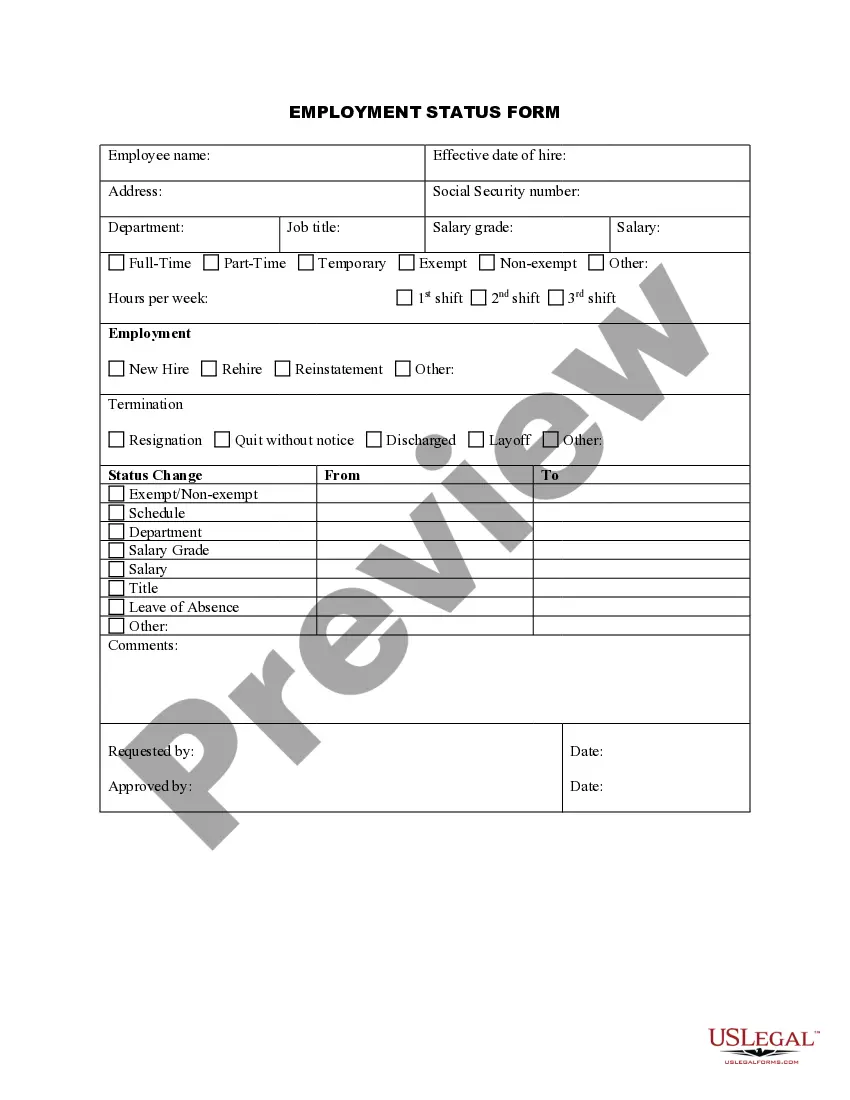
Personnel Change Statement With Multiple Conditions
Description
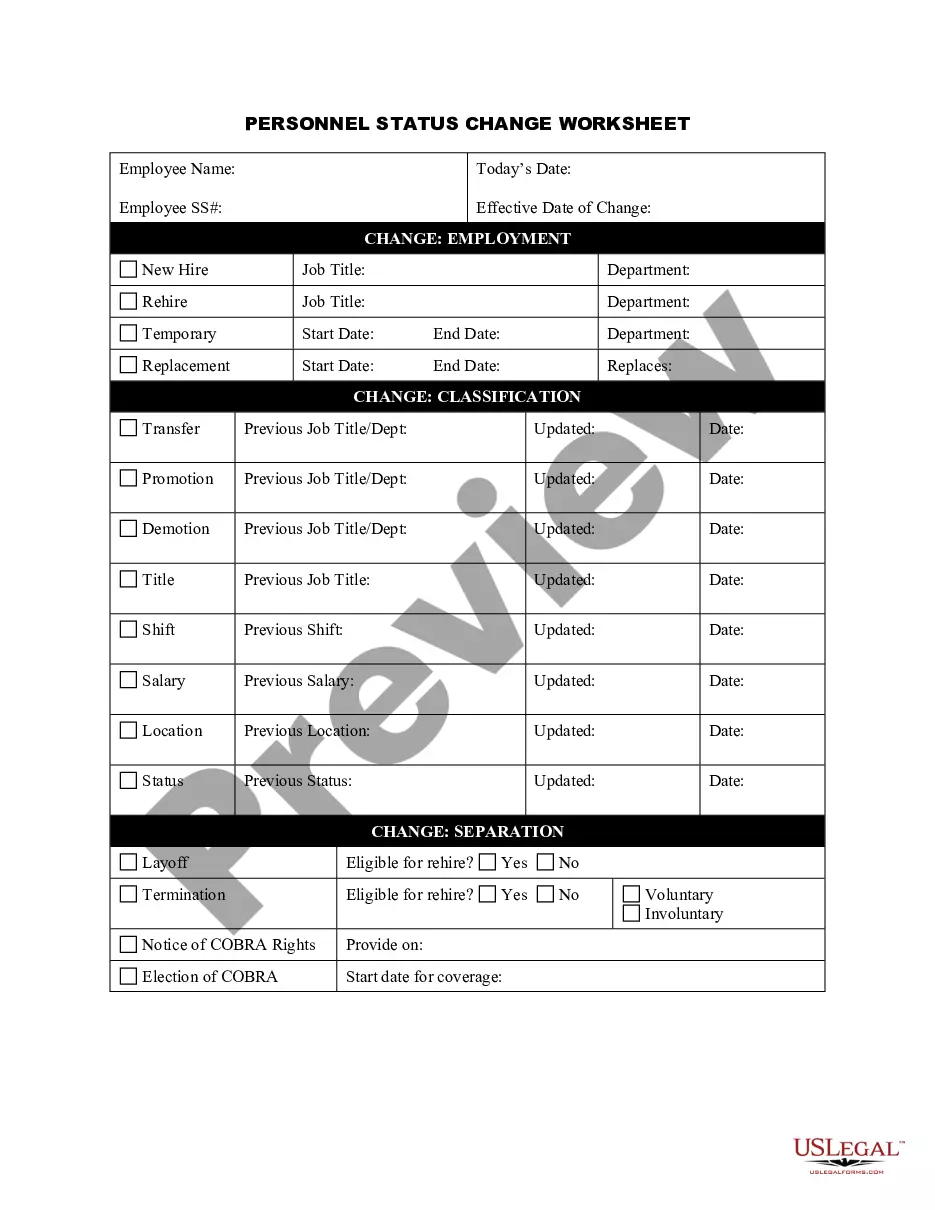
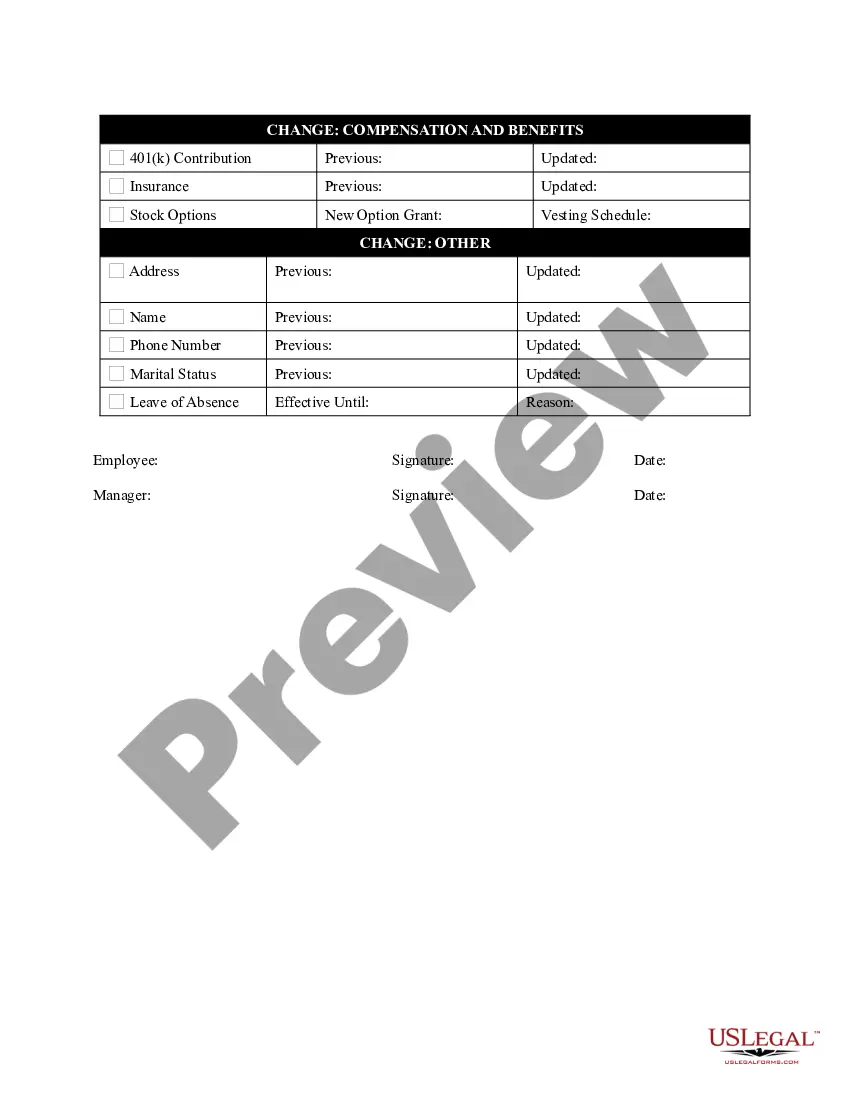
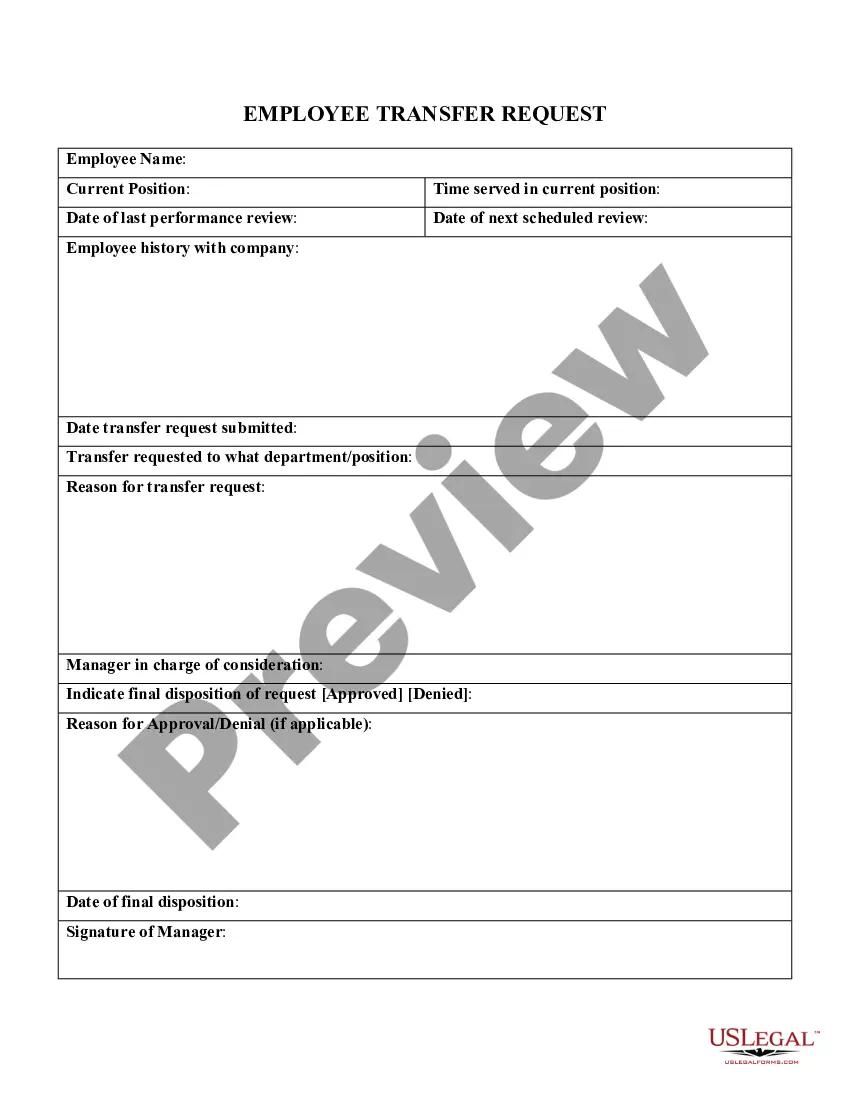
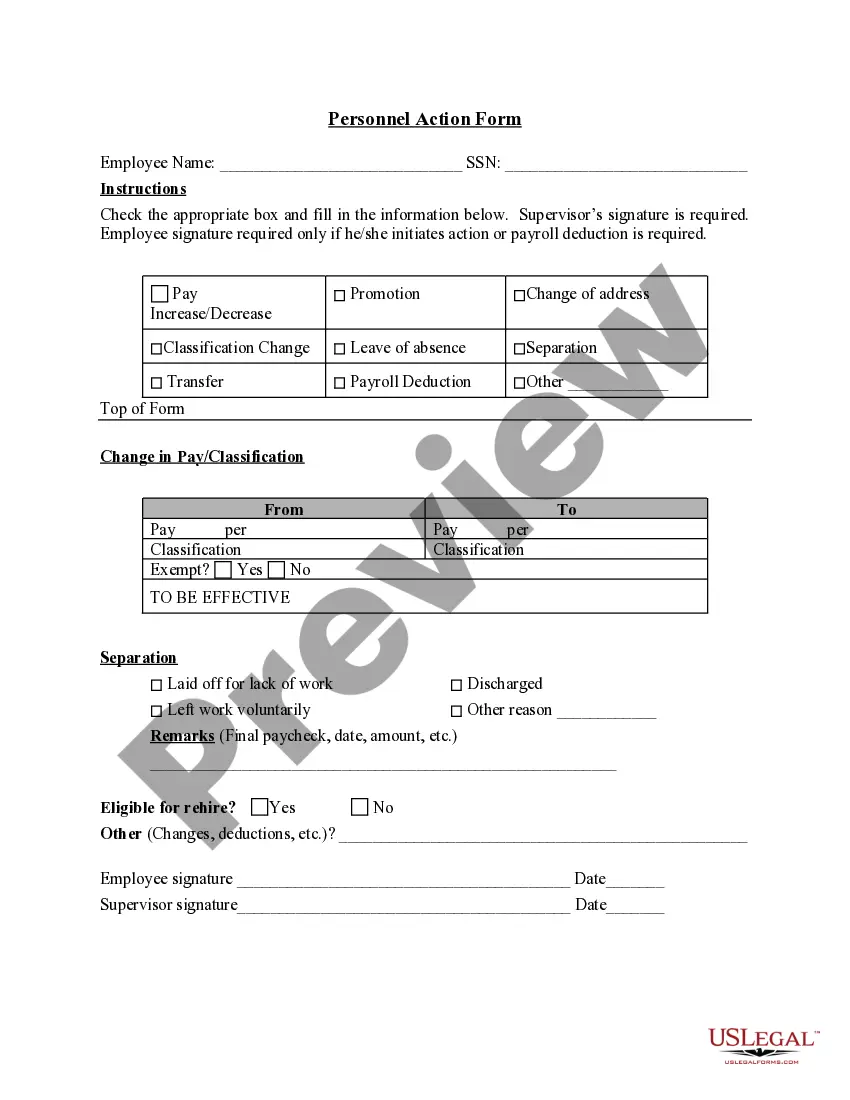

Get your form ready online
Our built-in tools help you complete, sign, share, and store your documents in one place.
Make edits, fill in missing information, and update formatting in US Legal Forms—just like you would in MS Word.
Download a copy, print it, send it by email, or mail it via USPS—whatever works best for your next step.
Sign and collect signatures with our SignNow integration. Send to multiple recipients, set reminders, and more. Go Premium to unlock E-Sign.
If this form requires notarization, complete it online through a secure video call—no need to meet a notary in person or wait for an appointment.
We protect your documents and personal data by following strict security and privacy standards.

Make edits, fill in missing information, and update formatting in US Legal Forms—just like you would in MS Word.

Download a copy, print it, send it by email, or mail it via USPS—whatever works best for your next step.

Sign and collect signatures with our SignNow integration. Send to multiple recipients, set reminders, and more. Go Premium to unlock E-Sign.

If this form requires notarization, complete it online through a secure video call—no need to meet a notary in person or wait for an appointment.

We protect your documents and personal data by following strict security and privacy standards.
Looking for another form?

How to fill out Personnel Status Change Worksheet?
Legal managing might be overwhelming, even for the most skilled specialists. When you are looking for a Personnel Change Statement With Multiple Conditions and don’t get the time to devote looking for the right and up-to-date version, the procedures may be stressful. A strong online form library can be a gamechanger for anyone who wants to handle these situations effectively. US Legal Forms is a market leader in online legal forms, with over 85,000 state-specific legal forms accessible to you at any time.
With US Legal Forms, you are able to:
- Access state- or county-specific legal and organization forms. US Legal Forms handles any needs you may have, from personal to business paperwork, all-in-one spot.
- Employ advanced tools to complete and control your Personnel Change Statement With Multiple Conditions
- Access a resource base of articles, instructions and handbooks and materials highly relevant to your situation and requirements
Help save effort and time looking for the paperwork you need, and use US Legal Forms’ advanced search and Review feature to get Personnel Change Statement With Multiple Conditions and download it. If you have a monthly subscription, log in to your US Legal Forms account, look for the form, and download it. Review your My Forms tab to view the paperwork you previously downloaded and also to control your folders as you can see fit.
If it is your first time with US Legal Forms, register a free account and get limitless use of all benefits of the platform. Here are the steps for taking after accessing the form you need:
- Confirm this is the right form by previewing it and reading through its information.
- Be sure that the sample is accepted in your state or county.
- Choose Buy Now once you are ready.
- Choose a subscription plan.
- Find the formatting you need, and Download, complete, sign, print and send out your document.
Take advantage of the US Legal Forms online library, supported with 25 years of experience and reliability. Change your day-to-day document administration in to a smooth and intuitive process today.
Form popularity
FAQ
In JavaScript, you can use the logical operators "&&" and "||" to specify multiple conditions in an if statement. The "&&" operator evaluates to true if both conditions are true. ... In this example, the code inside the if statement will execute only if the value of "x" is greater than 5 and the value of "y" is less than.
To put two conditions in an IF formula in Excel, you can use the AND or OR function along with the IF function. For example, =IF(AND(A1>50, B1>60), ?Pass?, ?Fail?) will check if the value in cell A1 is greater than 50 and the value in cell B1 is greater than 60.
Yes using ( && or || ) And Or OR operator. Here's an example: if (n > 10 && n < 15 ) { // Do something } Here we have 2 conditions inside if statment, U can have infinite number of condition using AND or OR operator.
Elif statement allows users to check multiple conditions at the same time and run until a true statement is found. In a general if-else statement, if the condition is false then the function in the else block gets executed but in the elif statement, when the if statement is not true, it checks the condition in elif.
Using double square brackets Another way of having multiple conditions with the if statement is to use the double bracket notation. [[ EXPR1 && EXPR2 ]] True if both EXPR1 and EXPR2 are true. [[ EXPR1 || EXPR2 ]] True if either EXPR1 or EXPR2 is true.