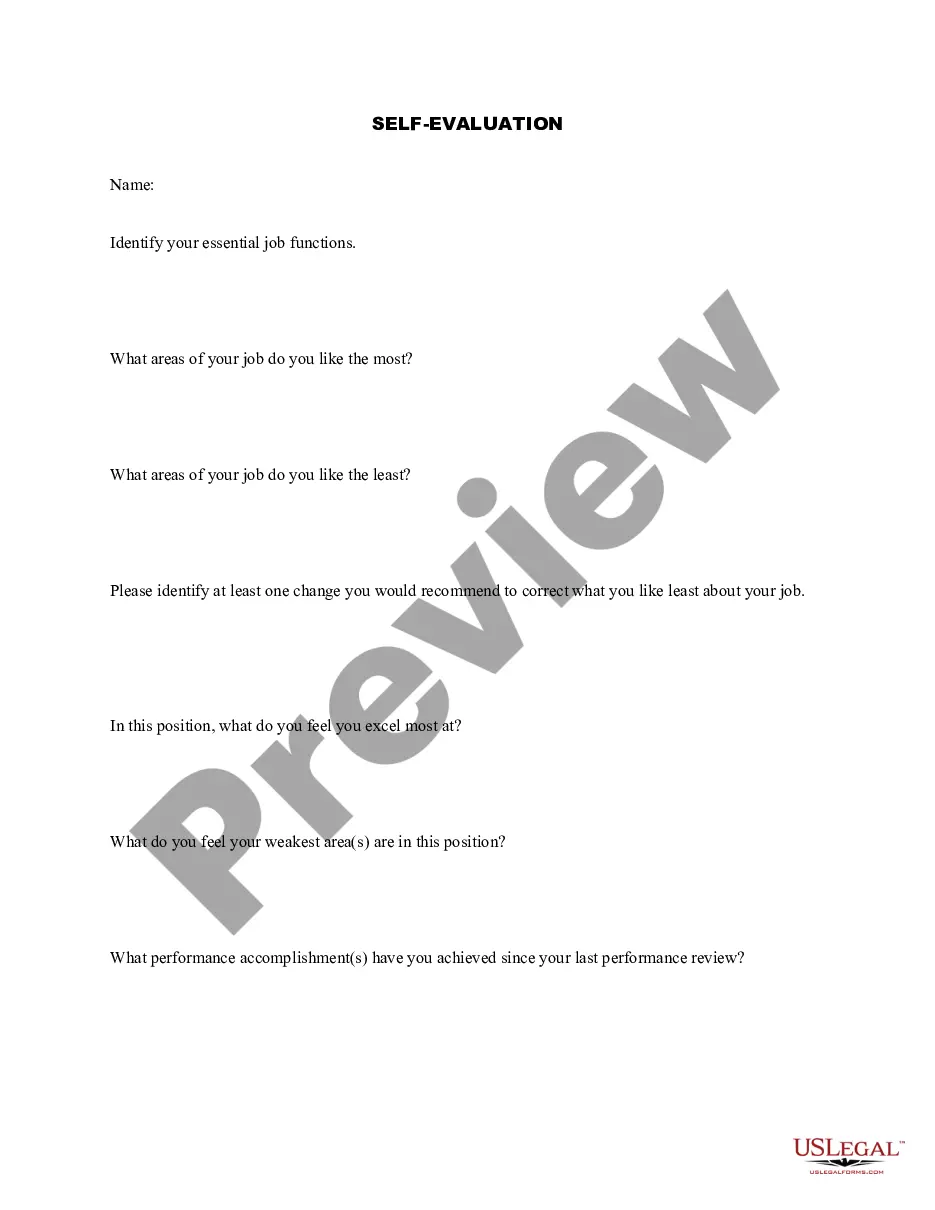
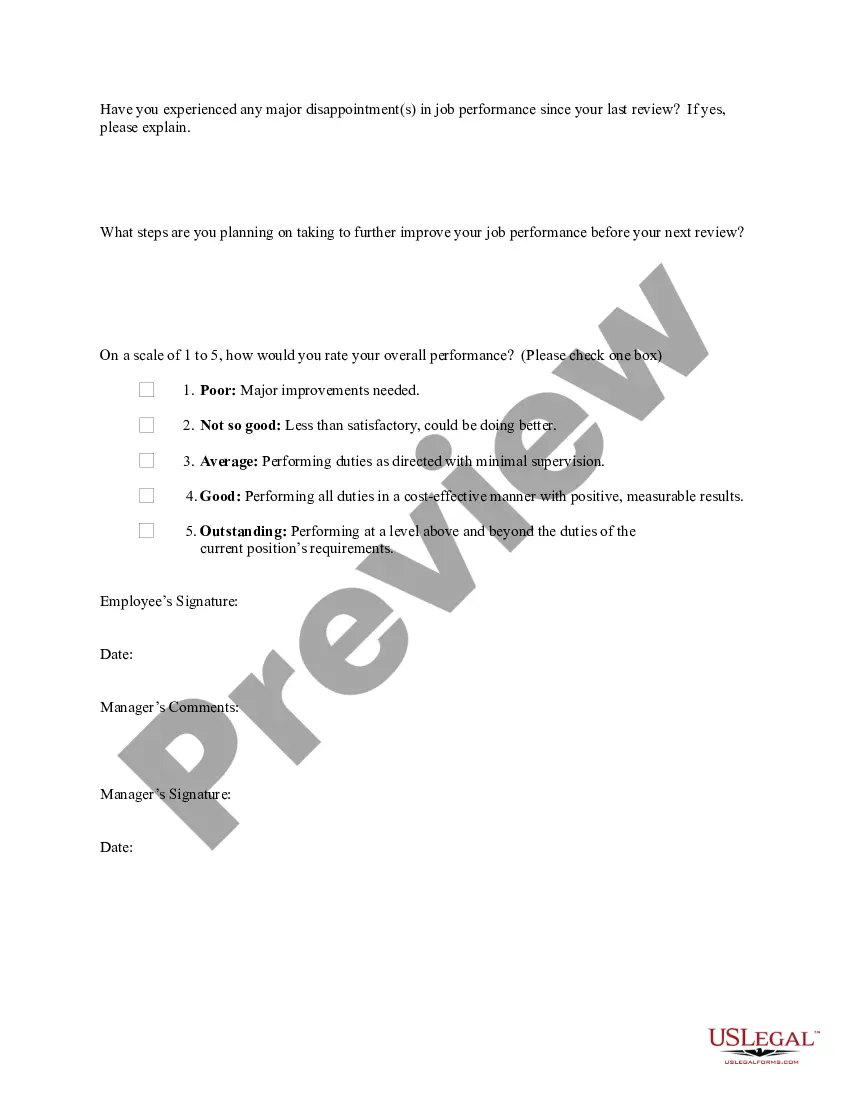
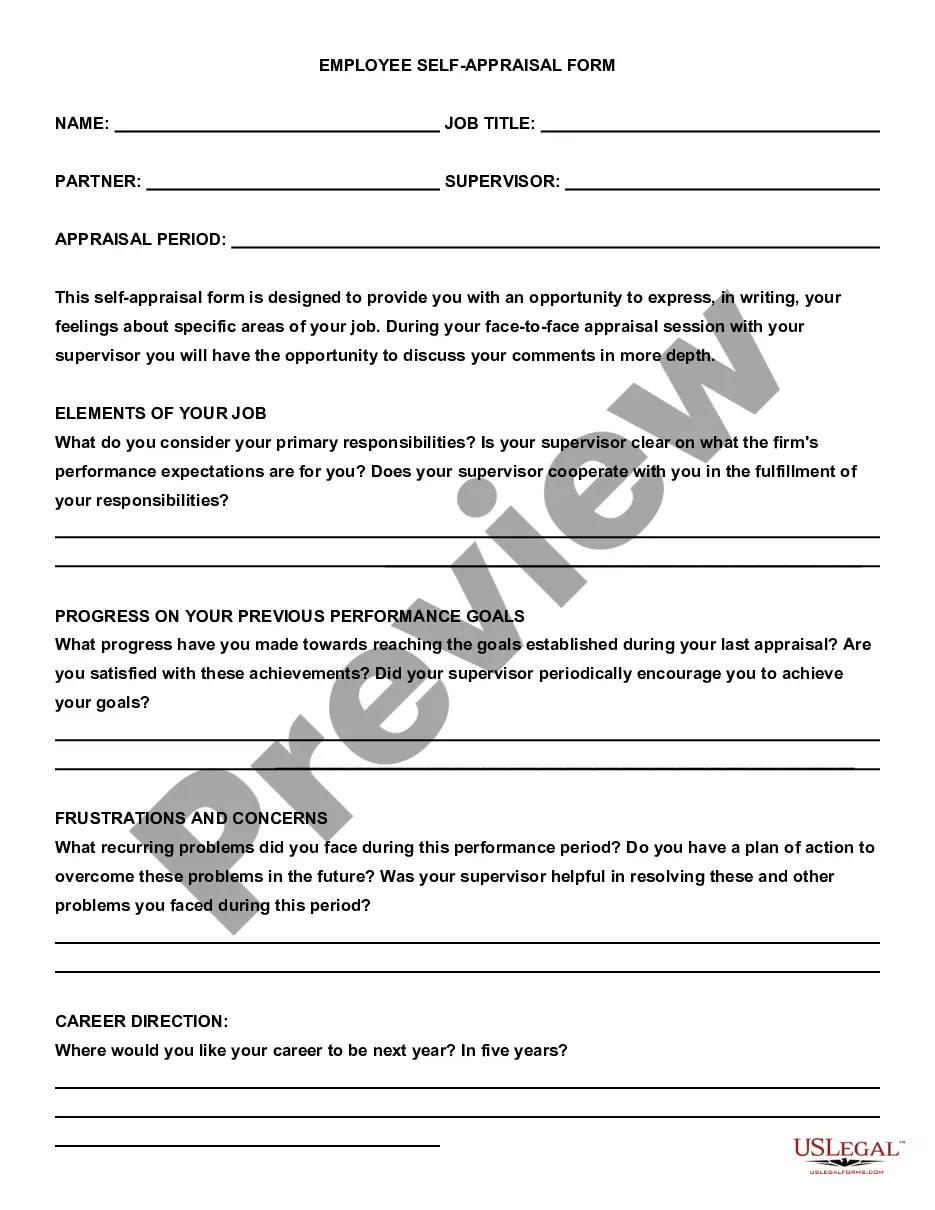
Self Evaluation Form Printable With Receptionist
Description

Get your form ready online
Our built-in tools help you complete, sign, share, and store your documents in one place.
Make edits, fill in missing information, and update formatting in US Legal Forms—just like you would in MS Word.
Download a copy, print it, send it by email, or mail it via USPS—whatever works best for your next step.
Sign and collect signatures with our SignNow integration. Send to multiple recipients, set reminders, and more. Go Premium to unlock E-Sign.
If this form requires notarization, complete it online through a secure video call—no need to meet a notary in person or wait for an appointment.
We protect your documents and personal data by following strict security and privacy standards.

Make edits, fill in missing information, and update formatting in US Legal Forms—just like you would in MS Word.

Download a copy, print it, send it by email, or mail it via USPS—whatever works best for your next step.

Sign and collect signatures with our SignNow integration. Send to multiple recipients, set reminders, and more. Go Premium to unlock E-Sign.

If this form requires notarization, complete it online through a secure video call—no need to meet a notary in person or wait for an appointment.

We protect your documents and personal data by following strict security and privacy standards.
Looking for another form?

How to fill out Self-Evaluation?
Regardless of whether for corporate reasons or for individual matters, everyone must confront legal circumstances at some point in their lives.
Filling out legal documents requires meticulous care, beginning with choosing the appropriate form template.
With an extensive catalog from US Legal Forms available, you don’t need to waste time searching for the suitable template online. Utilize the library’s straightforward navigation to find the correct template for any circumstance.
- Obtain the required template using the search bar or by browsing the catalog.
- Review the details of the form to ensure it aligns with your situation, state, and locality.
- Select the form’s preview to inspect it.
- If it’s not the correct document, return to the search option to find the Self Evaluation Form Printable With Receptionist template you need.
- Download the template if it satisfies your requirements.
- If you possess a US Legal Forms account, click Log in to access previously saved templates in My documents.
- In case you don’t have an account yet, you can download the form by clicking Buy now.
- Select the appropriate pricing option.
- Complete the account registration form.
- Choose your payment method: you can utilize a credit card or PayPal account.
- Select the document format you prefer and download the Self Evaluation Form Printable With Receptionist.
- Once it’s downloaded, you can fill out the form using editing software or print it and complete it by hand.
Form popularity
FAQ
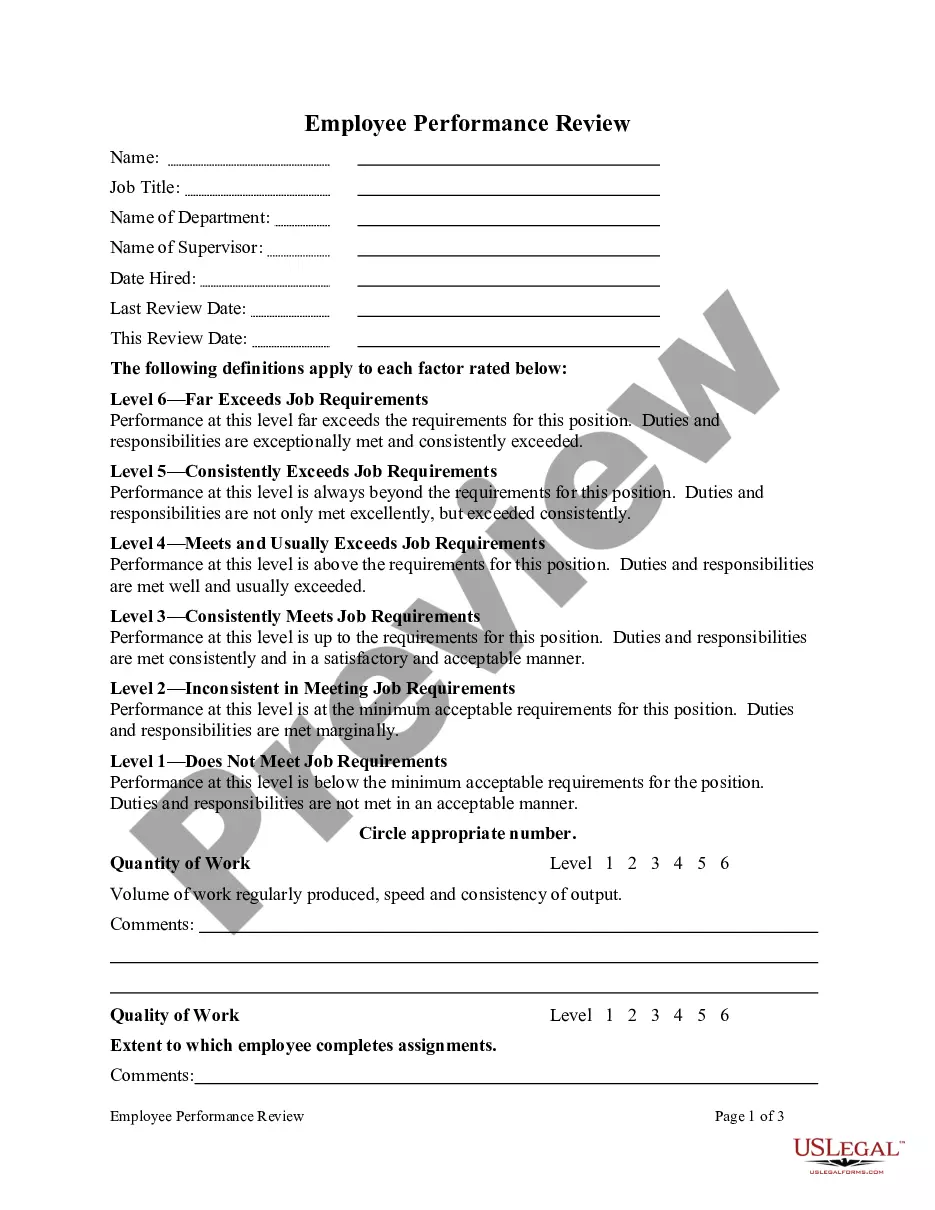
How to Fill Out an Employee Evaluation Form Step 1: Gather Employee Information. ... Step 2: Assess Employee Responsibilities and Performance. ... Step 3: Use Objective Language. ... Step 4: Use Action Verbs. ... Step 5: Compare Performance Ratings. ... Step 6: Ask Open-Ended Questions. ... Step 7: Use a Point System.
Part of constructive feedback includes building up your receptionist's current strengths. When you do this, it's crucial to provide clear examples of what they have done well. This not only tells them what they should continue doing ? this also makes them look forward to hearing more feedback.
The receptionist key performance indicators include improvement of reception productivity, answering company telephones professionally, interact positively with customers forging strong customer relationships, and ensure that office policies, processes, and procedures are successfully implemented.
How to write a performance self-evaluation Make a list of your positive attributes. To write a self-performance review, first, determine where you are in your professional career. ... Reflect on your accomplishments. ... Reflect on your mistakes. ... Close with opportunities to grow.
"I am proud of my ability to lead by example and consistently demonstrate a positive attitude and strong work ethic. I have inspired my team to work towards common goals, increasing productivity and morale." "I have successfully led multiple projects this year, ensuring they were completed on time and within budget.