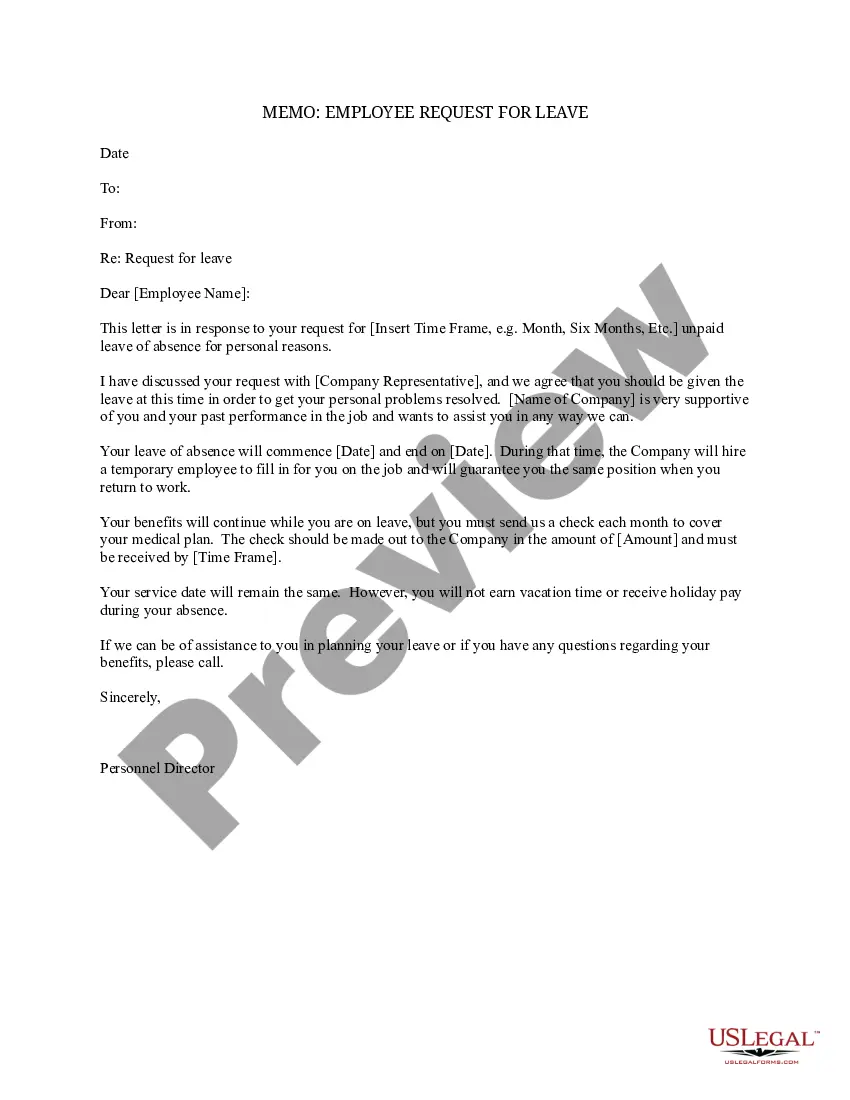
Memo Regarding Employee Sample Format
Description
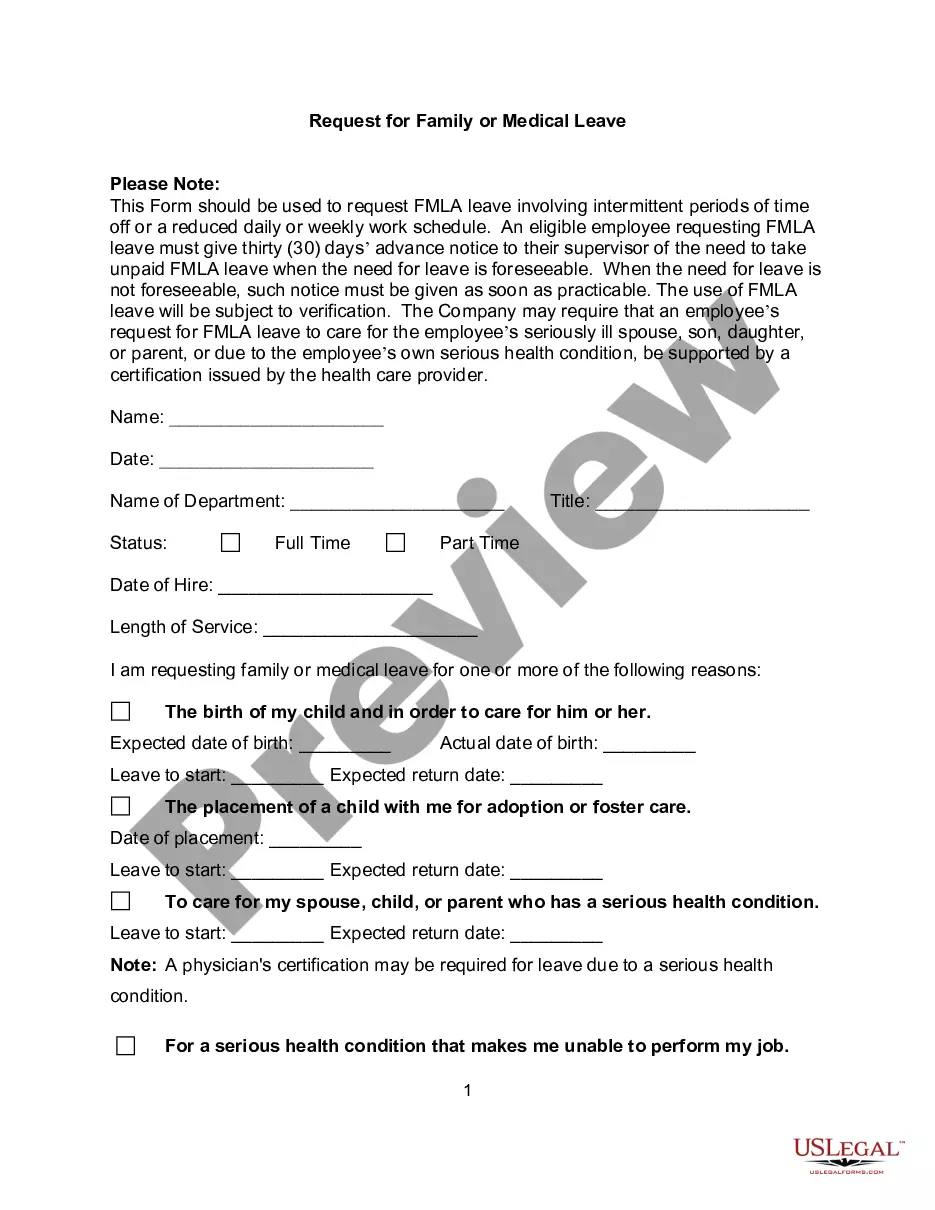

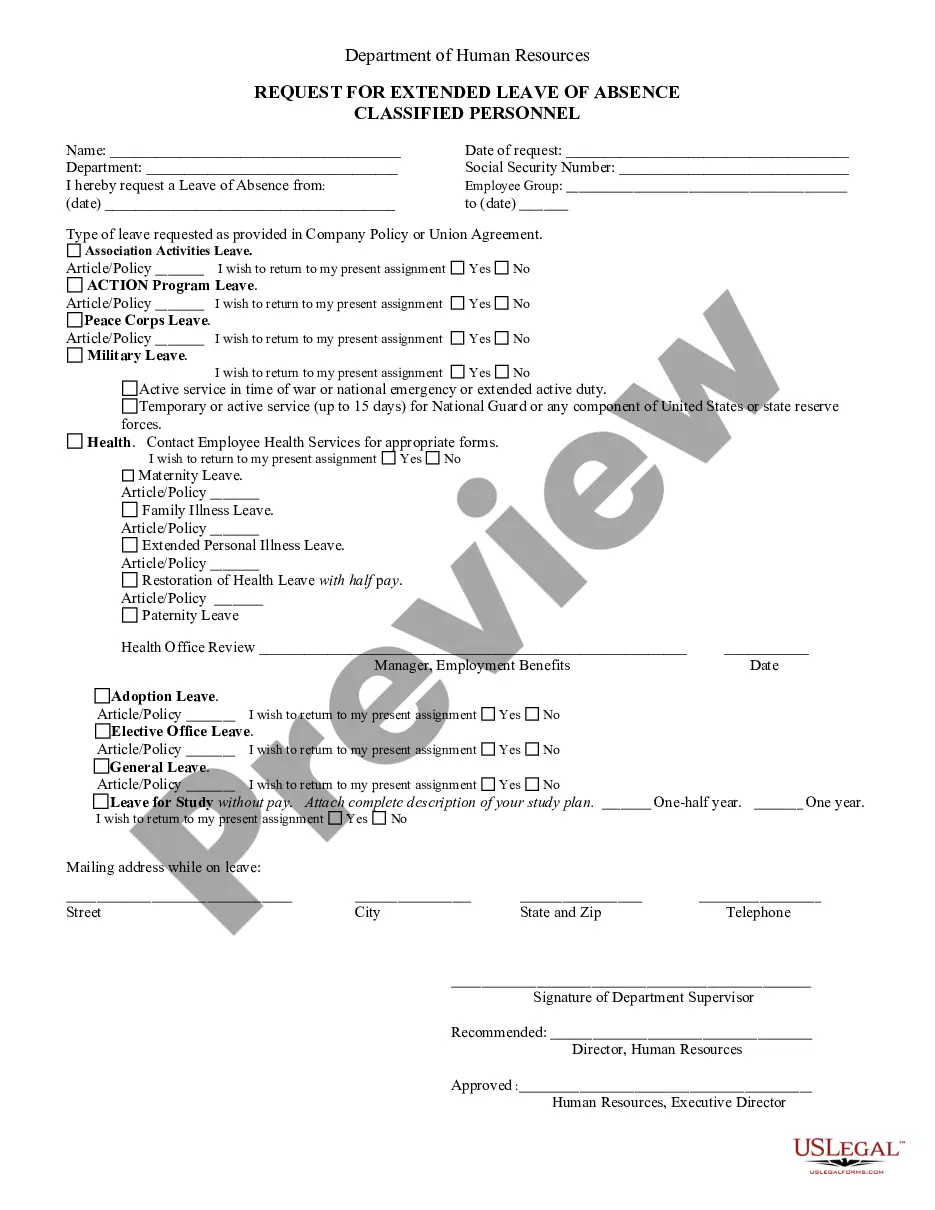
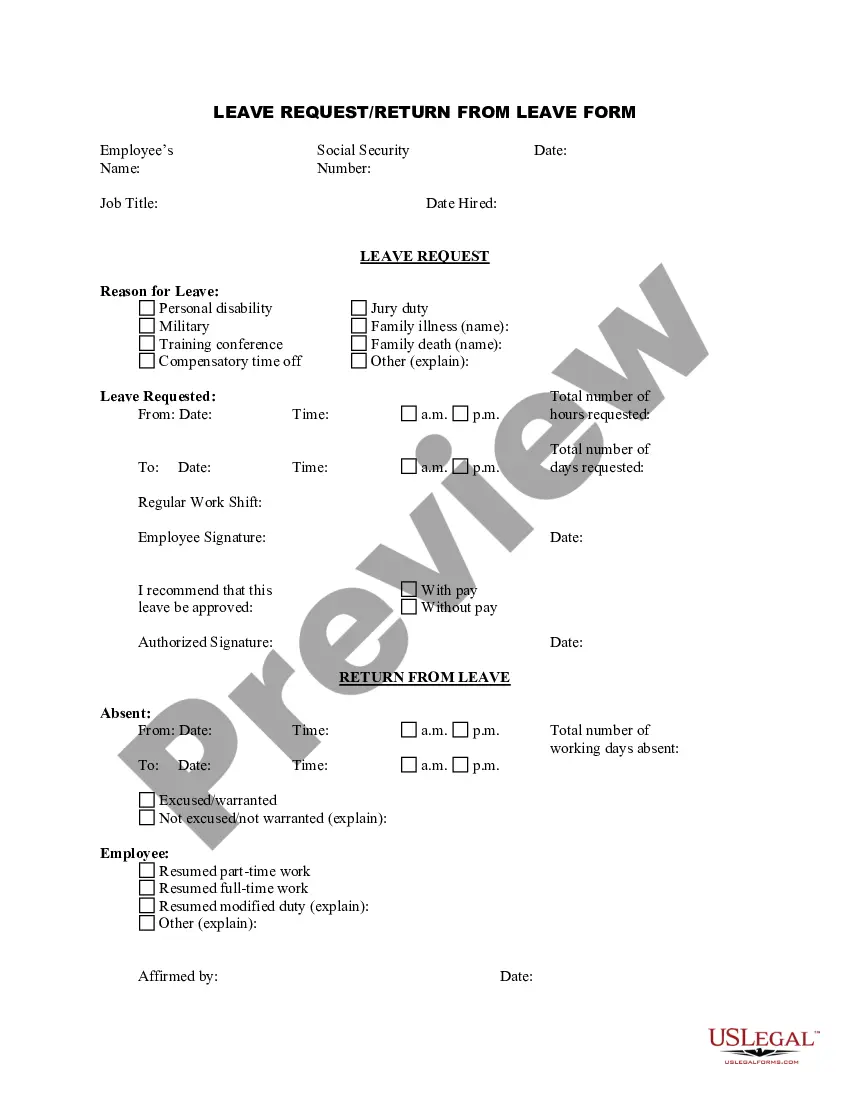
Get your form ready online
Our built-in tools help you complete, sign, share, and store your documents in one place.
Make edits, fill in missing information, and update formatting in US Legal Forms—just like you would in MS Word.
Download a copy, print it, send it by email, or mail it via USPS—whatever works best for your next step.
Sign and collect signatures with our SignNow integration. Send to multiple recipients, set reminders, and more. Go Premium to unlock E-Sign.
If this form requires notarization, complete it online through a secure video call—no need to meet a notary in person or wait for an appointment.
We protect your documents and personal data by following strict security and privacy standards.

Make edits, fill in missing information, and update formatting in US Legal Forms—just like you would in MS Word.

Download a copy, print it, send it by email, or mail it via USPS—whatever works best for your next step.

Sign and collect signatures with our SignNow integration. Send to multiple recipients, set reminders, and more. Go Premium to unlock E-Sign.

If this form requires notarization, complete it online through a secure video call—no need to meet a notary in person or wait for an appointment.

We protect your documents and personal data by following strict security and privacy standards.
Looking for another form?





How to fill out Memo From Employer Regarding Employee Request For Leave?
Dealing with legal documents and processes can be a lengthy addition to your day.
Memos like the Employee Sample Format frequently necessitate searching for them and figuring out how to fill them out correctly.
Therefore, if you are managing financial, legal, or personal issues, having an extensive and user-friendly online directory of documents readily available will greatly assist you.
US Legal Forms is the leading online platform for legal templates, featuring over 85,000 forms specific to each state and a variety of resources that will help you fill out your documents effortlessly.
Is this your first time using US Legal Forms? Register and create an account in a few minutes to gain access to the document directory and the Memo Regarding Employee Sample Format. Then, follow these steps to fill out your document.
- Examine the catalog of pertinent documents accessible to you with just one click.
- US Legal Forms provides state- and county-specific documents that can be downloaded at any time.
- Safeguard your document management processes with exceptional support that allows you to prepare any document in minutes, free of extra or hidden fees.
- Simply Log In to your account, locate the Memo Regarding Employee Sample Format, and download it immediately from the My documents section.
- You can also retrieve previously saved documents.
Form popularity
FAQ
The format of a memo follows the general guidelines of business writing. A memo is usually a page or two long, single spaced and left justified. Instead of using indentations to show new paragraphs, skip a line between sentences. Business materials should be concise and easy to read.
All memos should include the following: Write a heading. No matter what kind of memo you're writing, you'll need to include a heading. ... Write an introduction. ... Provide background on the issue. ... Outline action items and timeline (Optional). ... Include a closing statement. ... Review and proofread before sending.
Dear employees, I am writing to inform you of a new policy that will be implemented at [Company Name] effective [Date]. The purpose of this policy is to [state the purpose of the policy]. [Include a brief explanation of the policy and what it entails.
First, there is a main heading at the top. Second, there is a section showing to whom the memo is written, from whom it is written, the date, and the subject. Third, the body of the memo contains the details of the message. Finally, any related attachments may be added to the memo.
SUBJECT: MEMO OF CONCERN Indicate when this instruction/expectation was previously discussed or had been previously trained or counseled. Indicate dates/times of prior verbal counseling and date written documentation was issued to the employee. Provide a clear directive to the employee.