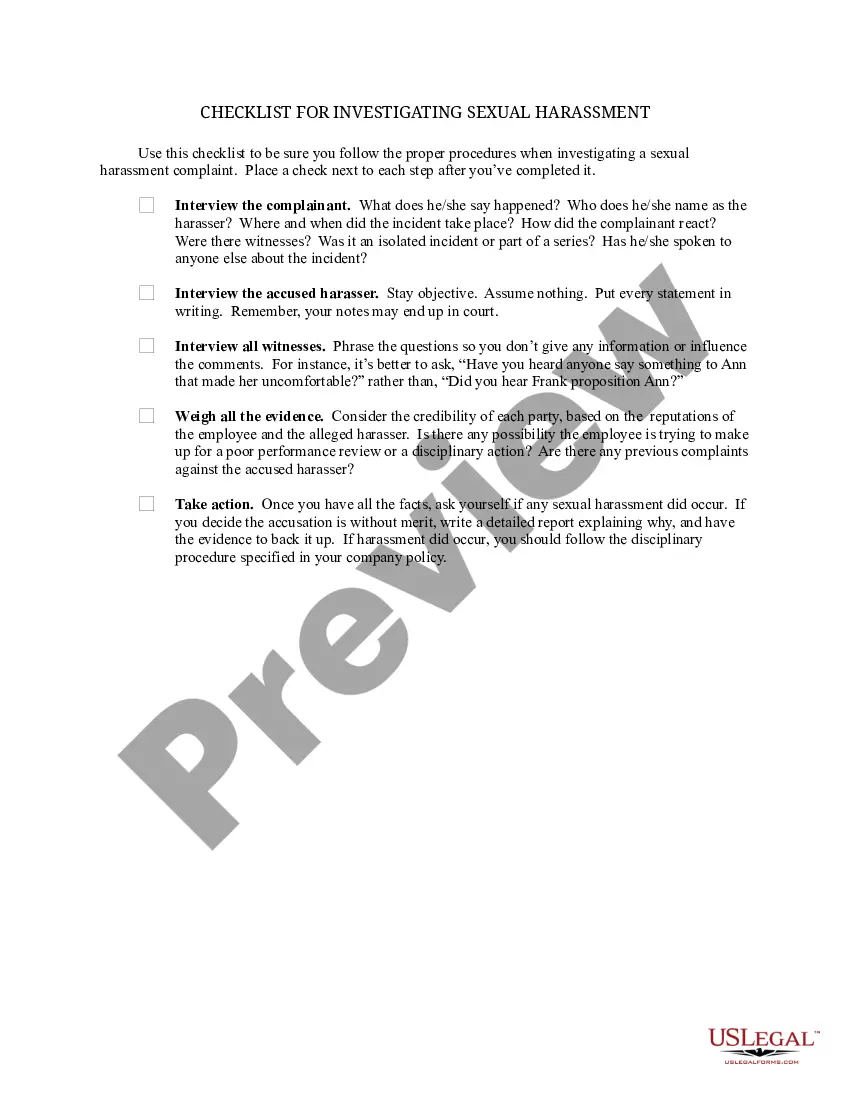
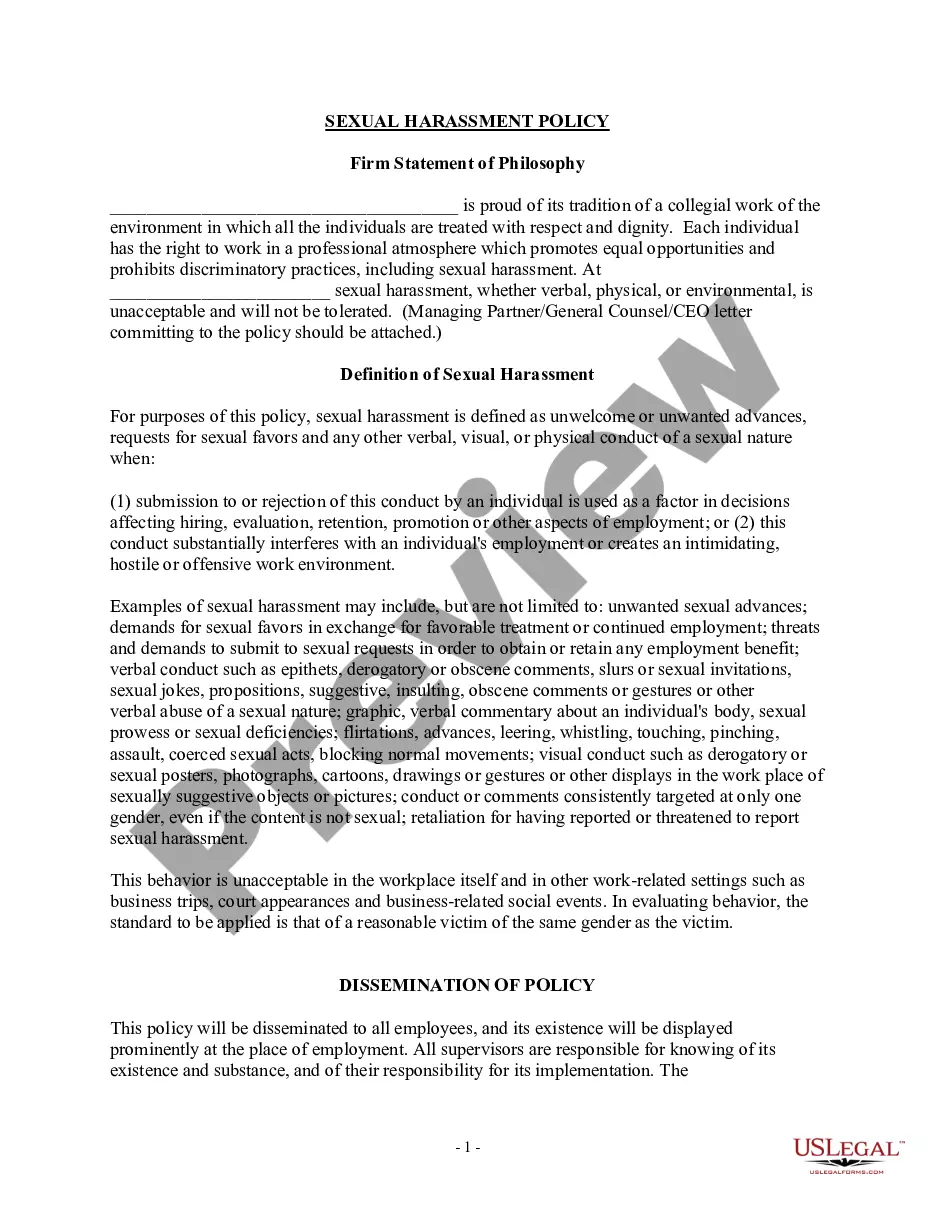
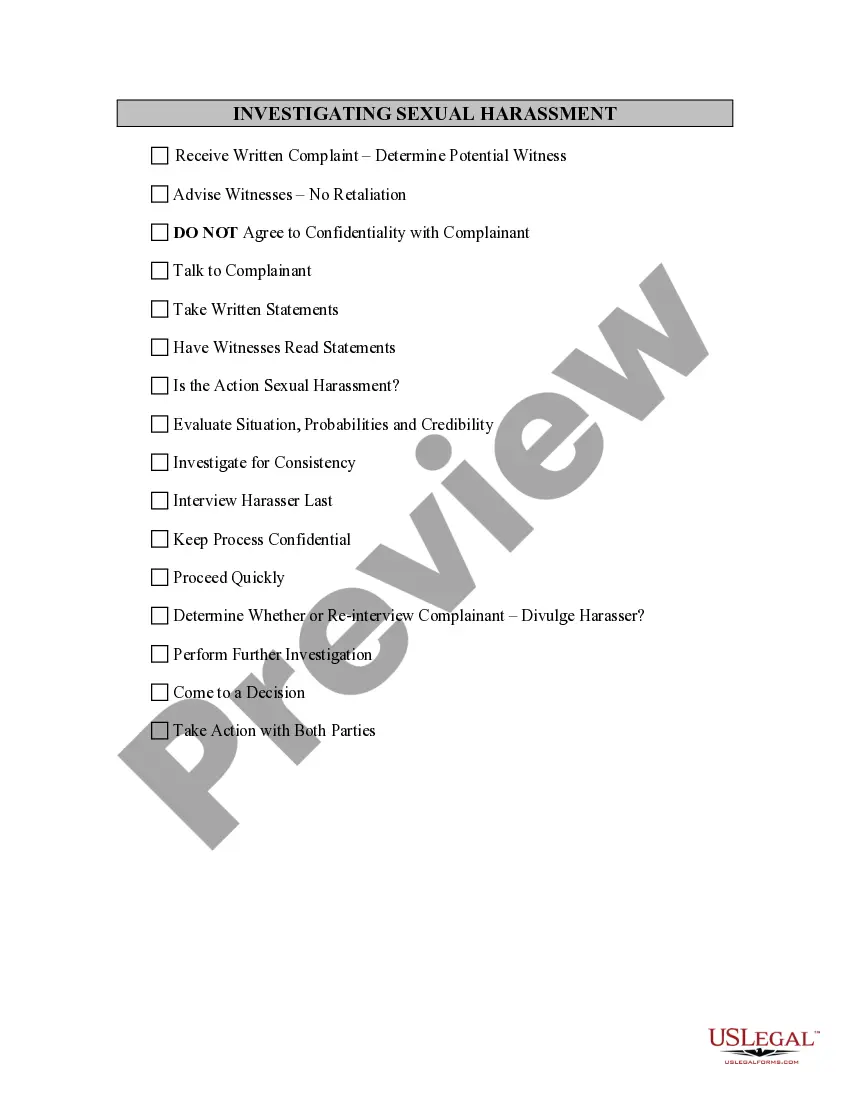
Investigation Questions For Workplace Bullying
Description
Get your form ready online
Our built-in tools help you complete, sign, share, and store your documents in one place.
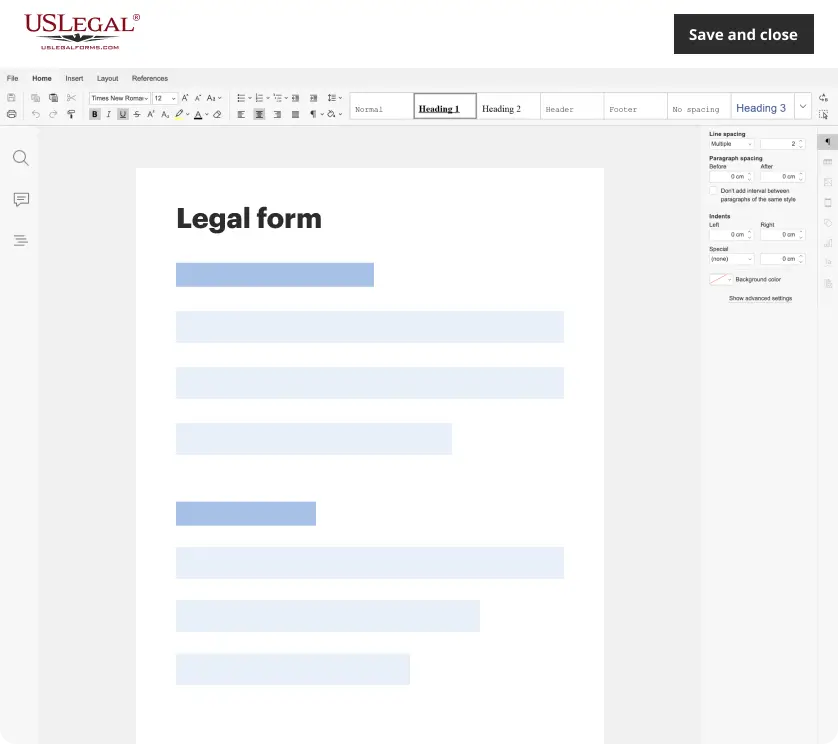
Make edits, fill in missing information, and update formatting in US Legal Forms—just like you would in MS Word.
Download a copy, print it, send it by email, or mail it via USPS—whatever works best for your next step.
Sign and collect signatures with our SignNow integration. Send to multiple recipients, set reminders, and more. Go Premium to unlock E-Sign.
If this form requires notarization, complete it online through a secure video call—no need to meet a notary in person or wait for an appointment.
We protect your documents and personal data by following strict security and privacy standards.
Make edits, fill in missing information, and update formatting in US Legal Forms—just like you would in MS Word.
Download a copy, print it, send it by email, or mail it via USPS—whatever works best for your next step.
Sign and collect signatures with our SignNow integration. Send to multiple recipients, set reminders, and more. Go Premium to unlock E-Sign.

If this form requires notarization, complete it online through a secure video call—no need to meet a notary in person or wait for an appointment.
We protect your documents and personal data by following strict security and privacy standards.
Looking for another form?
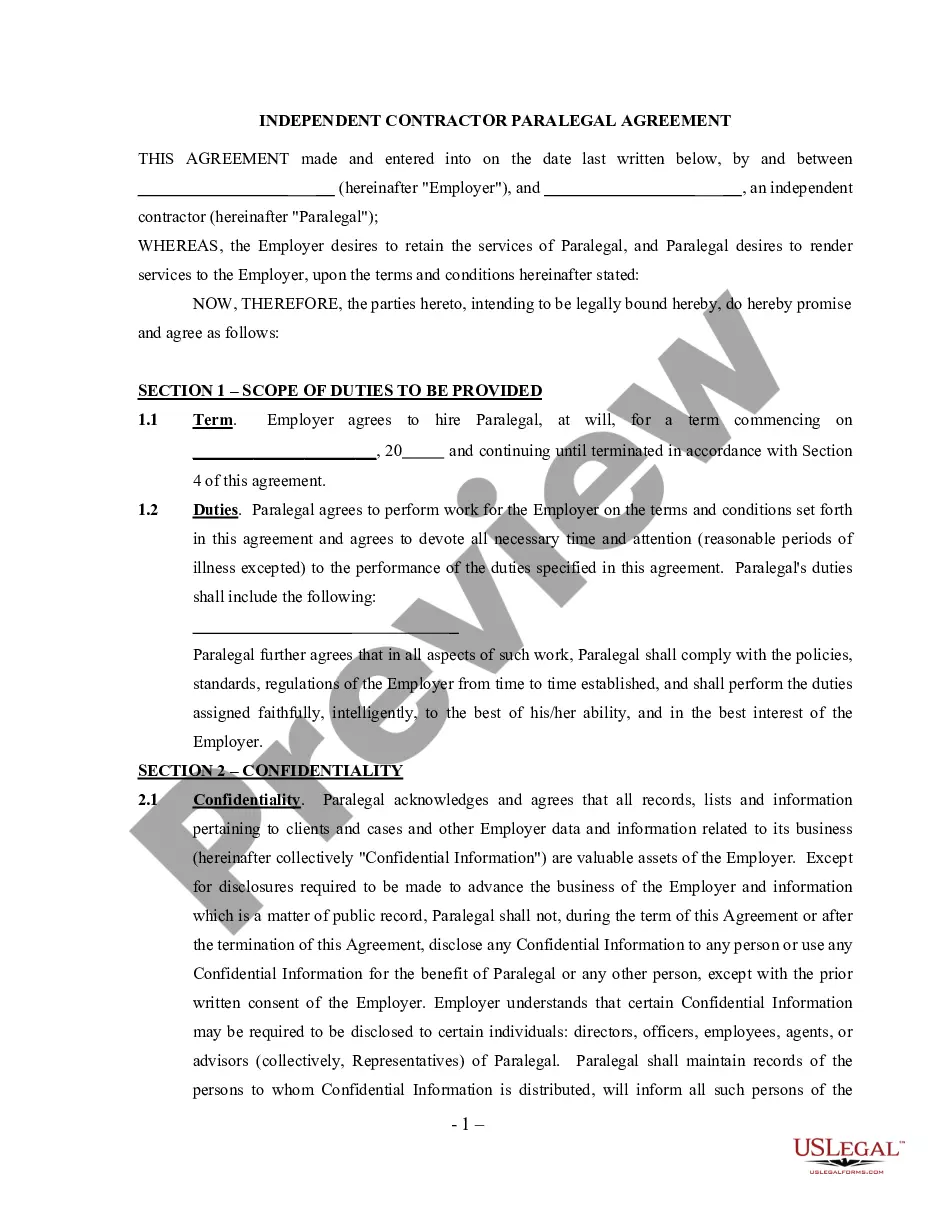
How to fill out Checklist For Investigation Sexual Harassment - Workplace?
Handling legal documentation and processes can be an exhausting addition to your daily activities.
Inquiry Questions For Workplace Harassment and similar forms generally require you to search for them and understand how to fill them out correctly.
Thus, whether you are managing financial, legal, or personal issues, having a comprehensive and accessible online directory of forms at your fingertips will greatly assist you.
US Legal Forms is the premier online platform for legal templates, providing over 85,000 state-specific documents and various tools that will enable you to complete your paperwork with ease.
Simply Log In to your account, locate Inquiry Questions For Workplace Harassment, and download it instantly from the My documents section. You can also access forms you have downloaded before.
- Explore the collection of relevant documents available with just one click.
- US Legal Forms supplies you with state- and county-specific documents ready for download at any time.
- Protect your document management processes by utilizing a top-notch service that allows you to create any document in minutes with no extra or hidden fees.
Form popularity
FAQ
It can cost anywhere from $500 to $5,000 to create a living trust in Texas, depending on the complexity of your estate and whether or not you use an attorney. If you have a simple estate and are comfortable handling the paperwork yourself, you could get by with spending just a few hundred dollars.
The key disadvantages of placing a house in a trust include the following: Extra paperwork: Moving property in a trust requires the house owner to transfer the asset's legal title. This involves preparing and signing an additional deed, and some people may consider this cumbersome.
A trust amendment form allows you to make certain changes to a revocable living trust, while a codicil lets you make small changes to your last will and testament.
To make a living trust in Texas, you: Choose between establishing an individual or shared trust. Determine which assets will be included in the trust. Select a successor trustee. Determine the trust's beneficiaries or those who will receive the trust's assets. Create the trust document.
A trustee is required to send a copy of the Trust and its amendments, if there are any amendments, to the beneficiaries of the Trust and heirs of the settlor (i.e., the person who created the Trust), within 60 days of a written request.
As long as you are confident that your trust is validly formed in ance with state law, recording is not required nor necessary. However, for extra peace of mind, you may choose to record your Certificate of Trust with the county clerk's office in order to protect it from unauthorized changes or access.
Under the Texas Statutes, requirements for creating a trust include that the trustor is of sound mind, the trustee act in the best interest of the beneficiaries, and that some consideration, which means money or property, is included in the trust.
Texas law does not require a revocable trust instrument to be witnessed to be valid. Texas does not require a trust instrument to be notarized to be valid, but notarization is a best practice.