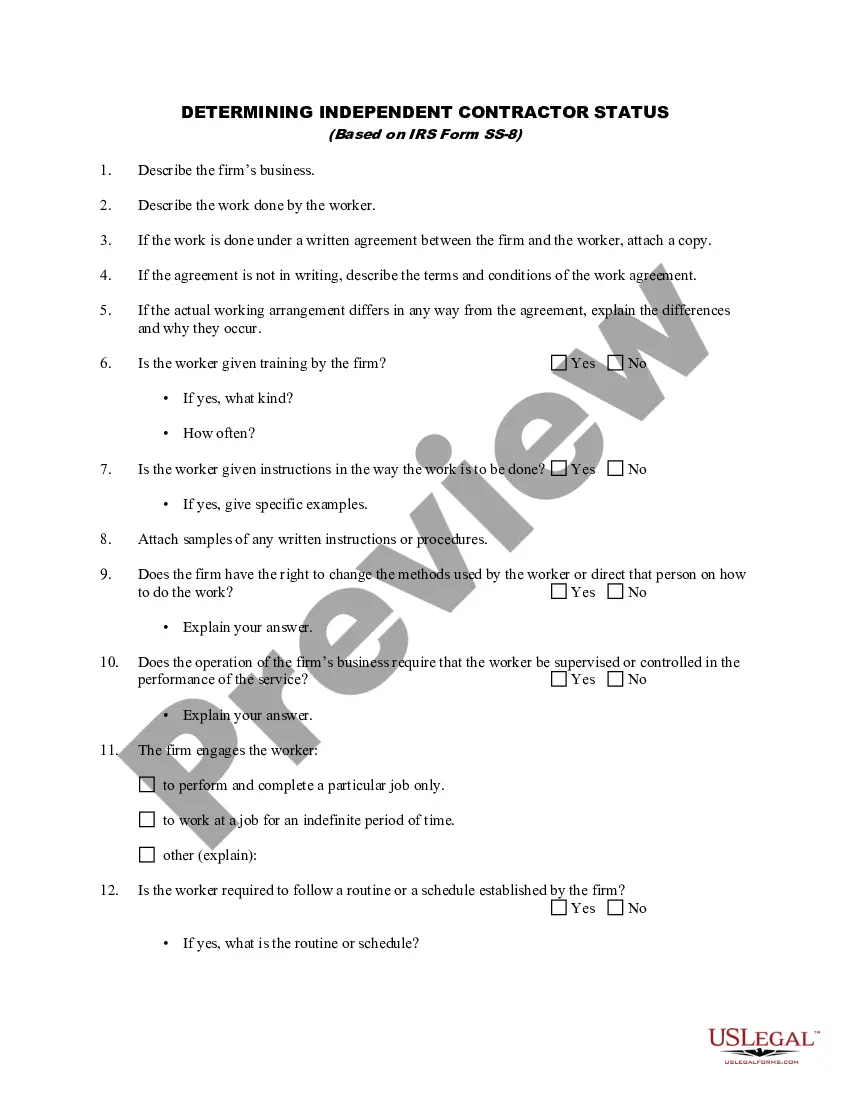
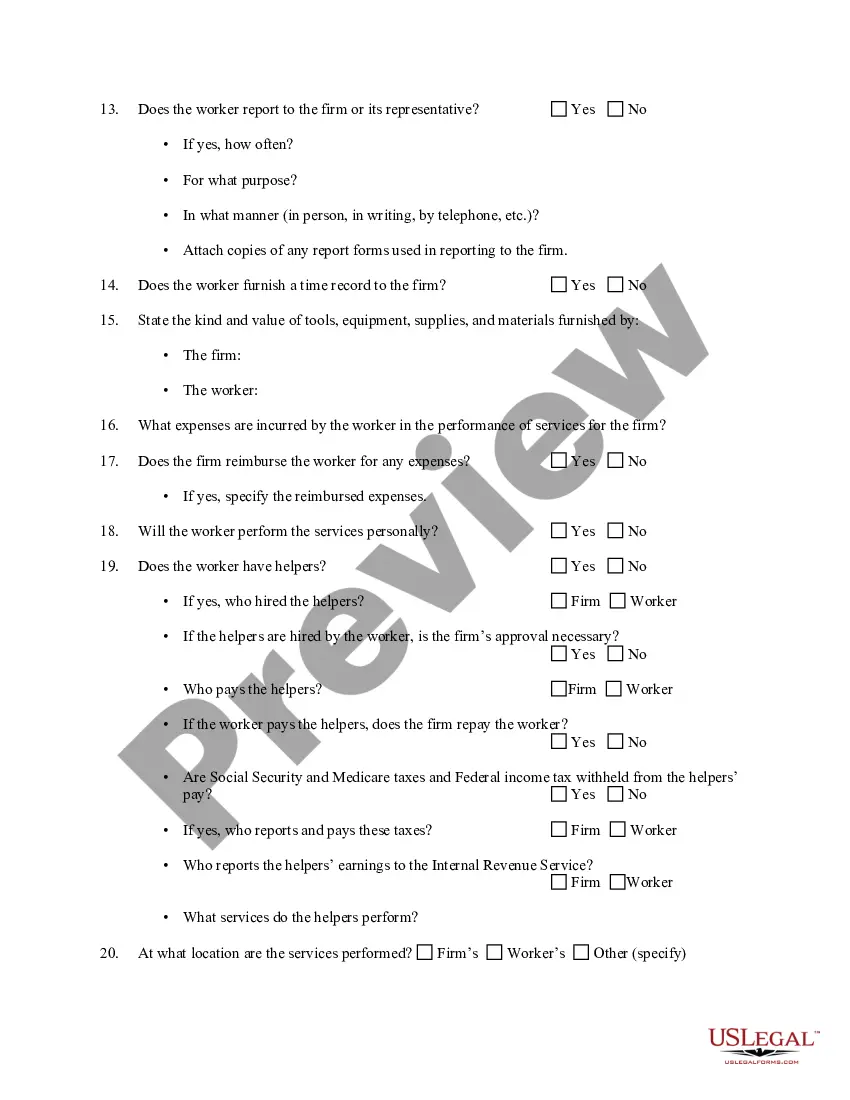
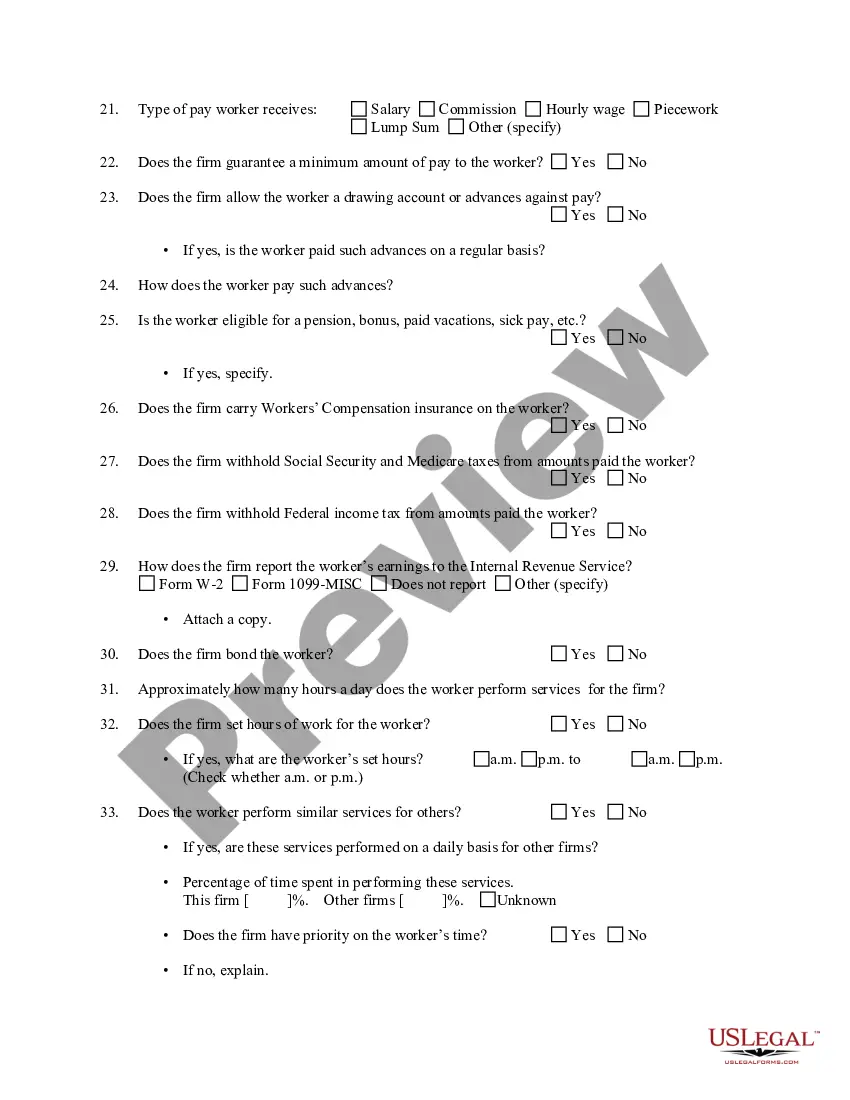
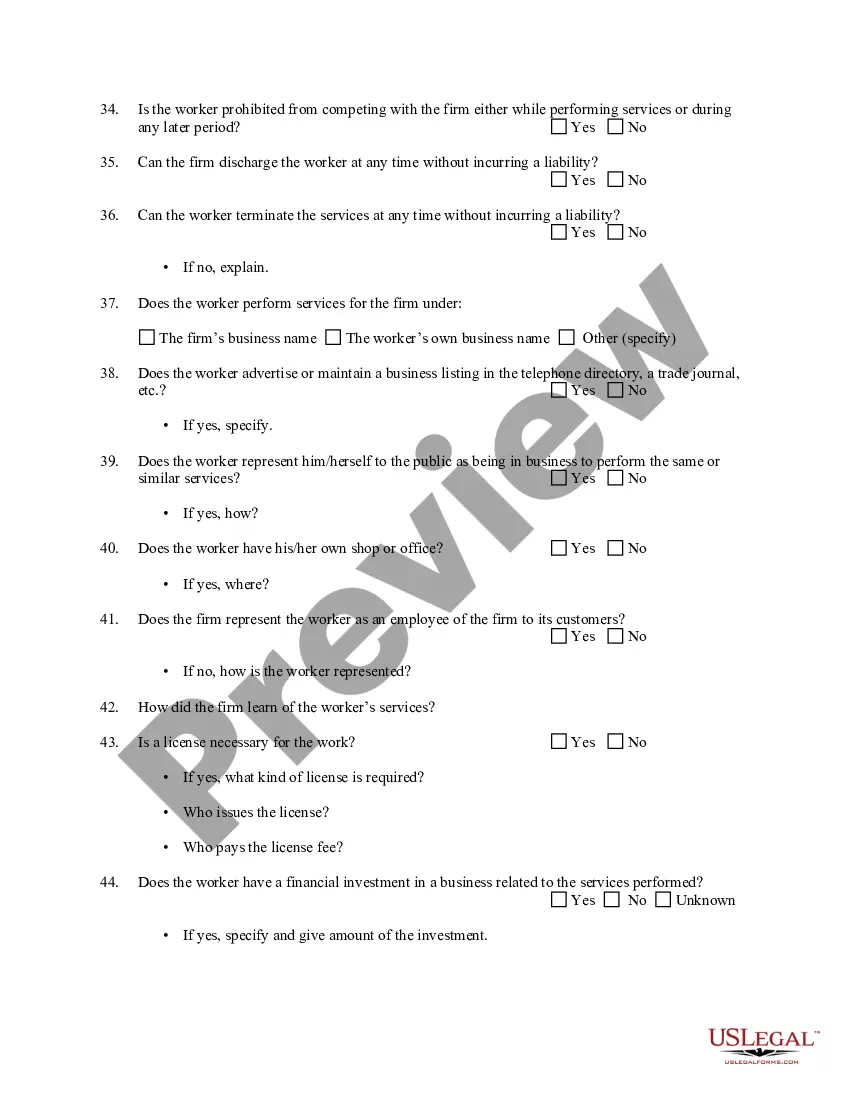
Contractor Status With Passport Number
Description
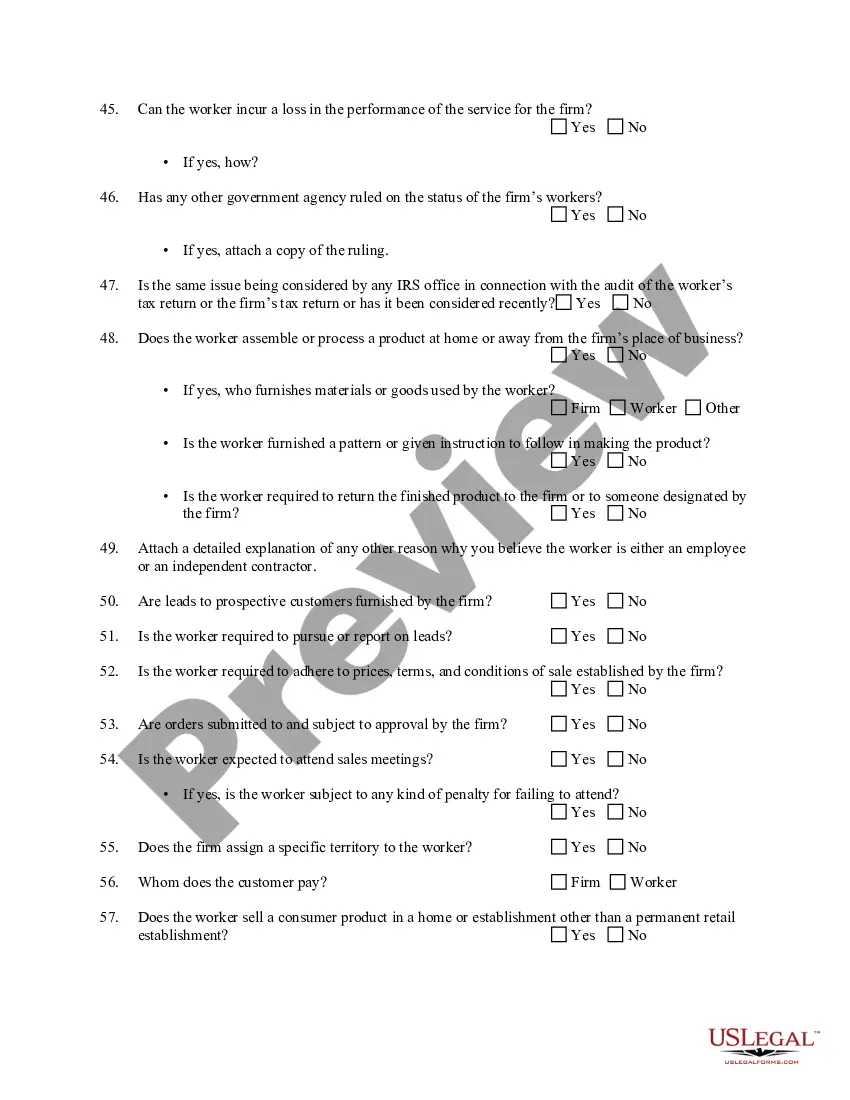
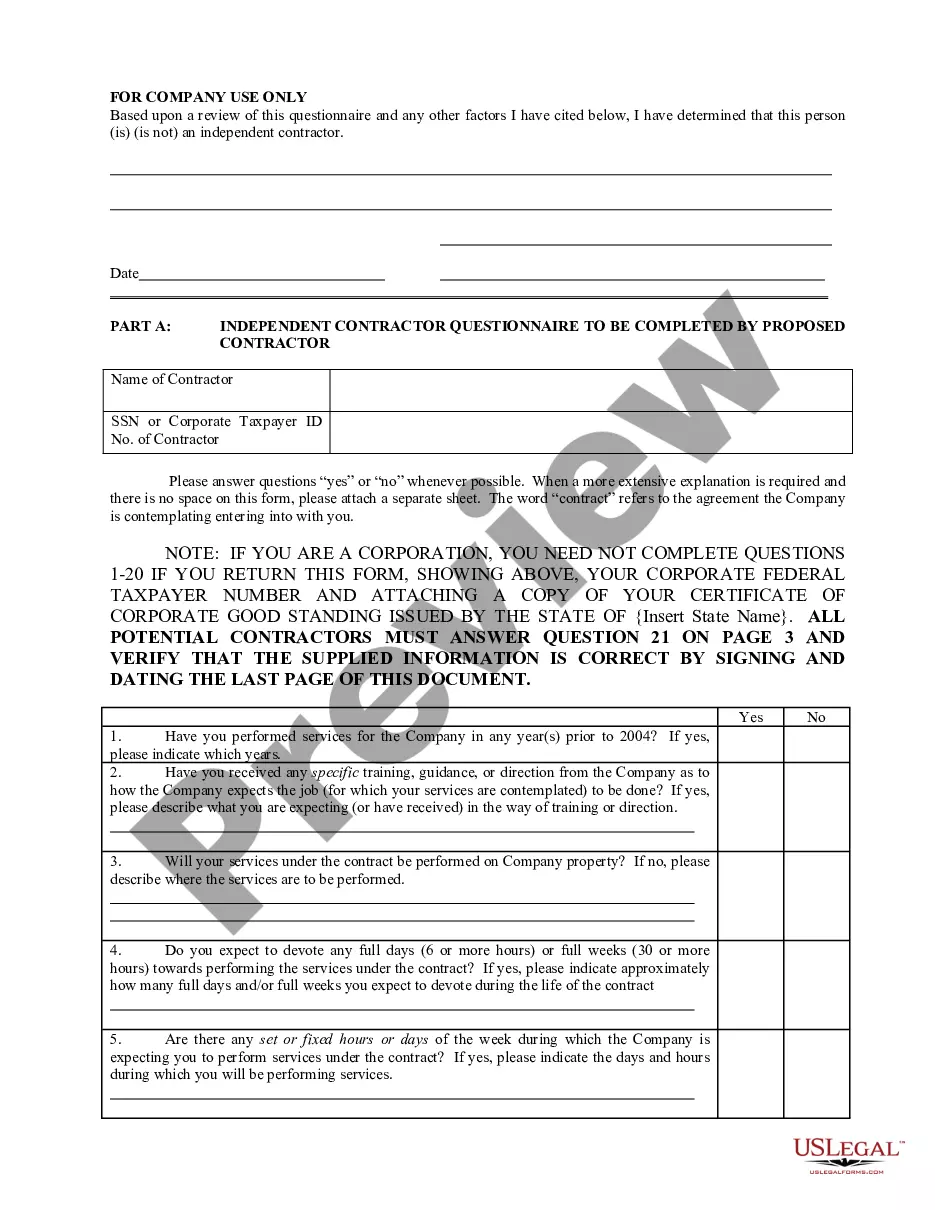
Get your form ready online
Our built-in tools help you complete, sign, share, and store your documents in one place.
Make edits, fill in missing information, and update formatting in US Legal Forms—just like you would in MS Word.
Download a copy, print it, send it by email, or mail it via USPS—whatever works best for your next step.
Sign and collect signatures with our SignNow integration. Send to multiple recipients, set reminders, and more. Go Premium to unlock E-Sign.
If this form requires notarization, complete it online through a secure video call—no need to meet a notary in person or wait for an appointment.
We protect your documents and personal data by following strict security and privacy standards.

Make edits, fill in missing information, and update formatting in US Legal Forms—just like you would in MS Word.

Download a copy, print it, send it by email, or mail it via USPS—whatever works best for your next step.

Sign and collect signatures with our SignNow integration. Send to multiple recipients, set reminders, and more. Go Premium to unlock E-Sign.

If this form requires notarization, complete it online through a secure video call—no need to meet a notary in person or wait for an appointment.

We protect your documents and personal data by following strict security and privacy standards.
Looking for another form?
How to fill out Determining Self-Employed Independent Contractor Status?
Creating legal documents from the ground up can frequently be overwhelming.
Certain situations may require extensive research and considerable financial investment.
If you’re looking for a more straightforward and cost-effective method to generate Contractor Status With Passport Number or any other documentation without unnecessary complications, US Legal Forms is readily available for you.
Our online repository of over 85,000 current legal forms encompasses nearly every aspect of your financial, legal, and personal matters.
However, before diving directly into downloading Contractor Status With Passport Number, consider these recommendations: Review the document preview and descriptions to ensure you are on the correct form you seek. Confirm that the template you select adheres to your state and county regulations. Select the appropriate subscription plan to purchase the Contractor Status With Passport Number. Download the document, then complete, sign, and print it out. US Legal Forms has a strong reputation and over 25 years of experience. Join us today and simplify form completion into a straightforward and efficient process!
- With just a few clicks, you can swiftly access state- and county-compliant templates meticulously prepared for you by our legal experts.
- Utilize our site whenever you require dependable services through which you can easily find and download the Contractor Status With Passport Number.
- If you’re familiar with our site and have previously established an account, simply Log In, find the template, and download it or retrieve it again later in the My documents section.
- Not registered yet? No worries. It requires minimal time to create an account and explore the library.
Form popularity
FAQ
Your employer must: Allow you the choice of what documentation to provide. For example, your employer cannot ask you for a U.S. passport or a Green Card. Comply with the Immigration and Nationality Act's anti-discrimination provision.
An employer who expects you to travel for work could reasonably request to see your passport to see if it's valid. An employer whose contracts require only US nationals to work on them could reasonably request to see your passport to verify your citizenship.
Passport scan isn't much of a security concern. As a document created to let you travel in/out of foreign countries it's not loaded with a bunch of sensitive information and isn't really problematic unless you lose the physically document. Ask if you can provide a link to the document instead of sending over email.
No. If you want to do this properly get Signal, turn on disappearing messages and send your passport in an encrypted zip file. That way even after your friend copies it over and prints it hopefully they will delete the unencrypted copy or it will just sit on their computer.
Fraudsters use your passport number to gather more details about you online, such as your date of birth, address, and Social Security number (SSN). They can obtain this information via data breaches, phishing attempts, or from your social media accounts.