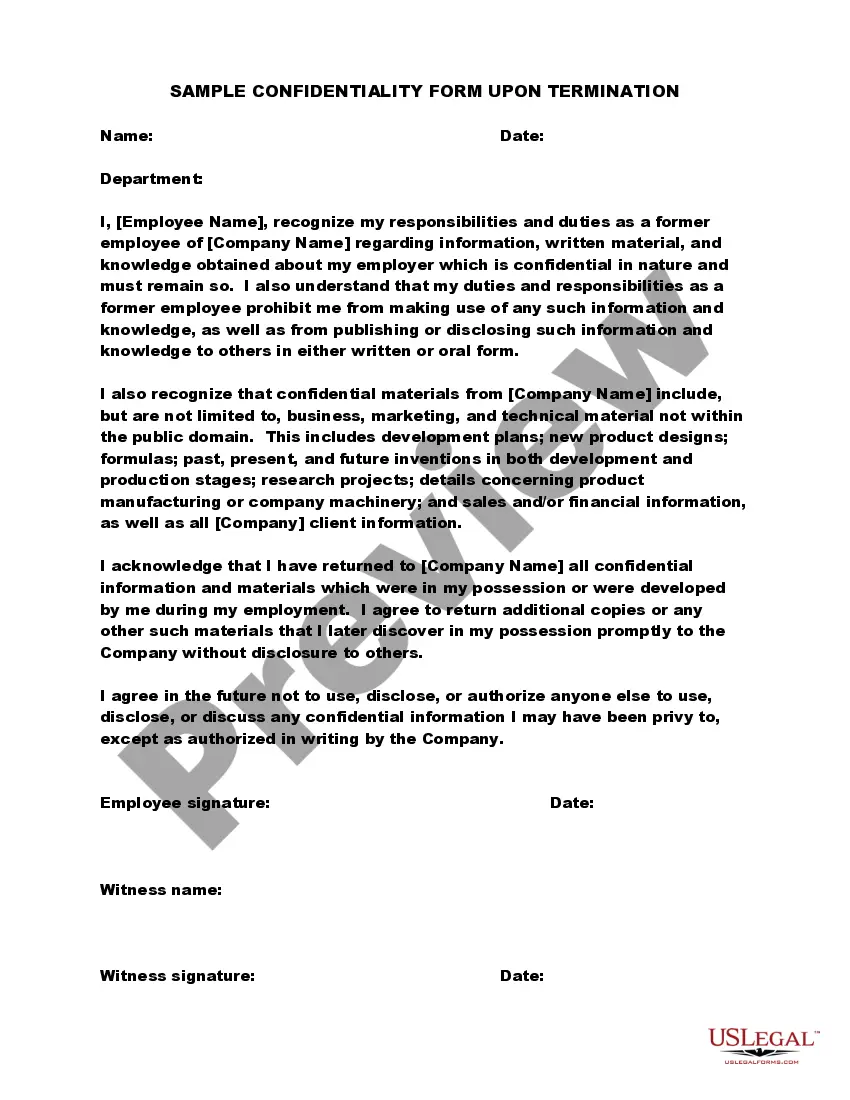
Sample Confidentiality Disclaimer For Documents
Description
Get your form ready online
Our built-in tools help you complete, sign, share, and store your documents in one place.
Make edits, fill in missing information, and update formatting in US Legal Forms—just like you would in MS Word.
Download a copy, print it, send it by email, or mail it via USPS—whatever works best for your next step.
Sign and collect signatures with our SignNow integration. Send to multiple recipients, set reminders, and more. Go Premium to unlock E-Sign.
If this form requires notarization, complete it online through a secure video call—no need to meet a notary in person or wait for an appointment.
We protect your documents and personal data by following strict security and privacy standards.

Make edits, fill in missing information, and update formatting in US Legal Forms—just like you would in MS Word.

Download a copy, print it, send it by email, or mail it via USPS—whatever works best for your next step.

Sign and collect signatures with our SignNow integration. Send to multiple recipients, set reminders, and more. Go Premium to unlock E-Sign.

If this form requires notarization, complete it online through a secure video call—no need to meet a notary in person or wait for an appointment.

We protect your documents and personal data by following strict security and privacy standards.
Looking for another form?

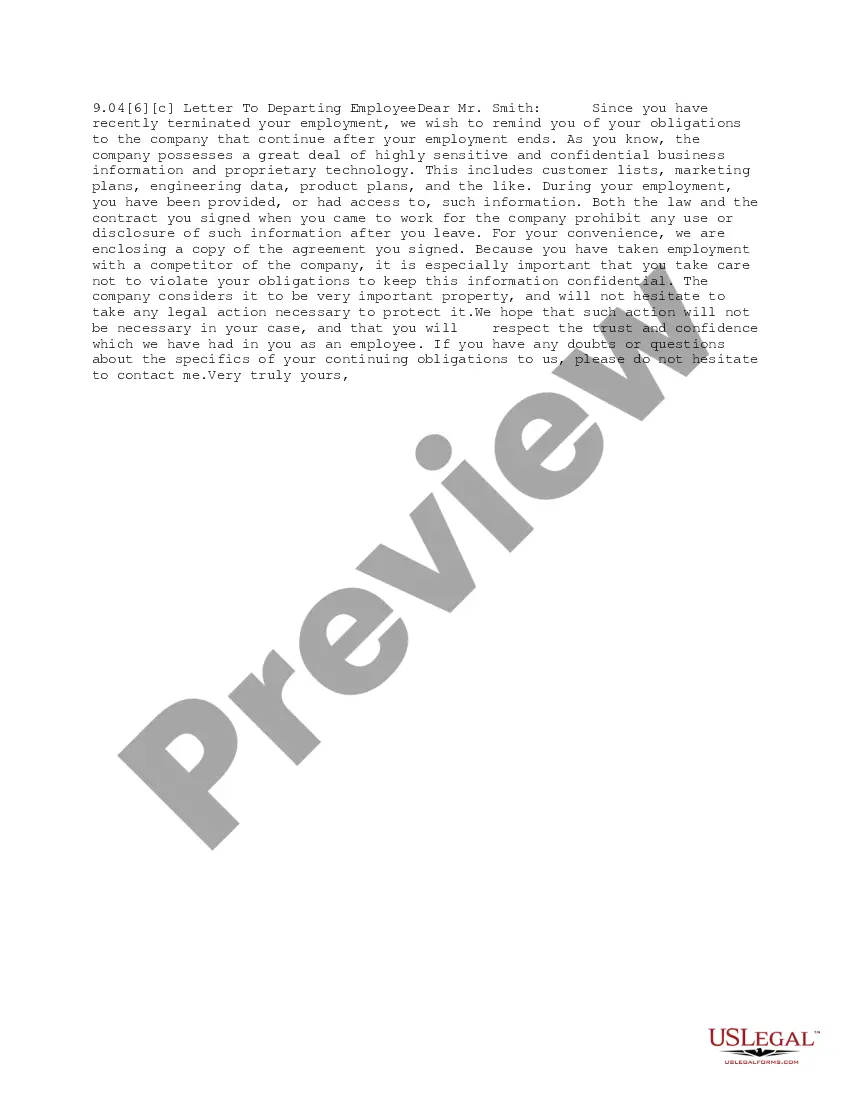
How to fill out Sample Confidentiality Form Upon Termination?
How to locate professional legal documents that conform to your state regulations and create the Sample Confidentiality Disclaimer For Documents without consulting an attorney.
Numerous online services provide templates to address diverse legal scenarios and formal requirements.
However, it may require time to identify which of the accessible samples fulfill both application and legal standards for you.
Download the Sample Confidentiality Disclaimer For Documents using the appropriate button next to the file name. If you do not hold an account with US Legal Forms, please adhere to the following instructions.
- US Legal Forms is a trusted service that assists you in finding formal documents drafted in alignment with the latest updates in state law and helps save on legal fees.
- US Legal Forms is not just an ordinary web directory.
- It is a compilation of over 85,000 validated templates for various business and personal situations.
- All documents are organized by sector and state to streamline your search process.
- It also integrates with strong solutions for PDF modification and electronic signatures, allowing users with a Premium subscription to swiftly complete their documents online.
- Acquiring the necessary paperwork requires minimal effort and time.
- If you already possess an account, Log In and verify that your subscription is active.
Form popularity
FAQ
Writing the Confidentiality Agreement. Start with the basic information. This will include the title of your contract and the parties making the agreement. You may also want to include a general introduction that states the purpose of the contract.
I agree to treat as confidential all information about clients or former clients and their families that I learn during the performance of my duties as (position title), and I understand that it would be a violation of policy to disclose such information to anyone without checking first with my
The content of this message is confidential. If you have received it by mistake, please inform us by an email reply and then delete the message. It is forbidden to copy, forward, or in any way reveal the contents of this message to anyone. The integrity and security of this email cannot be guaranteed over the Internet.
Clearly label all confidential information as confidential. This means writing confidential on documents or any folder you keep them in. If you are sending an email, make sure the title clearly identifies it as confidential.
Here are 8 suggestions to help keep your confidential business documents secureImplement a Workplace Information Destruction Policy.Implement a Clean Desk Policy.Train Employees on the Importance of Document Security.Include a non-disclosure clause in employment agreements.Limit access to sensitive information.More items...