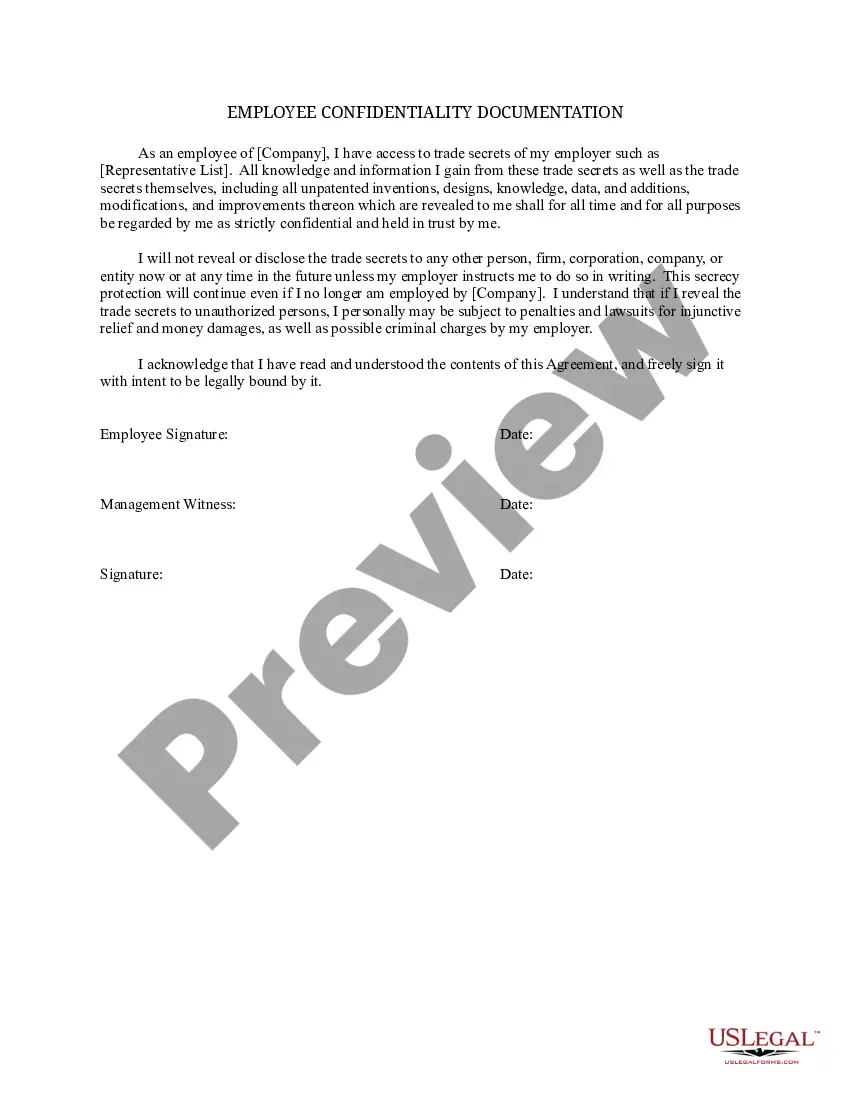
Employee Documentation Document For Editing
Description
Get your form ready online
Our built-in tools help you complete, sign, share, and store your documents in one place.
Make edits, fill in missing information, and update formatting in US Legal Forms—just like you would in MS Word.
Download a copy, print it, send it by email, or mail it via USPS—whatever works best for your next step.
Sign and collect signatures with our SignNow integration. Send to multiple recipients, set reminders, and more. Go Premium to unlock E-Sign.
If this form requires notarization, complete it online through a secure video call—no need to meet a notary in person or wait for an appointment.
We protect your documents and personal data by following strict security and privacy standards.

Make edits, fill in missing information, and update formatting in US Legal Forms—just like you would in MS Word.

Download a copy, print it, send it by email, or mail it via USPS—whatever works best for your next step.

Sign and collect signatures with our SignNow integration. Send to multiple recipients, set reminders, and more. Go Premium to unlock E-Sign.

If this form requires notarization, complete it online through a secure video call—no need to meet a notary in person or wait for an appointment.

We protect your documents and personal data by following strict security and privacy standards.
Looking for another form?


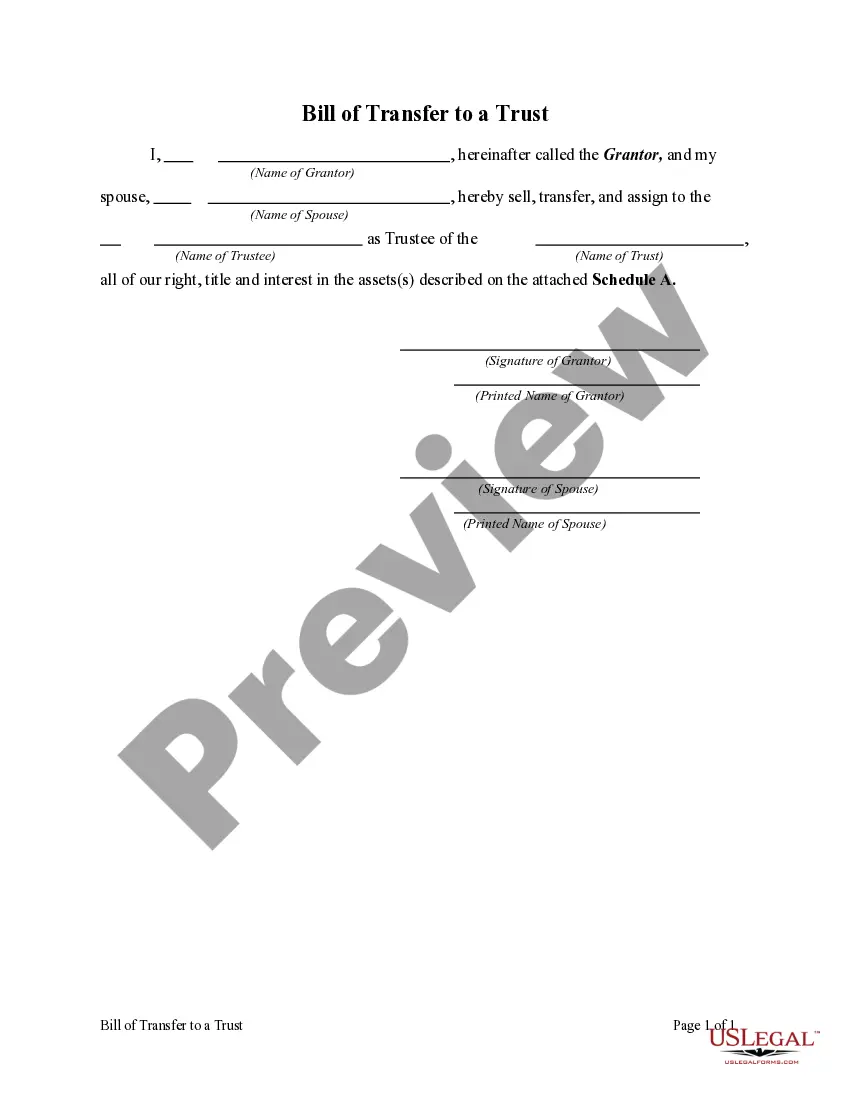




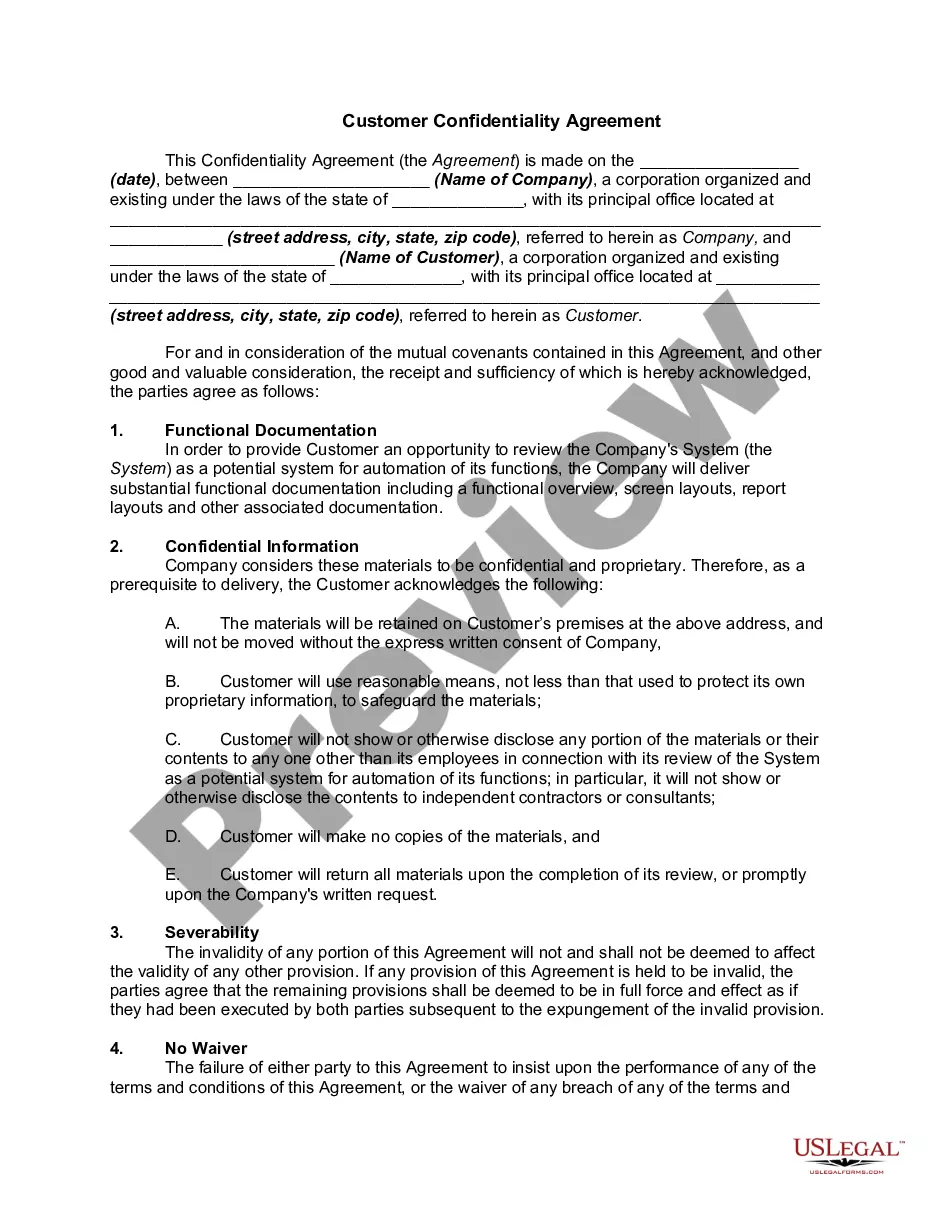
How to fill out Employee Confidentiality Documentation?
Dealing with legal paperwork and procedures can be an extensive addition to your daily activities.
Employee Documentation Document For Editing and similar forms generally require you to locate them and comprehend how to fill them out accurately.
Therefore, regardless of whether you are managing financial, legal, or personal issues, possessing a thorough and efficient online directory of forms available when needed will be very beneficial.
US Legal Forms is the leading online platform for legal templates, offering over 85,000 state-specific forms along with a range of resources to assist you in easily completing your documents.
Simply Log In to your account, locate Employee Documentation Document For Editing, and download it instantly in the My documents section. You can also access previously saved forms.
- Explore the collection of relevant documents accessible to you with just a single click.
- US Legal Forms gives you state- and county-specific forms available for download at any time.
- Protect your document management processes with a reliable service that enables you to prepare any form in minutes without additional or hidden fees.
Form popularity
FAQ
Follow the steps below when documenting employee performance issues: Stick to the facts and underline expectations. Emphasize behavior. Align records of past performance. Describe proof of misconduct. Identify and present consequences. Meet in person and get a signature.
Document Editing: The Basics Logical flow. Factual accuracy. Style and consistency. Language and grammar. Word choice. Technical accuracy. Formatting.
Start with structural editing by assessing the clarity of your message and overall flow. At this stage, you're free to make significant changes by adding, moving, or deleting sections of text. The next step is line editing, where you focus on revising each line to communicate your ideas clearly.
Step A: Read the text. Read it all the way through without editing. ... Step B: Fine-toothed comb. Fix the typos, fix the punctuation, fix usage and grammar mistakes, make sure everything follows style. Step C: Big picture. ... Step D: Fact-checking. ... Step E: Revise. ... Step F: Display type.
Some tips that apply to both editing and proofreading Get some distance from the text! ... Decide which medium lets you proofread most carefully. ... Try changing the look of your document. ... Find a quiet place to work. ... If possible, do your editing and proofreading in several short blocks of time.