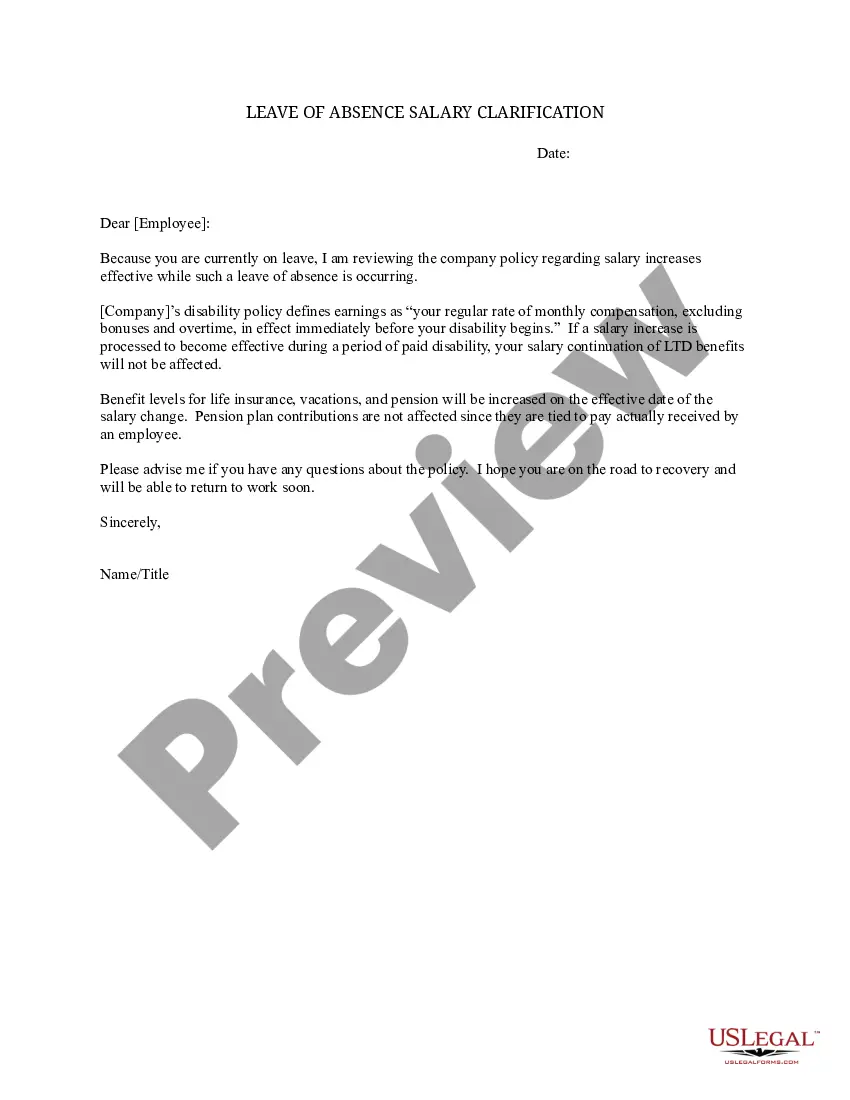
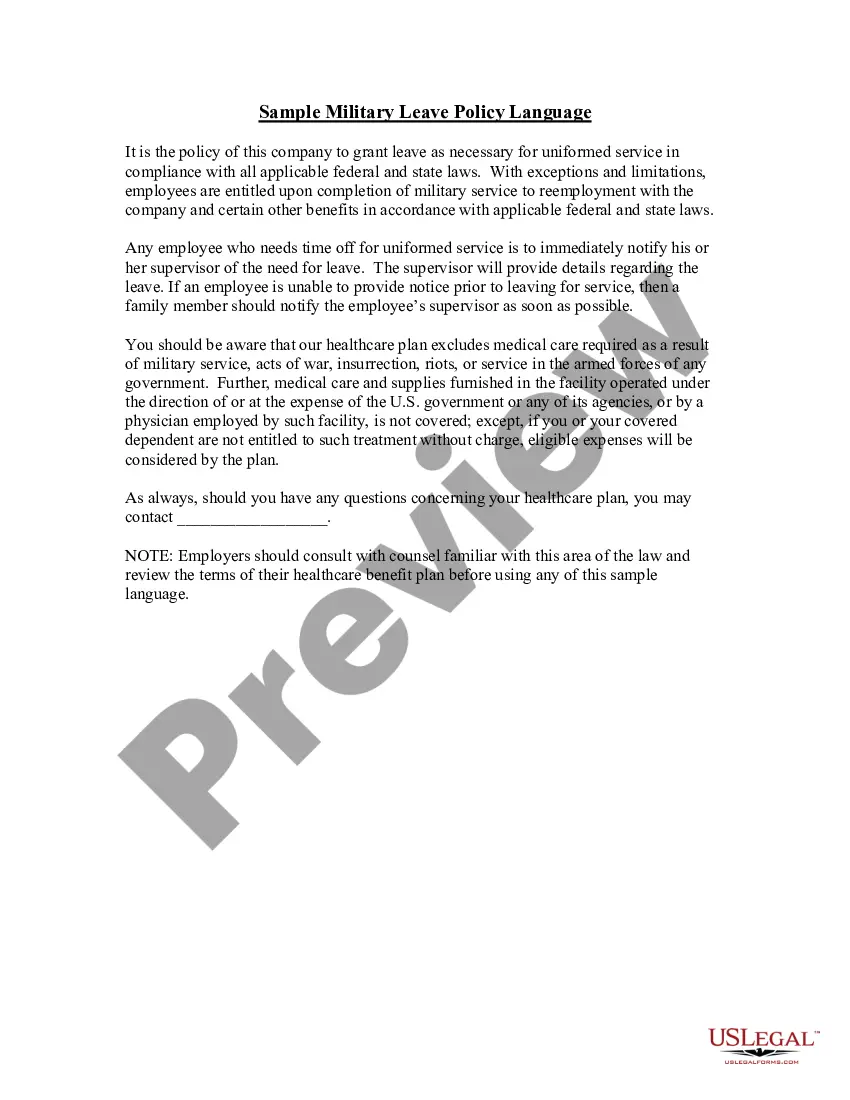
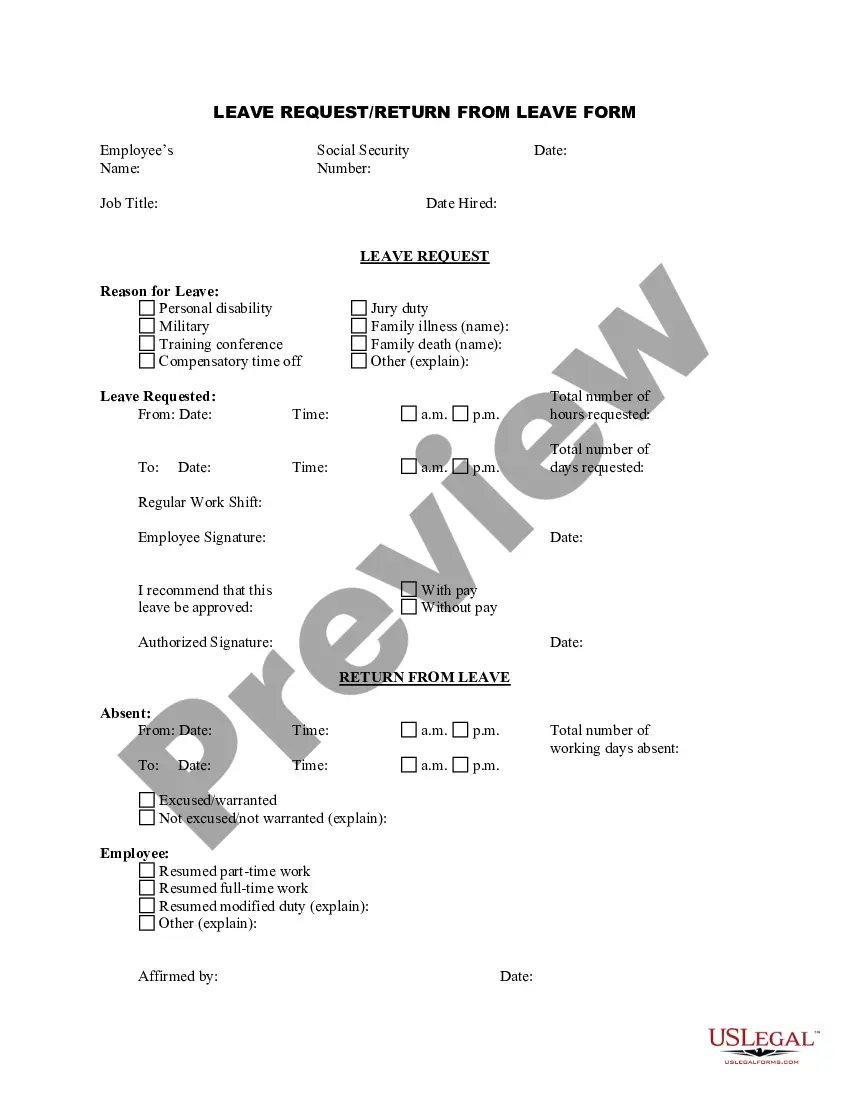
Leave Absence Template With Leave
Description

Get your form ready online
Our built-in tools help you complete, sign, share, and store your documents in one place.
Make edits, fill in missing information, and update formatting in US Legal Forms—just like you would in MS Word.
Download a copy, print it, send it by email, or mail it via USPS—whatever works best for your next step.
Sign and collect signatures with our SignNow integration. Send to multiple recipients, set reminders, and more. Go Premium to unlock E-Sign.
If this form requires notarization, complete it online through a secure video call—no need to meet a notary in person or wait for an appointment.
We protect your documents and personal data by following strict security and privacy standards.

Make edits, fill in missing information, and update formatting in US Legal Forms—just like you would in MS Word.

Download a copy, print it, send it by email, or mail it via USPS—whatever works best for your next step.

Sign and collect signatures with our SignNow integration. Send to multiple recipients, set reminders, and more. Go Premium to unlock E-Sign.

If this form requires notarization, complete it online through a secure video call—no need to meet a notary in person or wait for an appointment.

We protect your documents and personal data by following strict security and privacy standards.
Looking for another form?
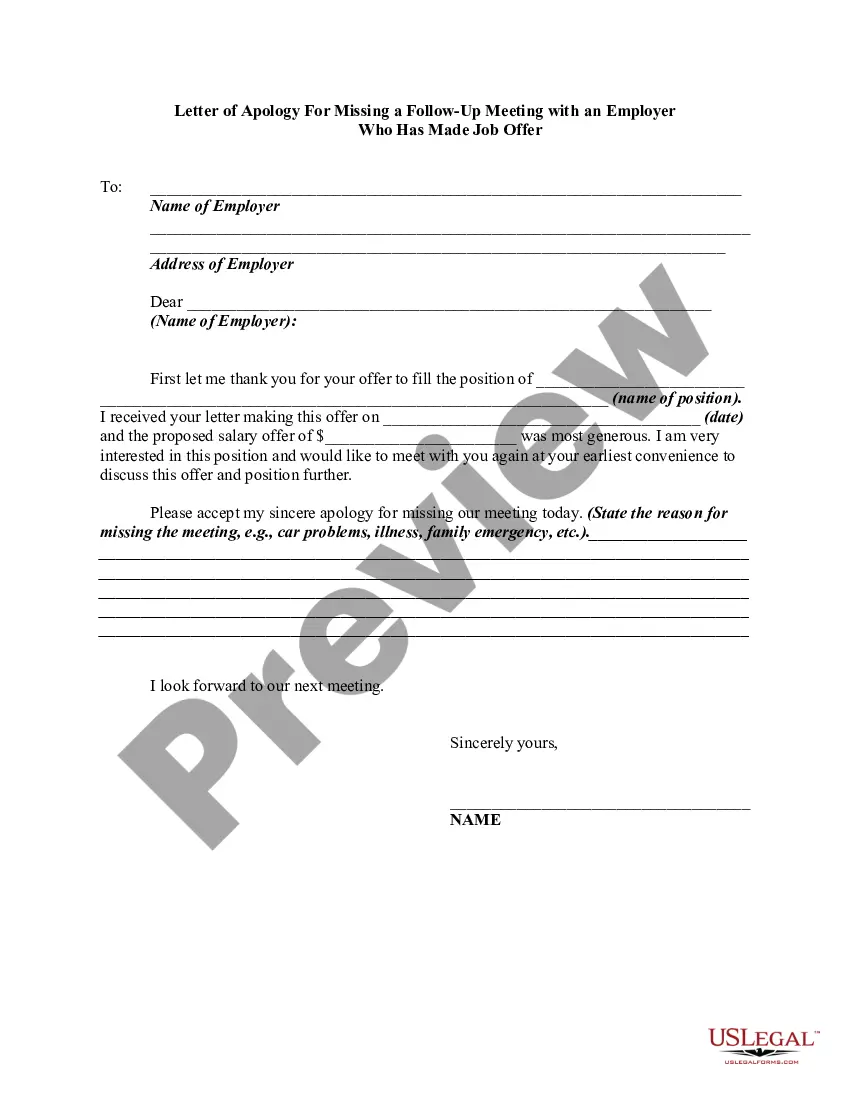
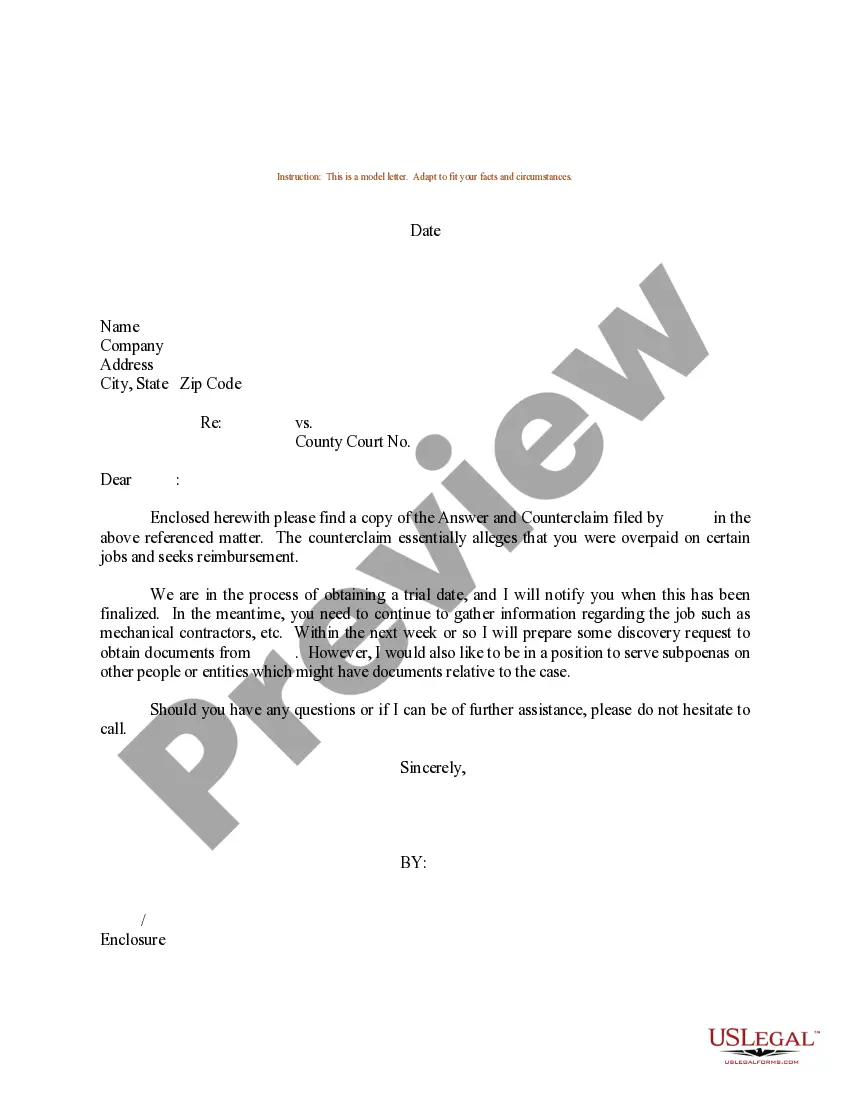
How to fill out Leave Of Absence Salary Clarification?
Handling legal documents and processes can be a lengthy addition to the day.
Leave Absence Template With Leave and similar forms typically necessitate that you search for them and determine the best method to fill them out accurately.
Consequently, whether you are managing financial, legal, or personal issues, possessing a comprehensive and accessible online directory of forms readily available will be beneficial.
US Legal Forms is the premier online platform for legal templates, featuring over 85,000 state-specific documents and a variety of resources that will assist you in completing your paperwork efficiently.
Is this your first time using US Legal Forms? Register and establish your account in a few minutes, and you’ll gain access to the form directory and Leave Absence Template With Leave. Then, follow the steps outlined below to complete your form: Ensure you have the correct form using the Preview feature and reviewing the form description. Select Buy Now when prepared, and choose the monthly subscription plan that suits you best. Click Download, then fill out, sign, and print the form. US Legal Forms has twenty-five years of experience helping individuals manage their legal documents. Find the form you need right now and simplify any process effortlessly.
- Explore the collection of relevant documents available with just one click.
- US Legal Forms provides state- and county-specific documents available for download at any time.
- Safeguard your document management tasks with a high-quality service that enables you to create any form within minutes without incurring extra or hidden costs.
- Simply Log In to your account, locate Leave Absence Template With Leave, and download it immediately from the My documents section.
- You can also retrieve previously downloaded forms.
Form popularity
FAQ
To write a leave of absence example, begin by addressing your employer formally. Include the dates of your intended leave, the reason for your absence, and any relevant details that support your request. Referencing a leave absence template with leave can provide you with a solid framework to follow, ensuring your example is clear and professional.
A leave of absence letter should clearly state your intent to take leave, the duration of the leave, and your reasons for requesting it. Additionally, it’s important to mention how your responsibilities will be managed during your absence. Utilizing a leave absence template with leave can guide you in crafting a comprehensive letter.
To document a leave of absence, start by creating a formal letter outlining the details of your leave. Include the start and end dates, reasons for the absence, and any supporting documents. Using a leave absence template with leave simplifies this process and ensures you don’t miss any critical components.
When preparing for a leave of absence, you typically need to gather essential documents such as a formal leave request letter and any supporting medical or personal records. Depending on your situation, your employer may also require additional documentation. Using a leave absence template with leave can help ensure you include all necessary information.
To request a leave of absence template, you can visit the US Legal Forms website. There, you will find a variety of templates tailored to different needs. Simply select the template that suits your situation, and follow the prompts to download it. This makes it easy for you to get started on your leave request.
Request time off in writing Ensure you include the dates you will be absent, the reason for your time off (if necessary), and any relevant details. It's best to give your manager ample notice, ideally several weeks or months in advance, if possible.
Sample Letter 3 ? Casual Leave Letter for Office Dear Sir, This is to request you to please grant me a casual leave for 5 days from 1 July 2022 to 5 July 2022. I am going on a vacation after a long time with my family. I have been a hardworking employee and understand my responsibilities to the company.
How To Write A Leave Application For Office Review your company's leave policy. ... Know the right person to authorise your leave. ... Begin with the date. ... Write the name and address of the recipient. ... Include a subject line. ... Add a salutation. ... Make a formal request for leave. ... State the work plan in your absence.
How to write a personal leave letter How much time you require off. This seems like a no-brainer, but you shouldn't forget this key piece of information: how much time you need. ... The start and end date of your leave. ... The reason you're requesting leave. ... Contact information and a plan. ... A thank you.
How can I write a leave application? Recipient's Name. Subject (Purpose of the Leave Application. Salutation. Main Body of Content (Mention your details, reason, leave period, and any additional or related details) Closing line (Yours Sincerely, Thanks and Regards, etc.) Contact Details.