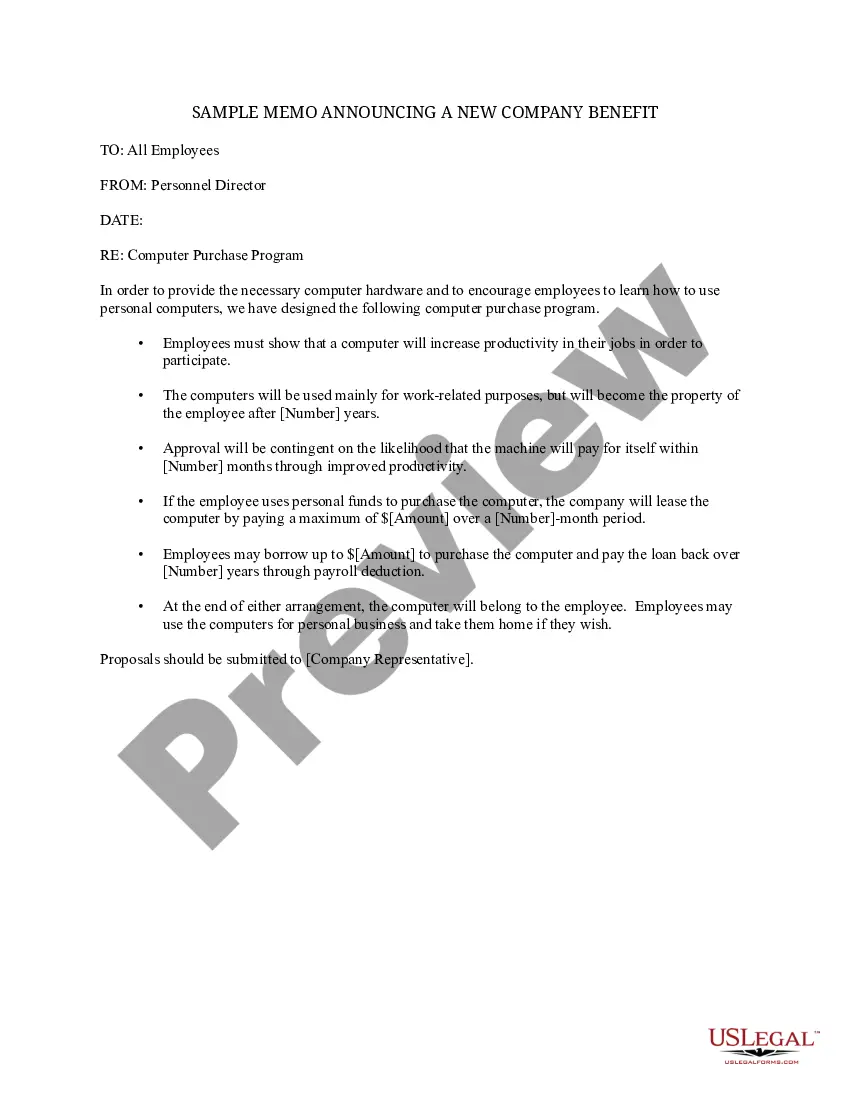
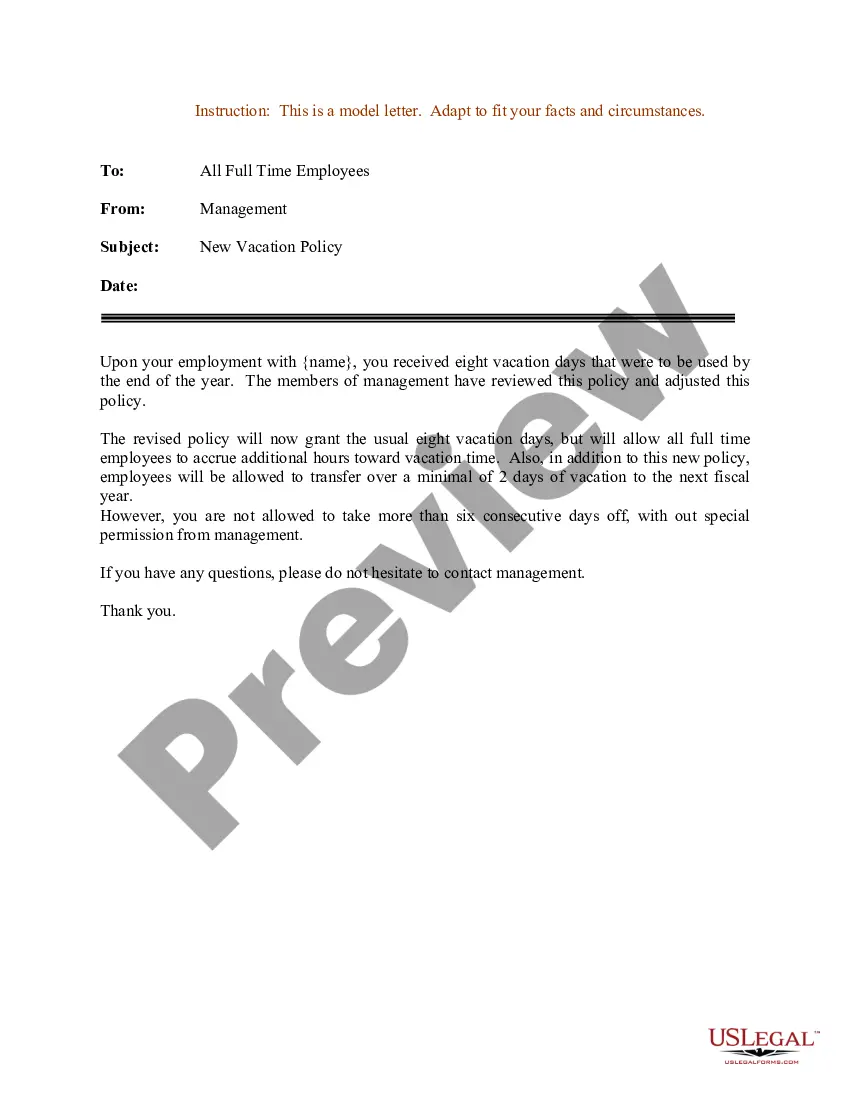
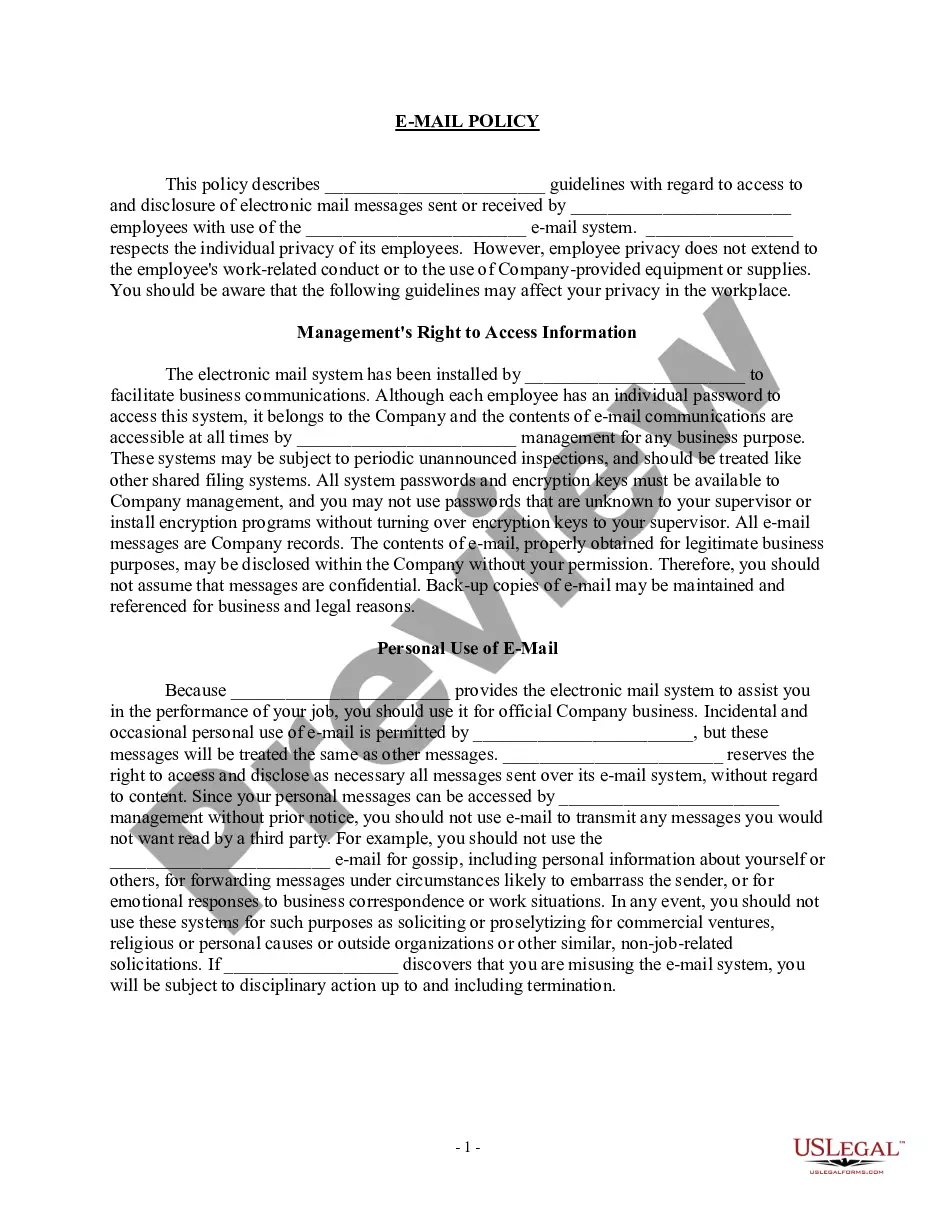
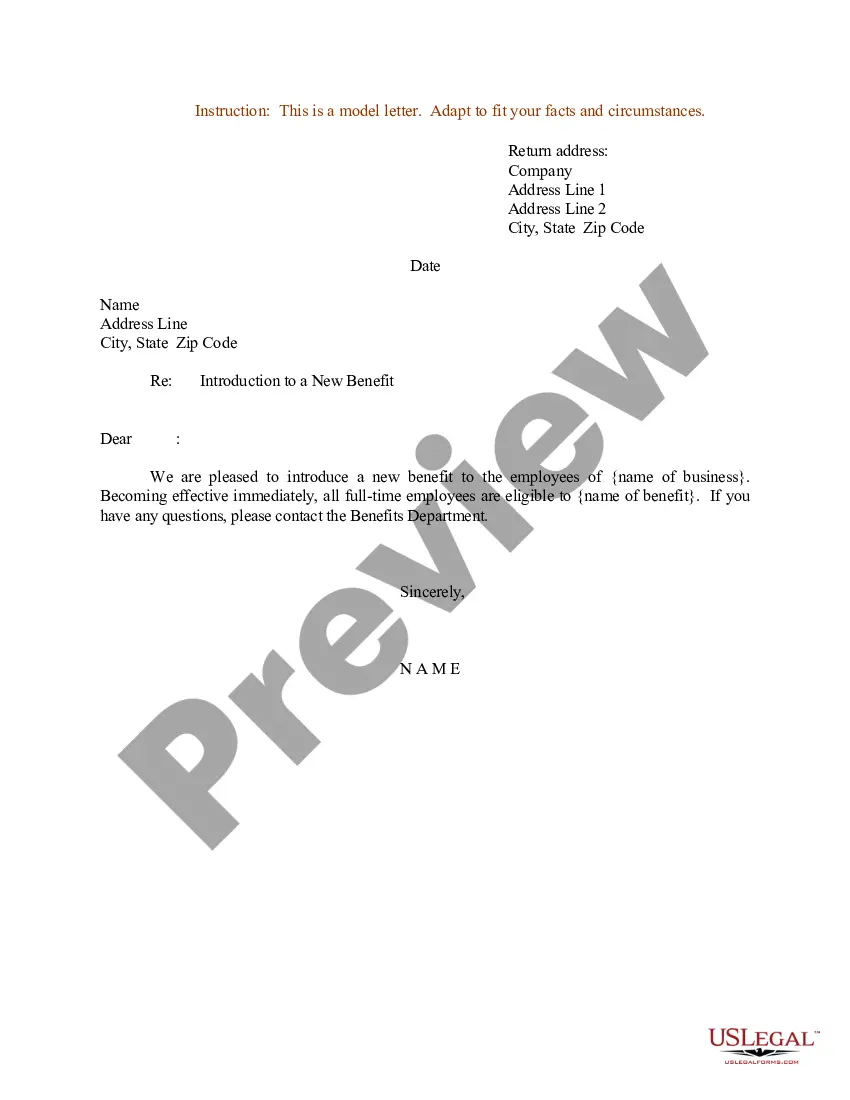
Sample Memo Company Template With Calculator
Description
Get your form ready online
Our built-in tools help you complete, sign, share, and store your documents in one place.
Make edits, fill in missing information, and update formatting in US Legal Forms—just like you would in MS Word.
Download a copy, print it, send it by email, or mail it via USPS—whatever works best for your next step.
Sign and collect signatures with our SignNow integration. Send to multiple recipients, set reminders, and more. Go Premium to unlock E-Sign.
If this form requires notarization, complete it online through a secure video call—no need to meet a notary in person or wait for an appointment.
We protect your documents and personal data by following strict security and privacy standards.

Make edits, fill in missing information, and update formatting in US Legal Forms—just like you would in MS Word.

Download a copy, print it, send it by email, or mail it via USPS—whatever works best for your next step.

Sign and collect signatures with our SignNow integration. Send to multiple recipients, set reminders, and more. Go Premium to unlock E-Sign.

If this form requires notarization, complete it online through a secure video call—no need to meet a notary in person or wait for an appointment.

We protect your documents and personal data by following strict security and privacy standards.
Looking for another form?

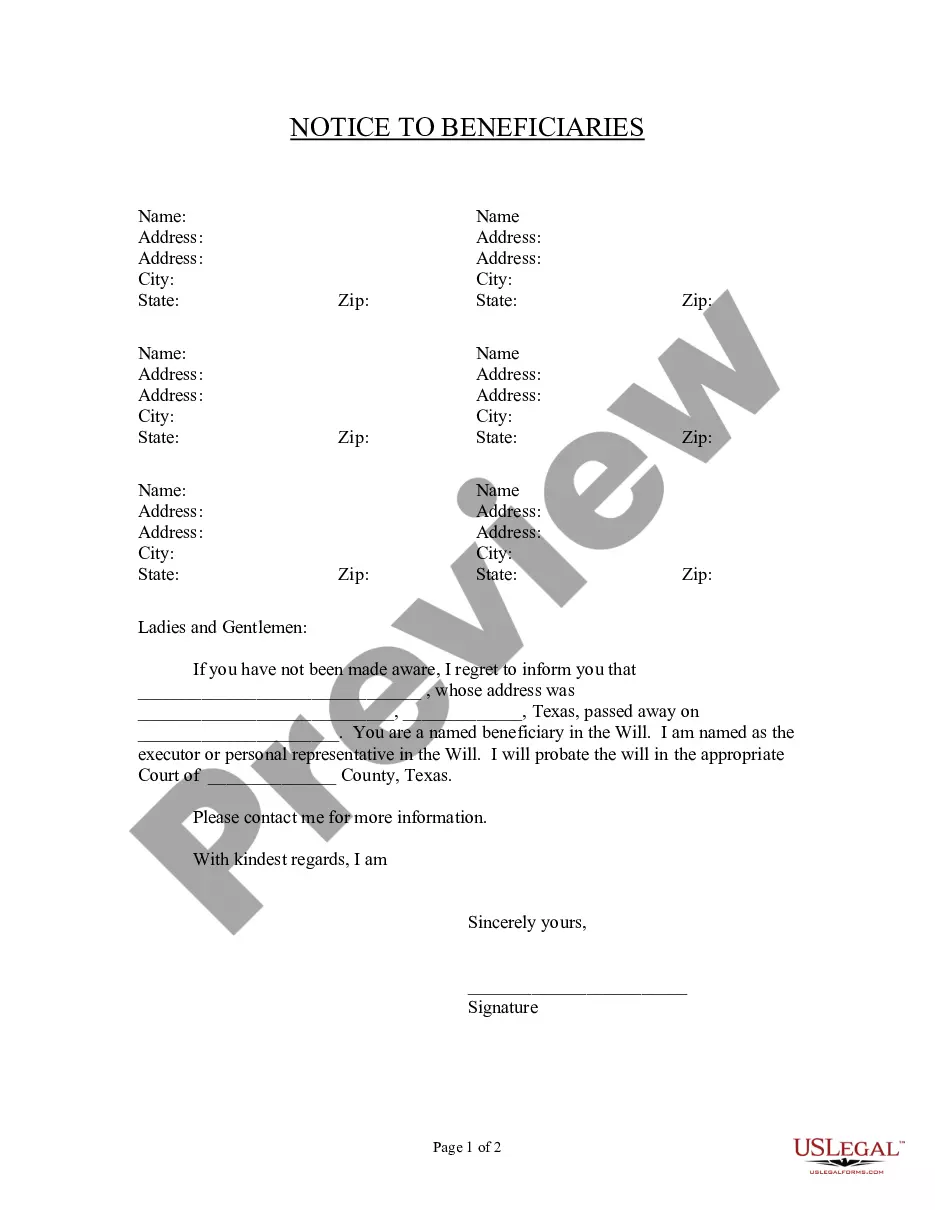
How to fill out Sample Memo Announcing A New Company Benefit?
Securing a reliable resource for obtaining the latest and most pertinent legal documents is a significant part of navigating bureaucracy.
Finding the correct legal documentation necessitates precision and meticulousness, which is why it is crucial to source examples of Sample Memo Company Template With Calculator exclusively from reputable providers, like US Legal Forms. Using an incorrect template can squander your time and prolong your situation. With US Legal Forms, you can have peace of mind.
Eliminate the stress linked with your legal paperwork. Delve into the extensive US Legal Forms database to discover legal templates, verify their applicability to your situation, and download them immediately.
- Use the library navigation or search bar to find your template.
- Check the document's details to confirm it aligns with your state and local requirements.
- Preview the document, if possible, to make sure it is the one you need.
- Return to the search and find the appropriate document if the Sample Memo Company Template With Calculator does not meet your criteria.
- If you are confident about the form's applicability, proceed to download it.
- If you have authorized access, click Log in to verify your identity and access your selected forms in My documents.
- If you haven't created an account yet, click Buy now to obtain the template.
- Choose the pricing option that fits your needs.
- Continue to the registration process to finalize your purchase.
- Complete your transaction by selecting a payment method (credit card or PayPal).
- Choose the file format for downloading Sample Memo Company Template With Calculator.
- After obtaining the form on your device, you can edit it using the editor or print it out to complete it manually.
Form popularity
FAQ
Memos are characterized by being brief, direct, and easy to navigate. They are less formal than letters but should maintain a professional, succinct style. Often, the purpose of a business memo is twofold: to identify a problem and propose a solution. Other times, memos may provide or request factual information.
Tip: If you're already in Word for the web, get to the memo templates by going to File > New, and then below the template images click More on Office.com. You'll be on the Templates for Word page. In the list of categories, click Memos.
How to write a memo Start with a header that clearly indicates that the communication is a memorandum, the intended recipients, the sender, the date and the subject. Write an introduction that uses a declarative sentence to announce the main topic of the memo.
A memo format typically includes the following sections: Heading. Recipient. Sender. CC or additional recipients. Date. All memos must invariably include the date of writing the memo. Subject line. Message body. This section states the message in one, two or three short paragraphs. ... Attachments (optional)
A memo is usually a page or two long, single spaced and left justified. Instead of using indentations to show new paragraphs, skip a line between sentences. Business materials should be concise and easy to read. Therefore it is beneficial to use headings and lists to help the reader pinpoint certain information.