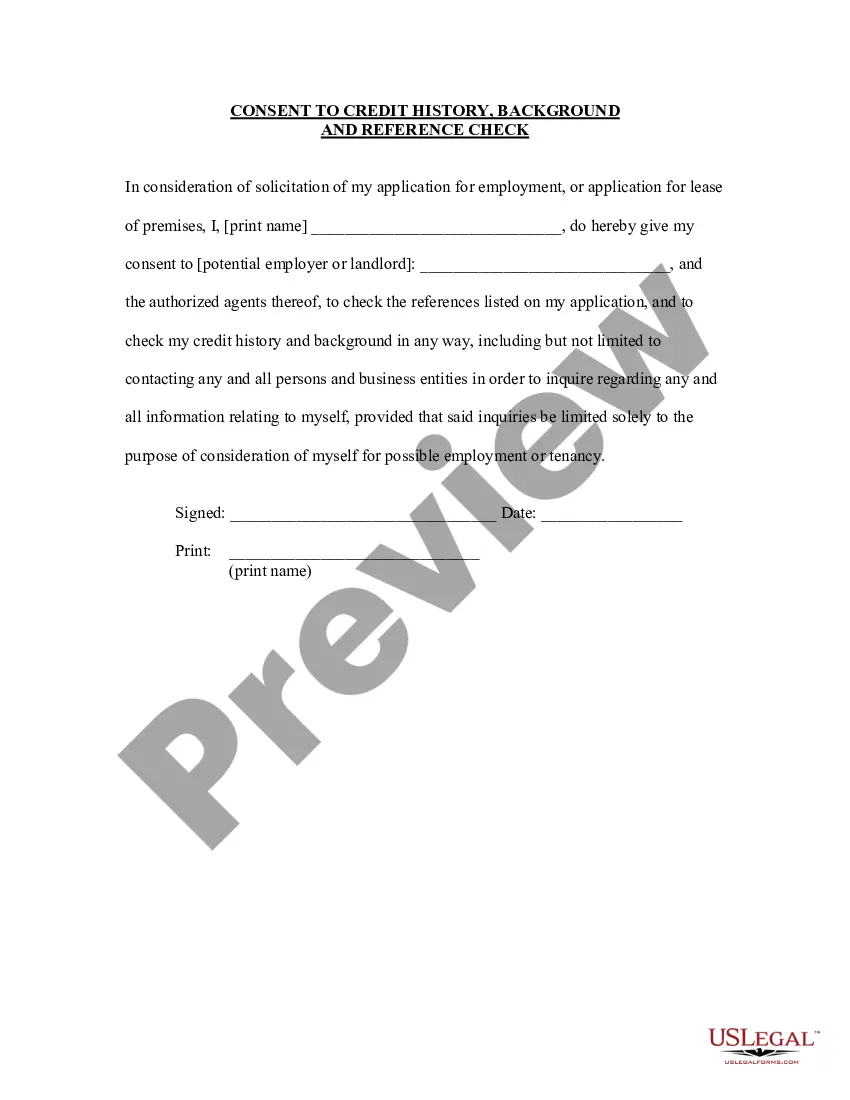
History Reference Employment With Google
Description
Get your form ready online
Our built-in tools help you complete, sign, share, and store your documents in one place.
Make edits, fill in missing information, and update formatting in US Legal Forms—just like you would in MS Word.
Download a copy, print it, send it by email, or mail it via USPS—whatever works best for your next step.
Sign and collect signatures with our SignNow integration. Send to multiple recipients, set reminders, and more. Go Premium to unlock E-Sign.
If this form requires notarization, complete it online through a secure video call—no need to meet a notary in person or wait for an appointment.
We protect your documents and personal data by following strict security and privacy standards.

Make edits, fill in missing information, and update formatting in US Legal Forms—just like you would in MS Word.

Download a copy, print it, send it by email, or mail it via USPS—whatever works best for your next step.

Sign and collect signatures with our SignNow integration. Send to multiple recipients, set reminders, and more. Go Premium to unlock E-Sign.

If this form requires notarization, complete it online through a secure video call—no need to meet a notary in person or wait for an appointment.

We protect your documents and personal data by following strict security and privacy standards.
Looking for another form?

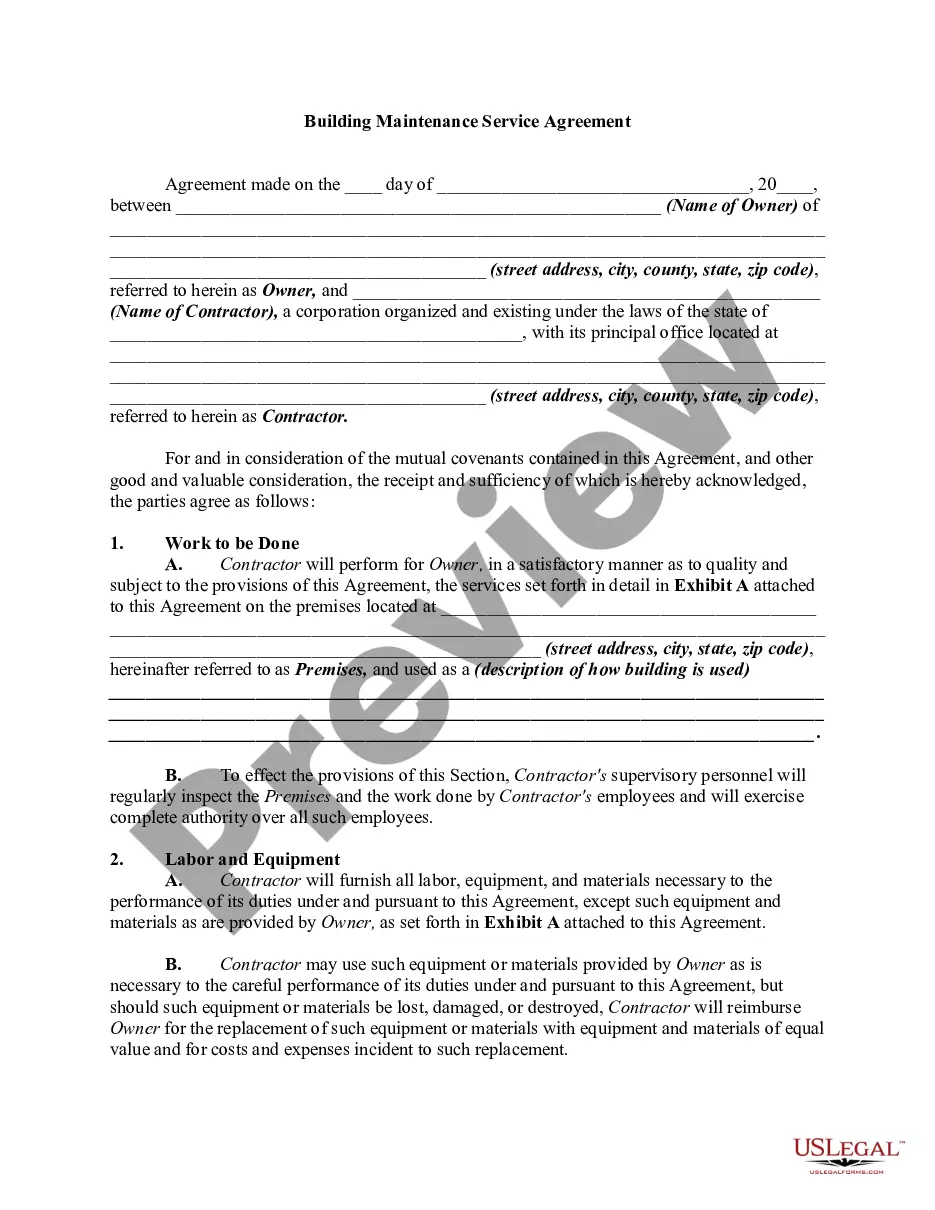
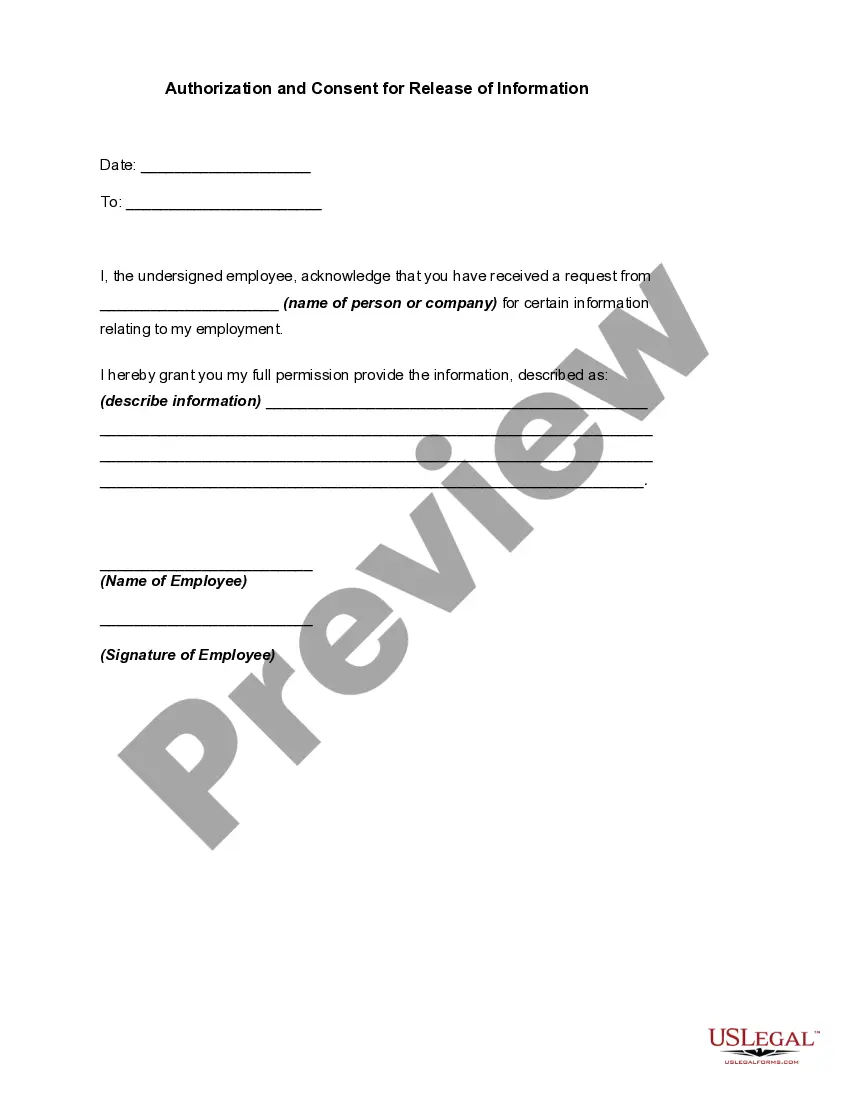
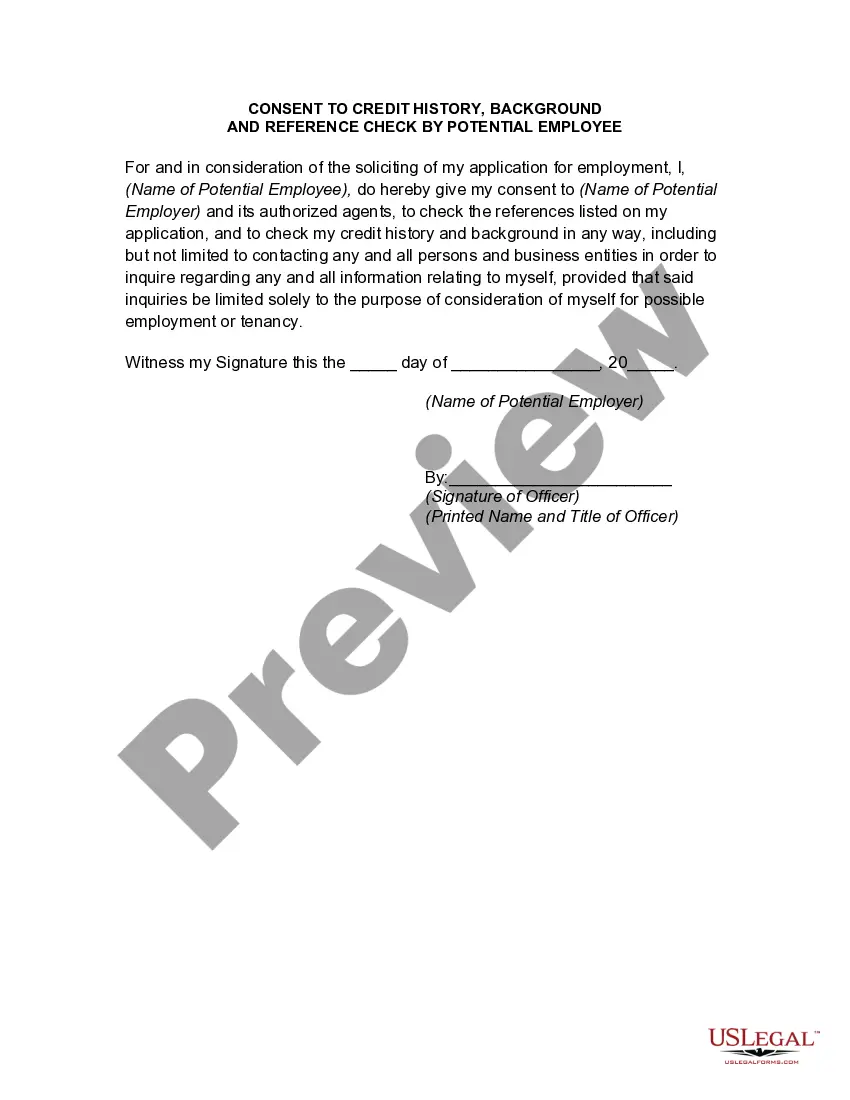
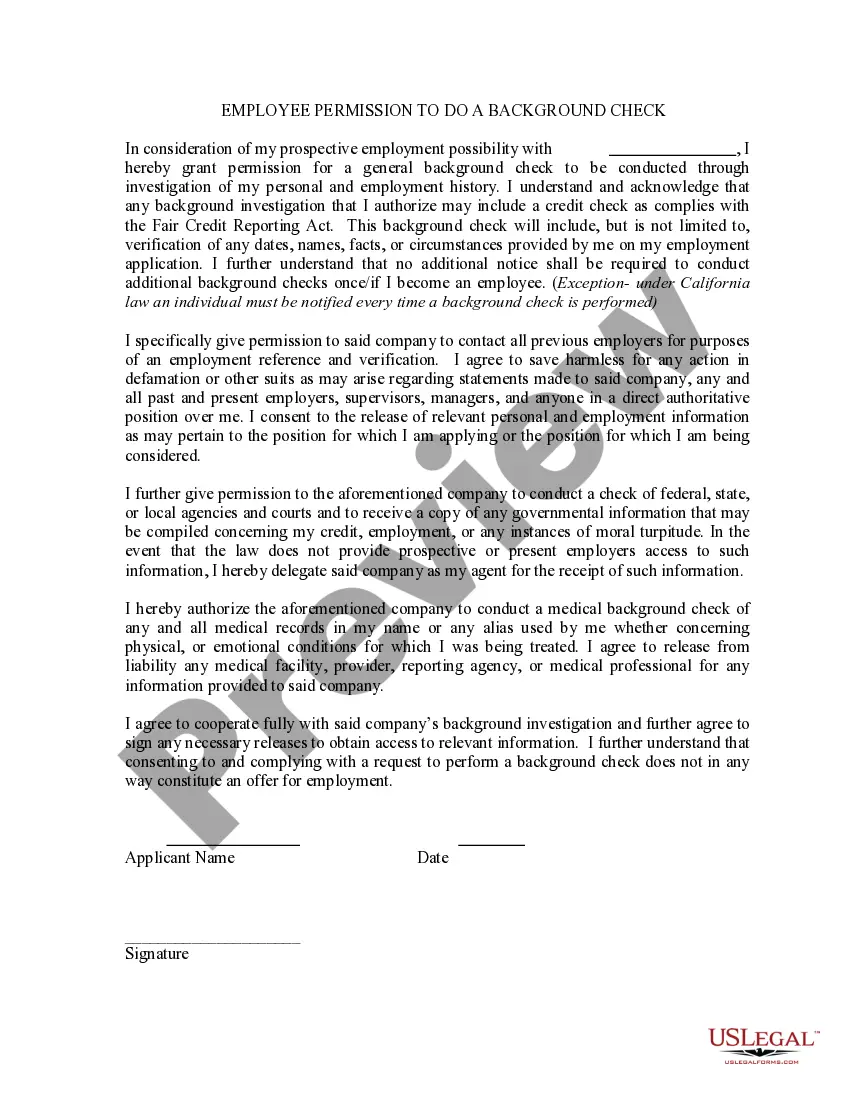
How to fill out Consent To Credit History Background And Reference Check?
Whether for business purposes or for personal affairs, everyone has to manage legal situations at some point in their life. Filling out legal papers demands careful attention, beginning from selecting the right form sample. For example, if you choose a wrong edition of a History Reference Employment With Google, it will be rejected once you submit it. It is therefore crucial to have a dependable source of legal documents like US Legal Forms.
If you have to obtain a History Reference Employment With Google sample, stick to these easy steps:
- Get the sample you need using the search field or catalog navigation.
- Check out the form’s information to make sure it matches your case, state, and county.
- Click on the form’s preview to view it.
- If it is the wrong document, get back to the search function to find the History Reference Employment With Google sample you need.
- Get the file if it meets your requirements.
- If you have a US Legal Forms account, simply click Log in to gain access to previously saved files in My Forms.
- In the event you do not have an account yet, you may download the form by clicking Buy now.
- Choose the correct pricing option.
- Complete the account registration form.
- Choose your transaction method: use a bank card or PayPal account.
- Choose the document format you want and download the History Reference Employment With Google.
- Once it is downloaded, you are able to fill out the form by using editing software or print it and finish it manually.
With a vast US Legal Forms catalog at hand, you never need to spend time seeking for the appropriate sample across the web. Make use of the library’s simple navigation to get the proper template for any situation.
Form popularity
FAQ
How to write employment history on a resume List your jobs in order. Include the name and location of the company. Provide your job title. Specify the dates of employment. List your most important accomplishments and responsibilities. Highlight awards.
What does it mean that Google wants to collect references? References or letters of referral is most likely what they are asking for. Once you get to a certain step in the process you are asked for these. Generally the recruiter will contact via phone or email your contacts to get their take on your work etc.
Employers do check references when considering employees to fill an open position at some point during the hiring process. Although not all employers will do so, you should treat your references as if you expect your potential employer to follow through, so that you are well prepared if they do so.
How to list work experience on a resume STEP 1 List your work experience in reverse-chronological order. The standard way of organizing your work experience is in reverse-chronological order. ... STEP 2 Write the essentials about each job. ... STEP 3 Use three to five bullet points for each job experience.
Professional, employment, and education information, such as information you provide in connection with the application and recruitment process, as well as information Google may otherwise collect through reference checks, criminal and financial background checks (where applicable) and information from publicly ...