Report Employee Sample With Data
Description
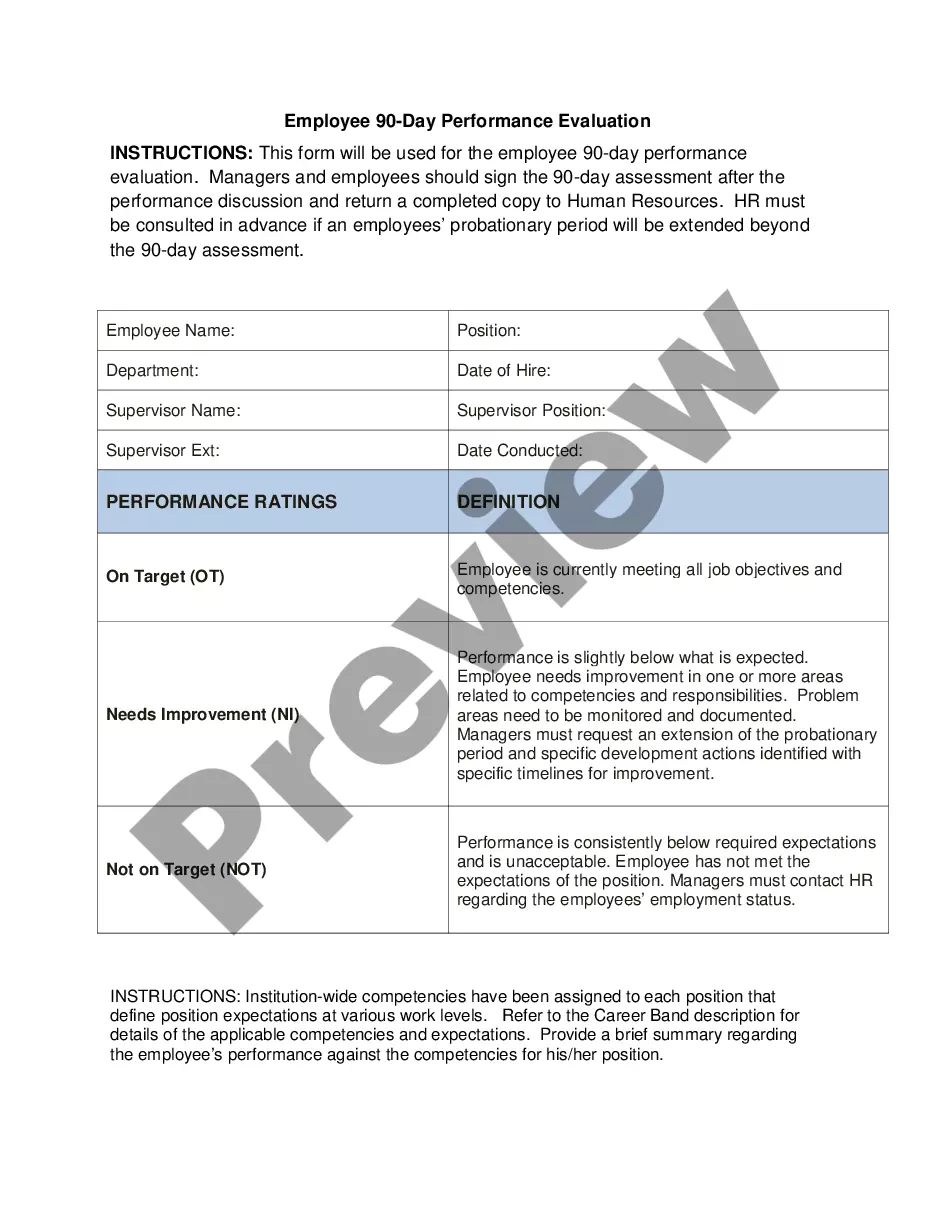
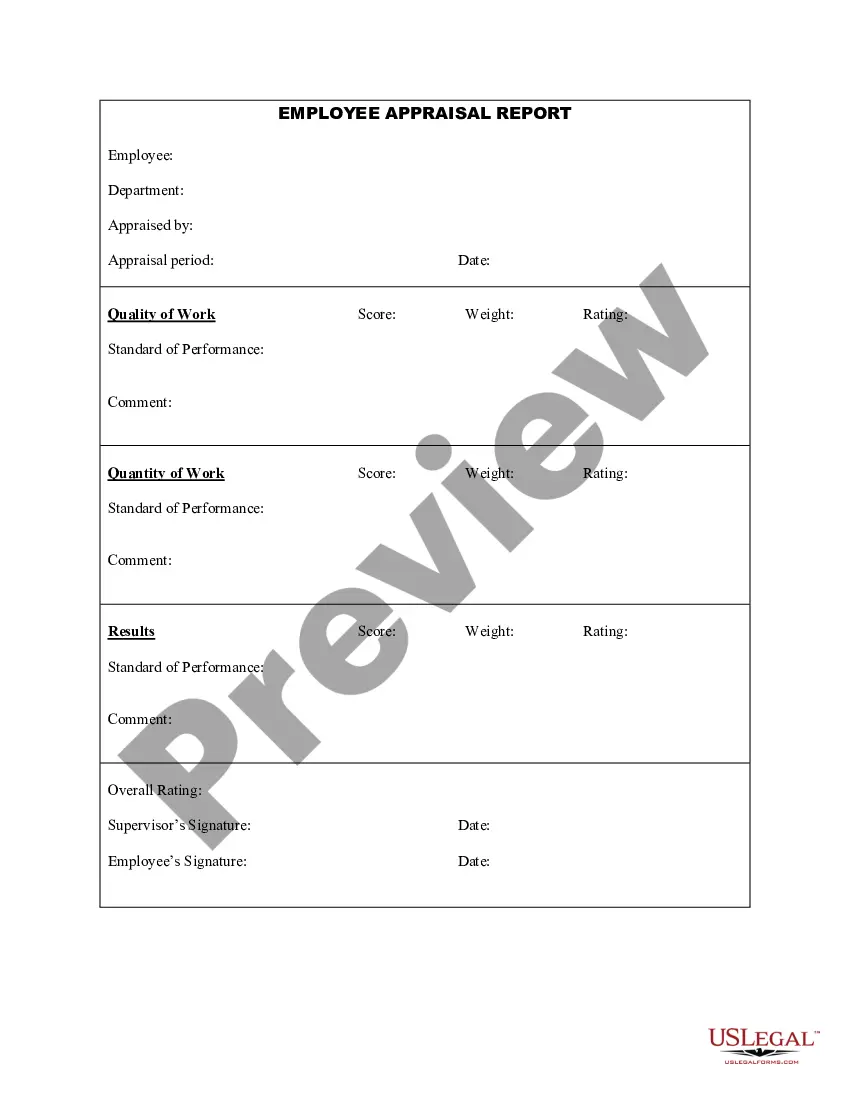


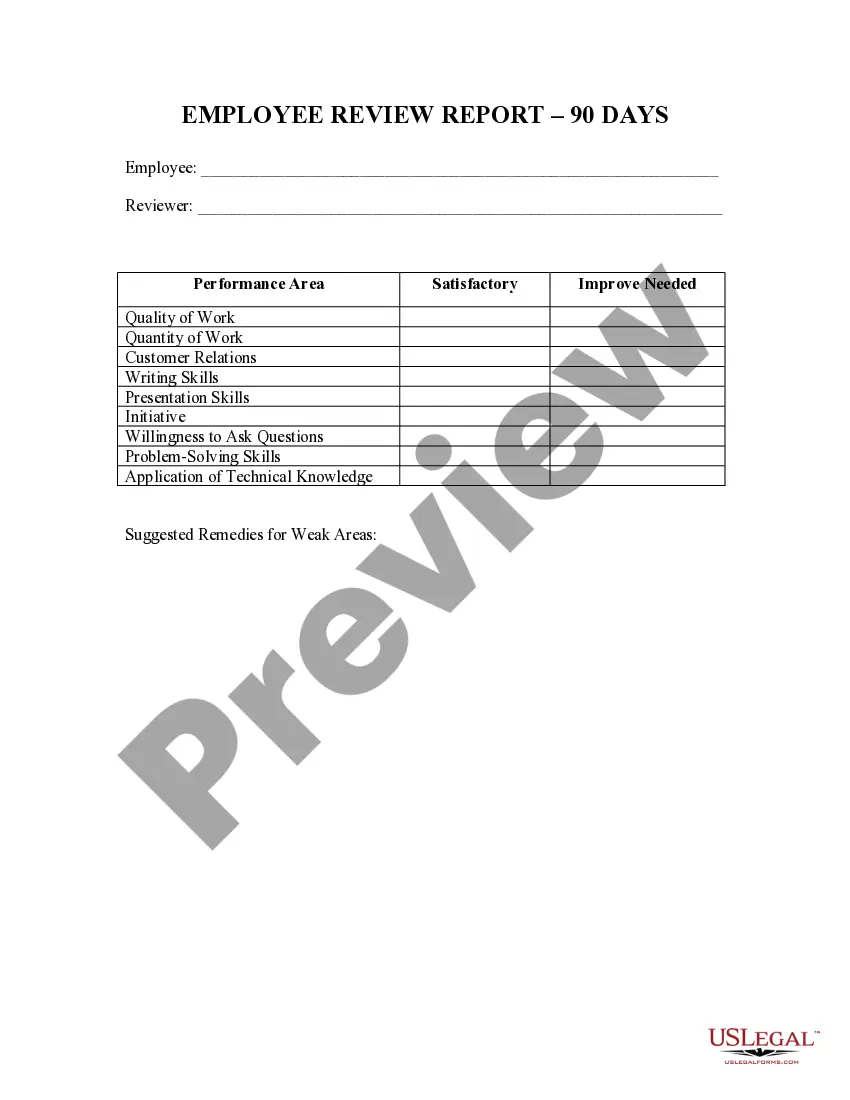
How to fill out Employee 90 Day Review Report?
Accessing legal document examples that adhere to federal and local regulations is essential, and the internet provides a multitude of choices to select from.
However, what is the use of spending time hunting for the appropriate Report Employee Sample With Data template online if the US Legal Forms digital library already houses such documents consolidated in one location.
US Legal Forms is the largest digital legal repository with over 85,000 fillable templates created by attorneys for any business and personal situation.
Examine the template using the Preview option or through the text outline to ensure it satisfies your criteria.
- They are easy to navigate with all documents categorized by state and intended use.
- Our experts stay informed about legislative changes, ensuring you can always trust that your form is current and compliant when obtaining a Report Employee Sample With Data from our platform.
- Acquiring a Report Employee Sample With Data is straightforward and quick for both existing and new users.
- If you already possess an account with an active subscription, Log In and save the document sample you need in your preferred format.
- If you are new to our site, follow the instructions below.
Form popularity
FAQ
Writing a report based on data involves collecting relevant information and analyzing it for insights. Start with an introduction that presents your research question or objective. Organize your findings into sections, using visuals to enhance understanding. By following this structure, you will produce a compelling report employee sample with data.
When writing a performance report of an employee sample in PDF format, begin by outlining key performance indicators. Provide quantitative data that reflects the employee's contributions and areas for improvement. Use clear language and format the document professionally, ensuring it is easy to read. This approach will help you create an effective report employee sample with data.
Making a report with data starts with defining your objectives and the type of data you need. Gather the necessary information, and then organize it logically. Use charts, graphs, and narrative explanations to present your findings clearly. This process will lead you to an informative report employee sample with data.
To collect EEO data from employees, create a confidential survey that adheres to legal guidelines. Ensure that your questions are clear and focused on demographic information. Reassure employees about the confidentiality of their responses to encourage participation. This strategy will assist you in producing a precise report employee sample with data.
Presenting data in a report requires clarity and structure. Start with an introduction that outlines the purpose of your report, followed by data visualizations such as charts or tables. Make sure to explain the significance of the data, focusing on how it supports your conclusions. This way, you will provide a comprehensive report employee sample with data.
Collecting employee data involves using surveys, interviews, or digital forms. Ensure you ask relevant questions that align with your report employee sample with data goals. Consider using secure online tools to streamline the process and maintain confidentiality. This method will help you gather accurate and actionable insights.
To create a data report in Excel, start by organizing your data into clear columns and rows. Use functions like SUM, AVERAGE, or COUNT to summarize your information. Then, utilize charts and graphs to visualize trends and patterns. This approach will enhance your ability to report employee sample with data effectively.
A data report should be clear, concise, and visually appealing. It should include headings, subheadings, charts, and tables to present the information effectively. When creating a report employee sample with data, ensure that it communicates the necessary findings and insights to the intended audience.
An example of data reporting could be a monthly sales report that highlights revenue, targets achieved, and customer acquisition numbers. This report allows managers to evaluate performance and adjust strategies accordingly. A report employee sample with data can similarly inform human resources decisions.
Examples of data include sales figures, customer feedback, employee attendance records, website traffic statistics, and production output rates. Each type of data can provide valuable insights when analyzed properly. Consider using these data points to create a compelling report employee sample with data.