Direct Deposit Authorization Form For Quickbooks
Description

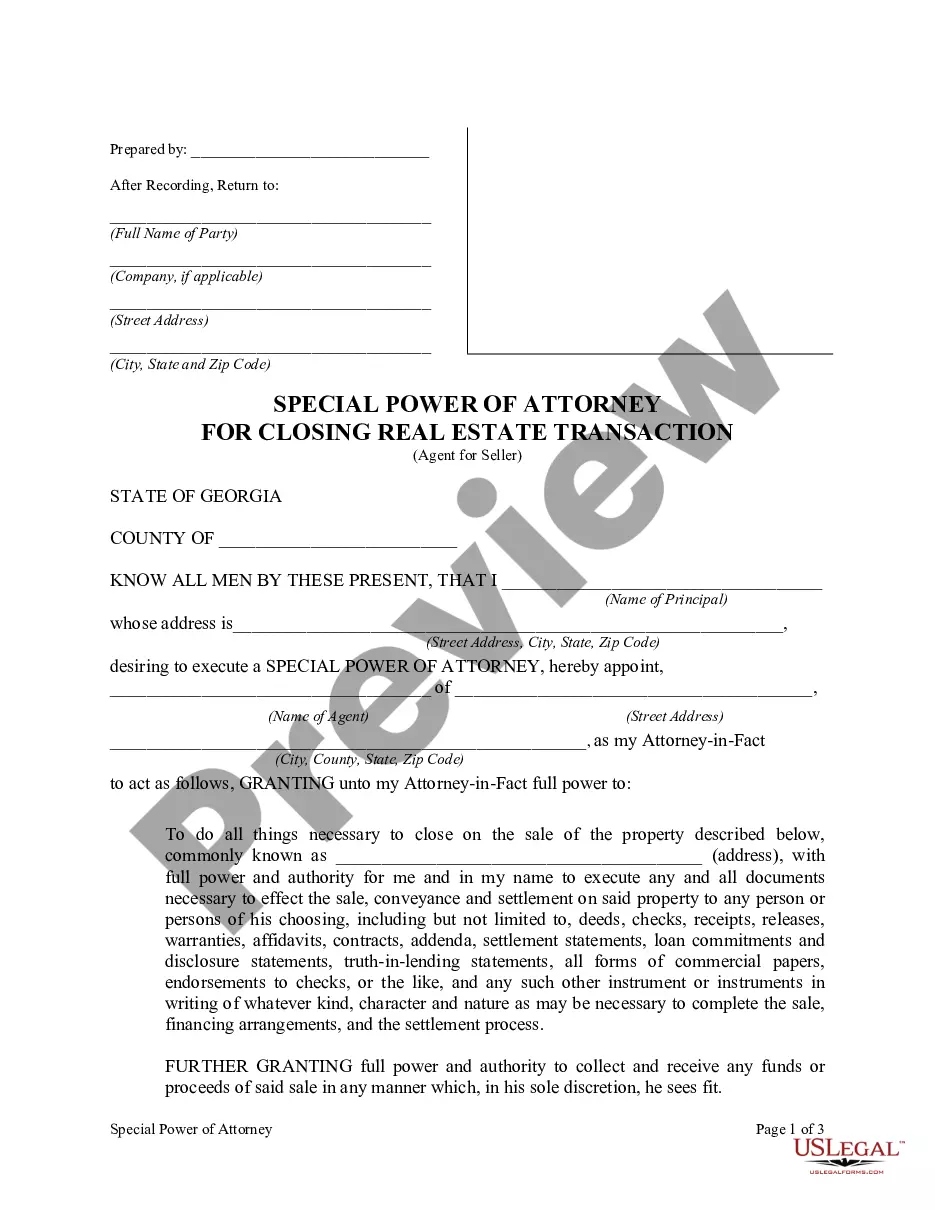




How to fill out Direct Deposit Authorization?
Identifying a reliable source for obtaining the most up-to-date and suitable legal templates is a significant portion of dealing with bureaucracy.
Selecting the correct legal documents necessitates precision and carefulness, which is why it is essential to source samples of the Direct Deposit Authorization Form For Quickbooks exclusively from trustworthy sources, such as US Legal Forms.
Eliminate the hassle associated with your legal documents. Explore the comprehensive US Legal Forms catalog to discover legal templates, assess their applicability to your situation, and download them instantly.
- Utilize the navigation library or search bar to find your template.
- Review the document's description to confirm it aligns with the stipulations of your state and area.
- Examine the form preview, if available, to verify the template is what you are looking for.
- Return to the search to find the right document if the Direct Deposit Authorization Form For Quickbooks does not fulfill your needs.
- When you are certain about the document's applicability, download it.
- If you are a registered user, click Log in to verify and access your chosen templates in My documents.
- If you do not yet possess an account, click Buy now to acquire the template.
- Choose the payment plan that fits your requirements.
- Continue to the registration to finalize your purchase.
- Complete your transaction by selecting a payment method (credit card or PayPal).
- Choose the file format for downloading the Direct Deposit Authorization Form For Quickbooks.
- Once you have the document on your device, you may edit it using the editor or print it and fill it out manually.
Form popularity
FAQ
To get direct deposit authorization, you typically need to fill out a specific form provided by your employer. This usually includes your banking information and may require a copy of your direct deposit authorization form for QuickBooks. Completing this process allows your funds to be deposited directly into your account, providing convenience and efficiency in managing your finances.
To obtain a letter from your bank for direct deposit, simply contact your bank’s customer service or visit your local branch. Request a proof of bank account letter, and provide them with the necessary details. This letter, along with your direct deposit authorization form for QuickBooks, can assist in setting up your direct deposit quickly and accurately.
To change your direct deposit bank account in QuickBooks Desktop, start by accessing the 'Employee Center.' Choose the employee whose account you wish to update, and select 'Edit.' In the direct deposit section, you can modify your banking information and re-upload your direct deposit authorization form for QuickBooks to ensure a smooth transition.
You can easily obtain a direct deposit form online without visiting a bank. Many banks provide this form on their websites, allowing you to download and fill it out at your convenience. Once you complete your direct deposit authorization form for QuickBooks, submit it to your employer to expedite the setup process.
To set up direct deposit on QuickBooks, you first need to enable the feature in your account settings. Navigate to the 'Employees' tab, then select 'Direct Deposit.' Follow the prompts to enter your banking information, including your direct deposit authorization form for QuickBooks. Finally, confirm your employees' details and save the settings.
To fill out an ACH authorization form, begin with your personal or business information at the top of the document. Clearly indicate the type of account, either checking or savings, and provide the necessary banking details such as routing and account numbers. Attach the direct deposit authorization form for QuickBooks for clarity, and make sure to have the employee sign and date the form to validate the authorization. This will streamline your direct deposit process efficiently.
Filling out a direct deposit by ACH authorization form is straightforward. Start by entering your company's name, the employee's name, and their banking details including the account number and routing number. Ensure you attach a completed direct deposit authorization form for QuickBooks to provide consent to initiate ACH transfers. Accurate information will facilitate smooth transactions for timely payroll.
You can obtain a direct deposit authorization form for QuickBooks from various sources. QuickBooks offers a downloadable template on their website, or you can visit platforms like US Legal Forms for a versatile selection. This form assists you in gathering necessary details from employees to process their direct deposit payments accurately. Make sure to keep this form secure to protect confidential information.
To set up QuickBooks direct deposit, first ensure you have a direct deposit authorization form for QuickBooks ready. Open QuickBooks, navigate to the Payroll menu, and select the option for direct deposit settings. Follow the prompts to enter your bank information, employee details, and upload the authorization form. This process ensures that your employees receive their payments quickly and securely.
To fill out an authorization for direct deposit in QuickBooks, start by gathering your bank details and employee information. Complete the form by providing your banking institution’s name, along with your account and routing numbers. Also, indicate the desired deposit amount and frequency. After final verification, ensure you sign the form and return it according to your employer’s instructions for processing.
