Warning Notices Work With Dos Or Windows
Description
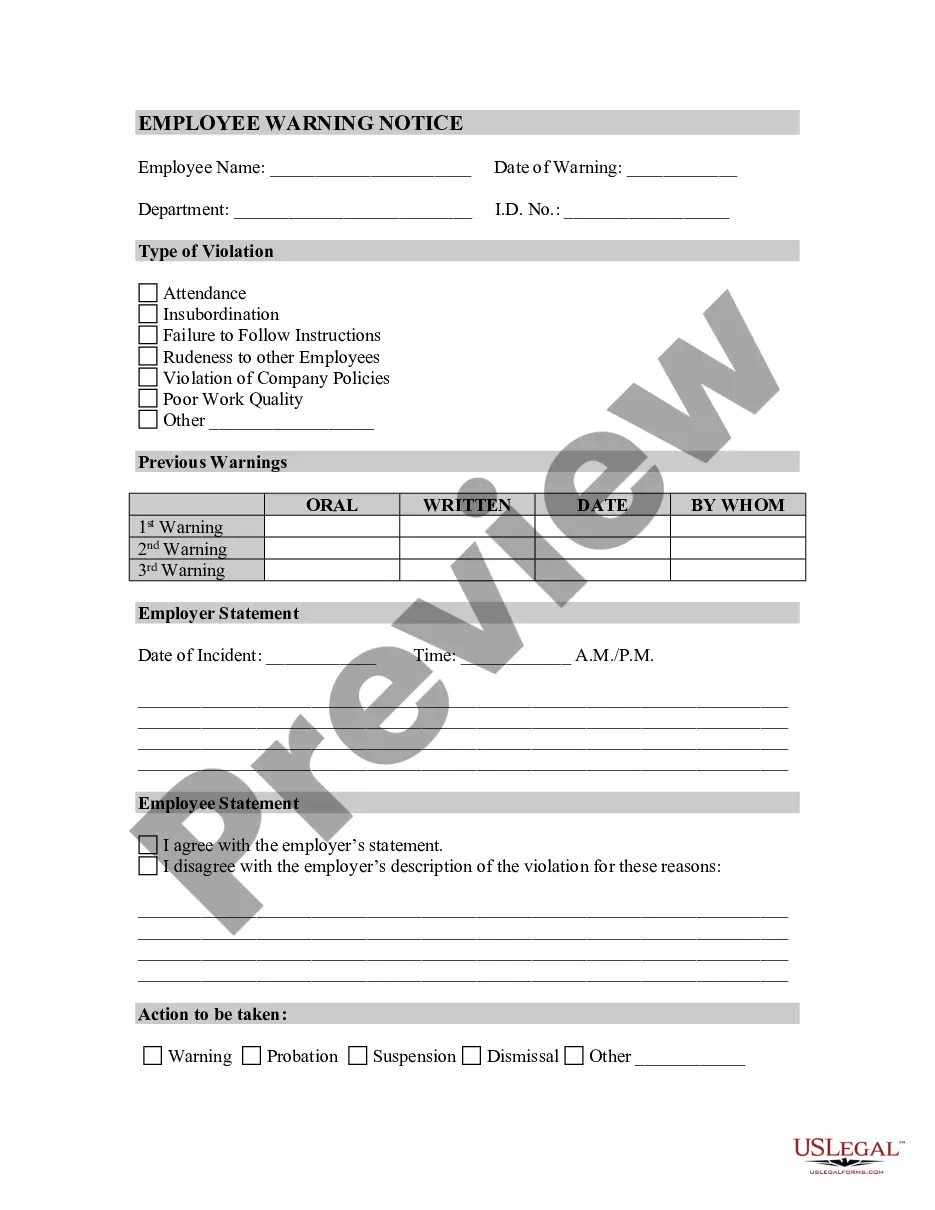
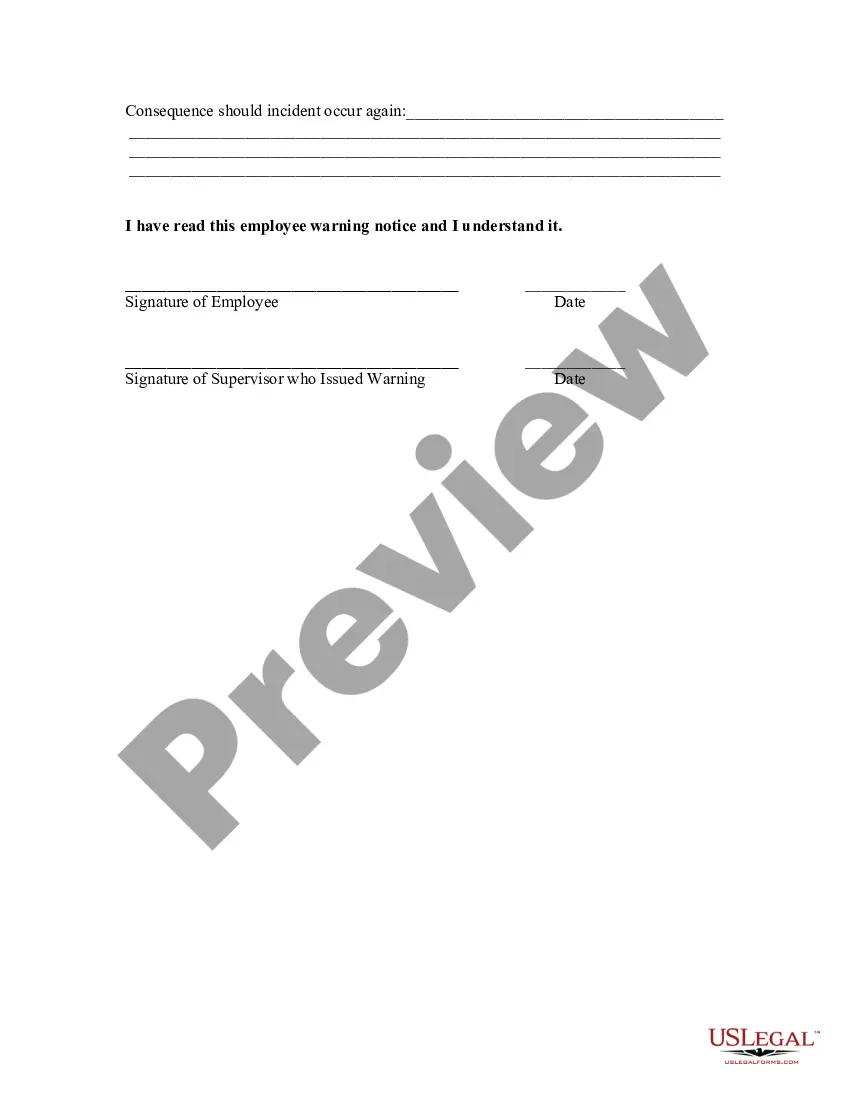
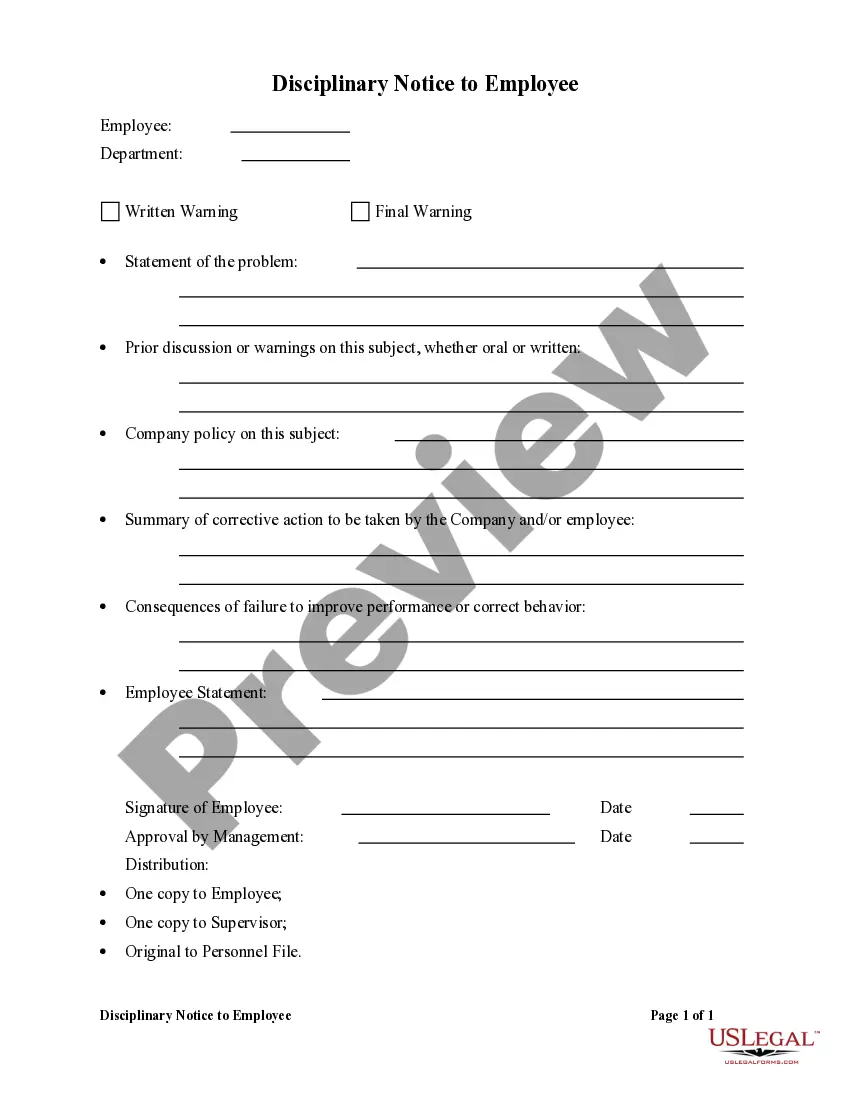
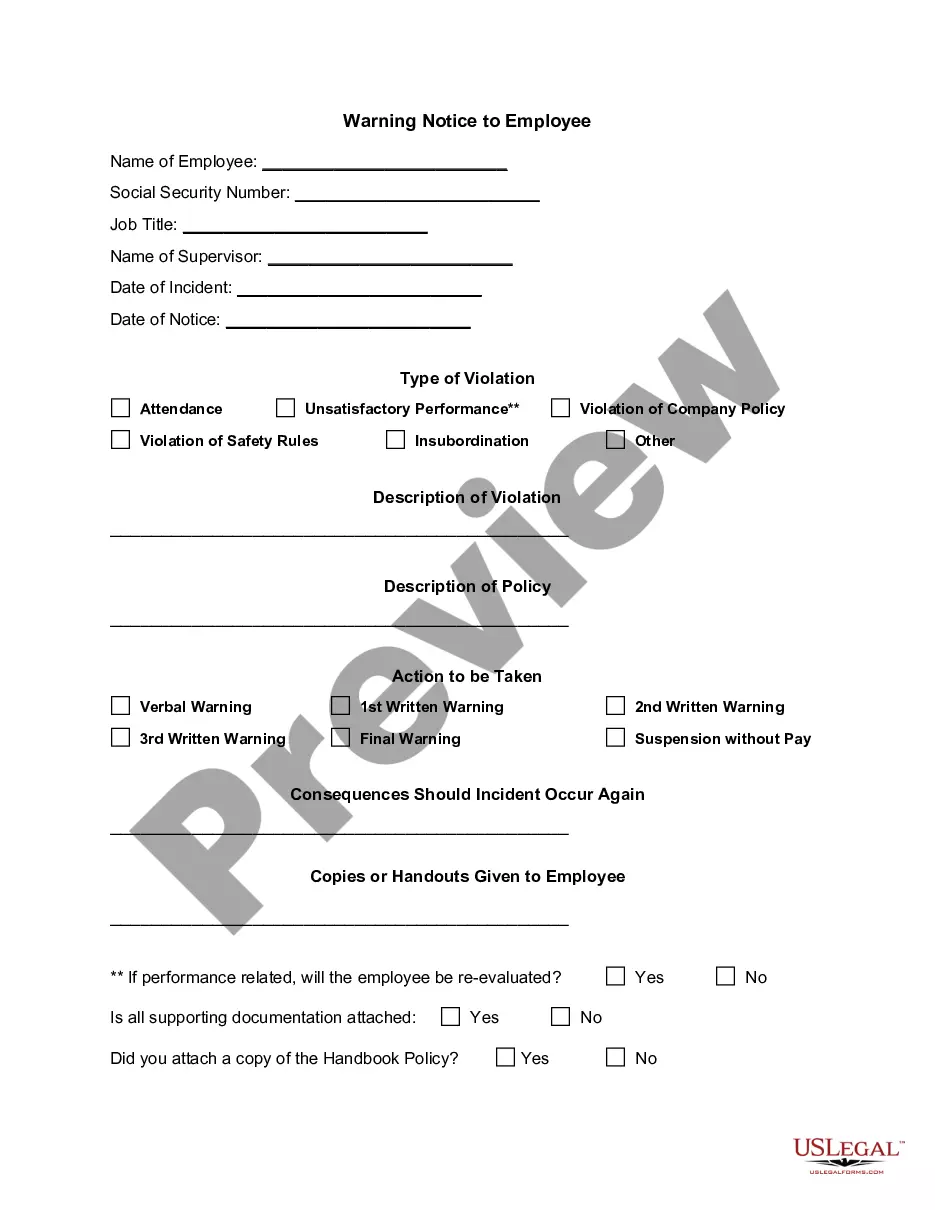
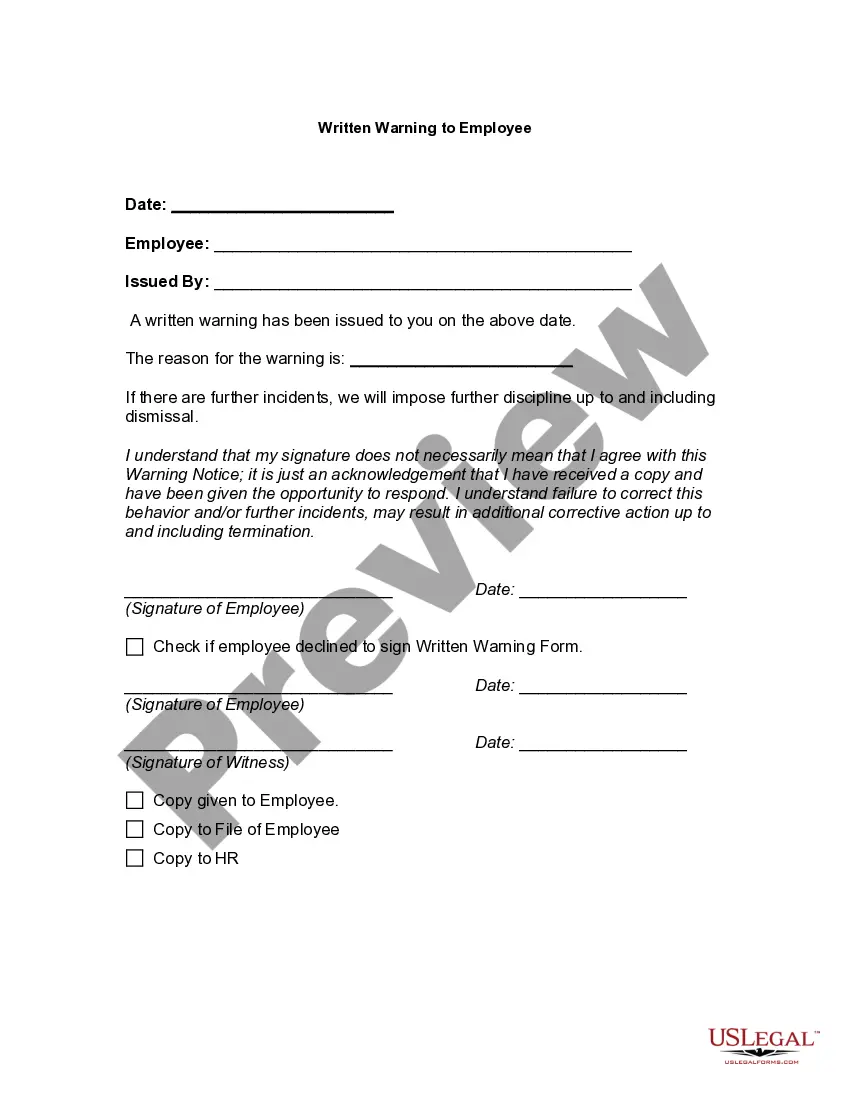
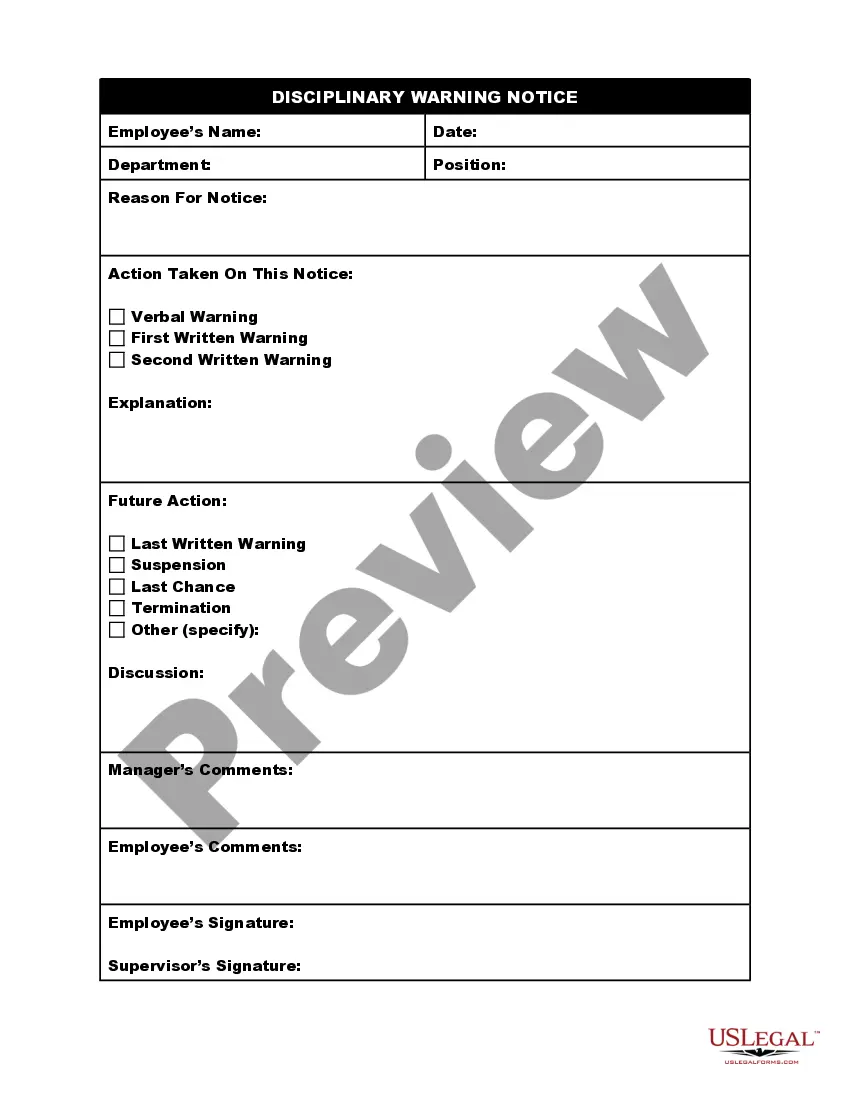
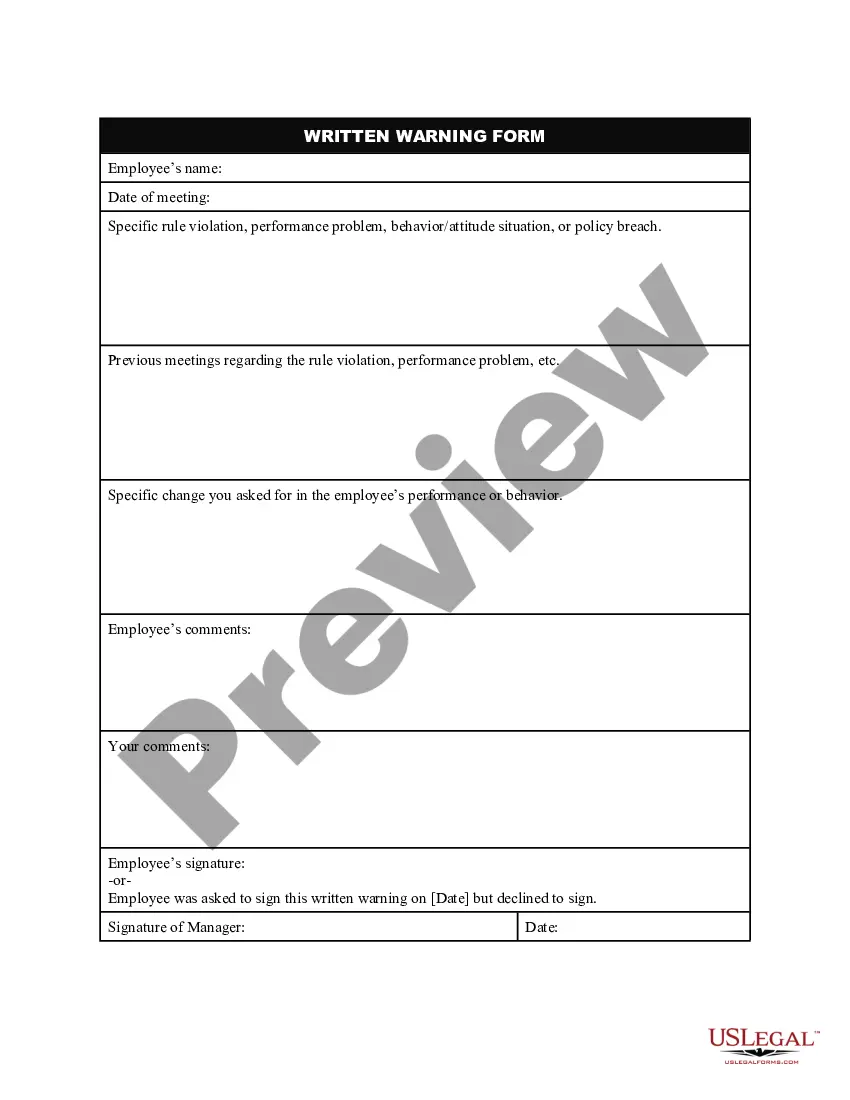
Get your form ready online
Our built-in tools help you complete, sign, share, and store your documents in one place.
Make edits, fill in missing information, and update formatting in US Legal Forms—just like you would in MS Word.
Download a copy, print it, send it by email, or mail it via USPS—whatever works best for your next step.
Sign and collect signatures with our SignNow integration. Send to multiple recipients, set reminders, and more. Go Premium to unlock E-Sign.
If this form requires notarization, complete it online through a secure video call—no need to meet a notary in person or wait for an appointment.
We protect your documents and personal data by following strict security and privacy standards.

Make edits, fill in missing information, and update formatting in US Legal Forms—just like you would in MS Word.

Download a copy, print it, send it by email, or mail it via USPS—whatever works best for your next step.

Sign and collect signatures with our SignNow integration. Send to multiple recipients, set reminders, and more. Go Premium to unlock E-Sign.

If this form requires notarization, complete it online through a secure video call—no need to meet a notary in person or wait for an appointment.

We protect your documents and personal data by following strict security and privacy standards.
Looking for another form?








How to fill out Employee Warning Notice?
Managing legal documents can be irritating, even for the most seasoned professionals.
When you are looking for a Warning Notices Work With Dos Or Windows and do not have the opportunity to spend time searching for the correct and current version, the processes may be anxiety-inducing.
US Legal Forms meets all your requirements, from personal to business documents, in one location.
Utilize advanced tools to complete and manage your Warning Notices Work With Dos Or Windows.
Here are the steps to follow after obtaining the form you desire: Verify it is the right form by previewing it and reviewing its description. Ensure that the template is accepted in your state or county. Select Buy Now when you are ready. Choose a monthly subscription plan. Select the format you prefer, and Download, complete, sign, print, and send your documents. Take advantage of the US Legal Forms online library, supported by 25 years of expertise and trustworthiness. Transform your daily document management into a straightforward and user-friendly process today.
- Access a repository of articles, guides, and manuals pertinent to your situation and requirements.
- Save time and effort in searching for the documents you need, and use US Legal Forms’ advanced search and Review feature to find Warning Notices Work With Dos Or Windows and download it.
- If you have a subscription, Log In to your US Legal Forms account, search for the form, and download it.
- Check your My documents tab to view the documents you have previously downloaded and manage your folders as needed.
- If this is your first time with US Legal Forms, create an account to gain unlimited access to all the platform's benefits.
- A robust online form library can be a transformative solution for anyone who wants to handle these issues efficiently.
- US Legal Forms is a leader in the online legal form industry, offering over 85,000 state-specific legal forms accessible at any time.
- With US Legal Forms, you can access legal and business forms specific to your state or county.
Form popularity
FAQ
Use the systeminfo command to get system information Windows has a built-in command to check the system configuration. It's called systeminfo and, when you run it, it shows you a long list of information about your computer. Open Command Prompt or PowerShell, type systeminfo and press Enter.
If you're on a computer with DOS as the operating system, the command prompt should appear automatically when you boot up the computer. If you're using a Windows computer, you'll need to start the Windows Command Prompt. To do so, click the Windows Start button and type cmd . Then click Command Prompt.
The MSG command sends a message to the user identified either by line number or by account name. MSG can also be used to broadcast a short message to all users on the system, to all users logged on to a particular account, to all lines, or to a specified line.
About This Article Click Command prompt. Type "msg USERNAME /server:SERVERNAME" and press Enter. Press Enter to send.
How to run the command prompt in Windows 8, 8.1, 10 and 11 Click. on the taskbar. Type cmd in the search field. To run the command prompt: with standard user rights, click Command Prompt. with administrator rights, right-click Command Prompt and select Run as administrator.