Attendance Sheet Document Format
Description




Get your form ready online
Our built-in tools help you complete, sign, share, and store your documents in one place.
Make edits, fill in missing information, and update formatting in US Legal Forms—just like you would in MS Word.
Download a copy, print it, send it by email, or mail it via USPS—whatever works best for your next step.
Sign and collect signatures with our SignNow integration. Send to multiple recipients, set reminders, and more. Go Premium to unlock E-Sign.
If this form requires notarization, complete it online through a secure video call—no need to meet a notary in person or wait for an appointment.
We protect your documents and personal data by following strict security and privacy standards.

Make edits, fill in missing information, and update formatting in US Legal Forms—just like you would in MS Word.

Download a copy, print it, send it by email, or mail it via USPS—whatever works best for your next step.

Sign and collect signatures with our SignNow integration. Send to multiple recipients, set reminders, and more. Go Premium to unlock E-Sign.

If this form requires notarization, complete it online through a secure video call—no need to meet a notary in person or wait for an appointment.

We protect your documents and personal data by following strict security and privacy standards.
Looking for another form?



How to fill out Employee Attendance Sheet?
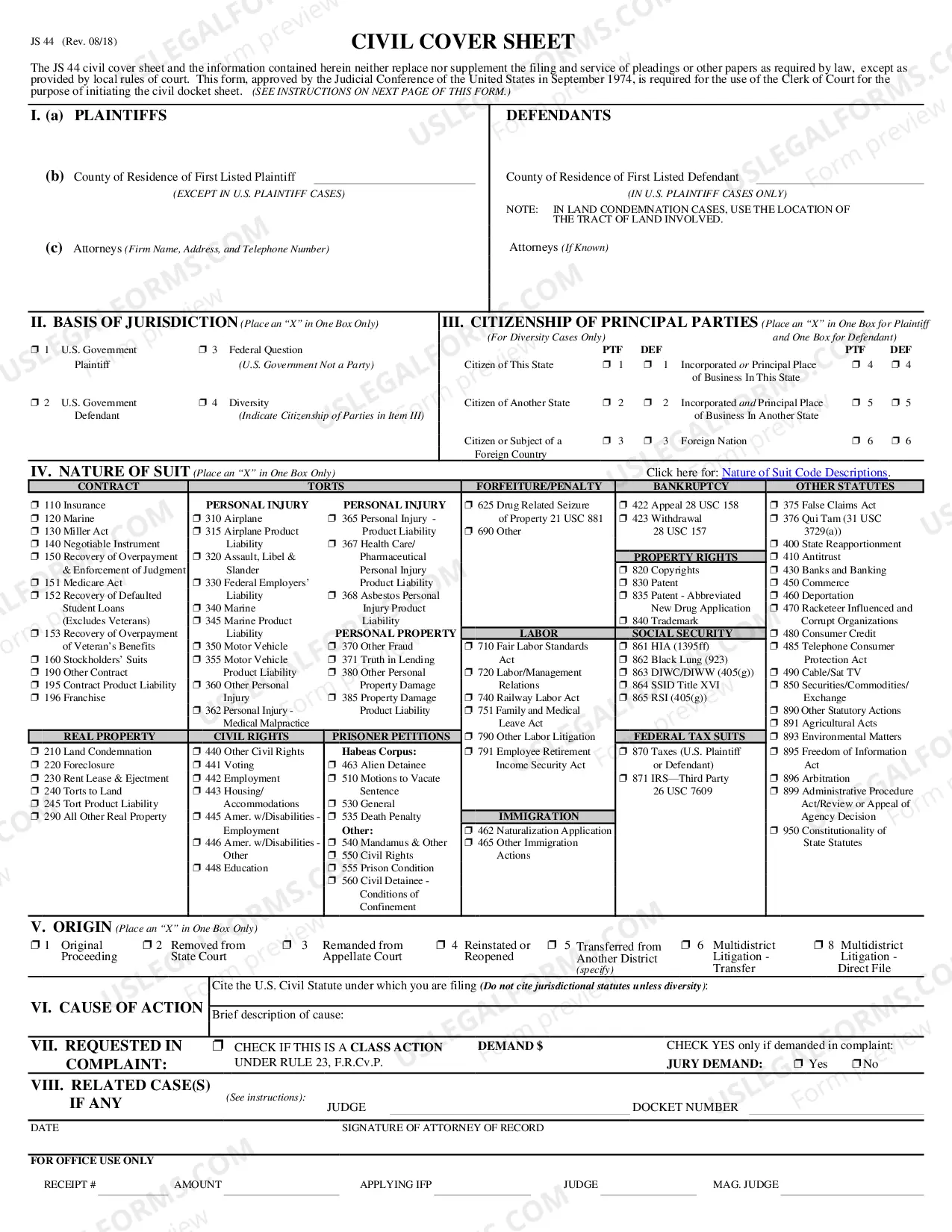
The Attendance Sheet Document Format presented on this page is a versatile formal template created by experienced attorneys in accordance with federal and state laws and regulations.
For over 25 years, US Legal Forms has supplied individuals, companies, and legal experts with more than 85,000 authenticated, state-specific documents for any business and personal circumstance. It is the fastest, most uncomplicated, and most dependable method to acquire the documents you require, as the service ensures the utmost level of data security and anti-malware safeguards.
Select the format you desire for your Attendance Sheet Document Format (PDF, DOCX, RTF) and download the sample to your device.
- Search for the document you require and examine it.
- Review the file you looked up and preview it or read the form description to confirm it meets your needs. If it doesn’t, utilize the search function to locate the correct one. Click Buy Now when you have identified the template you want.
- Select and Log Into your account.
- Choose the pricing plan that fits you and set up an account. Use PayPal or a credit card to make a quick payment. If you already possess an account, Log In and check your subscription to proceed.
- Obtain the fillable template.
Form popularity
FAQ
Create form attendance in Microsoft word - YouTube YouTube Start of suggested clip End of suggested clip And click on landscape. Next you need to set matching. And click on arrow. And after enter your textMoreAnd click on landscape. Next you need to set matching. And click on arrow. And after enter your text. Next you need to insert the table to create the attendance. Please insert row.
Use the following steps to create an attendance sheet using an Excel template: Download the student attendance tracker template for Excel. Open the file and click on the Blank Student Attendance tab at the bottom of the sheet. Enter the information for the spreadsheet cells at the top of the template:
How to Write an Effective Employee Attendance Write Up: A Step-by-step Guide Step 1: Document the Attendance Issue. Firstly, gather your facts. ... Step 2: Include Essential Information. ... Step 3: Describe the Impact. ... Step 4: Reference Company Policies. ... Step 5: Provide an Opportunity for Improvement. ... Step 6: Obtain Signatures.
An attendance form is a document used to record the attendance of individuals at a specific event or location. It can be used in both educational and business settings to track who was present on a given day or during a specific time period.
How to Write an Effective Employee Attendance Write Up: A Step-by-step Guide Step 1: Document the Attendance Issue. Firstly, gather your facts. ... Step 2: Include Essential Information. ... Step 3: Describe the Impact. ... Step 4: Reference Company Policies. ... Step 5: Provide an Opportunity for Improvement. ... Step 6: Obtain Signatures.