Family Medical Leave Form In Spanish
Description
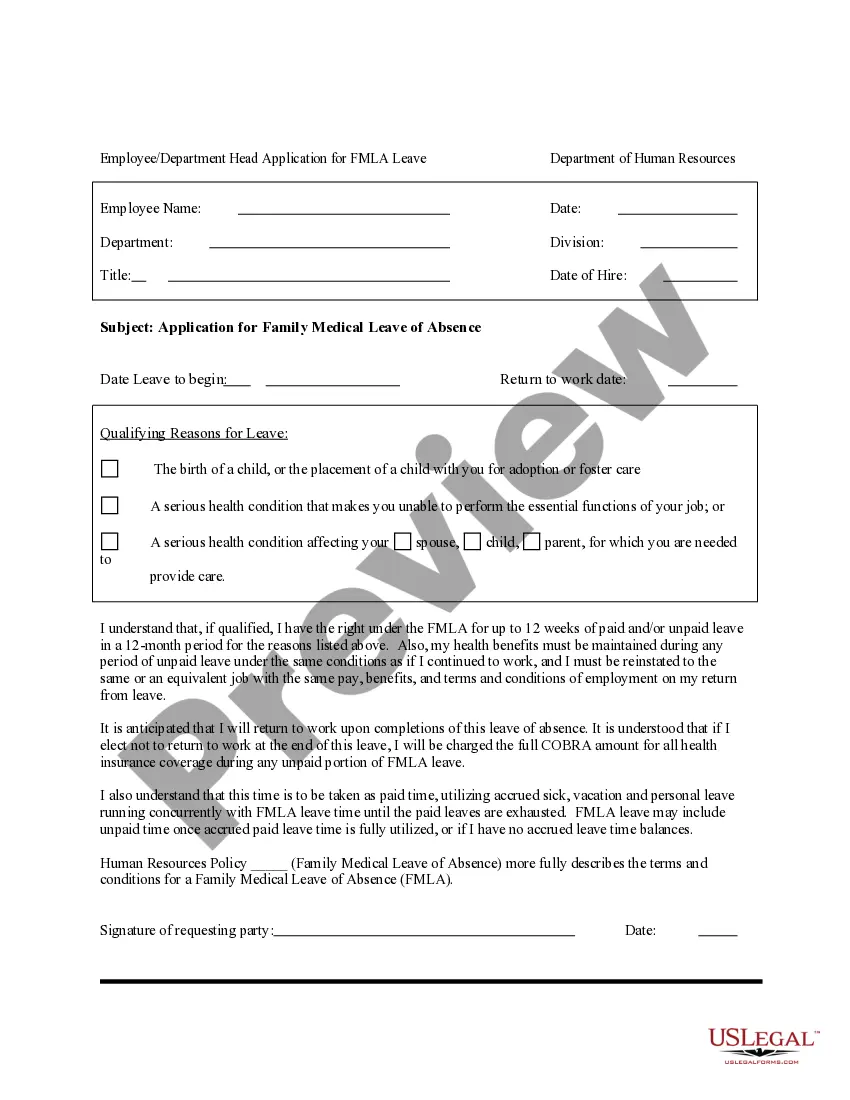

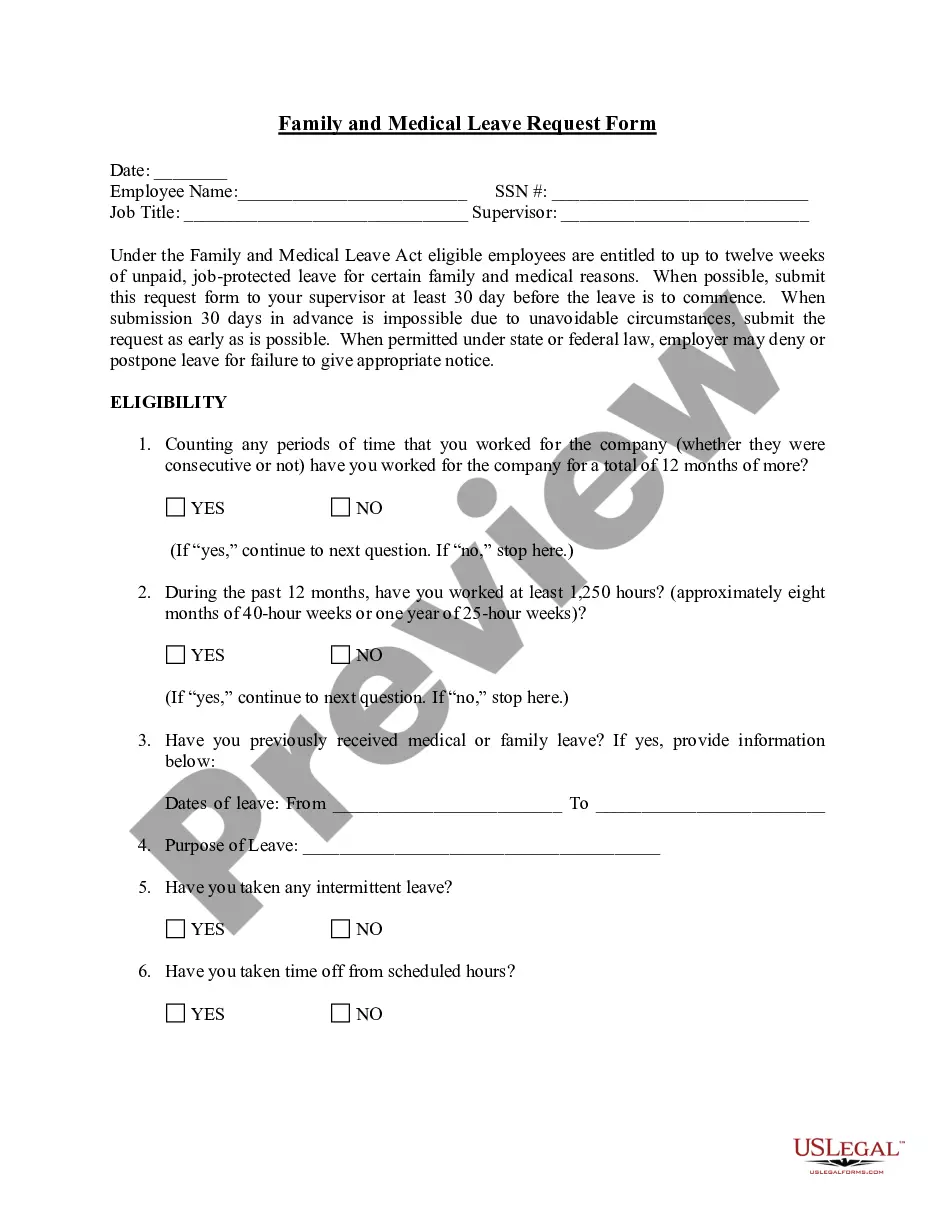
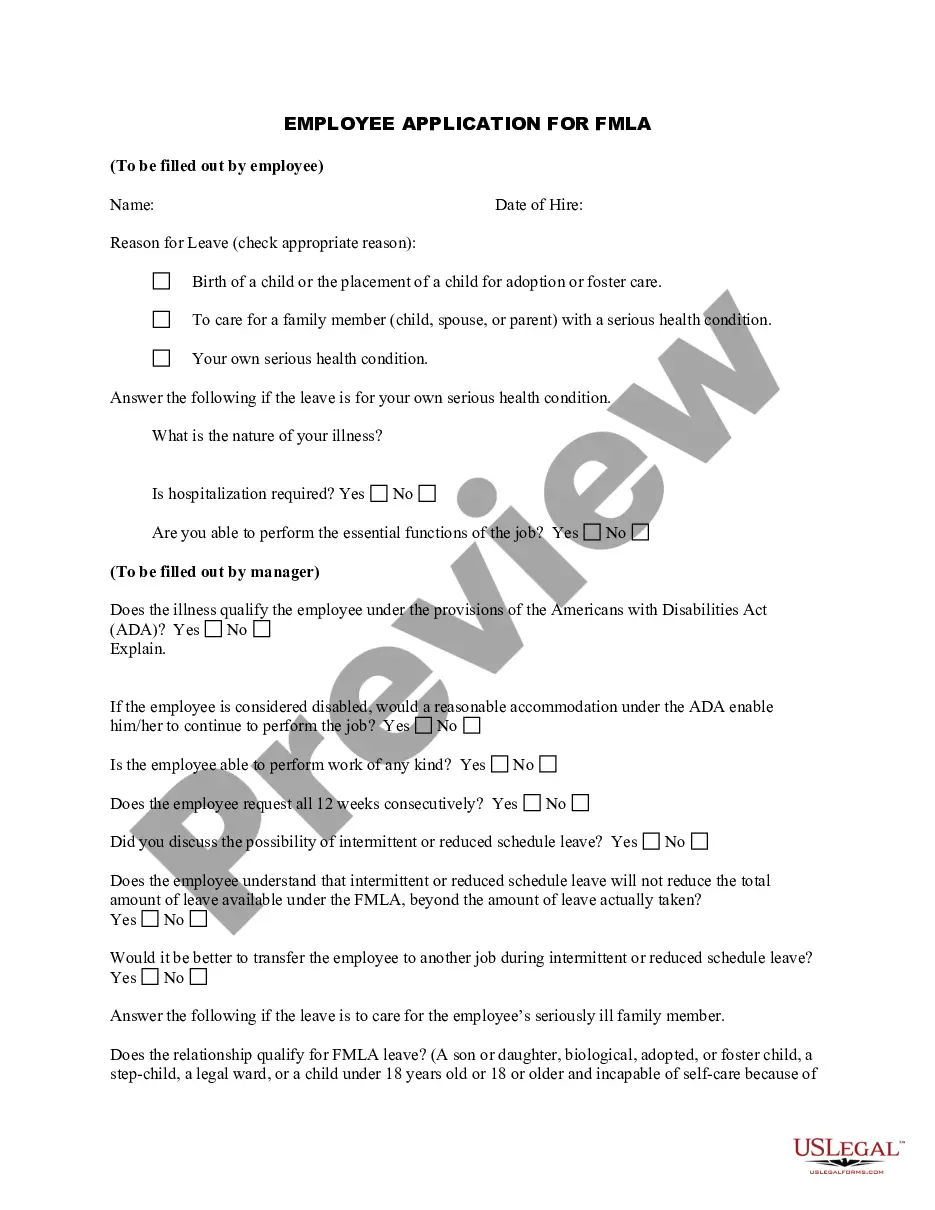
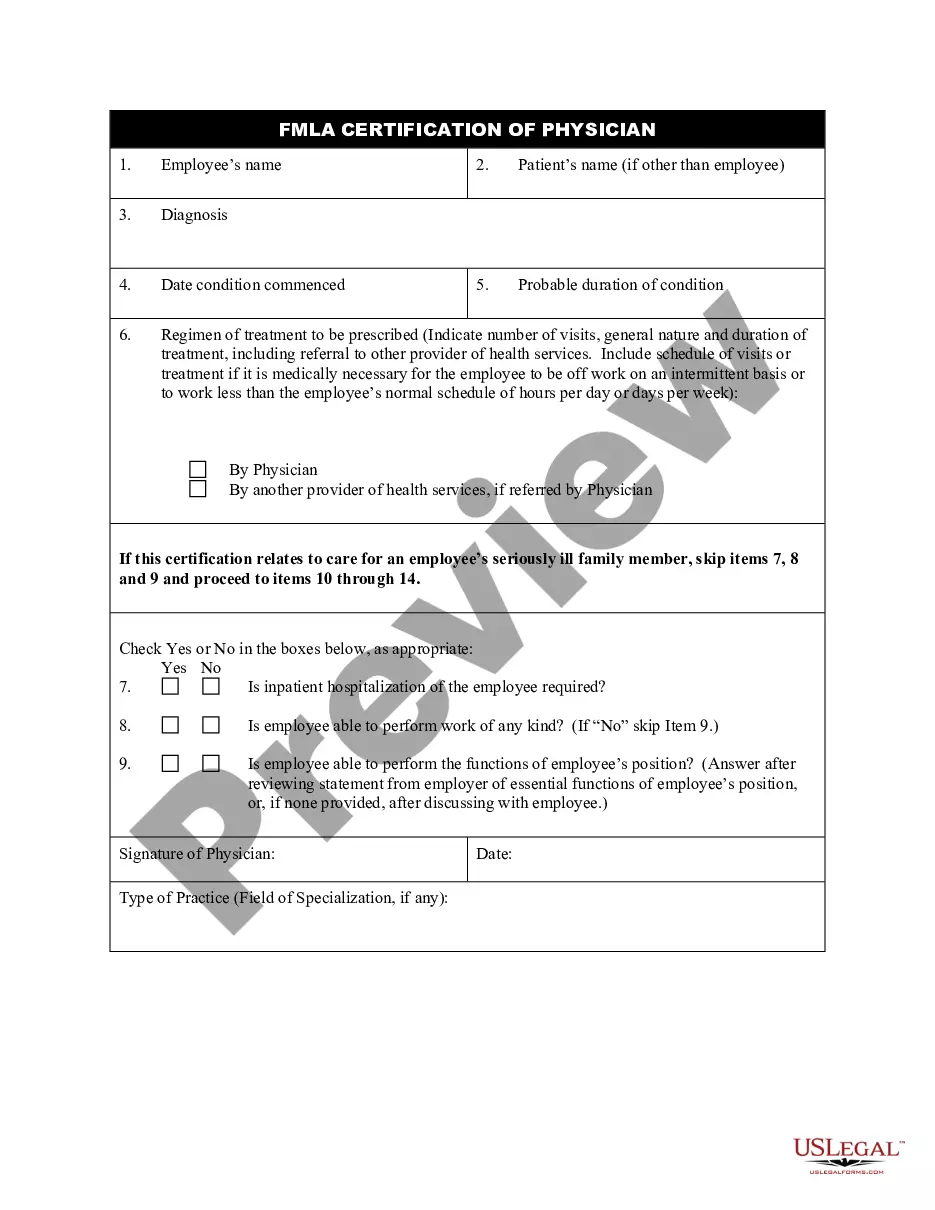
Get your form ready online
Our built-in tools help you complete, sign, share, and store your documents in one place.
Make edits, fill in missing information, and update formatting in US Legal Forms—just like you would in MS Word.
Download a copy, print it, send it by email, or mail it via USPS—whatever works best for your next step.
Sign and collect signatures with our SignNow integration. Send to multiple recipients, set reminders, and more. Go Premium to unlock E-Sign.
If this form requires notarization, complete it online through a secure video call—no need to meet a notary in person or wait for an appointment.
We protect your documents and personal data by following strict security and privacy standards.

Make edits, fill in missing information, and update formatting in US Legal Forms—just like you would in MS Word.

Download a copy, print it, send it by email, or mail it via USPS—whatever works best for your next step.

Sign and collect signatures with our SignNow integration. Send to multiple recipients, set reminders, and more. Go Premium to unlock E-Sign.

If this form requires notarization, complete it online through a secure video call—no need to meet a notary in person or wait for an appointment.

We protect your documents and personal data by following strict security and privacy standards.
Looking for another form?
How to fill out Application For Family Medical Leave Of Absence?
Managing legal documents can be daunting, even for experienced professionals.
When you need a Family Medical Leave Form In Spanish and lack the time to search for the correct and current version, the process can become overwhelming.
US Legal Forms meets all your needs, from personal to business documents, all in one location.
Utilize advanced tools to complete and manage your Family Medical Leave Form In Spanish.
Here are the steps to follow after downloading the form you require: Verify that this is the correct form by previewing it and reviewing its details. Ensure that the sample is validated in your state or county. Click Buy Now when you’re ready. Choose a subscription plan. Select the file format you need, and Download, fill out, sign, print, and submit your document. Enjoy the US Legal Forms online library, supported by 25 years of experience and reliability. Transform your everyday document management into a simple and user-friendly process today.
- Access a valuable resource base of articles, guides, and materials pertinent to your situation and requirements.
- Save time and effort searching for the documents you need, and take advantage of US Legal Forms’ advanced search and Preview feature to find Family Medical Leave Form In Spanish and obtain it.
- If you have a membership, Log In to your US Legal Forms account, look for the form, and download it.
- Visit the My documents tab to review the documents you’ve saved and manage your folders as desired.
- If this is your first time using US Legal Forms, create an account and gain unlimited access to all the platform’s benefits.
- A comprehensive online form library can be transformative for those looking to navigate these situations effectively.
- US Legal Forms is a leading provider of online legal forms, offering over 85,000 state-specific legal documents accessible at any time.
- With US Legal Forms, you can access state- or county-specific legal and business forms.
Form popularity
FAQ
To apply for FMLA, the employee must take an FMLA Medical Certification Form to their health care provider. This form ensures that the employee's or family member's applicable health condition is valid. After receiving the form, the employee must return it within 15 calendar days.
An employee must work for the employer for at least 12 months and 1,040 hours during the previous 12-month period. Temporary and intermittent employees are not covered under state law. However, an employee who has worked at least 1,250 in the prior 12-month period may take 12 weeks unpaid leave under FMLA.
The Family and Medical Leave Act (FMLA) entitles eligible employees to take up to 12 workweeks of unpaid, job-protected leave in a 12-month period for a ?qualifying exigency? arising out of the foreign deployment of the employee's spouse, son, daughter, or parent.
How to Request California FMLA Leave Step 1: Determine if you're eligible. ... Step 2: Give advance notice. ... Step 3: Request the appropriate forms. ... Step 4: Fill out the forms. ... Step 5: Submit the forms. ... Step 6: Follow up. ... Step 7: Understand your rights and responsibilities. ... Step 8: Communicate with your employer.
The Family and Medical Leave Act (FMLA) provides eligible employees up to 12 workweeks of unpaid leave per calendar year for FMLA approved events. The mandated leave allowance is inclusive of other available leave and permits employers to offset the total 12-week entitlement with any paid leave taken under the FMLA.