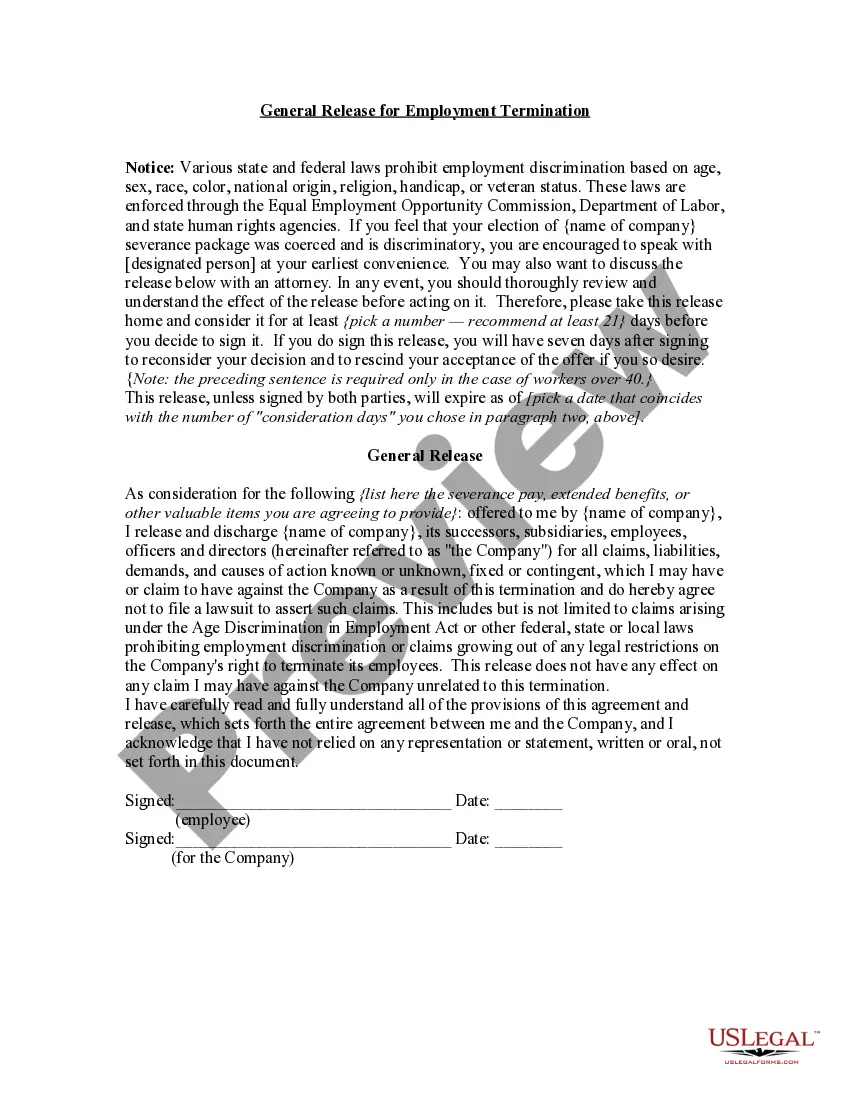
Release Work Form Doctor
Description
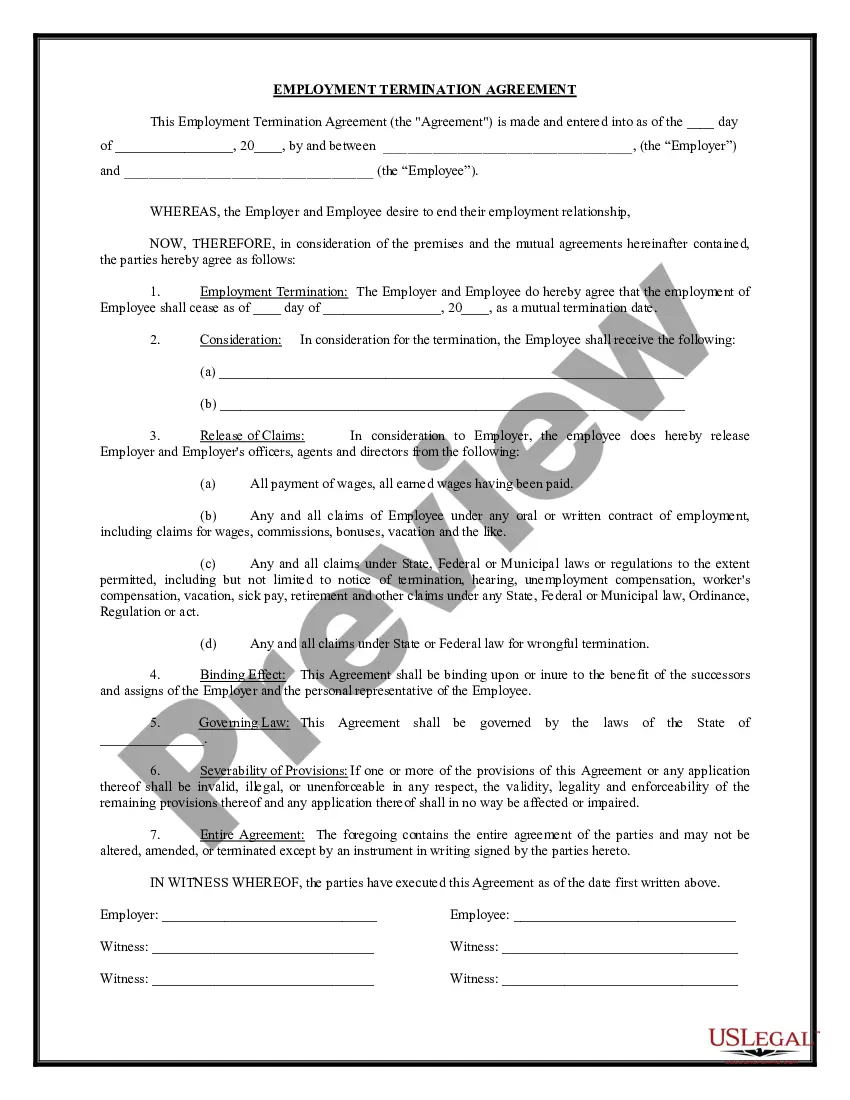
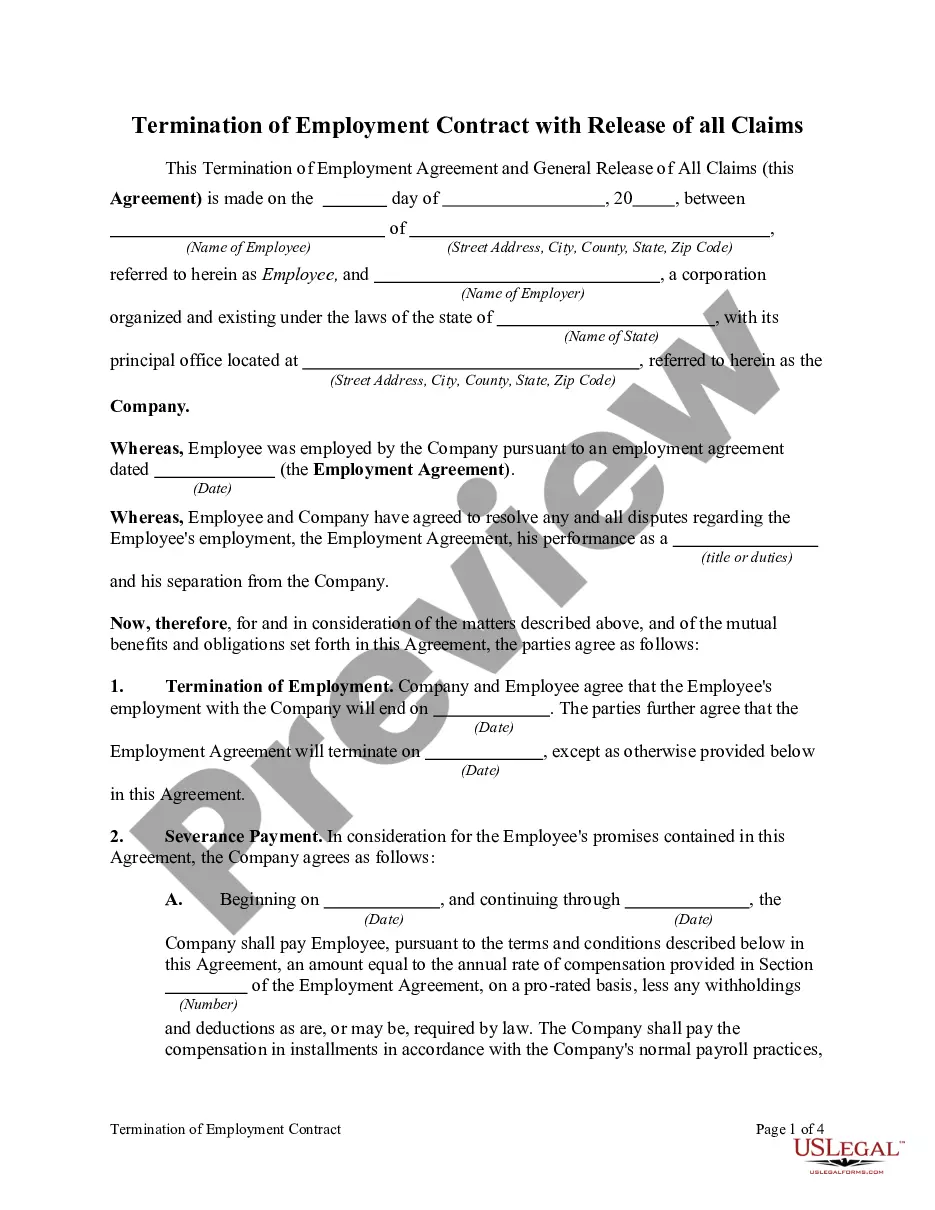
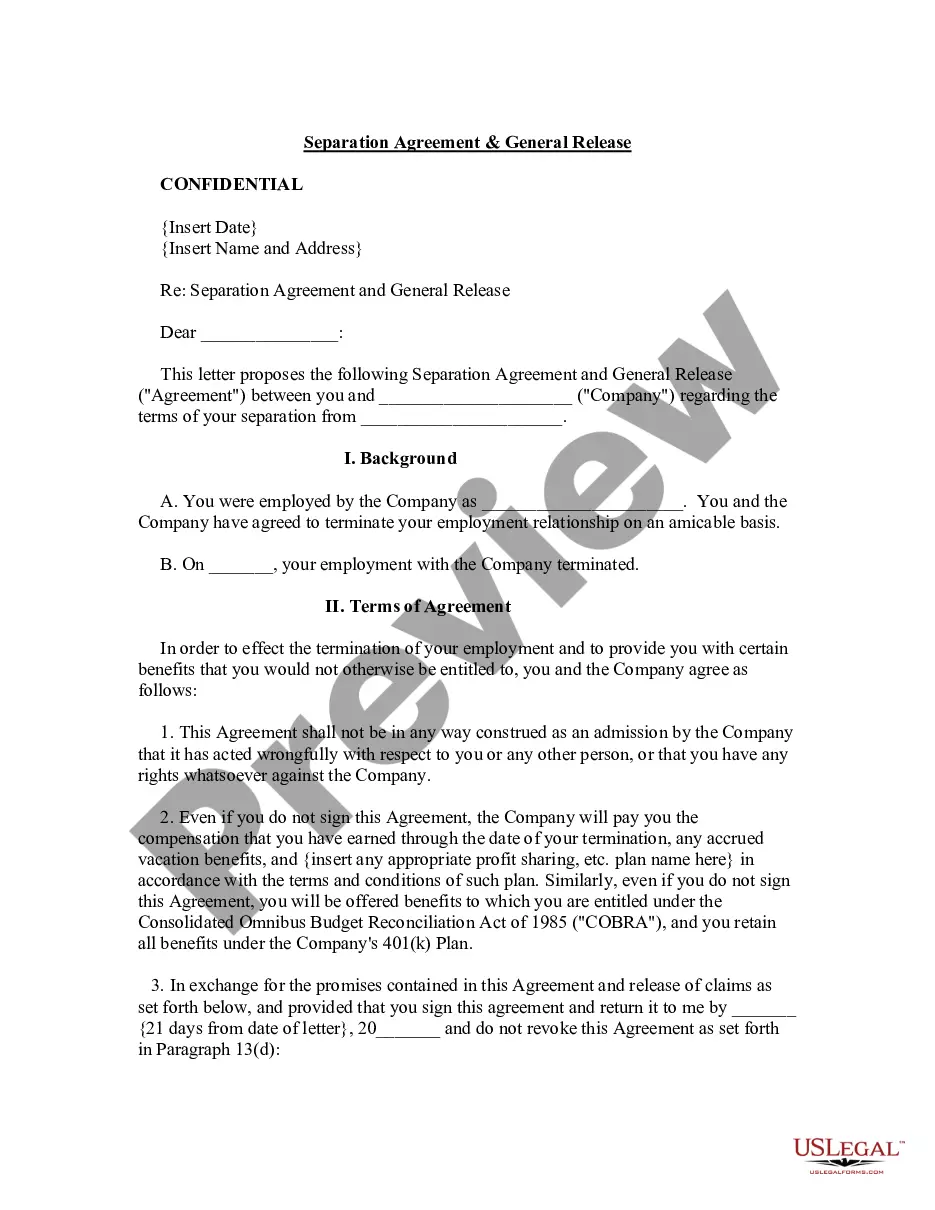
Get your form ready online
Our built-in tools help you complete, sign, share, and store your documents in one place.
Make edits, fill in missing information, and update formatting in US Legal Forms—just like you would in MS Word.
Download a copy, print it, send it by email, or mail it via USPS—whatever works best for your next step.
Sign and collect signatures with our SignNow integration. Send to multiple recipients, set reminders, and more. Go Premium to unlock E-Sign.
If this form requires notarization, complete it online through a secure video call—no need to meet a notary in person or wait for an appointment.
We protect your documents and personal data by following strict security and privacy standards.

Make edits, fill in missing information, and update formatting in US Legal Forms—just like you would in MS Word.

Download a copy, print it, send it by email, or mail it via USPS—whatever works best for your next step.

Sign and collect signatures with our SignNow integration. Send to multiple recipients, set reminders, and more. Go Premium to unlock E-Sign.

If this form requires notarization, complete it online through a secure video call—no need to meet a notary in person or wait for an appointment.

We protect your documents and personal data by following strict security and privacy standards.
Looking for another form?
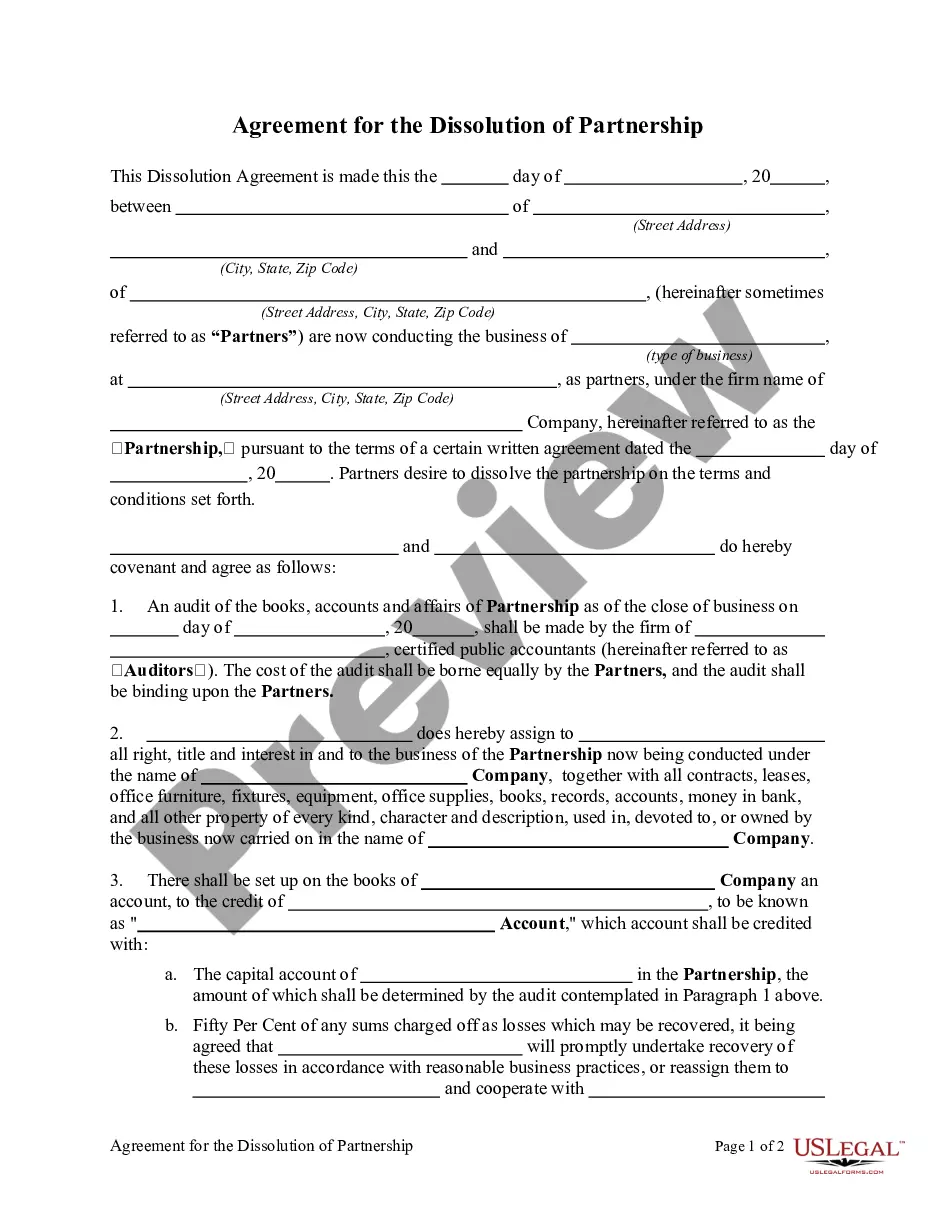

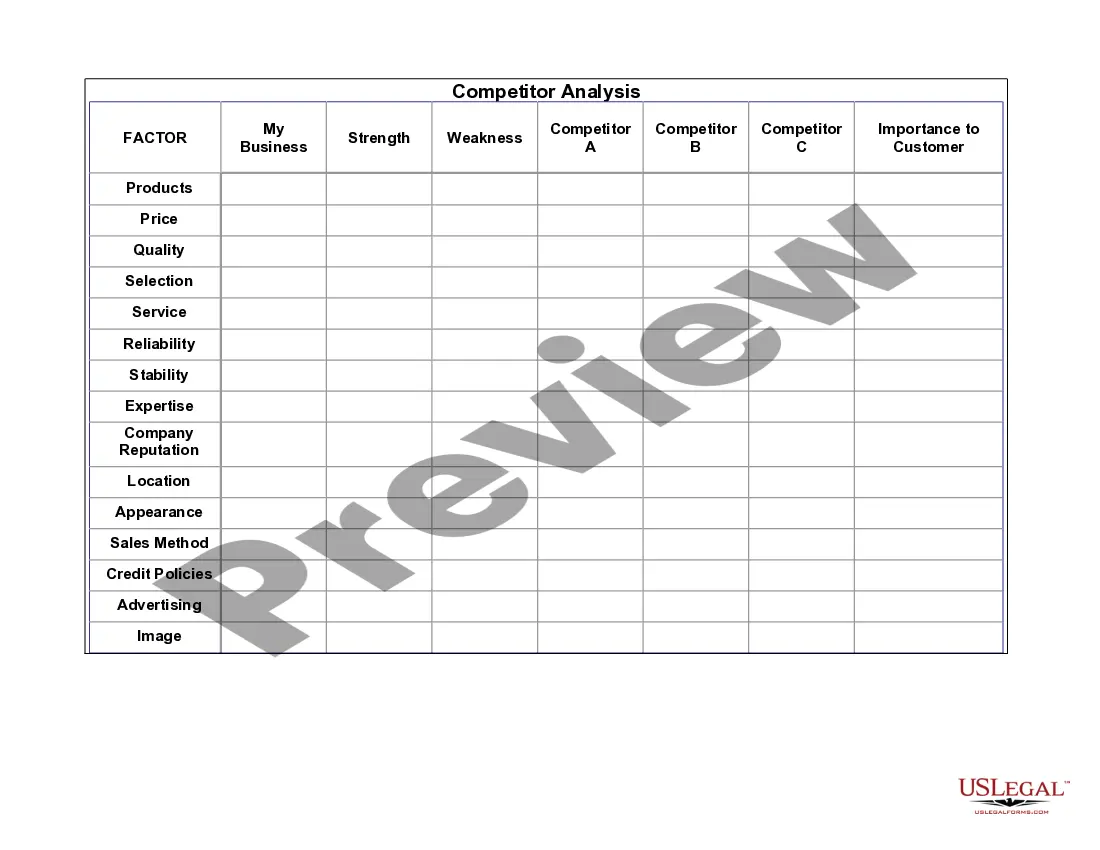


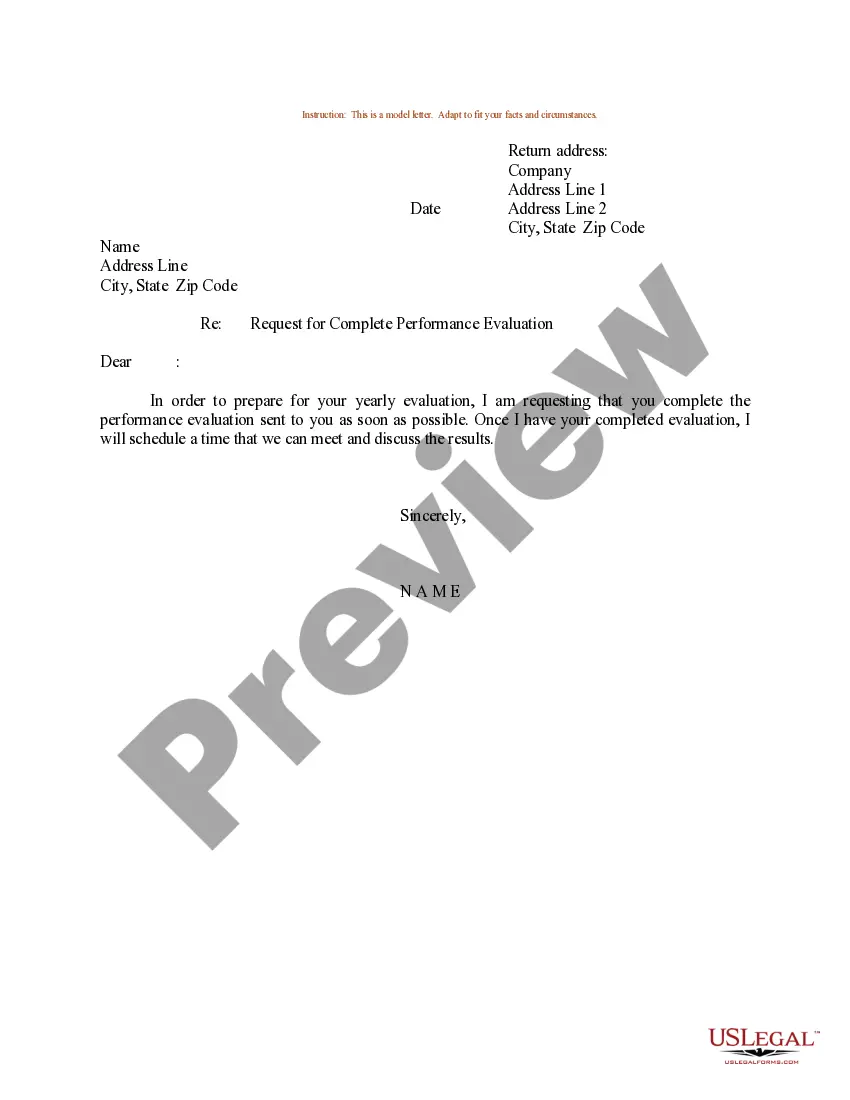
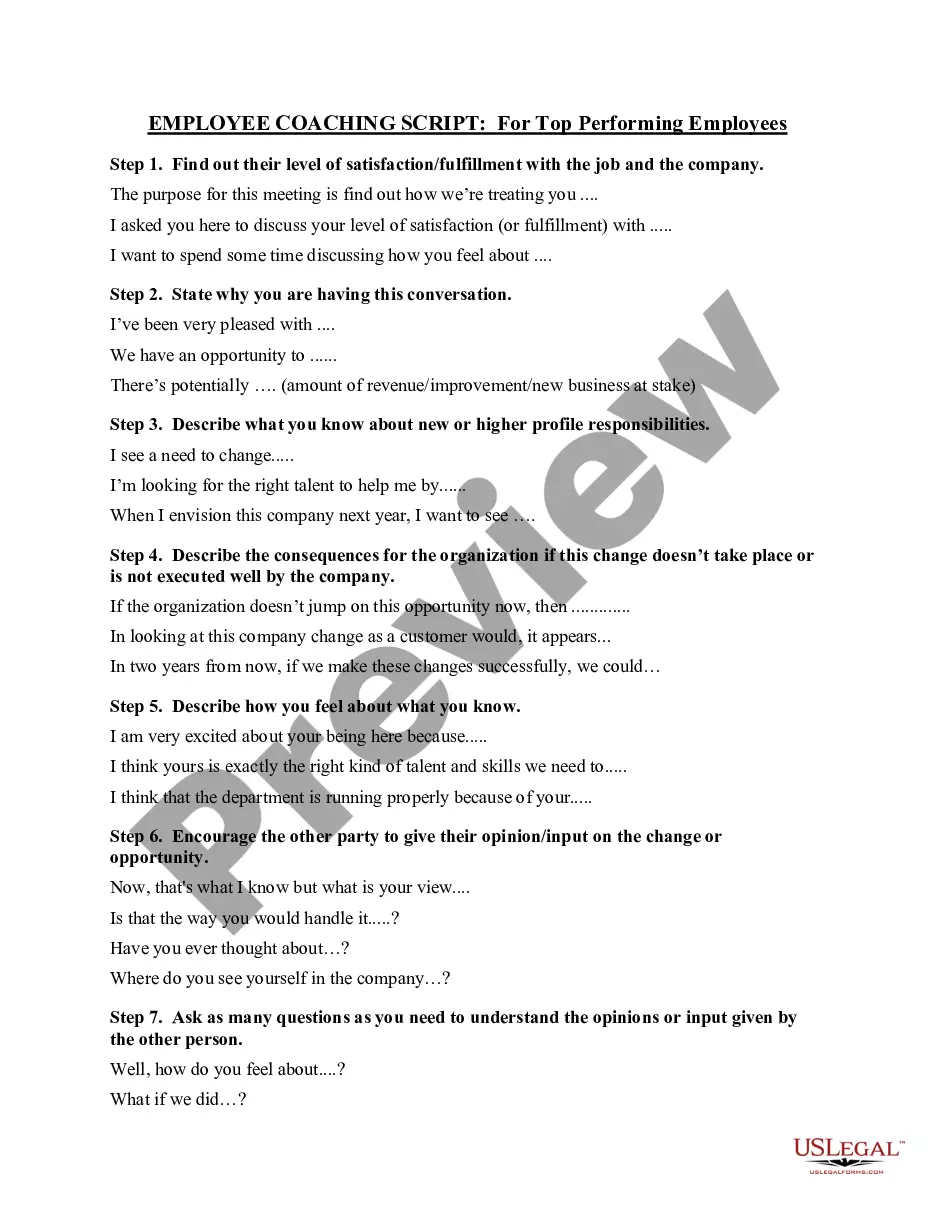


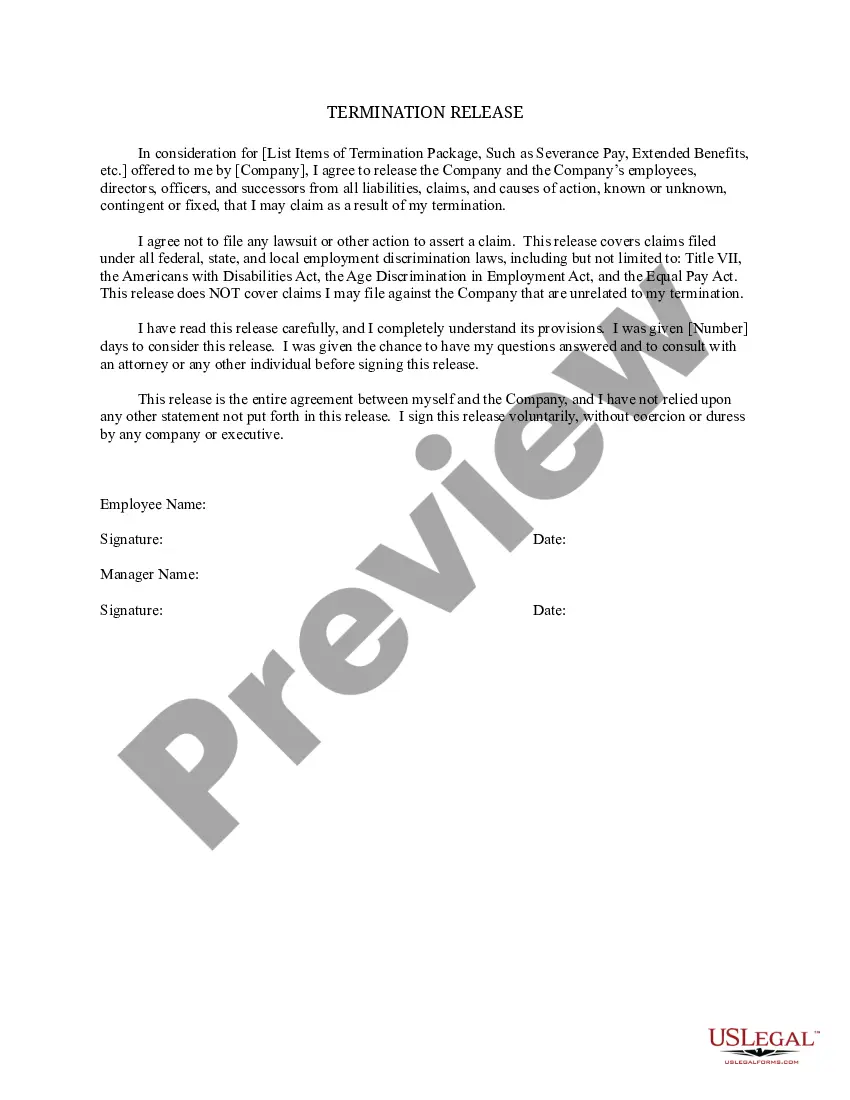
How to fill out General Release For Employment Or Job Termination?
Legal paperwork management can be daunting, even for the most competent professionals.
When you're in search of a Release Work Form Doctor and lack the time to spend finding the appropriate and current version, the processes may be anxiety-inducing.
Access a valuable resource library of articles, guides, and materials pertinent to your situation and requirements.
Save time and effort hunting for the documents you need, and leverage US Legal Forms' advanced search and Review tool to find Release Work Form Doctor and obtain it.
Ensure that the template is valid in your state or locality. Choose Buy Now when you're ready. Select a subscription package. Choose the file type you require, and Download, fill out, sign, print, and submit your document. Take advantage of the US Legal Forms online library, supported by 25 years of expertise and dependability. Transform your daily document management into an easy and user-friendly process today.
- If you possess a membership, Log In to your US Legal Forms account, search for the form, and acquire it.
- Check the My documents tab to view the documents you've previously downloaded and to manage your folders as needed.
- If this is your first experience with US Legal Forms, create a free account to enjoy unrestricted access to all features of the library.
- Here are the steps to follow after locating the form you need.
- Confirm this is the correct form by previewing it and reviewing its details.
- Access state- or locality-specific legal and business documents.
- US Legal Forms caters to any needs you might have, from personal to corporate documents, all in one location.
- Utilize cutting-edge tools to complete and manage your Release Work Form Doctor.
Form popularity
FAQ
A return to work form is a document employers use to record relevant details when staff start working again after sickness. You should fill it in during the return to work interview, to establish further necessary steps. Some employees need support with a long recovery, for example.
How to Write an Effective Return to Work Letter Address the Employee. As with any letter, start by addressing the recipient appropriately. ... Lay out the Reasons for Sending the Letter. ... Explain the Specifics of Their Return. ... Inform Employees of Any Changes to Their Role. ... Outline Policy or Office Changes that Affect Them.
Follow these steps to write your document: Fill in the information of both parties, including each person's name and address. Include the details of the event. ... Add if there is a payment required by the releasee. ... Write a section for signatures, which will contain the names and dates of both parties.
Dear [Name of HR contact or manager], Thank you for being so kind and understanding during my time away. This is to inform you that I am ready to return to work from [reason for being away] on [return date]. I was away from work for [period] to [reason for leave].
How Do You Write a Release Form? The first step in writing is identifying all parties involved, including the releaser and the release. Specify the activity or event in detail, such as a photo shoot, a video production, or a performance. Clearly specify what is being released, whether liability, claims, or damages.