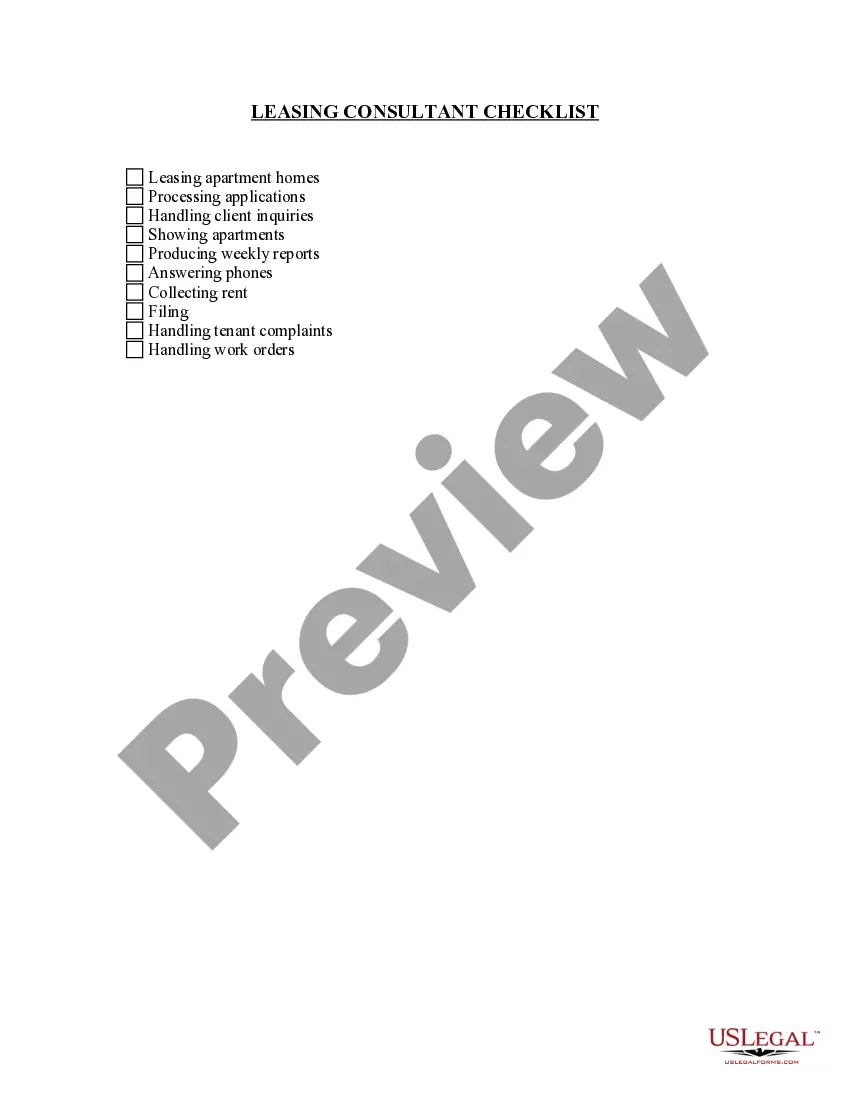
Handling Apartment Checklist With Multiple Tenants
Description
Get your form ready online
Our built-in tools help you complete, sign, share, and store your documents in one place.
Make edits, fill in missing information, and update formatting in US Legal Forms—just like you would in MS Word.
Download a copy, print it, send it by email, or mail it via USPS—whatever works best for your next step.
Sign and collect signatures with our SignNow integration. Send to multiple recipients, set reminders, and more. Go Premium to unlock E-Sign.
If this form requires notarization, complete it online through a secure video call—no need to meet a notary in person or wait for an appointment.
We protect your documents and personal data by following strict security and privacy standards.

Make edits, fill in missing information, and update formatting in US Legal Forms—just like you would in MS Word.

Download a copy, print it, send it by email, or mail it via USPS—whatever works best for your next step.

Sign and collect signatures with our SignNow integration. Send to multiple recipients, set reminders, and more. Go Premium to unlock E-Sign.

If this form requires notarization, complete it online through a secure video call—no need to meet a notary in person or wait for an appointment.

We protect your documents and personal data by following strict security and privacy standards.
Looking for another form?

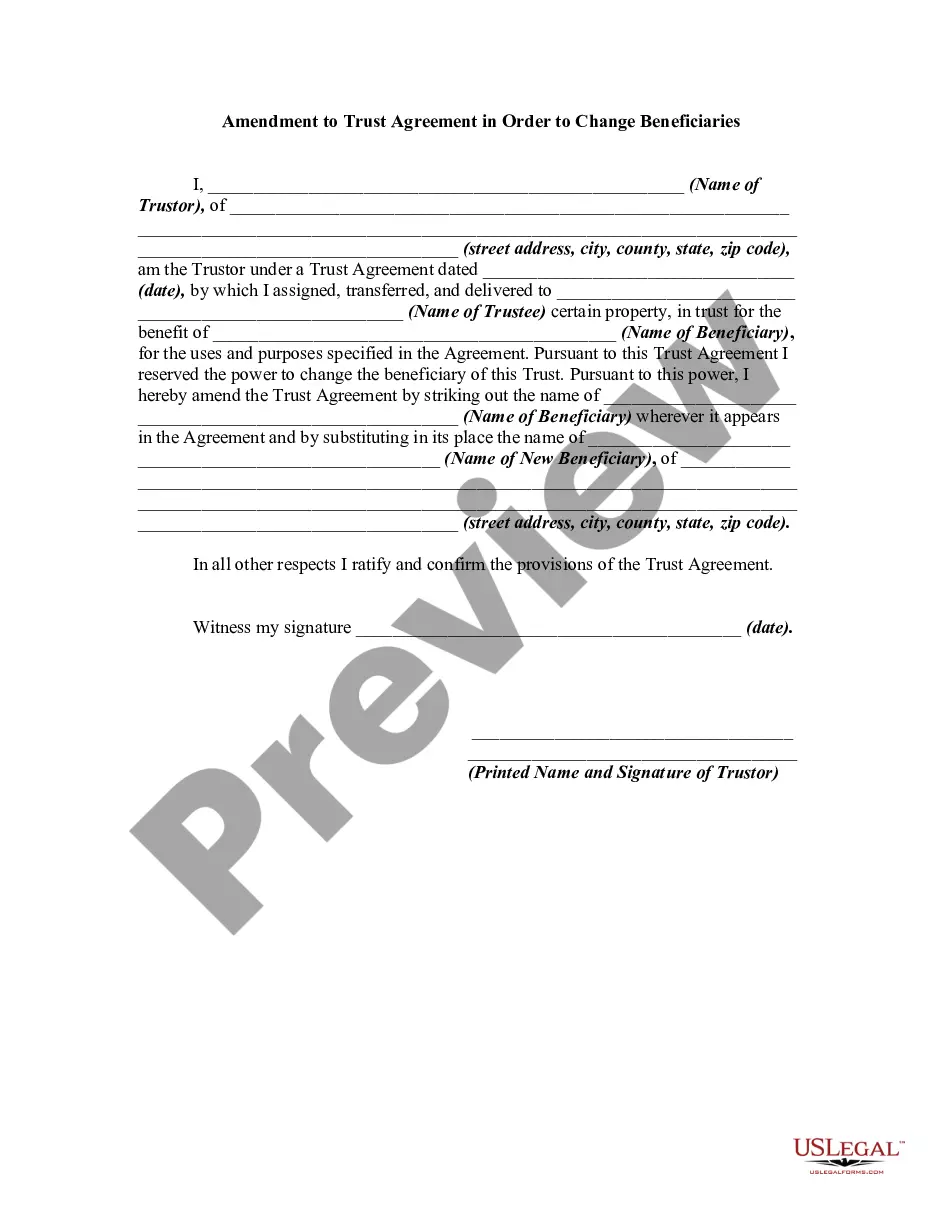
How to fill out Leasing Consultant Checklist?
Whether for commercial objectives or for individual matters, everyone must confront legal circumstances at some point in their life.
Filling out legal documents necessitates meticulous attention, starting with selecting the correct form template.
With an extensive US Legal Forms collection available, you do not need to waste time searching for the correct template across the web. Utilize the library’s straightforward navigation to find the appropriate template for any scenario.
- Locate the template you require using the search bar or catalog navigation.
- Review the form’s description to confirm it suits your circumstance, state, and locality.
- Click on the form’s preview to inspect it.
- If it is the wrong form, return to the search tool to find the Handling Apartment Checklist With Multiple Tenants example you need.
- Obtain the template once it meets your specifications.
- If you possess a US Legal Forms account, click Log in to access previously saved documents in My documents.
- If you do not have an account yet, you can acquire the form by clicking Buy now.
- Select the appropriate pricing option.
- Complete the profile registration form.
- Choose your payment method: you can use a credit card or PayPal account.
- Select the file format you prefer and download the Handling Apartment Checklist With Multiple Tenants.
- Once saved, you can fill out the form using editing software or print it and complete it manually.
Form popularity
FAQ
Use Form 967, Idaho Annual Withholding Report ? to report the total taxable wages and reconcile the total amount of Idaho taxes you withheld during the calendar year to the amount you paid to the Idaho State Tax Commission for the same calendar year.
The Gem State is giving the rebate to anyone who was a state resident for the full year of 2020 and 2021 and has filed their taxes for the same tax years. The state has been disbursing the rebates since September and intends to give all of the payments by March 2023, ing to the state's tax commission.
You can find your Withholding Account Number on any mail you have received from the Idaho State Tax Commission. If you're unsure, contact the agency at (208) 334-7660.
If your account filing cycle is monthly, semimonthly, quarterly, or annually, you must pay the withheld Idaho income taxes electronically or with a Form 910, Idaho Withholding Payment Voucher.
Option 1: Sign into your eFile.com account, modify your Return and download/print the ID Form 40 (residents) or Form 43 (nonresidents and part-year residents) under My Account. Check the "Amended Return" box, sign the form, and mail it to one of the addresses listed below.
TAP refers to taxable Australian property and is defined by the ATO to include: Australian real property, such as a house, apartment, commercial building or land. An indirect interest in Australian real property. A mining, quarrying or prospecting right in Australia.
The Taxpayer Access Point (TAP) is an online system for people who regularly file Idaho returns and pay on certain tax types. It's mostly for businesses, but individuals can get a TAP account. TAP is also the system to use if you need to request a payment plan. You can't file income tax returns in TAP.
Your account number can be found on your quarterly tax form, by logging in to send a secure message to the Tax Department, or by calling Employer Accounts at (208) 332-3576 or (800) 448-2977.