Signature Over Printed Name With Date
Description


Get your form ready online
Our built-in tools help you complete, sign, share, and store your documents in one place.
Make edits, fill in missing information, and update formatting in US Legal Forms—just like you would in MS Word.
Download a copy, print it, send it by email, or mail it via USPS—whatever works best for your next step.
Sign and collect signatures with our SignNow integration. Send to multiple recipients, set reminders, and more. Go Premium to unlock E-Sign.
If this form requires notarization, complete it online through a secure video call—no need to meet a notary in person or wait for an appointment.
We protect your documents and personal data by following strict security and privacy standards.

Make edits, fill in missing information, and update formatting in US Legal Forms—just like you would in MS Word.

Download a copy, print it, send it by email, or mail it via USPS—whatever works best for your next step.

Sign and collect signatures with our SignNow integration. Send to multiple recipients, set reminders, and more. Go Premium to unlock E-Sign.

If this form requires notarization, complete it online through a secure video call—no need to meet a notary in person or wait for an appointment.

We protect your documents and personal data by following strict security and privacy standards.
Looking for another form?
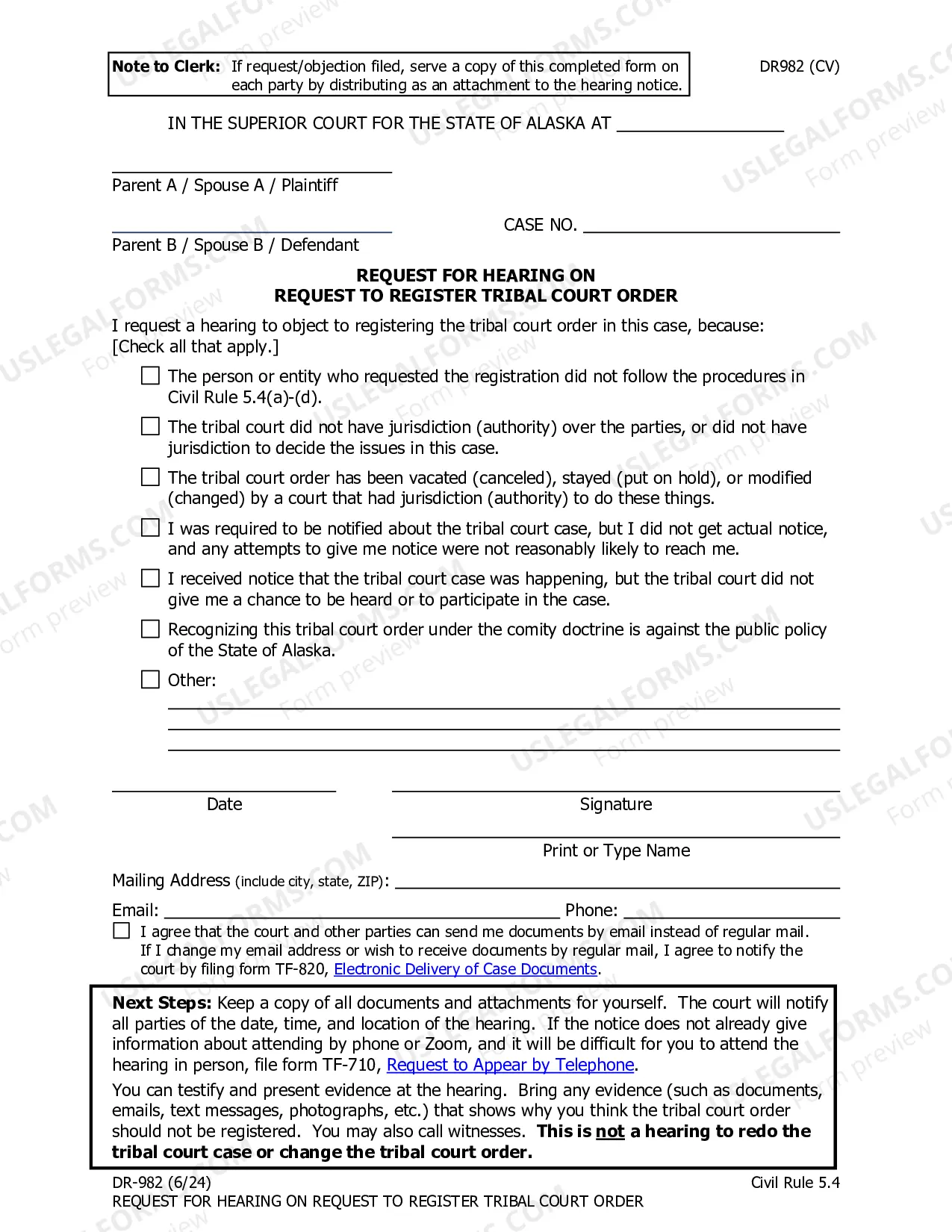
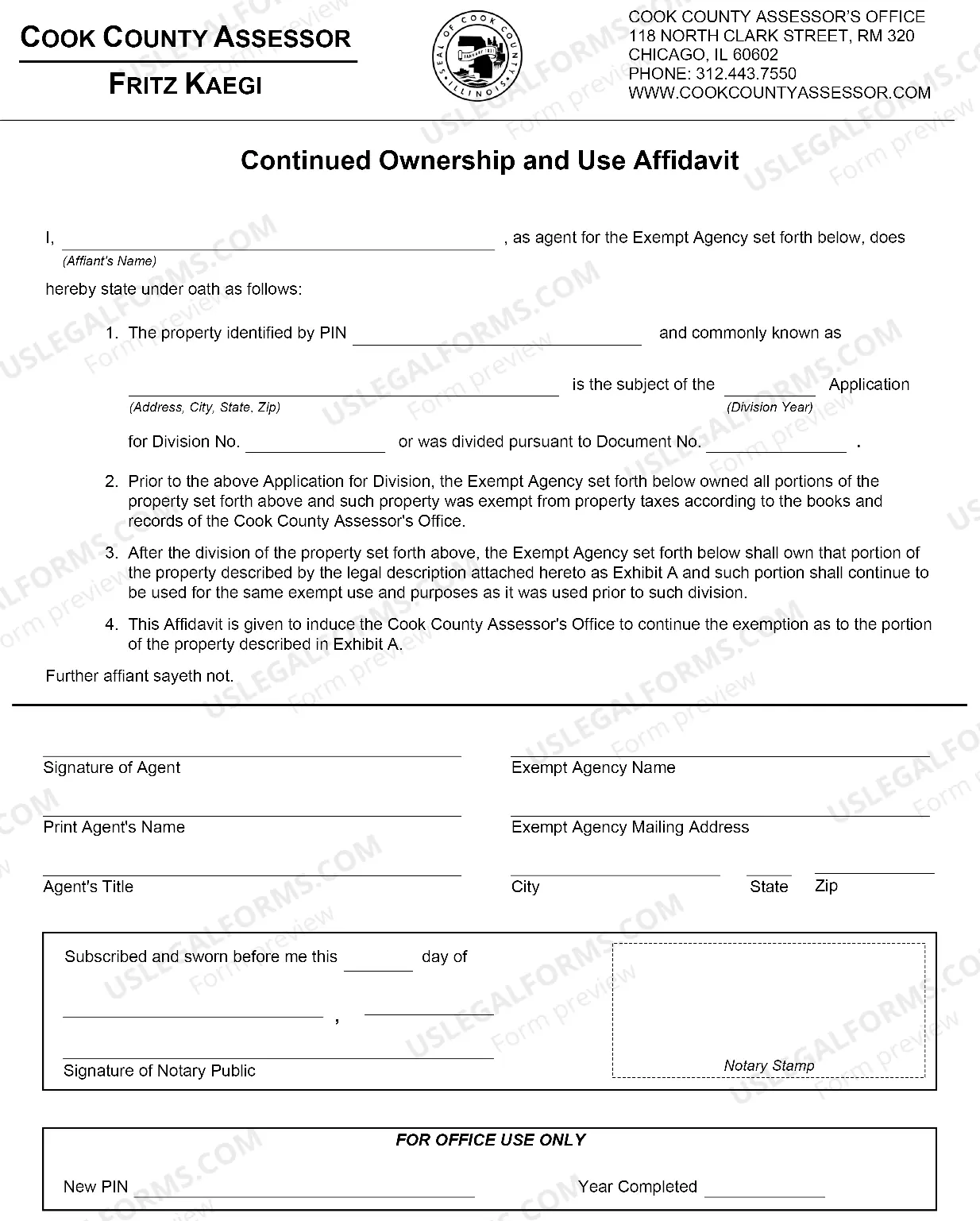
How to fill out Signature And Name Affidavit?
Whether for business purposes or for individual matters, everybody has to manage legal situations sooner or later in their life. Completing legal papers requires careful attention, starting with selecting the proper form sample. For example, if you choose a wrong version of the Signature Over Printed Name With Date, it will be rejected once you submit it. It is therefore important to get a trustworthy source of legal papers like US Legal Forms.
If you need to obtain a Signature Over Printed Name With Date sample, stick to these simple steps:
- Find the template you need by utilizing the search field or catalog navigation.
- Check out the form’s information to make sure it matches your case, state, and county.
- Click on the form’s preview to examine it.
- If it is the incorrect form, get back to the search function to find the Signature Over Printed Name With Date sample you require.
- Get the template if it meets your requirements.
- If you already have a US Legal Forms account, simply click Log in to access previously saved files in My Forms.
- In the event you don’t have an account yet, you may obtain the form by clicking Buy now.
- Pick the appropriate pricing option.
- Finish the account registration form.
- Choose your payment method: use a bank card or PayPal account.
- Pick the document format you want and download the Signature Over Printed Name With Date.
- After it is saved, you are able to fill out the form with the help of editing software or print it and complete it manually.
With a substantial US Legal Forms catalog at hand, you don’t need to spend time searching for the appropriate template across the internet. Make use of the library’s simple navigation to get the proper form for any situation.
Form popularity
FAQ
PRINT NAME is simply defined as writing your name in CAPITAL LETTERS! Unlike Signatures that are mostly written in cursive or scribbles, thus making them hard to read, PRINT NAME simply demands that you write very clearly and without connecting the letters, So your writing looks like Printed Text!
It means you need to write your name clearly without joining up the letters like you would if writing cursive. Often a field like this will be in addition to a required signature. The reason for the ?printed name? is that a signature is often hard to read.
Yes people are following it to an extent but it is not mandatory. The thing is we put signature mostly on the documents relevant to us and if we put date below, it helps us in remembering the date after seeing the signature itself.
Yes people are following it to an extent but it is not mandatory. The thing is we put signature mostly on the documents relevant to us and if we put date below, it helps us in remembering the date after seeing the signature itself. No need to make our brain a tough exercise on remembering the dates.
Four lines below the closing phrase, write your full name. If you are writing in an official capacity that is not included in the stationery's letterhead, write your title on the next line. Your signature goes above your typed name.
