Signature Name Form With S
Description


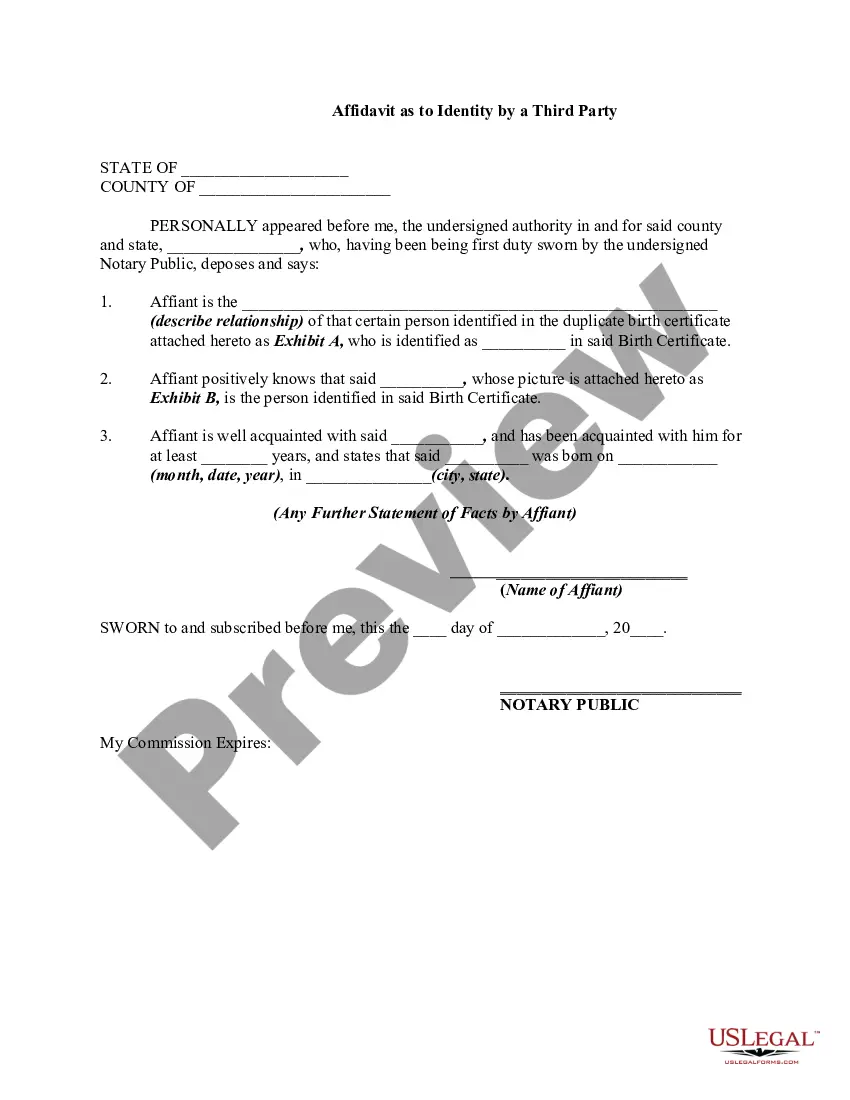
Get your form ready online
Our built-in tools help you complete, sign, share, and store your documents in one place.
Make edits, fill in missing information, and update formatting in US Legal Forms—just like you would in MS Word.
Download a copy, print it, send it by email, or mail it via USPS—whatever works best for your next step.
Sign and collect signatures with our SignNow integration. Send to multiple recipients, set reminders, and more. Go Premium to unlock E-Sign.
If this form requires notarization, complete it online through a secure video call—no need to meet a notary in person or wait for an appointment.
We protect your documents and personal data by following strict security and privacy standards.

Make edits, fill in missing information, and update formatting in US Legal Forms—just like you would in MS Word.

Download a copy, print it, send it by email, or mail it via USPS—whatever works best for your next step.

Sign and collect signatures with our SignNow integration. Send to multiple recipients, set reminders, and more. Go Premium to unlock E-Sign.

If this form requires notarization, complete it online through a secure video call—no need to meet a notary in person or wait for an appointment.

We protect your documents and personal data by following strict security and privacy standards.
Looking for another form?

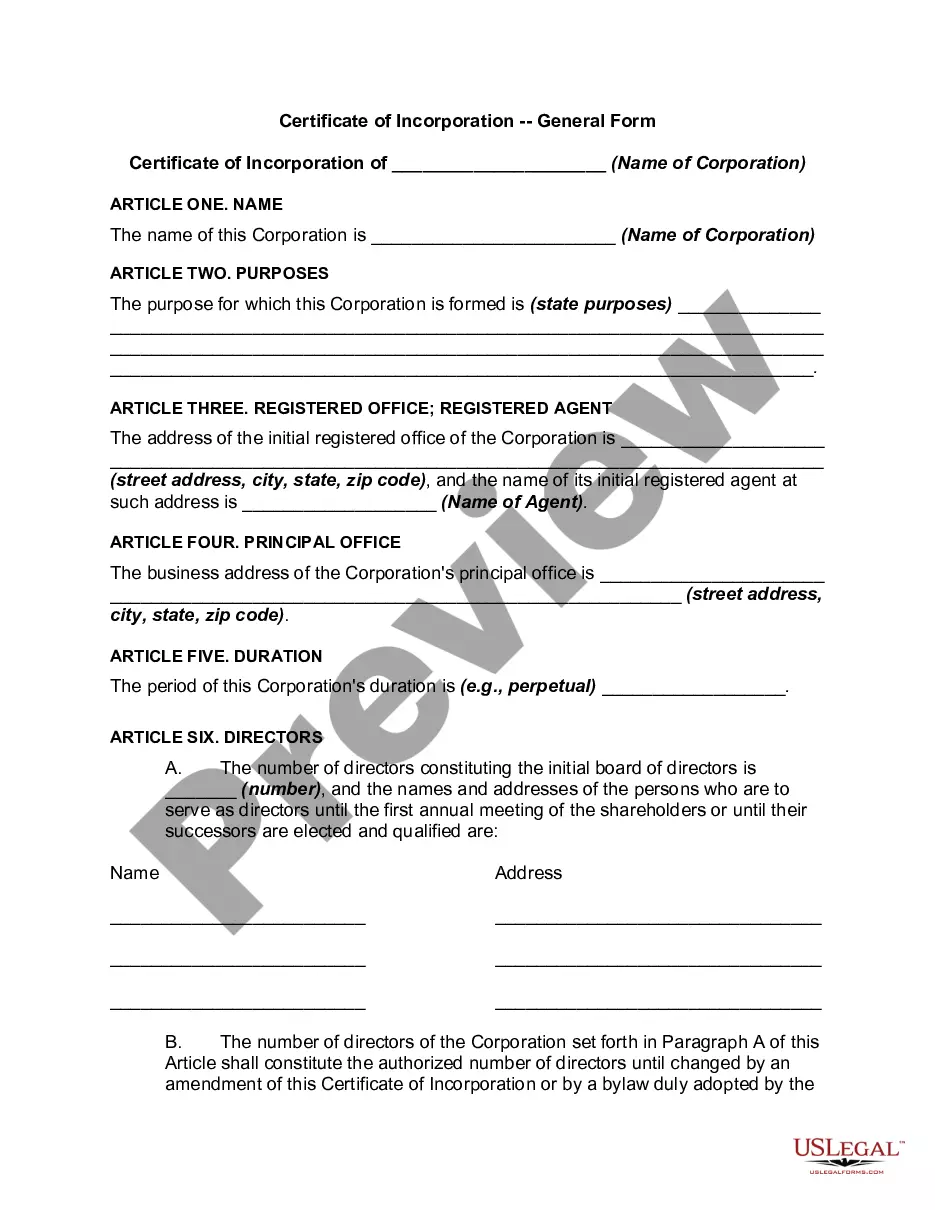


How to fill out Signature And Name Affidavit?
It’s clear that you cannot instantly become a legal expert, nor can you quickly learn to prepare the Signature Name Form With S without a specialized education.
Drafting legal documents is a lengthy endeavor that necessitates particular training and expertise. So why not entrust the creation of the Signature Name Form With S to the experts.
With US Legal Forms, one of the most comprehensive legal document repositories, you can discover everything from court filings to templates for internal business communication. We understand how vital compliance and adherence to federal and state laws and regulations are.
Create a free account and select a subscription plan to buy the form.
Click Buy now. Once the transaction is complete, you can obtain the Signature Name Form With S, complete it, print it, and submit it or mail it to the intended recipients or organizations.
- That’s why, on our platform, all forms are location-specific and current.
- Begin with our website and acquire the form you need in just minutes.
- Find the form you require by utilizing the search bar at the top of the page.
- View it (if this option is available) and read the accompanying description to ascertain whether the Signature Name Form With S is what you’re looking for.
- If you need any other form, restart your search.
Form popularity
FAQ
The S-signature format refers to a specific style of signing documents that incorporates the letter 's' prominently in the signature name form. This format is often used to denote authenticity and intent in legal agreements. By using the S-signature format, you enhance the legitimacy of your documents, making them more recognizable in legal contexts. Platforms like US Legal Forms provide templates that accommodate this signature style effectively.
You should use 's' for signature when you are completing legal documents that require a personal endorsement. The 's' in signature indicates that you are signing on behalf of yourself or an entity. Utilizing the signature name form with s ensures clarity and compliance with legal standards. Always ensure that your signature matches the name on the document to avoid any discrepancies.
To write the letter 's' in a cool way, try experimenting with different styles, like cursive or graffiti. You can also incorporate unique flourishes or shapes that make it stand out. Tools available on US Legal Forms help you design a signature name form with s that is both stylish and suitable for official use.
Generating a signature for your name can be done easily through online tools and apps. Look for services that allow you to input your name and customize your signature. With US Legal Forms, you can create a personalized signature name form with s that reflects your identity and meets legal requirements.
Making an S signature involves practicing writing the letter 'S' in various styles until you find one that resonates with you. Experiment with different fonts or cursive styles using digital tools. US Legal Forms provides options to create your signature name form with s, making the process simple and effective.
To create an S-signature, you first need to decide on the style you want. You can use your handwriting or choose a digital tool that allows customization. Platforms like US Legal Forms offer templates that help you design your signature name form with s, ensuring it looks professional and suits your needs.
To effectively use the 'S' in your signature, consider its placement and style in relation to your full name. The 'S' can be stylized to emphasize your individuality, making your signature more memorable. A signature name form with s provides a structured approach to including this letter while ensuring clarity and professionalism. For additional help, US Legal Forms offers resources to help you perfect your signature.
Creating an s name signature involves incorporating the letter 'S' in a way that feels personal and unique to you. You can experiment with different styles, such as cursive or block letters, to find what resonates best. A signature name form with s not only represents your identity but also adds a professional touch to your documents. Utilize US Legal Forms for templates and tips on crafting a signature that meets your needs.
When using a signature name form with s, the 'S' typically appears after the name. This placement helps clarify that the signature represents the individual, enhancing the authenticity of the document. It's important to follow standard conventions to ensure your signature is recognized legally. For guidance on creating your signature, consider exploring resources available on the US Legal Forms platform.
