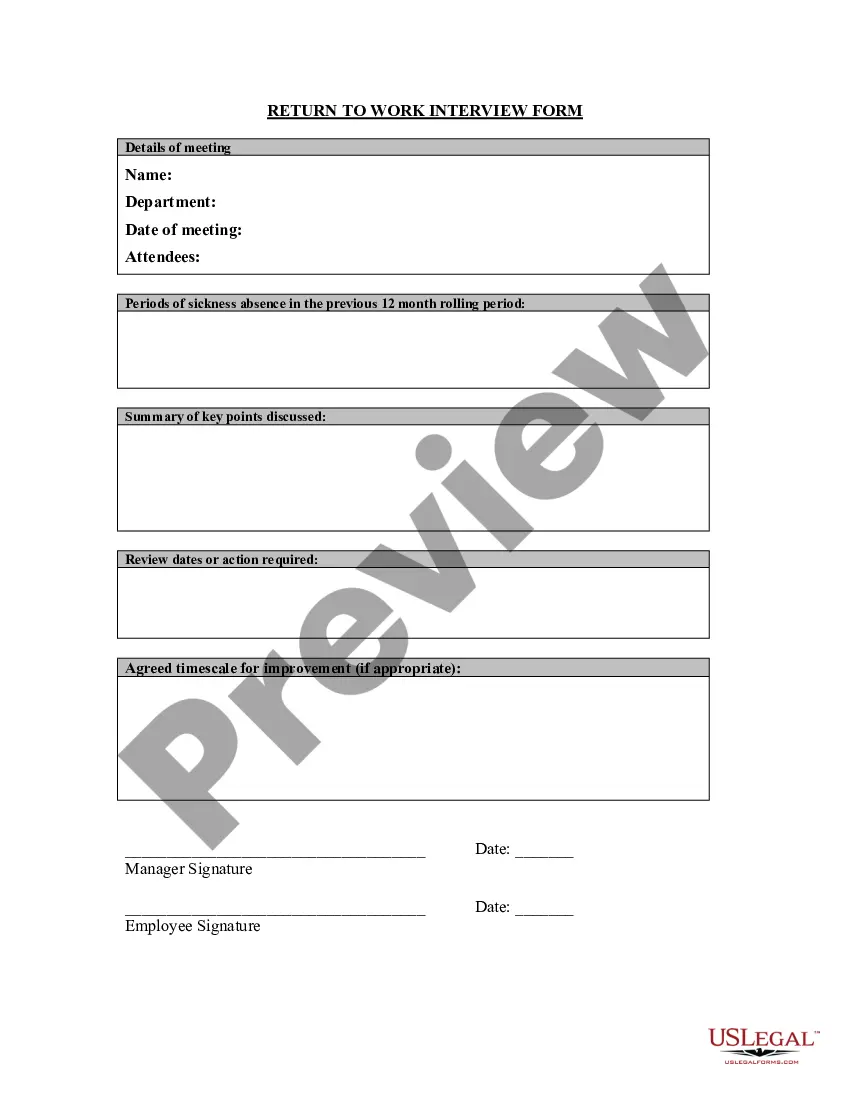
Return To Work Interview Questions For Employees
Description

Get your form ready online
Our built-in tools help you complete, sign, share, and store your documents in one place.
Make edits, fill in missing information, and update formatting in US Legal Forms—just like you would in MS Word.
Download a copy, print it, send it by email, or mail it via USPS—whatever works best for your next step.
Sign and collect signatures with our SignNow integration. Send to multiple recipients, set reminders, and more. Go Premium to unlock E-Sign.
If this form requires notarization, complete it online through a secure video call—no need to meet a notary in person or wait for an appointment.
We protect your documents and personal data by following strict security and privacy standards.

Make edits, fill in missing information, and update formatting in US Legal Forms—just like you would in MS Word.

Download a copy, print it, send it by email, or mail it via USPS—whatever works best for your next step.

Sign and collect signatures with our SignNow integration. Send to multiple recipients, set reminders, and more. Go Premium to unlock E-Sign.

If this form requires notarization, complete it online through a secure video call—no need to meet a notary in person or wait for an appointment.

We protect your documents and personal data by following strict security and privacy standards.
Looking for another form?




How to fill out Return To Work Interview Form?
Locating a reliable source for the most up-to-date and pertinent legal templates represents a significant portion of the challenge involved in navigating bureaucracy.
Identifying the appropriate legal documents demands precision and meticulousness, highlighting the importance of sourcing Return To Work Interview Questions For Employees solely from trustworthy providers, such as US Legal Forms. An incorrect template can squander your time and hinder your circumstances.
Once you have the document on your device, you can modify it using the editor or print it out and fill it in by hand. Eliminate the frustration associated with your legal documents. Browse through the comprehensive US Legal Forms collection to discover legal templates, assess their relevance to your situation, and download them immediately.
- Utilize the catalog menu or search bar to locate your template.
- Access the document's details to verify its compliance with the regulations of your state and county.
- View the form preview, if available, to confirm that the template meets your expectations.
- Return to the search to identify the right document if the Return To Work Interview Questions For Employees does not fulfill your criteria.
- If you are confident about the template's applicability, proceed to download it.
- As an authorized user, click Log in to validate your identity and retrieve your chosen templates in My documents.
- If you do not possess an account yet, click Buy now to purchase the template.
- Select the pricing option that suits your requirements.
- Proceed with the registration to complete your transaction.
- Conclude your purchase by selecting a payment method (credit card or PayPal).
- Choose the file format for downloading Return To Work Interview Questions For Employees.
Form popularity
FAQ
Asking about the employee's health and reason for absence. Discussing any work-related or other issues that may have contributed to the absence. Explaining any consequences of the absence, in line with your company policy. Discussing what measures can be taken to prevent future absences, if relevant.
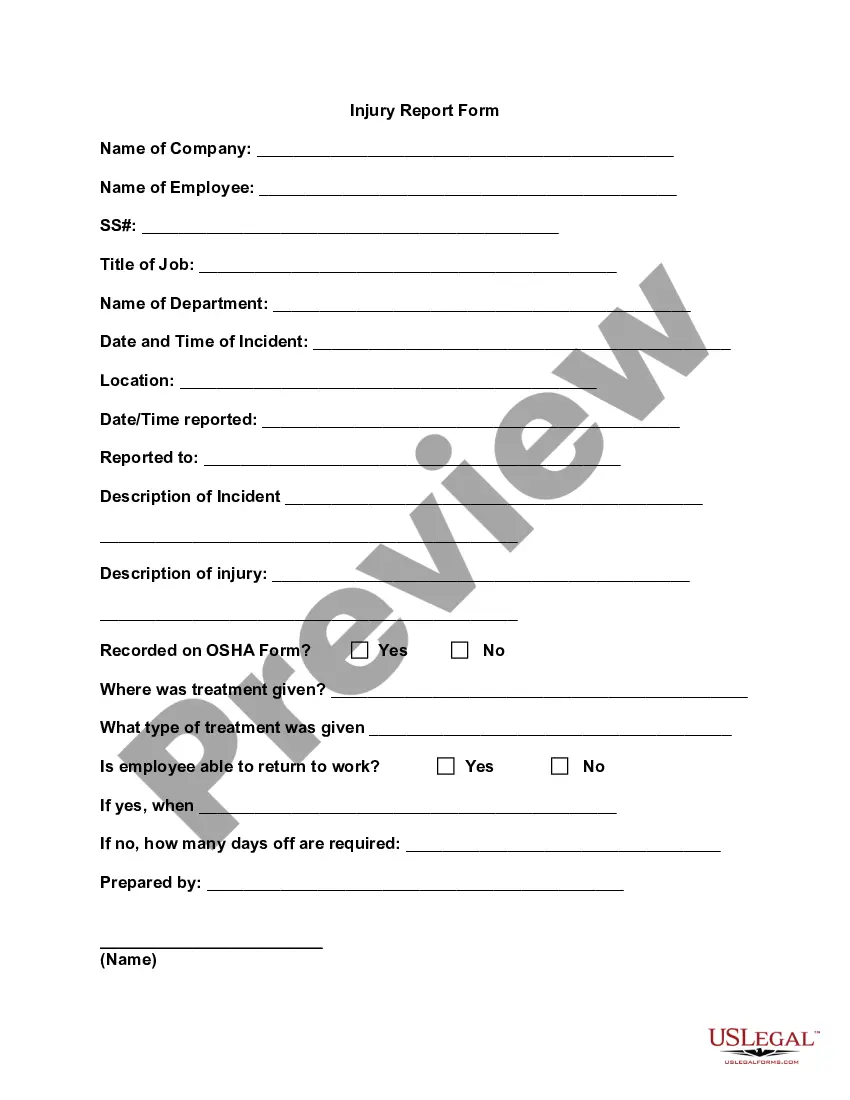
Within the return to work form, managers and employees will need to typically provide details relating to their absence, such as: the duration of absence; the method used by employees to notify of their absence; the reason for absence; details about previous absences over the past calendar year (if applicable);
Examples of questions for a return to work interview; How are you feeling now? Are you well enough to be back at work? Did you see your GP or a pharmacist? Have you been given any medication and are there any side effects I should be aware of? Is this an ongoing or recurring condition?
In addition to your regular insightful interview questions, you may want to ask the following: Please walk me through your resume since leaving. ... Why did you initially leave the company? What excites you about this role and returning to the company? What are you looking for in your next opportunity?
Talk about any work updates that happened while they were off. see if they need any support. agree on a plan for returning to work, if appropriate, for example a phased return to work. talk about what they would like other employees to know about their absence and what they would like to keep confidential.