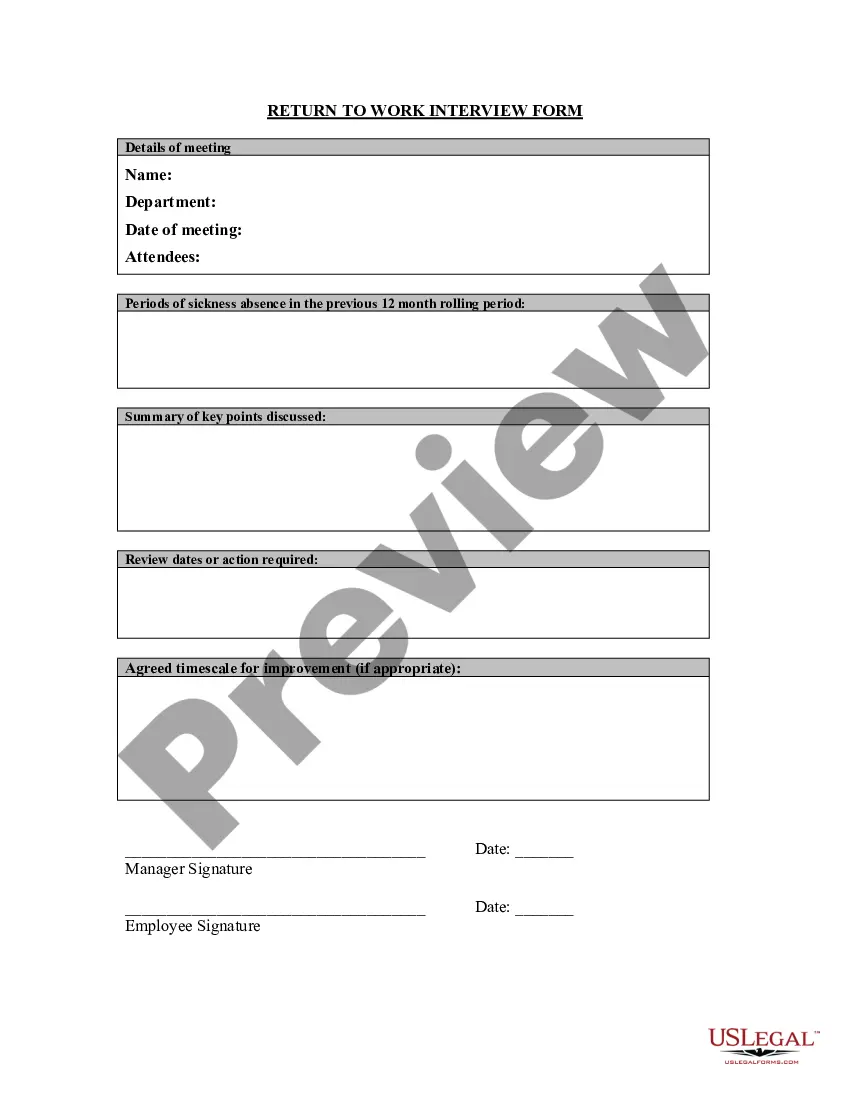
Return To Work Form Template
Description

Get your form ready online
Our built-in tools help you complete, sign, share, and store your documents in one place.
Make edits, fill in missing information, and update formatting in US Legal Forms—just like you would in MS Word.
Download a copy, print it, send it by email, or mail it via USPS—whatever works best for your next step.
Sign and collect signatures with our SignNow integration. Send to multiple recipients, set reminders, and more. Go Premium to unlock E-Sign.
If this form requires notarization, complete it online through a secure video call—no need to meet a notary in person or wait for an appointment.
We protect your documents and personal data by following strict security and privacy standards.

Make edits, fill in missing information, and update formatting in US Legal Forms—just like you would in MS Word.

Download a copy, print it, send it by email, or mail it via USPS—whatever works best for your next step.

Sign and collect signatures with our SignNow integration. Send to multiple recipients, set reminders, and more. Go Premium to unlock E-Sign.

If this form requires notarization, complete it online through a secure video call—no need to meet a notary in person or wait for an appointment.

We protect your documents and personal data by following strict security and privacy standards.
Looking for another form?








How to fill out Return To Work Interview Form?
The Return To Work Form Template displayed on this page is a reusable official document crafted by experienced attorneys in accordance with federal and state regulations. For over 25 years, US Legal Forms has supplied individuals, businesses, and lawyers with more than 85,000 authenticated, state-specific forms for any business and personal situation. It’s the quickest, most direct, and most reliable way to acquire the documentation you require, as the service ensures bank-level data protection and anti-malware security.
Obtaining this Return To Work Form Template will require only a few straightforward steps.
Subscribe to US Legal Forms to have authenticated legal templates for all of life’s situations readily available.
- Search for the document you need and review it. Browse the sample you looked for and preview it or check the form description to confirm it meets your needs. If it doesn’t, use the search bar to find the correct one. Click Buy Now when you have found the template you want.
- Sign up and Log In. Choose the pricing plan that works for you and create an account. Utilize PayPal or a credit card to make a quick payment. If you already possess an account, Log In and verify your subscription to proceed.
- Obtain the editable template. Select the format you prefer for your Return To Work Form Template (PDF, Word, RTF) and save the sample to your device.
- Fill out and sign the documentation. Print the template to complete it manually. Alternatively, use an online multifunctional PDF editor to quickly and accurately fill out and sign your form with a valid signature.
- Redownload your documentation as needed. Utilize the same document again whenever required. Access the My documents tab in your profile to redownload any previously saved forms.
Form popularity
FAQ
How to write a return-to-work letter Address the letter to the correct person. ... Thank them for authorizing your work leave. ... Attach the proper documentation. ... Mention how you plan to get reacclimated. ... Close the letter with gratitude.
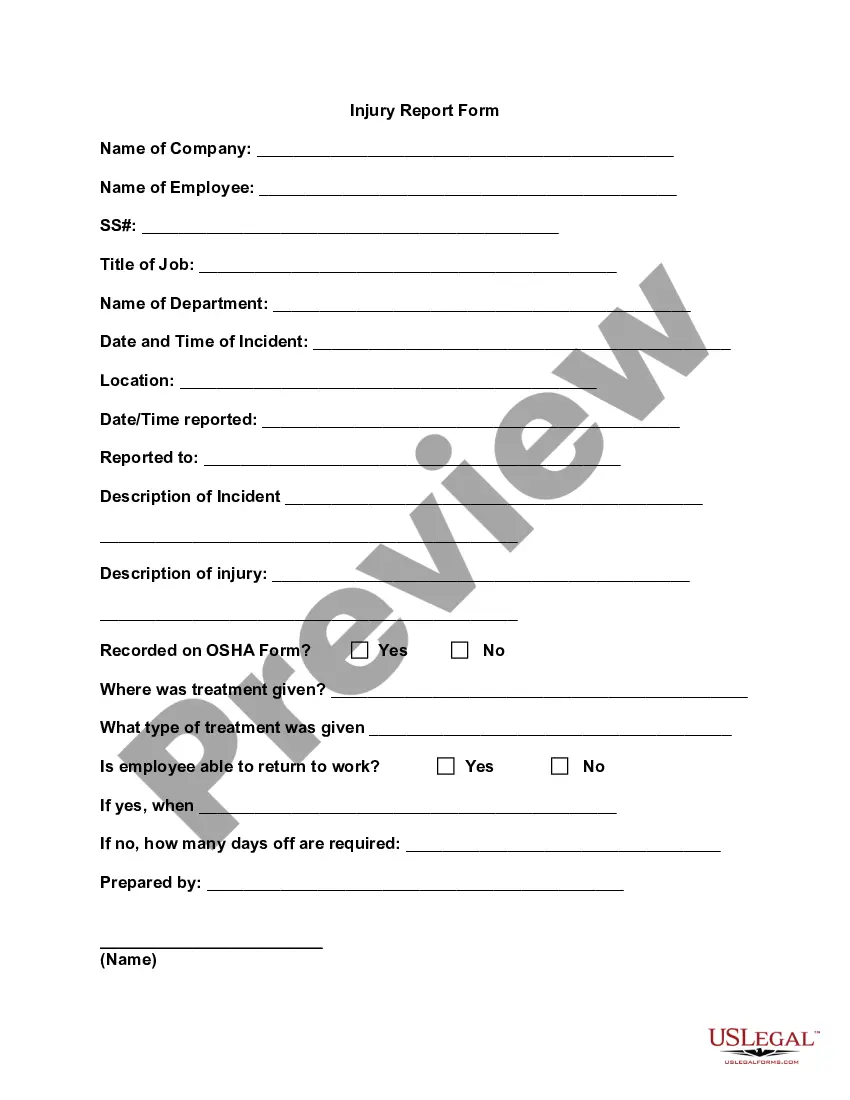
Within the return to work form, managers and employees will need to typically provide details relating to their absence, such as: the duration of absence; the method used by employees to notify of their absence; the reason for absence; details about previous absences over the past calendar year (if applicable);
Dear [Employee name], I hope this notice finds you safe and well. While we have all been working remotely for an extended period, we are pleased to announce [Company name] has begun the process of reopening our buildings and returning employees to the workplace.
For example, one person might want to return to normal as quickly as possible, so working every day, but for fewer hours, might help with that. But someone who is struggling might need more time to rest. So they might prefer to work 2-3 full days, with a longer weekend on either side.
How to Write an Effective Return to Work Letter Address the Employee. As with any letter, start by addressing the recipient appropriately. ... Lay out the Reasons for Sending the Letter. ... Explain the Specifics of Their Return. ... Inform Employees of Any Changes to Their Role. ... Outline Policy or Office Changes that Affect Them.