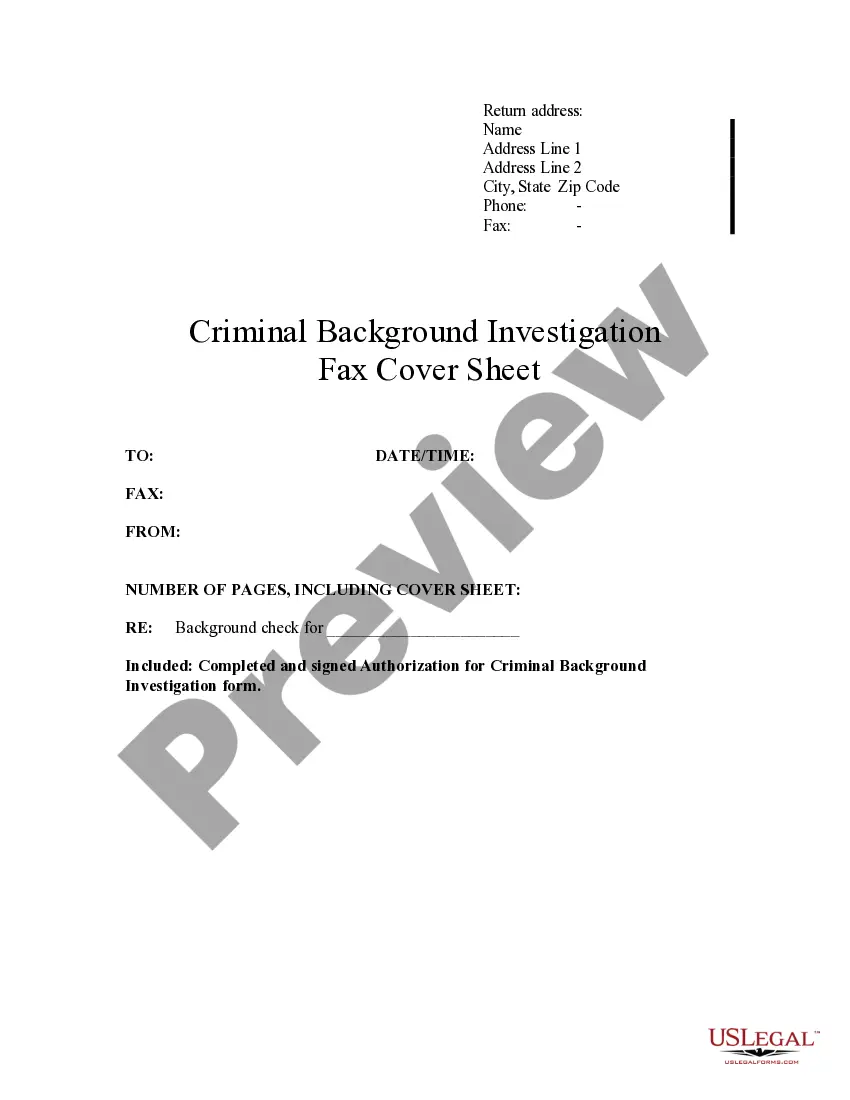
Fax Cover Sheet Template For Google Docs
Description
Get your form ready online
Our built-in tools help you complete, sign, share, and store your documents in one place.
Make edits, fill in missing information, and update formatting in US Legal Forms—just like you would in MS Word.
Download a copy, print it, send it by email, or mail it via USPS—whatever works best for your next step.
Sign and collect signatures with our SignNow integration. Send to multiple recipients, set reminders, and more. Go Premium to unlock E-Sign.
If this form requires notarization, complete it online through a secure video call—no need to meet a notary in person or wait for an appointment.
We protect your documents and personal data by following strict security and privacy standards.

Make edits, fill in missing information, and update formatting in US Legal Forms—just like you would in MS Word.

Download a copy, print it, send it by email, or mail it via USPS—whatever works best for your next step.

Sign and collect signatures with our SignNow integration. Send to multiple recipients, set reminders, and more. Go Premium to unlock E-Sign.

If this form requires notarization, complete it online through a secure video call—no need to meet a notary in person or wait for an appointment.

We protect your documents and personal data by following strict security and privacy standards.
Looking for another form?

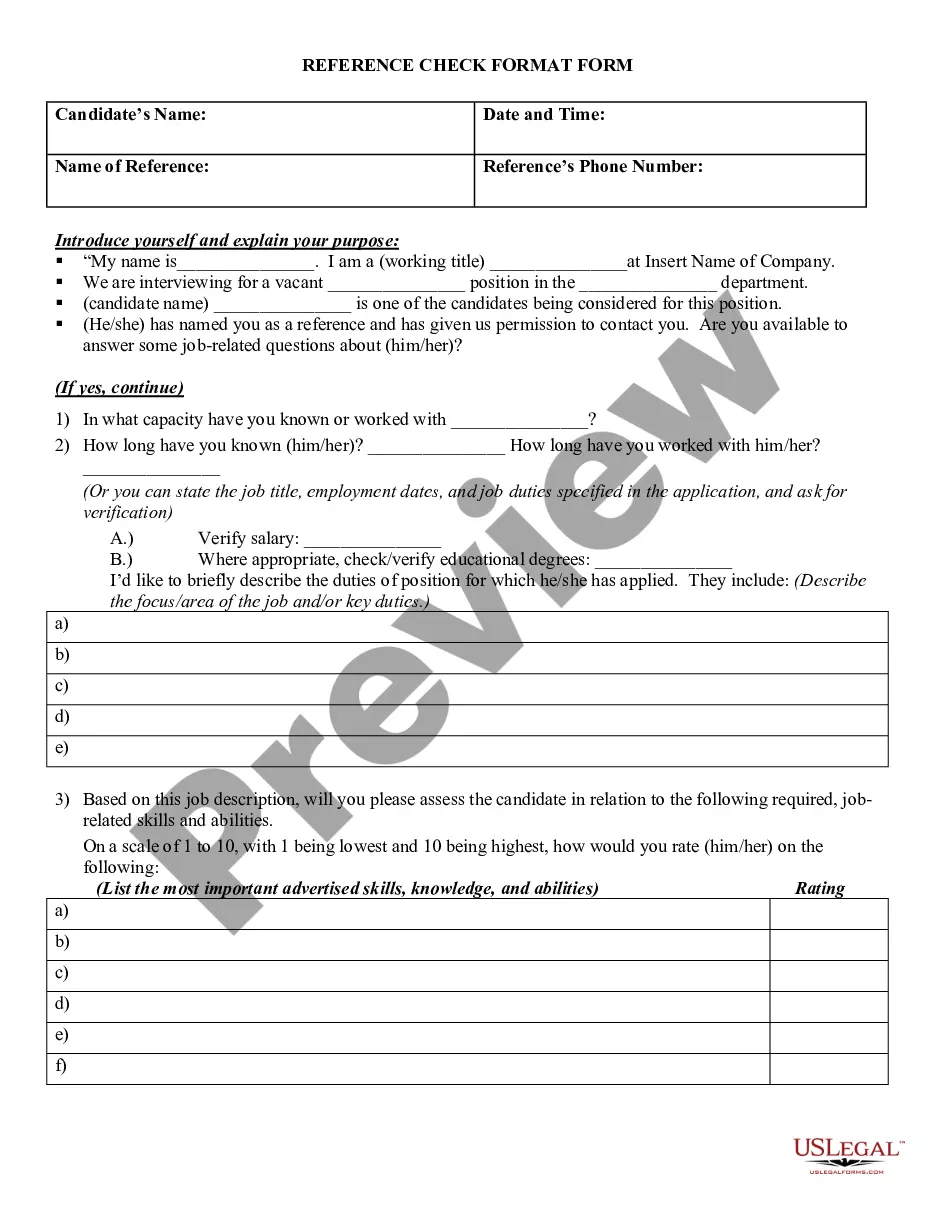
How to fill out Criminal Background Investigation Fax Cover Sheet?
The Fax Cover Sheet Template For Google Docs displayed on this webpage is a versatile legal template crafted by skilled attorneys in line with federal and local statutes and guidelines.
For over 25 years, US Legal Forms has supplied individuals, businesses, and lawyers with more than 85,000 authenticated, state-specific documents for any commercial and personal event. It’s the fastest, simplest, and most reliable method to acquire the forms you require, as the service ensures bank-standard data protection and malware defense.
Register with US Legal Forms to have validated legal templates for all of life's situations readily available.
- Search for the document you require and verify it.
- Browse the example you searched for and either preview it or examine the form description to ensure it meets your needs. If it doesn’t, utilize the search bar to find the correct one. Click Buy Now once you have located the template you want.
- Subscribe and sign in.
- Choose the pricing option that fits your needs and set up an account. Use PayPal or a credit card to promptly complete the payment. If you already possess an account, Log In and review your subscription to proceed.
- Obtain the editable template.
- Choose the format you prefer for your Fax Cover Sheet Template For Google Docs (PDF, Word, RTF) and download the sample to your device.
- Fill out and sign the document.
- Print the template to fill it out by hand. Alternatively, utilize an online versatile PDF editor to quickly and accurately complete and sign your form with a legally-binding electronic signature.
- Download your documents again if needed.
- Access the My documents tab in your profile to redownload any previously purchased documents.
Form popularity
FAQ
You should fax the cover sheet first, as it serves as an introduction to the documents you are sending. By putting the cover sheet first, the recipient knows what to expect and can easily identify the sender. Utilizing a fax cover sheet template for Google Docs can help you format your cover sheet correctly, making sure everything is in order before sending.
You need a cover sheet when you send a fax to provide essential information about the document being transmitted. A cover sheet helps clarify the purpose of the fax and can.include contact details for the sender. Using a fax cover sheet template for Google Docs can help you create a professional cover sheet, making your communication clearer.
It's quick and easy to make a fax cover sheet like this while you're online. Choose one of our fax templates, and open it in Word for the web to make it yours. Tip: If you're already in Word for the web, get to the fax templates by going to File > New, and then below the template images click More on Office.com.
A fax cover sheet typically includes the recipient's name and fax number, the sender's name and fax number, the number of pages being sent, and a brief message or subject line. It may also include the date, the fax machine's phone number, and any additional information or instructions.
?1) On the cover page, include: your name, last name, phone number, as well as the subject or title of your fax to make sure you stand out. Remember to also specify your recipient's details on the same cover sheet. Avoid expectations that your recipient might know you and is waiting for your fax.
Begin by creating a header that includes your name, company name, address, and fax number. Add the recipient's details. Include a short greeting, such as "Dear [Recipient's Name]," as well as the date. Provide a clear and concise subject line that explains the purpose of the fax that you are sending.
What is Included on a Fax Cover Sheet? From: (your name). Fax: (your fax number). Phone: (your phone number). To: (the company or person who is receiving the fax message). Attn: (the specific person who needs to get the fax). Fax: (their fax number). Phone: (their phone number).