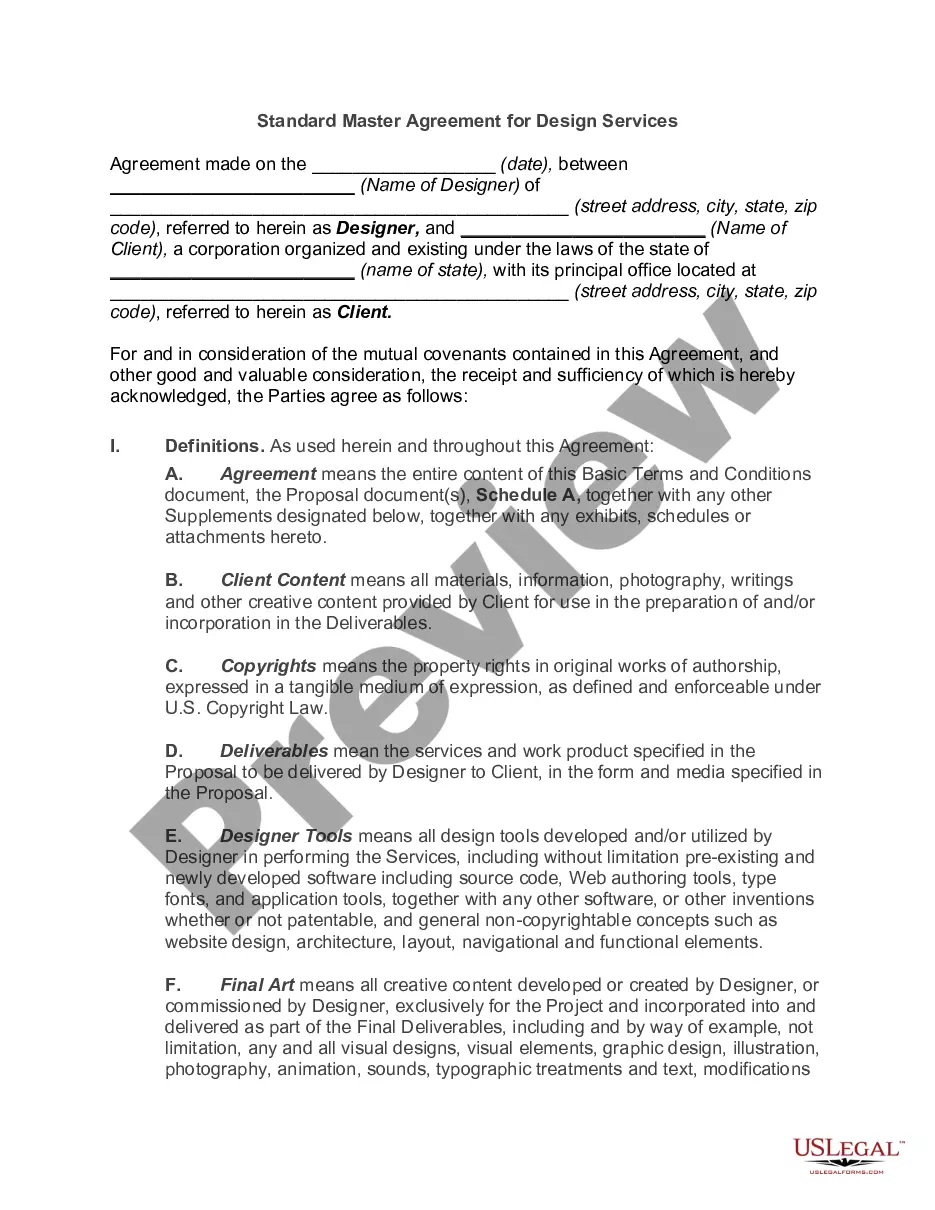
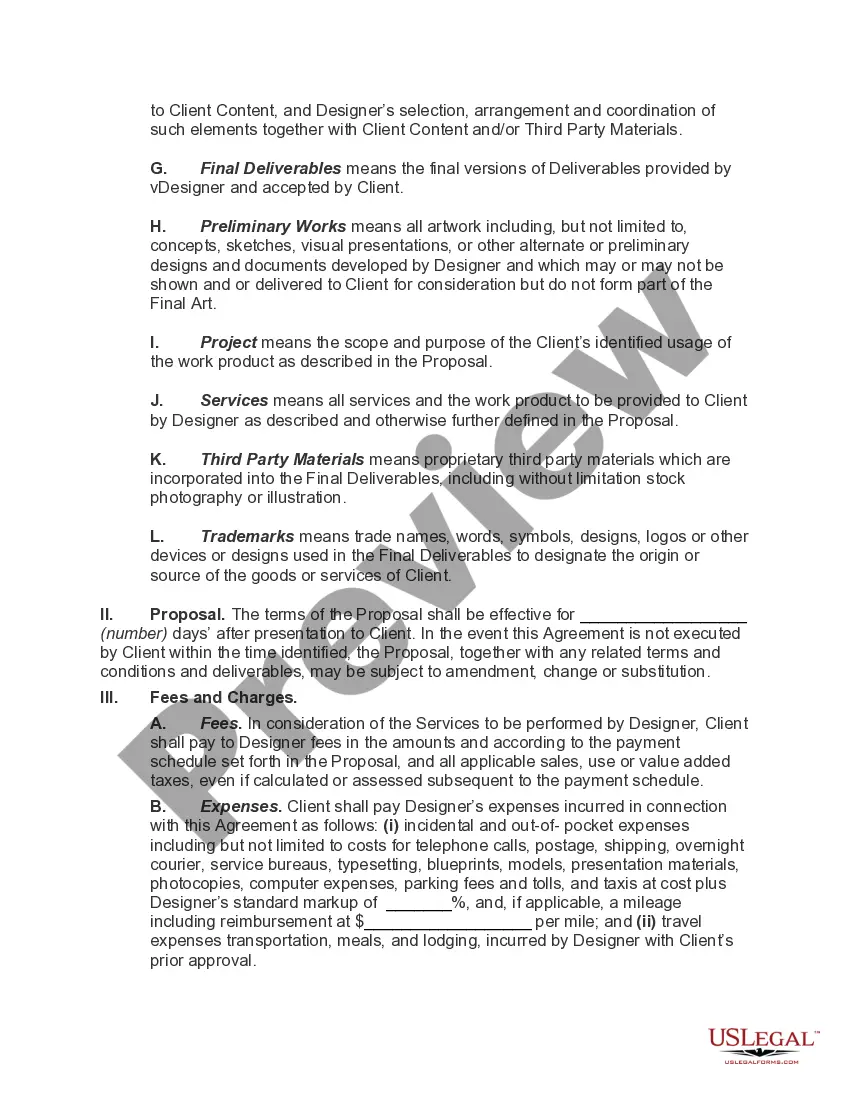
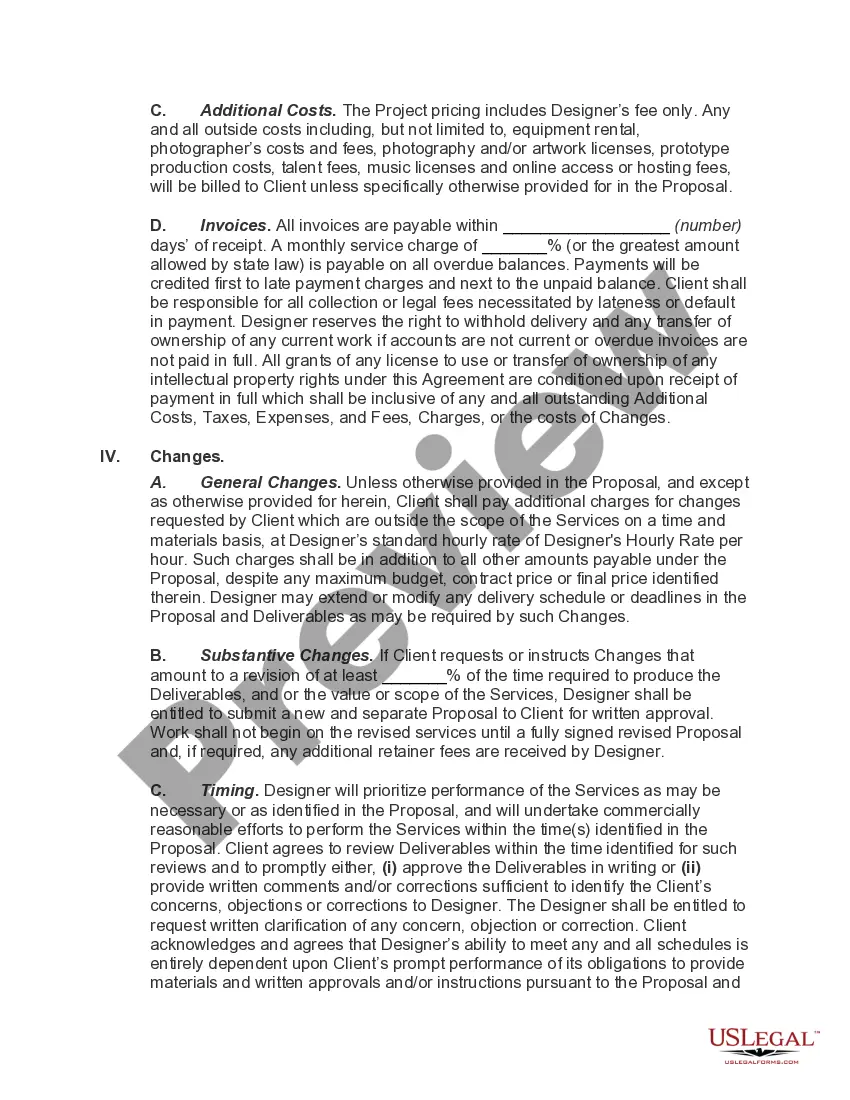
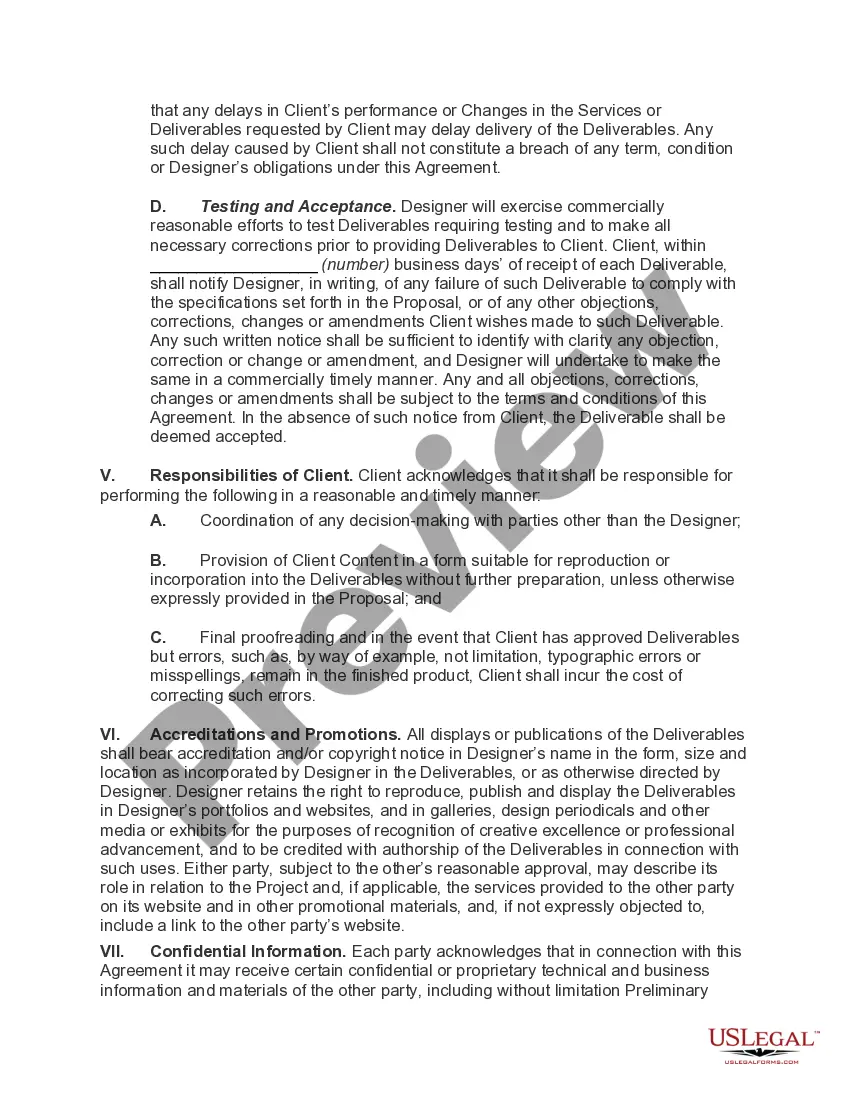
Master Services Agreement For Saas
Description
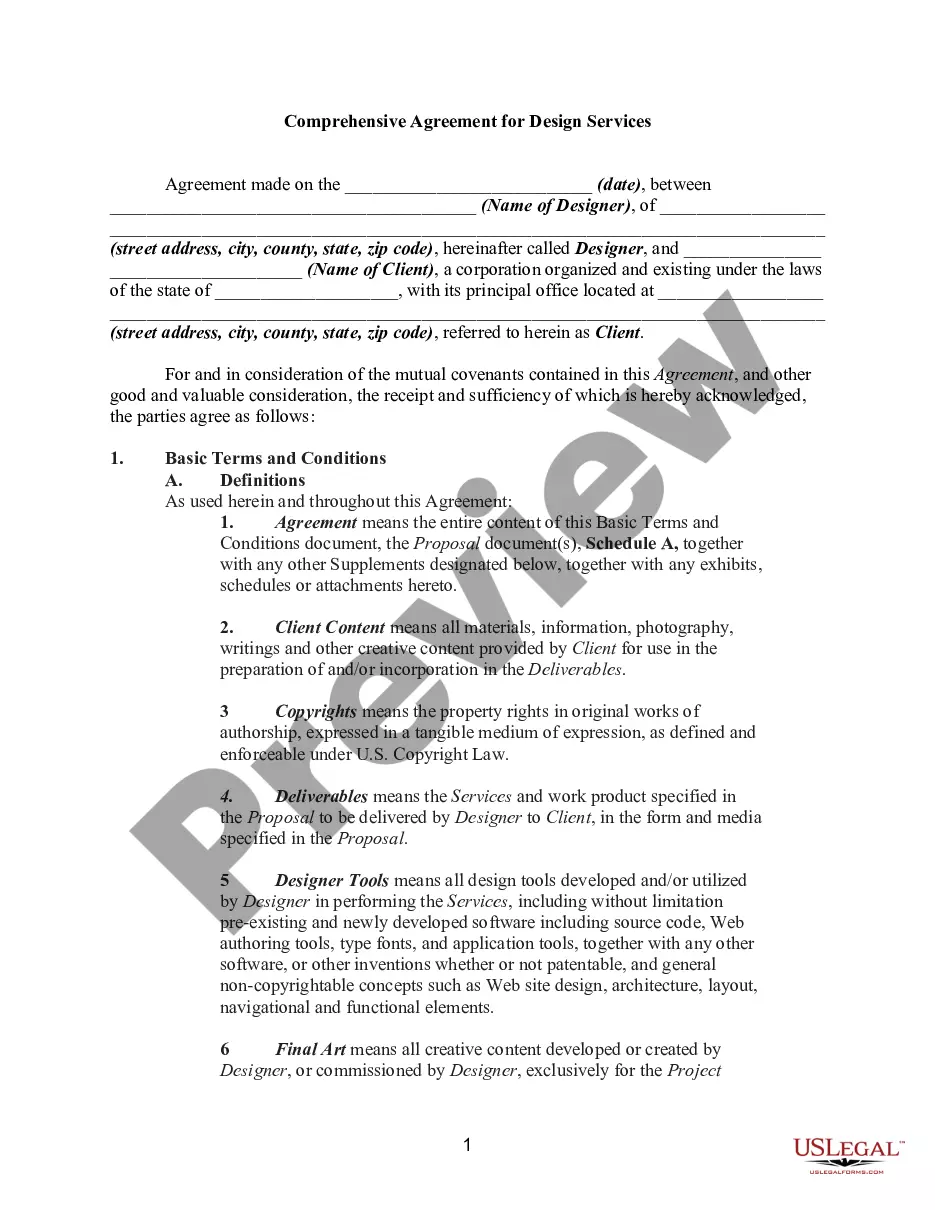
Get your form ready online
Our built-in tools help you complete, sign, share, and store your documents in one place.
Make edits, fill in missing information, and update formatting in US Legal Forms—just like you would in MS Word.
Download a copy, print it, send it by email, or mail it via USPS—whatever works best for your next step.
Sign and collect signatures with our SignNow integration. Send to multiple recipients, set reminders, and more. Go Premium to unlock E-Sign.
If this form requires notarization, complete it online through a secure video call—no need to meet a notary in person or wait for an appointment.
We protect your documents and personal data by following strict security and privacy standards.

Make edits, fill in missing information, and update formatting in US Legal Forms—just like you would in MS Word.

Download a copy, print it, send it by email, or mail it via USPS—whatever works best for your next step.

Sign and collect signatures with our SignNow integration. Send to multiple recipients, set reminders, and more. Go Premium to unlock E-Sign.

If this form requires notarization, complete it online through a secure video call—no need to meet a notary in person or wait for an appointment.

We protect your documents and personal data by following strict security and privacy standards.
Looking for another form?








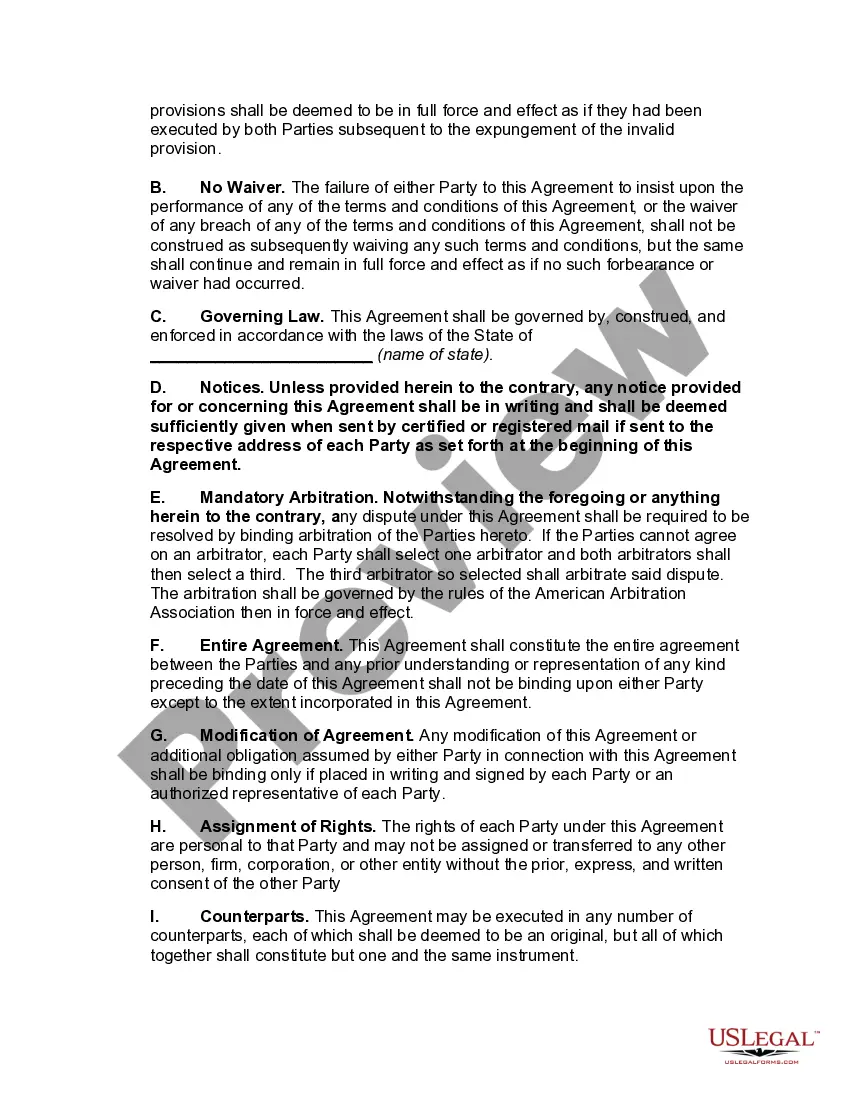
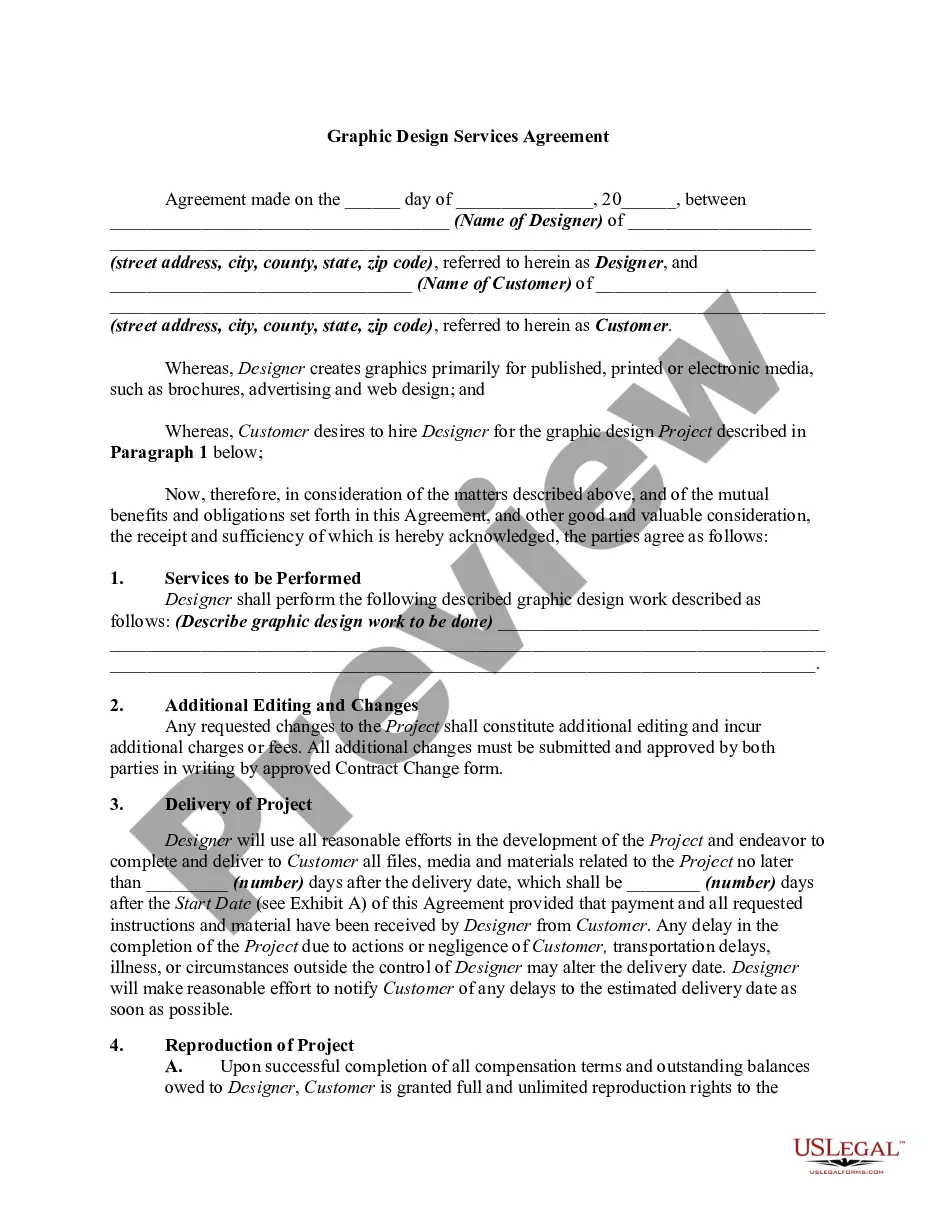
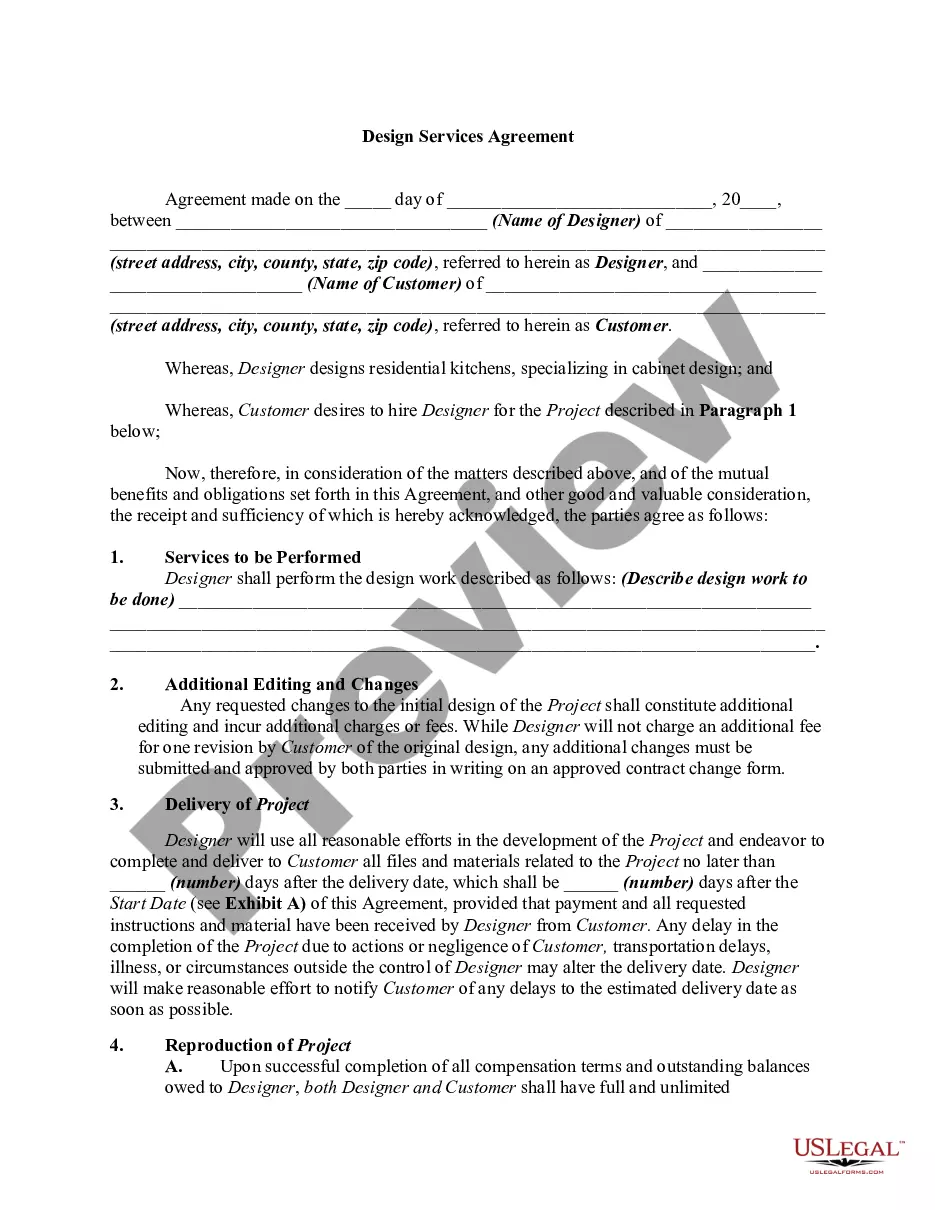
How to fill out Standard Master Agreement For Design Services?
Precisely composed official documentation is one of the essential safeguards for preventing issues and legal disputes, but obtaining it without an attorney's assistance may require time.
Whether you need to swiftly locate an updated Master Services Agreement for SaaS or any other forms related to employment, family, or business matters, US Legal Forms is always available to assist.
The procedure is even easier for existing users of the US Legal Forms library. If your subscription is active, you simply need to Log In to your account and click the Download button next to the chosen file. Moreover, you can access the Master Services Agreement for SaaS at any time later, as all documents ever acquired on the platform are accessible within the My documents section of your profile. Save time and money on document preparation. Try US Legal Forms today!
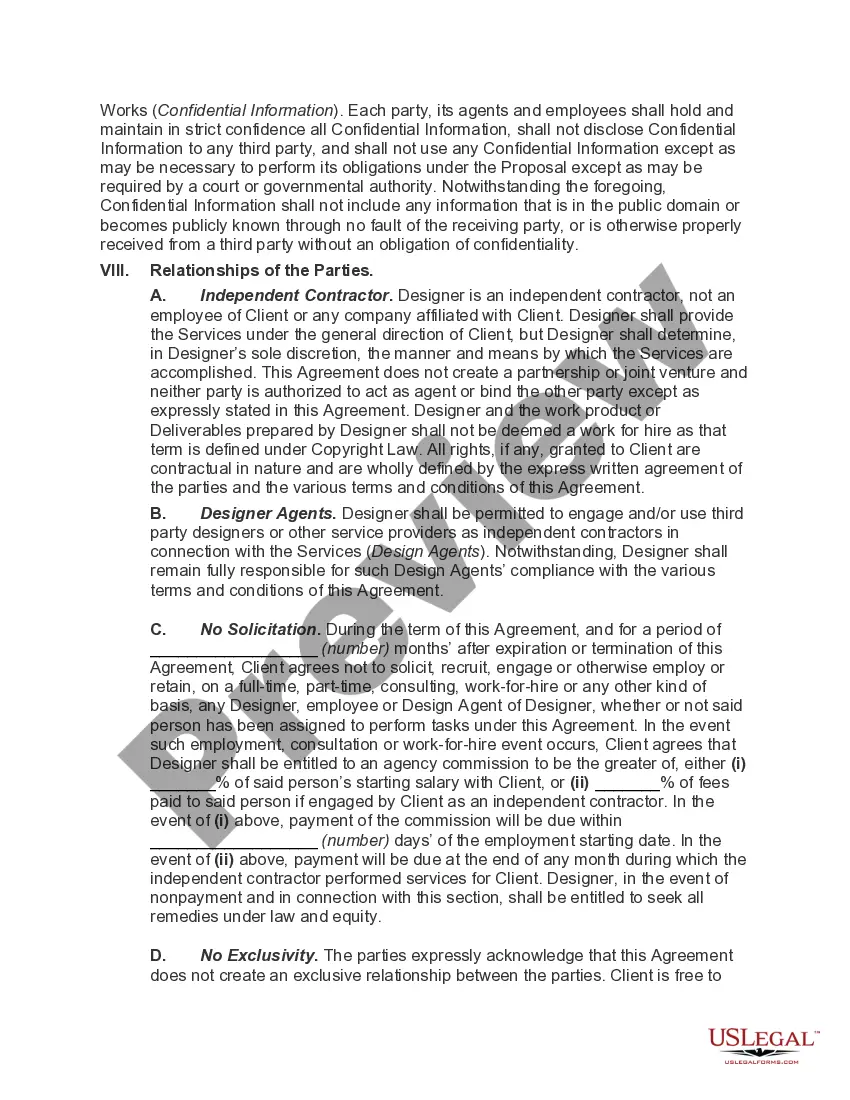
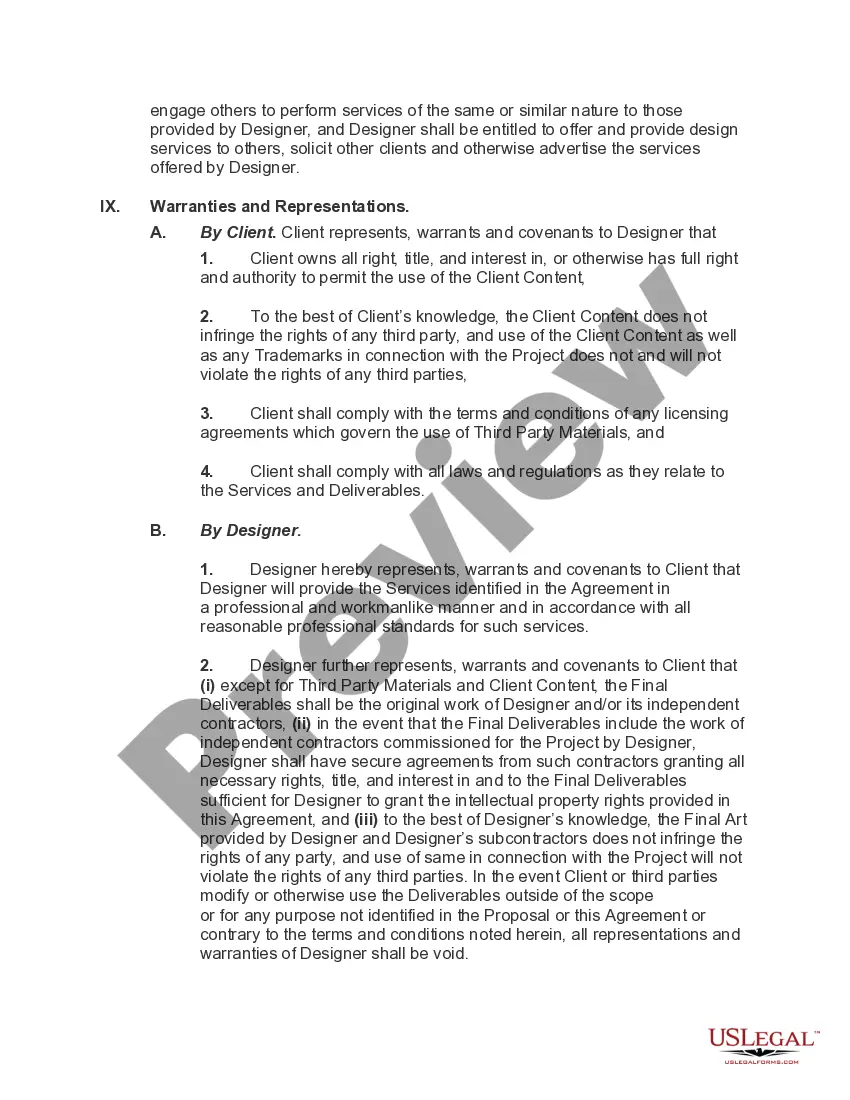
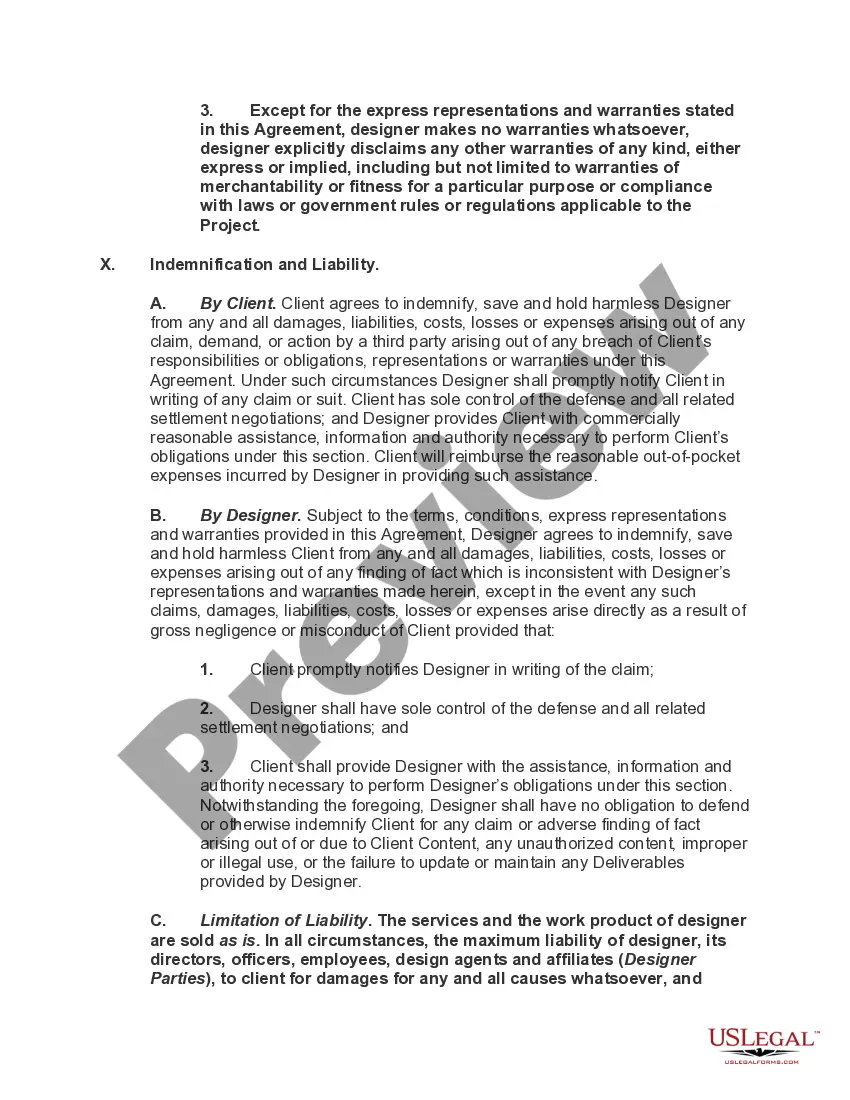
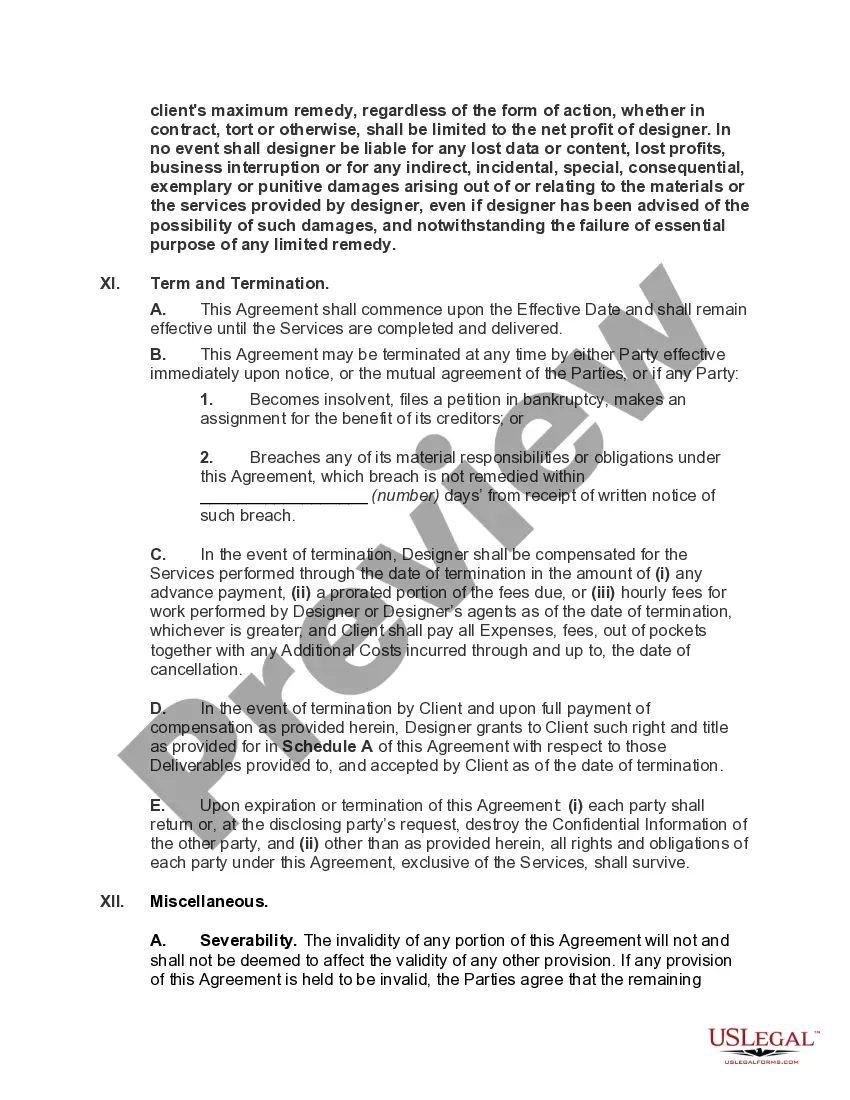
- Confirm that the form is appropriate for your circumstance and location by reviewing the description and preview.
- Search for another example (if necessary) using the Search bar in the header of the page.
- Press Buy Now after locating the corresponding template.
- Select the pricing plan, Log In to your account or create a new account.
- Choose your preferred payment method to purchase the subscription plan (via credit card or PayPal).
- Pick PDF or DOCX file format for your Master Services Agreement for SaaS.
- Hit Download, then print the form to complete it or upload it to an online editor.
Form popularity
FAQ
A SaaS agreement, or a software as a service agreement, lays out terms and conditions of a software delivery model. In this type of model, software and data will be centrally hosted and users will access the software and data over the internet.
How To Write Terms and Conditions Step by StepWrite the Introduction.Draft the Terms of Service.Create an Acknowledgment Statement.Limit Your Liability.List Who Owns Intellectual Property Rights.Generate a Privacy Policy.Spell Out What Happens for Non-Compliance.Add a Signature and Dateline for Both Parties.
It's essential for users to understand the obligations and terms of usage in a SaaS agreement. In general, the agreement for customers lists down service-level guarantees, licensing requirements, terms of use and permit, how your data is stored or used, and certain restrictions.
An MSA has several must-have components like definitions, responsibilities, access and usage restrictions, fees, proprietary rights, confidentiality, representations, warranties, disclaimers, indemnification, terms and terminations, and general provisions.
Both MSAs and SOWs are used in service transaction contracts. The major difference between them is that, while an MSA sets the legal framework for the relationship between contracting parties, an SOW deals with specific projects or transactions.
