Confidentiality Confidential Information Within A Company
Description
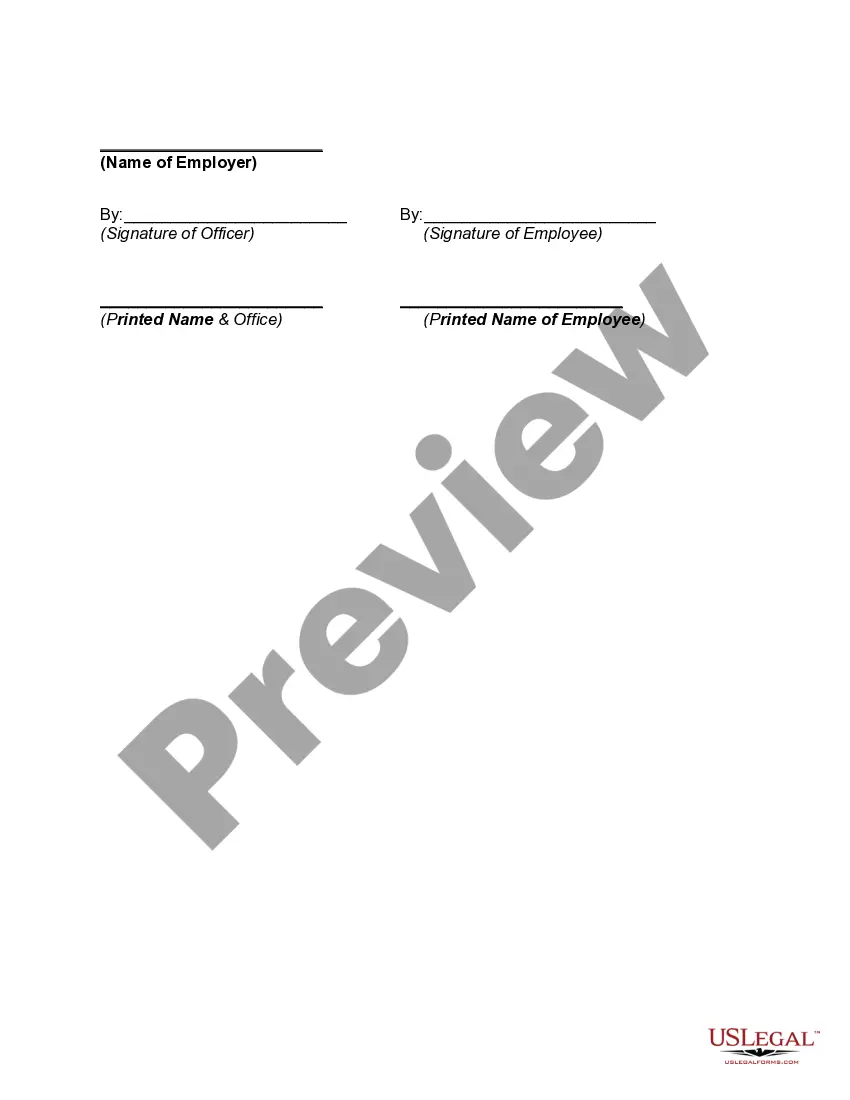
Get your form ready online
Our built-in tools help you complete, sign, share, and store your documents in one place.
Make edits, fill in missing information, and update formatting in US Legal Forms—just like you would in MS Word.
Download a copy, print it, send it by email, or mail it via USPS—whatever works best for your next step.
Sign and collect signatures with our SignNow integration. Send to multiple recipients, set reminders, and more. Go Premium to unlock E-Sign.
If this form requires notarization, complete it online through a secure video call—no need to meet a notary in person or wait for an appointment.
We protect your documents and personal data by following strict security and privacy standards.

Make edits, fill in missing information, and update formatting in US Legal Forms—just like you would in MS Word.

Download a copy, print it, send it by email, or mail it via USPS—whatever works best for your next step.

Sign and collect signatures with our SignNow integration. Send to multiple recipients, set reminders, and more. Go Premium to unlock E-Sign.

If this form requires notarization, complete it online through a secure video call—no need to meet a notary in person or wait for an appointment.

We protect your documents and personal data by following strict security and privacy standards.
Looking for another form?


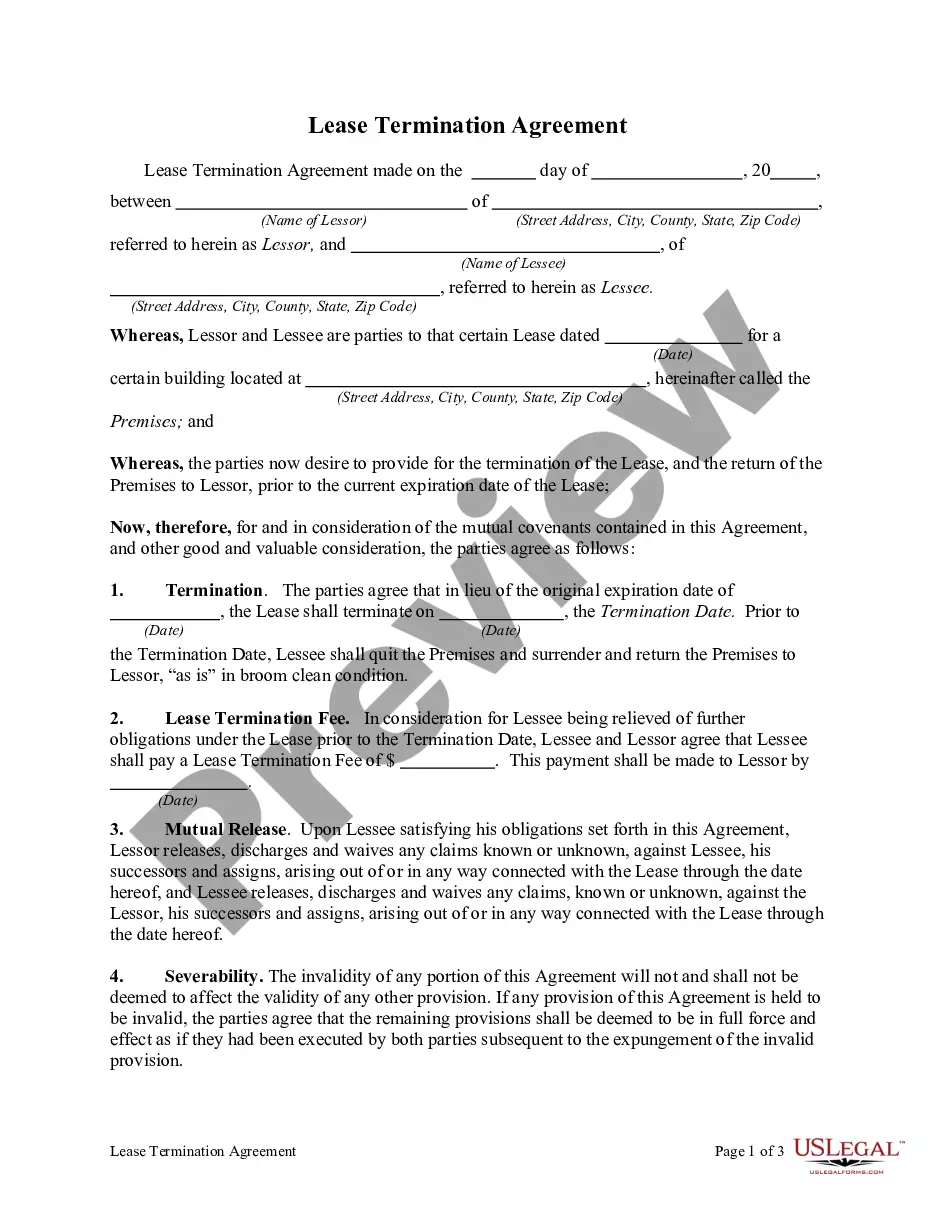
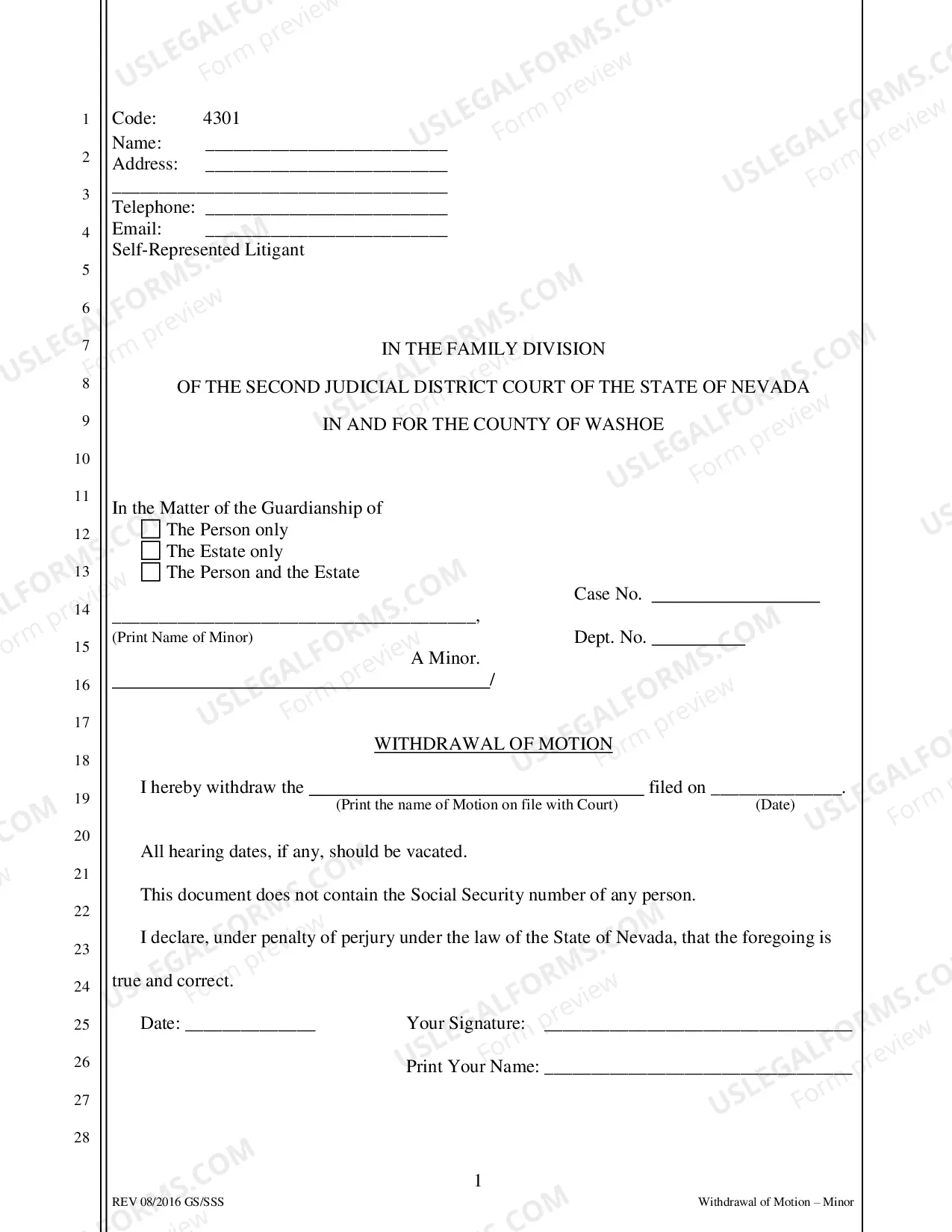
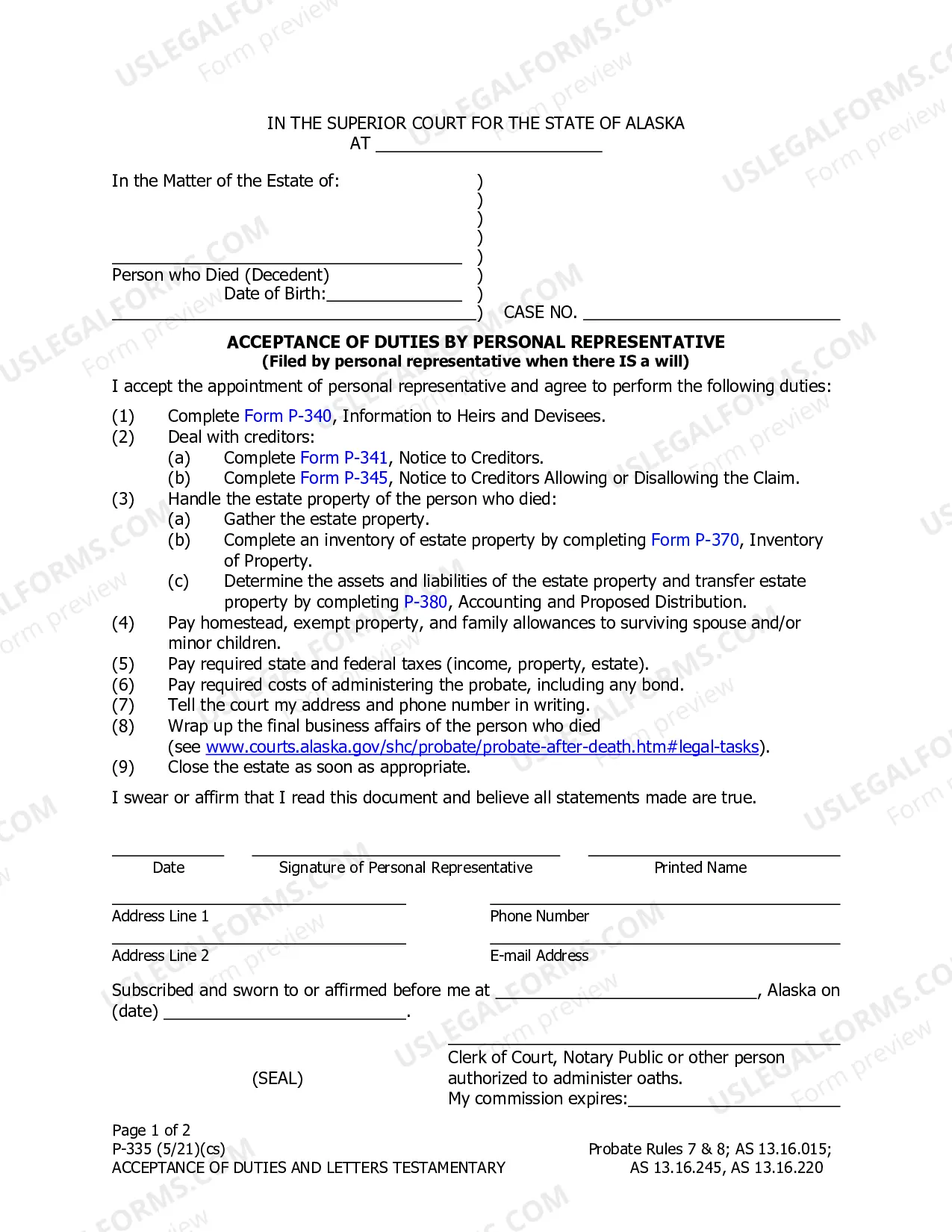


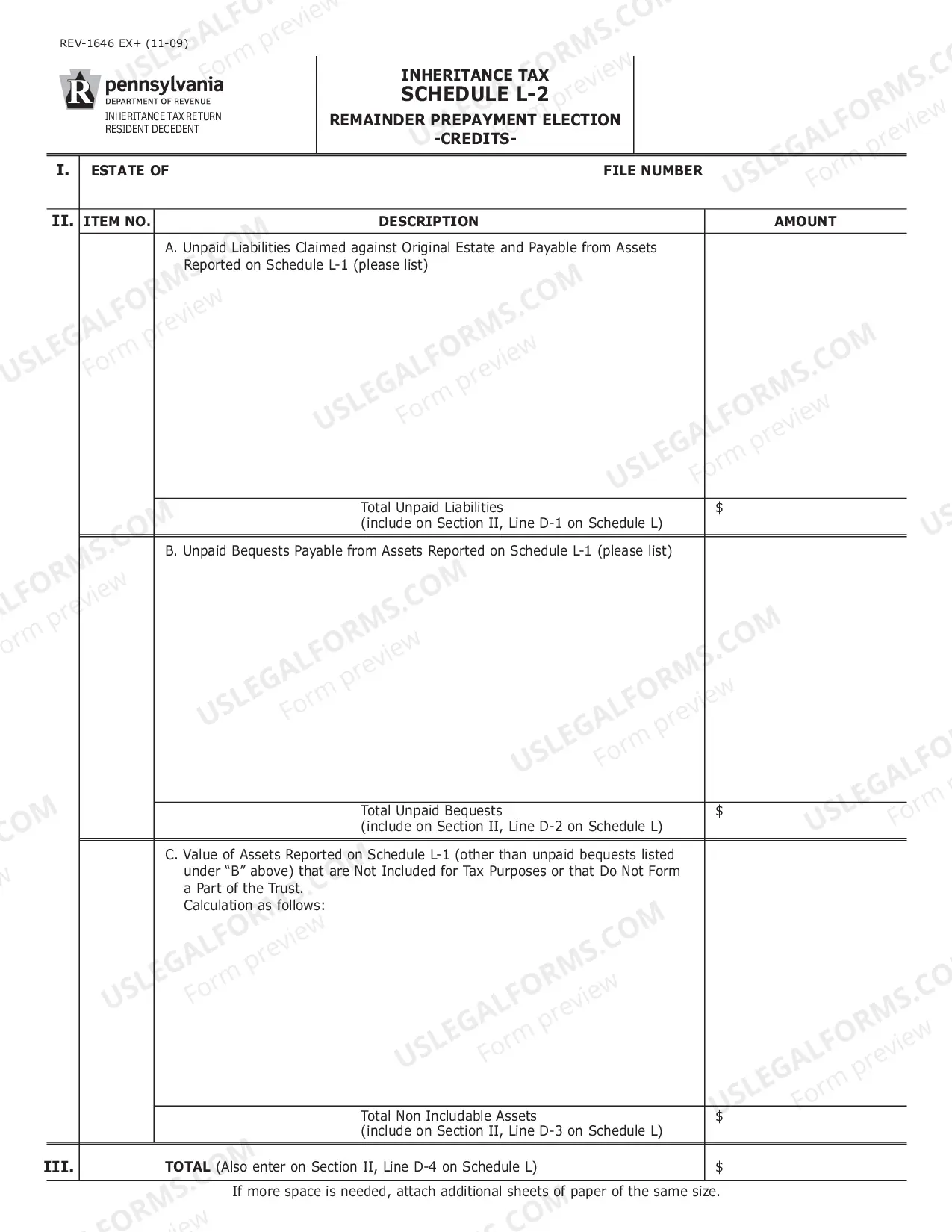

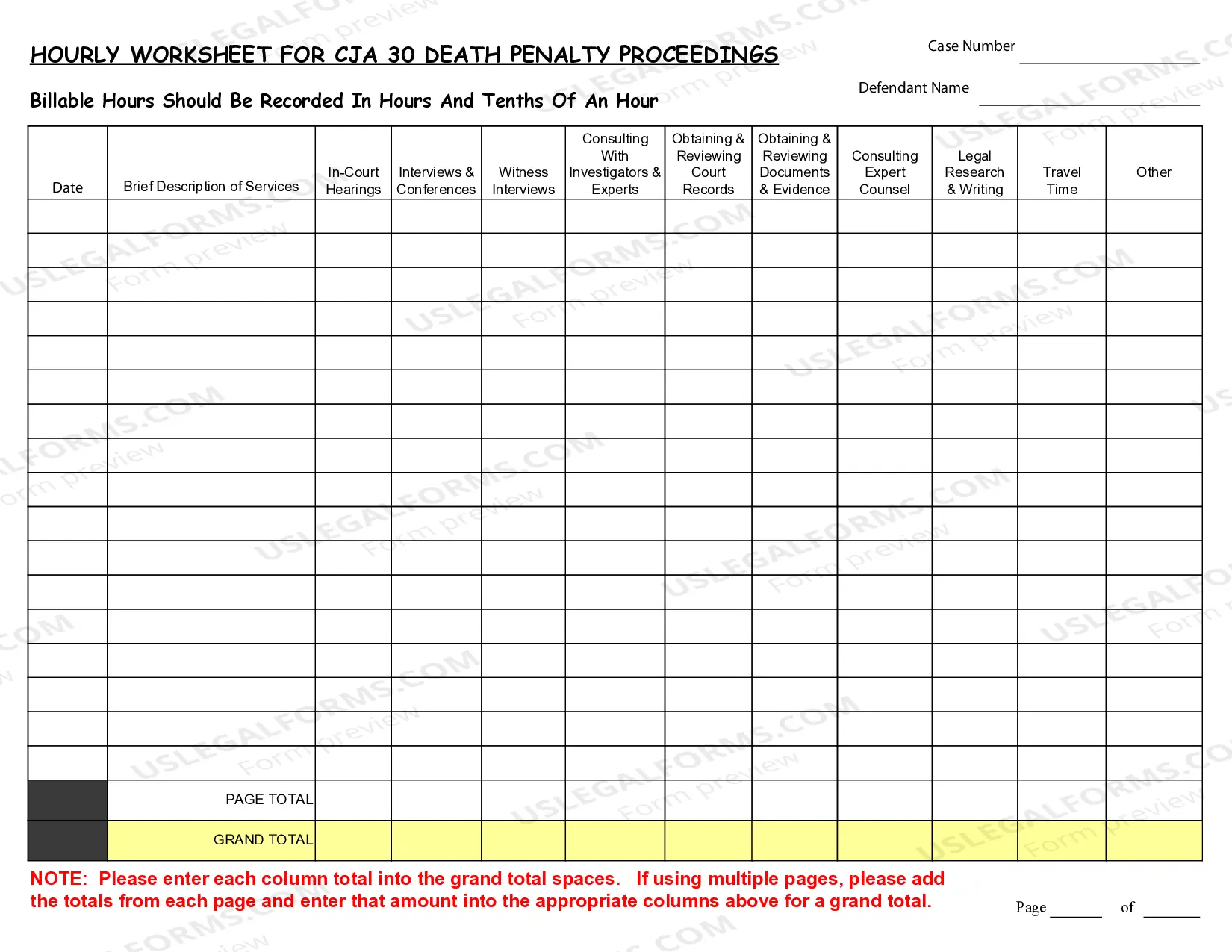
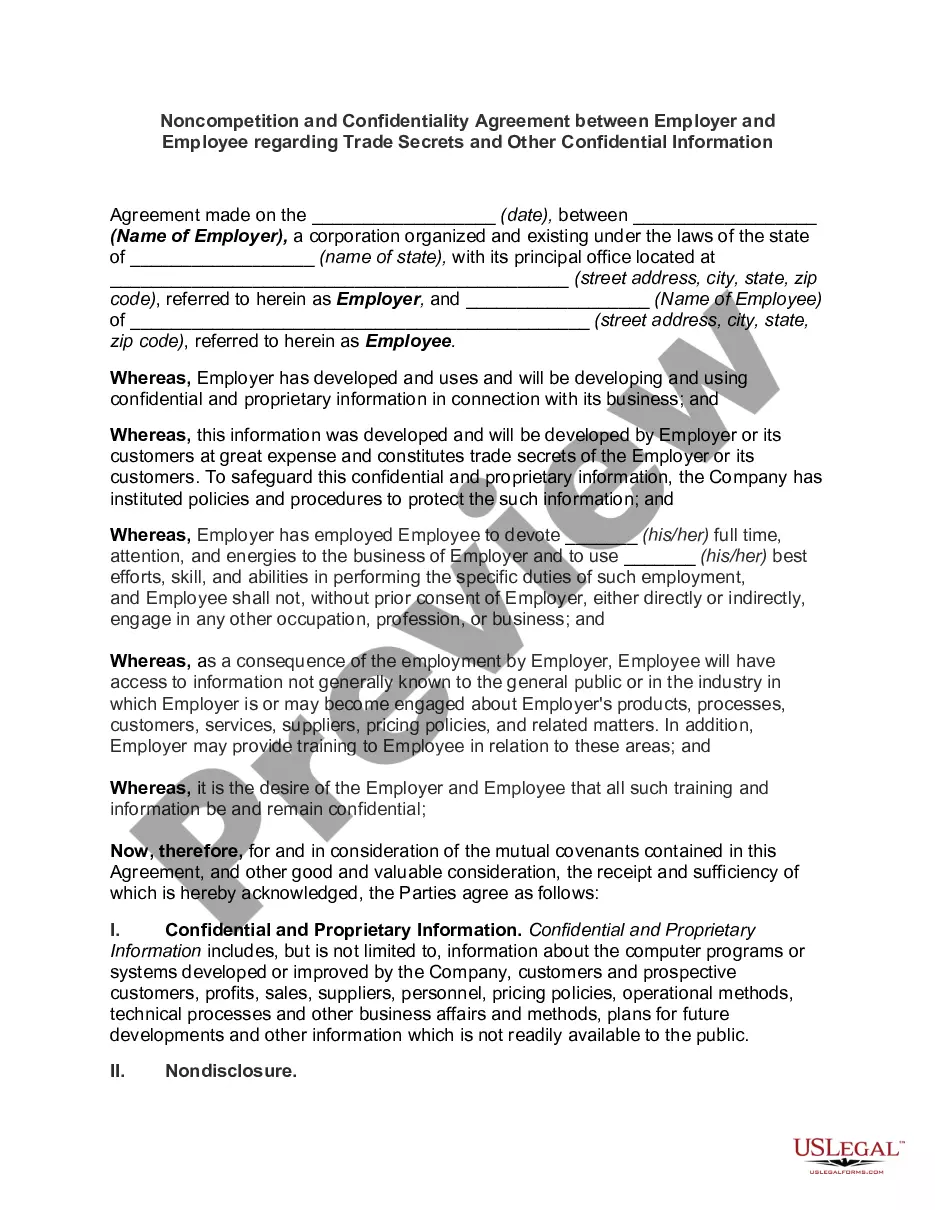
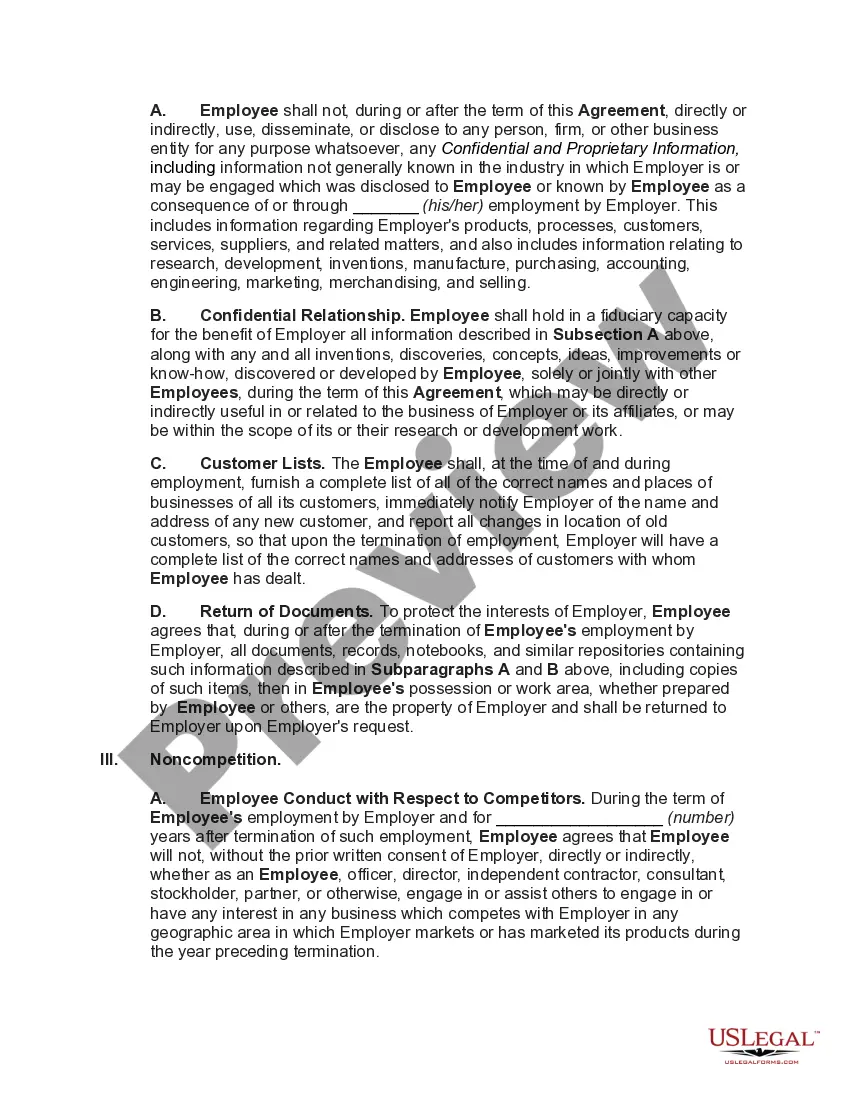
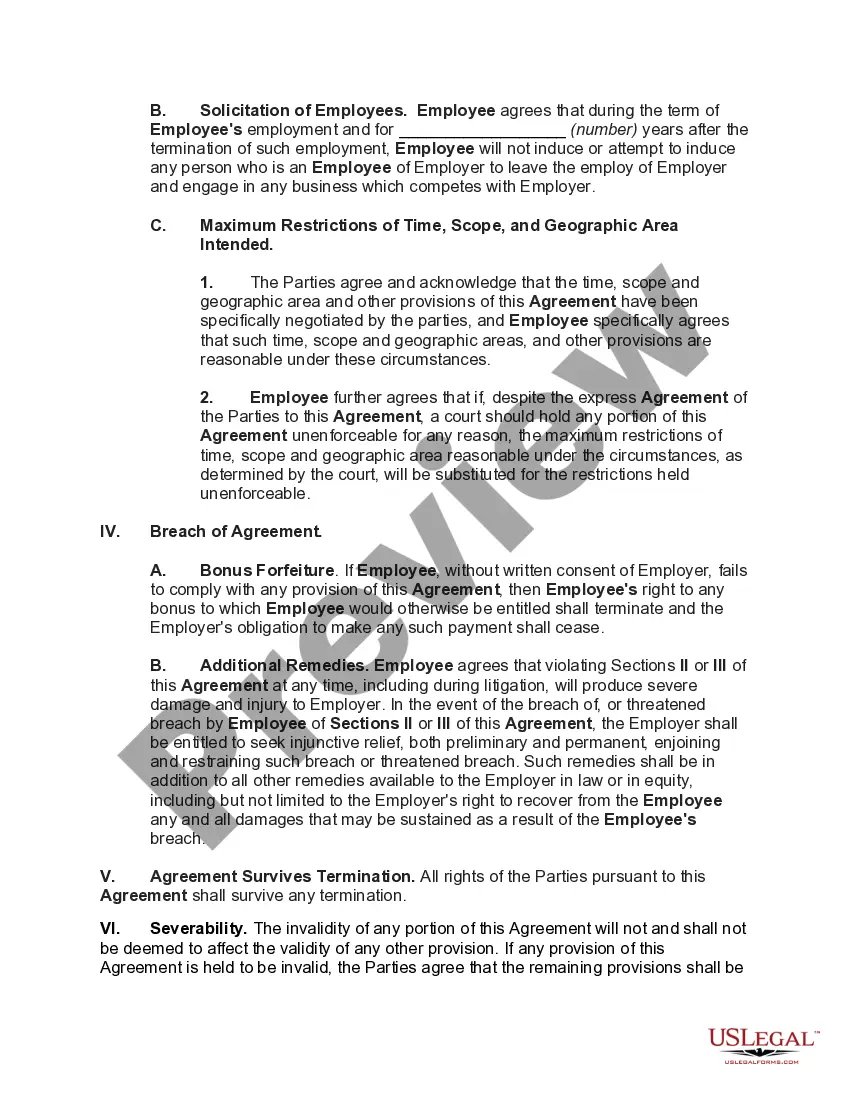
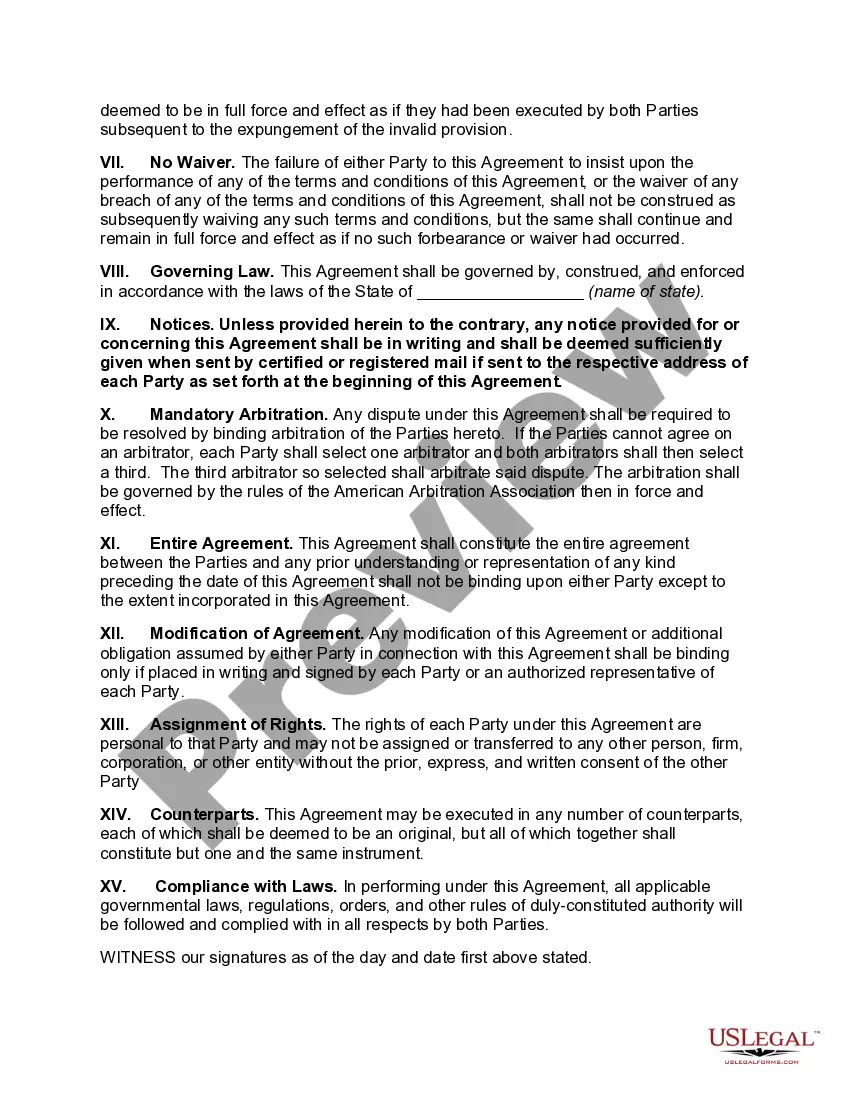
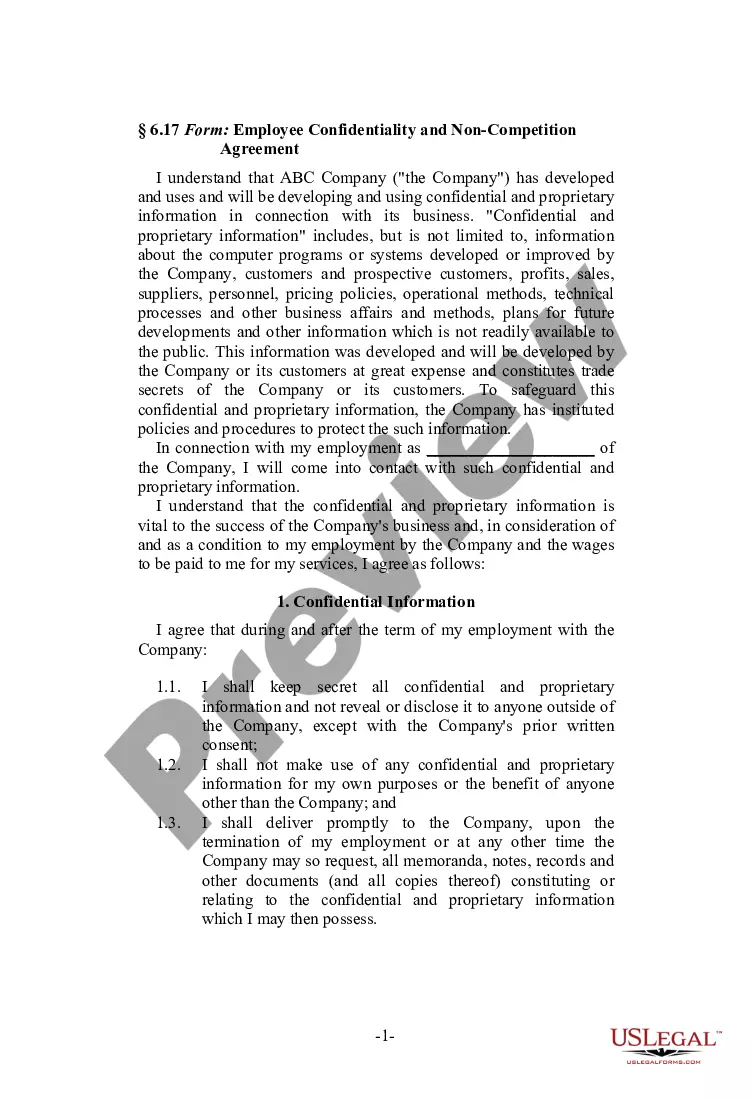
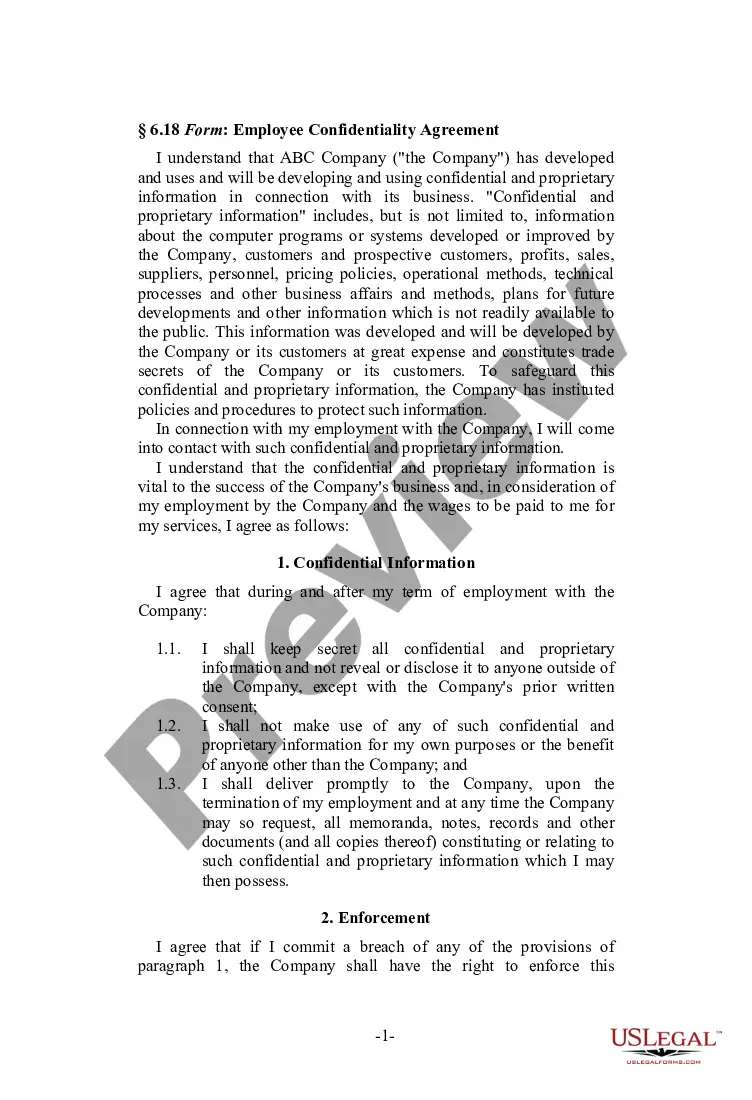
How to fill out Noncompetition And Confidentiality Agreement Between Employer And Employee Regarding Trade Secrets And Other Confidential Information?
Navigating through the red tape of official documents and templates can be challenging, particularly when one is not familiar with it professionally.
Even locating the appropriate template for a Confidentiality Confidential Information Within A Company can be laborious, as it needs to be valid and precise down to the last numeral.
Nonetheless, you will need to invest considerably less time selecting a fitting template if it originates from a trusted source.
Acquiring the appropriate form in a few simple steps: Enter the document's name in the search field. Find the appropriate Confidentiality Confidential Information Within A Company in the results list. Review the sample’s description or view its preview. If the template suits your requirements, click Buy Now. Move on to choose your subscription plan. Utilize your email and create a secure password to register for an account at US Legal Forms. Select either a credit card or PayPal for payment. Download the template file to your device in your preferred format. US Legal Forms will save you considerable time verifying if the form you viewed online meets your needs. Set up an account and gain unlimited access to all the templates you require.
- US Legal Forms is a platform that streamlines the process of locating the correct forms online.
- US Legal Forms is a singular destination where one can find the latest examples of forms, verify their usage, and download these samples to complete them.
- It includes an array of over 85K forms applicable in diverse sectors.
- When searching for a Confidentiality Confidential Information Within A Company, you won’t have to doubt its authenticity since all forms are validated.
- Having an account at US Legal Forms guarantees you access to all necessary samples at your fingertips.
- You can store them in your history or add them to the My documents collection.
- Your saved forms can be retrieved from any device by simply clicking Log In at the library website.
- If you still lack an account, you can always search for the template you require anew.
Form popularity
FAQ
Generally, an effective confidentiality statement example must include these basic parts:The definition of confidential information.The parties involved.The reason the recipient received the information.Any limitations or exclusions on confidential information.The obligations of the receiving party.Term or time frame.More items...
5 Top Tips for Handling Confidential Information in Your BusinessControl access.Use confidential waste bins and shredders.Lockable document storage cabinets.Secure delivery of confidential documents.Employee training.
Writing the Confidentiality Agreement. Start with the basic information. This will include the title of your contract and the parties making the agreement. You may also want to include a general introduction that states the purpose of the contract.
For example, your beginning paragraph may say something like: "This Nondisclosure Agreement (the "Agreement") is entered into by and between with its principal offices at ("Disclosing Party") and , located at ("Receiving Party") for the purpose of
Clearly label all confidential information as confidential. This means writing confidential on documents or any folder you keep them in. If you are sending an email, make sure the title clearly identifies it as confidential.