Caregiver Liability Waiver Form With Signature
Description
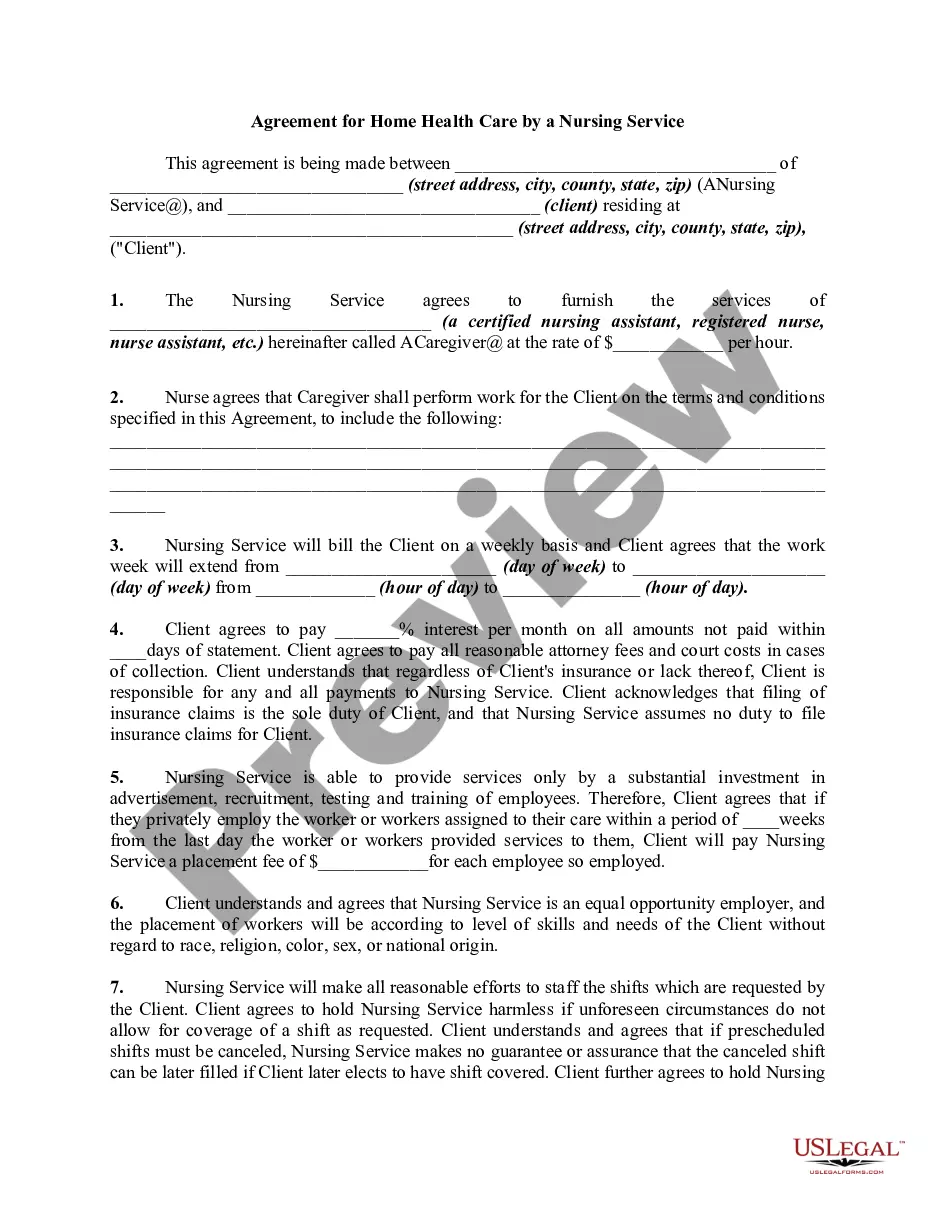
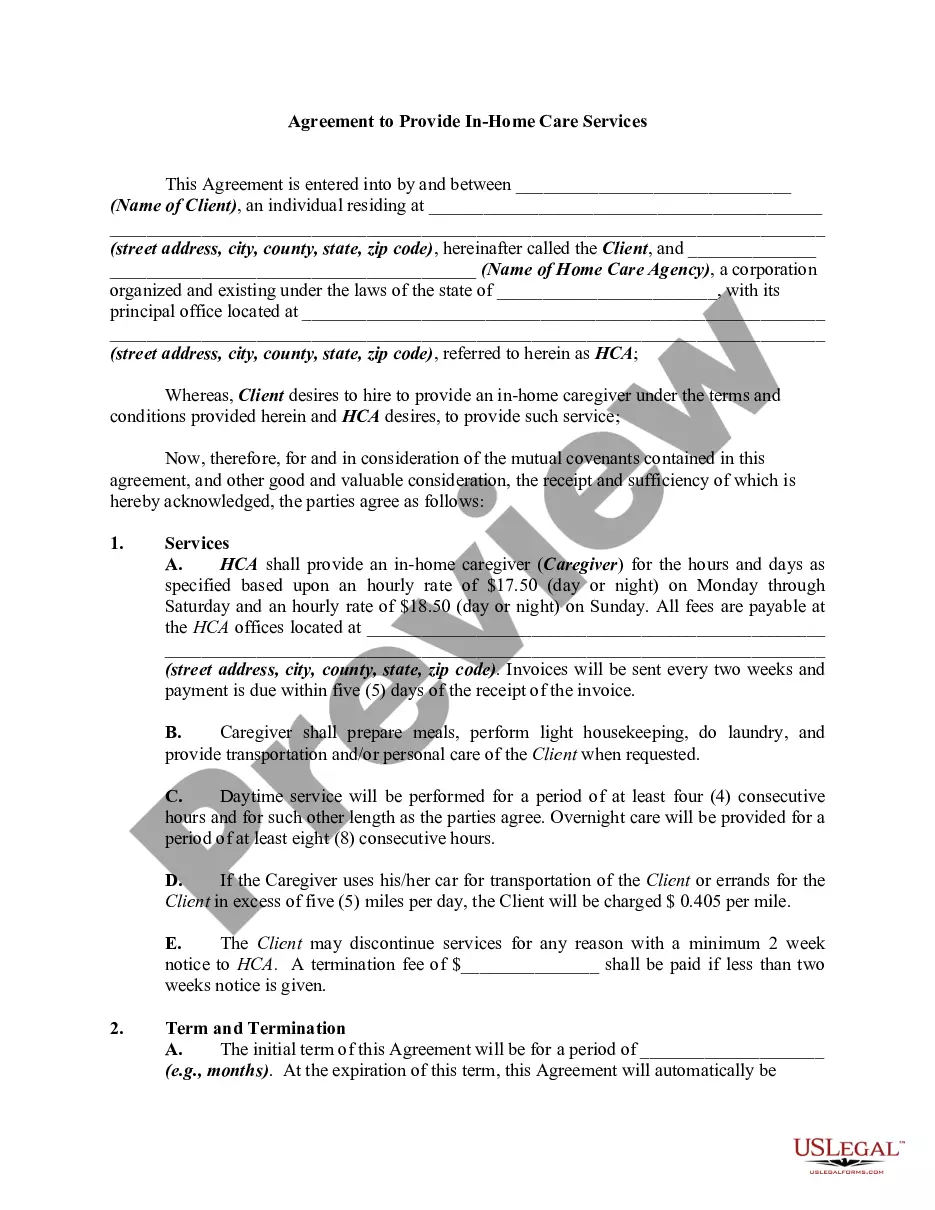
Get your form ready online
Our built-in tools help you complete, sign, share, and store your documents in one place.
Make edits, fill in missing information, and update formatting in US Legal Forms—just like you would in MS Word.
Download a copy, print it, send it by email, or mail it via USPS—whatever works best for your next step.
Sign and collect signatures with our SignNow integration. Send to multiple recipients, set reminders, and more. Go Premium to unlock E-Sign.
If this form requires notarization, complete it online through a secure video call—no need to meet a notary in person or wait for an appointment.
We protect your documents and personal data by following strict security and privacy standards.

Make edits, fill in missing information, and update formatting in US Legal Forms—just like you would in MS Word.

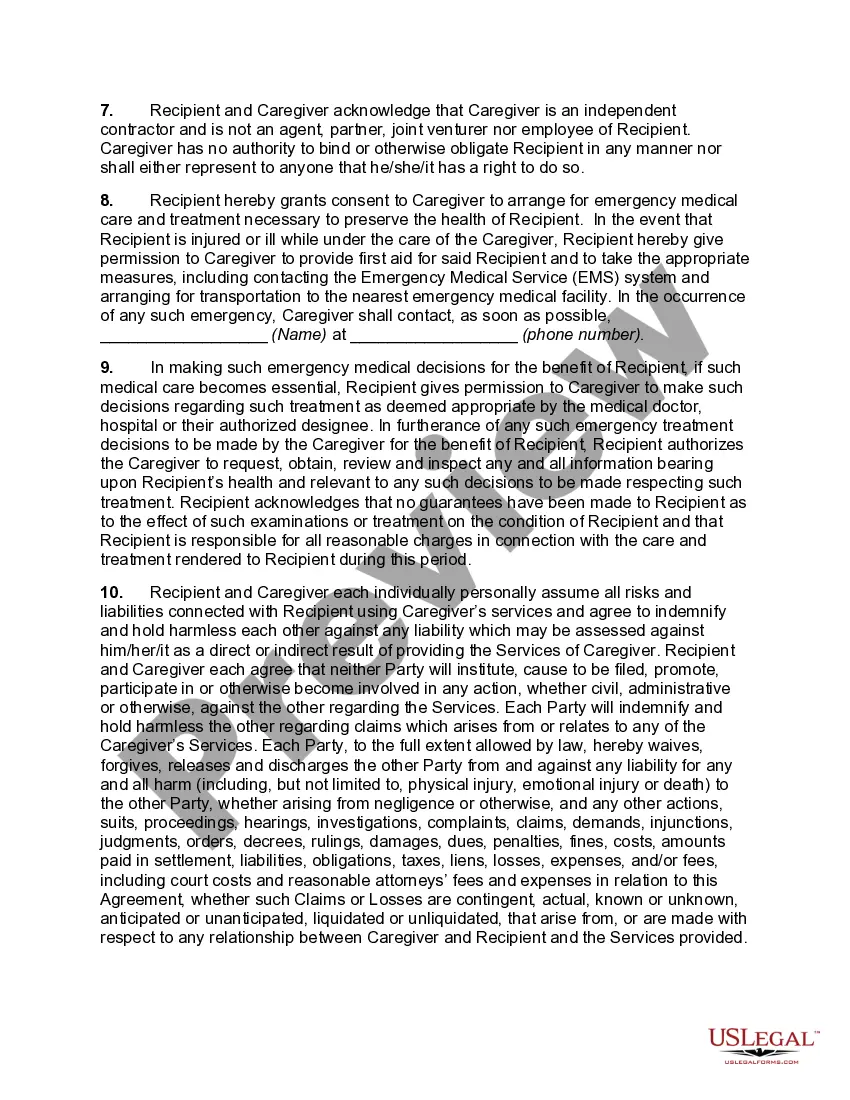
Download a copy, print it, send it by email, or mail it via USPS—whatever works best for your next step.

Sign and collect signatures with our SignNow integration. Send to multiple recipients, set reminders, and more. Go Premium to unlock E-Sign.

If this form requires notarization, complete it online through a secure video call—no need to meet a notary in person or wait for an appointment.

We protect your documents and personal data by following strict security and privacy standards.
Looking for another form?
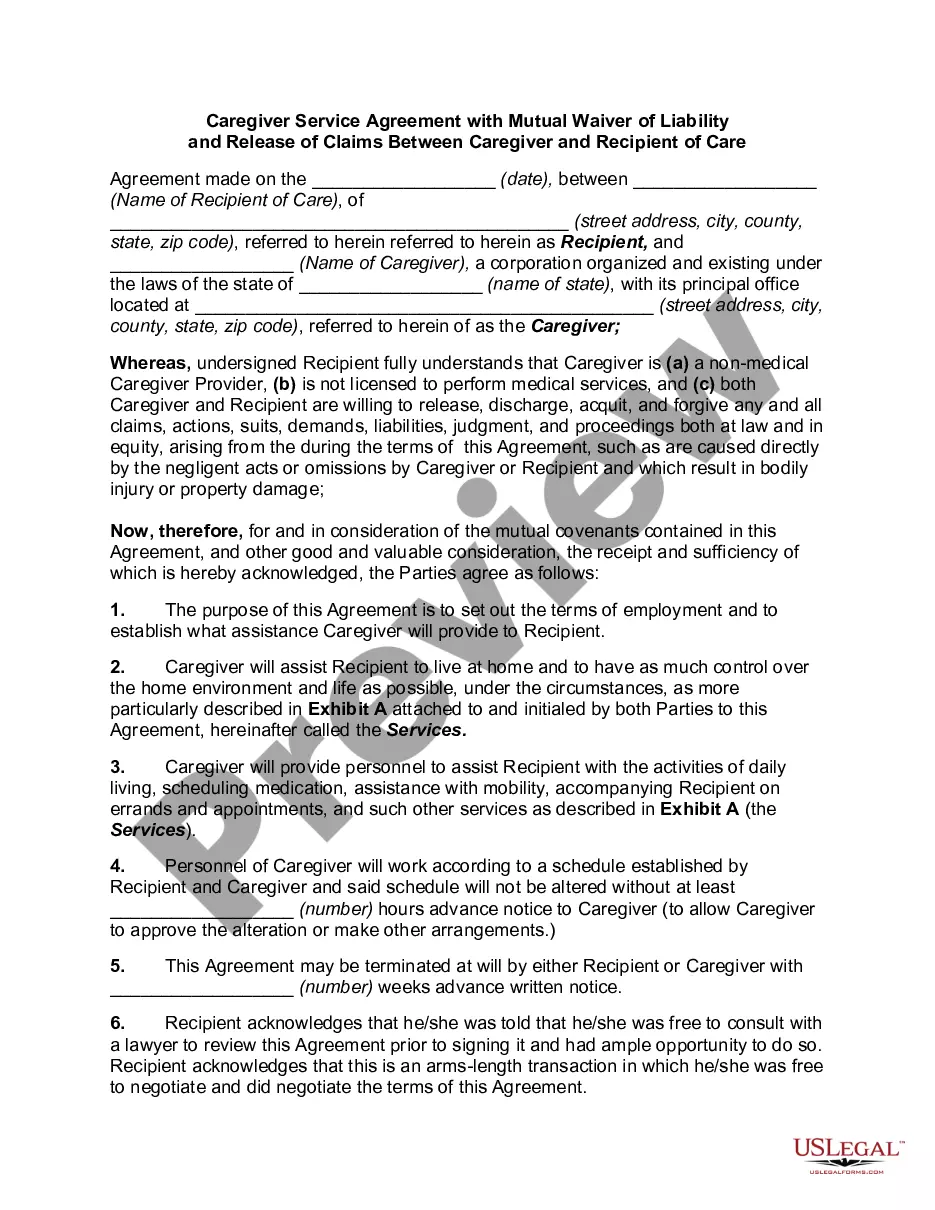
How to fill out Caregiver Service Agreement With Mutual Waiver Of Liability And Release Of Claims Between Caregiver And Recipient Of Care?
Discovering a dependable source for obtaining the latest and most applicable legal templates constitutes a significant part of navigating red tape. Selecting the appropriate legal documents necessitates accuracy and meticulousness, which is why it is crucial to acquire samples of Caregiver Liability Waiver Form With Signature solely from trustworthy providers, such as US Legal Forms. An incorrect template will squander your time and postpone your situation.
With US Legal Forms, you have minimal concerns. You can access and review all the specifics related to the document's applicability and relevance to your situation and jurisdiction.
Once you have the form on your device, you may modify it using the editor or print it and fill it out by hand. Alleviate the complications associated with your legal documentation. Discover the vast US Legal Forms library, where you can locate legal templates, assess their suitability to your needs, and download them instantly.
- Utilize the catalog navigation or search feature to find your sample.
- Review the form's details to confirm it aligns with your state and locality's requirements.
- Preview the form, if an option is present, to ensure the template is the one you need.
- Return to the search to find the appropriate template if the Caregiver Liability Waiver Form With Signature does not meet your needs.
- If you are confident about the form's applicability, download it.
- If you are a registered user, click Log in to verify and access your chosen forms in My documents.
- If you do not have an account yet, click Buy now to acquire the template.
- Select the pricing option that suits your requirements.
- Proceed to the registration process to finalize your purchase.
- Conclude your purchase by selecting a payment method (credit card or PayPal).
- Choose the file format for downloading the Caregiver Liability Waiver Form With Signature.
Form popularity
FAQ
In most cases, a caregiver liability waiver form with signature does not need to be notarized to be valid. However, some situations or jurisdictions may require notarization for the waiver to be enforceable. Notarizing can reinforce the document by proving the identities of the signers and ensuring they signed voluntarily. It’s wise to check your local rules or consult with a legal advisor to determine if notarization is necessary for your specific waiver.
Yes, a caregiver liability waiver form with signature can often be signed electronically, provided that the electronic signature complies with the Electronic Signatures in Global and National Commerce Act (ESIGN). Many platforms, including US Legal Forms, facilitate secure electronic signing that is legally recognized. This convenience allows parties to quickly and easily complete the waiver without needing to meet in person. Be sure to verify the legality of electronic signatures in your state.
For a caregiver liability waiver form with signature to be legally binding, it must clearly outline the rights being waived, have proper signatures, and be written in a straightforward manner. Each party should fully understand what they are agreeing to, and no one should be misled about their rights. Additionally, the waiver should comply with state laws to ensure enforceability. Properly drafting your waiver can help you avoid potential legal challenges.
A caregiver liability waiver form with signature can be deemed invalid if it contains ambiguous language, lacks mutual consent, or if it attempts to waive liability for unlawful actions. Additionally, if one party is under duress or lacks the capacity to understand the terms, the waiver may not hold up in court. It’s vital to ensure clarity and fairness in the waiver to maintain its validity. Consulting with a legal expert can help you draft a compliant waiver.
A caregiver liability waiver form with signature can be valid without notarization, depending on state laws and the specific situation. It’s essential to ensure that all parties involved agree to the terms and that the waiver is signed willingly. However, notarization adds an extra layer of authenticity and may be required for certain types of waivers. Always check local regulations to confirm the requirements for your specific waiver.
An example of a liability statement could be: 'By signing this caregiver liability waiver form with signature, I acknowledge that I understand the risks associated with the caregiving services provided, and I agree to release the caregiver from any liability for injuries or damages incurred during these services.' This statement clearly outlines the intent and protects all parties involved.
A caregiver liability waiver form with signature should include essential components such as the names of the participating parties, a clear statement of the waiver's purpose, and the risks involved. It's vital to specify that by signing, participants acknowledge these risks and agree to release the caregiver from liability. Additionally, use straightforward language for clarity.
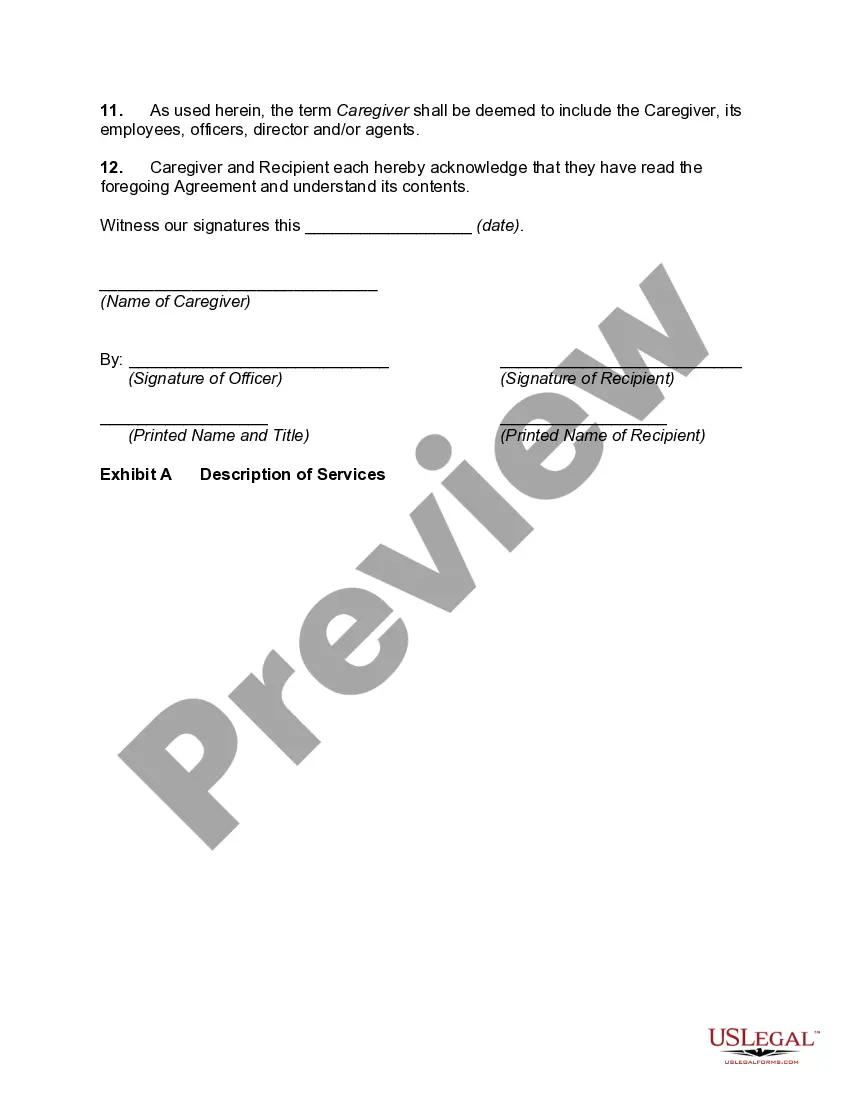
To fill out a waiver of service form, you start by identifying the parties involved, including your name and the name of the caregiver. After this, clearly describe the nature of the waiver, specifying any services or activities. Ensure that you complete the signature section to make your caregiver liability waiver form with signature valid and legally binding.
Filling out a caregiver liability waiver form with signature involves several key steps. First, clearly state the intent of the waiver, including the activities it covers. Next, provide your name, the name of the caregiver, and any relevant details about the services provided. Finally, ensure all parties involved sign the document, reflecting their agreement to the terms outlined.
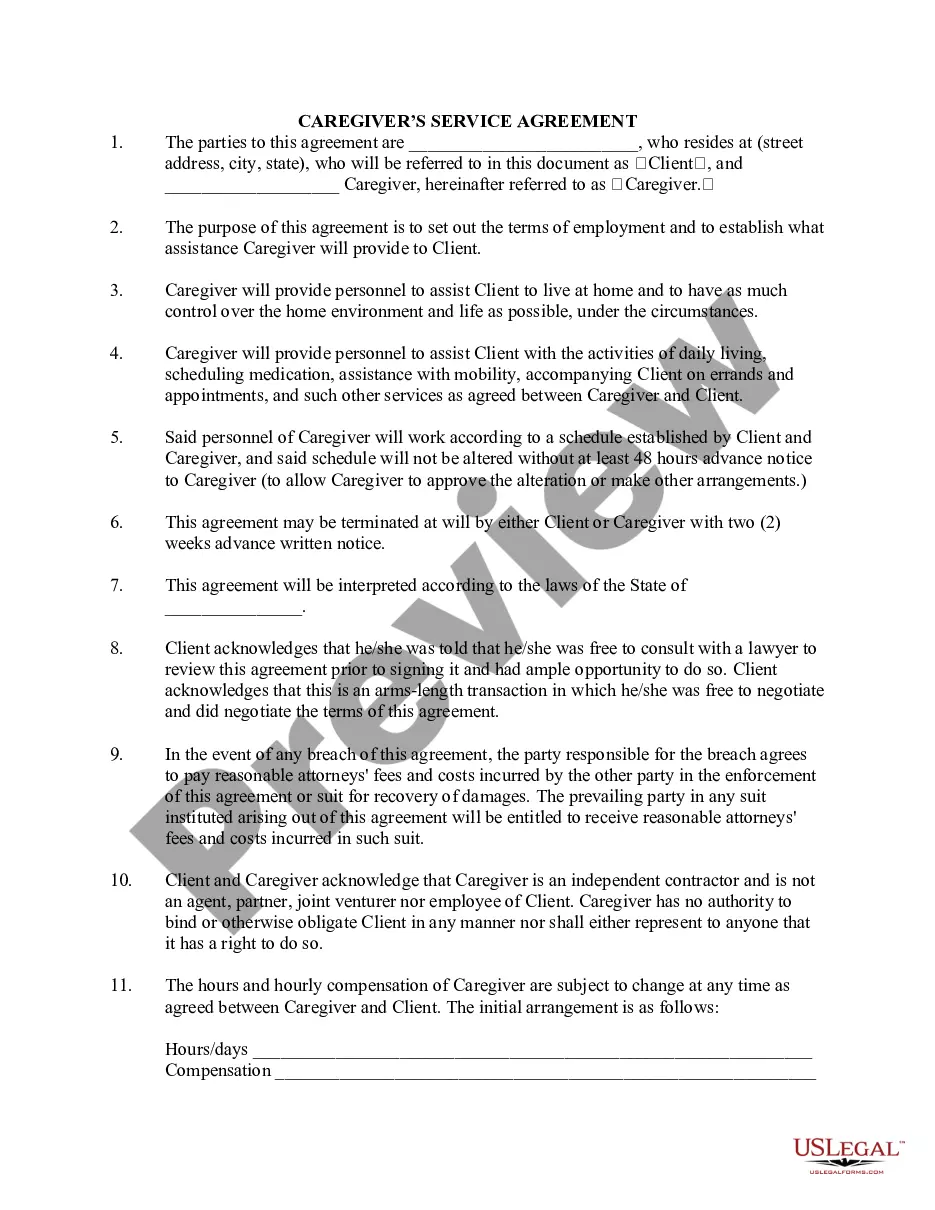
You do not necessarily need a lawyer to write a caregiver liability waiver form with signature. Many individuals can effectively create a waiver using templates or online services designed for this purpose. However, if your situation involves complex legal issues, consulting with a lawyer can help ensure your waiver complies with applicable laws.