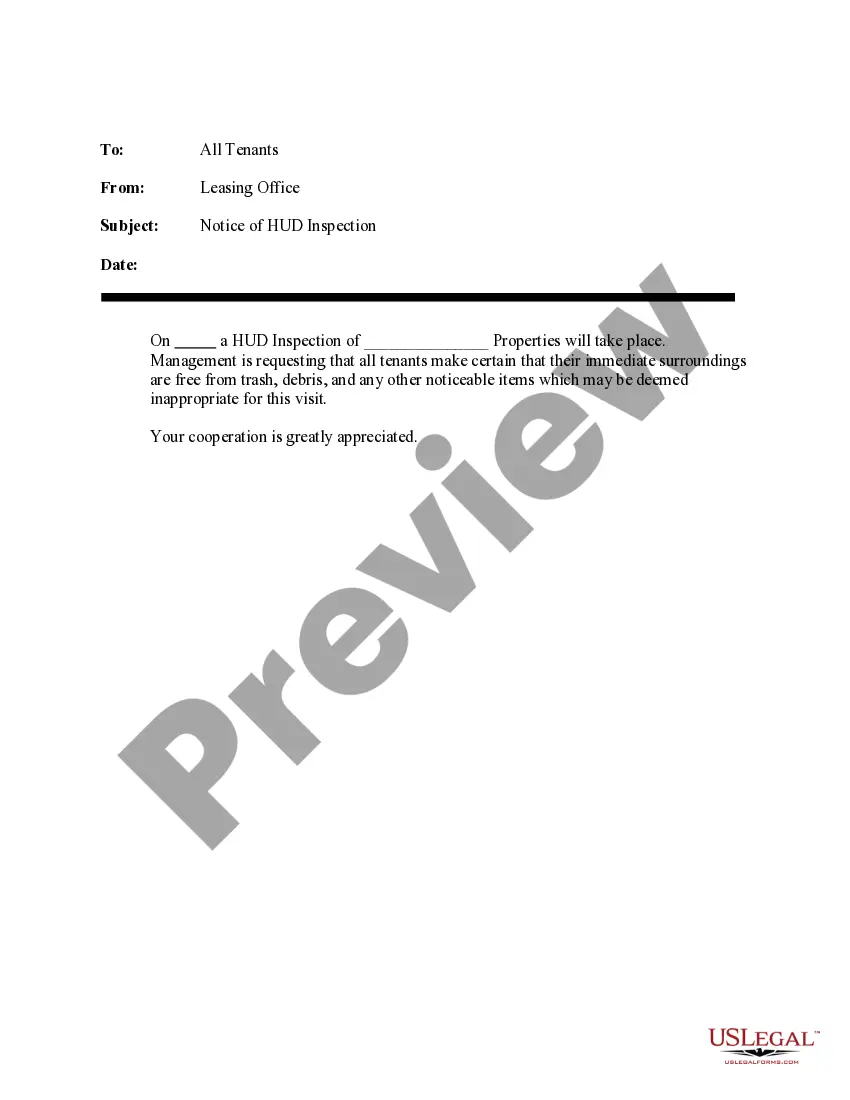
Notice Inspection Form Format
Description

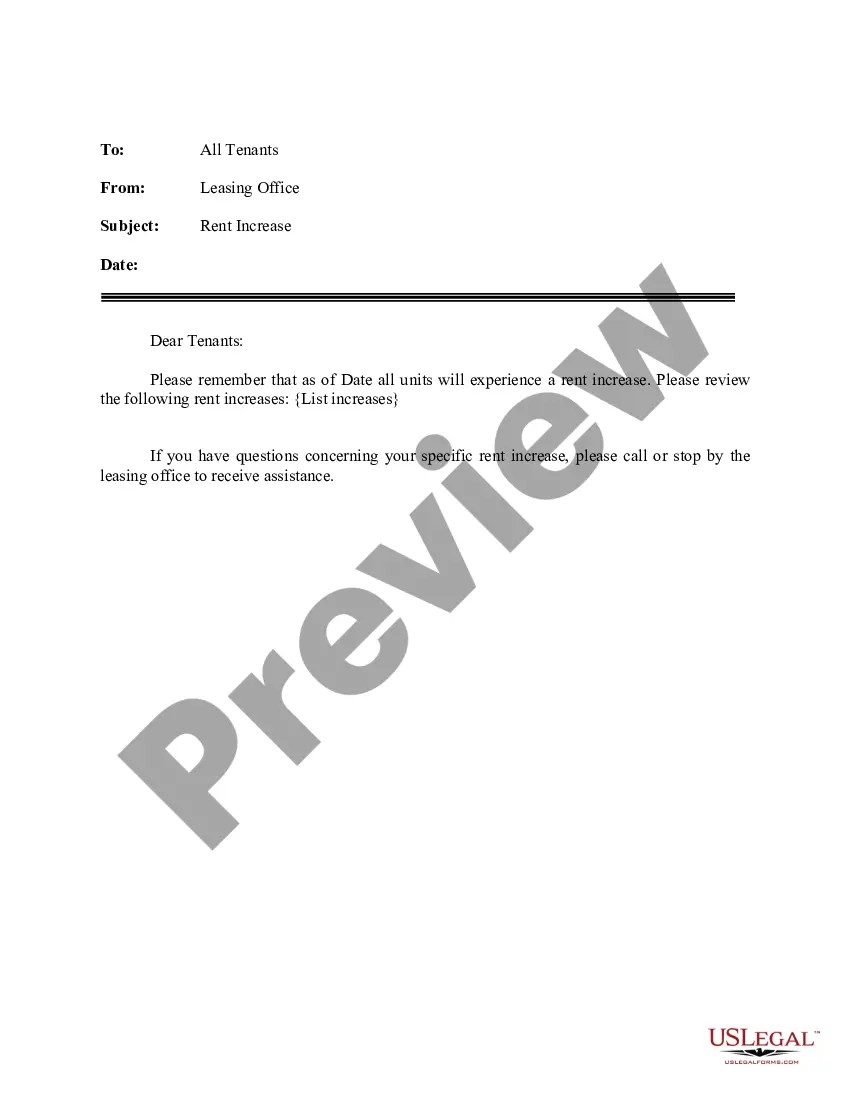
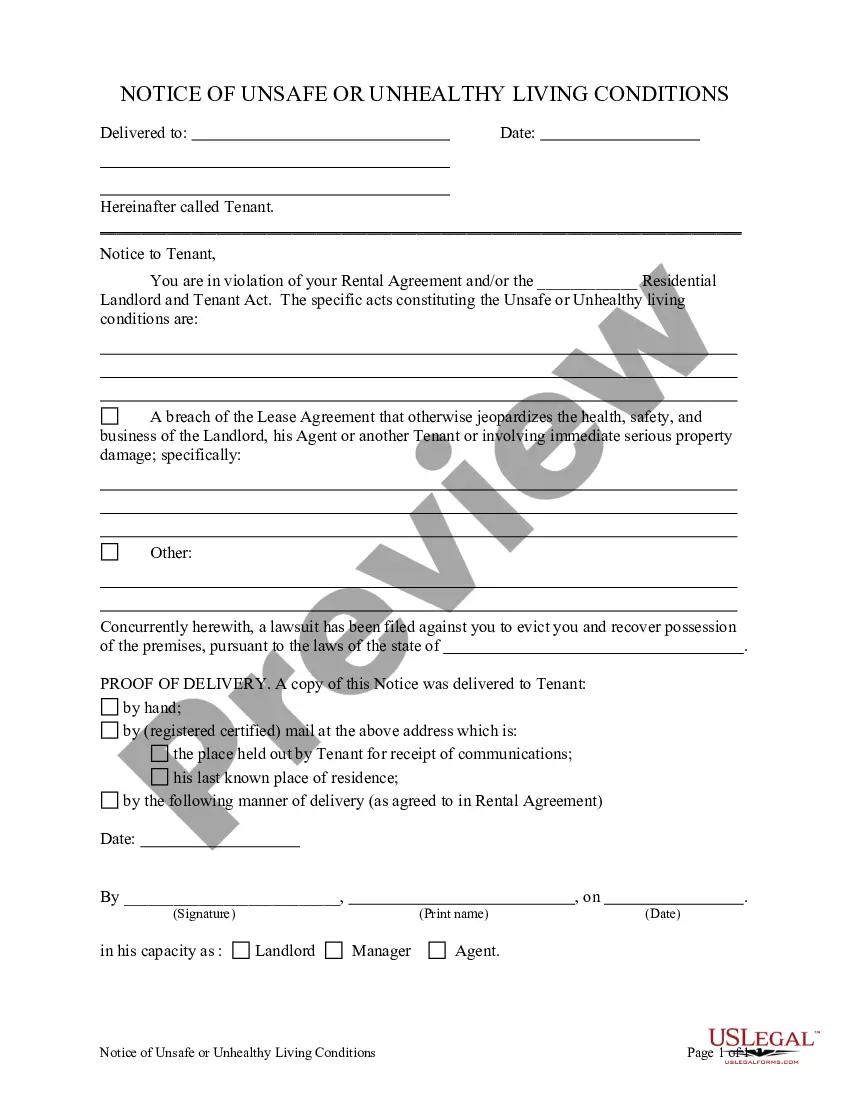
Get your form ready online
Our built-in tools help you complete, sign, share, and store your documents in one place.
Make edits, fill in missing information, and update formatting in US Legal Forms—just like you would in MS Word.
Download a copy, print it, send it by email, or mail it via USPS—whatever works best for your next step.
Sign and collect signatures with our SignNow integration. Send to multiple recipients, set reminders, and more. Go Premium to unlock E-Sign.
If this form requires notarization, complete it online through a secure video call—no need to meet a notary in person or wait for an appointment.
We protect your documents and personal data by following strict security and privacy standards.

Make edits, fill in missing information, and update formatting in US Legal Forms—just like you would in MS Word.

Download a copy, print it, send it by email, or mail it via USPS—whatever works best for your next step.

Sign and collect signatures with our SignNow integration. Send to multiple recipients, set reminders, and more. Go Premium to unlock E-Sign.

If this form requires notarization, complete it online through a secure video call—no need to meet a notary in person or wait for an appointment.

We protect your documents and personal data by following strict security and privacy standards.
Looking for another form?








How to fill out Letter - Notice To Tenants Announcing HUD Inspection?
It’s common knowledge that you cannot transform into a legal specialist instantly, nor can you swiftly learn how to write a Notice Inspection Form Format without possessing a particular skill set.
Assembling legal documents is a lengthy process that demands a specific degree of education and expertise.
So why not entrust the development of the Notice Inspection Form Format to the professionals.
Select Buy now. After the payment is finalized, you will be able to download the Notice Inspection Form Format, fill it out, print it, and send or mail it to the relevant parties or organizations.
You can regain access to your documents from the My documents section at any time. If you are an existing customer, you can directly Log In, and locate and download the template from the same area. No matter the intent of your documents—whether financial, legal, or personal—our website has everything you need. Give US Legal Forms a try now!
- Begin by navigating to our website and swiftly obtain the document you require.
- Find the document you are searching for by utilizing the search bar located at the top of the page.
- Review it (if this option is available) and verify the accompanying description to see if the Notice Inspection Form Format meets your needs.
- Restart your search if you require any additional template.
- Create a complimentary account and select a subscription plan to purchase the form.
Form popularity
FAQ
Inspection Report Writing: 8 Best Practices Don't rush it. ... Know your report writing template. ... Cater each report to the property. ... Stick to the facts. ... Be concise and understandable. ... Take LOTS of photos. ... Manage your risk.
The following tips for using this template will help you ensure that the minimum permit requirements are met: Review the inspection requirements. ... Complete all required blank fields. ... Use your site map to document inspection findings. ... Complete the inspection report within 24 hours of completing a site inspection.
Keep checklists short and focused As long as you have checklists established around problems that come up commonly, you do not need to have an item listed for every detail of a task. Inspection checklists should have only 10-20 check points to heighten the inspector's awareness of critical items.
Placed the appropriate court fee on the inspection application. Do your signature on the inspection application and write the date and place. File the inspection application before the court. Thereafter give your submission before court and give the reason for inspecting your case file.
Create an Inspection Form Using New Data Entry Form Create your inspection form; add all the relevant elements and items you must check. Choose and click on any cell in your spreadsheet. Select and click the Form icon in the QAT. Enter the appropriate data in the form fields.