Agreement For Professional Services Template
Description
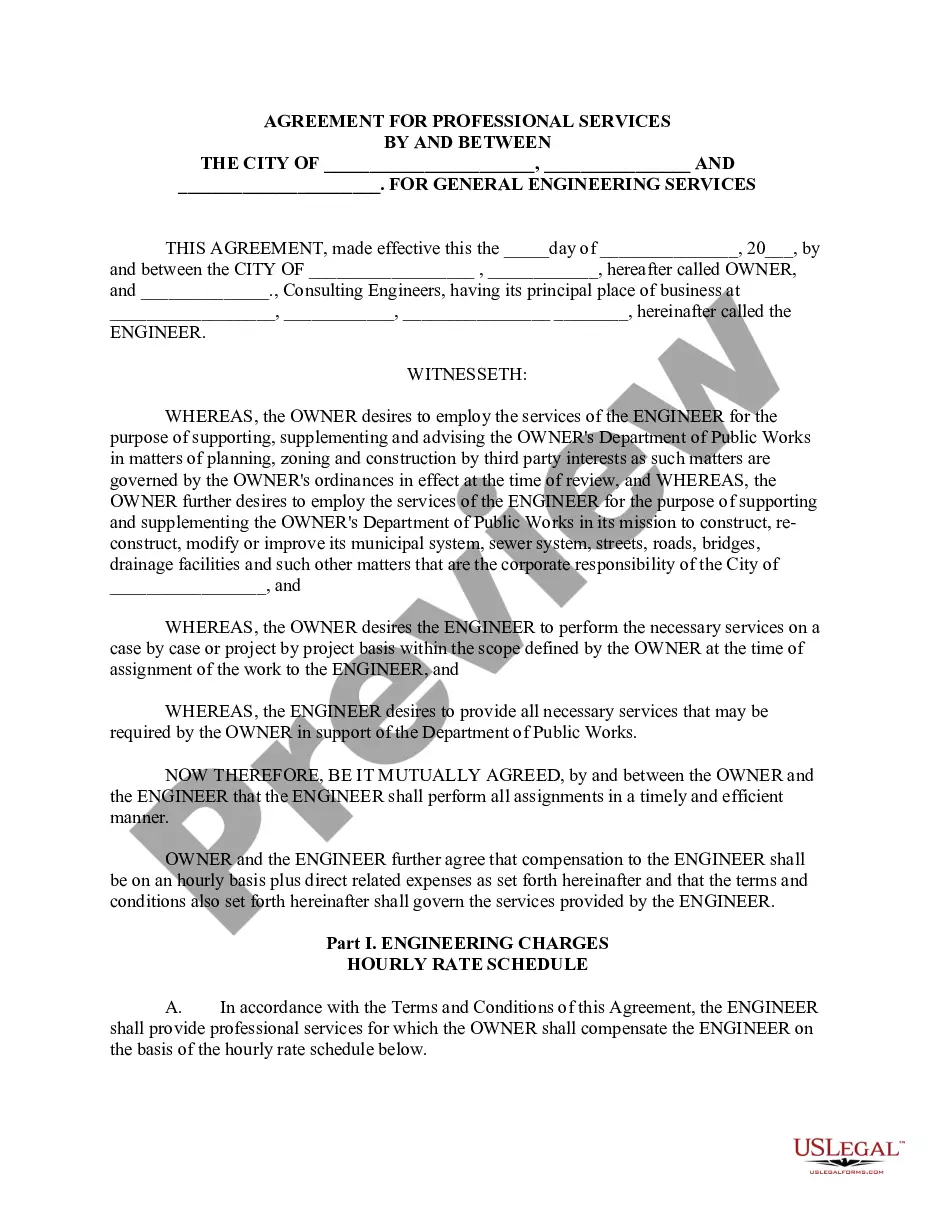
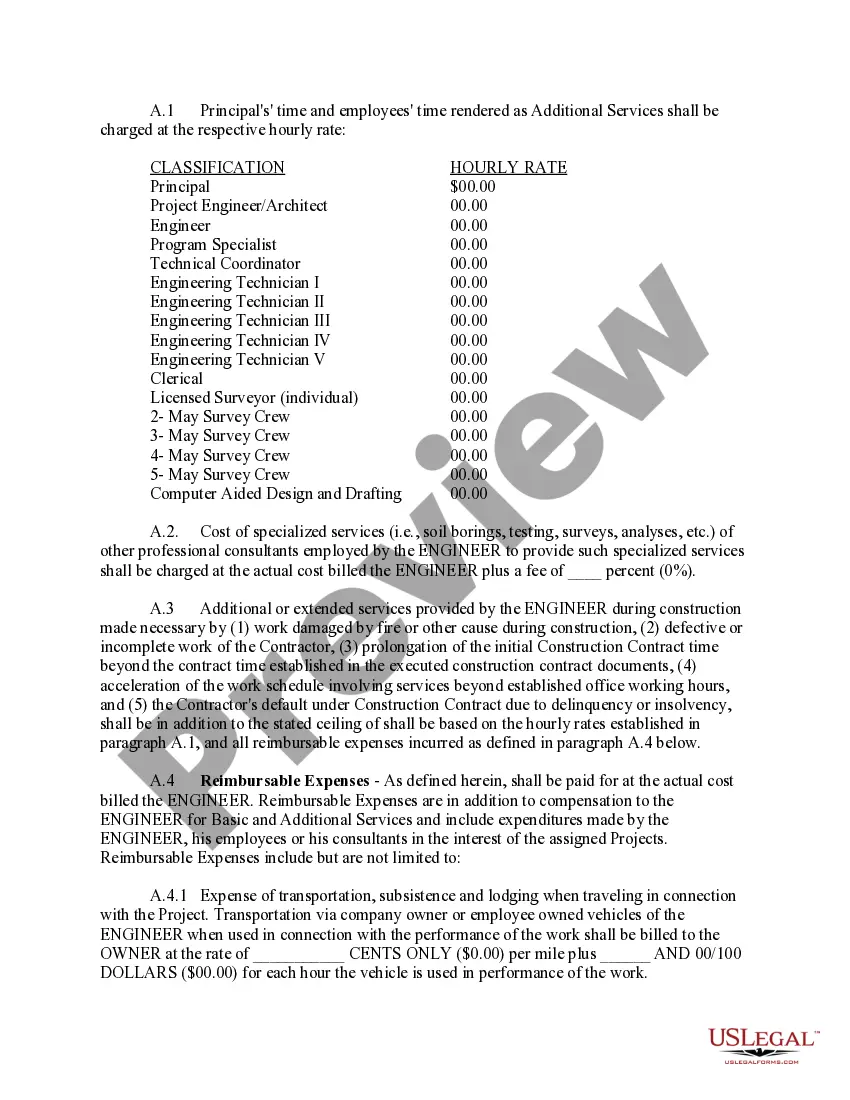
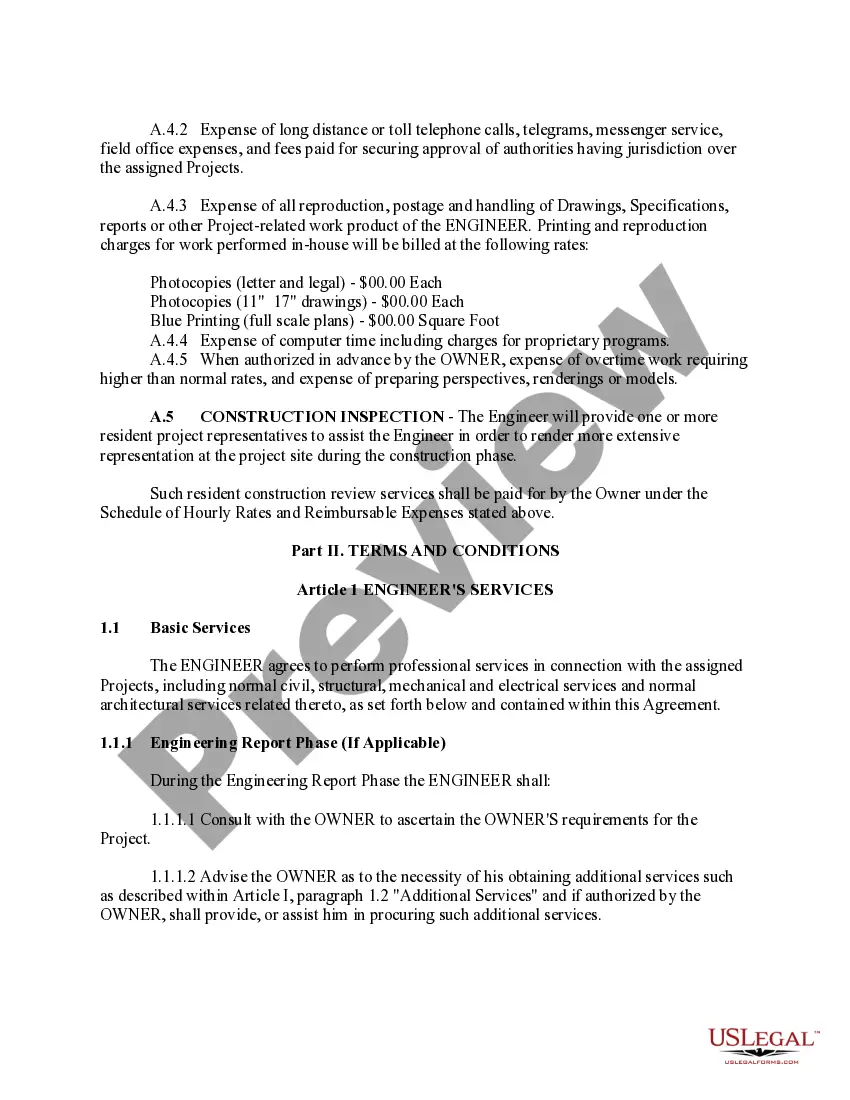
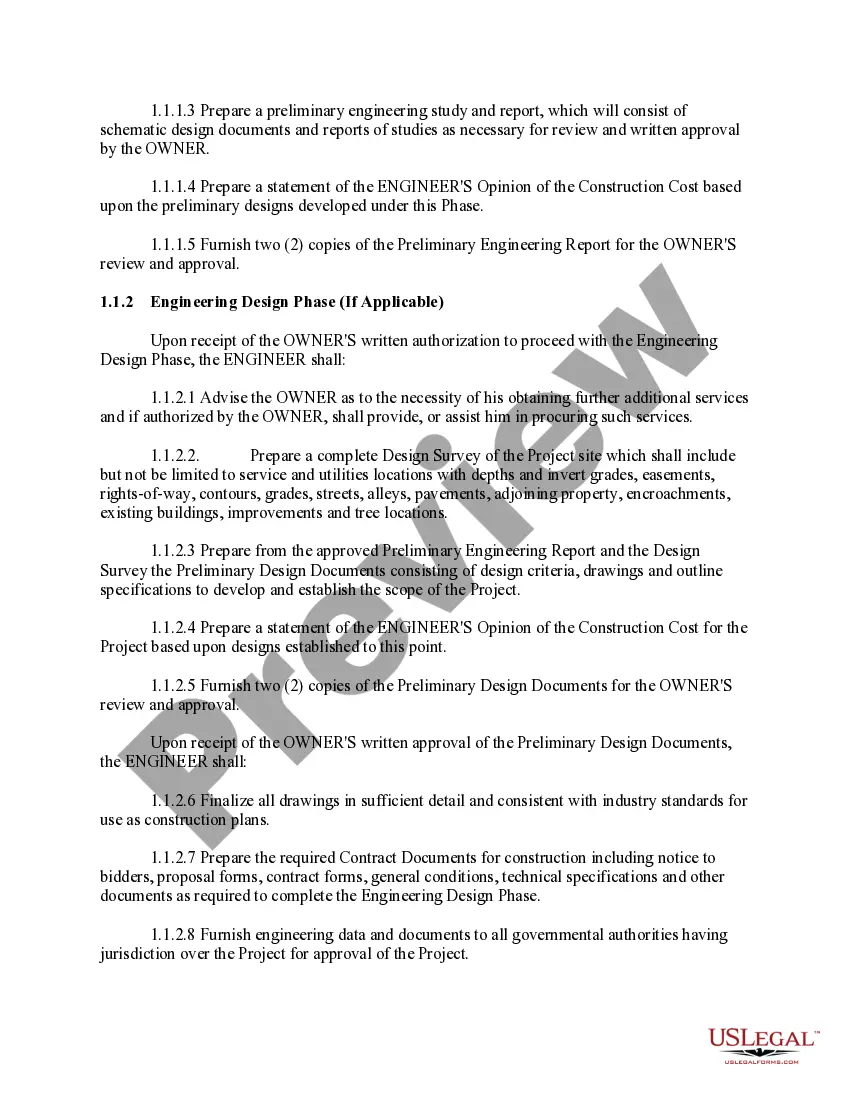
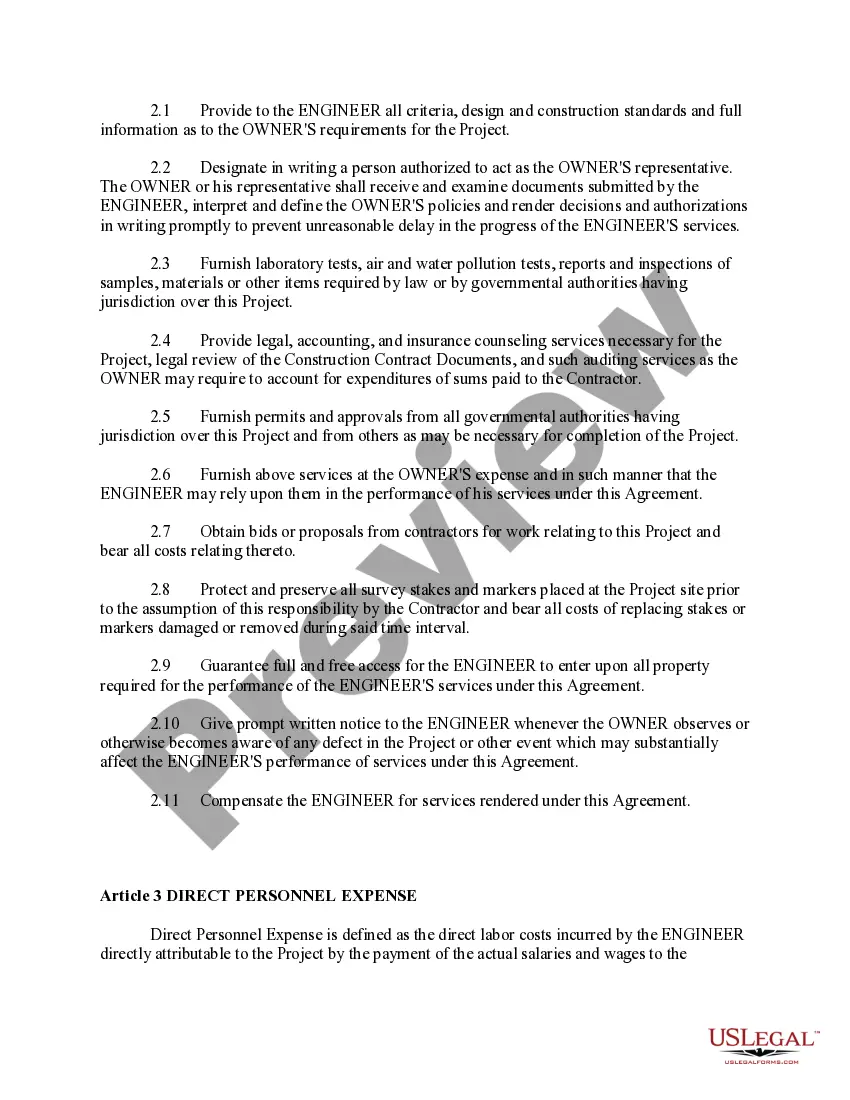
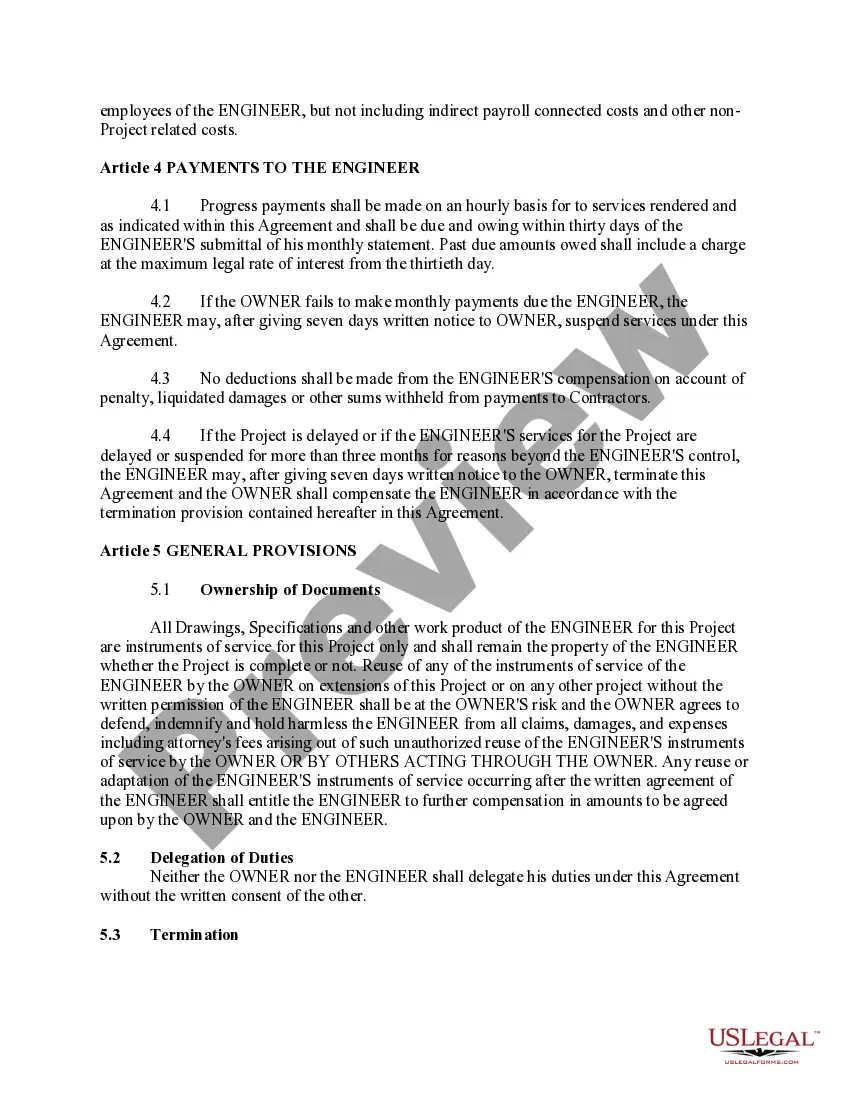

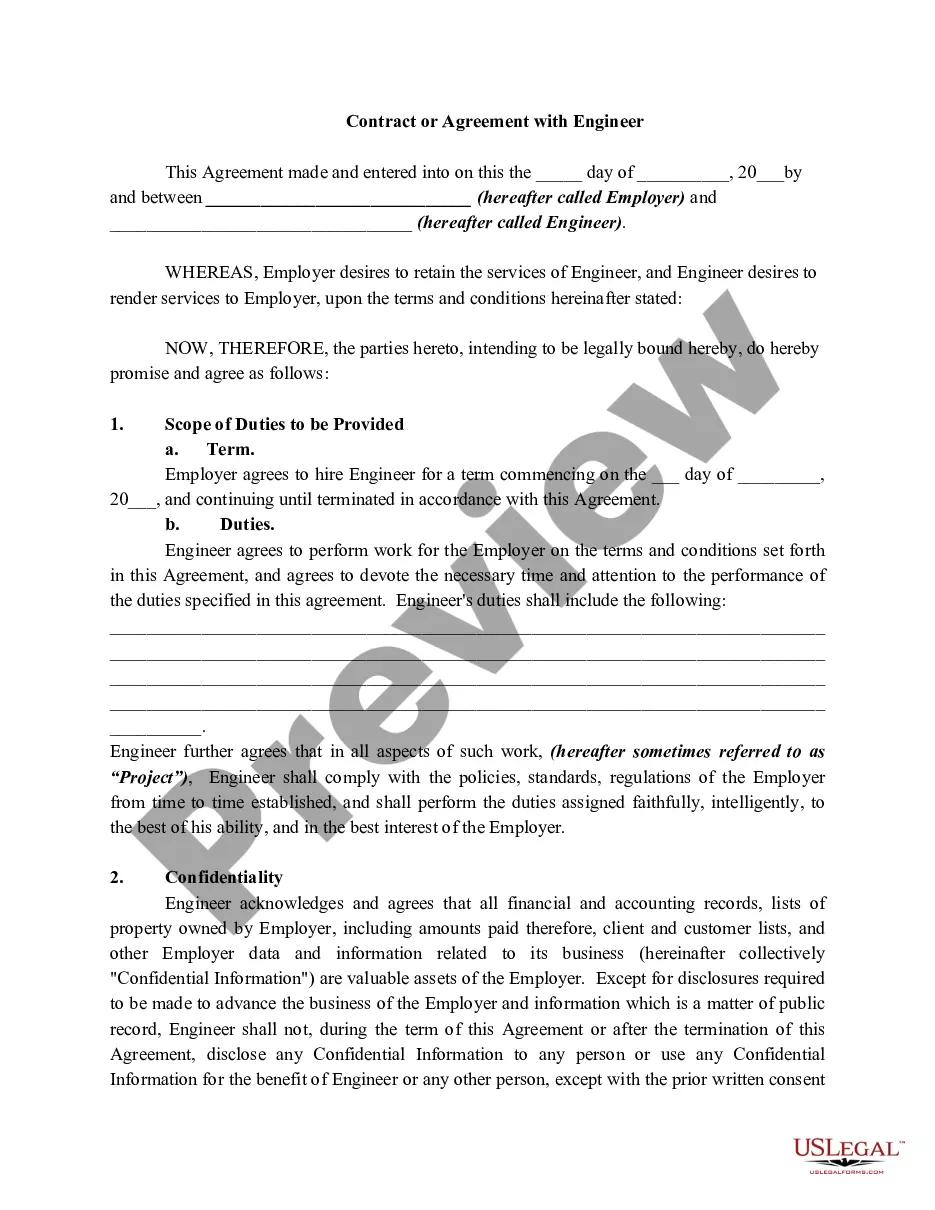
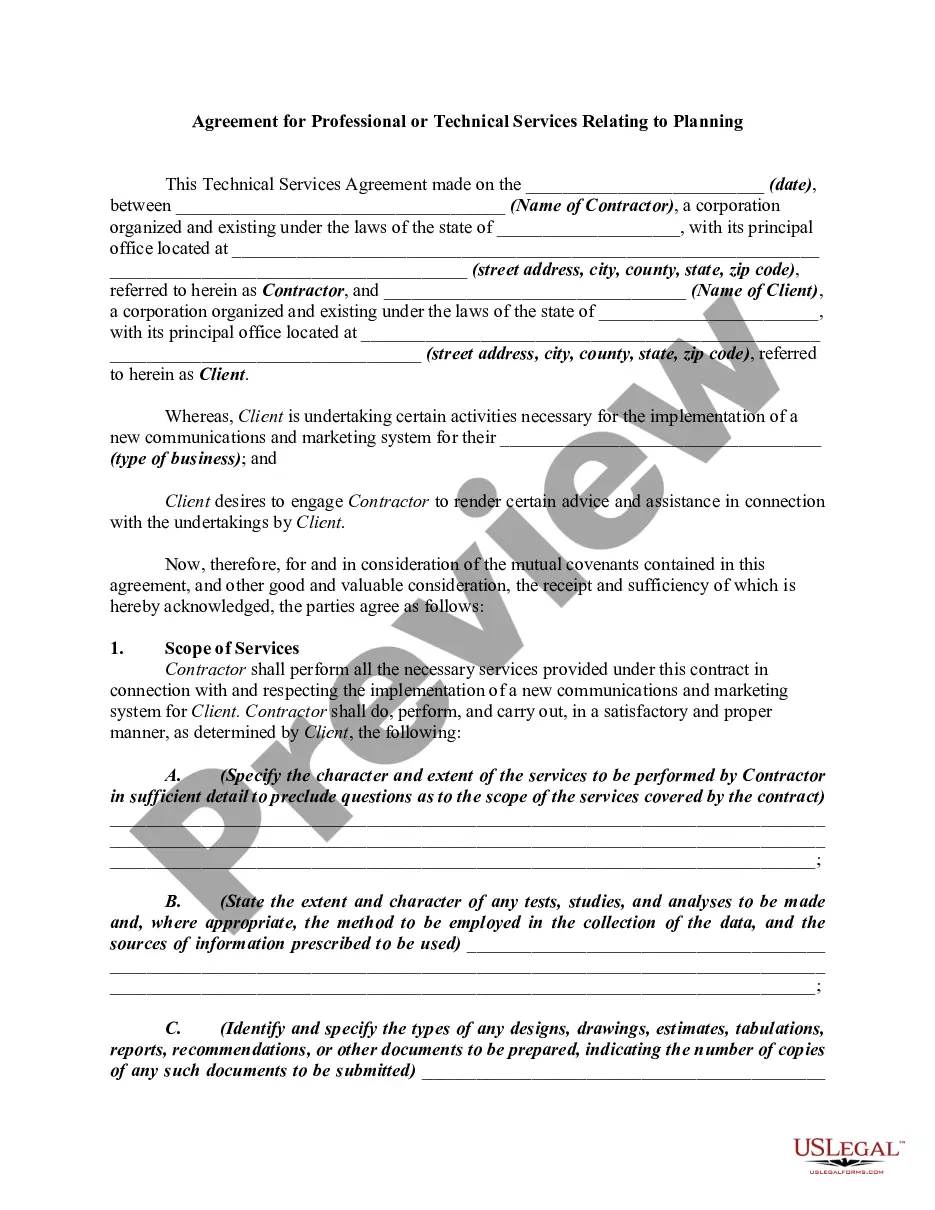
Get your form ready online
Our built-in tools help you complete, sign, share, and store your documents in one place.
Make edits, fill in missing information, and update formatting in US Legal Forms—just like you would in MS Word.
Download a copy, print it, send it by email, or mail it via USPS—whatever works best for your next step.
Sign and collect signatures with our SignNow integration. Send to multiple recipients, set reminders, and more. Go Premium to unlock E-Sign.
If this form requires notarization, complete it online through a secure video call—no need to meet a notary in person or wait for an appointment.
We protect your documents and personal data by following strict security and privacy standards.

Make edits, fill in missing information, and update formatting in US Legal Forms—just like you would in MS Word.

Download a copy, print it, send it by email, or mail it via USPS—whatever works best for your next step.

Sign and collect signatures with our SignNow integration. Send to multiple recipients, set reminders, and more. Go Premium to unlock E-Sign.

If this form requires notarization, complete it online through a secure video call—no need to meet a notary in person or wait for an appointment.

We protect your documents and personal data by following strict security and privacy standards.
Looking for another form?









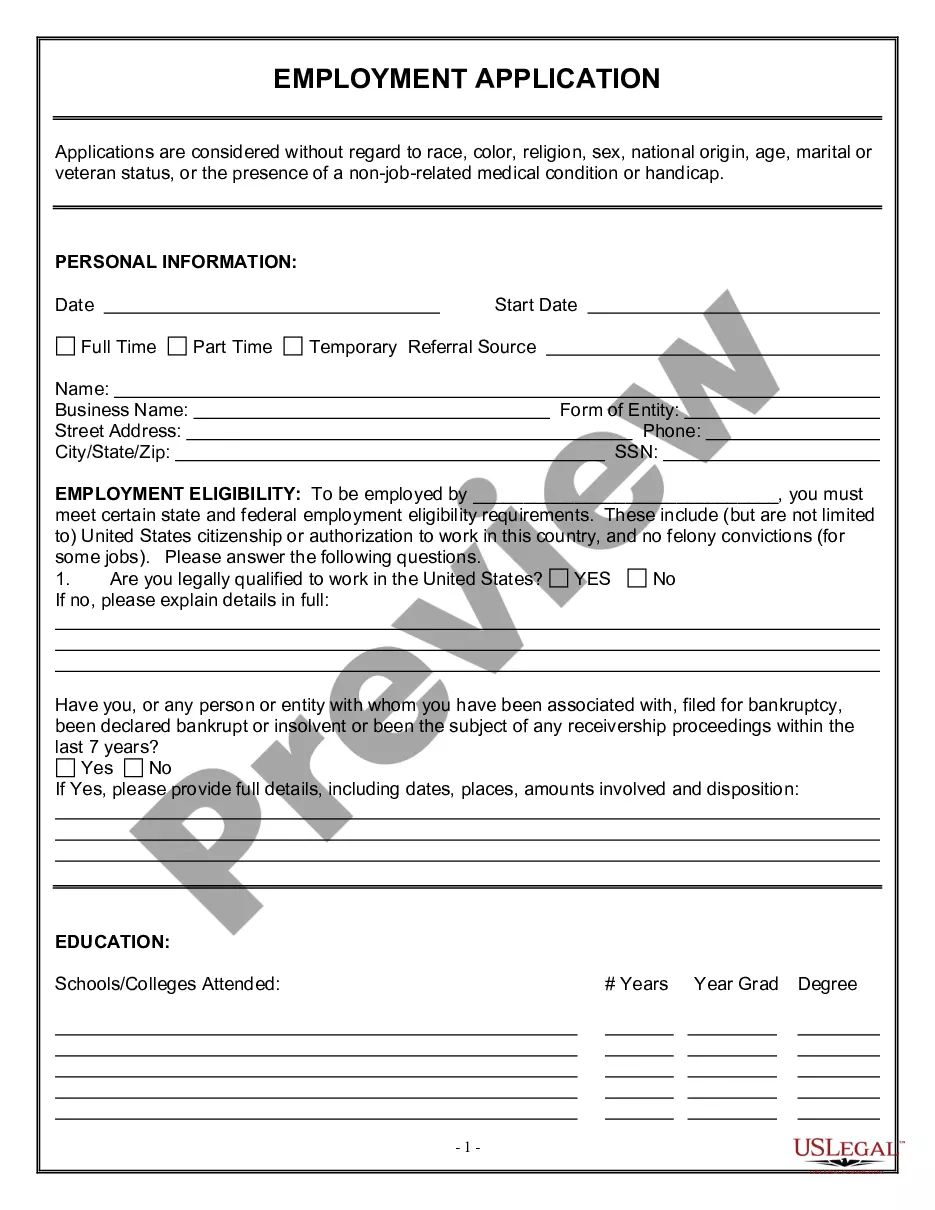
How to fill out Agreement For Professional Services - Engineer And City?
There's no longer a reason to squander hours searching for legal documents to adhere to your local state laws.
US Legal Forms has assembled all of them in one location and simplified their accessibility.
Our platform provides over 85,000 templates for various business and individual legal situations, categorized by state and area of application.
Use the Search field above to explore for another sample if the previous one was not suitable. Click Buy Now next to the template title when you find the right one. Select the desired pricing plan and create an account or Log In. Complete your subscription purchase with a credit card or via PayPal to continue. Choose the file format for your Agreement For Professional Services Template and download it to your device. Print your form to complete it manually or upload the sample if you prefer to edit it online. Compiling official paperwork under federal and state regulations is quick and straightforward with our collection. Try US Legal Forms today to maintain your documentation in order!
- All forms are properly drafted and verified for authenticity, so you can be assured of obtaining an up-to-date Agreement For Professional Services Template.
- If you are well-acquainted with our platform and already possess an account, you need to verify that your subscription is active before retrieving any templates.
- Log In to your account, choose the document, and click Download.
- You can also access all acquired documents at any time by visiting the My documents section in your profile.
- If you haven't utilized our platform before, the procedure will require a few additional steps to finalize.
- Here's how new users can locate the Agreement For Professional Services Template in our catalog.
- Review the page content meticulously to ensure it includes the sample you need.
- To achieve this, utilize the form description and preview options if available.
Form popularity
FAQ
How do I write a Service Agreement?State how long the services are needed.Include the state where the work is taking place.Describe the service being provided.Provide the contractor's and client's information.Outline the compensation.State the agreement's terms.Include any additional clauses.More items...?
How to Write a Service AgreementA description of the parties involved in the agreement.A description of the services to be performed.A description of fees and payment schedules.The effective date of the contract, when work will begin, and the terms under which it can be terminated.Include a place for signatures.More items...
There are small differences between a contract and a service agreement. Essentially, a contract follows a more formal outline than an agreement. An agreement can include any understanding between multiple parties about what they promise to do for each other.
The following list includes the key provisions to look for when entering into a service agreement, including: payment, scope of services, amendment, termination, liability insurance, confidentiality, IP ownership, and choice of law/dispute resolution.
A professional services agreement (PSA) is a form that firms or consultants can use to create a contractually binding arrangement with a highly skilled business or individual. These agreements usually cover single projects with defined scopes or timelines.