Letter With Enclosure
Description
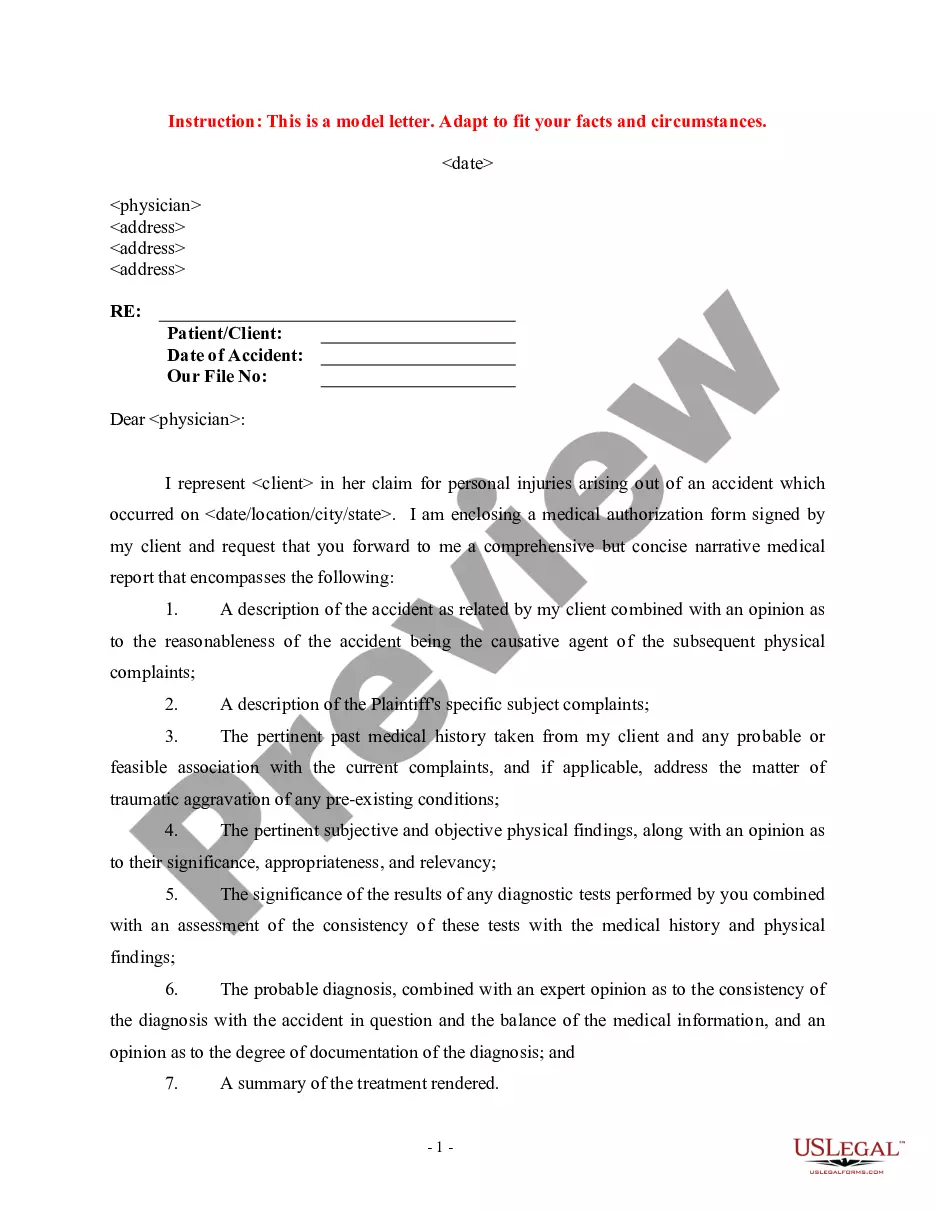
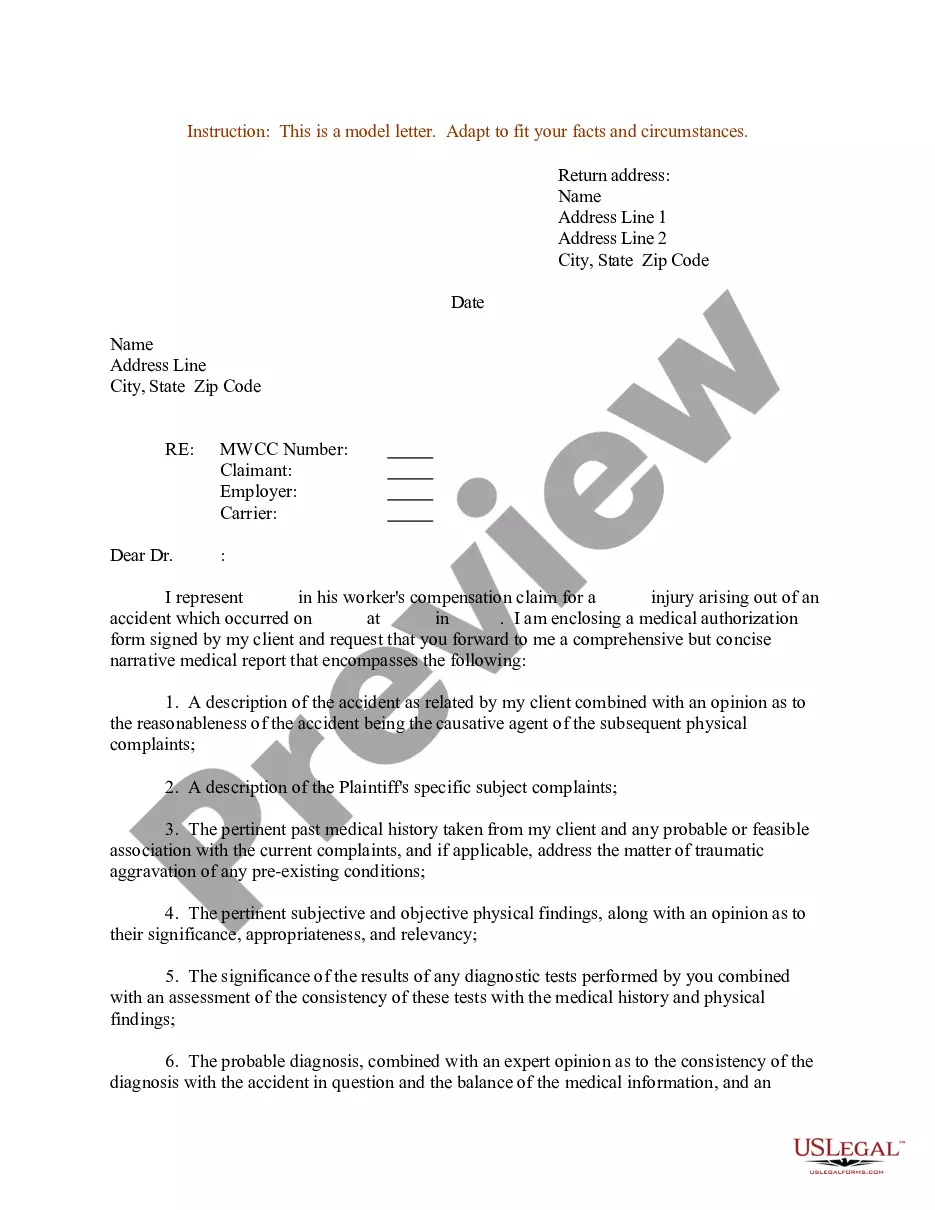

Get your form ready online
Our built-in tools help you complete, sign, share, and store your documents in one place.
Make edits, fill in missing information, and update formatting in US Legal Forms—just like you would in MS Word.
Download a copy, print it, send it by email, or mail it via USPS—whatever works best for your next step.
Sign and collect signatures with our SignNow integration. Send to multiple recipients, set reminders, and more. Go Premium to unlock E-Sign.
If this form requires notarization, complete it online through a secure video call—no need to meet a notary in person or wait for an appointment.
We protect your documents and personal data by following strict security and privacy standards.

Make edits, fill in missing information, and update formatting in US Legal Forms—just like you would in MS Word.

Download a copy, print it, send it by email, or mail it via USPS—whatever works best for your next step.

Sign and collect signatures with our SignNow integration. Send to multiple recipients, set reminders, and more. Go Premium to unlock E-Sign.

If this form requires notarization, complete it online through a secure video call—no need to meet a notary in person or wait for an appointment.

We protect your documents and personal data by following strict security and privacy standards.
Looking for another form?
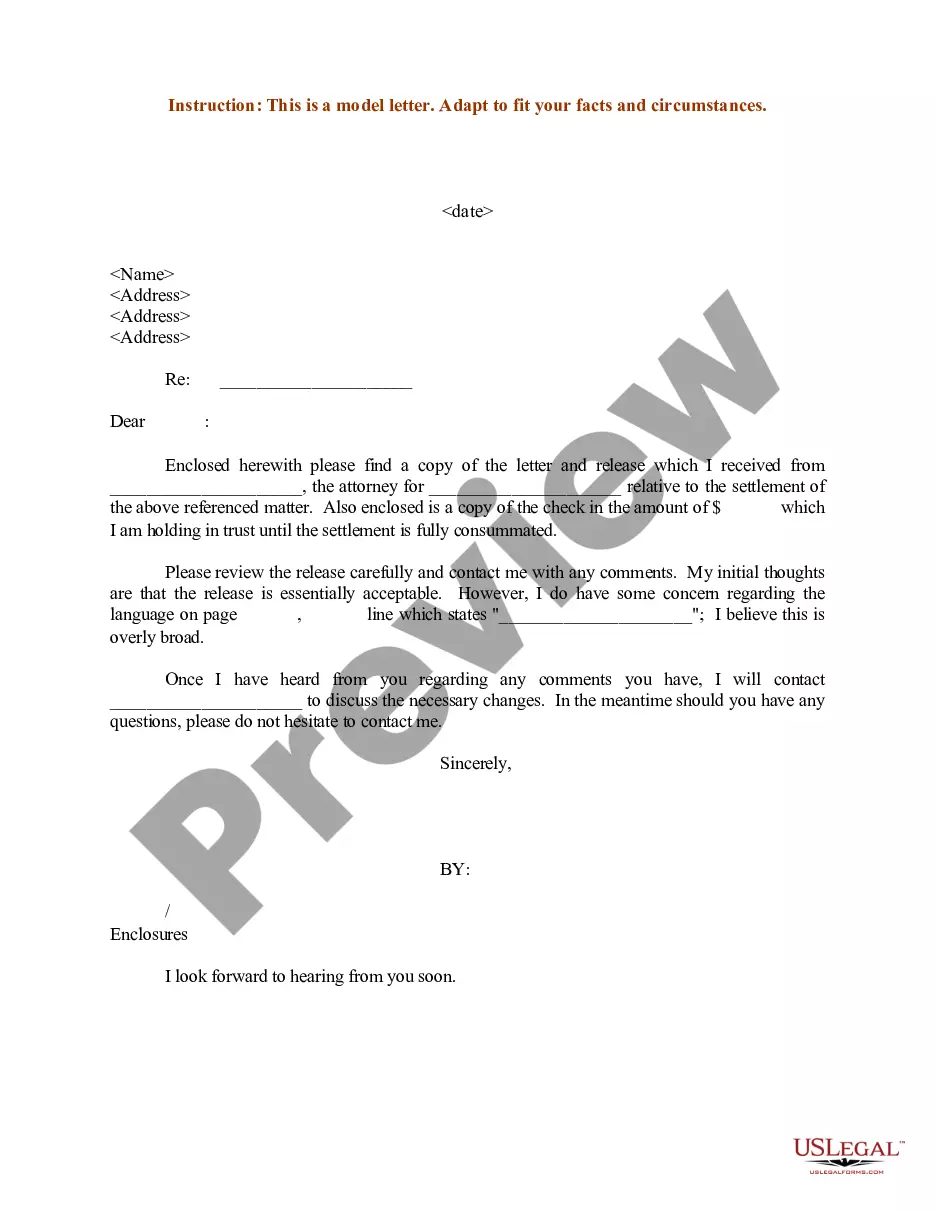
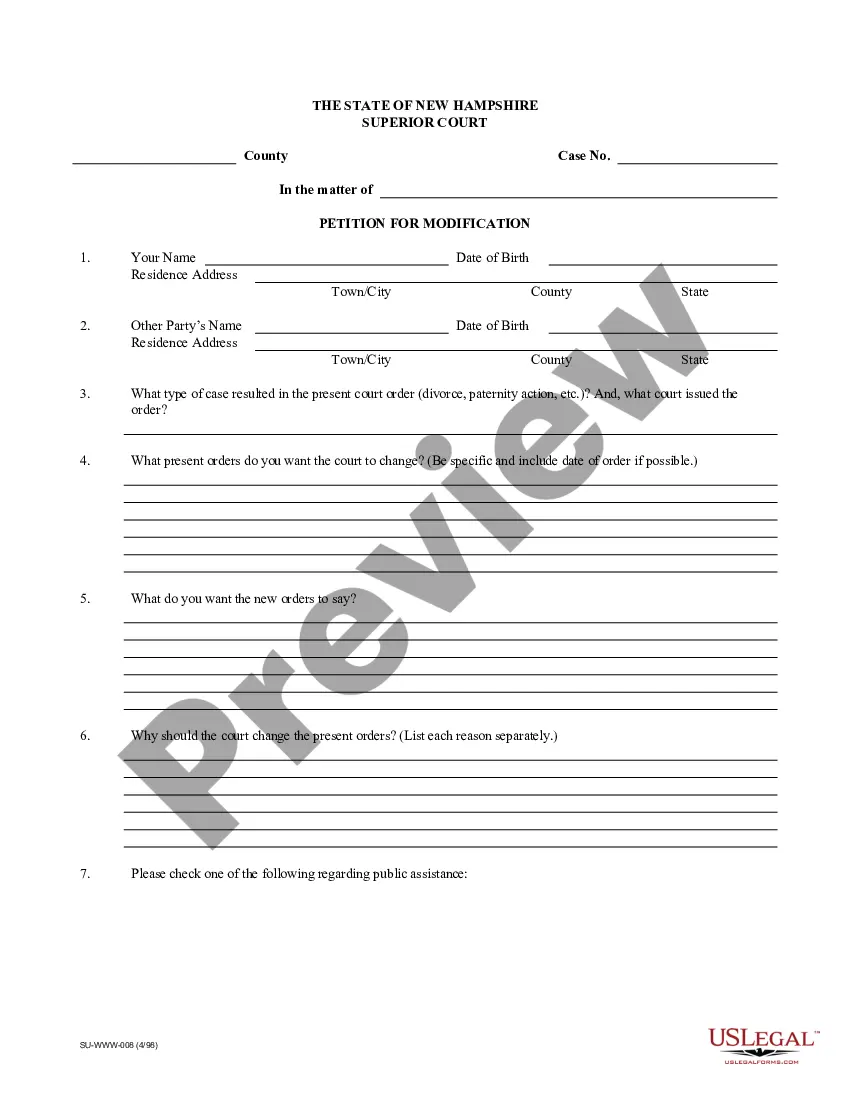


How to fill out Sample Letter For Enclosure Of Medical Reports?
The Document With Attachment you observe on this page is a versatile formal blueprint crafted by experienced attorneys in accordance with federal and state laws.
For over 25 years, US Legal Forms has supplied individuals, enterprises, and legal practitioners with more than 85,000 authenticated, state-specific documents for any commercial and personal scenario.
Reuse your documents whenever needed. Access the My documents tab in your profile to redownload any previously saved documents. Subscribe to US Legal Forms to have verified legal templates for all of life’s situations at your fingertips.
- Browse for the document you require and verify it.
- Examine the file you searched for and preview it or review the form description to confirm it meets your requirements. If it doesn't, utilize the search bar to locate the suitable one. Click Buy Now when you have identified the template you need.
- Subscribe and Log In. Select the pricing option that fits you and set up an account. Use PayPal or a credit card to make a swift payment. If you already possess an account, Log In and review your subscription to continue.
- Obtain the editable template. Choose the format you desire for your Document With Attachment (PDF, Word, RTF) and save the sample on your device.
- Complete and sign the documentation. Print the template to fill it out manually. Alternatively, use an online multifunctional PDF editor to quickly and accurately complete and sign your form with a legally-binding electronic signature.
Form popularity
FAQ
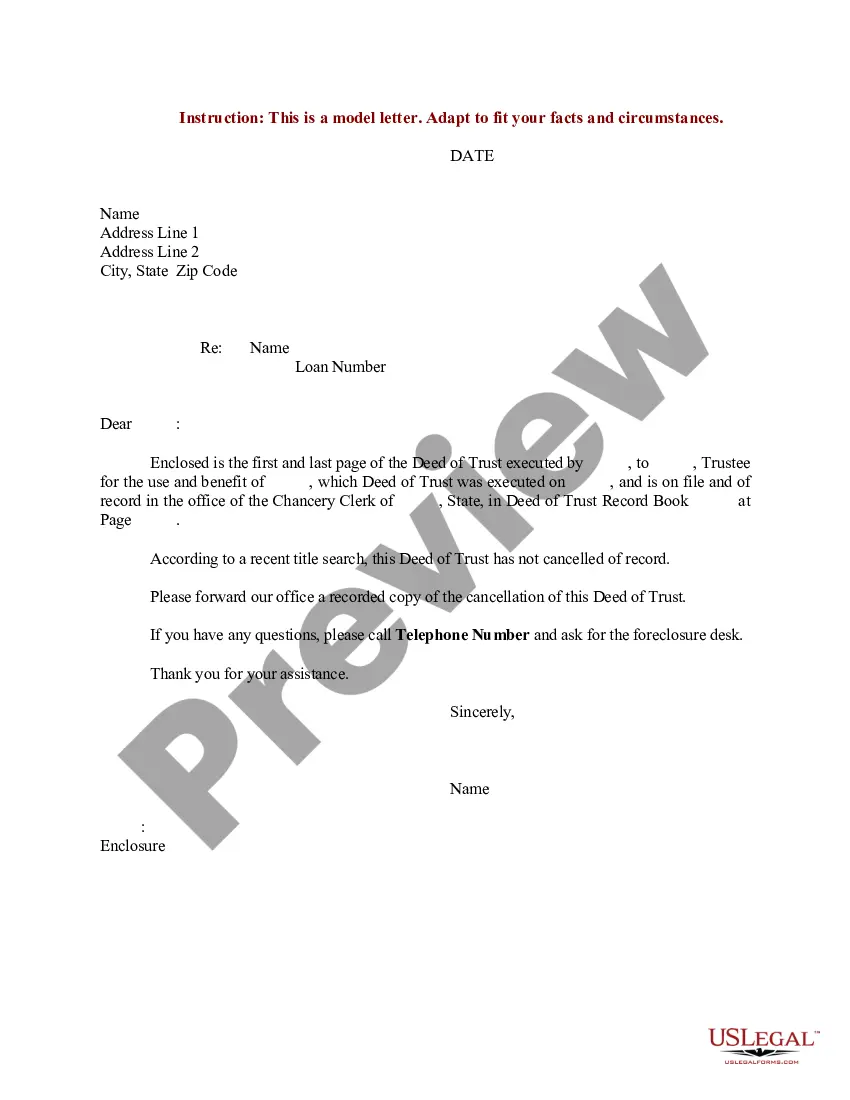
In a letter with enclosure, you should place 'CC' after the enclosure notation. This placement helps separate the list of enclosed documents from the names of individuals receiving copies of your letter. By doing this, you maintain a clear structure that aids in readability and ensures the recipient knows who else is included in the correspondence.
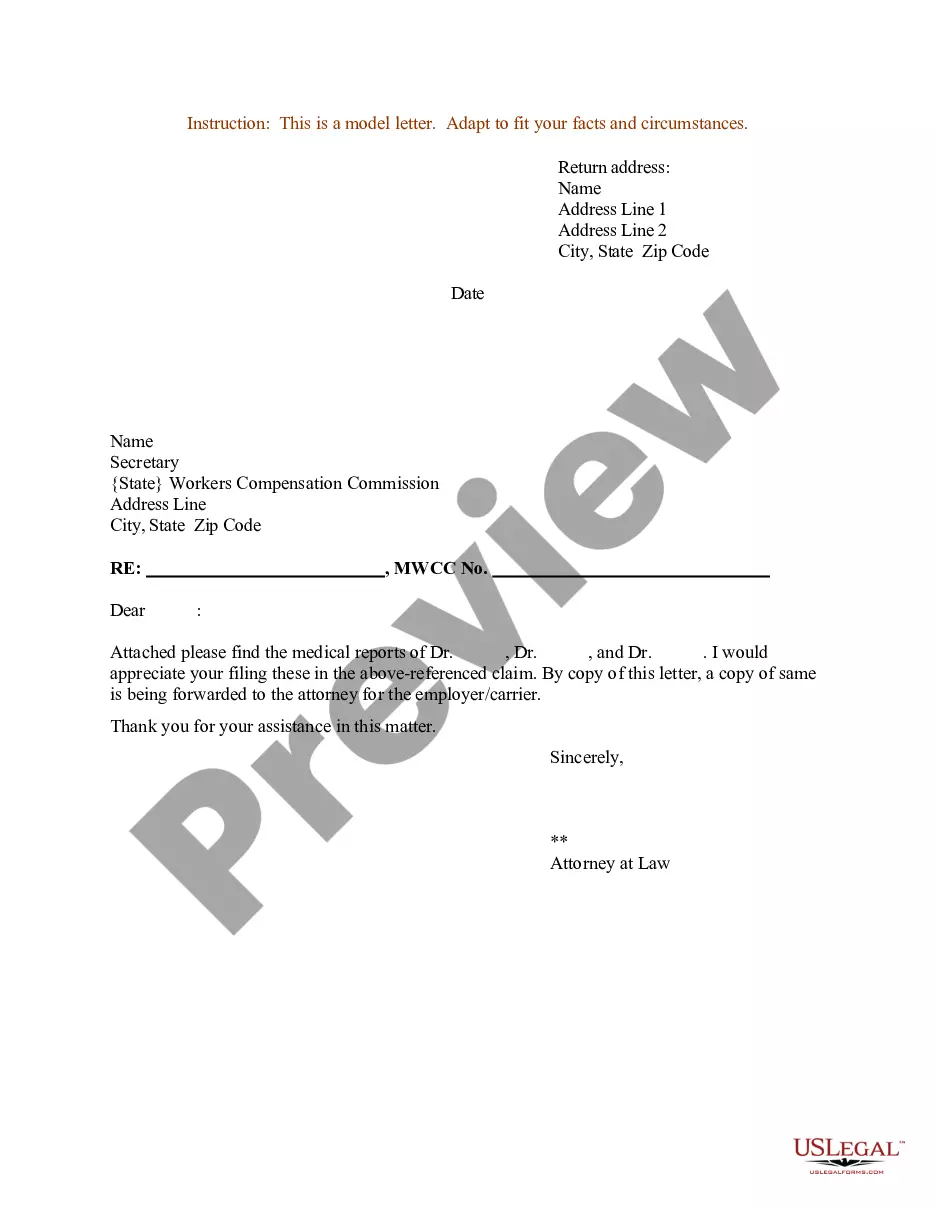
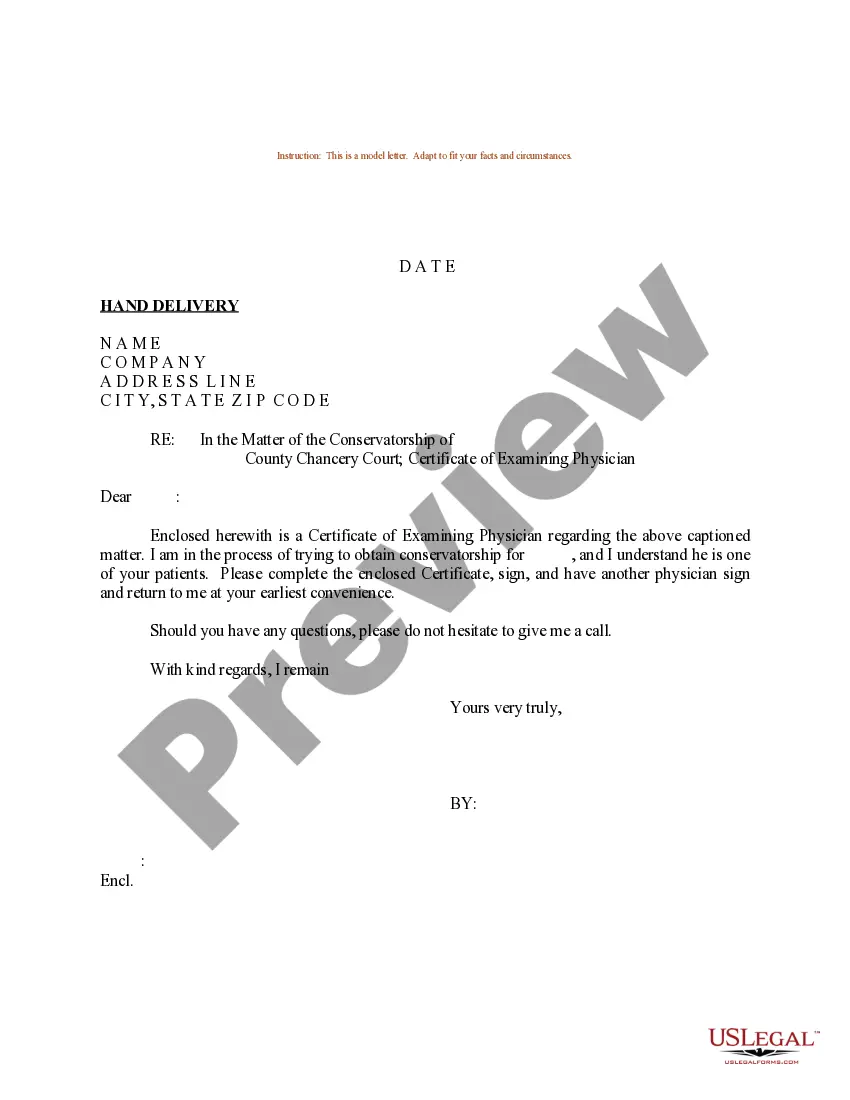
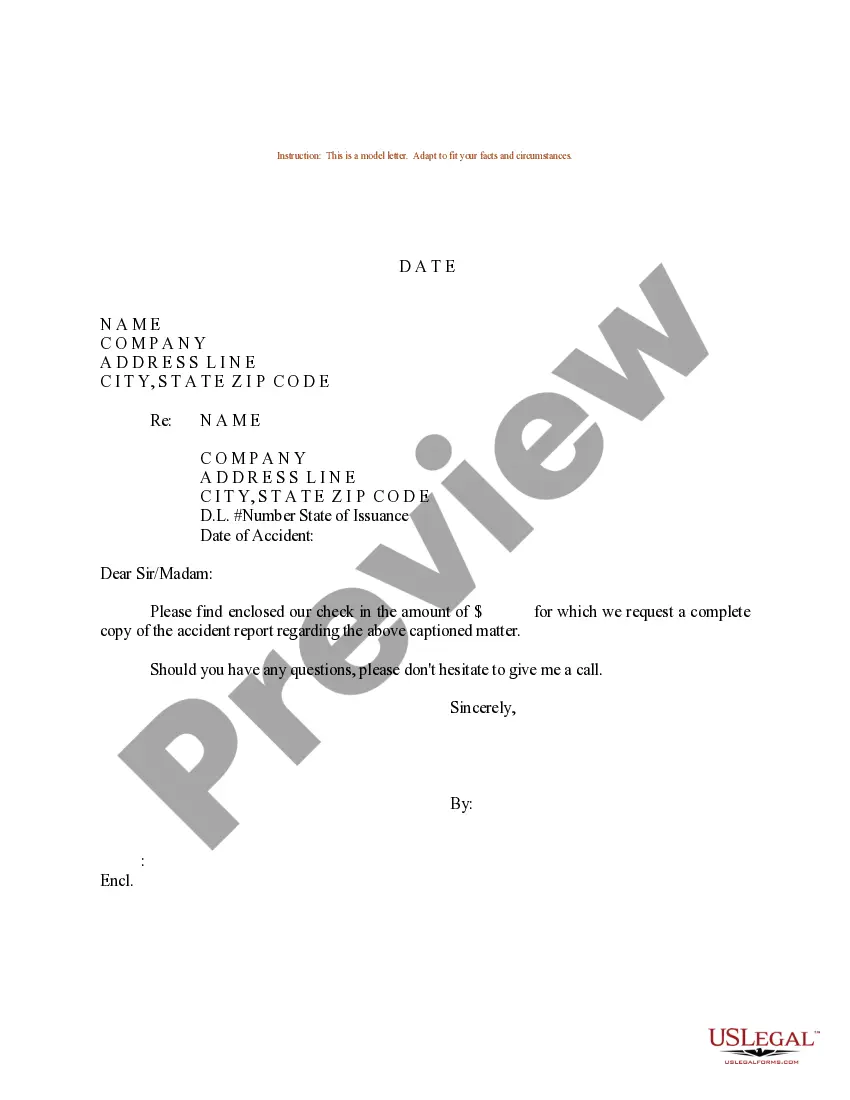
Formatting a letter with enclosures requires attention to detail. Start with your letterhead, followed by the date and the recipient's address. After the closing of your letter, include 'Enclosure' or 'Enclosures' on a new line, listing the documents included. A well-formatted letter with enclosure not only looks professional but also ensures clarity for the recipient.
To fill up an indicate enclosure in your letter with enclosure, first, ensure that you clearly list the enclosed documents at the bottom of your letter. You can use the term 'Enclosure' or 'Enclosures' followed by a colon and a brief description of each document. Make sure to also include the number of enclosures if there are multiple. This process helps the recipient understand what to expect along with your letter.
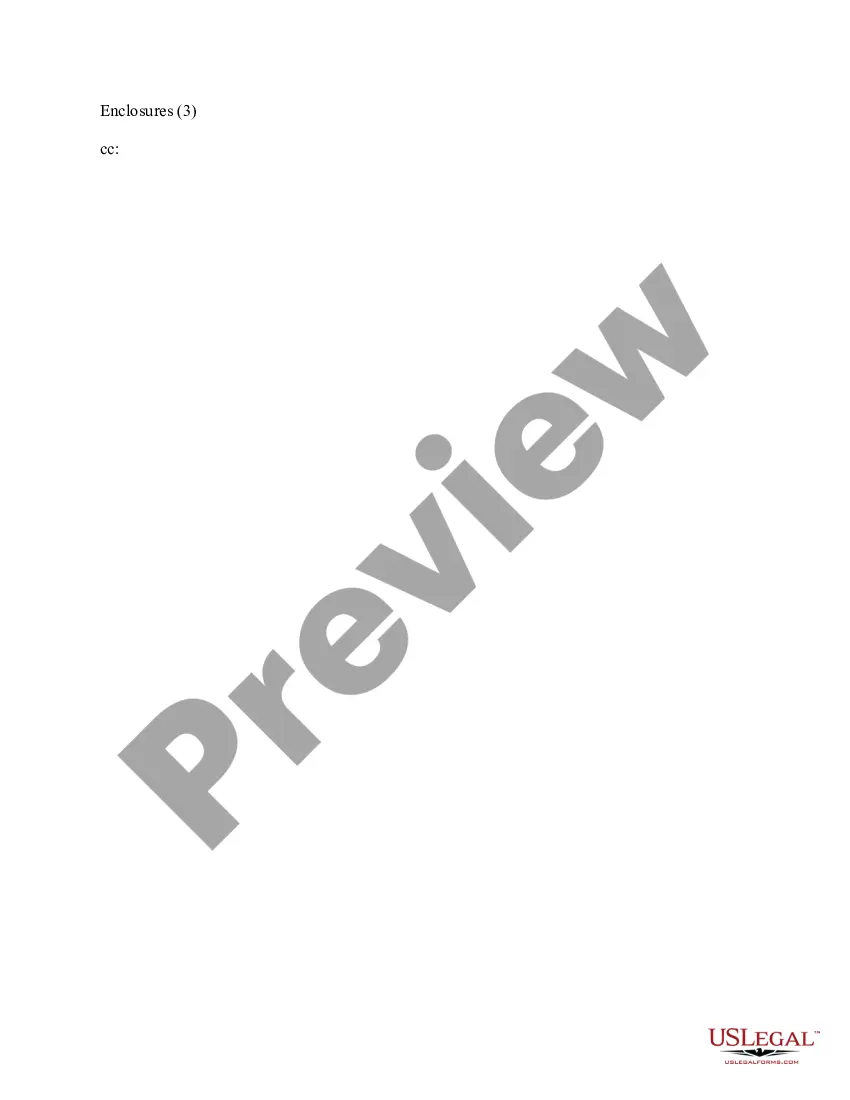
The absolute simplest way to format your letter is just to write "Enclosures" followed by the number of them in parentheses. So, for example, if you were sending a product brochure and three photos, your notation would read "Enclosures (4)."
On a paper business letter, you often include the CC line underneath your signature, either above or below any enclosures line.
An enclosure is something that closes you in, like a pen or a cage. When a cobra disappeared from an enclosure at the Bronx Zoo, the entire Reptile House had to be shut down until the snake was found. An enclosure can also be something that's included in an envelope with a cover letter of some sort.
Hear this out loud PauseThe absolute simplest way to format your letter is just to write "Enclosures" followed by the number of them in parentheses. So, for example, if you were sending a product brochure and three photos, your notation would read "Enclosures (4)." This method works well when you want a short, simple enclosure notation.
Hear this out loud PauseFind your name at the bottom of the closing salutation of the cover letter. Leave two line-space after the salutation and write ?Enclosure? for one document. If you have multiple documents to send, write ?Enclosures.? Give one line space after that and start listing the enclosures.