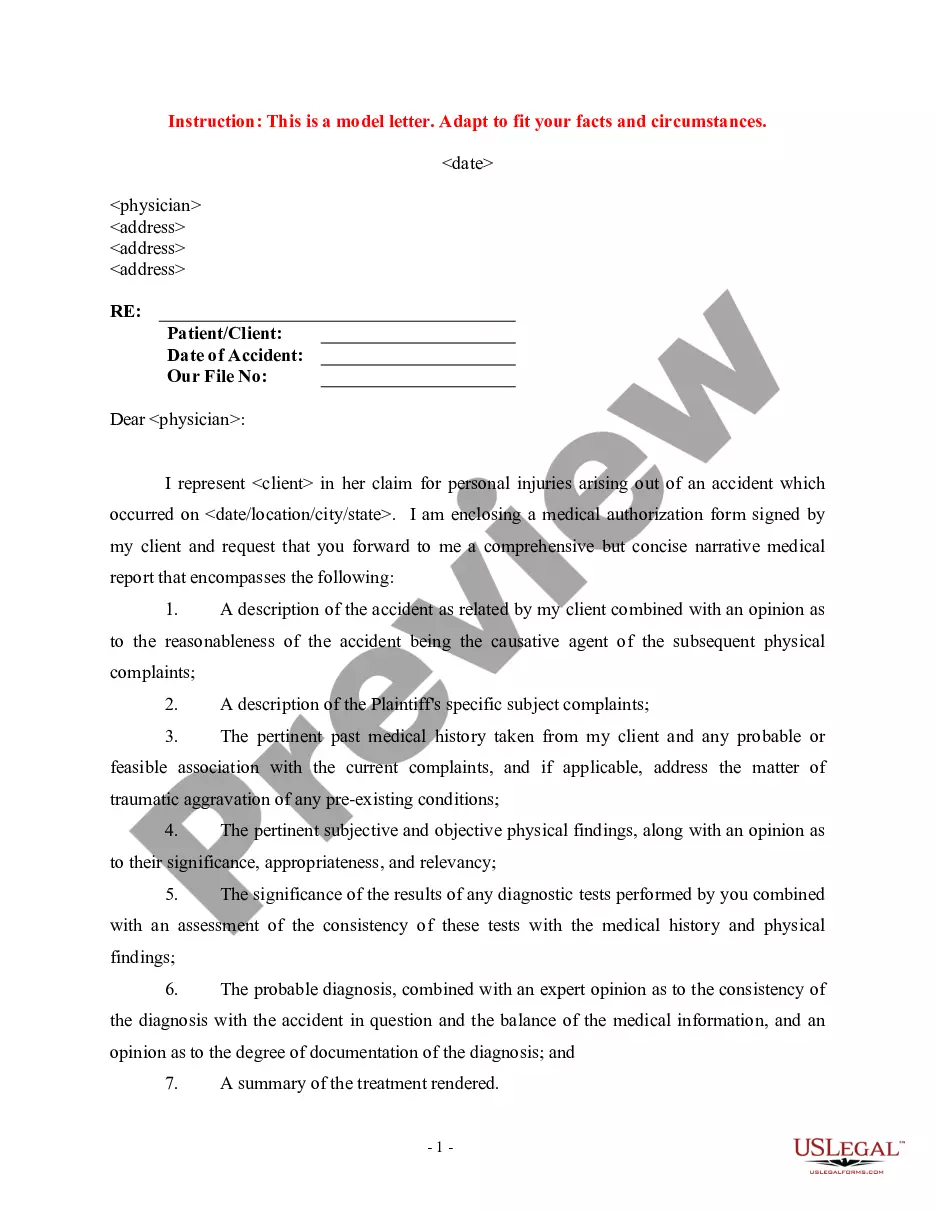
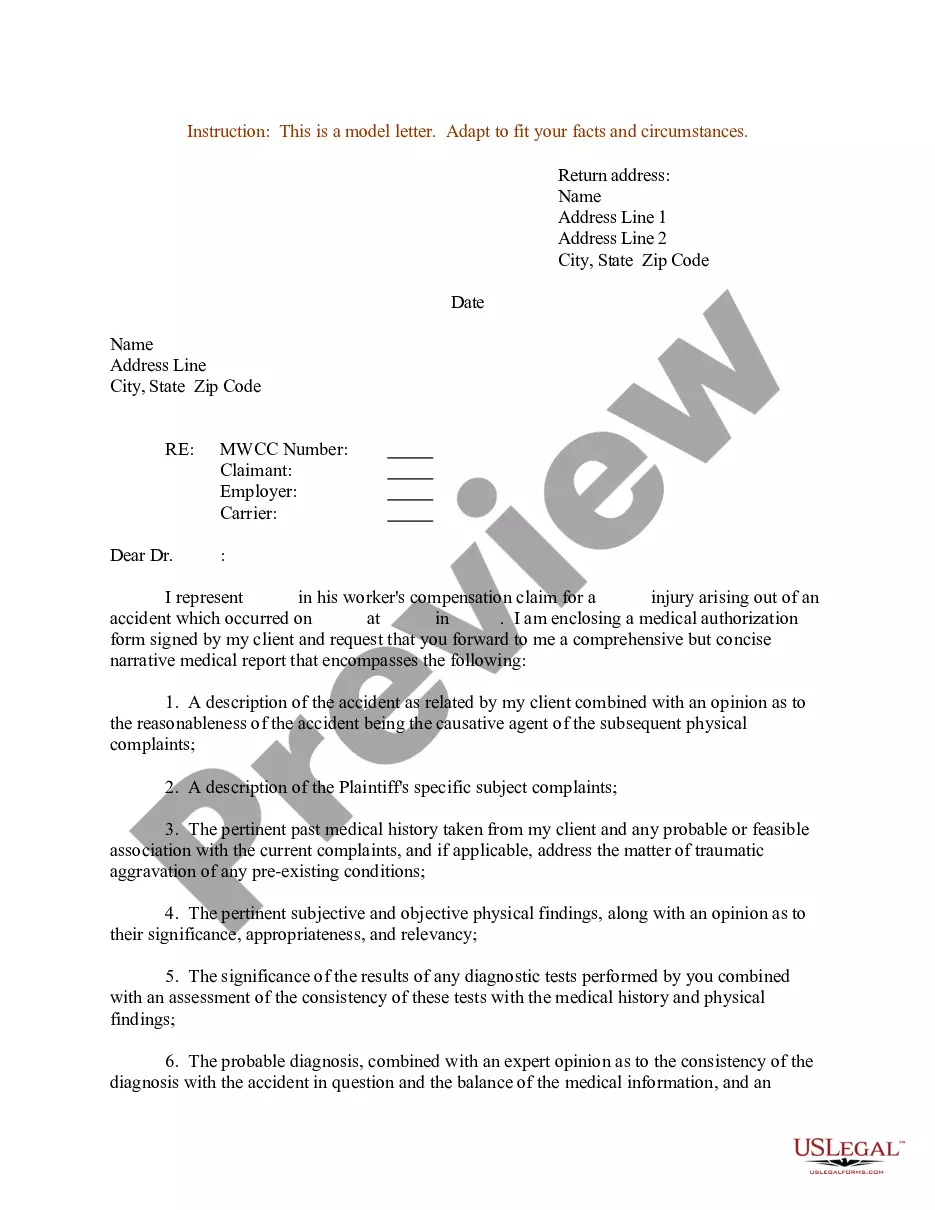
Enclosure Letter Sample For Business
Description

Get your form ready online
Our built-in tools help you complete, sign, share, and store your documents in one place.
Make edits, fill in missing information, and update formatting in US Legal Forms—just like you would in MS Word.
Download a copy, print it, send it by email, or mail it via USPS—whatever works best for your next step.
Sign and collect signatures with our SignNow integration. Send to multiple recipients, set reminders, and more. Go Premium to unlock E-Sign.
If this form requires notarization, complete it online through a secure video call—no need to meet a notary in person or wait for an appointment.
We protect your documents and personal data by following strict security and privacy standards.

Make edits, fill in missing information, and update formatting in US Legal Forms—just like you would in MS Word.

Download a copy, print it, send it by email, or mail it via USPS—whatever works best for your next step.

Sign and collect signatures with our SignNow integration. Send to multiple recipients, set reminders, and more. Go Premium to unlock E-Sign.

If this form requires notarization, complete it online through a secure video call—no need to meet a notary in person or wait for an appointment.

We protect your documents and personal data by following strict security and privacy standards.
Looking for another form?
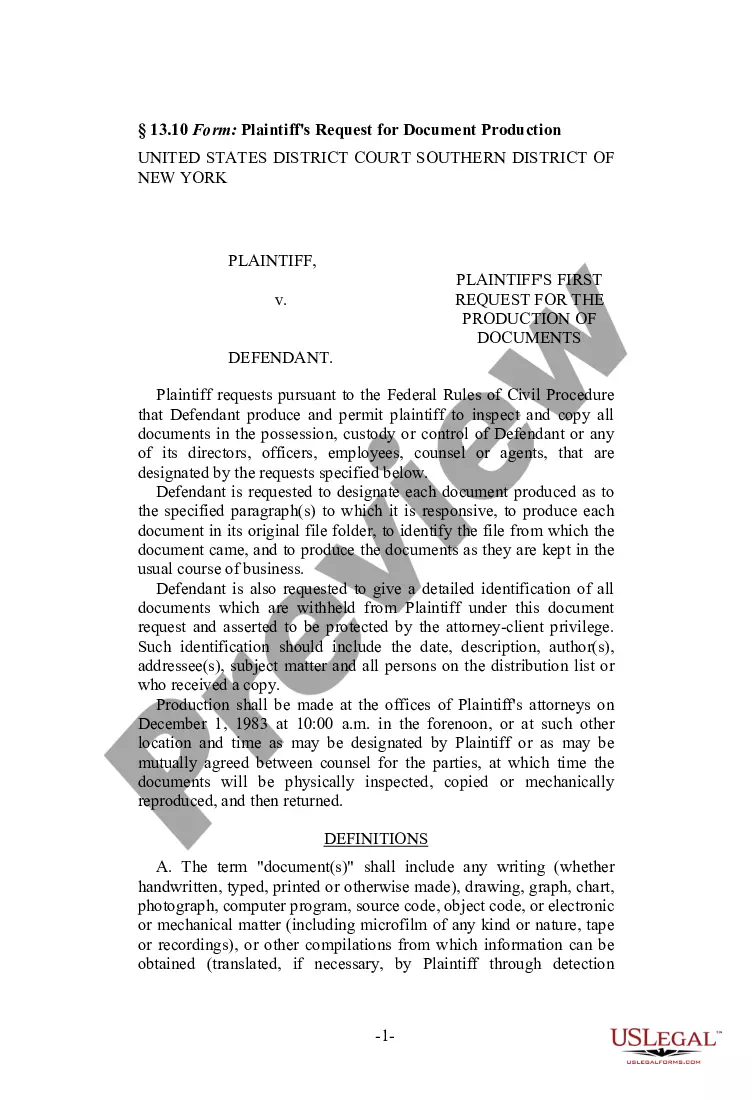
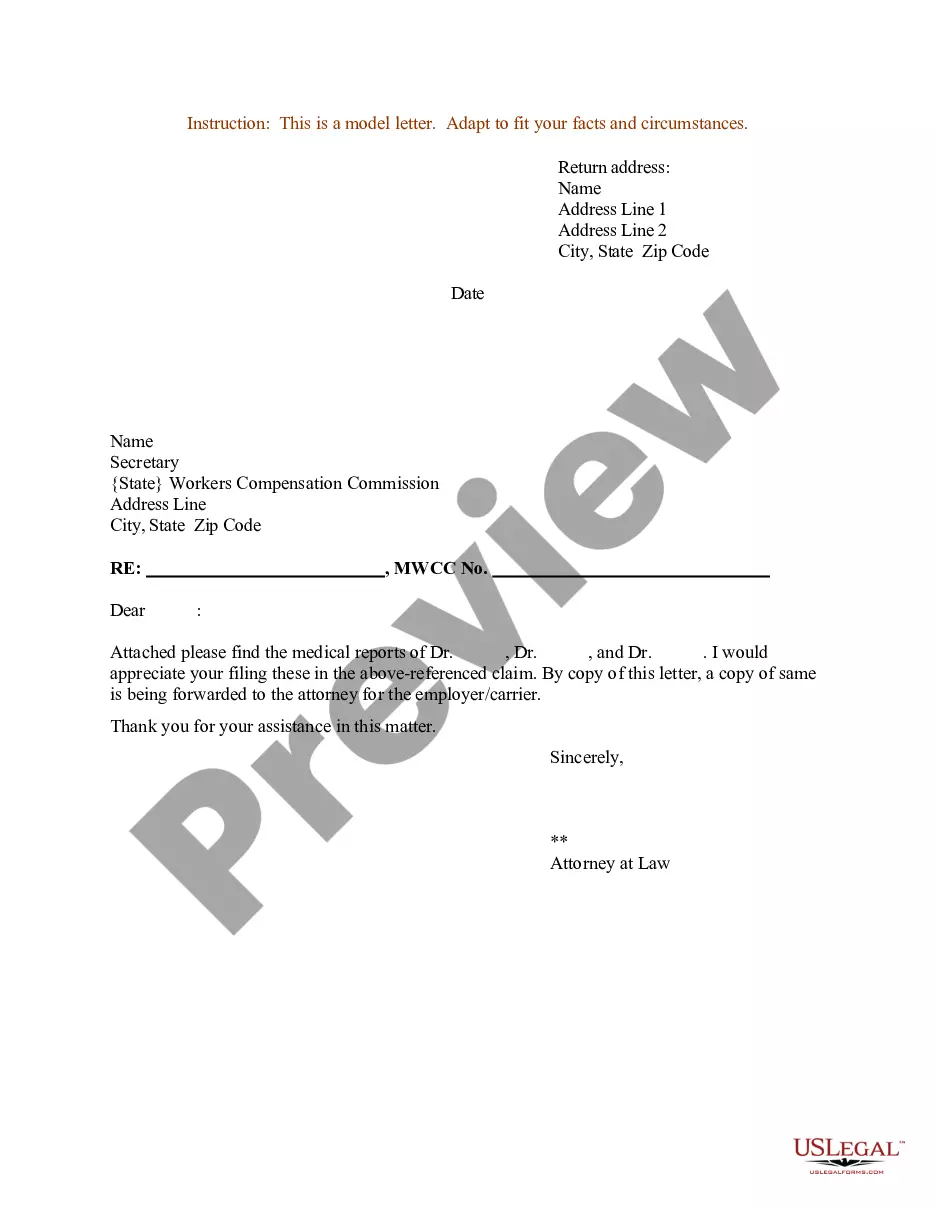
How to fill out Sample Letter For Enclosure Of Medical Reports?
Legal document organization can be overwhelming, even for the most proficient professionals.
When seeking a Enclosure Letter Sample For Business and lacking the time to hunt for the correct and updated edition, the process can be challenging.
You can access state- or county-specific legal and business documents.
US Legal Forms satisfies any requirements you may have, from personal to business forms, all in one location.
If this is your first experience with US Legal Forms, create an account and gain unlimited access to the full range of library benefits.
- Utilize advanced tools to complete and manage your Enclosure Letter Sample For Business.
- Access an extensive resource library of articles, guides, and materials related to your situation and requirements.
- Save time and effort in finding the necessary documents, and leverage US Legal Forms’ intuitive search and Preview feature to locate and obtain the Enclosure Letter Sample For Business.
- If you have a membership, Log Into your US Legal Forms account, search for the form, and retrieve it.
- Review the My documents tab to see documents you have previously saved and manage your folders as you see fit.
- A comprehensive web form repository could be transformative for anyone aiming to effectively manage these scenarios.
- US Legal Forms stands out as a leader in online legal documents, offering over 85,000 state-specific legal forms available to you at any time.
- With US Legal Forms, you can access a wide range of features to streamline your document needs.
Form popularity
FAQ
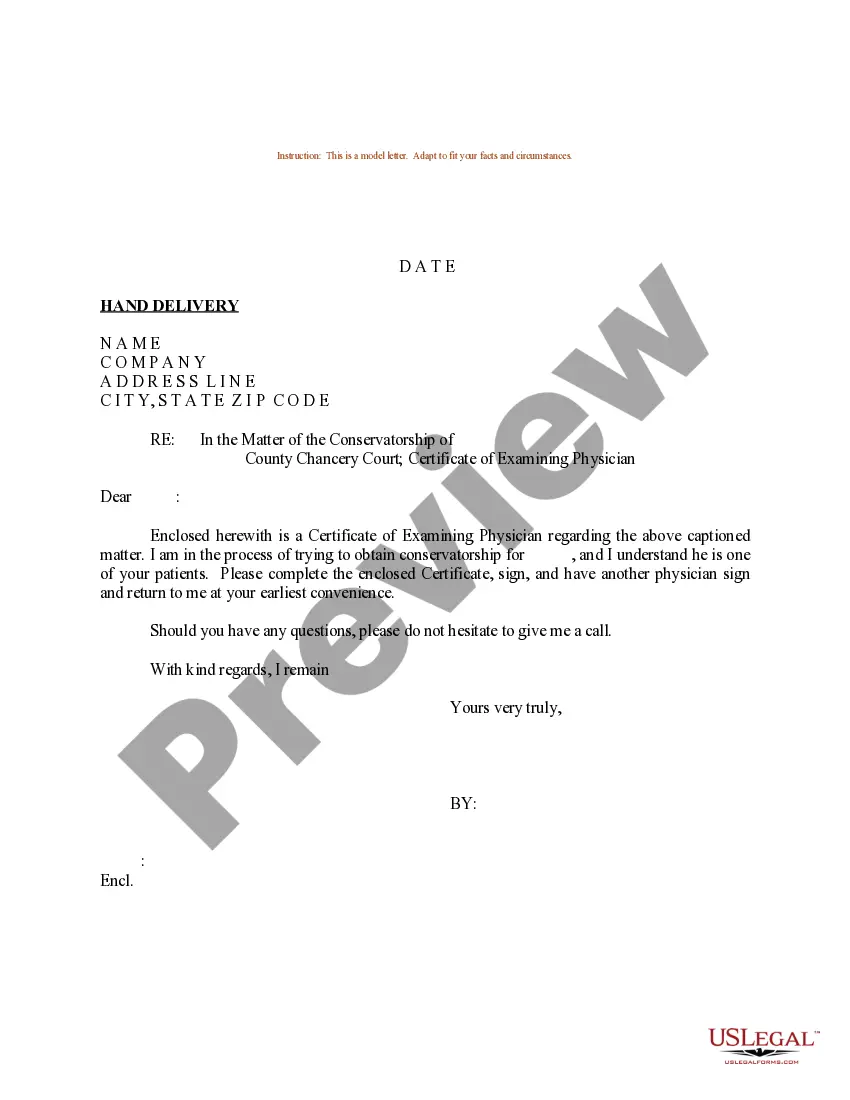
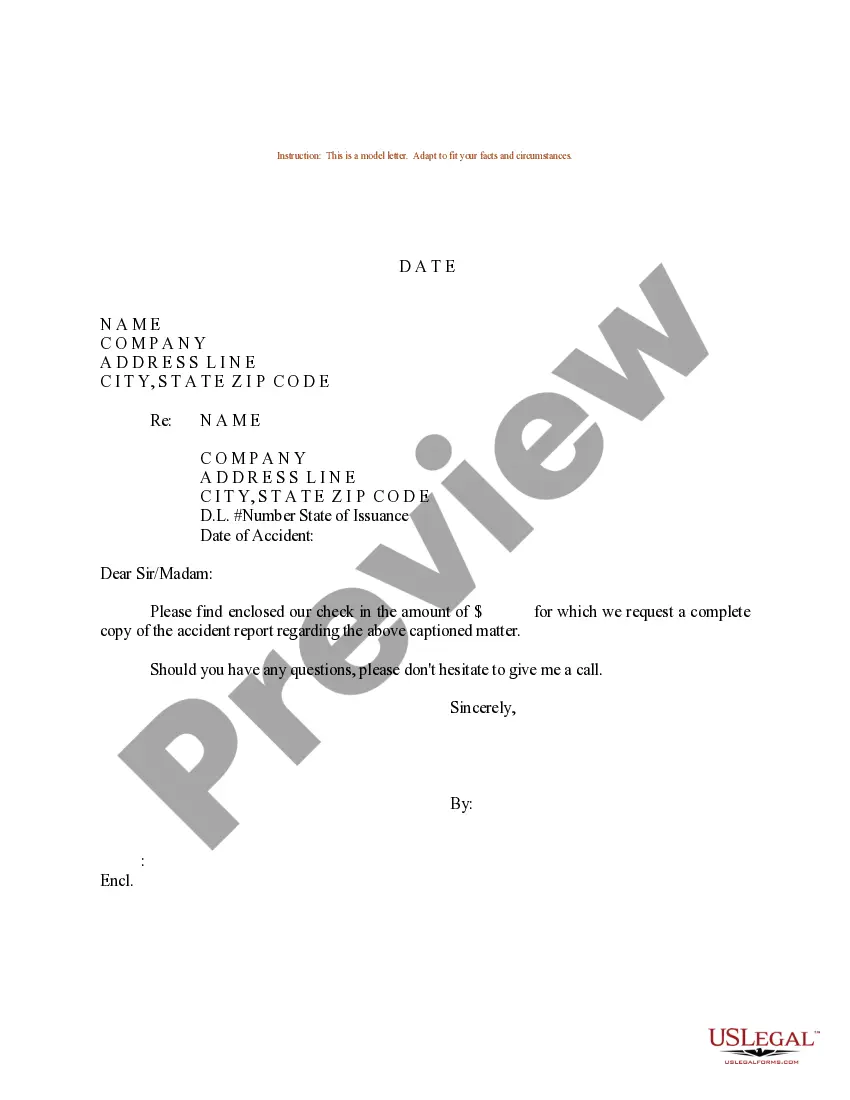
Common special notations are as follows: cc: Followed by a person's name: This means that a copy of the letter is being sent to the person named. Enclosure or encl.: A separate document or item mentioned in the letter is enclosed in the same envelope as the business letter.
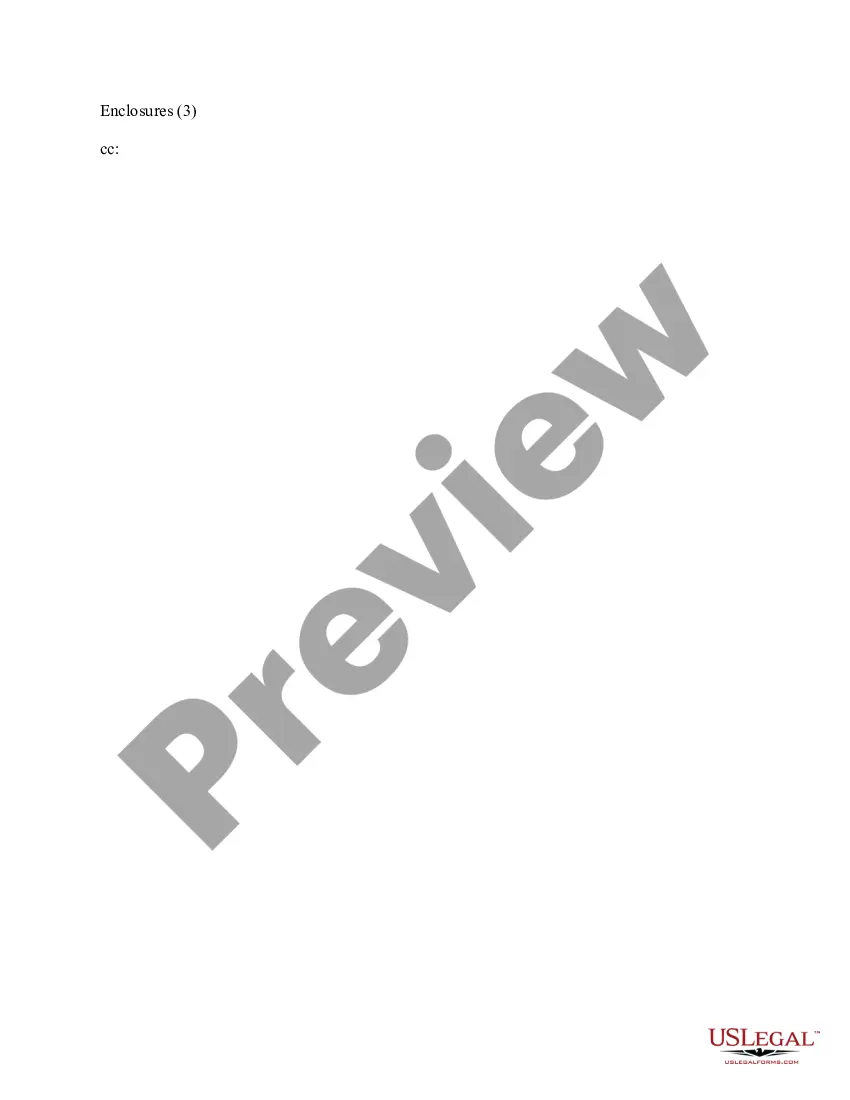
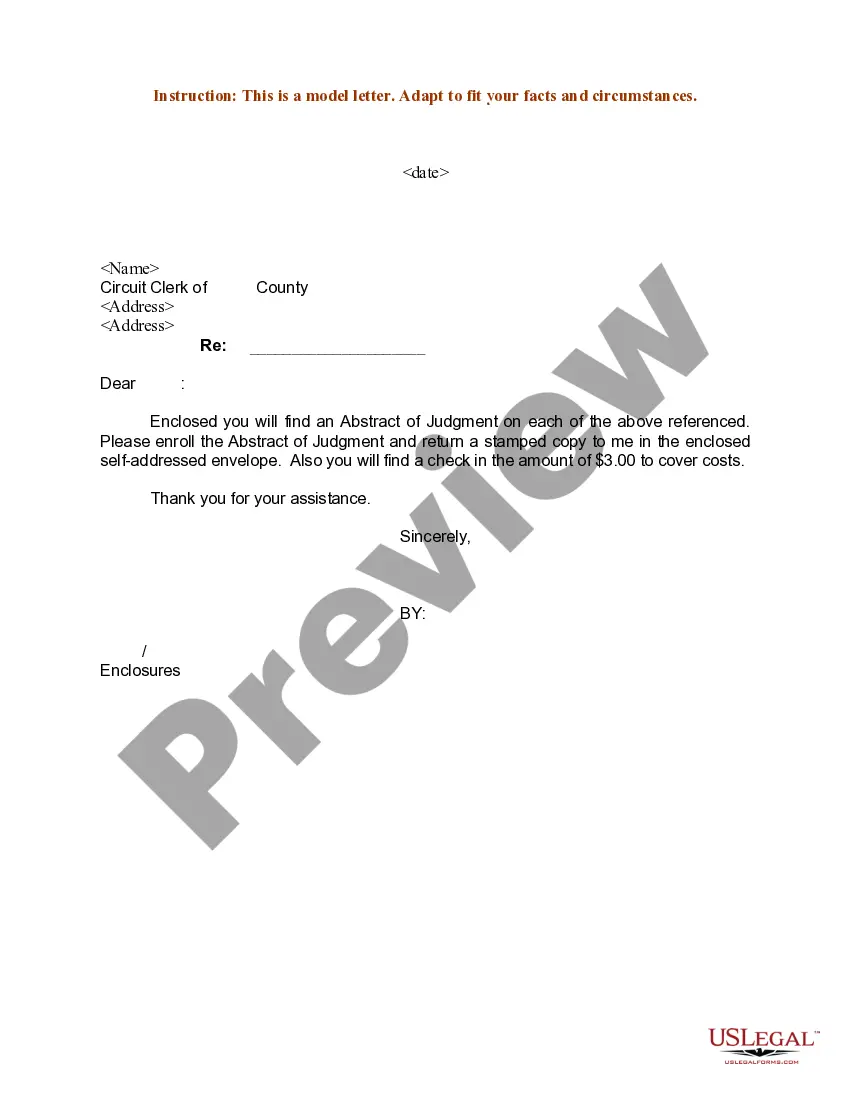
The absolute simplest way to format your letter is just to write "Enclosures" followed by the number of them in parentheses. So, for example, if you were sending a product brochure and three photos, your notation would read "Enclosures (4)."
An enclosure notation lets the reader know other documents are enclosed or attached within the letter or email in question. A business letter with enclosures usually has the enclosure notation as both a practical backup and a formality.
The enclosure is typically mentioned at the end of the letter, after the closing, and is indicated by the word "Enclosure" or "Enclosures" followed by the number of documents included. For example, "Enclosure: 1 resume" or "Enclosures: 2 writing samples, 1 reference list."