Enclosure Letter Example For Business
Description

Get your form ready online
Our built-in tools help you complete, sign, share, and store your documents in one place.
Make edits, fill in missing information, and update formatting in US Legal Forms—just like you would in MS Word.
Download a copy, print it, send it by email, or mail it via USPS—whatever works best for your next step.
Sign and collect signatures with our SignNow integration. Send to multiple recipients, set reminders, and more. Go Premium to unlock E-Sign.
If this form requires notarization, complete it online through a secure video call—no need to meet a notary in person or wait for an appointment.
We protect your documents and personal data by following strict security and privacy standards.

Make edits, fill in missing information, and update formatting in US Legal Forms—just like you would in MS Word.

Download a copy, print it, send it by email, or mail it via USPS—whatever works best for your next step.

Sign and collect signatures with our SignNow integration. Send to multiple recipients, set reminders, and more. Go Premium to unlock E-Sign.

If this form requires notarization, complete it online through a secure video call—no need to meet a notary in person or wait for an appointment.

We protect your documents and personal data by following strict security and privacy standards.
Looking for another form?
How to fill out Sample Letter For Enclosure Of Medical Reports?
Creating legal documents from the ground up can occasionally be somewhat daunting.
Certain situations may require numerous hours of investigation and significant expenses.
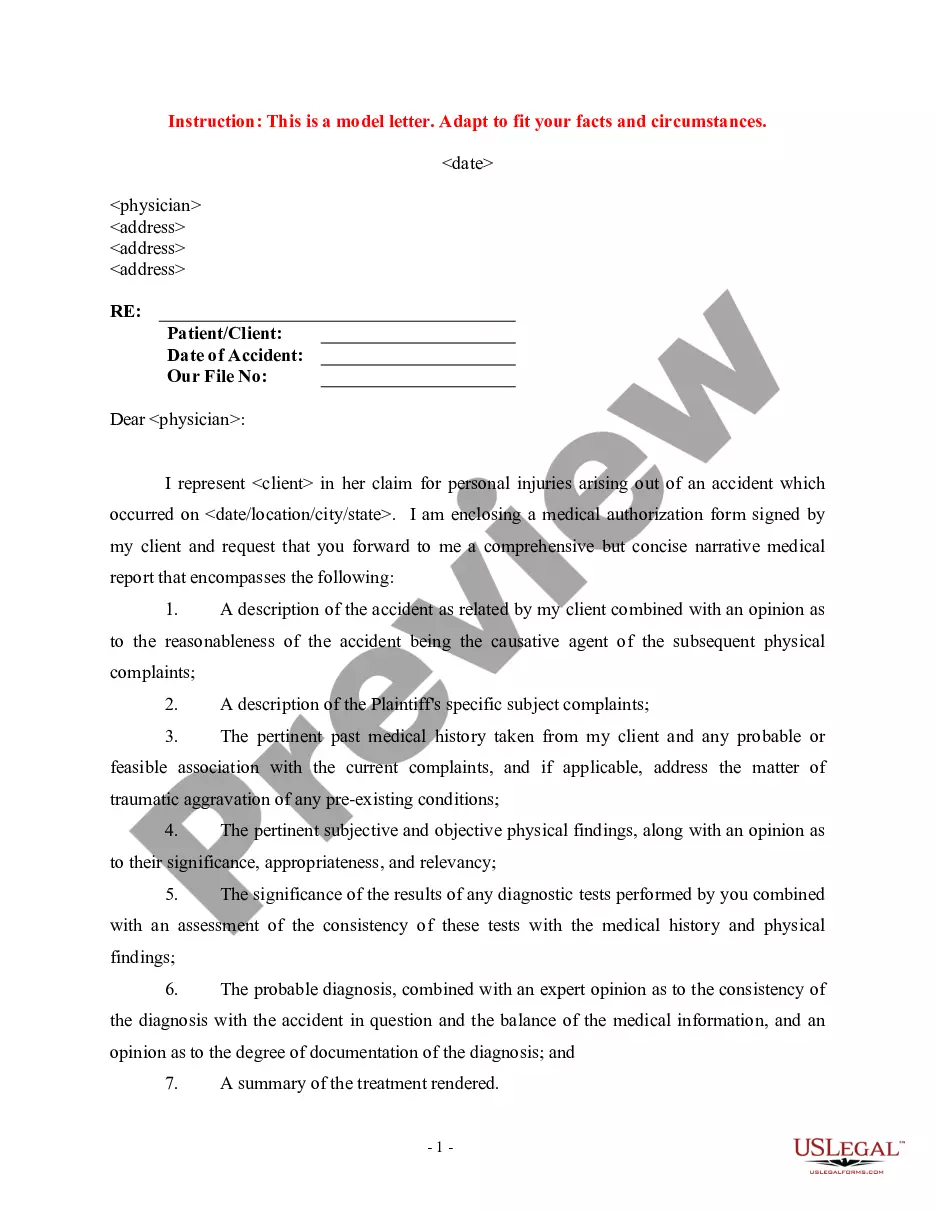
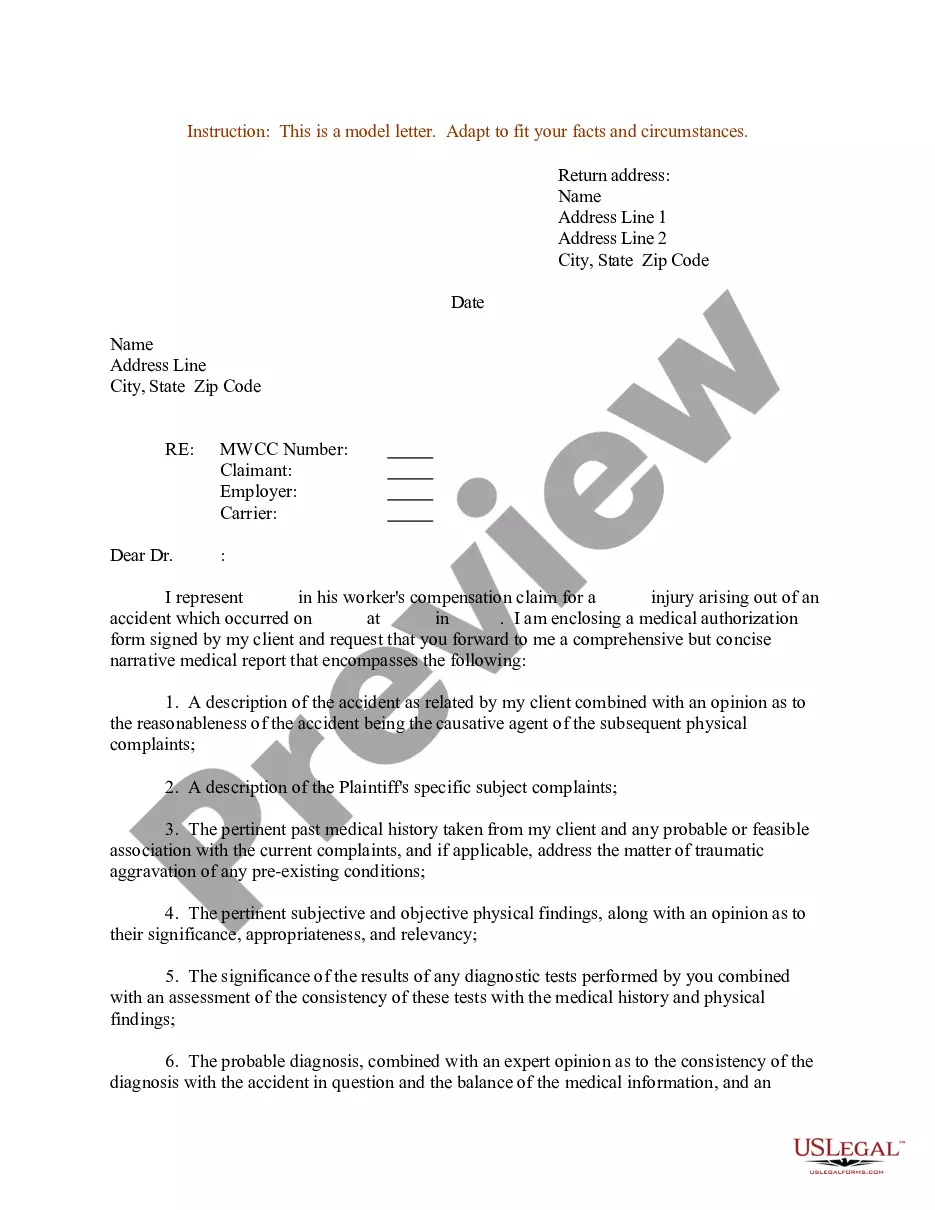
If you’re seeking a simpler and more cost-effective method for preparing Enclosure Letter Example For Business or any other documents without the hassle, US Legal Forms is always available to assist you.
Our digital collection of over 85,000 current legal forms encompasses nearly every facet of your financial, legal, and personal affairs.
However, before proceeding to download the Enclosure Letter Example For Business, consider these recommendations: Review the form preview and descriptions to ensure you are selecting the form you need. Confirm that the form you select complies with the regulations and laws of your state and locality. Select the appropriate subscription option to buy the Enclosure Letter Example For Business. Download the form, then complete, verify, and print it out. US Legal Forms has a strong reputation and over 25 years of experience. Join us now and make form completion an easy and efficient task!
- With just a handful of clicks, you can instantly acquire state- and county-compliant templates meticulously arranged for you by our legal professionals.
- Utilize our website whenever you require a dependable and trustworthy service through which you can conveniently locate and download the Enclosure Letter Example For Business.
- If you’re already familiar with our services and have created an account with us before, simply Log In to your account, find the template, and download it or re-download it anytime later in the My documents tab.
- Don’t have an account? No problem. It takes only minutes to set it up and browse the catalog.
Form popularity
FAQ
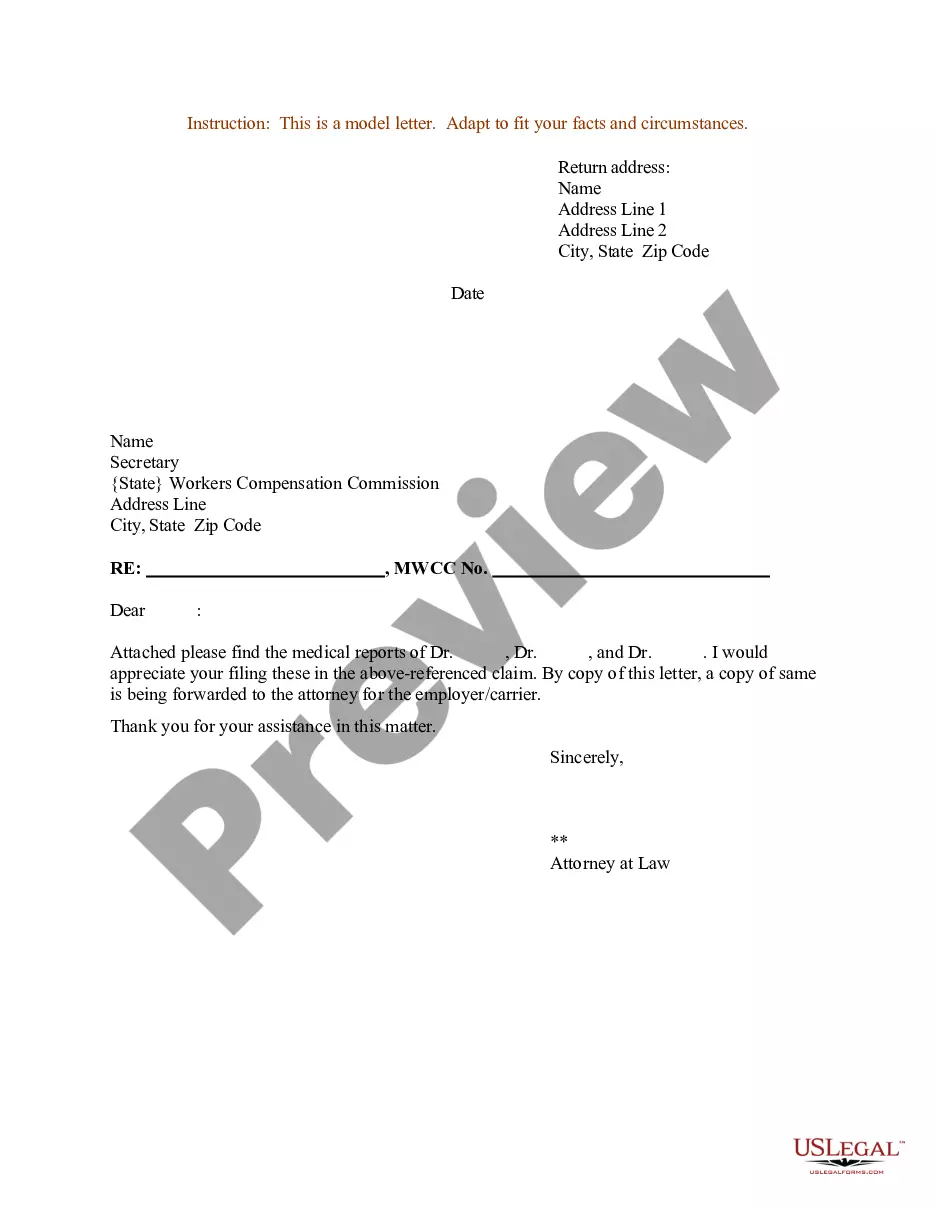
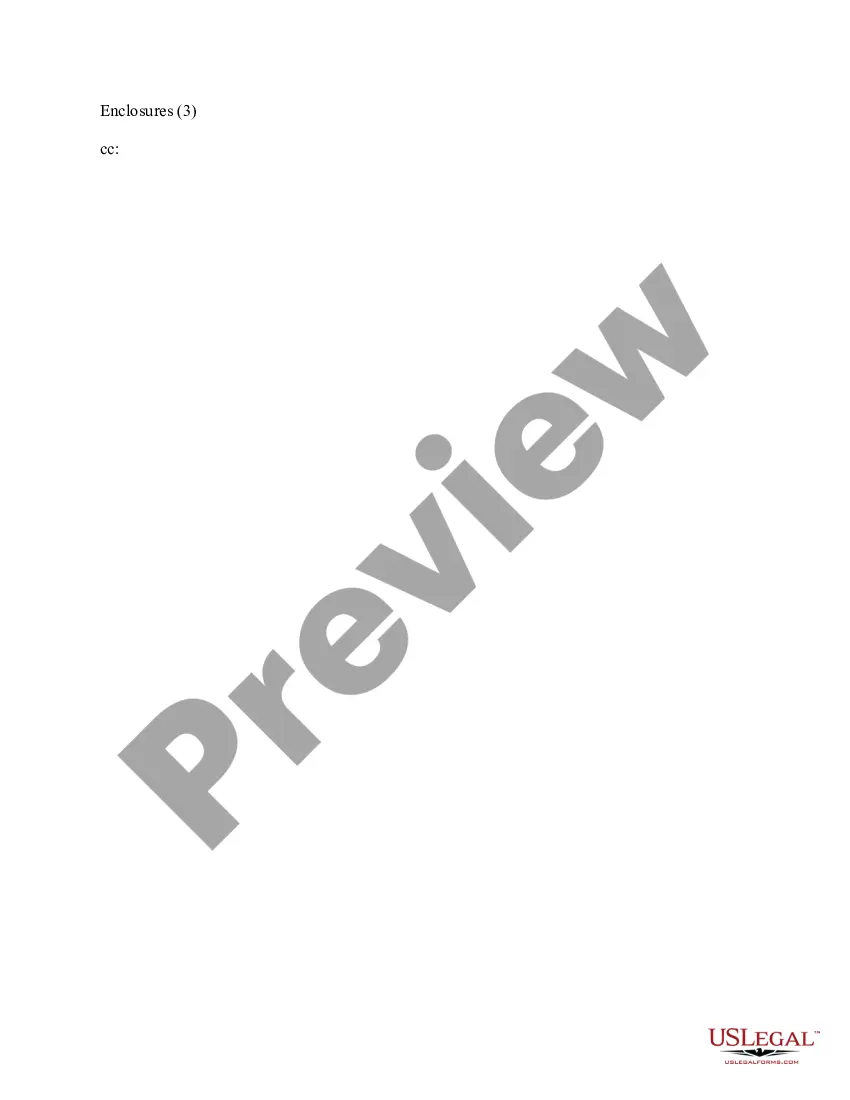
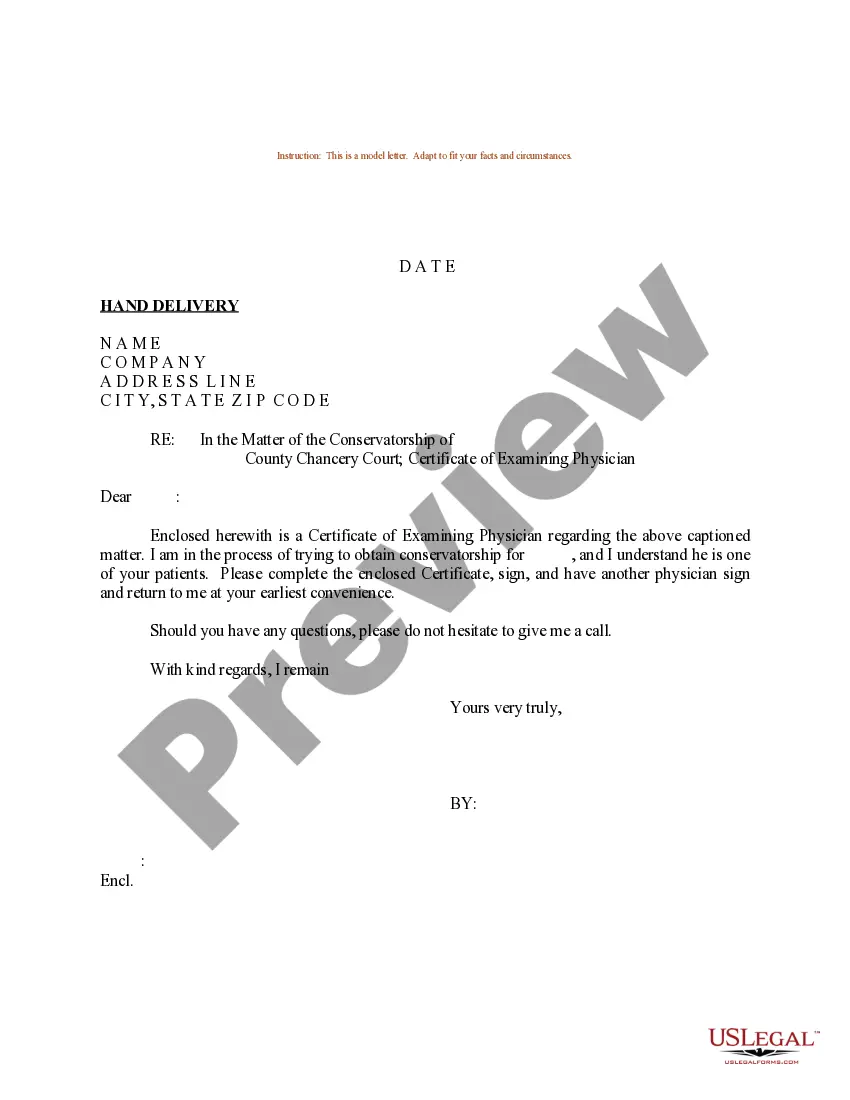
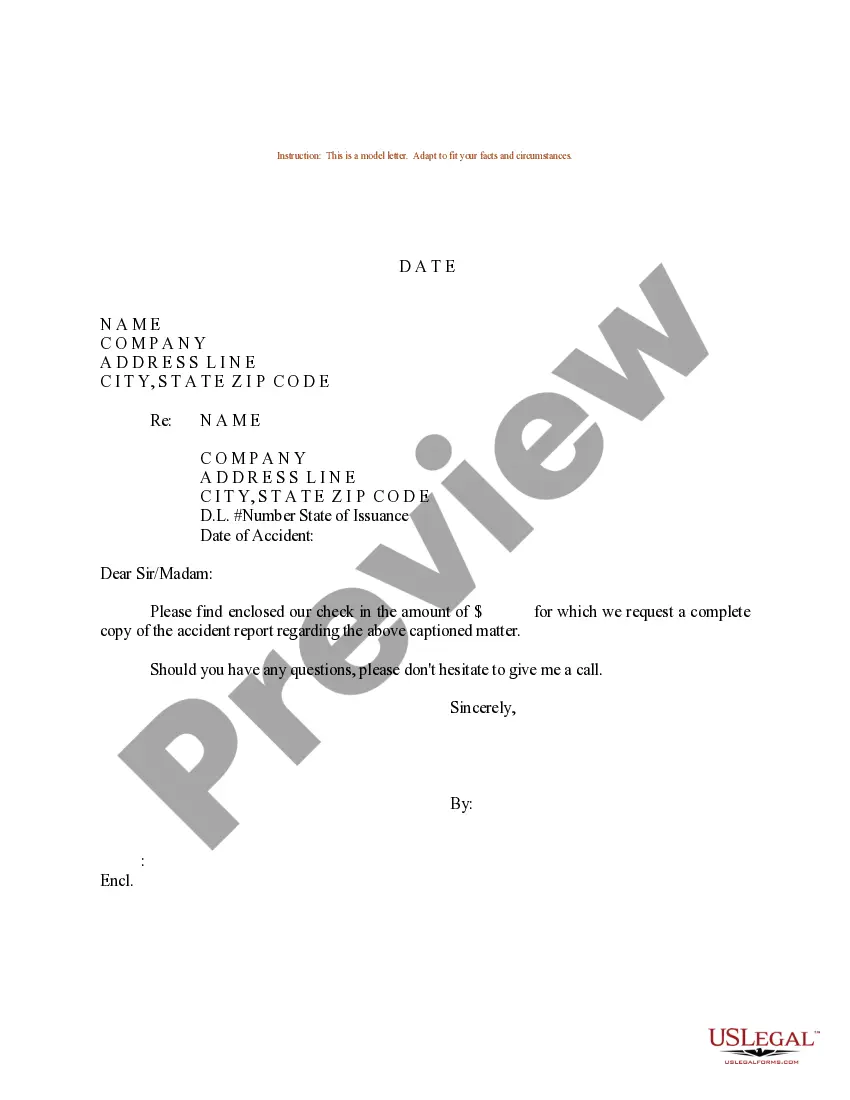
The enclosure notation indicates that additional documents accompany the business letter. It informs the recipient that they should look for the enclosed materials, which may be critical for understanding the contents of the letter. An enclosure letter example for business will help illustrate the essential role this notation plays in maintaining clear communication.
On a paper business letter, you often include the CC line underneath your signature, either above or below any enclosures line.
The absolute simplest way to format your letter is just to write "Enclosures" followed by the number of them in parentheses. So, for example, if you were sending a product brochure and three photos, your notation would read "Enclosures (4)."
An enclosure notation lets the reader know other documents are enclosed or attached within the letter or email in question. A business letter with enclosures usually has the enclosure notation as both a practical backup and a formality.
The enclosure is typically mentioned at the end of the letter, after the closing, and is indicated by the word "Enclosure" or "Enclosures" followed by the number of documents included. For example, "Enclosure: 1 resume" or "Enclosures: 2 writing samples, 1 reference list."