Sample Letter Derogatory Credit With Transunion
Description
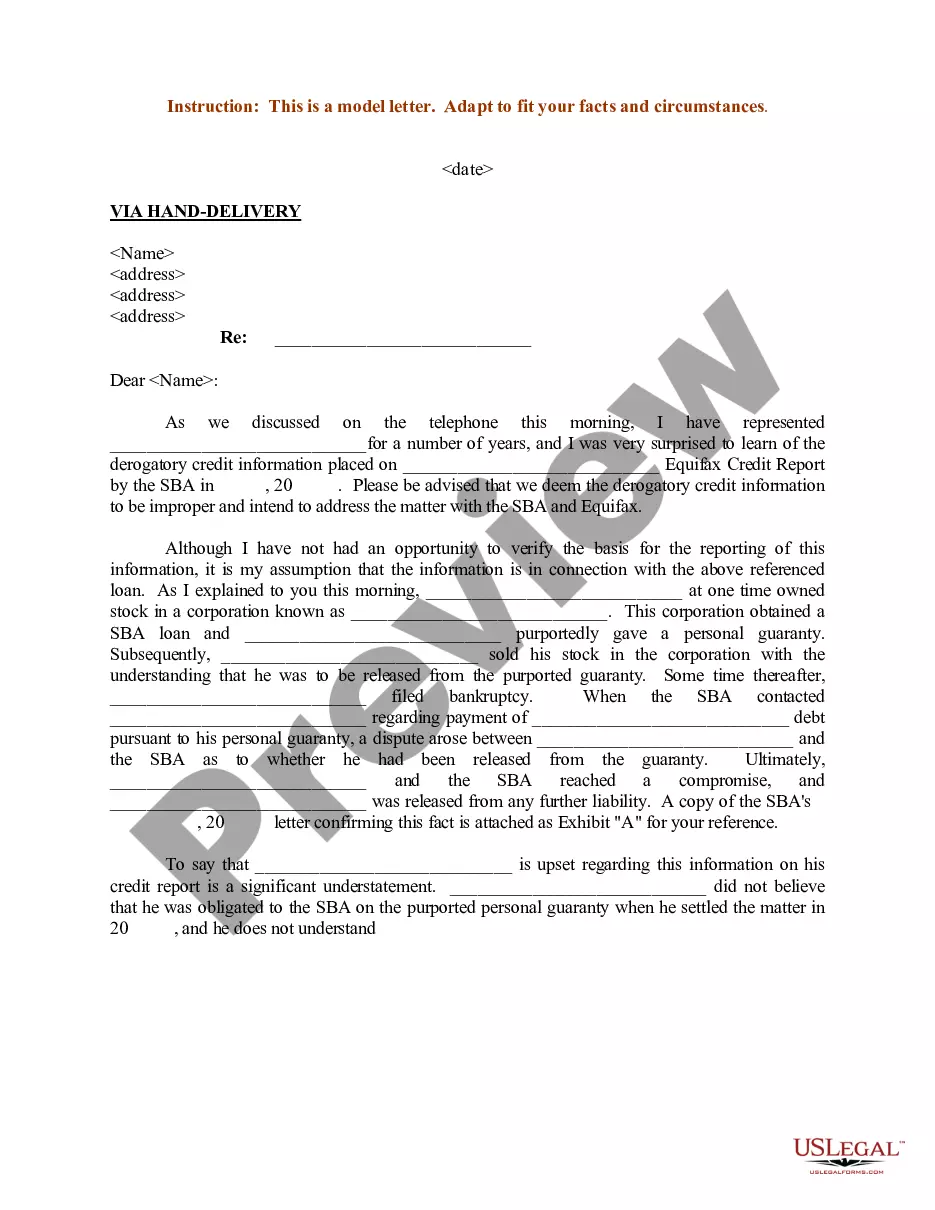
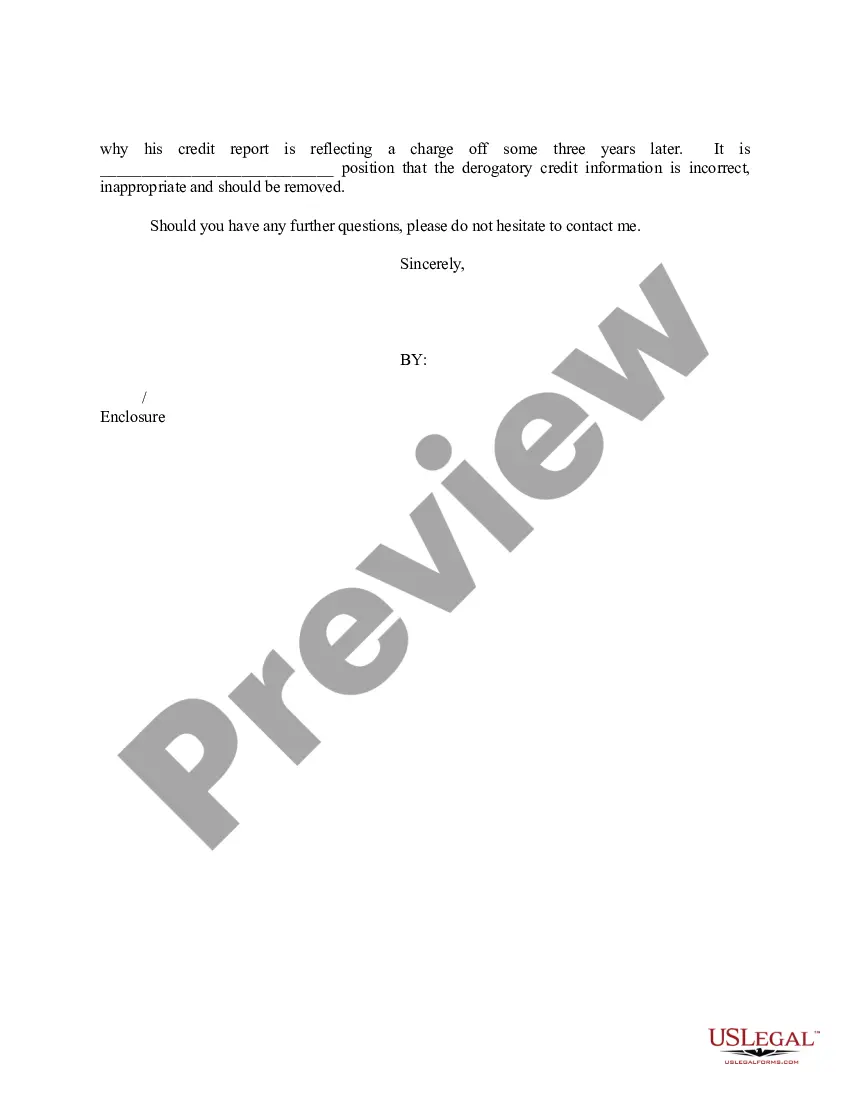
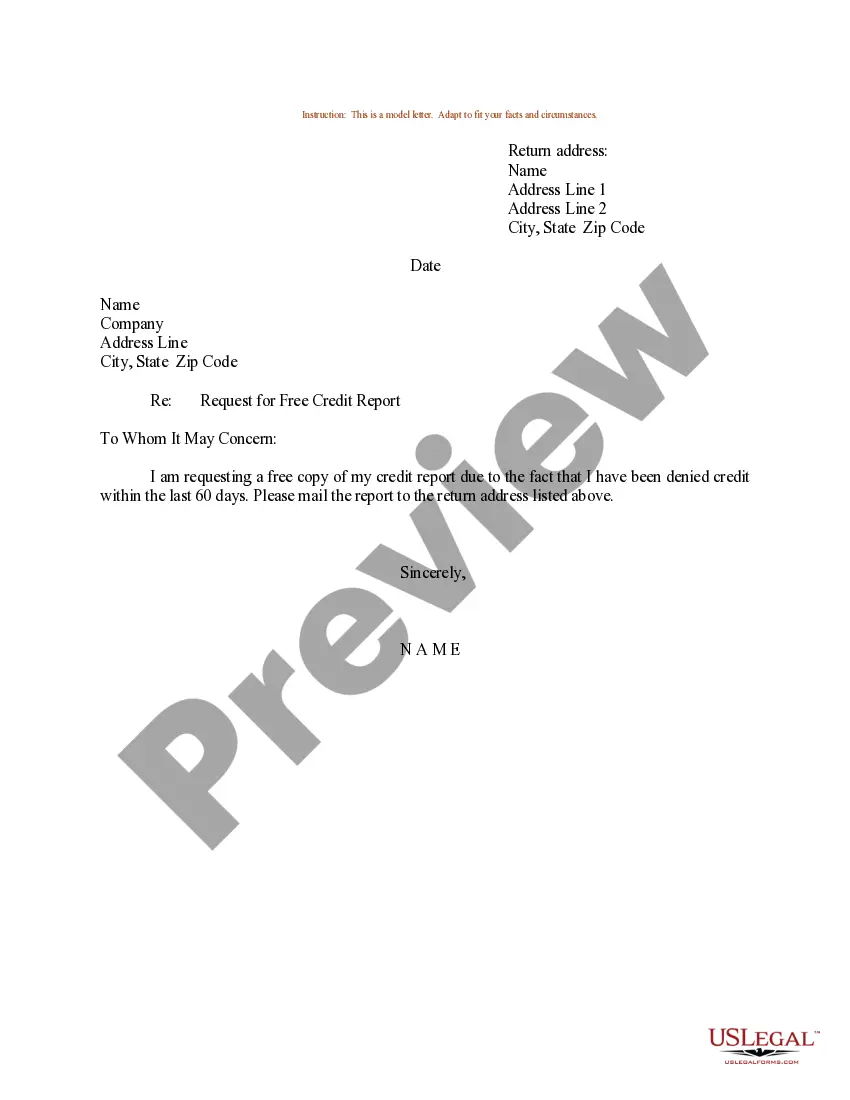
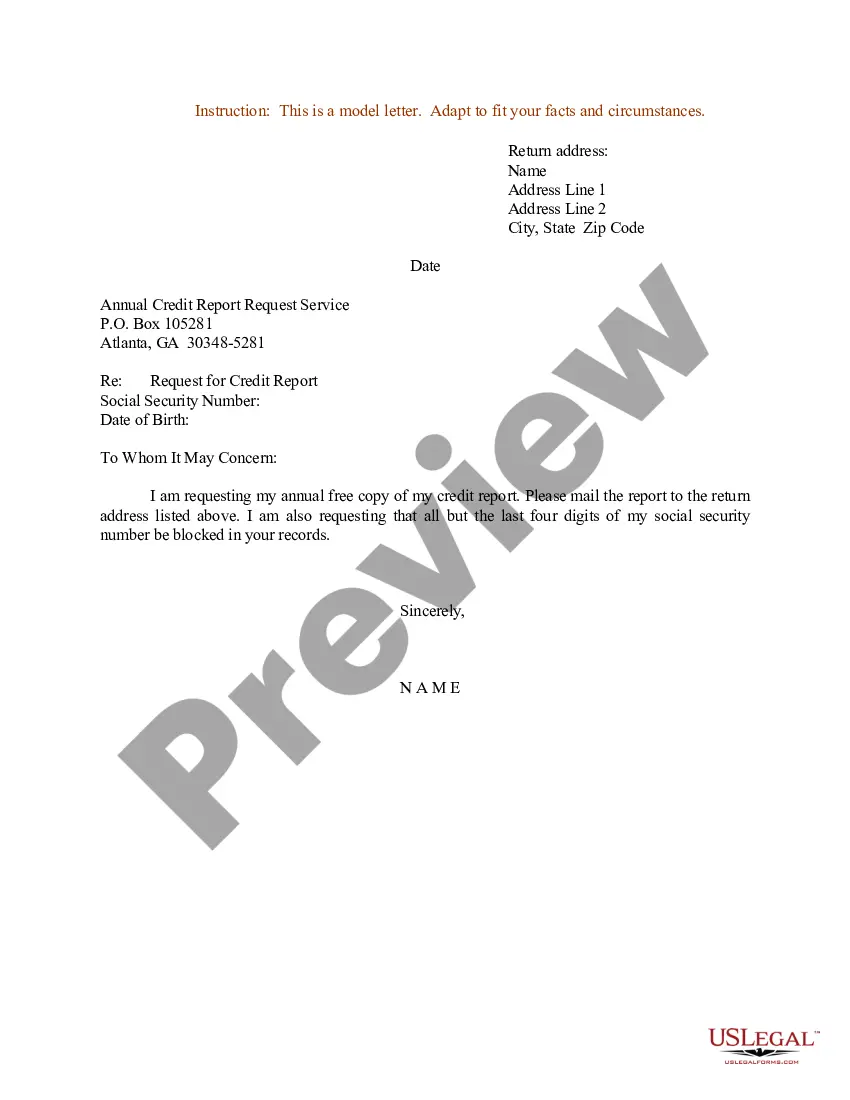
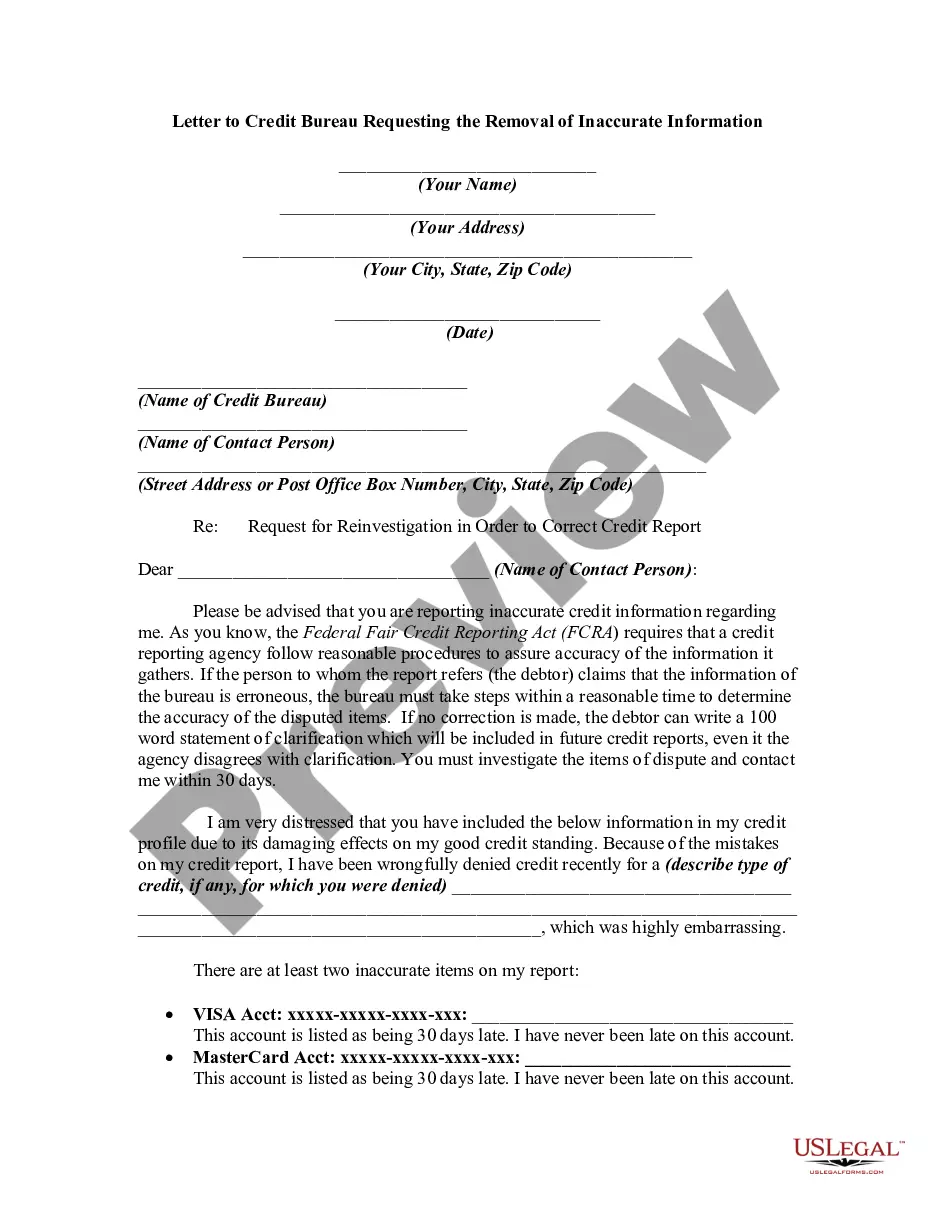
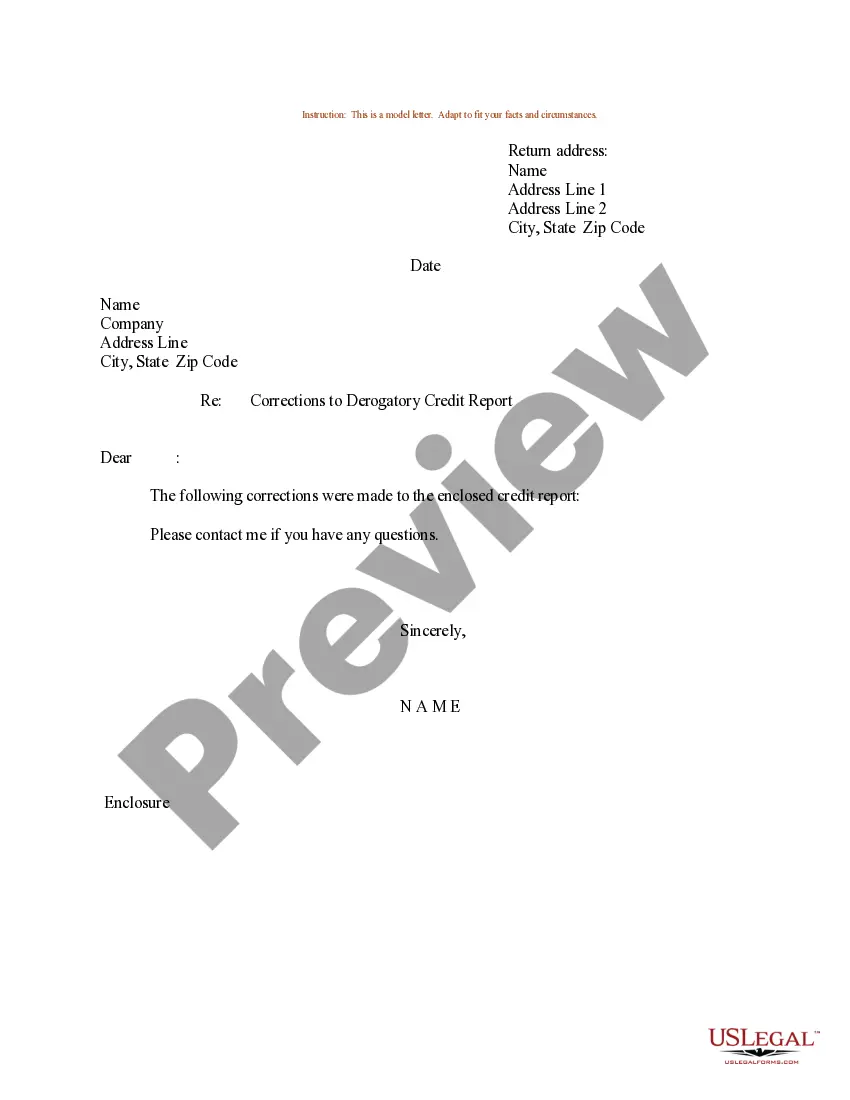
Get your form ready online
Our built-in tools help you complete, sign, share, and store your documents in one place.
Make edits, fill in missing information, and update formatting in US Legal Forms—just like you would in MS Word.
Download a copy, print it, send it by email, or mail it via USPS—whatever works best for your next step.
Sign and collect signatures with our SignNow integration. Send to multiple recipients, set reminders, and more. Go Premium to unlock E-Sign.
If this form requires notarization, complete it online through a secure video call—no need to meet a notary in person or wait for an appointment.
We protect your documents and personal data by following strict security and privacy standards.

Make edits, fill in missing information, and update formatting in US Legal Forms—just like you would in MS Word.

Download a copy, print it, send it by email, or mail it via USPS—whatever works best for your next step.

Sign and collect signatures with our SignNow integration. Send to multiple recipients, set reminders, and more. Go Premium to unlock E-Sign.

If this form requires notarization, complete it online through a secure video call—no need to meet a notary in person or wait for an appointment.

We protect your documents and personal data by following strict security and privacy standards.
Looking for another form?

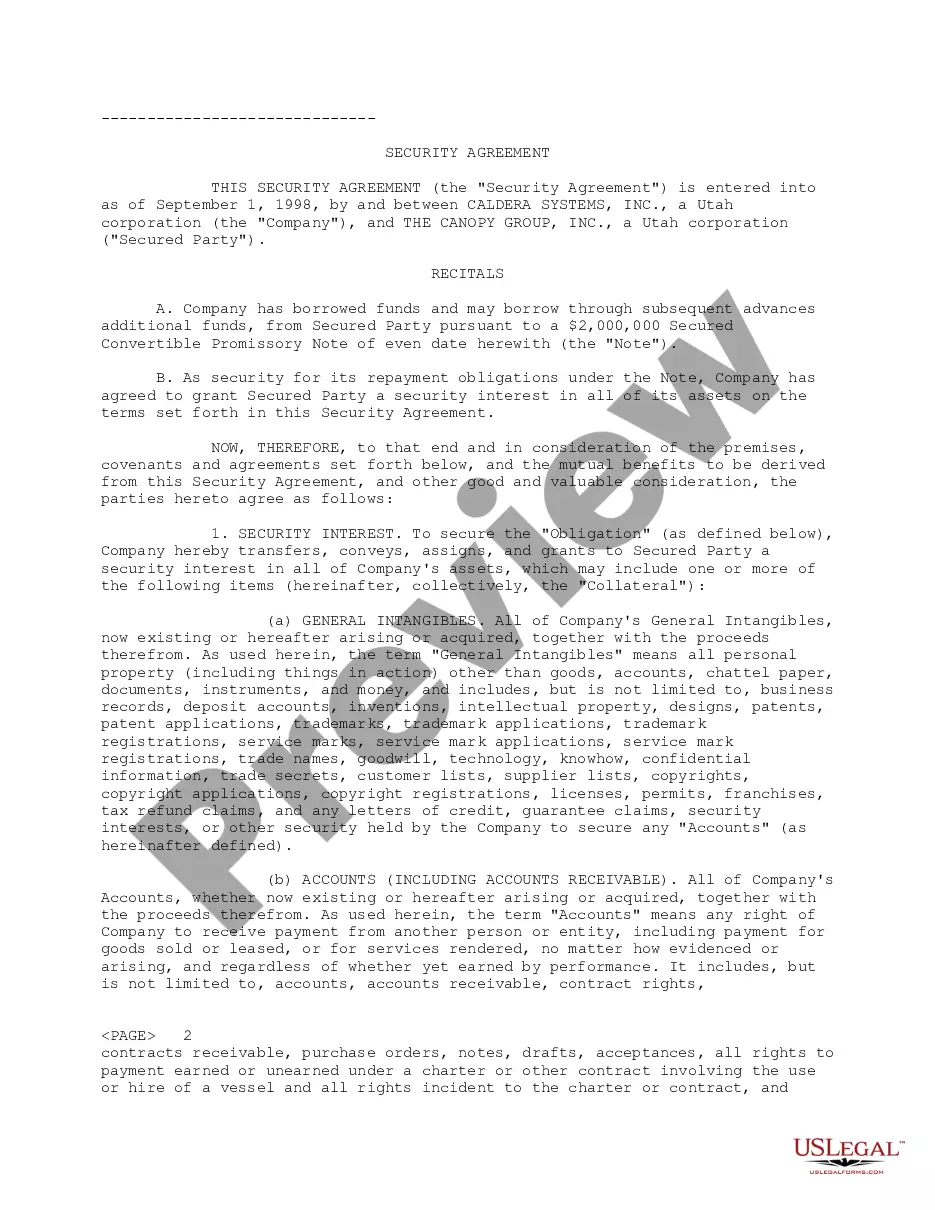
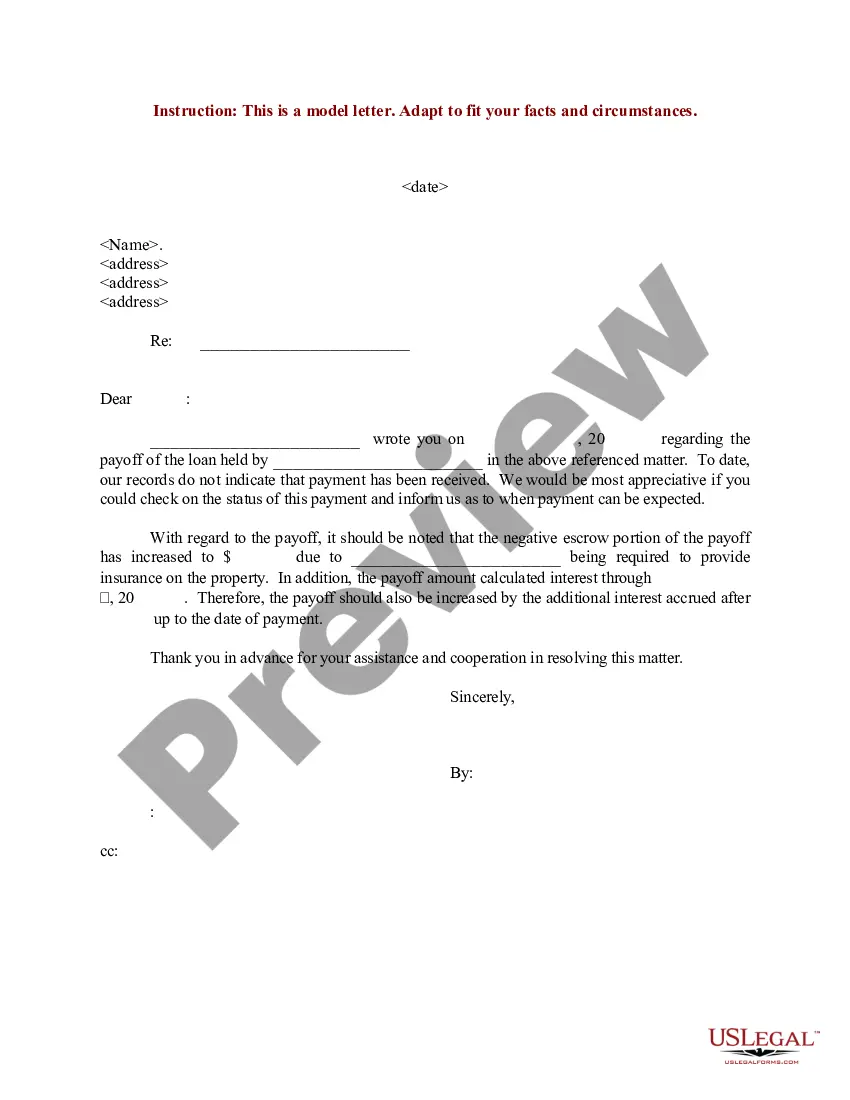
How to fill out Sample Letter For Request For Removal Of Derogatory Credit Information?
The Example Letter Negative Credit With Transunion you observe on this site is a reusable legal framework crafted by experienced attorneys in compliance with federal and local statutes and regulations.
For over 25 years, US Legal Forms has supplied individuals, organizations, and lawyers with over 85,000 confirmed, state-specific documents for any business and personal situation. It’s the quickest, easiest, and most trustworthy method to acquire the documentation you require, as the service ensures bank-level information security and anti-malware safeguards.
Subscribe to US Legal Forms to have validated legal templates for all of life’s situations at your fingertips.
- Search for the document you want and confirm it.
- Browse the file you searched and preview it or examine the form description to ensure it meets your needs. If it doesn't, utilize the search feature to find the right one. Click Buy Now when you've located the template you require.
- Register and Log In.
- Choose the pricing plan that fits you and sign up for an account. Use PayPal or a credit card for a swift payment. If you already possess an account, Log In and verify your subscription to continue.
- Obtain the editable template.
- Choose the format you wish for your Example Letter Negative Credit With Transunion (PDF, Word, RTF) and save the sample on your device.
- Fill out and sign the documents.
- Print the template to complete it manually. Alternatively, employ an online versatile PDF editor to swiftly and accurately fill out and sign your form digitally.
- Retrieve your documents again.
- Utilize the same document again whenever necessary. Access the My documents tab in your profile to re-download any previously downloaded templates.
Form popularity
FAQ
If you've created your form in Excel for the web and select Open in Excel, your Excel workbook is automatically stored in OneDrive for work or school and contains a live data connection to your form. Any new response data in your form will be reflected in your workbook.
Re: Restoring a prior version of your Form that has been edited and autosaved. @MarciAngela there's no way to restore a previous version of a form.
Click the Microsoft Forms application. Click "All my Forms" Click "Deleted Forms" Click the 3 dots of the quiz you'd like to restore and click "Restore"
Recover a deleted form Go to the Deleted forms tab. This tab serves as your recycle bin. ... On the form you want to delete, select More options in the lower right corner of the form tile, and then click Restore. ... To see your recovered form, go to your All forms tab.
There is also no version history which makes it very difficult to reset the questions that have been overwritten.
Microsoft Forms is available in the following plans: Microsoft 365 business basic, standard, and premium; Microsoft 365 A3/A5 and E3/E5; Office 365 A1/A3/A5 and E1/E3/E5; and Microsoft 365/Office 365 F3.
Files uploaded by respondents are saved to your Microsoft OneDrive at IU space. In the Microsoft Forms folder, select the folder matching the name of your form, and then click the subfolder for the question to access the files.