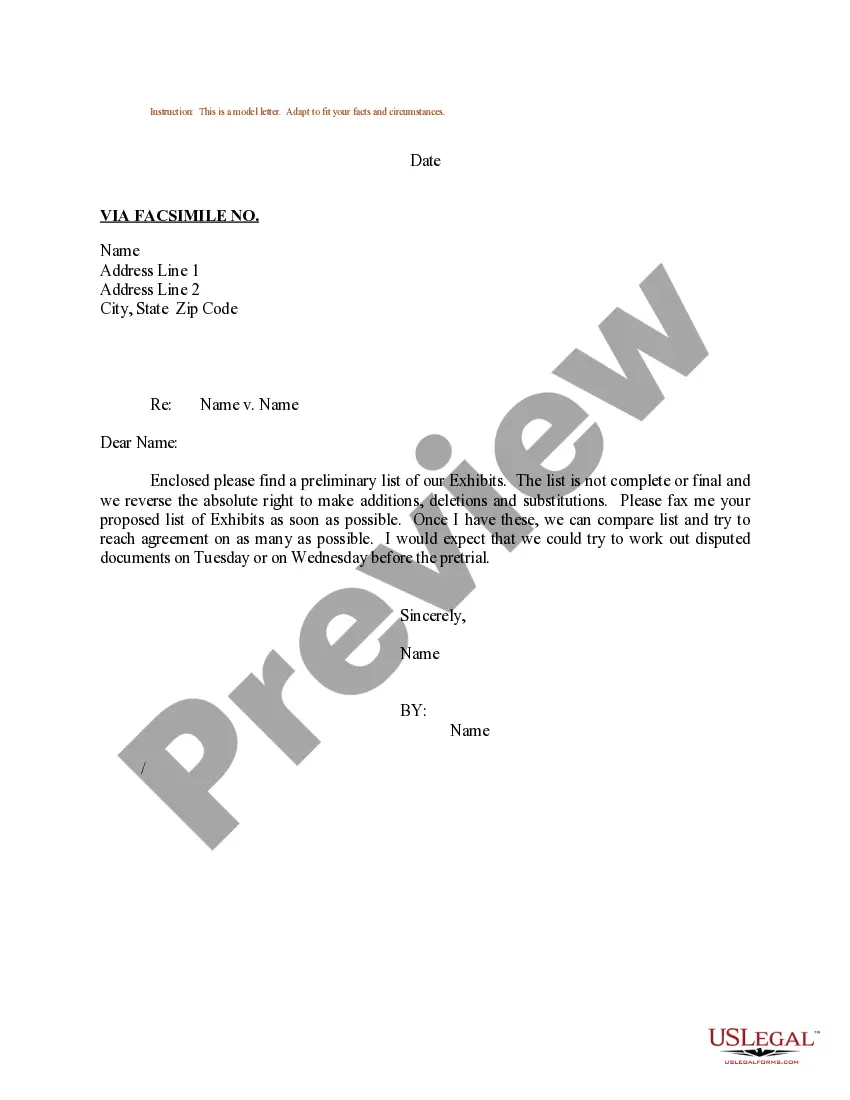
Exhibits List Template With Categories
Description
Get your form ready online
Our built-in tools help you complete, sign, share, and store your documents in one place.
Make edits, fill in missing information, and update formatting in US Legal Forms—just like you would in MS Word.
Download a copy, print it, send it by email, or mail it via USPS—whatever works best for your next step.
Sign and collect signatures with our SignNow integration. Send to multiple recipients, set reminders, and more. Go Premium to unlock E-Sign.
If this form requires notarization, complete it online through a secure video call—no need to meet a notary in person or wait for an appointment.
We protect your documents and personal data by following strict security and privacy standards.

Make edits, fill in missing information, and update formatting in US Legal Forms—just like you would in MS Word.

Download a copy, print it, send it by email, or mail it via USPS—whatever works best for your next step.

Sign and collect signatures with our SignNow integration. Send to multiple recipients, set reminders, and more. Go Premium to unlock E-Sign.

If this form requires notarization, complete it online through a secure video call—no need to meet a notary in person or wait for an appointment.

We protect your documents and personal data by following strict security and privacy standards.
Looking for another form?




How to fill out Sample Letter Regarding List Of Exhibits?
Regardless of whether for professional objectives or personal matters, each individual must confront legal issues at some point in their lifetime.
Completing legal documents requires careful diligence, beginning with selecting the correct template sample.
With an extensive US Legal Forms catalog available, you don’t have to waste time searching for the right template on the internet. Utilize the library’s straightforward navigation to obtain the suitable form for any circumstance.
- Acquire the template you require by utilizing the search bar or catalog browsing.
- Review the form’s details to confirm it aligns with your case, state, and area.
- Click on the form’s preview to inspect it.
- If it is the incorrect form, return to search to find the Exhibits List Template With Categories sample you need.
- Obtain the file if it corresponds to your requirements.
- If you possess a US Legal Forms account, simply click Log in to access previously saved templates in My documents.
- If you haven’t created an account yet, you can acquire the form by clicking Buy now.
- Choose the suitable pricing option.
- Complete the account registration form.
- Select your payment method: a credit card or PayPal account.
- Choose the document format you desire and download the Exhibits List Template With Categories.
- After downloading, you can fill out the form using editing software or print it to complete manually.
Form popularity
FAQ
- The exhibit is provided to the court reporter from counsel. - The court reporter marks the exhibit. - The court reporter announces the number of the exhibit (?Exhibit 1 is marked for identification? or ?This is being marked as Exhibit 1?). - The use of exhibit labels is recommended over ink exhibit stamps.
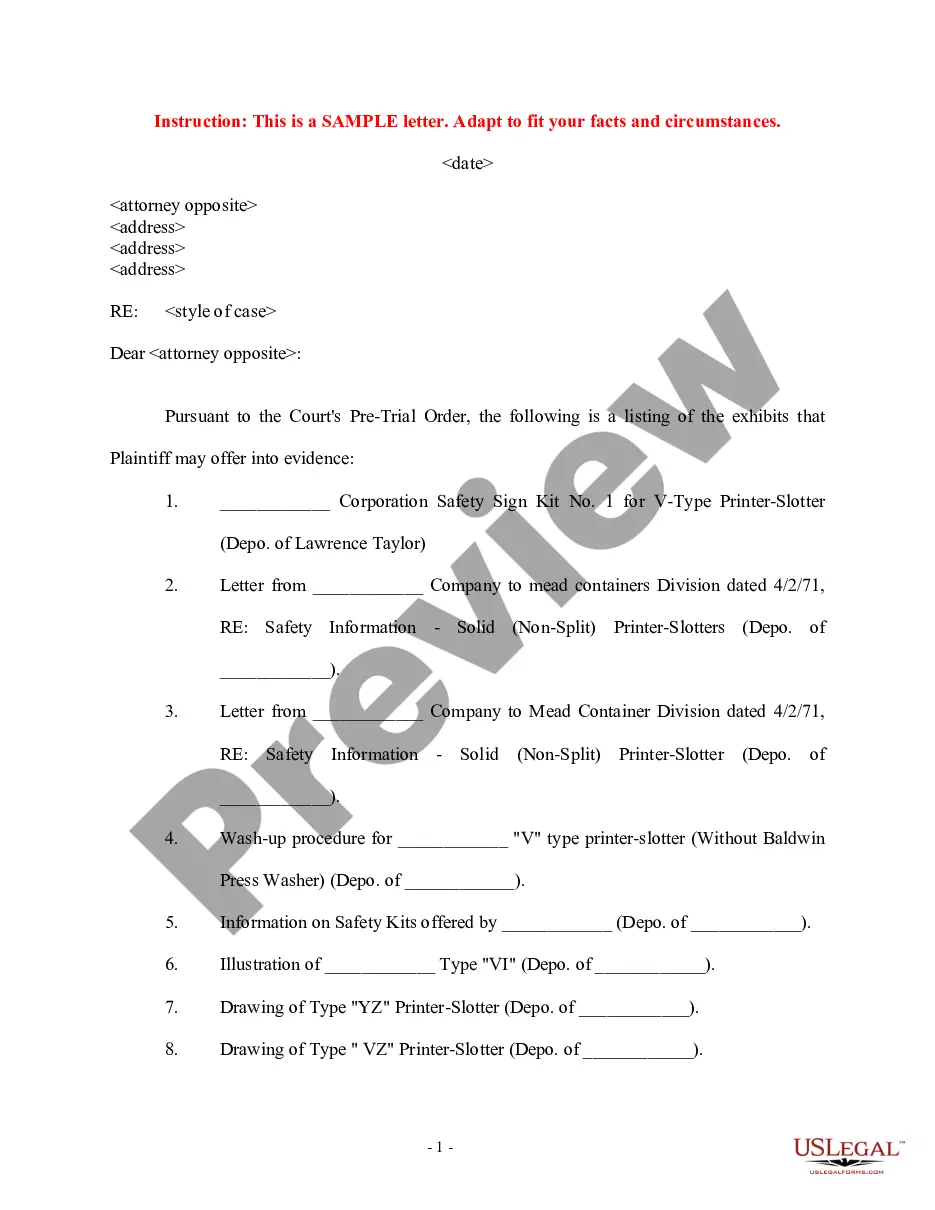
The exhibit list shall contain all exhibits that the parties intend to offer for admission into evidence. Those exhibits should be appropriately labeled as Plaintiff's or Defendant's exhibits, e.g., PX-1, DX-1. Any exhibits that have been produced by bates number must also include the bates number.
Marking exhibits: Each exhibit should be marked with an exhibit sticker or label for identification. Typically, exhibits are sequentially numbered (Exhibit 1, Exhibit 2, etc.) or lettered (Exhibit A, Exhibit B, etc.).
If you are marking the exhibit yourself, mark it with a pen or marker as ?Exhibit 1? [or ?Exhibit A?] or whatever number or letter the exhibit is. If you are in a court where the clerk marks the exhibits, you will typically hand the exhibit to the court attendant, who will take it to the clerk for marking.
Each exhibit must be marked with an abbreviated designation for the party offering the exhibit (followed by the abbreviation ?Ex.? for exhibit). Non-federal parties should use their position in the case, not their name, for proper exhibit identification.