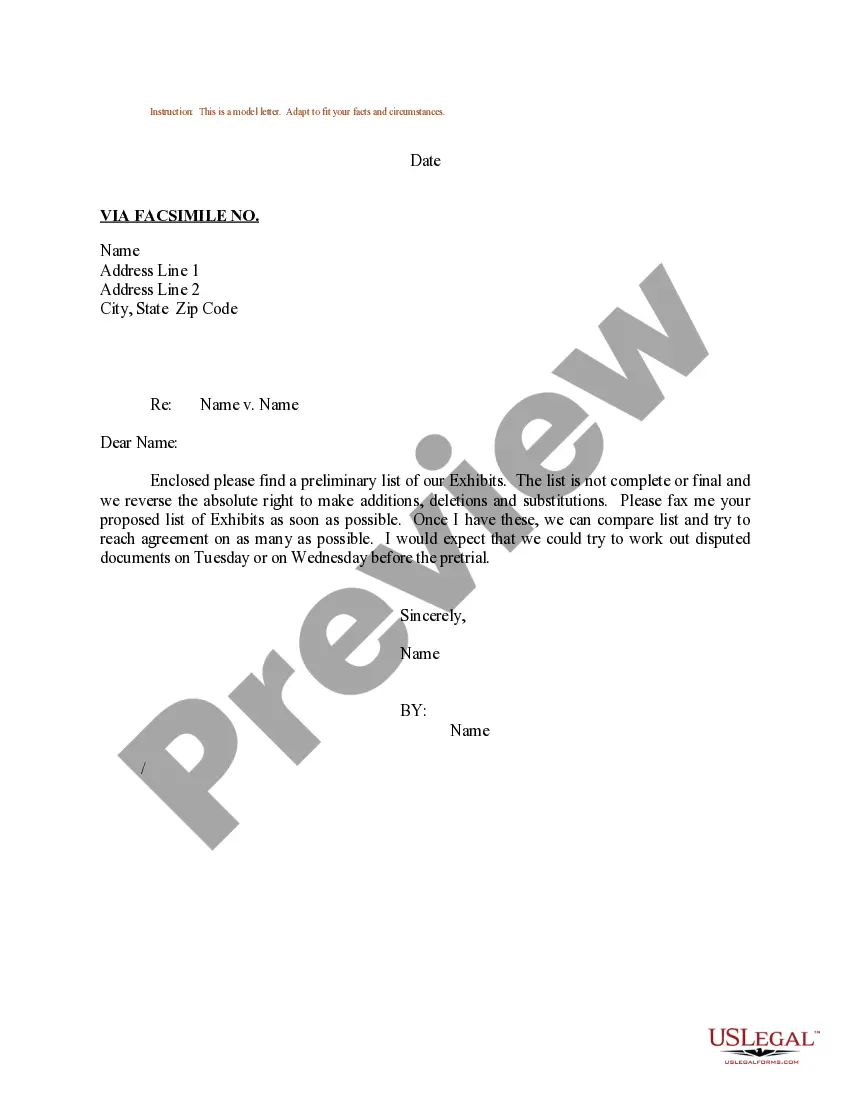
Exhibit List Template For Family Court
Description
Get your form ready online
Our built-in tools help you complete, sign, share, and store your documents in one place.
Make edits, fill in missing information, and update formatting in US Legal Forms—just like you would in MS Word.
Download a copy, print it, send it by email, or mail it via USPS—whatever works best for your next step.
Sign and collect signatures with our SignNow integration. Send to multiple recipients, set reminders, and more. Go Premium to unlock E-Sign.
If this form requires notarization, complete it online through a secure video call—no need to meet a notary in person or wait for an appointment.
We protect your documents and personal data by following strict security and privacy standards.

Make edits, fill in missing information, and update formatting in US Legal Forms—just like you would in MS Word.

Download a copy, print it, send it by email, or mail it via USPS—whatever works best for your next step.

Sign and collect signatures with our SignNow integration. Send to multiple recipients, set reminders, and more. Go Premium to unlock E-Sign.

If this form requires notarization, complete it online through a secure video call—no need to meet a notary in person or wait for an appointment.

We protect your documents and personal data by following strict security and privacy standards.
Looking for another form?

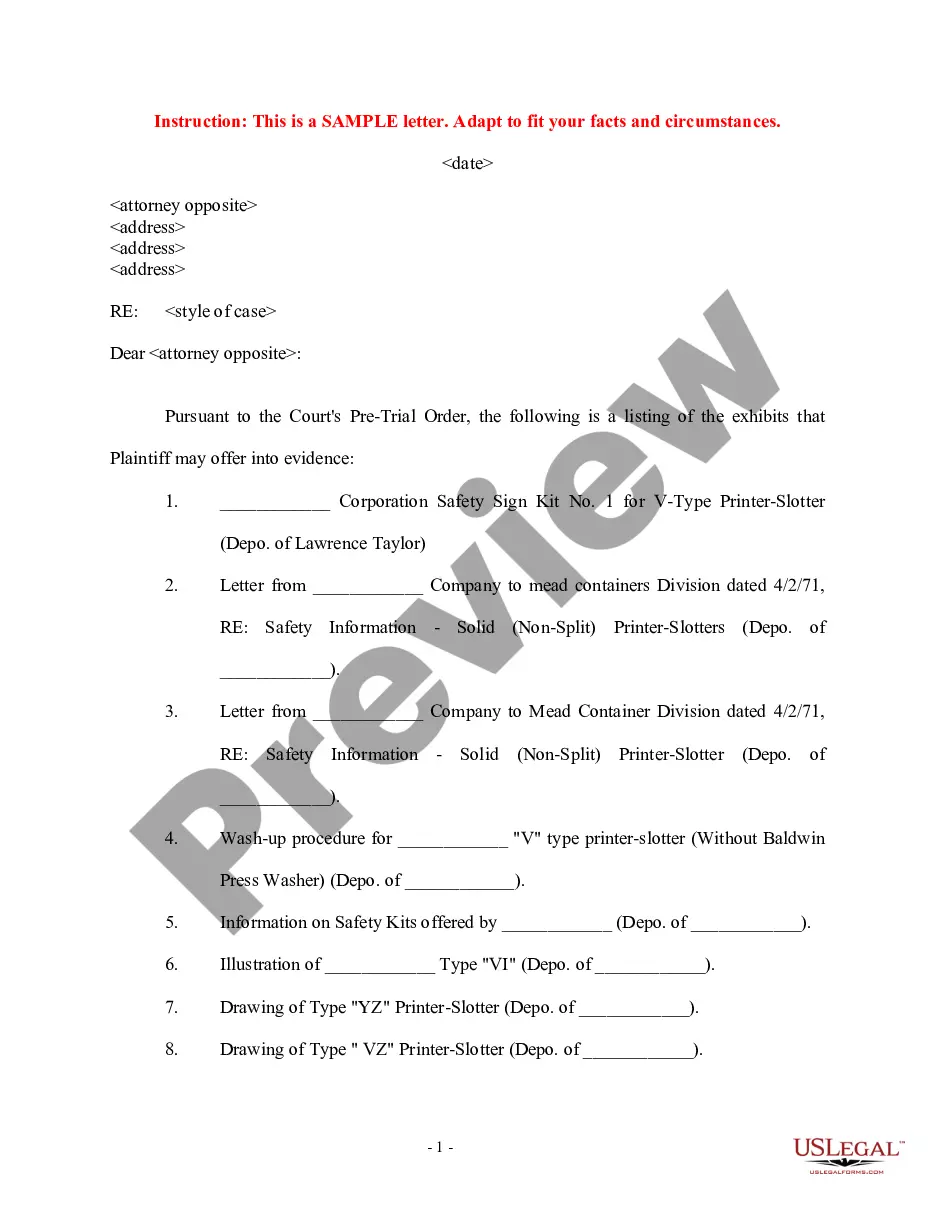
How to fill out Sample Letter Regarding List Of Exhibits?
Handling legal paperwork and processes can be a lengthy addition to your schedule.
Exhibit List Template for Family Court and similar forms typically necessitate that you search for them and comprehend the most effective method to fill them out accurately.
Thus, if you are managing financial, legal, or personal issues, utilizing a comprehensive and efficient online resource of forms when required will greatly assist.
US Legal Forms is the leading online platform for legal templates, featuring over 85,000 state-specific forms along with various tools that simplify document completion.
Is this your first time using US Legal Forms? Register and create your account in just a few minutes, and you'll gain access to the form library and Exhibit List Template for Family Court. Then, follow the steps outlined below to complete your form.
- Explore the collection of relevant documents available to you with a single click.
- US Legal Forms offers state- and county-specific forms available anytime for download.
- Protect your document management processes with high-quality services that enable you to create any form within minutes without additional or hidden fees.
- Simply Log In to your account, find Exhibit List Template for Family Court, and acquire it instantly from the My documents section.
- You can also access previously saved forms.
Form popularity
FAQ
These may include documents, letters, emails, notes, maps, diagrams, etc. Evidentiary foundations need to be properly laid to get your exhibits admitted into evidence so that the jury may consider them in deliberations.
Find out about labeling exhibits The plaintiff's exhibits are traditionally numbered (?Exhibit 1?), while the defendant's exhibits are lettered (?Exhibit A?). Your court may want you to label your own exhibits as you introduce them or the court may prefer that the court clerk labels the exhibits instead.
The exhibit list shall contain all exhibits that the parties intend to offer for admission into evidence. Those exhibits should be appropriately labeled as Plaintiff's or Defendant's exhibits, e.g., PX-1, DX-1. Any exhibits that have been produced by bates number must also include the bates number.
An exhibit, in a criminal prosecution or a civil trial, is a physical or documentary evidence brought before the jury. The artifact or document itself is presented for the jury's inspection. Examples may include a weapon allegedly used in the crime, an invoice or written contract, a photograph, or a video recording.
Marking exhibits: Each exhibit should be marked with an exhibit sticker or label for identification. Typically, exhibits are sequentially numbered (Exhibit 1, Exhibit 2, etc.) or lettered (Exhibit A, Exhibit B, etc.).