Sample Opposition To Motion To Compel Discovery California
Description

Get your form ready online
Our built-in tools help you complete, sign, share, and store your documents in one place.
Make edits, fill in missing information, and update formatting in US Legal Forms—just like you would in MS Word.
Download a copy, print it, send it by email, or mail it via USPS—whatever works best for your next step.
Sign and collect signatures with our SignNow integration. Send to multiple recipients, set reminders, and more. Go Premium to unlock E-Sign.
If this form requires notarization, complete it online through a secure video call—no need to meet a notary in person or wait for an appointment.
We protect your documents and personal data by following strict security and privacy standards.

Make edits, fill in missing information, and update formatting in US Legal Forms—just like you would in MS Word.

Download a copy, print it, send it by email, or mail it via USPS—whatever works best for your next step.

Sign and collect signatures with our SignNow integration. Send to multiple recipients, set reminders, and more. Go Premium to unlock E-Sign.

If this form requires notarization, complete it online through a secure video call—no need to meet a notary in person or wait for an appointment.

We protect your documents and personal data by following strict security and privacy standards.
Looking for another form?

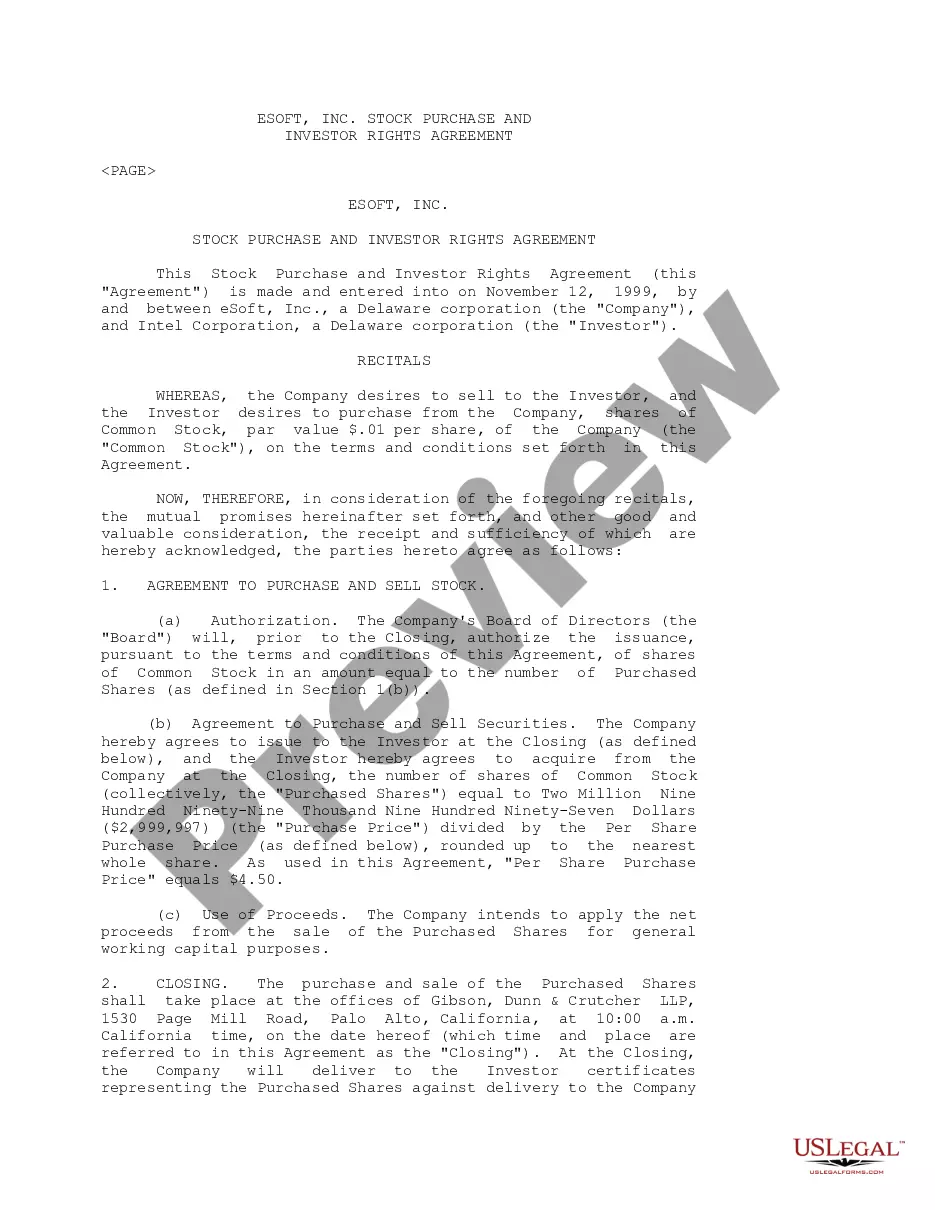



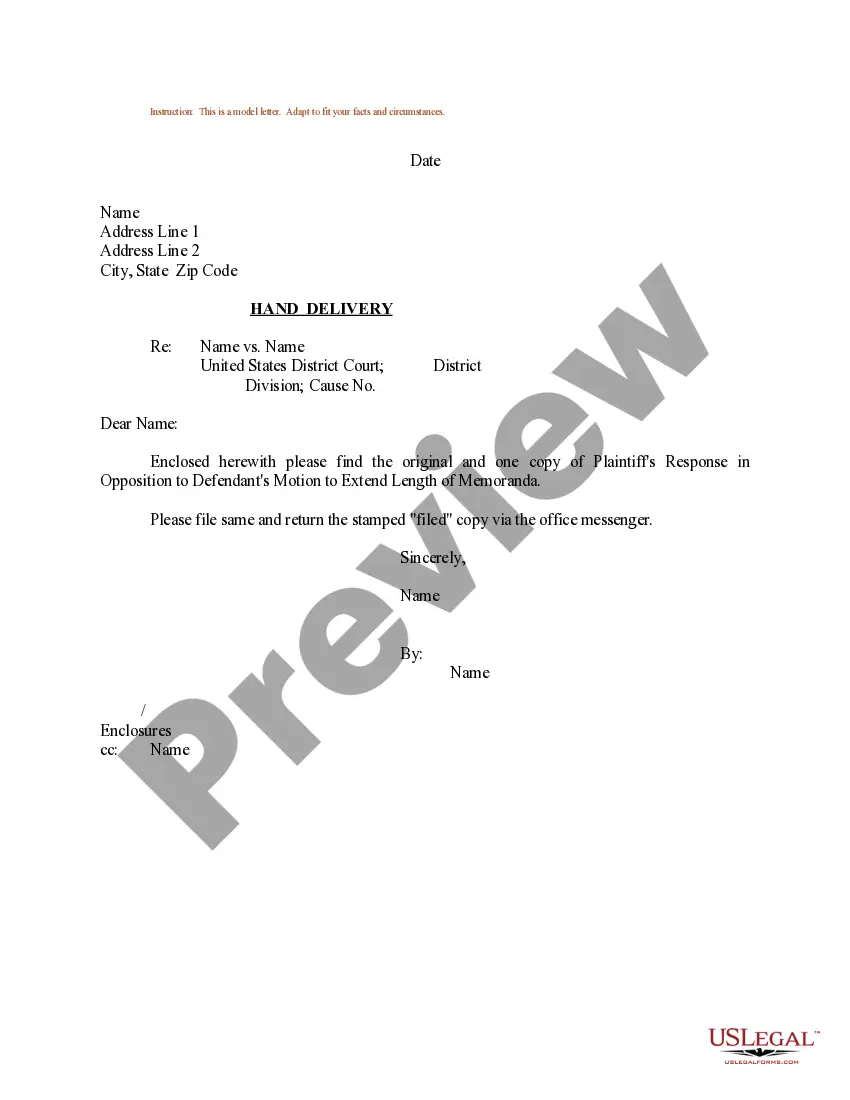
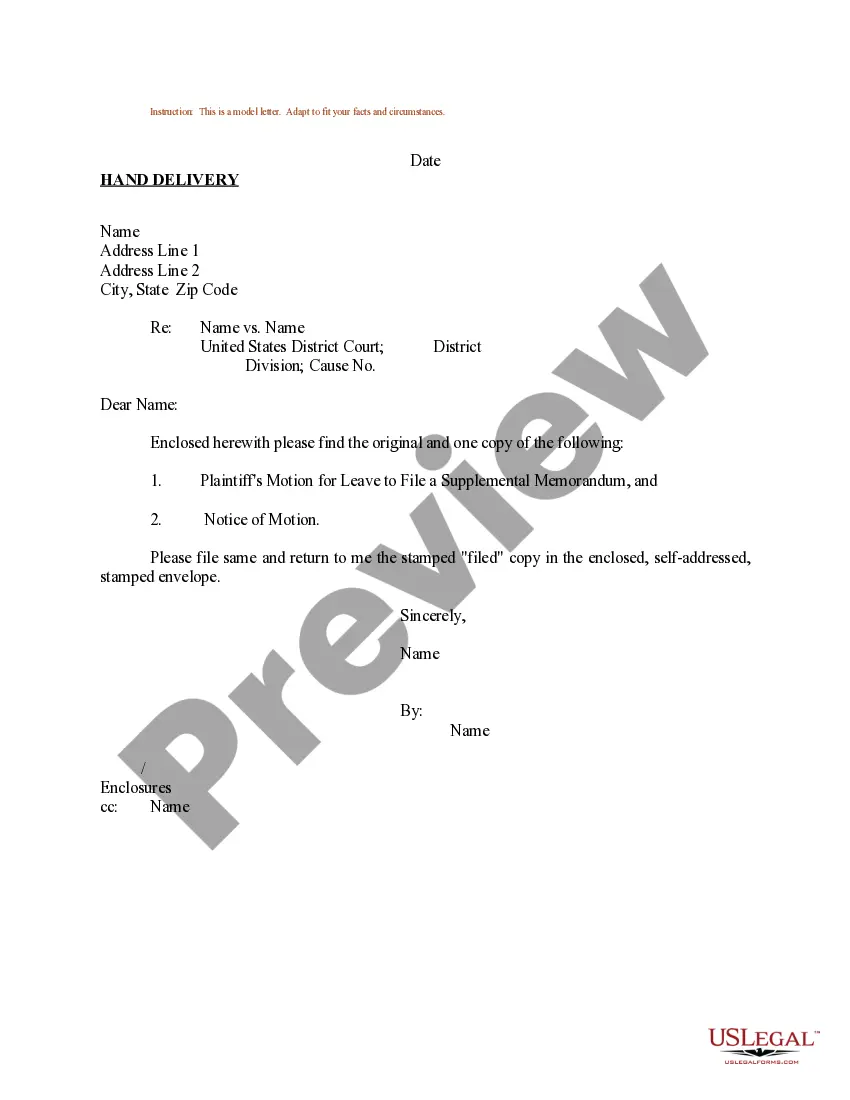
How to fill out Sample Letter For Plaintiff's Response In Opposition To Defendant's Motion To Extend Length Of Memoranda?
Whether for professional goals or personal concerns, everyone must confront legal issues at some stage in their life.
Completing legal documents requires meticulous focus, starting from selecting the appropriate form template.
With an extensive US Legal Forms library available, you will never have to waste time searching for the correct template online. Utilize the library's clear navigation to find the appropriate form for any circumstance.
- Obtain the template you require by using the search box or catalog navigation.
- Review the form's description to ensure it suits your situation, state, and locality.
- Click on the form's preview to inspect it.
- If it is the incorrect form, return to the search option to locate the Sample Opposition To Motion To Compel Discovery California template you need.
- Acquire the file if it meets your specifications.
- If you possess a US Legal Forms account, simply click Log in to access previously saved documents in My documents.
- If you have not set up an account yet, you can download the form by clicking Buy now.
- Choose the appropriate pricing option.
- Fill out the account registration form.
- Select your payment method: you can use a credit card or PayPal account.
- Select the file format you desire and download the Sample Opposition To Motion To Compel Discovery California.
- Once saved, you can complete the form using editing software or print it and finish it by hand.
Form popularity
FAQ
Agreements that are overly broad, oppressive, or attempt to contain non-confidential information will also be challenged or invalidated by the courts. Before Signing an NDA, always have a lawyer review it. Keep an eye out for onerous clauses and proceed with caution before putting your name to anything.
To create a legally-binding non-disclosure contract, you must use specific language when defining confidential information, parties, and scope. Broad language that can be interpreted many ways may not hold up in a legal dispute.
Five requirements for an NDA The names of the parties to the agreement. A definition of what constitutes confidential information under the NDA. Any exclusions from confidentiality, including specific types of information and permissible recipients. Appropriate uses for the shared information.
To be valid, a Non-Disclosure Agreement only needs two signatures ? the disclosing party and the receiving party. It doesn't need to be notarized or filed with any state or local administrative office.
An NDA does not necessarily need to be witnessed, but it is recommended to have a witness present during the signing of the agreement to further strengthen the validity and enforceability of the contract.
Typically, a legal professional writing the NDA will complete these steps: Step 1 - Describe the scope. Which information is considered confidential? ... Step 2 - Detail party obligations. ... Step 3 - Note potential exclusions. ... Step 4 - Set the term. ... Step 5 - Spell out consequences.
How to Write an NDA (6 steps) Choose Your NDA Template. Select a Type of NDA: Unilateral or Mutual. Define ?Confidential Information? Enter the Consequences of a Breach. Sign the Non-Disclosure Agreement. Disclose the Information.
You do not need a lawyer to create and sign a non-disclosure agreement. However, if the information you are trying to protect is important enough to warrant an NDA, you may want to have the document reviewed by someone with legal expertise.