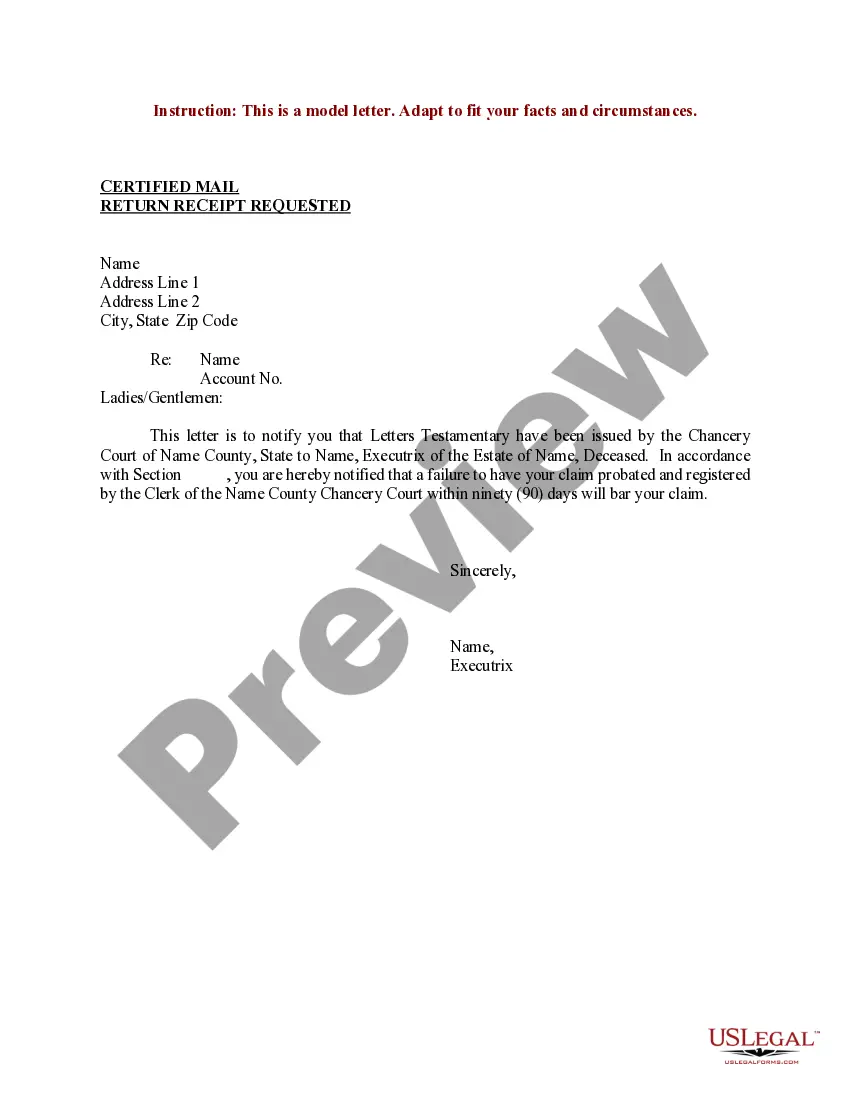
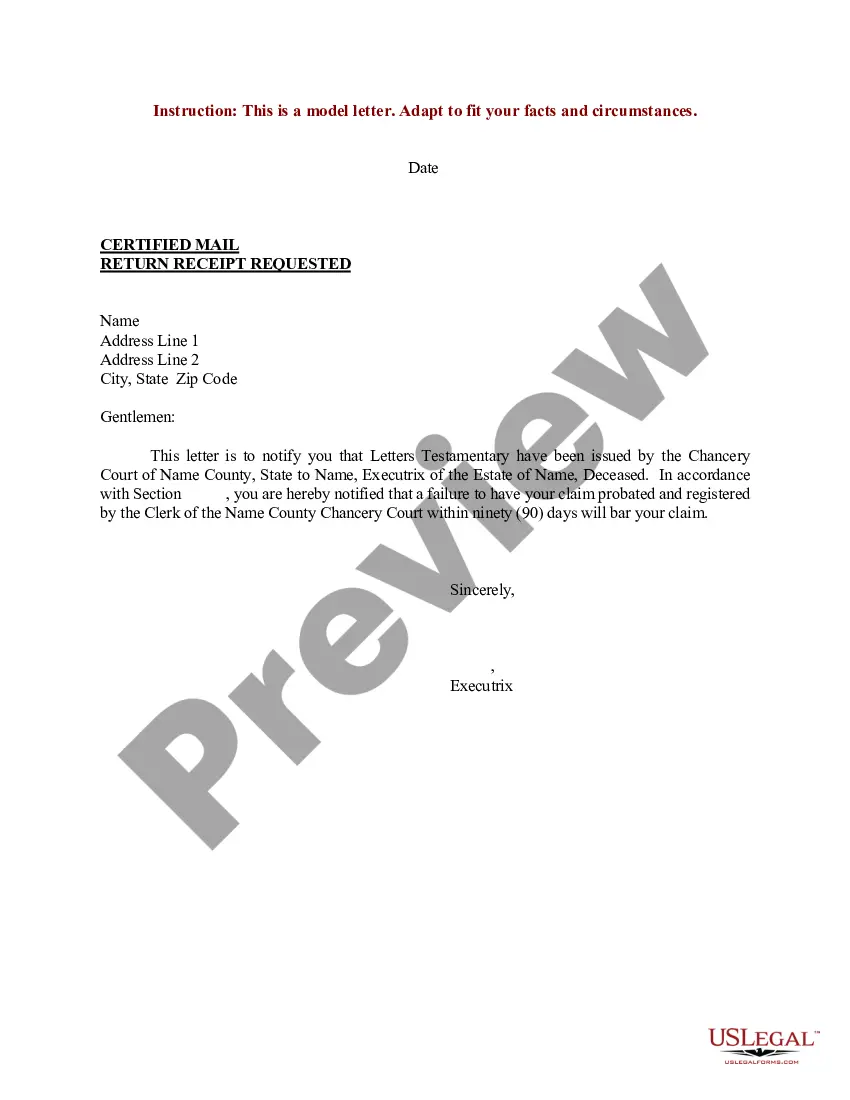
Proper Letter Format With Re
Description


Get your form ready online
Our built-in tools help you complete, sign, share, and store your documents in one place.
Make edits, fill in missing information, and update formatting in US Legal Forms—just like you would in MS Word.
Download a copy, print it, send it by email, or mail it via USPS—whatever works best for your next step.
Sign and collect signatures with our SignNow integration. Send to multiple recipients, set reminders, and more. Go Premium to unlock E-Sign.
If this form requires notarization, complete it online through a secure video call—no need to meet a notary in person or wait for an appointment.
We protect your documents and personal data by following strict security and privacy standards.

Make edits, fill in missing information, and update formatting in US Legal Forms—just like you would in MS Word.

Download a copy, print it, send it by email, or mail it via USPS—whatever works best for your next step.

Sign and collect signatures with our SignNow integration. Send to multiple recipients, set reminders, and more. Go Premium to unlock E-Sign.

If this form requires notarization, complete it online through a secure video call—no need to meet a notary in person or wait for an appointment.

We protect your documents and personal data by following strict security and privacy standards.
Looking for another form?

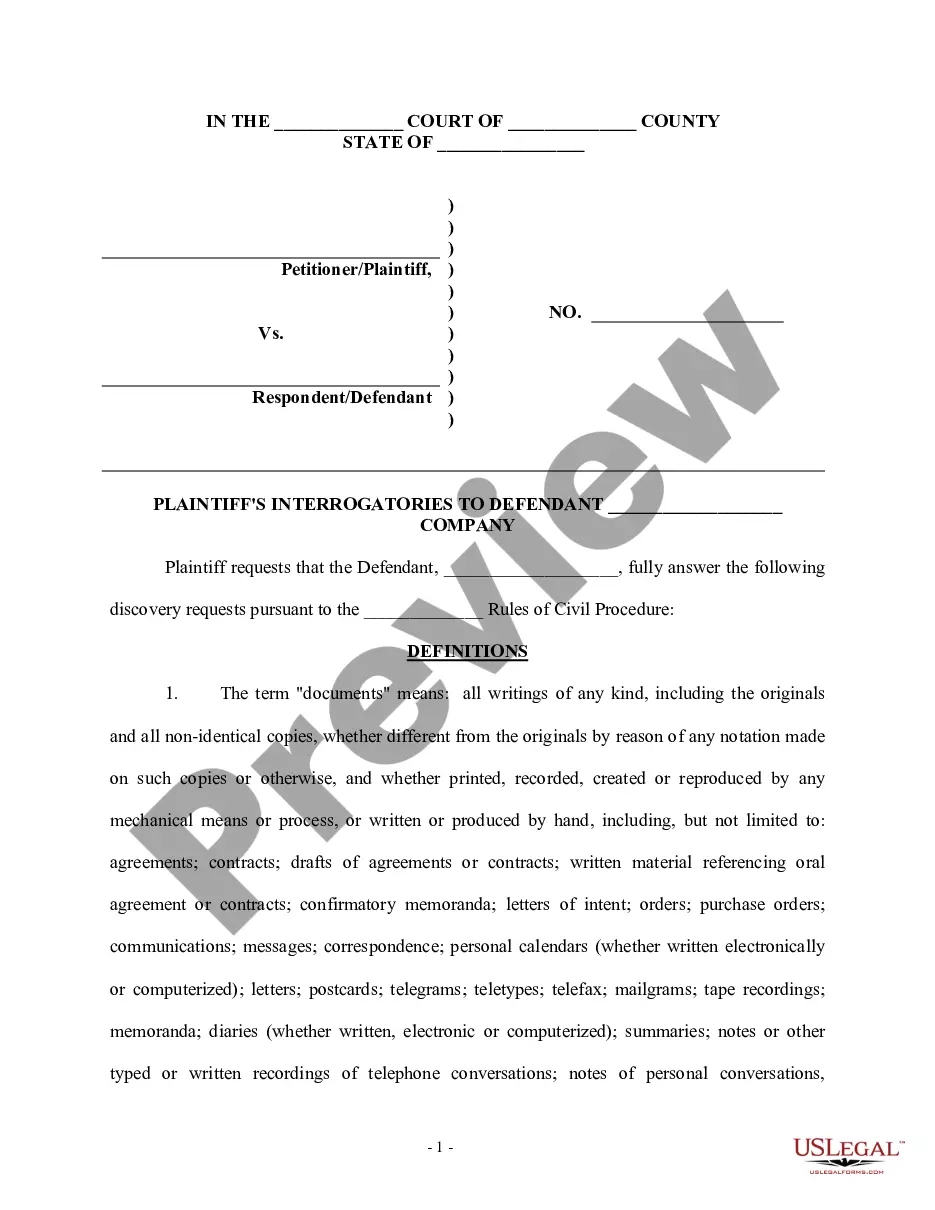
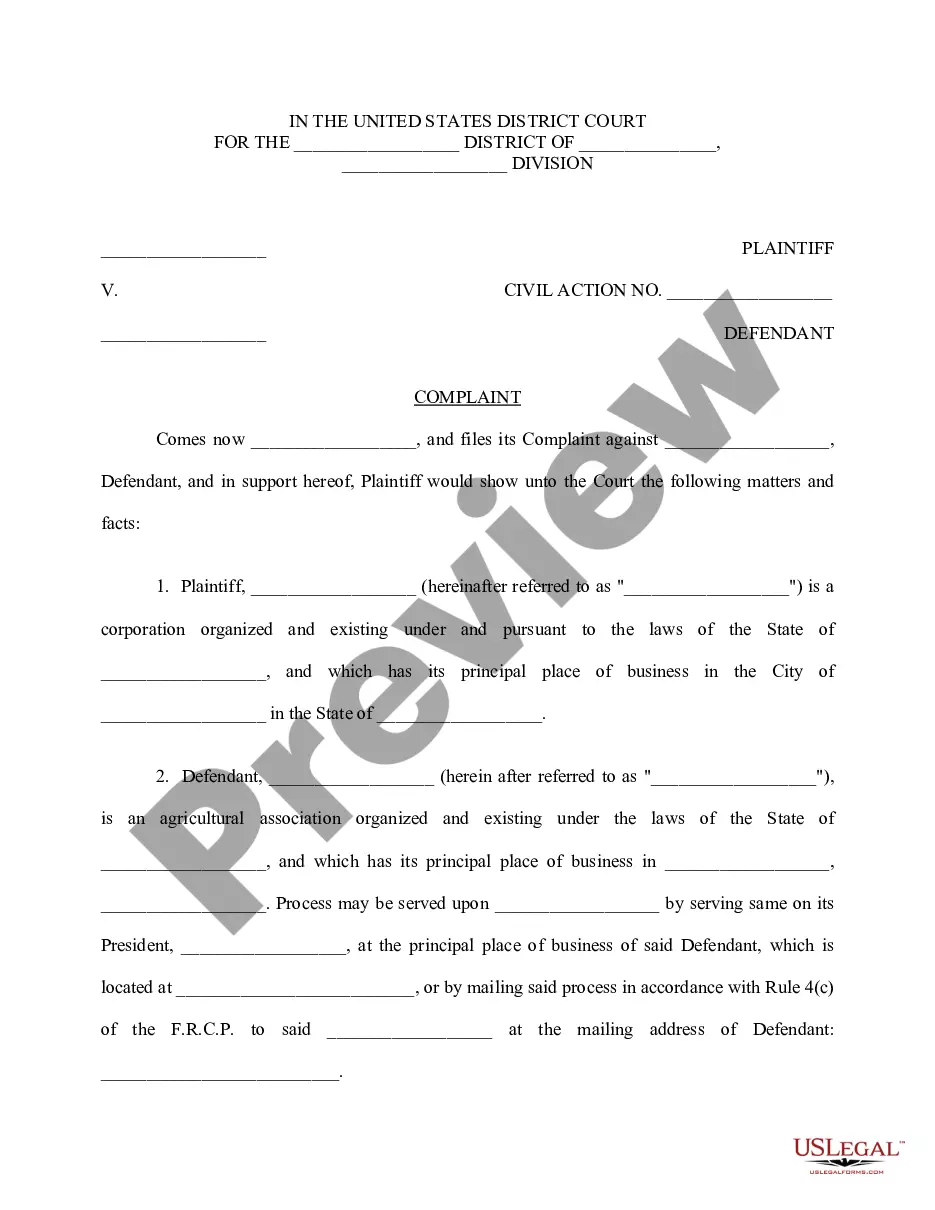
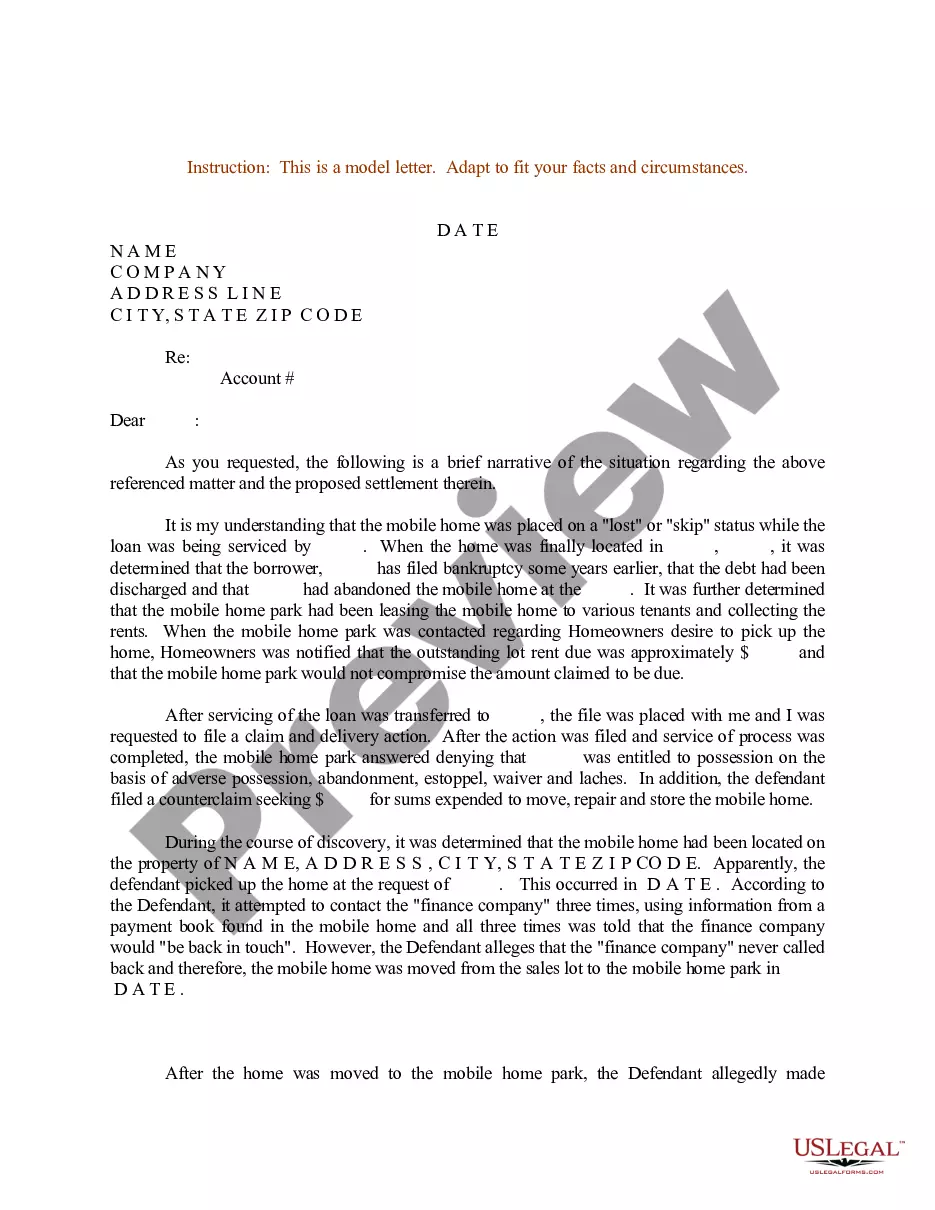
How to fill out Sample Letter For Letters Testamentary?
Legal documentation administration can be overwhelming, even for seasoned professionals.
When you are searching for a Correct Letter Format With Re and lack the time to invest in finding the suitable and updated version, the procedures can be challenging.
US Legal Forms caters to all your requirements, from personal to business paperwork, in one location.
Utilize advanced tools to complete and manage your Correct Letter Format With Re.
Here are the steps to follow after obtaining the form you need: Verify it is the correct document by viewing it and reading its description. Ensure that the template is accepted in your state or county. Click Buy Now when you are ready. Choose a monthly subscription plan. Select your preferred file format, and Download, complete, eSign, print, and send your document. Take advantage of the US Legal Forms online catalogue, supported by 25 years of expertise and trustworthiness. Streamline your daily document management into a seamless and user-friendly process today.
- Access a valuable repository of articles, guides, tutorials, and resources relevant to your situation and requirements.
- Save time and effort searching for the documents you need, and use US Legal Forms’ advanced search and Preview feature to find Correct Letter Format With Re and obtain it.
- If you have a subscription, Log In to your US Legal Forms account, search for the form, and download it.
- Check your My documents tab to view the documents you have previously saved and manage your folders as you prefer.
- If it is your first time using US Legal Forms, create an account and gain unlimited access to all the platform's benefits.
- A comprehensive online form directory can significantly benefit anyone aiming to navigate these scenarios proficiently.
- US Legal Forms is a leading provider in online legal documents, offering over 85,000 specific legal forms for various states at all times.
- With US Legal Forms, you can access state- or county-specific legal and business documents.
Form popularity
FAQ
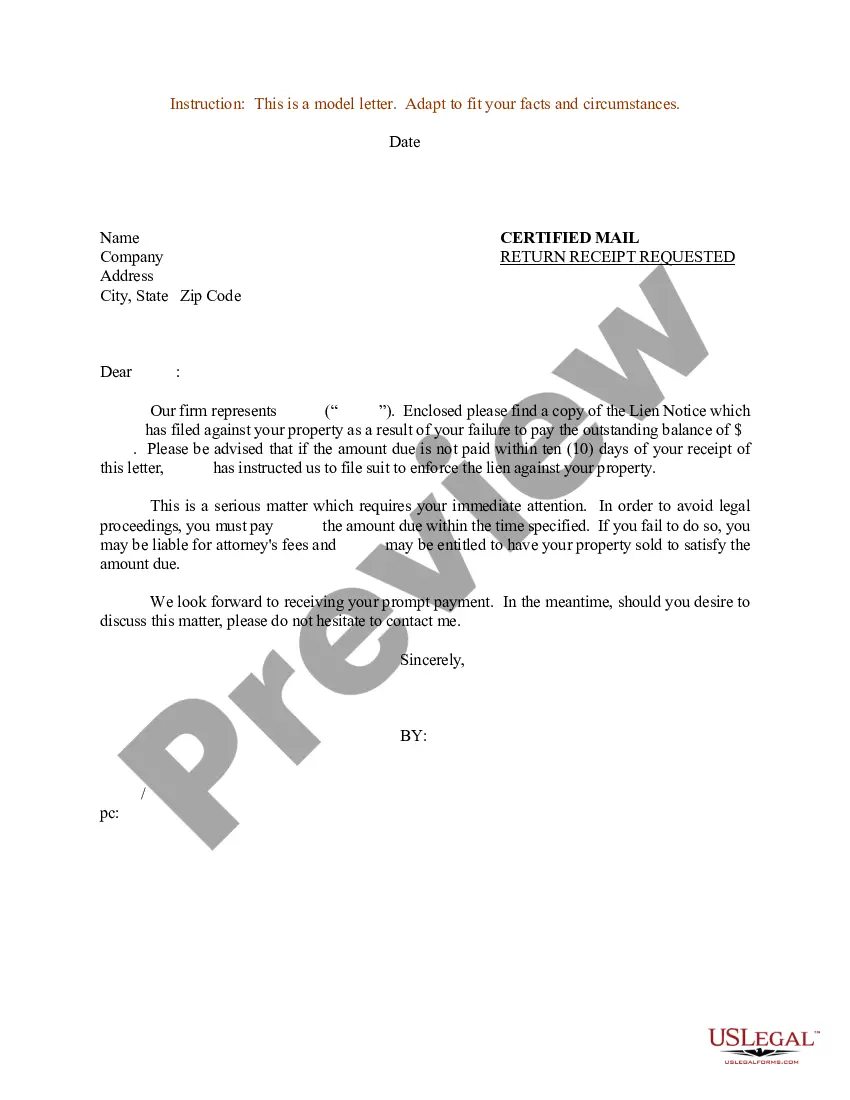
The three main letter formats are block format, modified block format, and semi-block format. In block format, all elements align to the left, offering a clean look. Modified block format centers the date and closing, while the semi-block format indents each paragraph. Understanding these formats is essential for mastering the proper letter format with re, enhancing your professional correspondence.
To format a letter correctly, start with your address at the top, followed by the date and the recipient's address. Use a formal greeting, such as 'Dear Recipient's Name,' and make sure to include a clear body that conveys your message. Finally, end with a courteous closing and your name. Following these steps will help you achieve a proper letter format with re, making your communication effective.
Using 're' in a formal letter is a way to indicate the subject of the correspondence. It typically appears in the subject line or right after the salutation. For example, you might write 'Re: Your Application' to clarify the purpose of your letter. This technique is essential for maintaining a proper letter format with re, helping the reader quickly identify the topic.
To format an address on a letter properly, start with the recipient's name followed by their title if applicable. Next, include the street address, city, state, and ZIP code. Remember to align the address to the left side of the page, as this is considered a proper letter format with re. A clear and organized address helps ensure your letter reaches the intended recipient promptly.
Your subject might also start with "RE:" to show that you are writing in response to or regarding a previous conversation or request.
Write your contact information and date at the top if you're using block style (see below). On a new line write a salutation, such as ?Dear Ms. Smith,? or ?To Whom It May Concern.? Write the body of your letter in a standard paragraph format. On a new line write a complimentary close, such as ?Sincerely,? or ?Best,?
For example, if you are writing a letter to inquire about a job opening, you might use "Re: Job Inquiry" as the subject line to make it clear that the letter is related to the job position. 'Re:' is short for 'Regarding'.
You use re in business letters, faxes, or other documents to introduce a subject or item which you are going to discuss or refer to in detail. Dear Mrs Cox, Re: Household Insurance. We note from our files that we have not yet received your renewal instructions.
RE or Re is just a prefix used before the subject line of a previous email message to mean the new message is a reply for a previous message. In a business letter, it introduces the subject that it is about.
