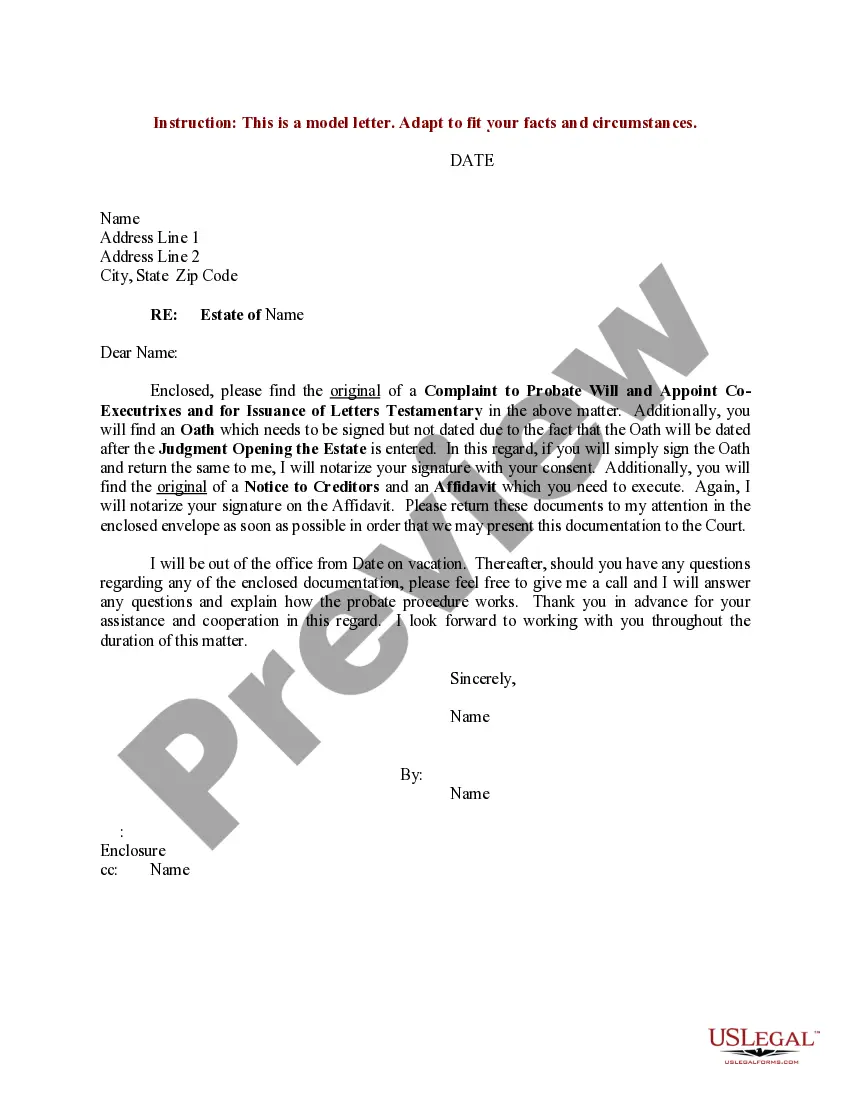
Printable Letter Of Testamentary Form With Trust
Description
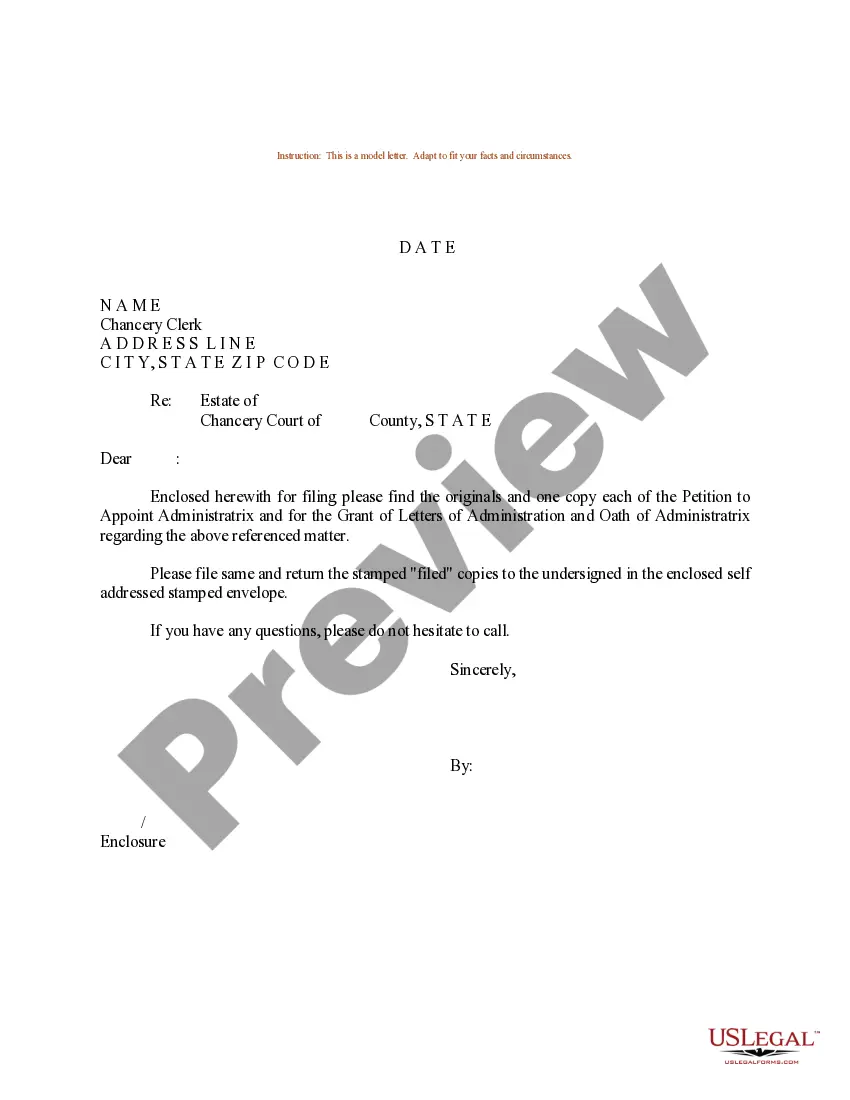
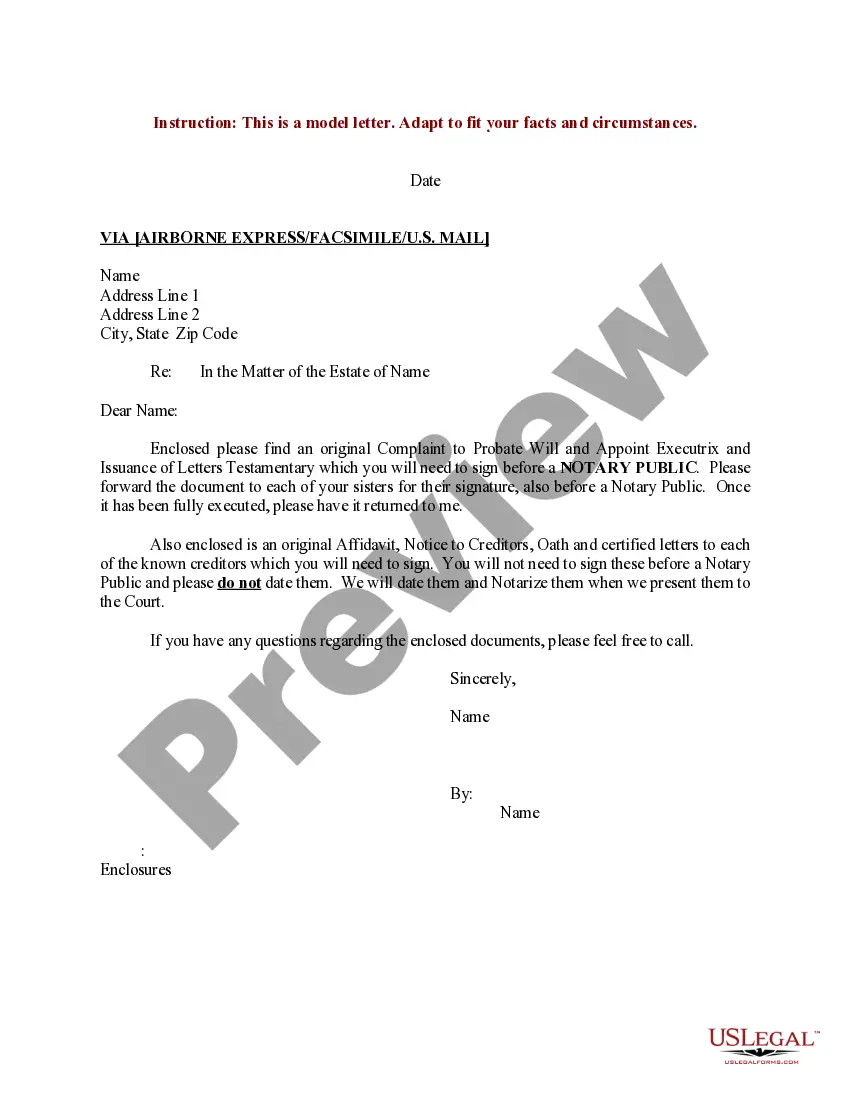
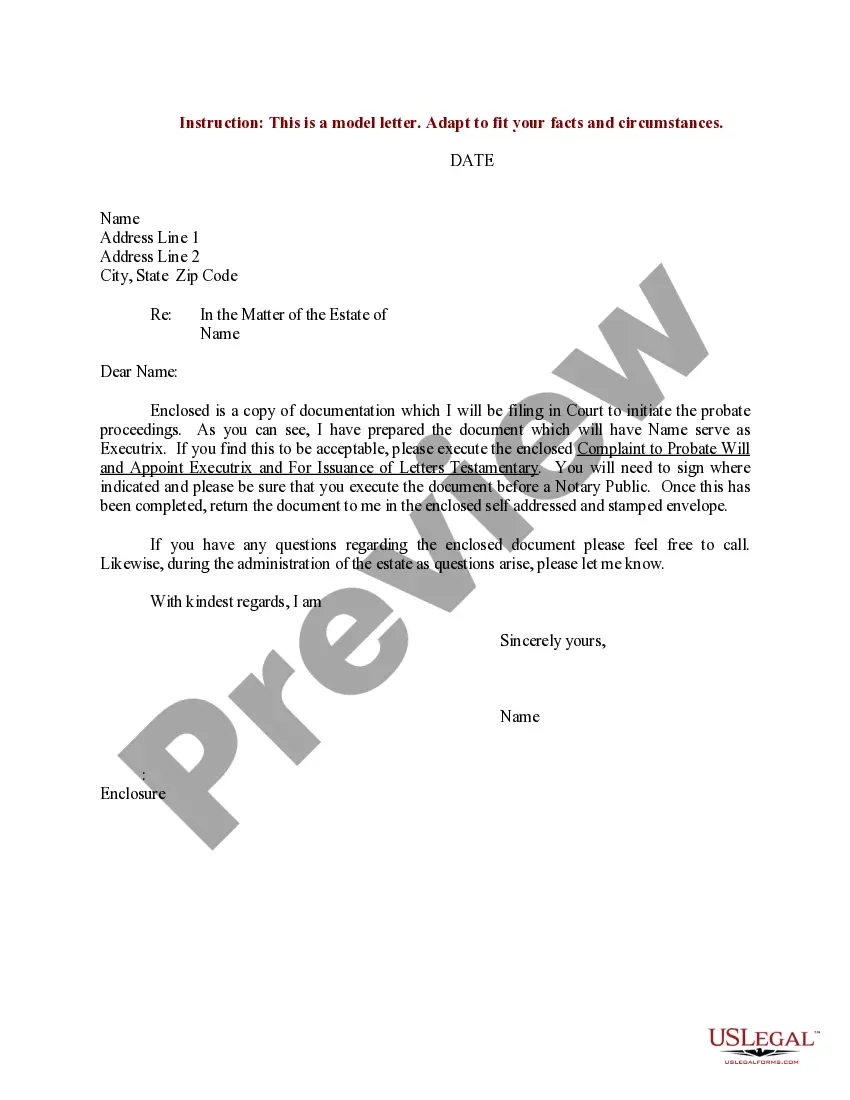
Get your form ready online
Our built-in tools help you complete, sign, share, and store your documents in one place.
Make edits, fill in missing information, and update formatting in US Legal Forms—just like you would in MS Word.
Download a copy, print it, send it by email, or mail it via USPS—whatever works best for your next step.
Sign and collect signatures with our SignNow integration. Send to multiple recipients, set reminders, and more. Go Premium to unlock E-Sign.
If this form requires notarization, complete it online through a secure video call—no need to meet a notary in person or wait for an appointment.
We protect your documents and personal data by following strict security and privacy standards.

Make edits, fill in missing information, and update formatting in US Legal Forms—just like you would in MS Word.

Download a copy, print it, send it by email, or mail it via USPS—whatever works best for your next step.

Sign and collect signatures with our SignNow integration. Send to multiple recipients, set reminders, and more. Go Premium to unlock E-Sign.

If this form requires notarization, complete it online through a secure video call—no need to meet a notary in person or wait for an appointment.

We protect your documents and personal data by following strict security and privacy standards.
Looking for another form?
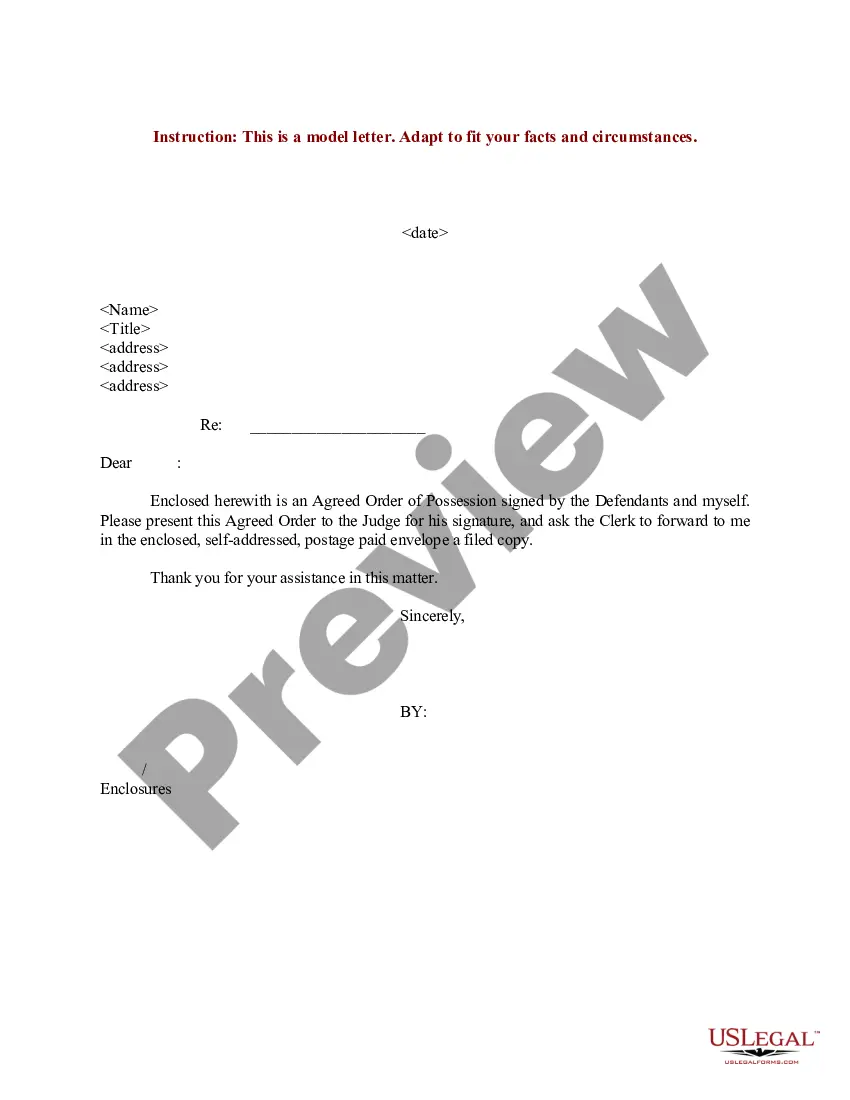
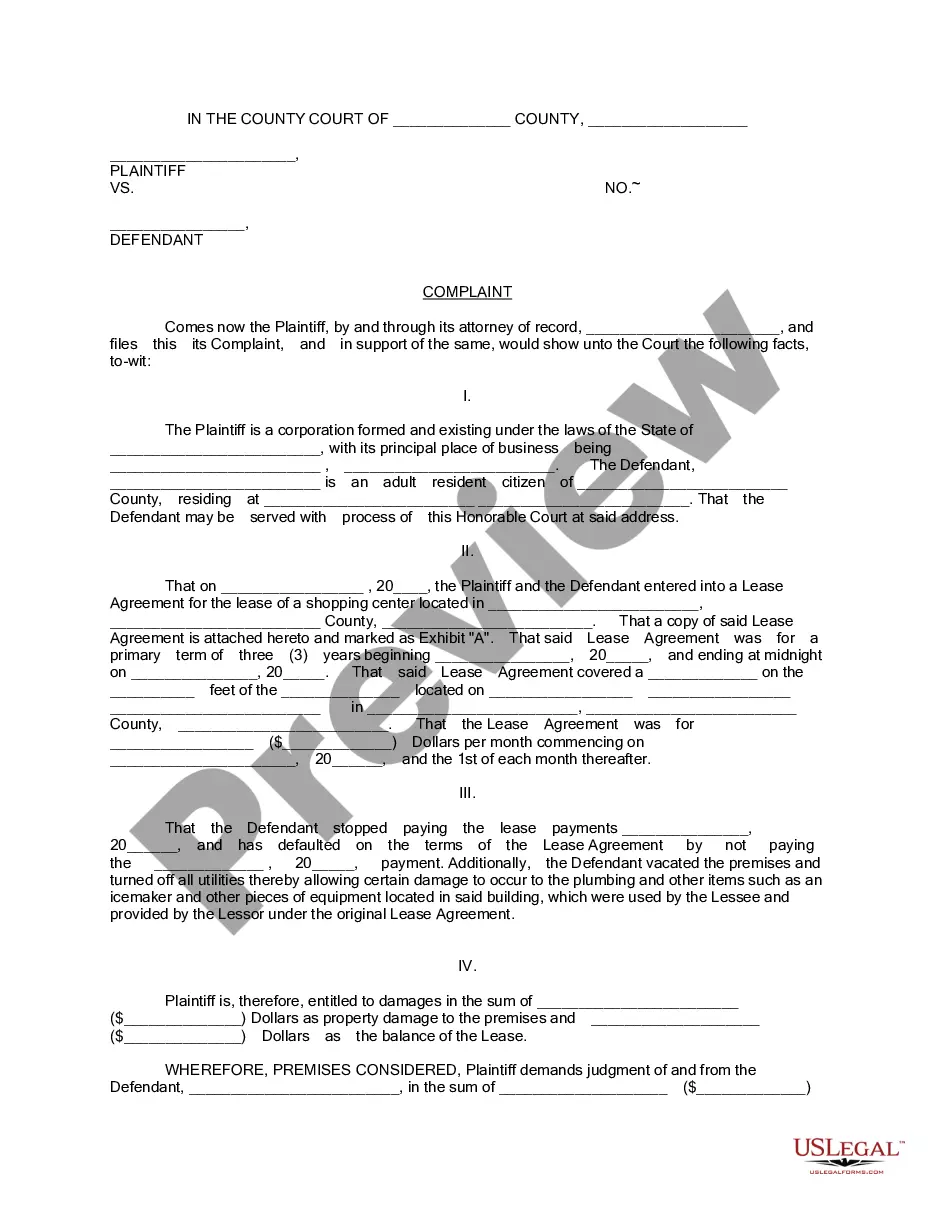
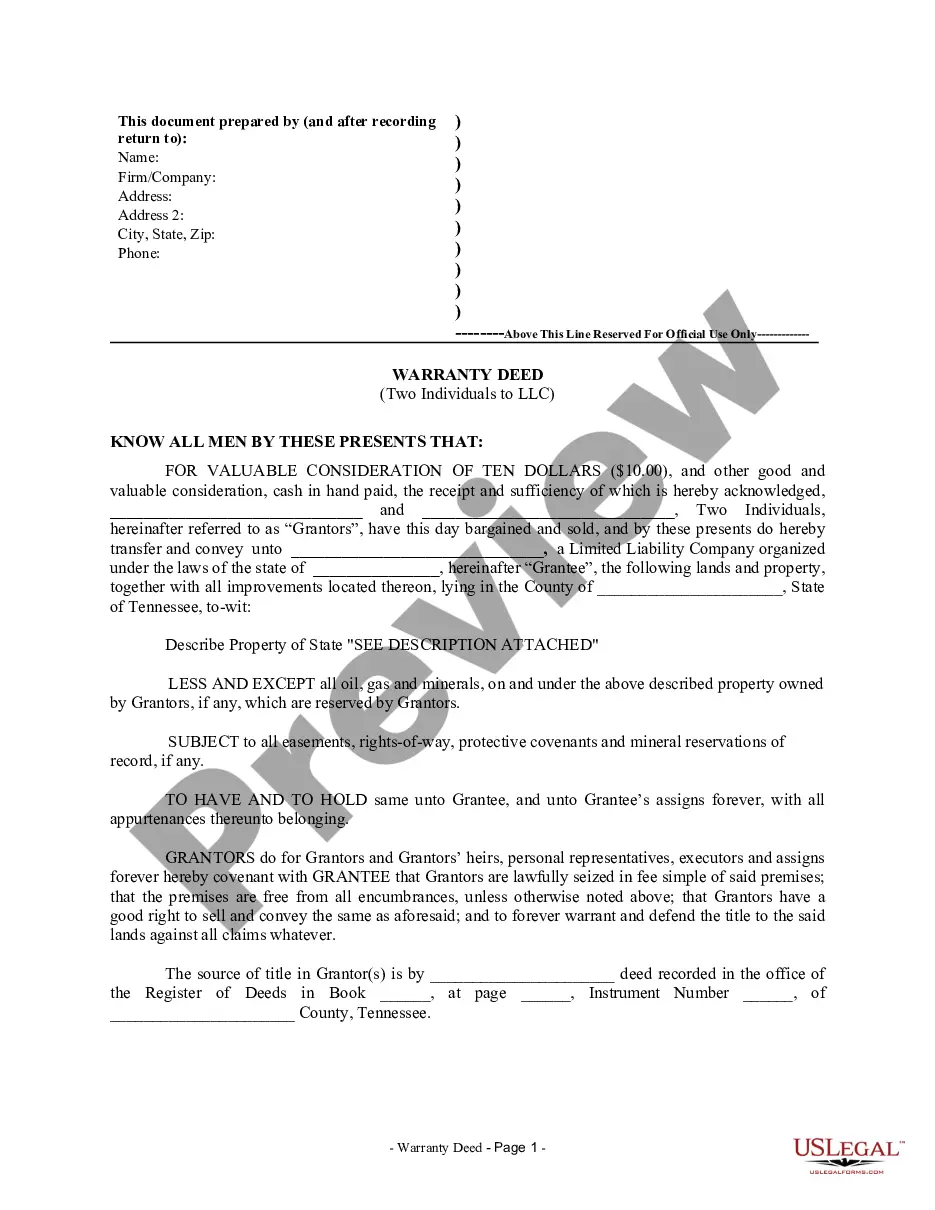
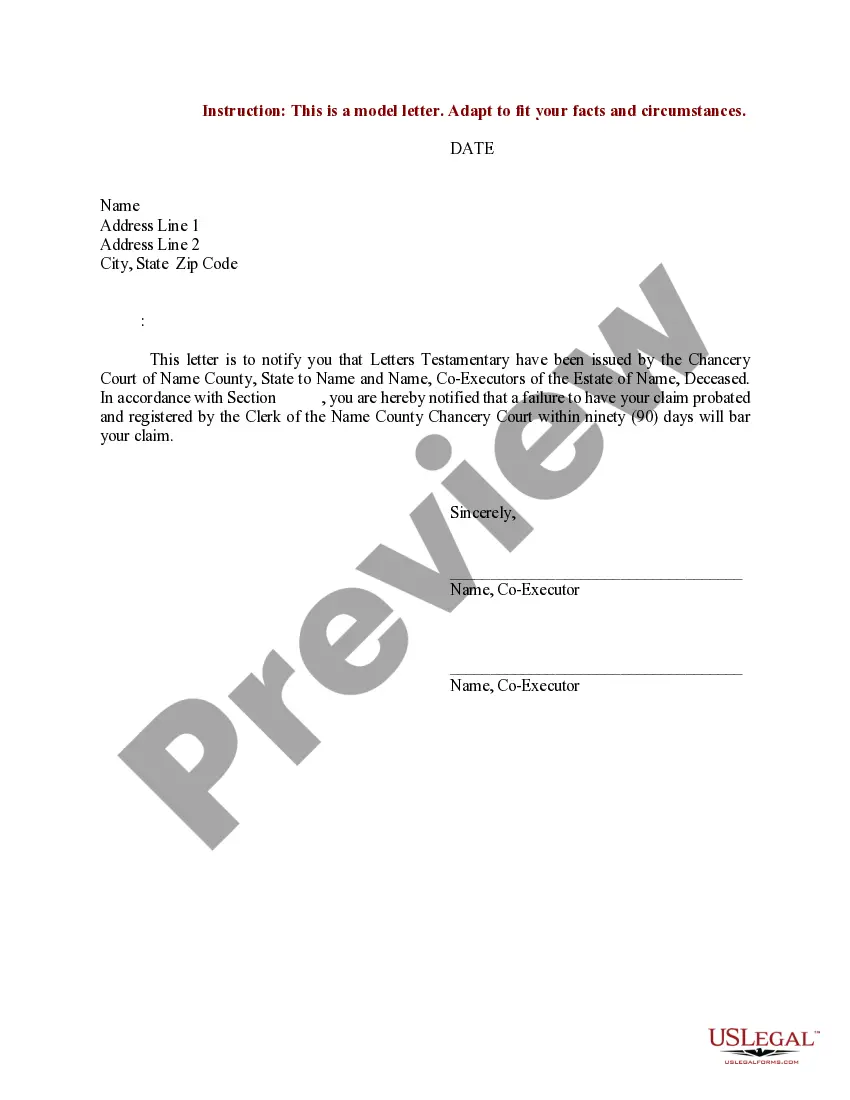
How to fill out Sample Letter For Complaint To Probate Will And Appoint Co-Executrixes And Issuance Of Letters Testamentary?
Creating legal documents from scratch can often be daunting.
Certain situations may require numerous hours of research and a significant financial investment.
If you're seeking a simpler and more economical approach to preparing Printable Letter Of Testamentary Form With Trust or other forms without unnecessary complications, US Legal Forms is always available for you.
Our online repository of over 85,000 current legal documents encompasses nearly every aspect of your financial, legal, and personal affairs.
However, before you proceed to download the Printable Letter Of Testamentary Form With Trust, consider these tips: Review the document preview and descriptions to ensure you have the correct document. Verify that the template you choose complies with the laws and regulations of your state and county. Select the most appropriate subscription option to purchase the Printable Letter Of Testamentary Form With Trust. Download the file, then complete, authenticate, and print it. US Legal Forms boasts an excellent reputation and over 25 years of experience. Join us today and simplify document completion into a more convenient and efficient process!
- With only a few clicks, you can quickly access templates that comply with state and county regulations, expertly crafted by our legal specialists.
- Utilize our platform whenever you require dependable services to effortlessly locate and download the Printable Letter Of Testamentary Form With Trust.
- If you're a returning user and have created an account with us before, simply Log In to your account, find the template, and download it instantly or re-download it anytime in the My documents section.
- Don't have an account? No problem. Registering takes only a few minutes, and you'll be able to browse the catalog.
Form popularity
FAQ
How to File a Maryland Tax Amendment. If you need to change or amend an accepted Maryland State Income Tax Return for the current or previous Tax Year, you need to complete Form 502X (residents) or Form 505X (nonresidents and part-year residents) and 505NR (nonresident income tax calculation).
You can download tax forms using the links listed below. Request forms by e-mail. You can also e-mail your forms request to us at taxforms@marylandtaxes.gov. Visit our offices.
How do I amend my state tax return? You can amend your state tax return in two simple steps: First, fill out an amended federal income tax return, Form 1040-X. Second, get the proper form from your state and use the information from Form 1040-X to help you fill it out.
Here's a step-by-step guide. Step 1: Collect your documents. Gather your original tax return and any new documents needed to prepare your amended return. ... Step 2: Get the right forms. The IRS form for amending a return is Form 1040-X. ... Step 3: Fill out Form 1040-X. ... Step 4: Submit your amended forms.
Get federal tax forms Download them from IRS.gov. Order online and have them delivered by U.S. mail. Order by phone at 1-800-TAX-FORM (1-800-829-3676)
You must file your Maryland Amended Form 502X electronically to claim, or change information related to, business income tax credits from Form 500CR. Changes made as part of an amended return are subject to audit for up to three years from the date that the amended return is filed.
The Maryland Form 510 A Pass-Through Entity Income Tax Return must be filed electronically if the pass-through entity has generated a business tax credit from Form 500CR or a Heritage Structure Rehabilitation Tax Credit from Form 502S to pass on to its members.
From there, processing an amended return can take as long as 16 weeks. Thankfully, you can check the status of your identity online with your social security number or tax ID and the exact amount of your refund. For your Maryland refund, click here. For a federal refund, click here.