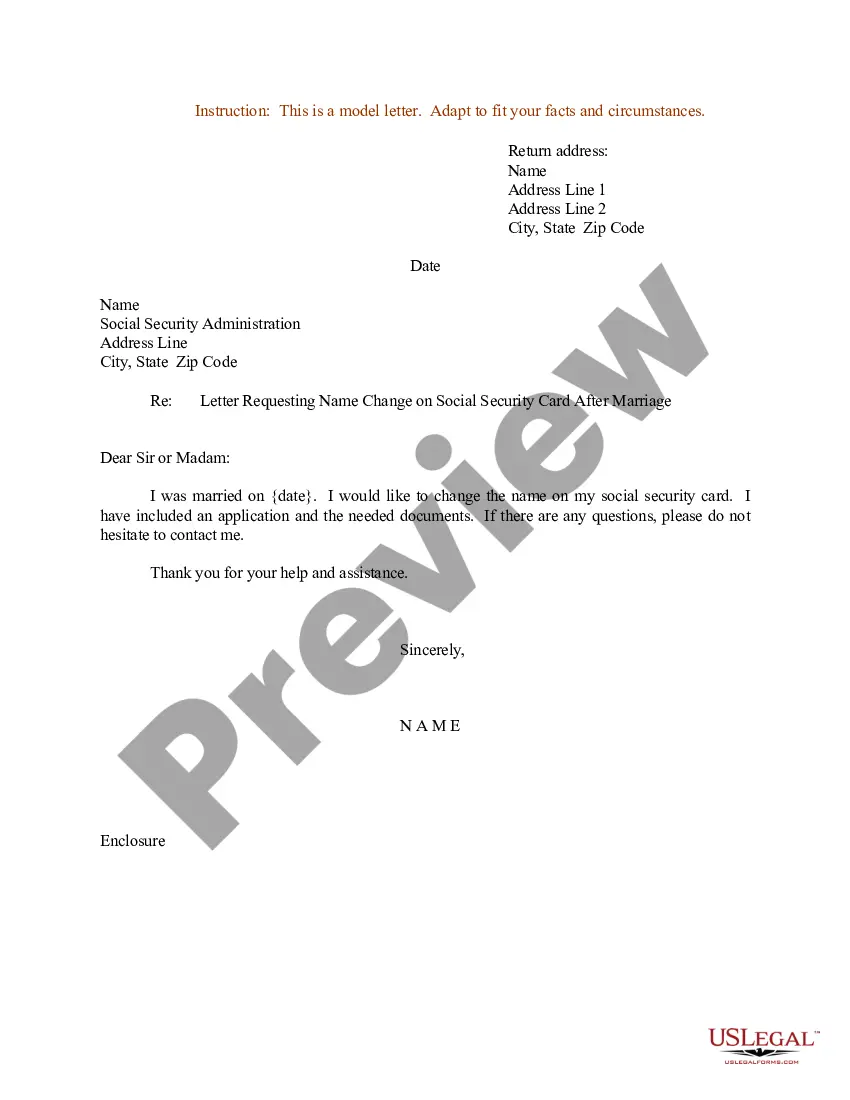
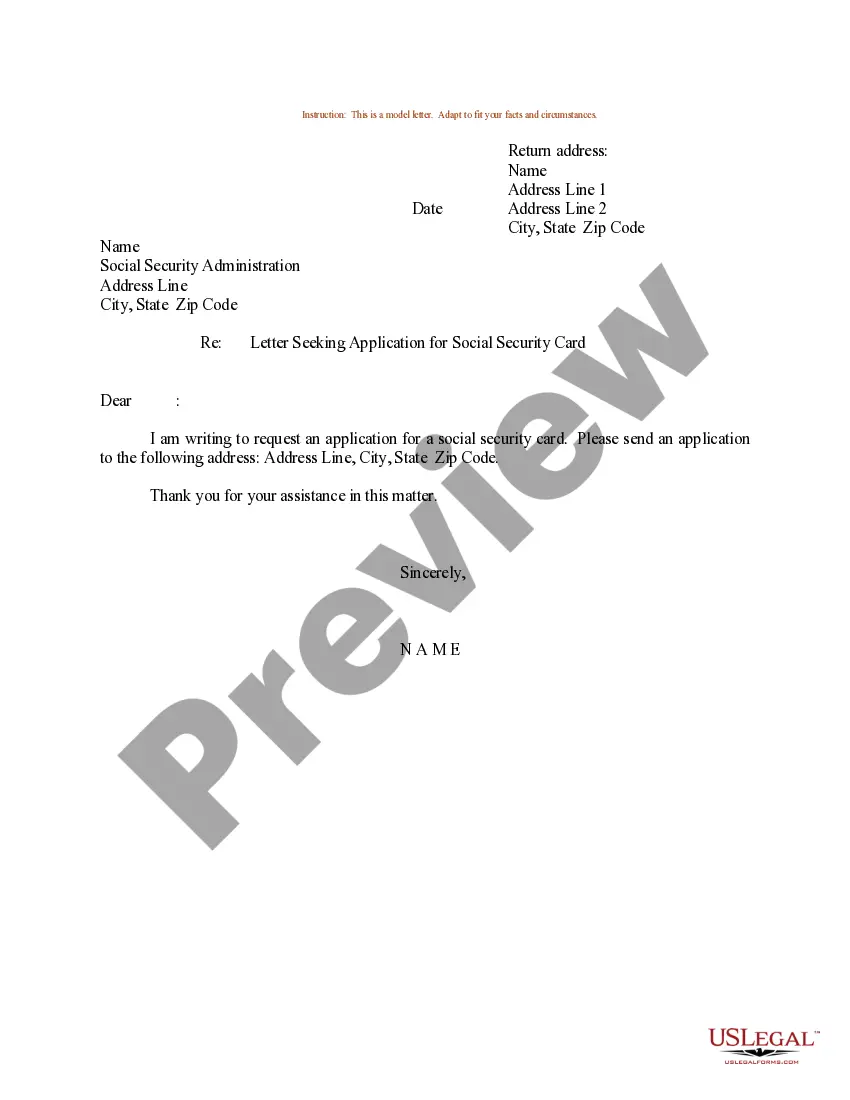
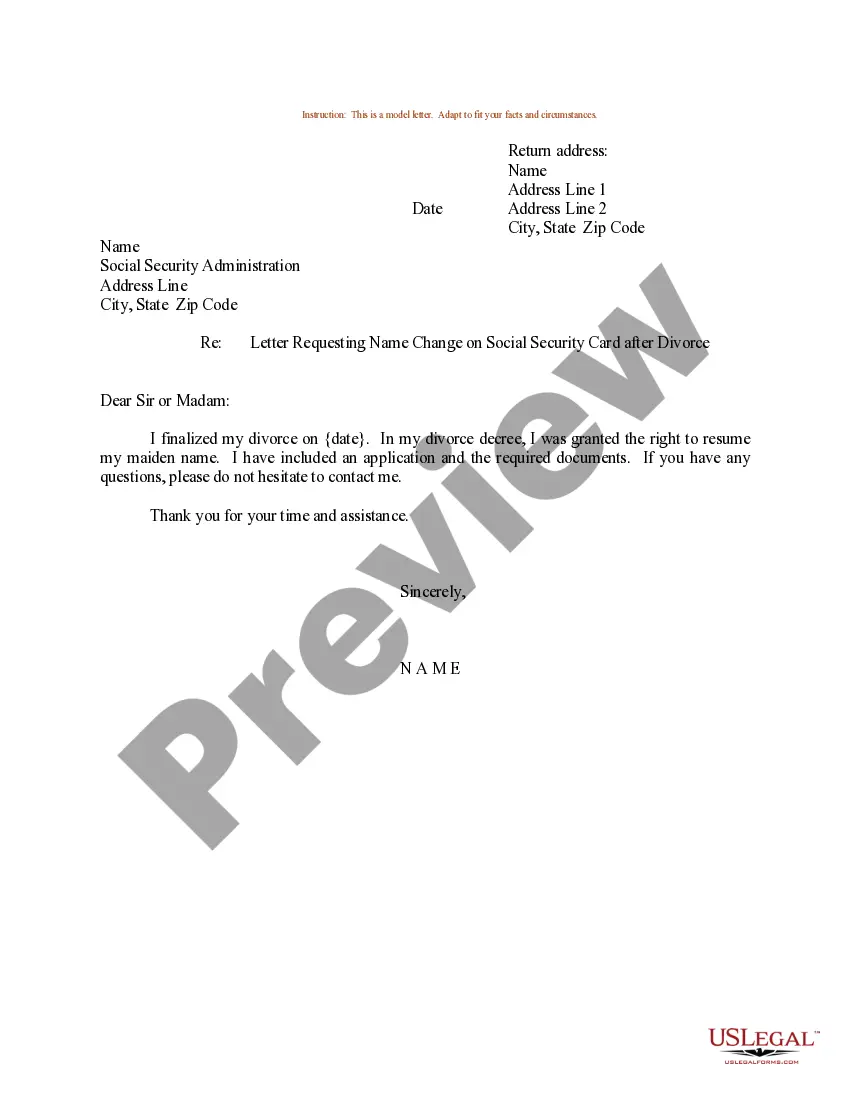
Social Security Name Change Form Marriage With Mail
Description
Get your form ready online
Our built-in tools help you complete, sign, share, and store your documents in one place.
Make edits, fill in missing information, and update formatting in US Legal Forms—just like you would in MS Word.
Download a copy, print it, send it by email, or mail it via USPS—whatever works best for your next step.
Sign and collect signatures with our SignNow integration. Send to multiple recipients, set reminders, and more. Go Premium to unlock E-Sign.
If this form requires notarization, complete it online through a secure video call—no need to meet a notary in person or wait for an appointment.
We protect your documents and personal data by following strict security and privacy standards.

Make edits, fill in missing information, and update formatting in US Legal Forms—just like you would in MS Word.

Download a copy, print it, send it by email, or mail it via USPS—whatever works best for your next step.

Sign and collect signatures with our SignNow integration. Send to multiple recipients, set reminders, and more. Go Premium to unlock E-Sign.

If this form requires notarization, complete it online through a secure video call—no need to meet a notary in person or wait for an appointment.

We protect your documents and personal data by following strict security and privacy standards.
Looking for another form?






How to fill out Sample Letter Requesting Name Change On Social Security Card After Marriage?
Handling legal documentation and tasks can be a lengthy addition to the day.
Social Security Name Change Form Marriage With Mail and similar forms generally necessitate that you search for them and comprehend how to fill them out accurately.
As a result, whether you are managing financial, legal, or personal issues, having a comprehensive and accessible online repository of forms readily available will greatly help.
US Legal Forms is the premier online platform for legal templates, featuring over 85,000 state-specific documents and several tools to help you complete your filings effortlessly.
Is it your first time using US Legal Forms? Register and create an account in a few minutes, and you will gain access to the library of forms and the Social Security Name Change Form Marriage With Mail. Then, follow the steps below to fill out your form: Make sure you have the correct template using the Preview function and reviewing the form details. Select Buy Now when ready, and opt for the subscription plan that fits you. Click Download then complete, sign, and print the form. US Legal Forms has 25 years of experience aiding clients in managing their legal documents. Find the form you need today and streamline any procedure effortlessly.
- Browse the collection of relevant documents available with a single click.
- US Legal Forms provides you with state- and county-specific templates accessible anytime for download.
- Protect your document management tasks by utilizing a reliable service that enables you to generate any form in minutes without any additional or concealed fees.
- Simply Log In to your account, locate Social Security Name Change Form Marriage With Mail, and obtain it instantly from the My documents section.
- You can also retrieve previously downloaded documents.
Form popularity
FAQ
To change your name at the Social Security office after marriage, you need to fill out the Social Security name change form marriage with mail. First, gather your proof of identity and your marriage certificate. Then, complete the form accurately and send it along with the required documents to your local Social Security office. Using the right form and following the proper steps ensures a smooth process, allowing you to update your records without delay.
Changing your name with Social Security after marriage involves submitting a Social Security name change form marriage with mail. First, gather required documents, including your marriage certificate and a valid ID. Complete the form accurately and send it to the designated Social Security office. This process helps ensure that all your records are updated, allowing you to enjoy your married life without paperwork hassles.
To initiate a name change with Social Security, you need to complete the Social Security name change form marriage with mail. Along with this form, include proof of your legal name change, like your marriage certificate. Don't forget to attach a copy of your identification, such as a driver's license or passport, to verify your identity. Sending these documents to the appropriate Social Security office ensures a smooth name update process.
Yes, you can mail a Social Security name change request. After completing the Social Security name change form marriage with mail, ensure you attach your identification and marriage proof. Mailing your request can save you time, as you will not need to wait in line at the Social Security office. Consider using an organized platform like US Legal Forms to guide you through the completion of the necessary forms thoroughly.
You can certainly mail documents to Social Security for a name change. After completing the Social Security name change form marriage with mail, gather your required documents and send them to the appropriate office. This method simplifies the process, especially if you have a busy schedule. Always confirm the office address and include any tracking services if needed.
Yes, you can mail documents to your local Social Security office. When you fill out the Social Security name change form marriage with mail, ensure that you include all necessary documents, such as your marriage certificate. Be sure to send the form through a reliable mailing service to track its delivery. This process allows you to handle your name change conveniently without visiting the office in person.
Fill out the Application for a Social Security Card (Form SS-5) (PDF) and bring it to a local office along with unexpired identification and proof of name change, such as a marriage or divorce document, adoption decree, amended or corrected birth certificate, court order with the name change, or tribal document.
If you legally change your name because of marriage, divorce, or court order or need to correct your name for other reasons, you must tell us. This way you can get a replacement Social Security number (SSN) card with your correct legal name. Visit Defining the legal Name for an SSN for more information.
There are two ways to apply. In-person: Fill out Form SS-5 in person at the Social Security Administration's local office and bring the required documents. Online and in-person: Fill out Form SS-5 online on the SSA's website and then visit the SSA's local office with the required documents.
Call us at 1-800-772-1213 (TTY 1-800-325-0778) Monday through Friday between a.m. ? p.m. or contact your local Social Security office to report your marriage and get additional information.