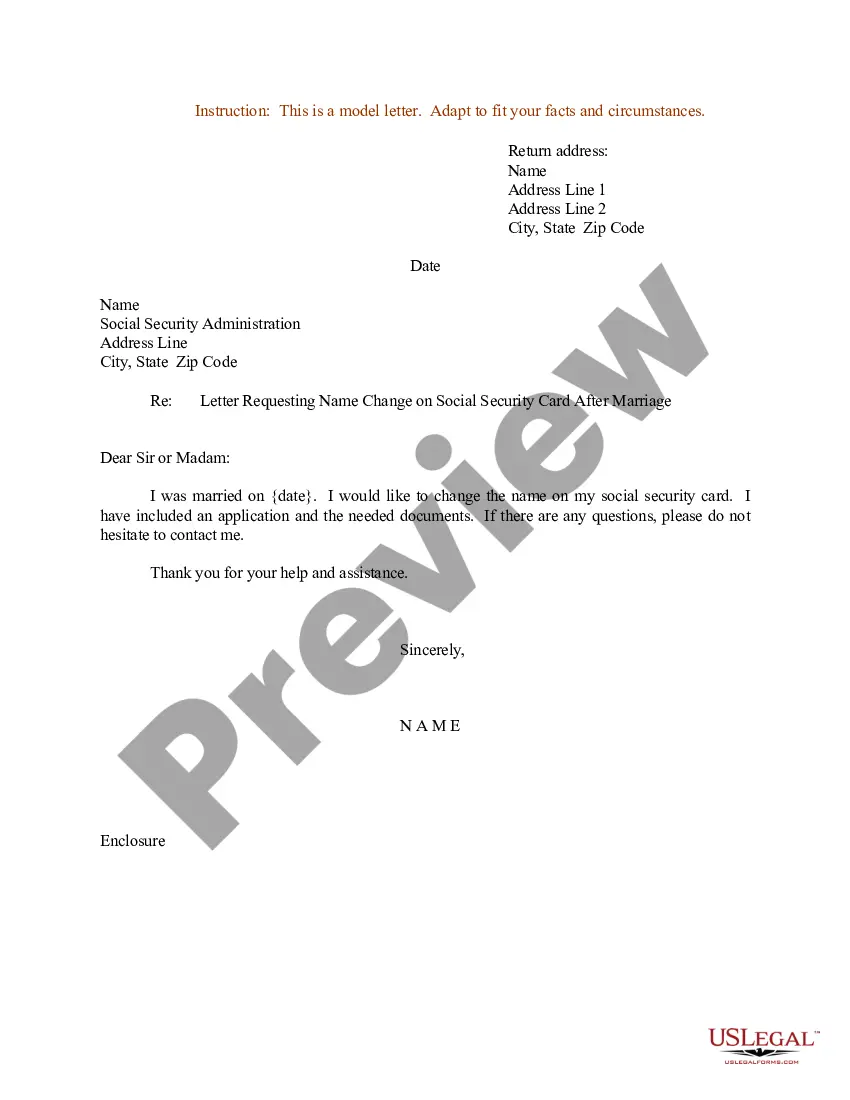
Name Change After Marriage Form For Social Security
Description

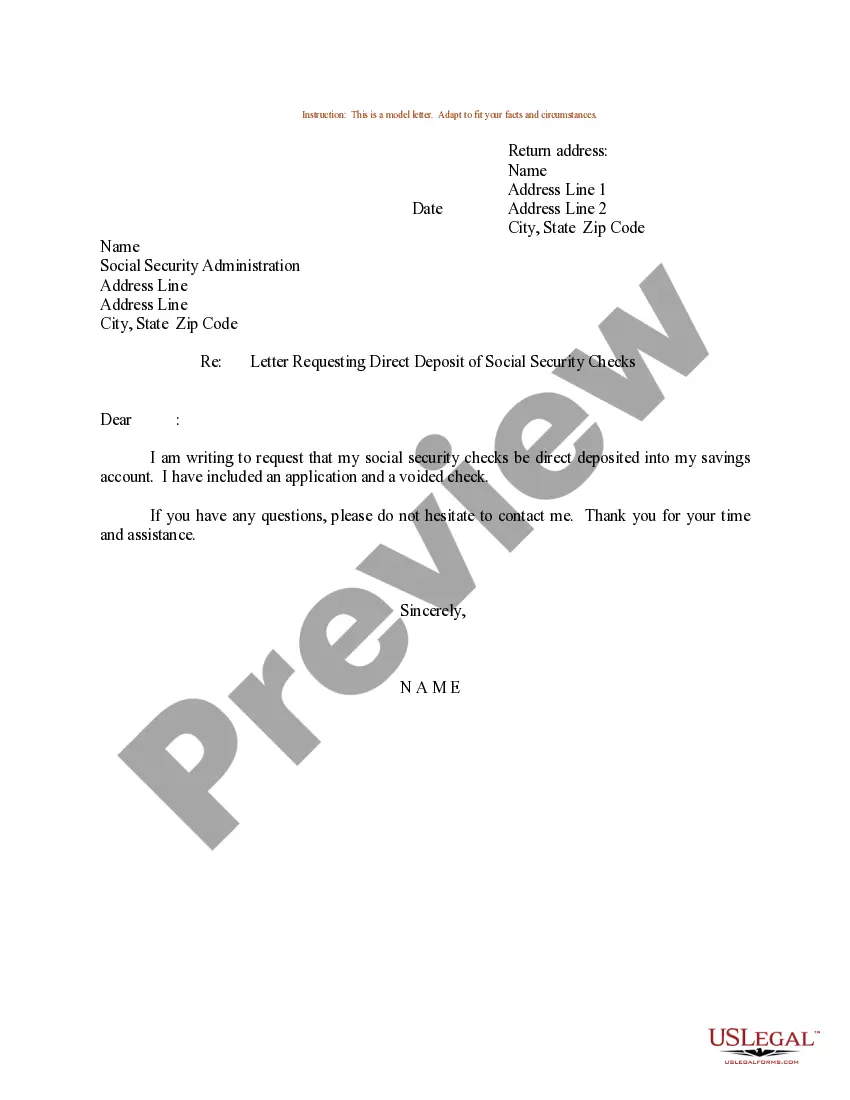
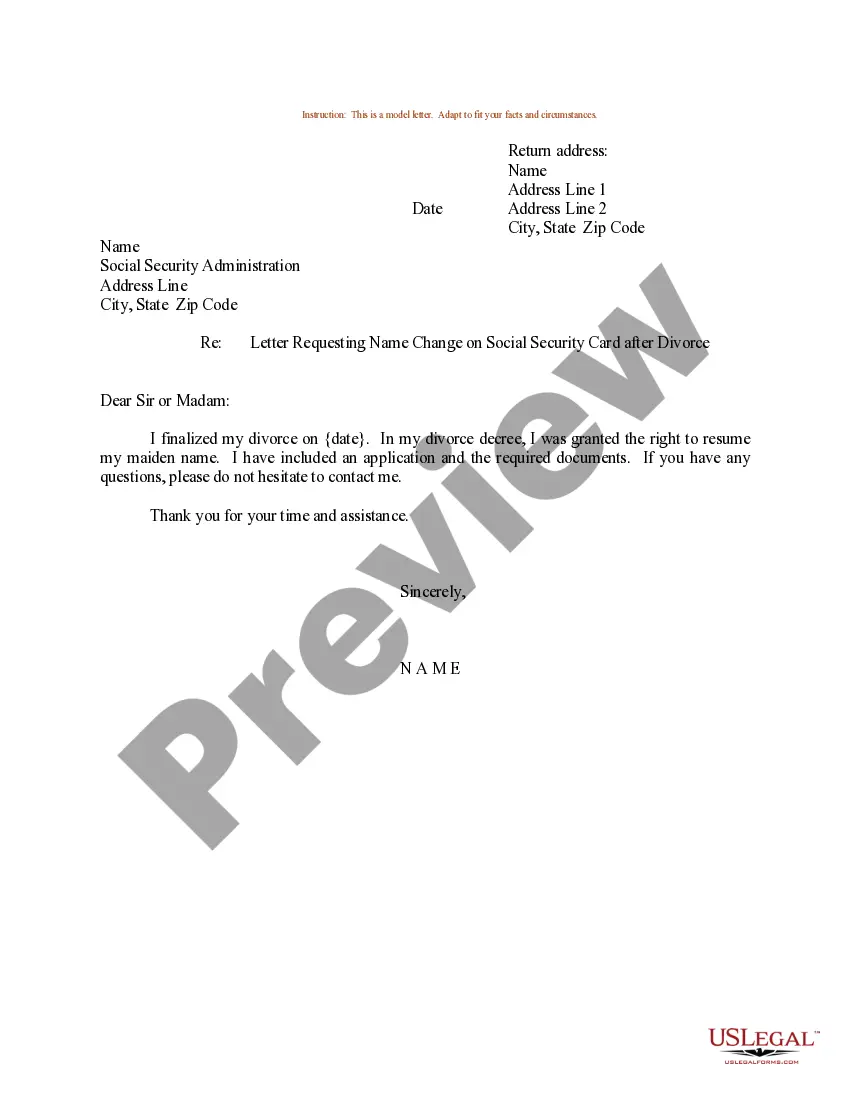
Get your form ready online
Our built-in tools help you complete, sign, share, and store your documents in one place.
Make edits, fill in missing information, and update formatting in US Legal Forms—just like you would in MS Word.
Download a copy, print it, send it by email, or mail it via USPS—whatever works best for your next step.
Sign and collect signatures with our SignNow integration. Send to multiple recipients, set reminders, and more. Go Premium to unlock E-Sign.
If this form requires notarization, complete it online through a secure video call—no need to meet a notary in person or wait for an appointment.
We protect your documents and personal data by following strict security and privacy standards.

Make edits, fill in missing information, and update formatting in US Legal Forms—just like you would in MS Word.

Download a copy, print it, send it by email, or mail it via USPS—whatever works best for your next step.

Sign and collect signatures with our SignNow integration. Send to multiple recipients, set reminders, and more. Go Premium to unlock E-Sign.

If this form requires notarization, complete it online through a secure video call—no need to meet a notary in person or wait for an appointment.

We protect your documents and personal data by following strict security and privacy standards.
Looking for another form?










How to fill out Sample Letter Requesting Name Change On Social Security Card After Marriage?
It’s well-known that you cannot become a legal expert overnight, nor can you easily learn how to swiftly prepare the Name Change After Marriage Form For Social Security without having a specialized education.
Drafting legal documents is a lengthy process that demands specific knowledge and abilities. So why not entrust the drafting of the Name Change After Marriage Form For Social Security to the experts.
With US Legal Forms, one of the most extensive legal template collections, you can find everything from court documents to templates for internal communication.
If you need any other form, restart your search.
Create a free account and choose a subscription plan to purchase the template. Select Buy now. After the payment is processed, you can obtain the Name Change After Marriage Form For Social Security, complete it, print it, and send it or mail it to the specified individuals or organizations.
- We recognize the significance of compliance and conformity to federal and local regulations.
- That’s why, on our platform, all templates are tailored to specific locations and are current.
- Here’s how you can begin with our site and acquire the form you require in just a few minutes.
- Locate the document you need by utilizing the search function at the top of the page.
- Preview it (if this option is available) and review the accompanying description to determine if the Name Change After Marriage Form For Social Security is what you are looking for.
Form popularity
FAQ
When figuring out how to change your name after marriage in Texas, know that you'll have to visit the DMV within 30 days of your official name change to make things official. You can schedule an appointment online to make things easier and avoid waiting.
You can also apply by calling us at 1-800-772-1213 (TTY 1-800-325-0778), Monday through Friday from a.m. to p.m local time or visiting your local Social Security Office. (Call first to make an appointment.)
Documents we may ask for include: Your Social Security card or a record of your number. Your original birth certificate, a copy certified by the issuing agency, or other proof of your age. We must see the original document(s), or copies certified by the agency that issued them.
Whatever your reason for your name change, Social Security is here to help you with the new? you! Fill out the form online and follow the instructions to ensure your Social Security card is delivered in a timely manner.
If you legally change your name because of marriage, divorce, or court order or need to correct your name for other reasons, you must tell us. This way you can get a replacement Social Security number (SSN) card with your correct legal name. Visit Defining the legal Name for an SSN for more information.