Employer Letter For Food Stamps
Description


Get your form ready online
Our built-in tools help you complete, sign, share, and store your documents in one place.
Make edits, fill in missing information, and update formatting in US Legal Forms—just like you would in MS Word.
Download a copy, print it, send it by email, or mail it via USPS—whatever works best for your next step.
Sign and collect signatures with our SignNow integration. Send to multiple recipients, set reminders, and more. Go Premium to unlock E-Sign.
If this form requires notarization, complete it online through a secure video call—no need to meet a notary in person or wait for an appointment.
We protect your documents and personal data by following strict security and privacy standards.

Make edits, fill in missing information, and update formatting in US Legal Forms—just like you would in MS Word.

Download a copy, print it, send it by email, or mail it via USPS—whatever works best for your next step.

Sign and collect signatures with our SignNow integration. Send to multiple recipients, set reminders, and more. Go Premium to unlock E-Sign.

If this form requires notarization, complete it online through a secure video call—no need to meet a notary in person or wait for an appointment.

We protect your documents and personal data by following strict security and privacy standards.
Looking for another form?
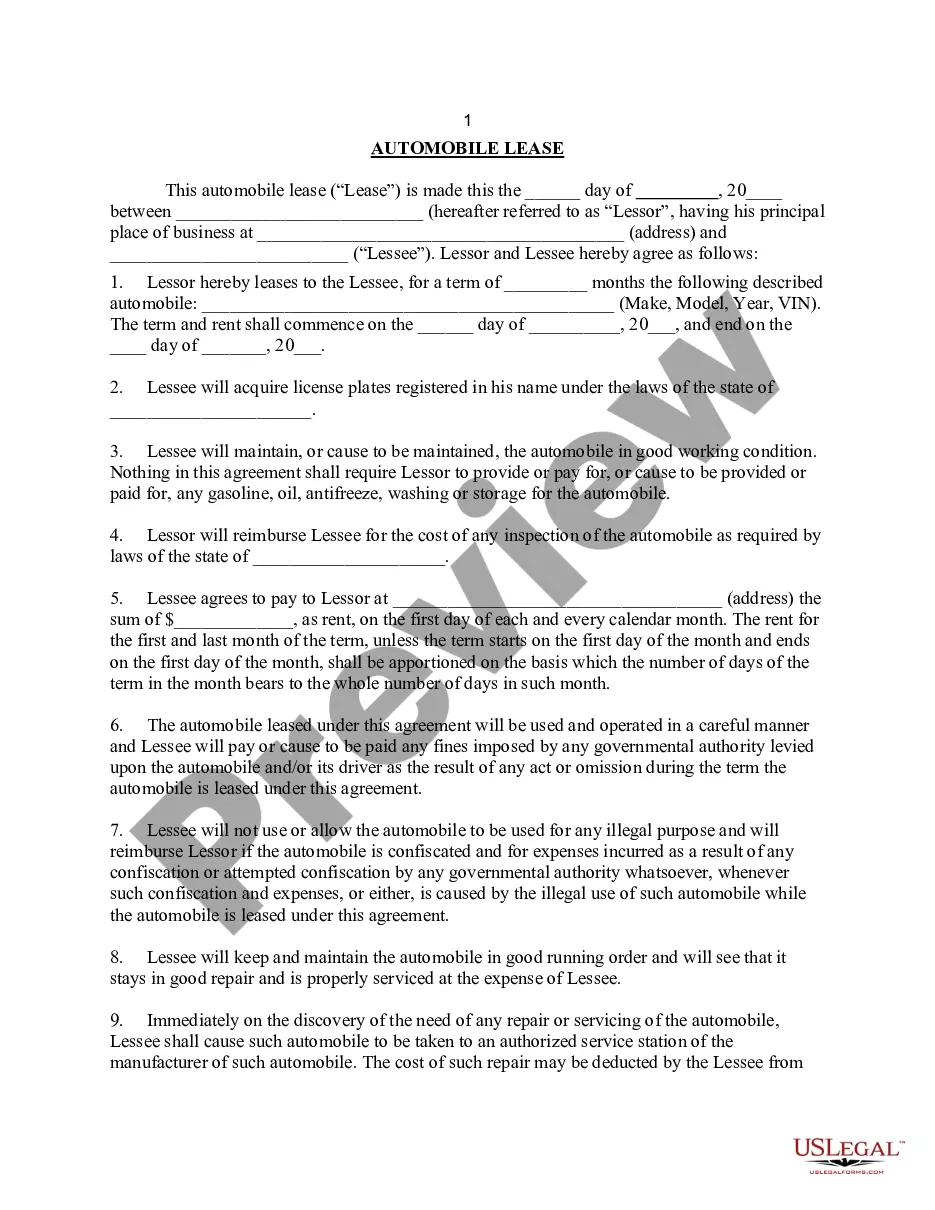
How to fill out Sample Letter For Employer Requesting Employee's Jury Duty Release?
It’s clear that you cannot transform into a legal expert instantly, nor can you quickly learn how to draft an Employer Letter For Food Stamps without possessing a specific skill set.
Creating legal documents is a labor-intensive task that necessitates particular education and expertise. So why not entrust the creation of the Employer Letter For Food Stamps to the professionals.
With US Legal Forms, one of the most extensive libraries of legal documents, you can find everything from court filings to templates for internal business communication.
You can access your documents again from the My documents tab anytime. If you’re an existing client, you can simply Log In and locate and download the template from the same tab.
Regardless of the purpose of your documents—whether financial, legal, or personal—our platform has everything you need. Give US Legal Forms a try today!
- Search for the document you require using the search bar at the top of the page.
- Preview it (if this feature is available) and review the accompanying description to determine if the Employer Letter For Food Stamps meets your needs.
- If you need a different form, restart your search.
- Create a free account and select a subscription plan to acquire the template.
- Click Buy now. After the payment is processed, you can obtain the Employer Letter For Food Stamps, fill it out, print it, and send or mail it to the relevant individuals or organizations.
Form popularity
FAQ
The Division of State Human Resource Management establishes the policies, practices and strategies for the State Personnel System (SPS) and does not maintain any individuals' personnel data information. Employment status information may be obtained by contacting the People First Service Center at 1-866-663-4735.
What should be included in employment verification letters? Employer address. Name and address of the company requesting verification. Employee name. Employment dates. Employee job title. Employee job description. Employee current salary. Reason for termination (If applicable)
Employers verify employment history to confirm the information provided by a candidate is true; the work experience is sufficient to meet the position's requirements; and past titles, achievements, or responsibilities are valid. Employment Verification helps you: Hire qualified candidates more quickly.
It may include the following information: Employer address. Name and address of the company requesting verification. Employee name. Employment dates. Employee job title. Employee job description. Employee current salary. Reason for termination (If applicable)
Those requesting employment or salary verification may access THE WORK NUMBER® online at using DOL's code: 10915. You may also contact the service directly via phone at: 1-800-367-5690.