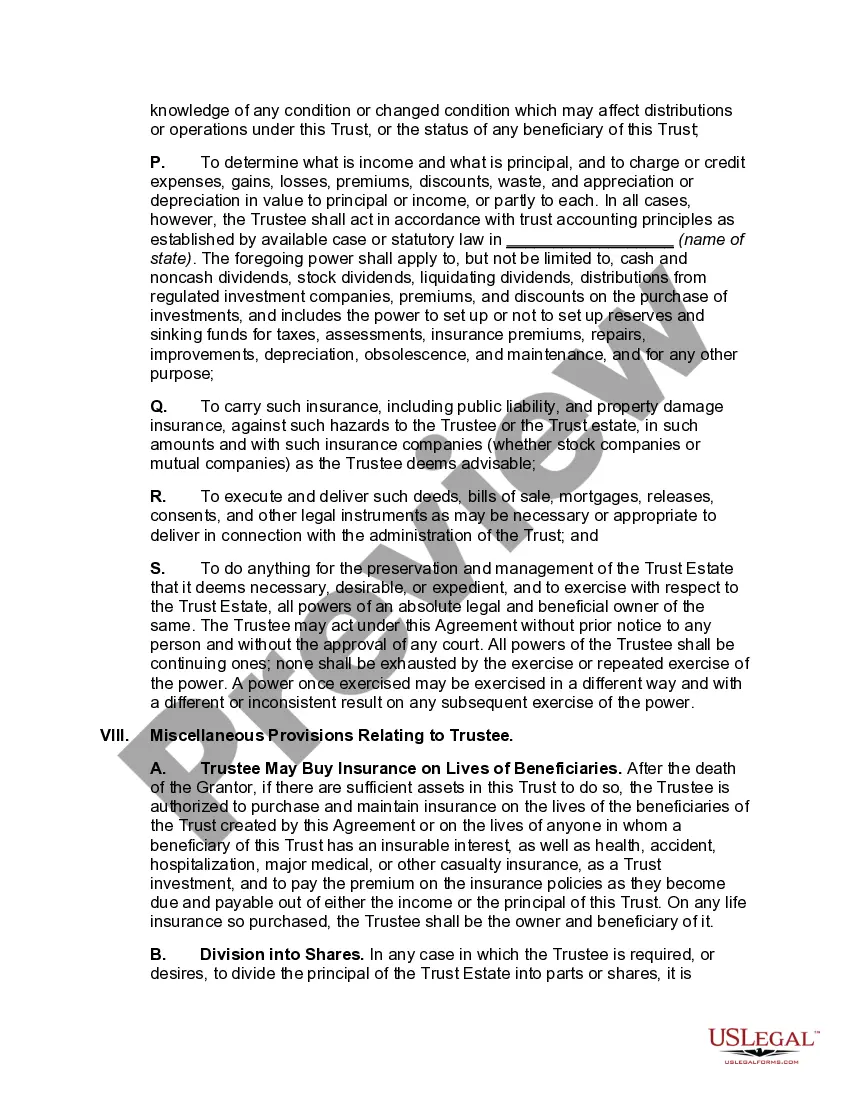
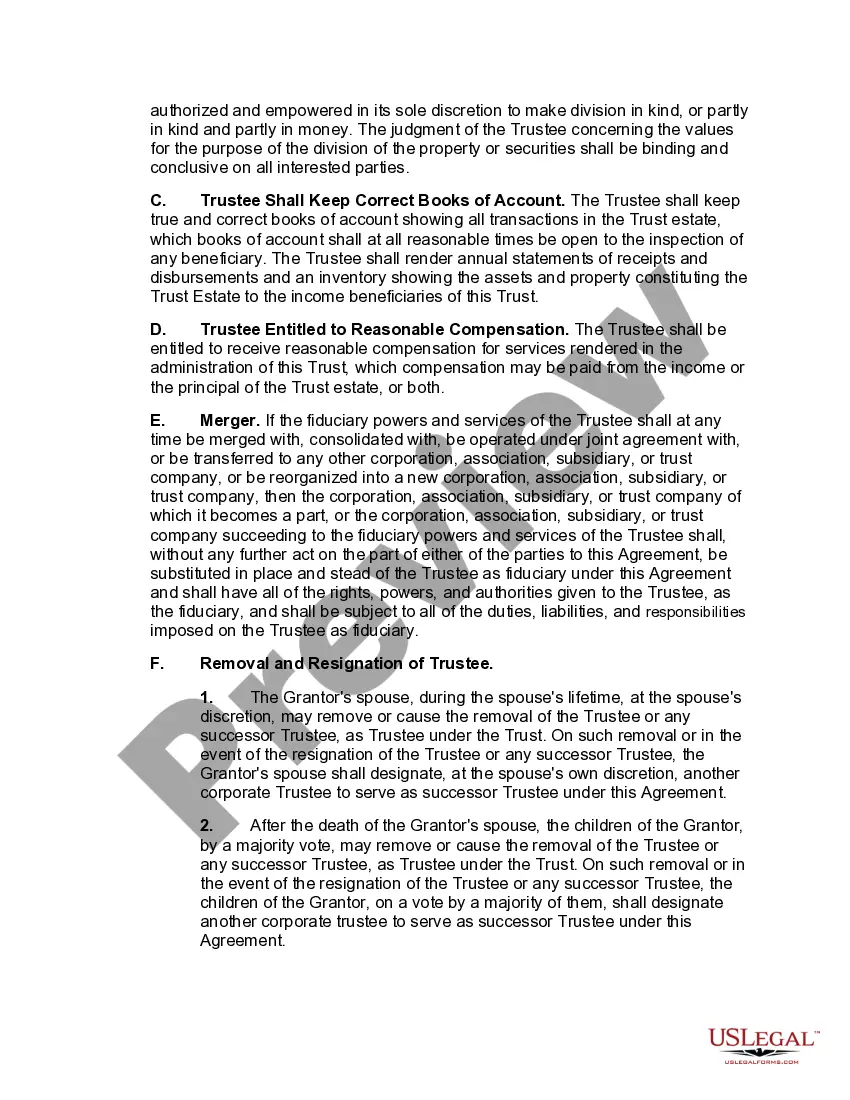
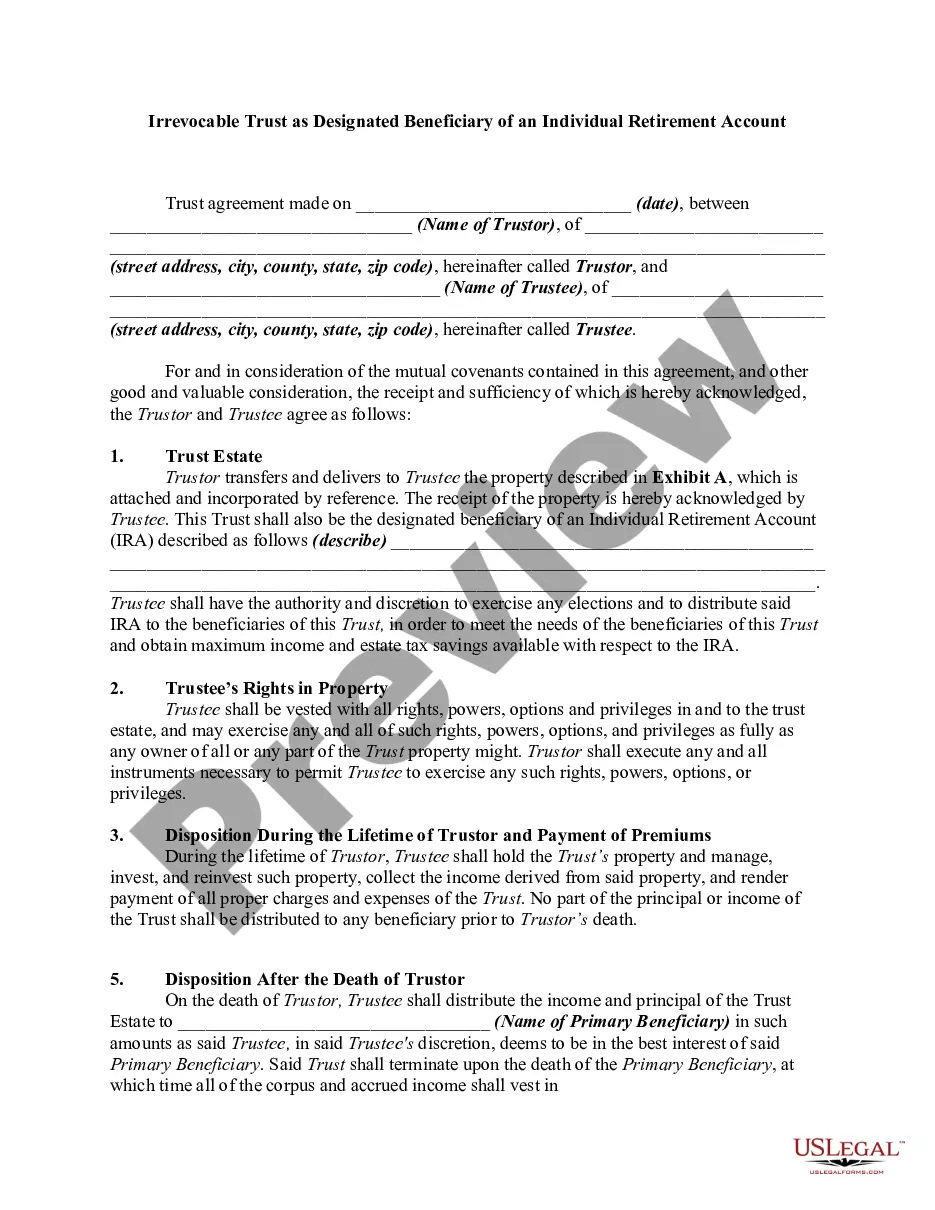
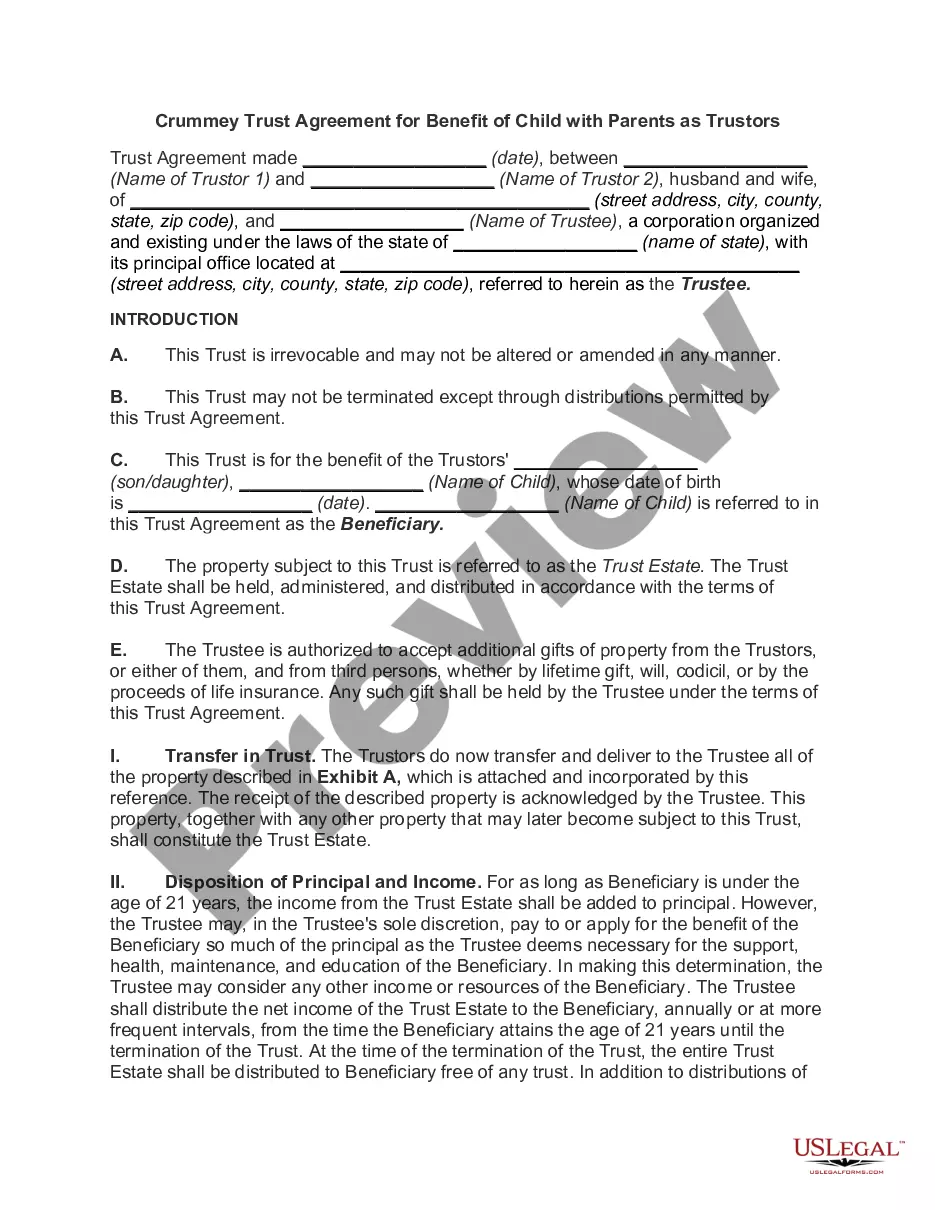
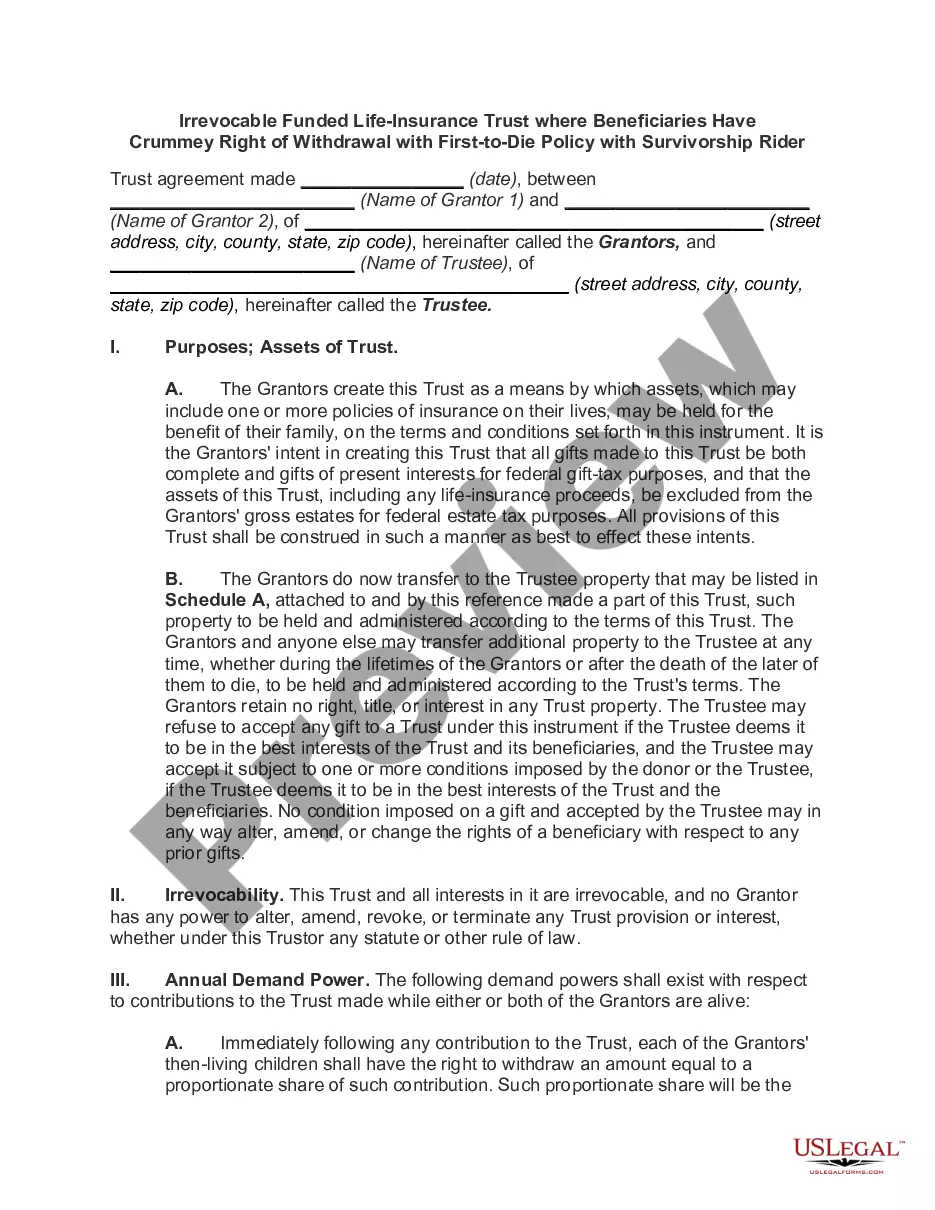
Irrevocable Living Trust In Pa
Description
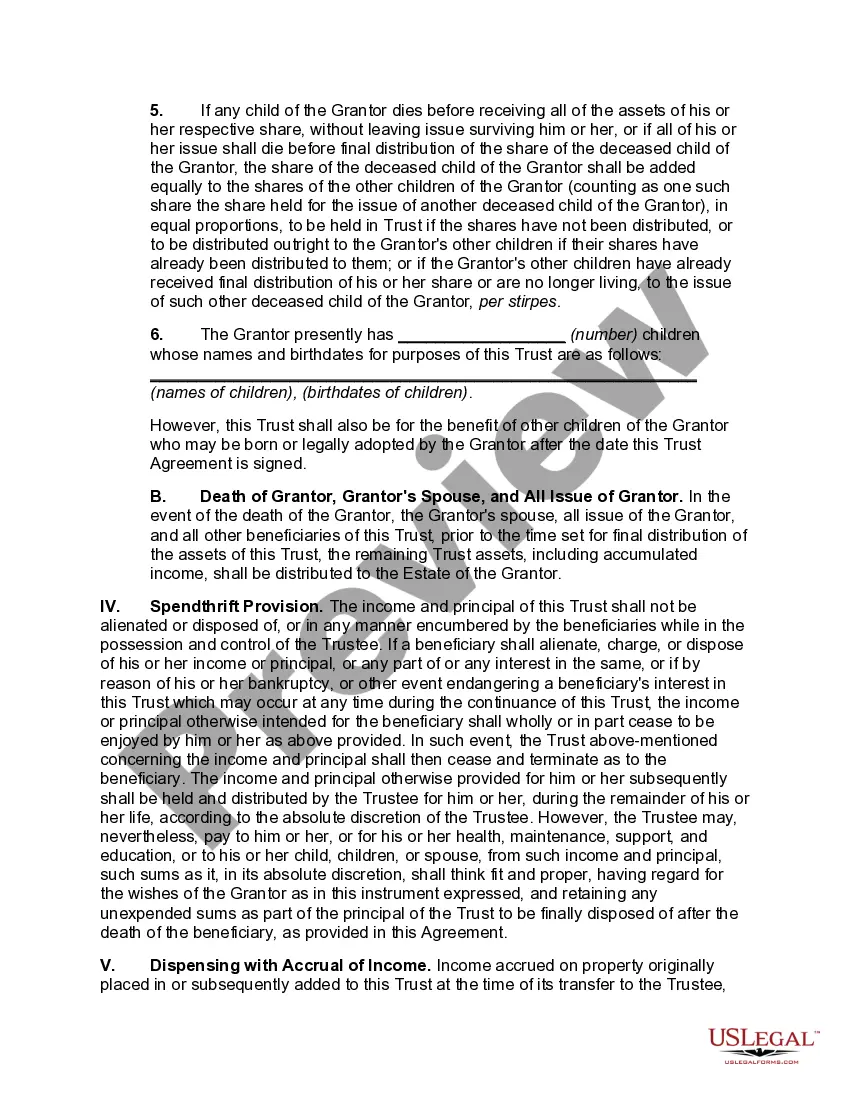
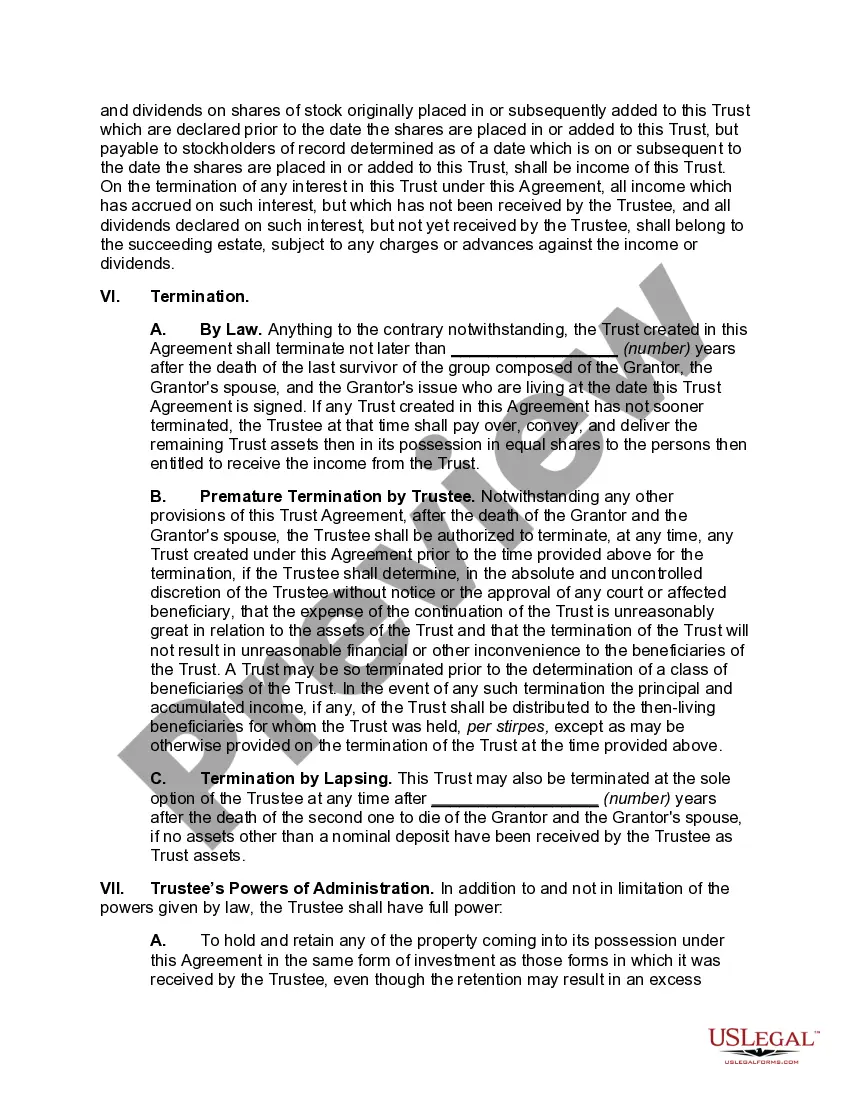
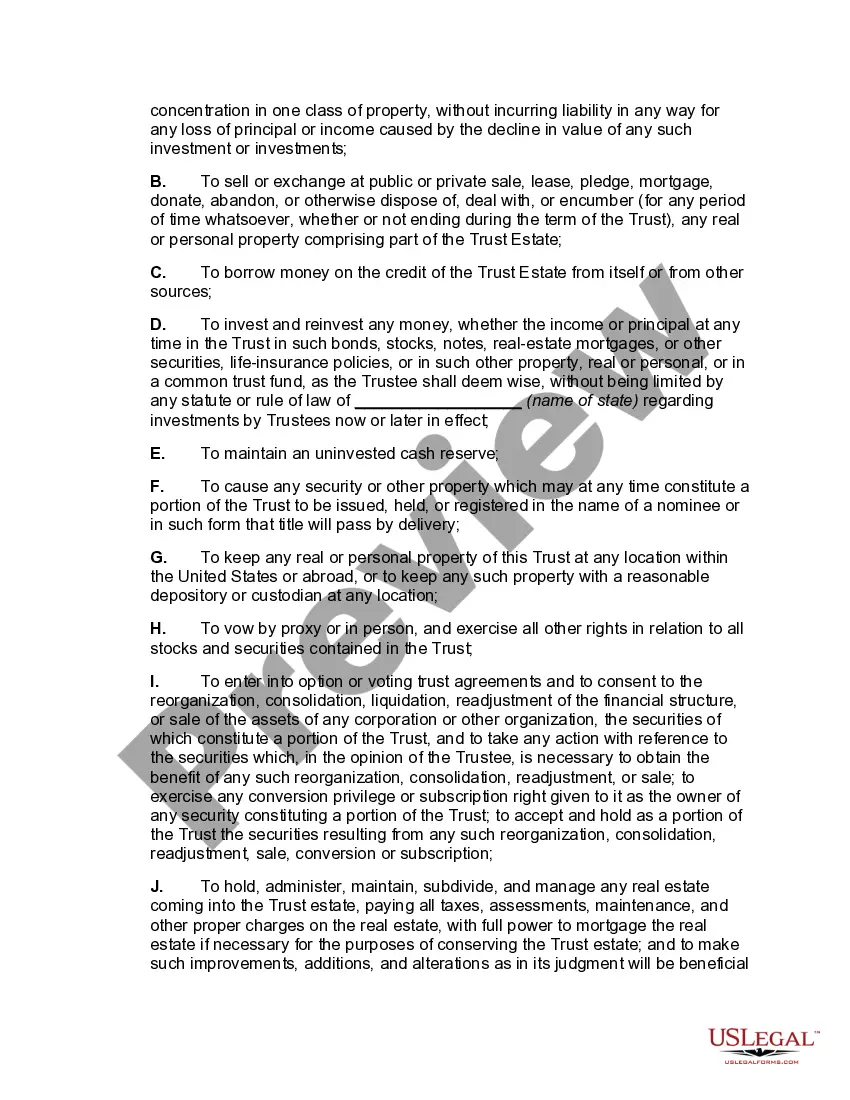
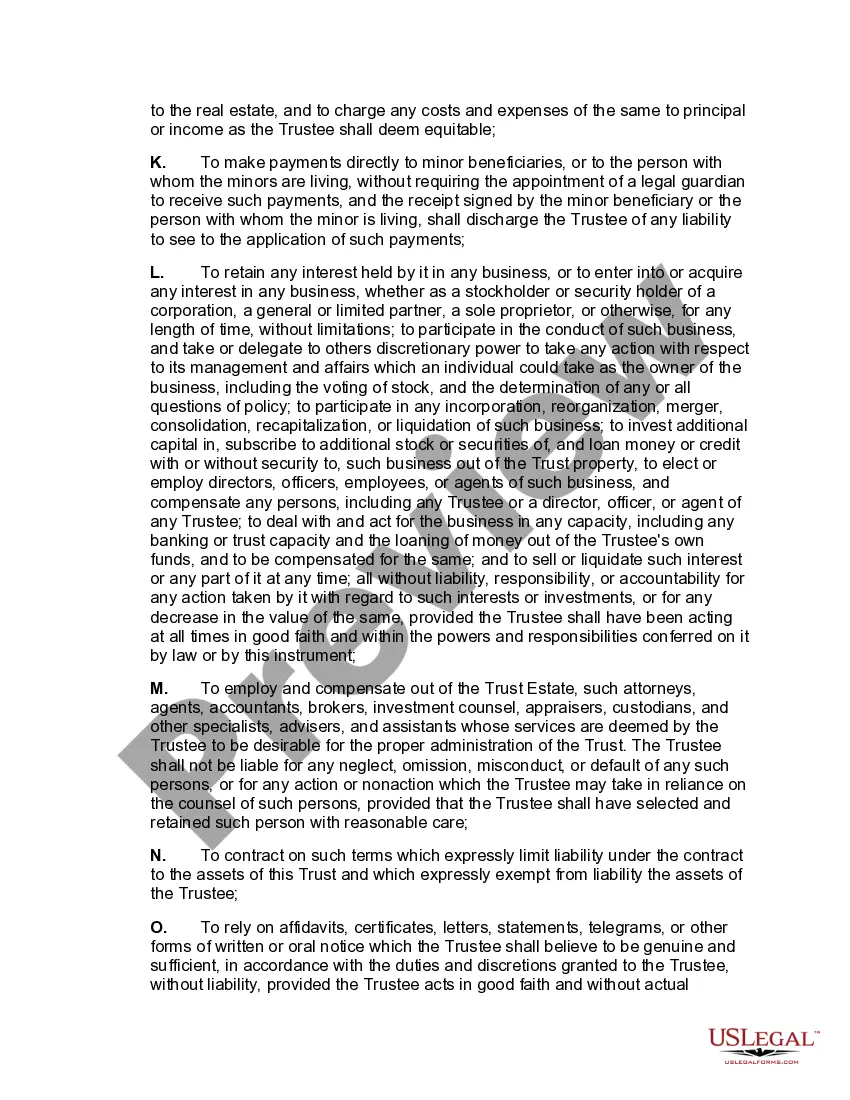

Get your form ready online
Our built-in tools help you complete, sign, share, and store your documents in one place.
Make edits, fill in missing information, and update formatting in US Legal Forms—just like you would in MS Word.
Download a copy, print it, send it by email, or mail it via USPS—whatever works best for your next step.
Sign and collect signatures with our SignNow integration. Send to multiple recipients, set reminders, and more. Go Premium to unlock E-Sign.
If this form requires notarization, complete it online through a secure video call—no need to meet a notary in person or wait for an appointment.
We protect your documents and personal data by following strict security and privacy standards.

Make edits, fill in missing information, and update formatting in US Legal Forms—just like you would in MS Word.

Download a copy, print it, send it by email, or mail it via USPS—whatever works best for your next step.

Sign and collect signatures with our SignNow integration. Send to multiple recipients, set reminders, and more. Go Premium to unlock E-Sign.

If this form requires notarization, complete it online through a secure video call—no need to meet a notary in person or wait for an appointment.

We protect your documents and personal data by following strict security and privacy standards.
Looking for another form?
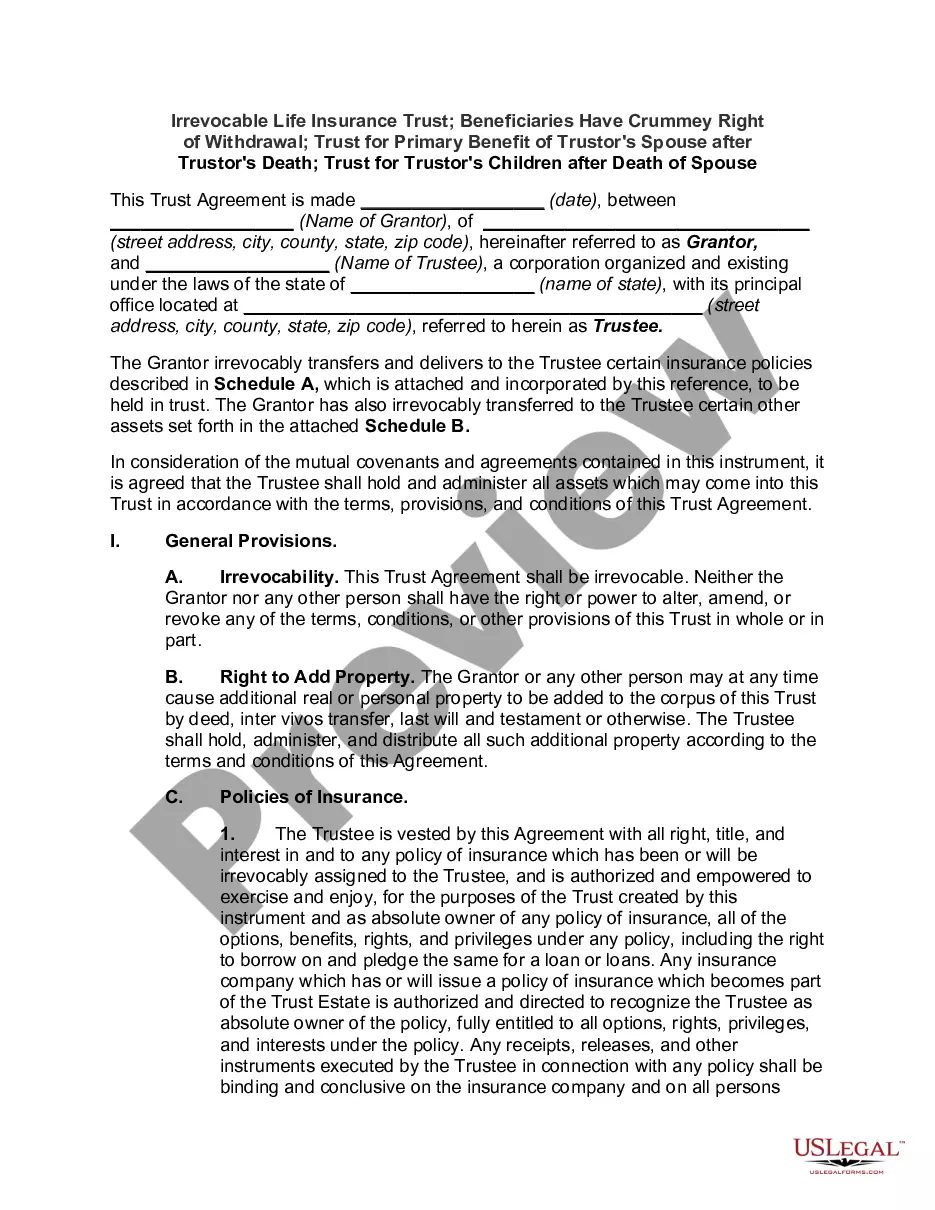
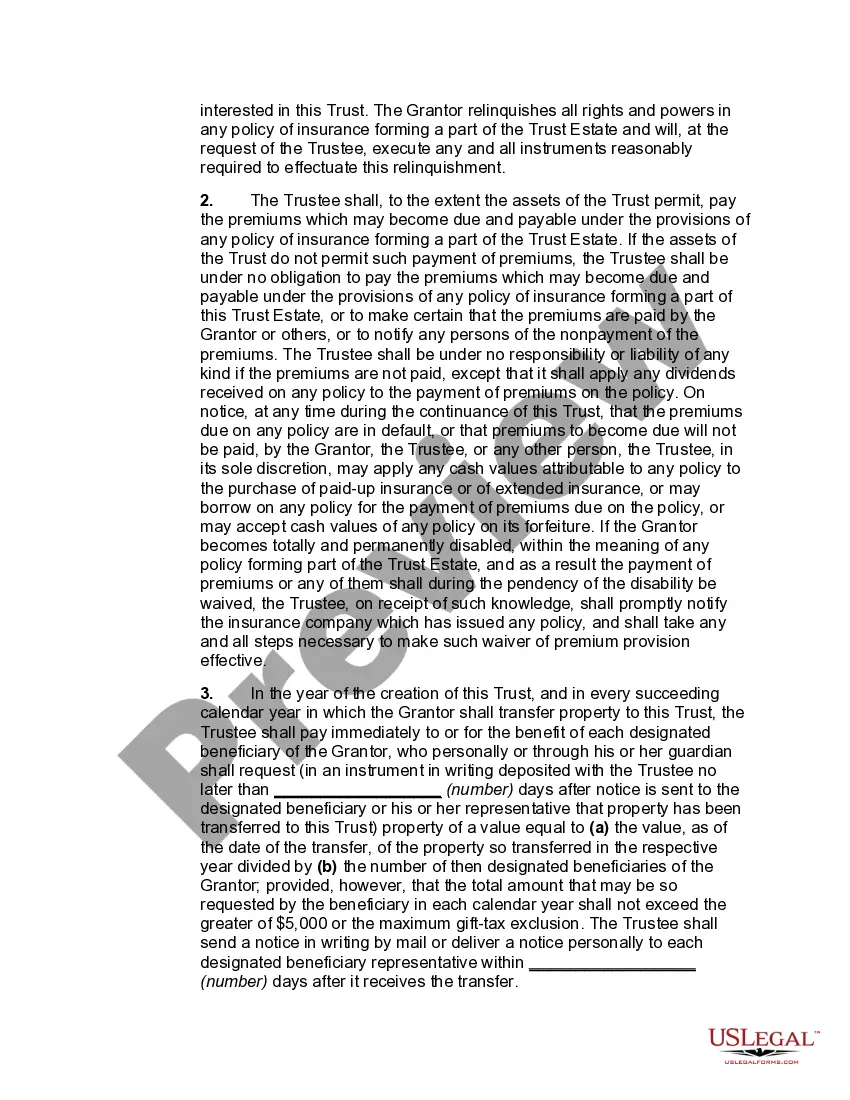
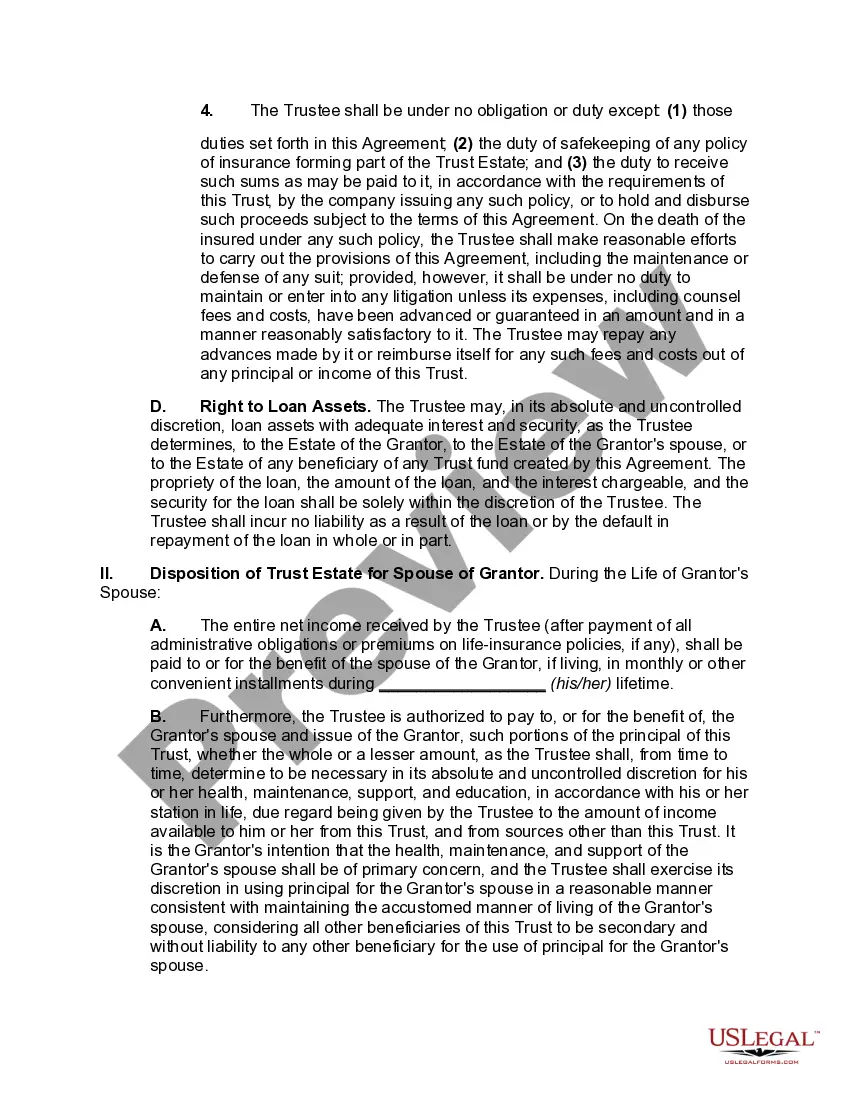
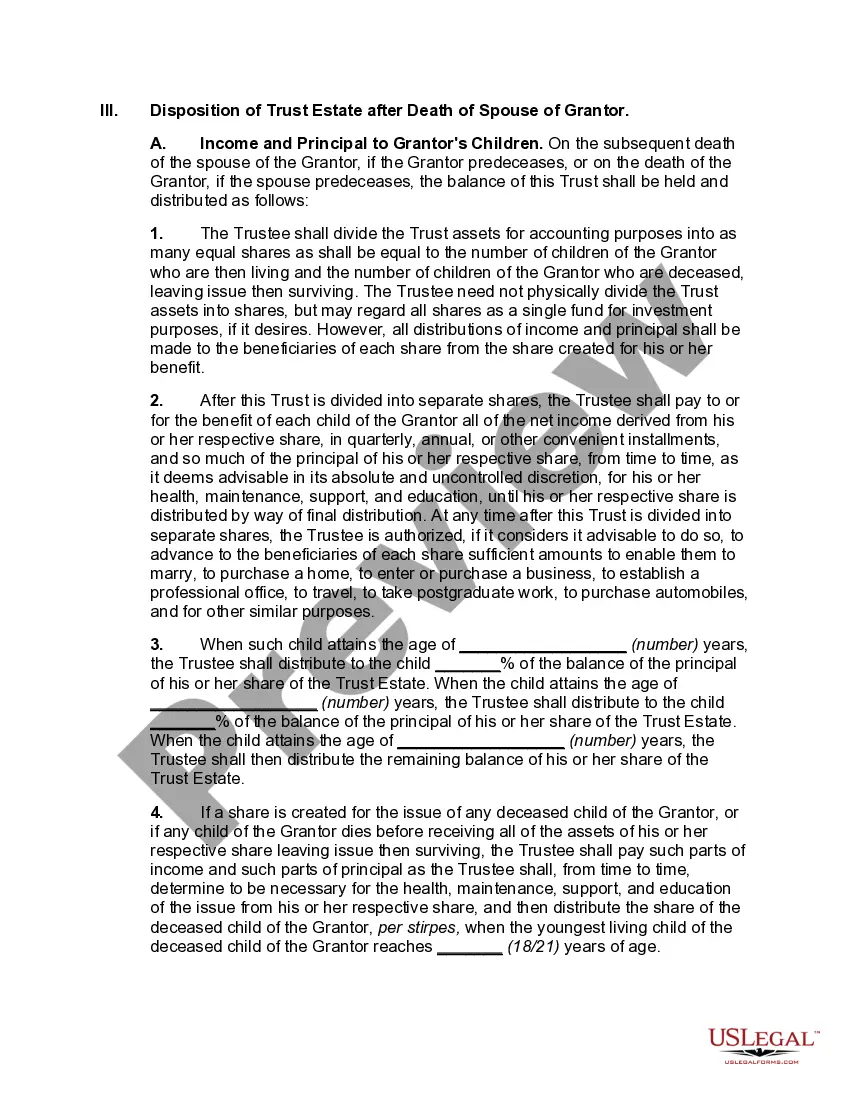
How to fill out Irrevocable Life Insurance Trust - Beneficiaries Have Crummey Right Of Withdrawal?
Whether for commercial reasons or for individual issues, everyone must confront legal circumstances eventually in their life.
Completing legal documentation requires meticulous attention, starting from selecting the appropriate template example. For example, if you choose an incorrect version of an Irrevocable Living Trust In Pa, it will be rejected upon submission.
With a comprehensive US Legal Forms library available, you never need to waste time searching for the correct template online. Utilize the library’s straightforward navigation to find the suitable form for any circumstance.
- Locate the template you need by using the search bar or the catalog navigation.
- Review the form’s details to confirm it aligns with your situation, state, and locality.
- Click on the form’s preview to examine it.
- If it’s the incorrect form, return to the search feature to find the Irrevocable Living Trust In Pa sample you require.
- Download the document when it suits your requirements.
- If you already possess a US Legal Forms account, simply click Log in to access previously saved files in My documents.
- If you don’t have an account yet, you can acquire the form by clicking Buy now.
- Select the appropriate pricing option.
- Complete the account registration form.
- Choose your payment method: use a debit/credit card or PayPal account.
- Select the file format you desire and download the Irrevocable Living Trust In Pa.
- Once it is saved, you can fill out the form using editing software or print it and complete it by hand.
Form popularity
FAQ
Most documents in federal courts ? appellate, district, and bankruptcy ? are filed electronically, using a system called Case Management/Electronic Case Files (CM/ECF). The media and public may view most filings found in this system via the Public Access to Court Electronic Records service, better known as PACER.
Probate Division | New Hampshire Judicial Branch.
Payment may be made at the clerk's office counter, over the telephone, or by mail. Credit card payments made by mail should be accompanied by a Credit Card Payment Information Form. In addition, payment may be paid online via Pay.gov.
Police reports, photographs, and other related items are available to the public for a processing fee. Requests for incident reports, and other items can be made in person at the police station, through the U.S. Mail, or by emailing the Records Department .
What is the Cost of a Divorce in New Hampshire? The fee to file for a divorce in New Hampshire is $250 if you have no minor children. The fee is $252 if you have children.
Public criminal conviction history maintained in the central repository can be disseminated upon request to anyone for a fee. Confidential Criminal History Information, including non-conviction data, can be disseminated only to Law enforcement personnel, or a person requesting his or her own record.
A presumption exists that all court records are subject to public inspection. The public right of access to specific court records must be weighed and balanced against nondisclosure interests as established by the Federal and/or New Hampshire Constitution or by statutory provision granting or requiring confidentiality.
You can obtain a PACER login on-line or by calling (800) 676-6856. If you have a PACER account, you may login to the court's electronic case files. You may also view the court's electronic case files free of charge at the public terminals in the clerk's office.